
ModsJava
WorldToggle
WorldToggle is a lightweight and seamless administration tool that lets you instantly enable or disable access to the Nether and End dimensions without…
⬇ Download on Modrinth
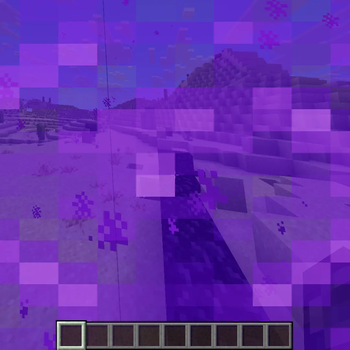
WorldToggle is a lightweight, highly efficient Minecraft server plugin that gives administrators complete control over dimension access. Whether you want to temporarily close the Nether for a server event, restrict End access until a certain progression milestone is met, or toggle dimensions on the fly without restarting your server, WorldToggle makes it effortless.
🛠 Commands & Permissions
/nether <on/off>– Enables or disables access to the Nether dimension. (Permission:worldtoggle.admin)/end <on/off>– Enables or disables access to the End dimension. (Permission:worldtoggle.admin)/worldtoggle reload– Reloads the plugin configuration files. (Permission:worldtoggle.admin)
Quick facts
- Edition: Minecraft Java
- File type: .jar
- Minecraft versions listed: 1.21, 1.21.1, 1.21.2
- How to install: Install the matching mod loader (Forge, Fabric or NeoForge) for your Minecraft version. → Download the .jar. → Put it in the .minecraft/mods folder and launch that loader profile.
- Where to get it: Opens on Modrinth — not every file is mirrored on our own servers.
Install steps are the general flow for this file type — How to install Minecraft Java mods & modpacks walks through it step by step.
Verified by MCModsHub
- Ships as WorldToggle-1.0.jar — drop this file into the mods folder
- Download size: 12 KB
- Download link checked 24 Aug 2026 — working
These come from our own check of the pack file, not from the source page.