
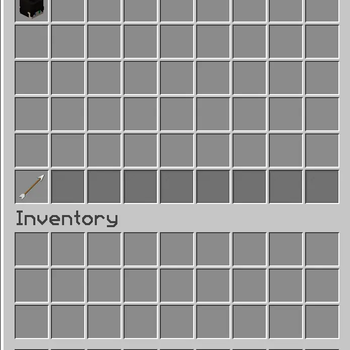
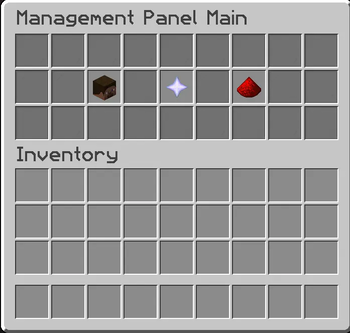
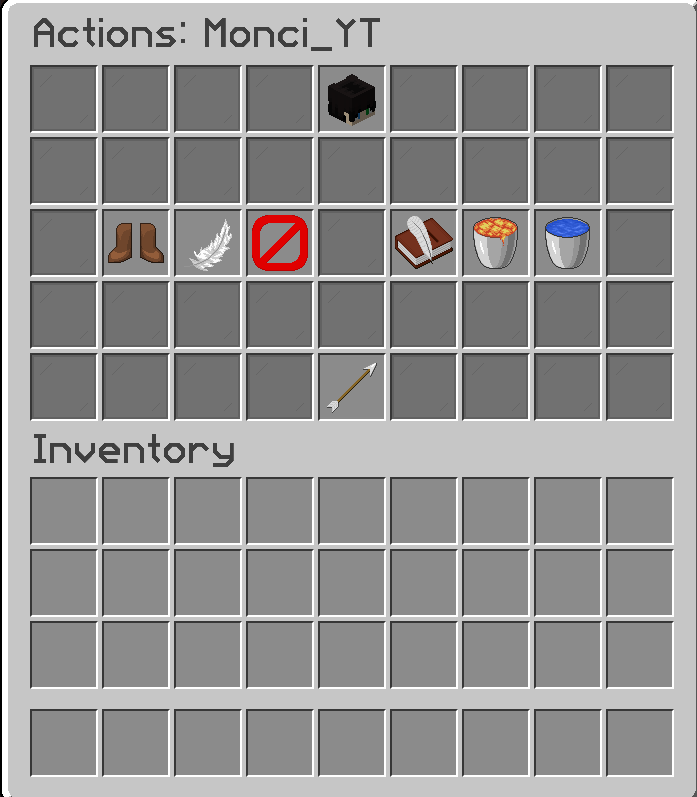
ManagementPanel provides server administrators with powerful tools to manage players, perform complete profile wipes (inventory, enderchest, economy) with built-in backup and restore systems, and issue advanced punishments seamlessly integrated with EssentialsX and Vanilla Minecraft.
Features
- Complete Player Wipes: Wipe a player's entire server profile with a single command. Supports wiping:
- Vanilla Inventory
- Vanilla Enderchest
- EssentialsX Economy
- YueMi Libs Economy
- Safe Backup & Restore (Unwipe): Worried about false wipes? ManagementPanel automatically generates a secure backup of a player's data before wiping them. If you make a mistake, simply use
/unwipeto restore their inventory, enderchest, and economy! - Integrated Punishments: Deep integration with EssentialsX and Vanilla Minecraft to handle Warnings, Mutes, Kicks, and Bans securely and safely.
- Developer API: Built from the ground up to be extensible. Other developers can easily hook into the
core-apito register customWipeHandlers orPunishmentHandlers for third-party plugins.
Commands & Permissions
| Command | Description | Permission |
|---|---|---|
/managementpanel reload |
Reloads the configuration files. | managementpanel.admin |
/wipe <player> [reason] |
Safely backs up and wipes a player's profile. | managementpanel.command.wipe |
/unwipe <player> [backupId] |
Restores a wiped player's profile from a backup. | managementpanel.command.unwipe |
/warn <player> <reason> |
Issues a warning to a player. | managementpanel.command.warn |
/mute <player> <duration> <reason> |
Mutes a player for a specified duration. | managementpanel.command.mute |
/ban <player> <duration> <reason> |
Bans a player for a specified duration. | managementpanel.command.ban |
/status <player> |
Checks the punishment/wipe status of a player. | managementpanel.command.status |
Note: All management commands require the user to have the base permission managementpanel.use.
Configuration
ManagementPanel offers a highly customizable config.yml that lets you toggle specific wipe integrations, enable/disable the backup system, and define fallback mechanisms.
# Enable or disable specific integrations
integrations:
  essentials-economy: true
  yuemi-economy: true

# Configure how player wipes are handled
wipe:
  # Whether to create a backup before wiping (highly recommended)
  enable-backups: true
- Edition: Minecraft Java
- File type: .jar
- Minecraft versions listed: 1.21, 1.21.1, 1.21.2
- How to install: Install the matching mod loader (Forge, Fabric or NeoForge) for your Minecraft version. → Download the .jar. → Put it in the .minecraft/mods folder and launch that loader profile.
- Where to get it: Opens on Modrinth — not every file is mirrored on our own servers.
Install steps are the general flow for this file type — How to install Minecraft Java mods & modpacks walks through it step by step.
- Ships as ManagementPanel-1.1.0-unshaded.jar — drop this file into the mods folder
- Download size: 82 KB
- Download link checked 24 Aug 2026 — working
These come from our own check of the pack file, not from the source page.