
Survivor Beacon
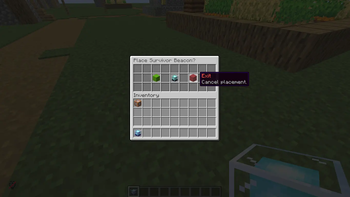
Place a beacon to claim it as your own, set your respawn point, customize its appearance, and track nearby players with a Hunter Compass. The Beacon also…
⬇ Download on Modrinth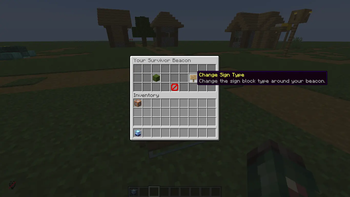
Survivor Beacon
1.26+ | Paper, Spigot, Bukkit
About
This plugin is perfect for Survival Servers, PvP Servers, Hardcore Servers, Events & Minigames. Simple, lightweight, and easy to use.
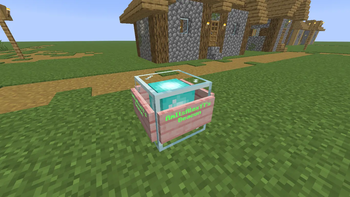
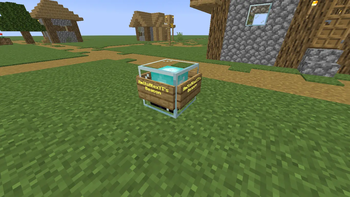
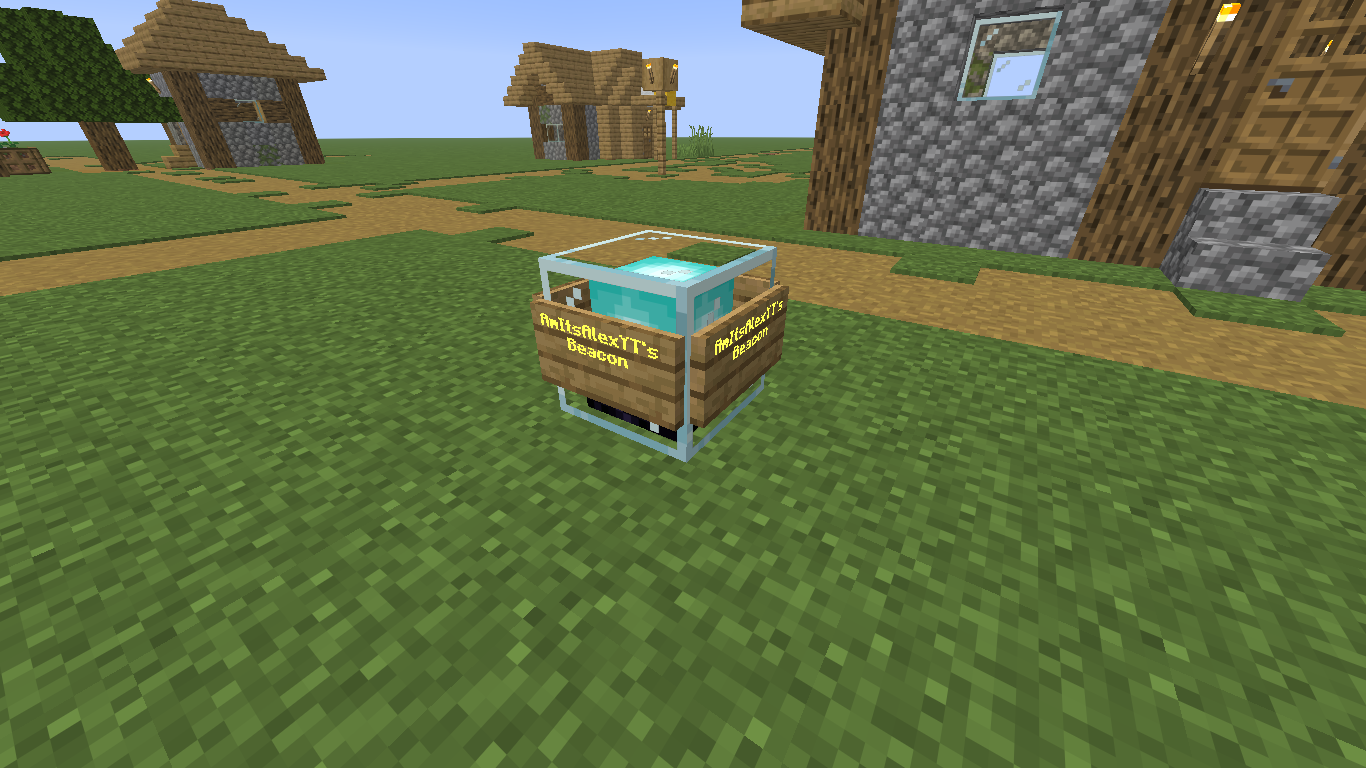
Place a beacon to claim it as your own, set your respawn point, customize its appearance, and track nearby players with a Hunter Compass.
Compasses
Hunter Compass - Tracks the nearest player in a 100 block radius.
Beacon Tracker Compass - Tracks a player's beacon nearby.


Features
When a player's beacon is destroyed, they lose the ability to respawn.
Admin can choose what happens after a beacon is destroyed:
- Spectator Mode
- Kick Player
- Respawn at a custom location
- Teleport to a specific entity or player
Once player has the Survivor Beacon, they can't throw it out.
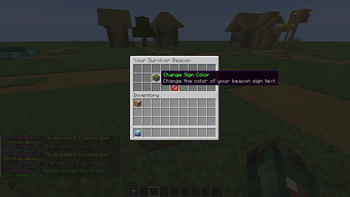
Custom sign colors
Custom sign types
Beacon particle and sound effects
Hunter Compass to track nearby players
Survivor Beacon Tracker Compass to track nearby beacons
Beacon protection system
Easy-to-use GUI menus
Admin beacon management
Important
IF THE COMMANDS DO NOT WORK, REMOVE THE PLUGIN (Survivor Beacon) FROM YOUR SERVER, REJOIN YOUR SERVER AND THEN TAG YOURSELF "owner" AND "admin" (NO CAPITAL LETTERS), THEN ADD THE PLUGIN BACK TO YOUR SERVER.
Permissions
Tag yourself "admin" to access admin commands.
/tag @s add admin
Commands
(Only players tagged "admin" can use HXS custom commands)
/hxs givebeacon - Gives yourself a Survivor Beacon.
/hxs compass - Gives you a Hunter Compass (detects the nearest player within a 100 block radius).
/hxs help - Lists all custom commands.
(Not all custom commands are shown above.)
Found a Bug? Please Report it here.
My YouTube Channel
- Edition: Minecraft Java
- File type: .jar
- Minecraft versions listed: 26.1, 26.1.1, 26.1.2
- How to install: Install the matching mod loader (Forge, Fabric or NeoForge) for your Minecraft version. → Download the .jar. → Put it in the .minecraft/mods folder and launch that loader profile.
- Where to get it: Opens on Modrinth — not every file is mirrored on our own servers.
Install steps are the general flow for this file type — How to install Minecraft Java mods & modpacks walks through it step by step.
- Ships as SurvivorBeacon.jar — drop this file into the mods folder
- Download size: 45 KB
- Download link checked 24 Aug 2026 — working
These come from our own check of the pack file, not from the source page.