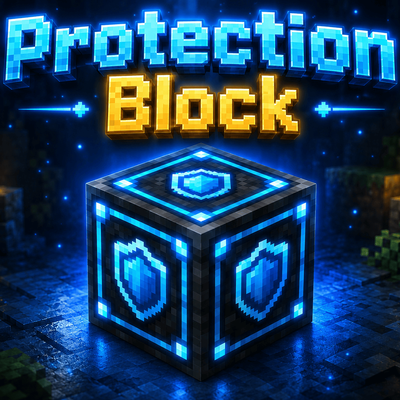
PB-Protection Block
PB-Protection Block is an advanced land protection addon for Minecraft Bedrock Edition featuring area protection, Neutral Zones, Warp Crystals…
⬇ Download on CurseForge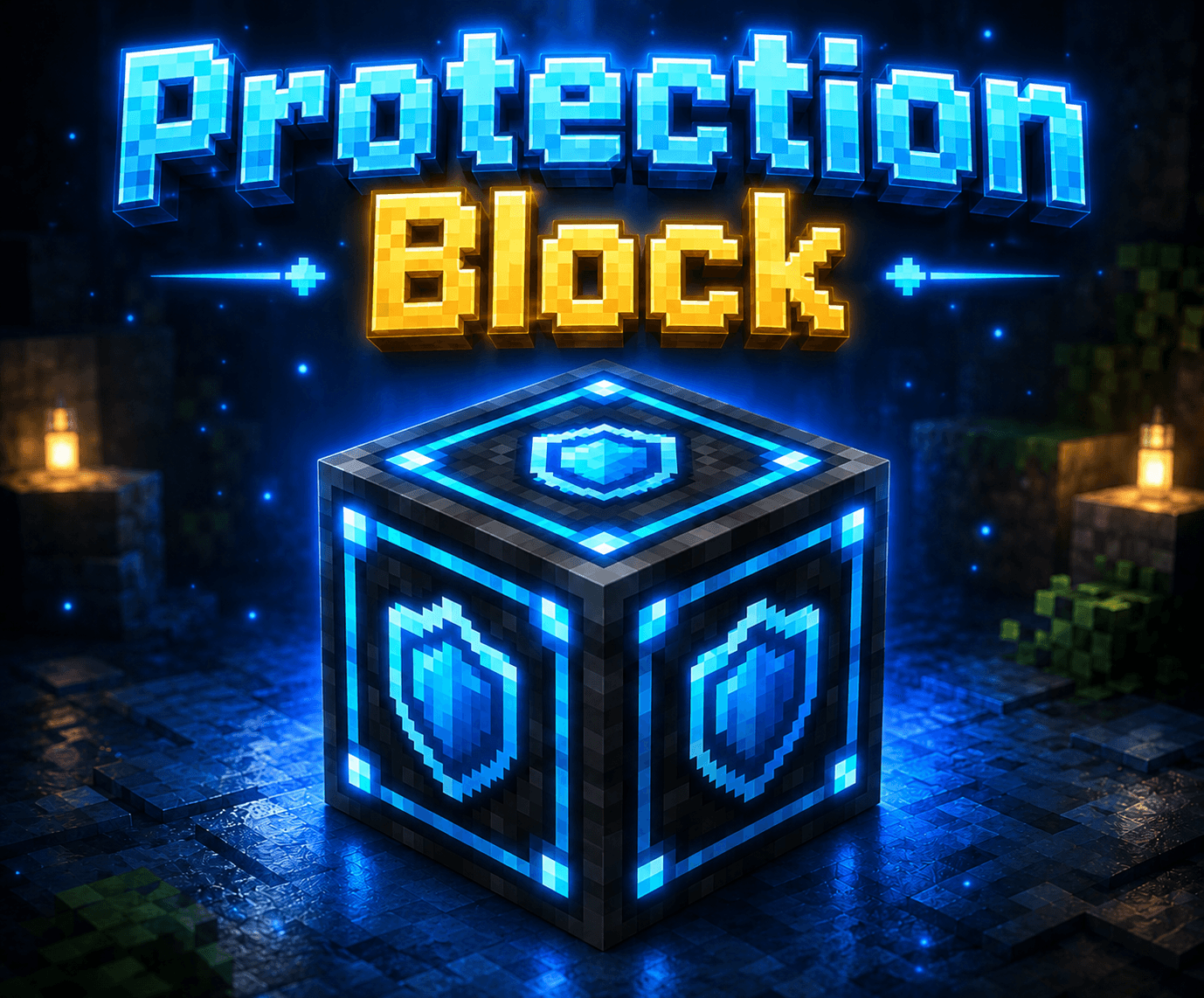
PB-Protection Block - Advanced Land Protection System
Overview
PB-Protection Block is an advanced land protection addon for Minecraft Bedrock Edition that allows players to secure their bases, buildings, and valuable resources from griefing and unauthorized access.
The addon provides simple and powerful area protection mechanics while remaining lightweight and multiplayer-friendly.
Designed for survival servers, public communities, SMP worlds, and roleplay servers.
Features
Area Protection System
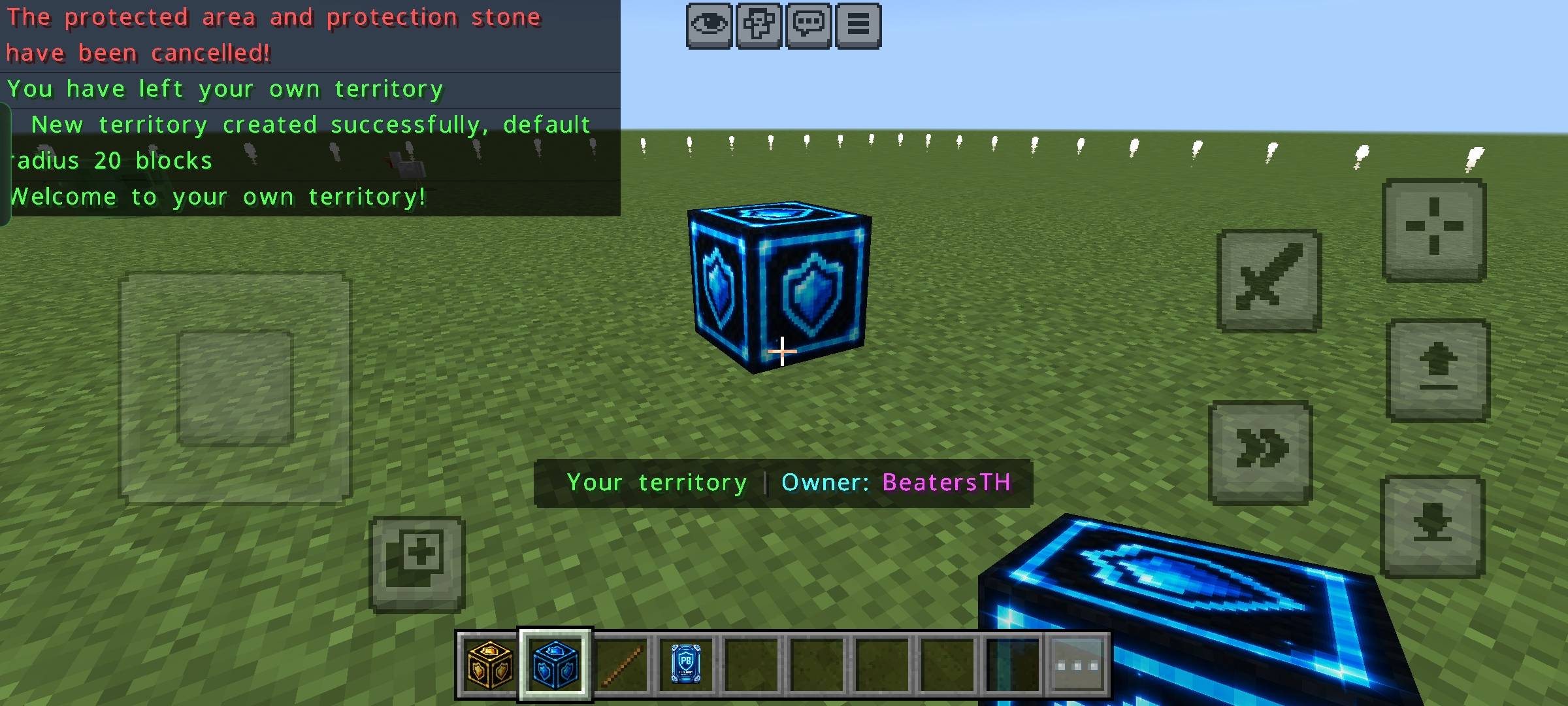
- Protect your base using Protection Blocks.
- Prevent unauthorized players from breaking or placing blocks inside protected areas.
- Secure valuable items and buildings from griefing.
Neutral Zone System
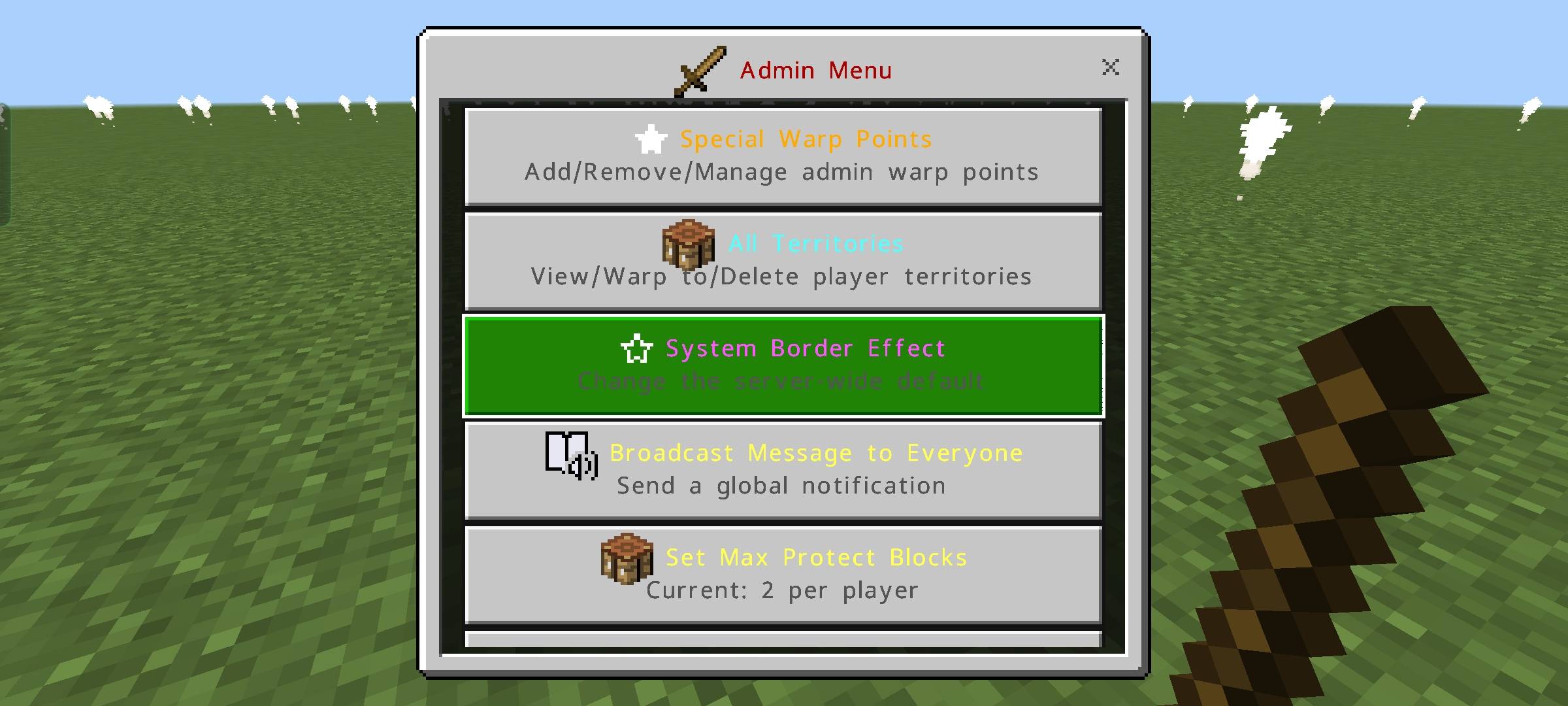
- Create neutral areas with customizable permissions.
- Ideal for spawn zones, markets, and public locations.
- Commands for the admin menu
- /tag @s add Admin
Warp Crystal
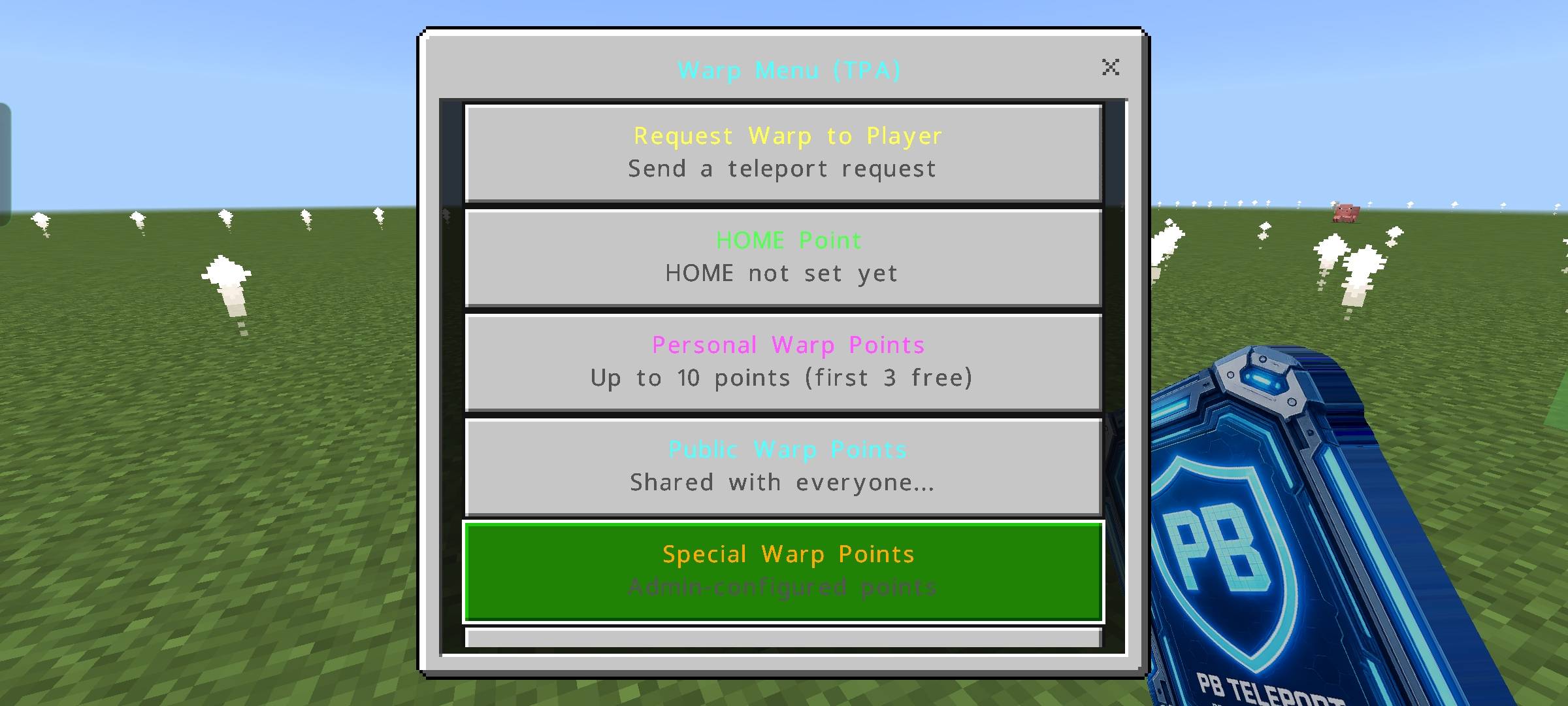
- Includes Warp Crystal support for easier navigation and management.
- Quick access to protected locations.
Multiplayer Friendly
- Supports multiplayer servers and Realms.
- Designed for low performance impact.
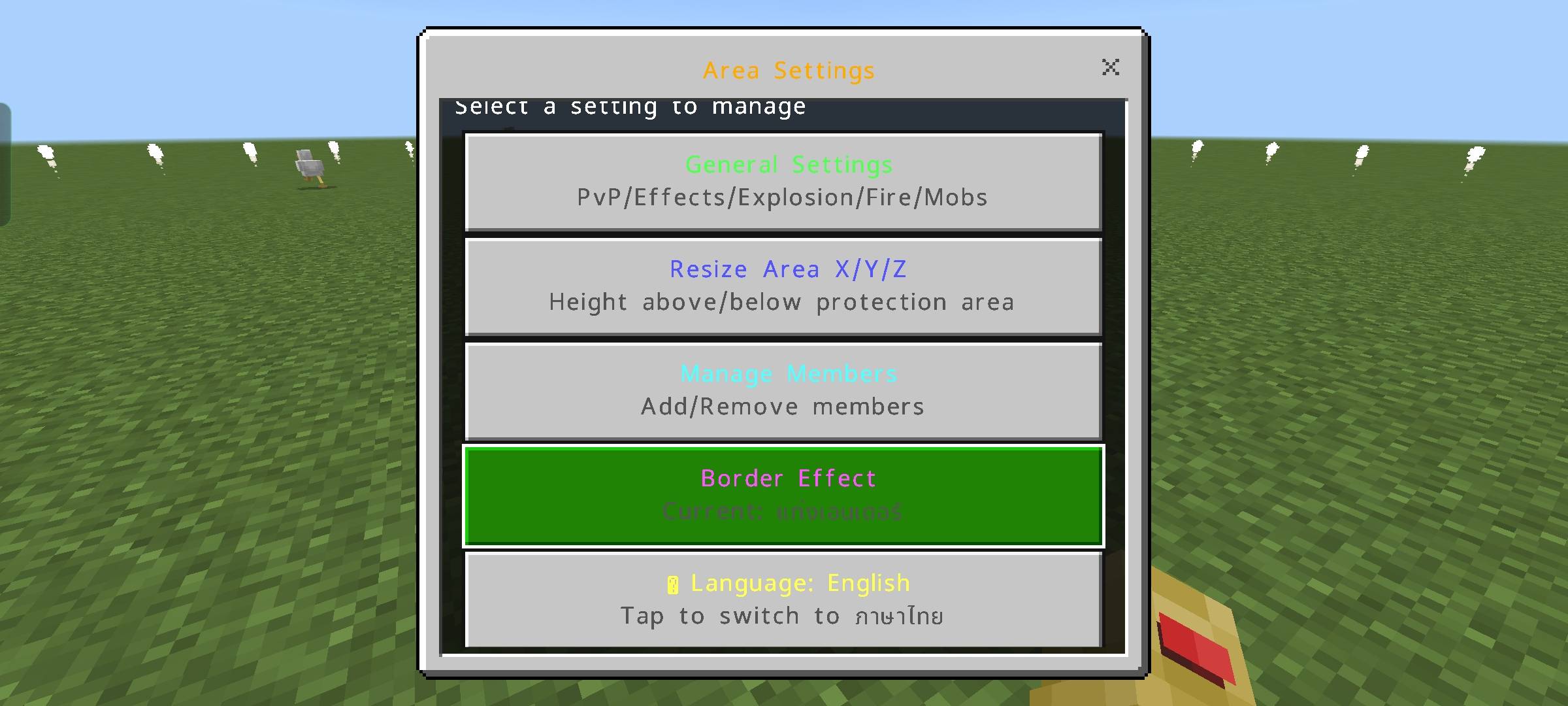
Two-Language Support
- Supports Thai (TH) and English (EN).
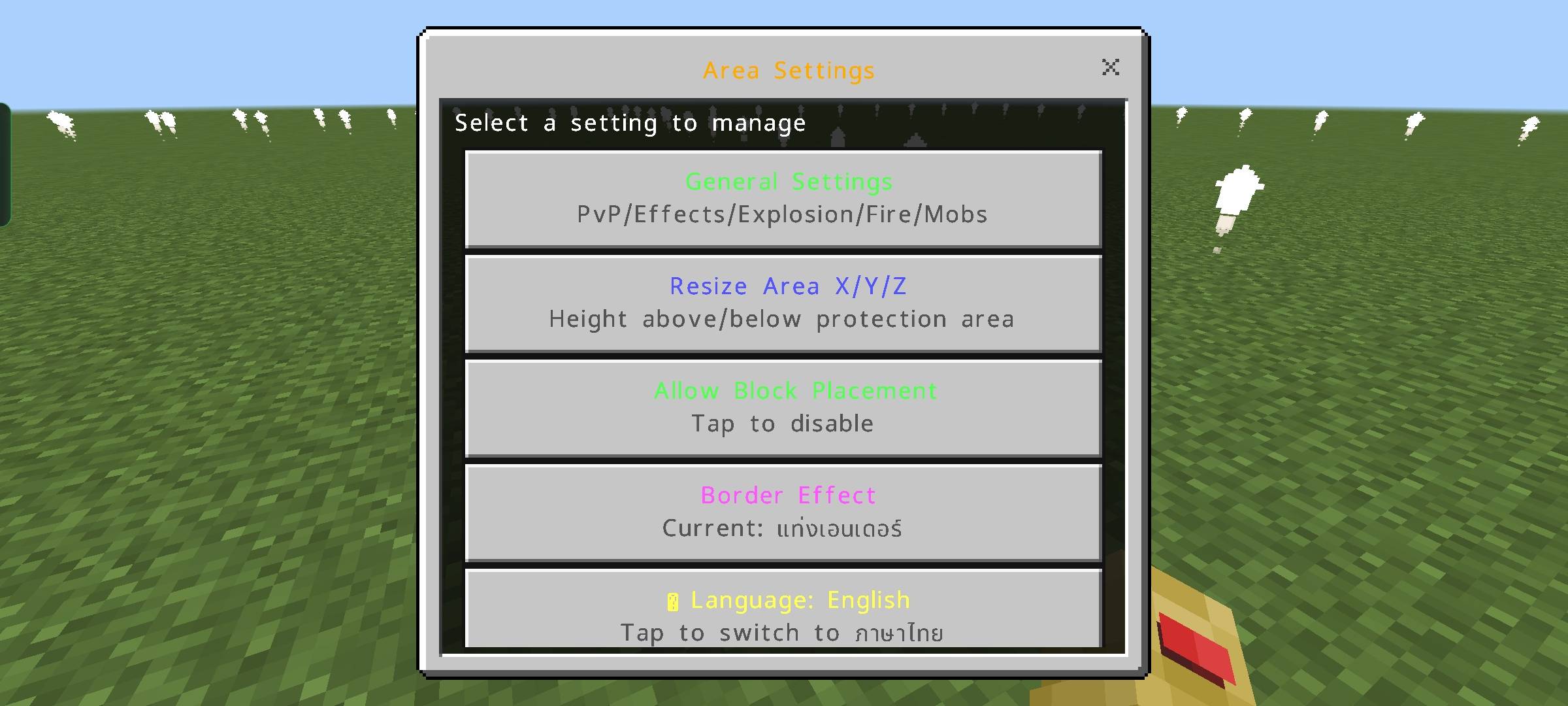
- Players can switch languages through the settings menu.
- Language preferences are saved automatically.
Easy Setup
- Simple installation process.
- Works with existing worlds and servers.
Supported Versions
- Minecraft Bedrock Edition 1.26.32 and newer.
Installation
- Download the
.mcaddonfile. - Open the file using Minecraft Bedrock Edition.
- Enable the Behavior Pack.
- Enable the Resource Pack.
- Enter your world and start protecting your land.
Screenshots
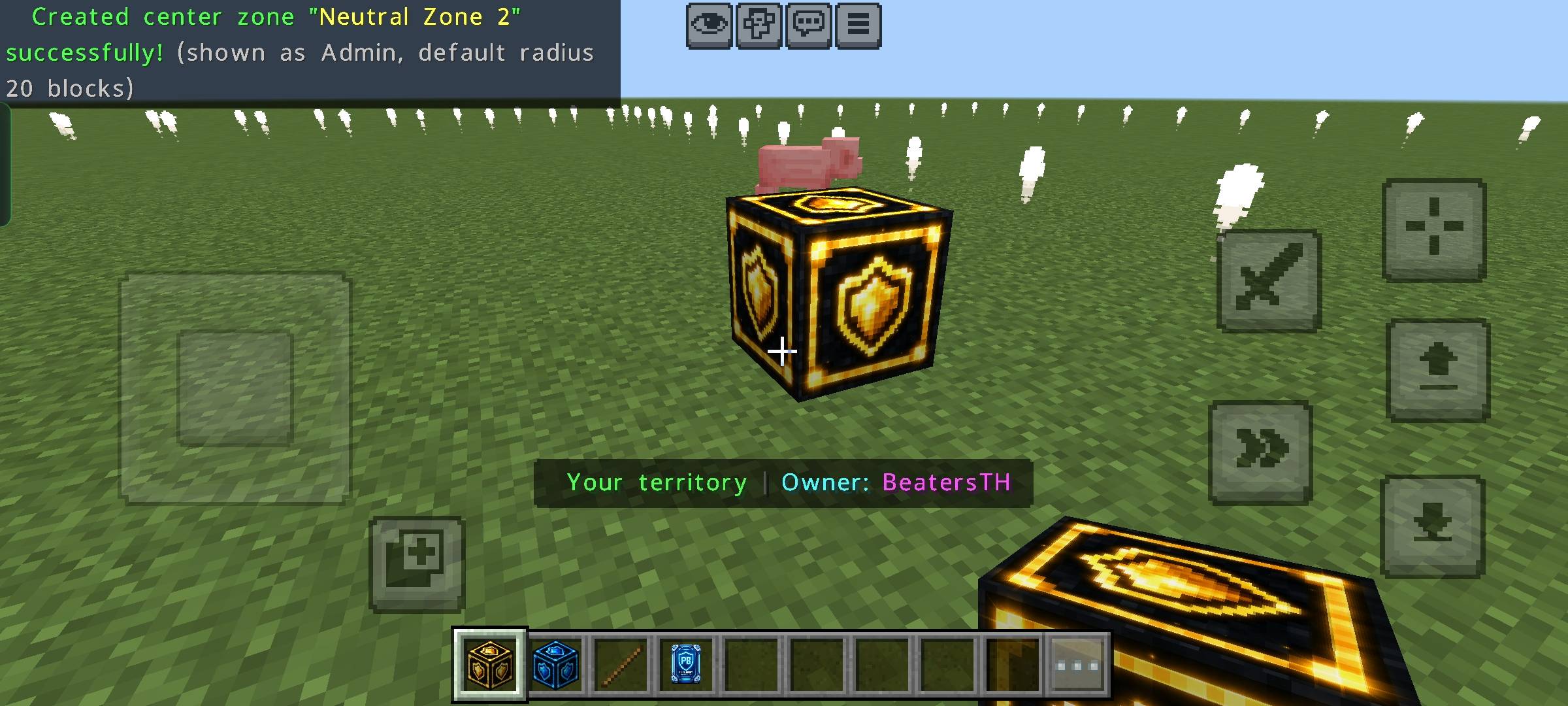
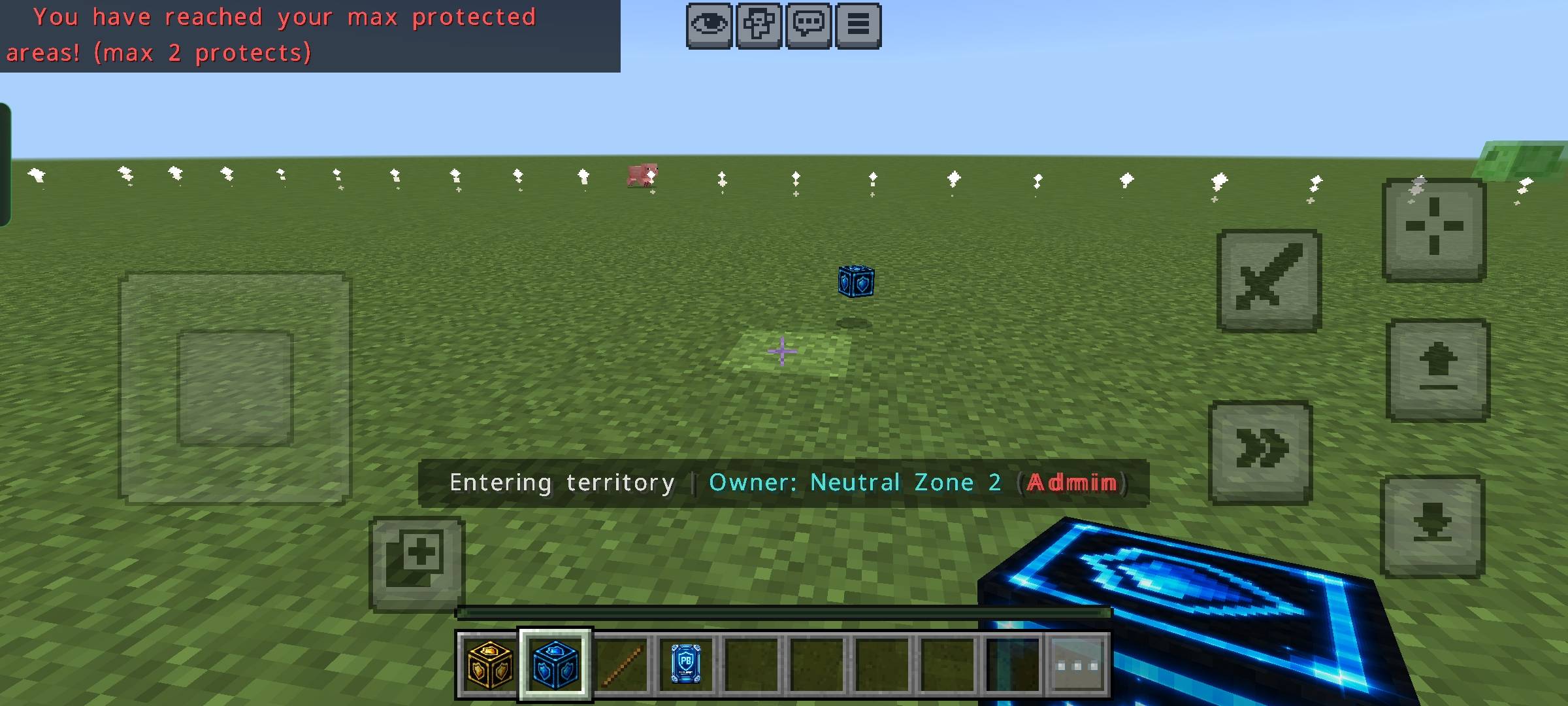
- Protection Block
- Neutral Block
- Protected Area Example
- Warp Crystal
- Language Settings
Changelog
Version 3.6
- Improve usability.
- Items for giving tag Server owner
- An item for warping back to the point of death.
- You can save game achievements.
- Fix the tag conflict with SP's tag.
Credits
Developer: Beaters.TH
- Edition: Minecraft Bedrock
- File type: .mcpack or .mcaddon
- Minecraft version listed: 26.30
- How to install: Download the .mcpack or .mcaddon file. → Open it — Minecraft imports it. → In your world: Behavior Packs → Available → Activate, then the same under Resource Packs.
- Where to get it: Opens on CurseForge — not every file is mirrored on our own servers.
Install steps are the general flow for this file type — How to install Minecraft Bedrock addons & mods walks through it step by step.
- Pack type: .mcaddon — behaviour and resource pack in one file
- Manifest requires Minecraft 1.26.32 or newer
- Complete pack — everything it depends on is inside the file
- Download size: 7.3 MB
- Download link checked 7 Sept 2026 — working
These come from our own check of the pack file, not from the source page.