ADS ENTITY OPTIMIZER
Bedrock add-on listed for Minecraft 1.20–26.x (behavior pack only). File opened and checked on 1 Oct 2026; installs from the MC Bedrock Mods app on Android.
Boost your Minecraft FPS with ADS Entity Optimizer! This lightweight script automatically hides entities beyond 20 blocks, reducing CPU load and lag…
⬇ Download on CurseForge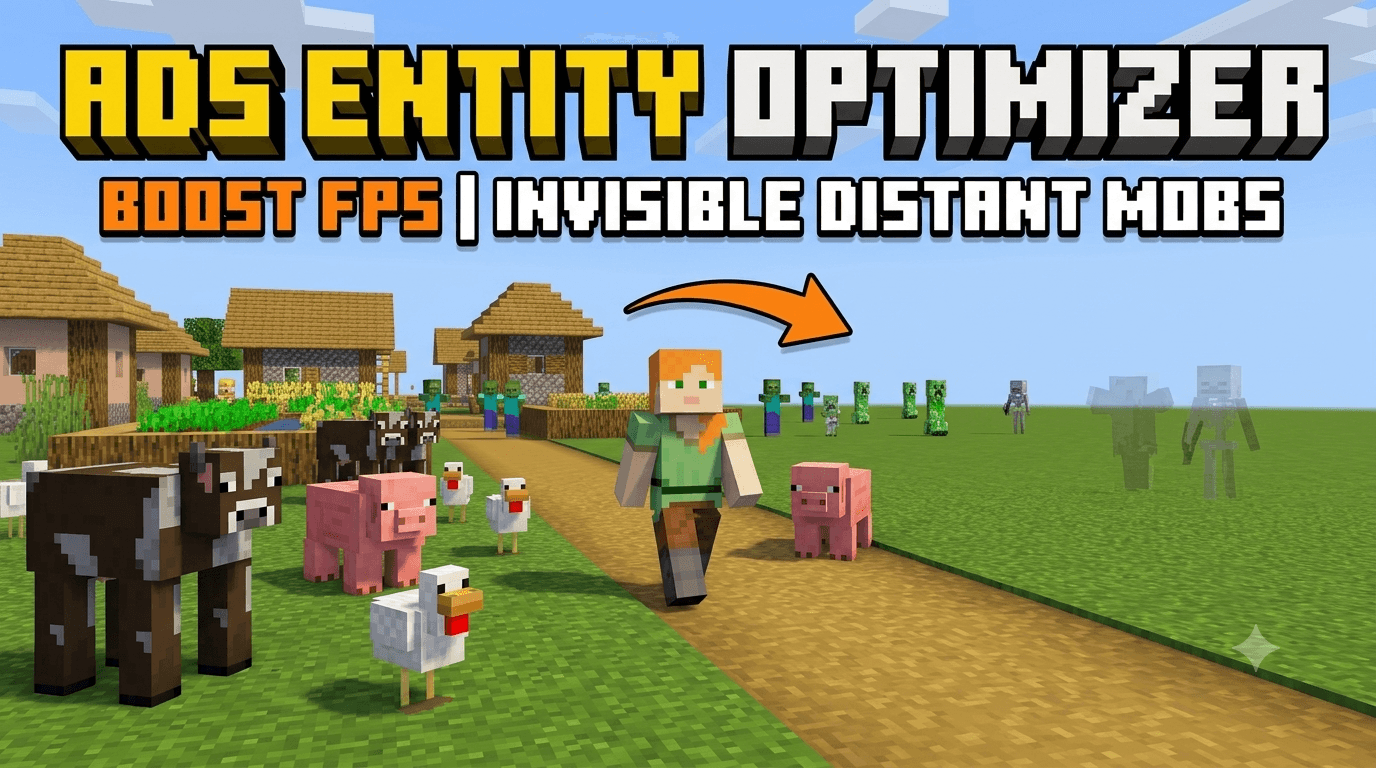
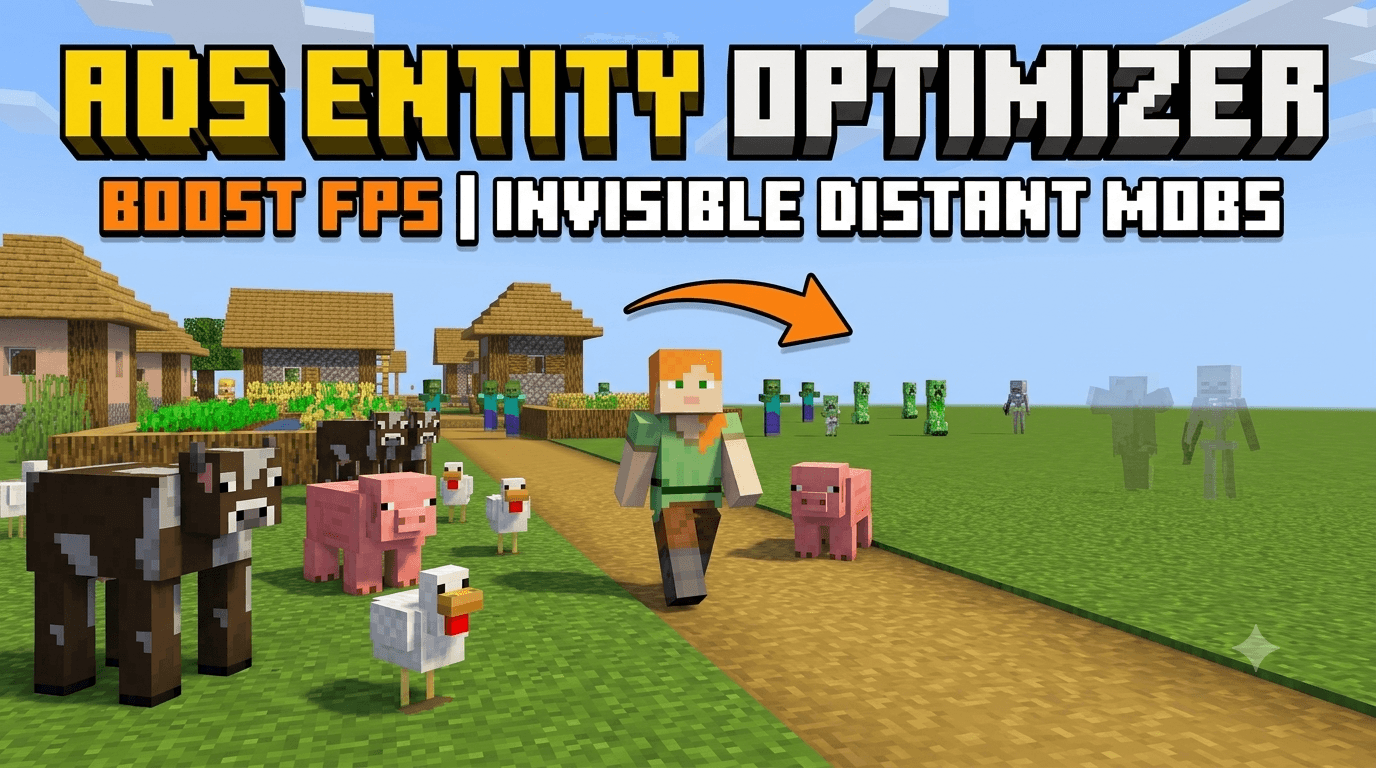
ADS Entity Optimizer
Are you tired of lag and low FPS while playing on your mobile device? ADS Entity Optimizer is a lightweight, performance-focused behavior pack built specifically to improve your Minecraft experience.
By intelligently managing entities in your world, this pack keeps your game smooth even in mob-heavy areas.
How it Works:
Smart Invisibility: The script automatically detects entities (mobs) beyond 20 blocks from the player and applies the invisibility effect.
FPS Boost: By reducing the number of entities your device needs to render at a distance, it significantly lowers CPU load.
Seamless Gameplay: As soon as you move closer (within 20 blocks), the entities instantly reappear, ensuring you never miss a fight.
Requirements:
To ensure this script works, you MUST enable the following Experimental Toggles in your world settings:
Beta APIs
Holiday Creator Features
Upcoming Creator Features
Installation:
Download the .mcpack file.
Import it into Minecraft.
Apply the pack to your world (don't forget to enable Experiments!).
Note: This is a Behavior Pack (Script). It is fully compatible with single-player worlds and player-hosted servers. It is not designed to be used as a client-side mod on third-party public servers.
- Edition: Minecraft Bedrock
- File type: .mcpack or .mcaddon
- Minecraft version listed: 26.30
- How to install: Download the .mcpack or .mcaddon file. → Open it — Minecraft imports it. → In your world: Behavior Packs → Available → Activate, then the same under Resource Packs.
- Where to get it: Opens on CurseForge — not every file is mirrored on our own servers.
Install steps are the general flow for this file type — How to install Minecraft Bedrock addons & mods walks through it step by step.
- Pack type: .mcpack — a single pack
- Manifest requires Minecraft 1.20.0 or newer
- Complete pack — everything it depends on is inside the file
- Download size: 2 KB
- Download link checked 22 Oct 2026 — working
These come from our own check of the pack file, not from the source page.