🌟 About Extra Paths
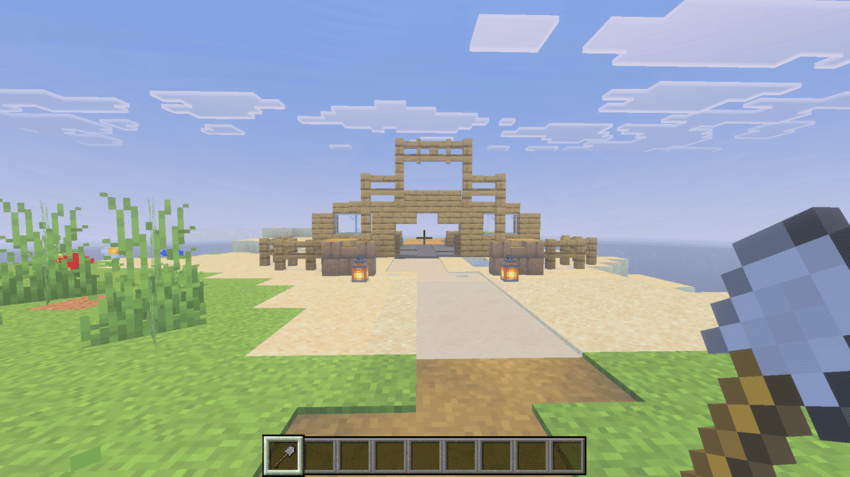
Extra Paths is a vanilla-friendly decoration and landscaping addon for Minecraft Bedrock Edition. It expands your path-making options by allowing you to turn several common terrain blocks into beautiful, indented path variants using your favorite tools.
🛠️ Features
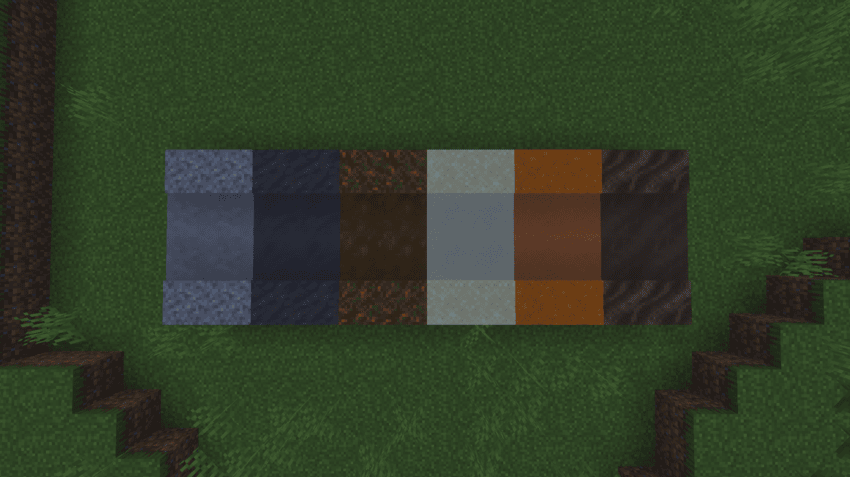
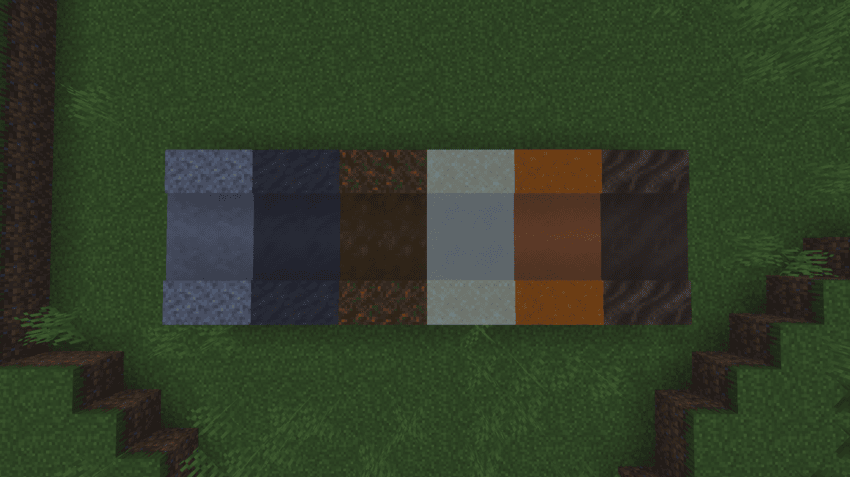
- 7 New Path Types: Create Gravel, Mud, Podzol, Red Sand, Sand, Soul Soil, and Dirt Paths!
- Full Tool Support: Works seamlessly with all vanilla shovels, from humble Wooden shovels all the way up to Netherite.
- Vanilla Style: Every custom path block utilizes high-quality, vanilla-matching textures and custom geometry to blend perfectly into your worlds.
- Survival Ready: Every block includes proper custom loot tables so they drop correctly when broken.
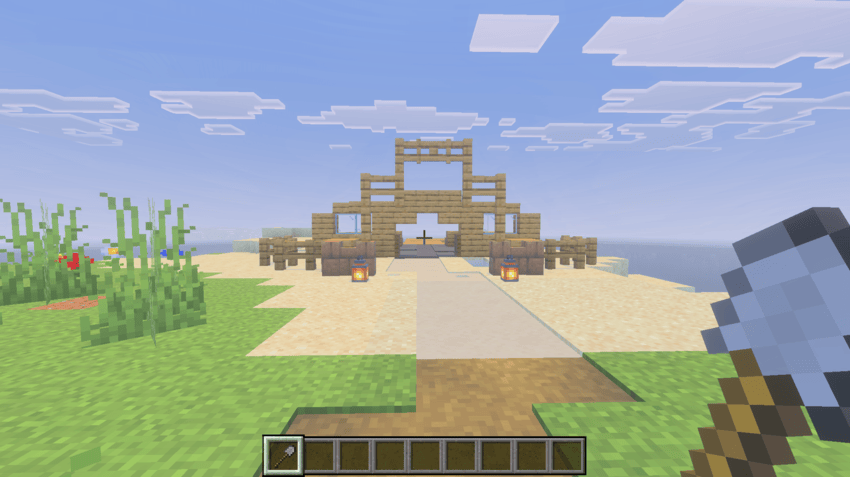
🕹️ How to Use
- Craft or equip any shovel (Wood, Stone, Copper, Iron, Gold, Diamond, Netherite).
- Find a compatible block in the world (such as Mud, Sand, or Podzol).
- Right-click, tap, or use your controller's interact button on the block to instantly transform it into a path!
⚠️ Its not needed for any experimental toggles!
Also is achievement friendly.
💬 Compatibility & Support
- Multiplayer: Fully compatible with local multiplayer worlds, dedicated servers, and Realms.
- Feedback: Please leave a comment below if you have any feature suggestions or encounter any bugs!
Quick facts
- Edition: Minecraft Bedrock
- File type: .mcpack or .mcaddon
- Minecraft versions listed: 26.0.02, 26.0, 26.3
- How to install: Download the .mcpack or .mcaddon file. → Open it — Minecraft imports it. → In your world: Behavior Packs → Available → Activate, then the same under Resource Packs.
- Where to get it: Opens on CurseForge — not every file is mirrored on our own servers.
Install steps are the general flow for this file type — How to install Minecraft Bedrock addons & mods walks through it step by step.
Extra Paths is a free Minecraft Bedrock addon. Compatible with Minecraft 26.0.02, 26.0, 26.3, 26.10 and newer. Downloaded 116 times (via CurseForge). Download it and open it directly in the game.