ModsJava
Mob Grinding Utils 9minecraft Mod (26.3, 26.2) – Automate Mob Farms Without Redstone
Minecraft Java mod. Download on the author's site.
⬇ Download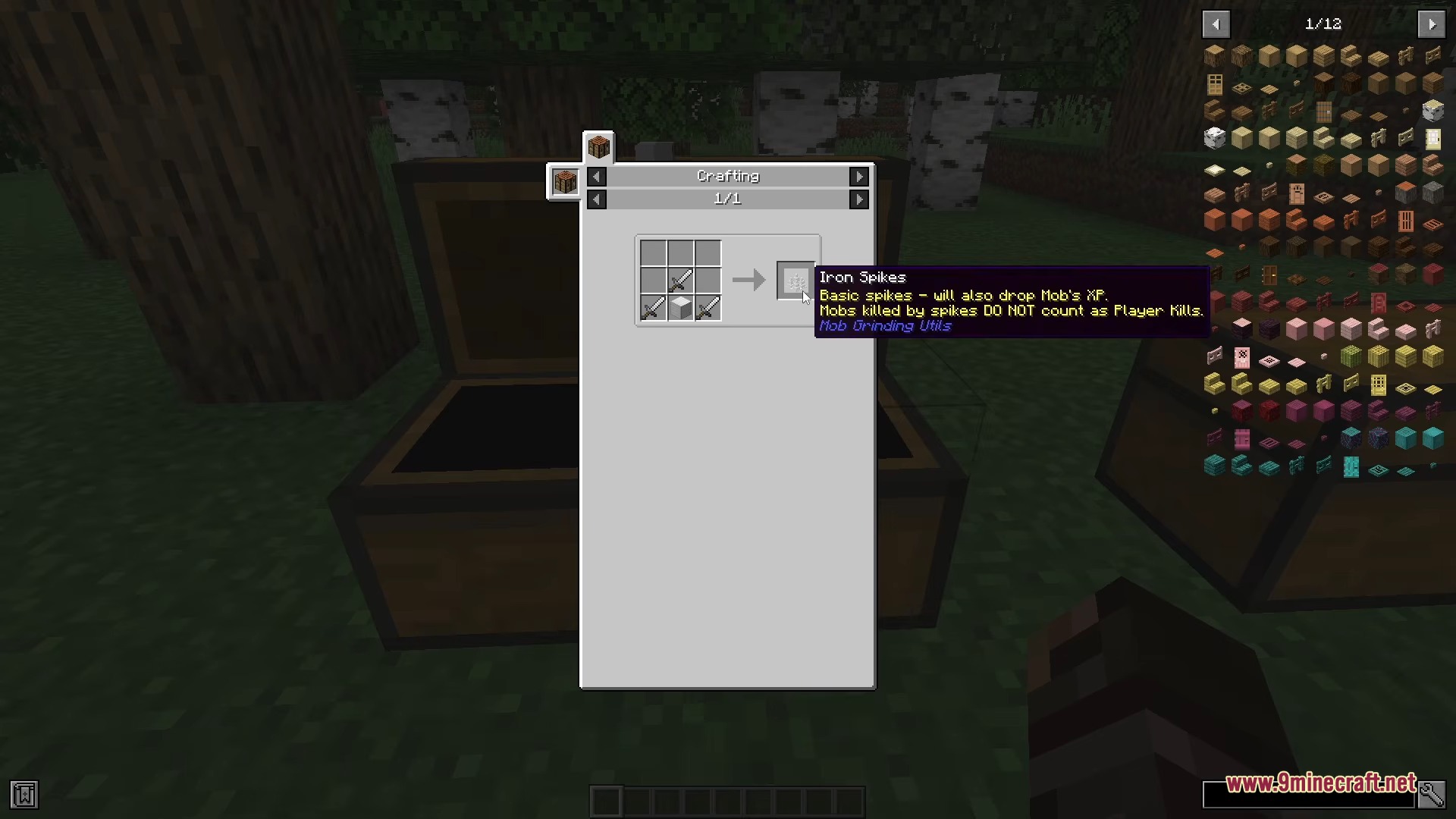
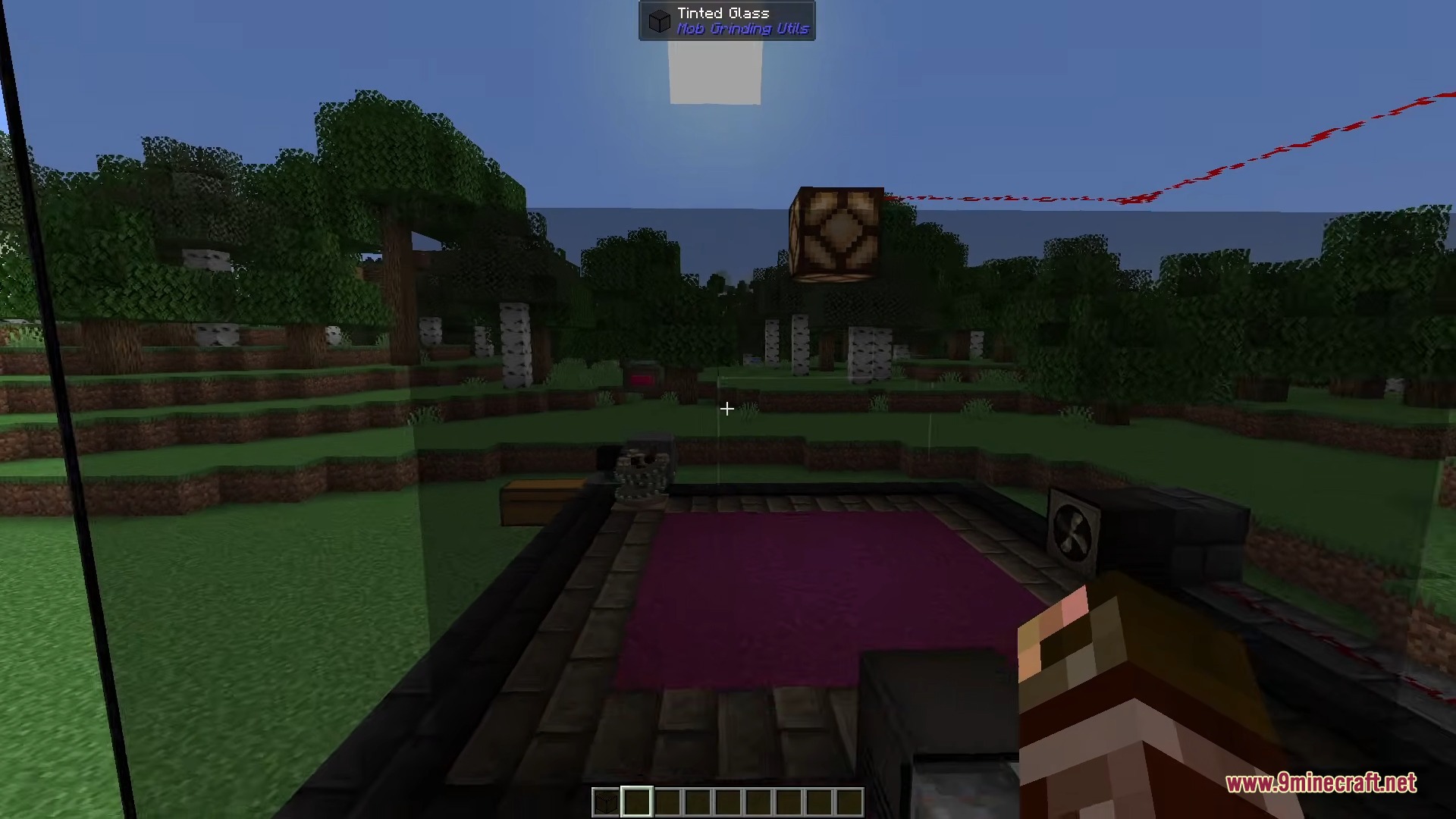
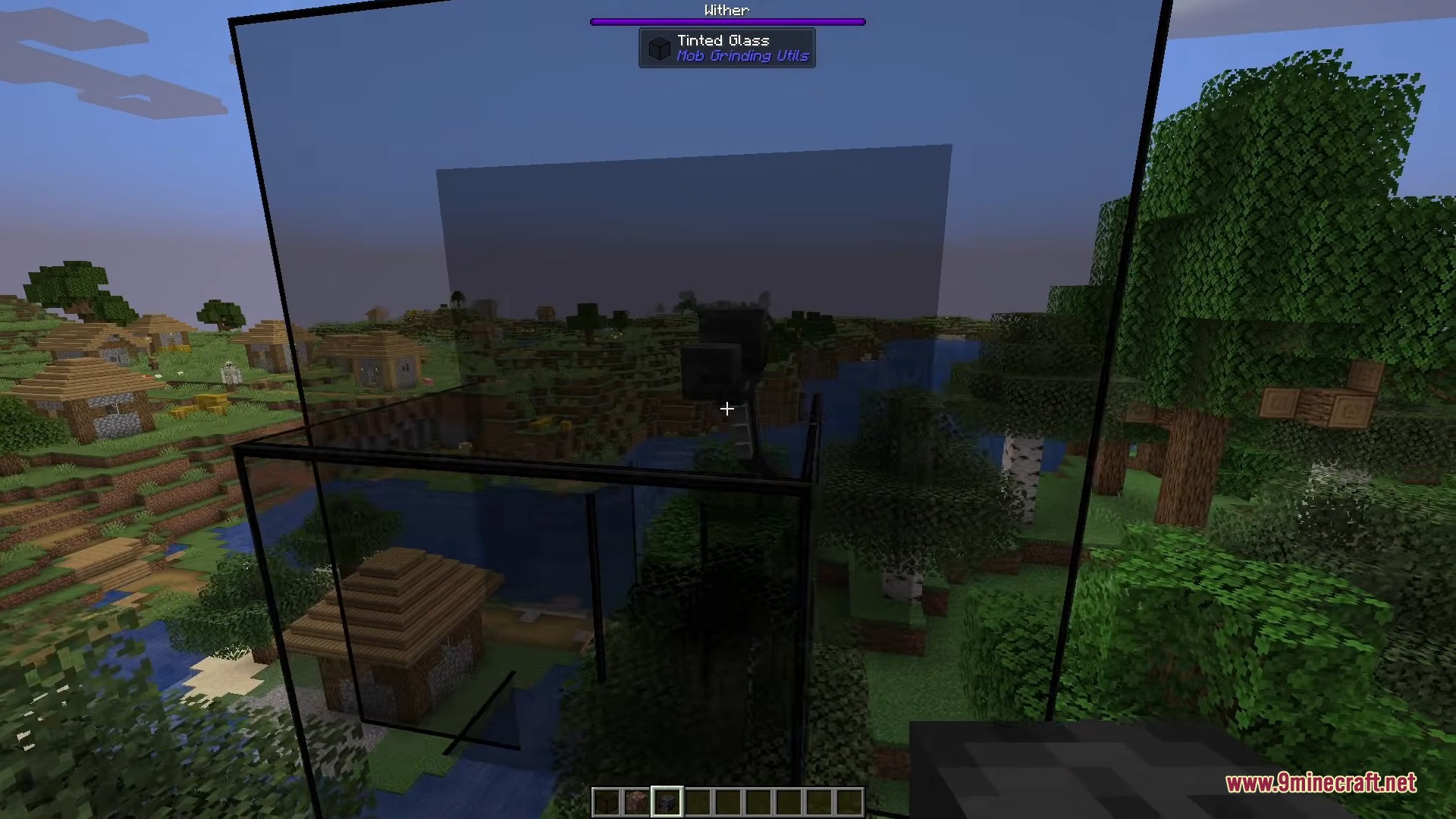
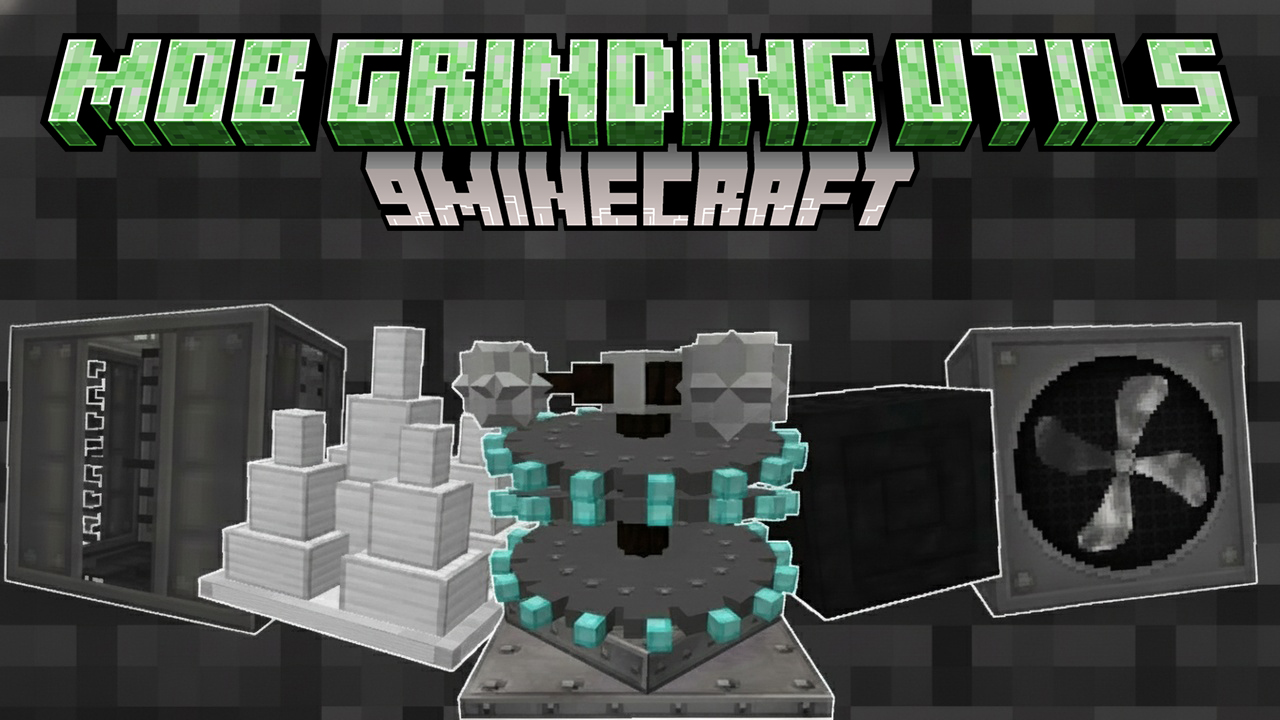
Mob Grinding Utils 9minecraft Mod gives you all the tools needed to build automatic monster farms. This mod adds special blocks that spawn, move, and defeat mobs on their own. You can collect items and store experience points in large liquid tanks. It replaces messy water flows and complicated redstone traps with simple machines. Players can set up a complete farming system in a very small space.
Features:
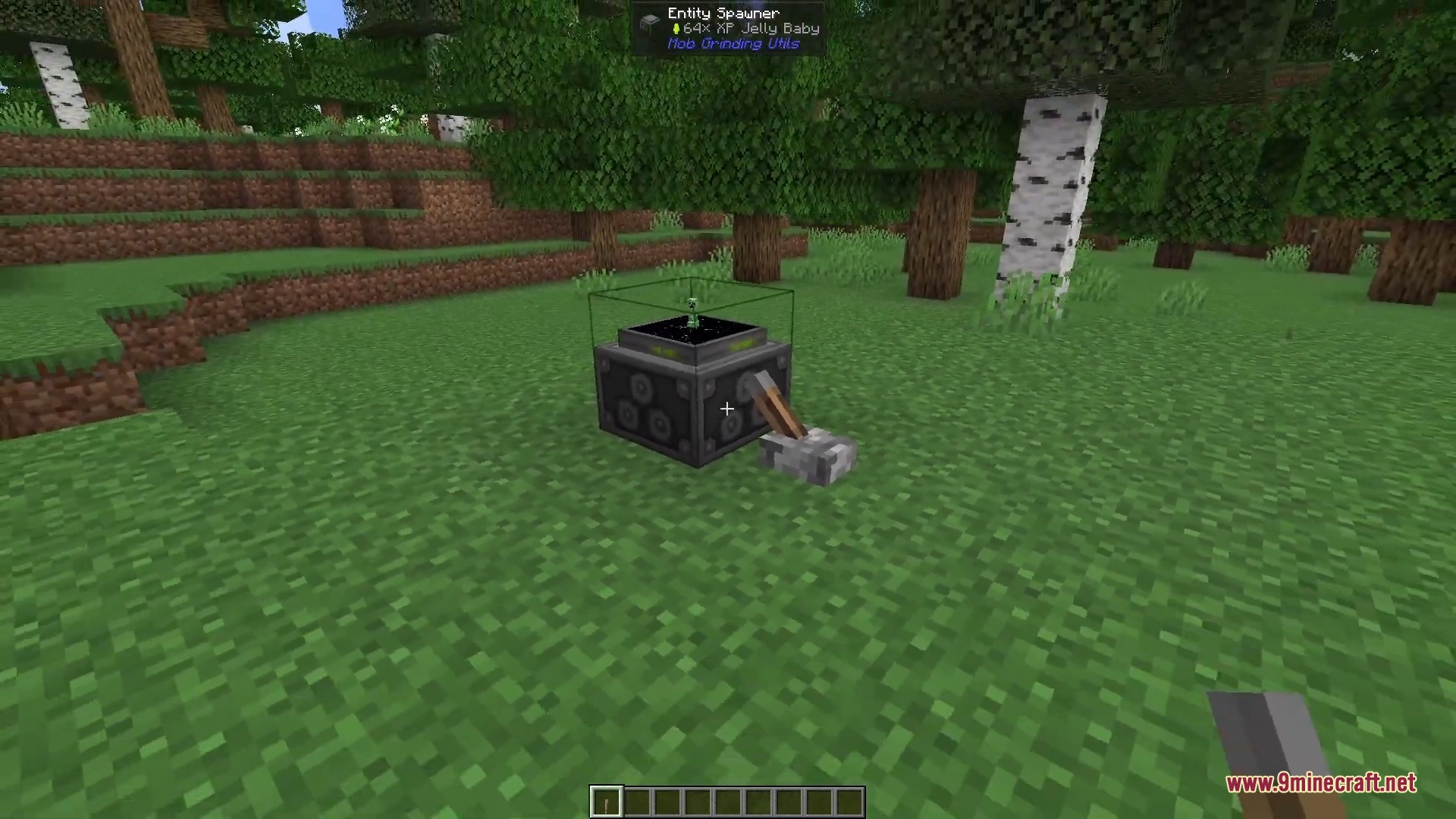
- Custom Mob Spawning: Hit a mob with a swab, put it in the spawner, and watch it clone that exact creature.
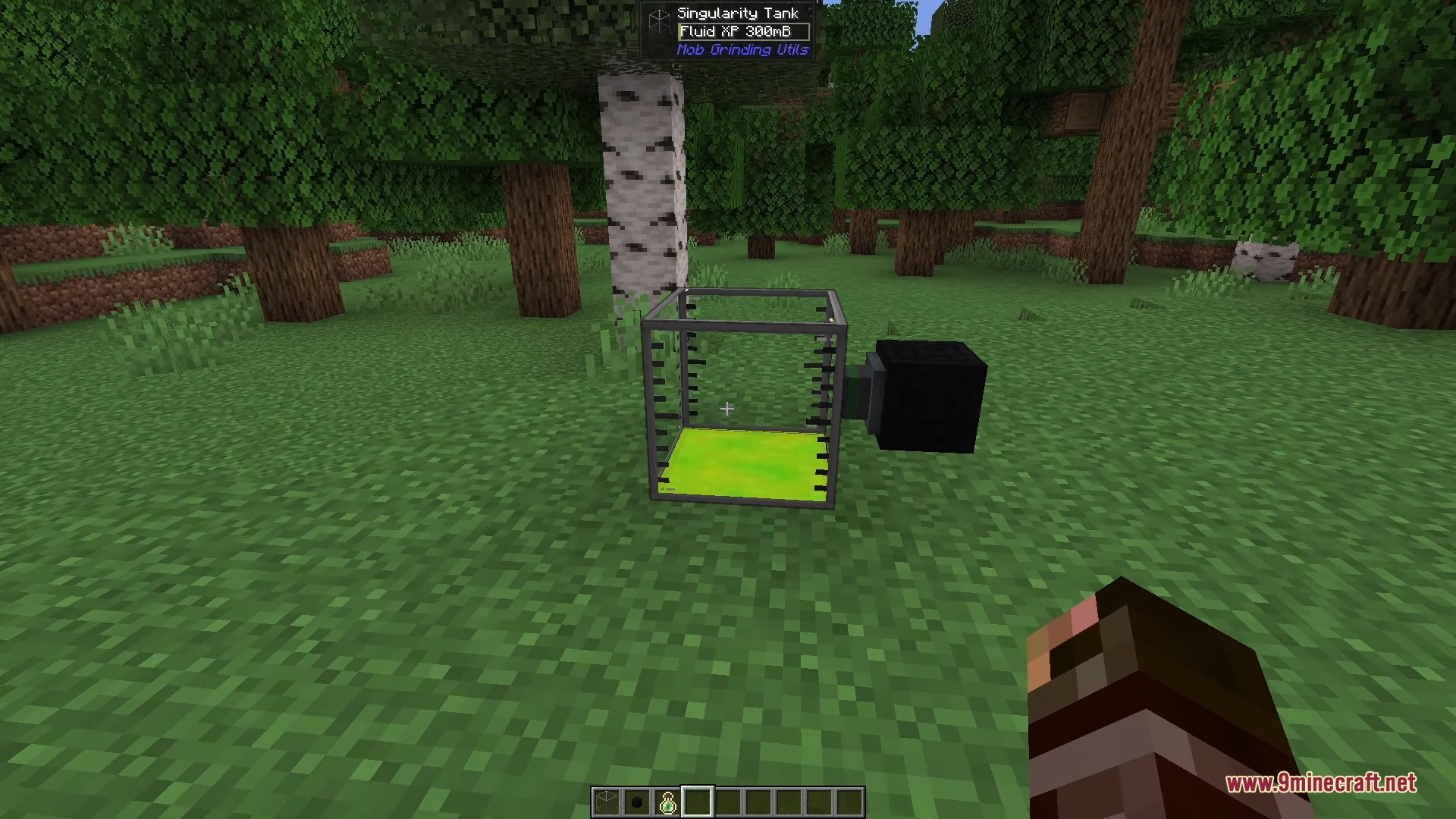
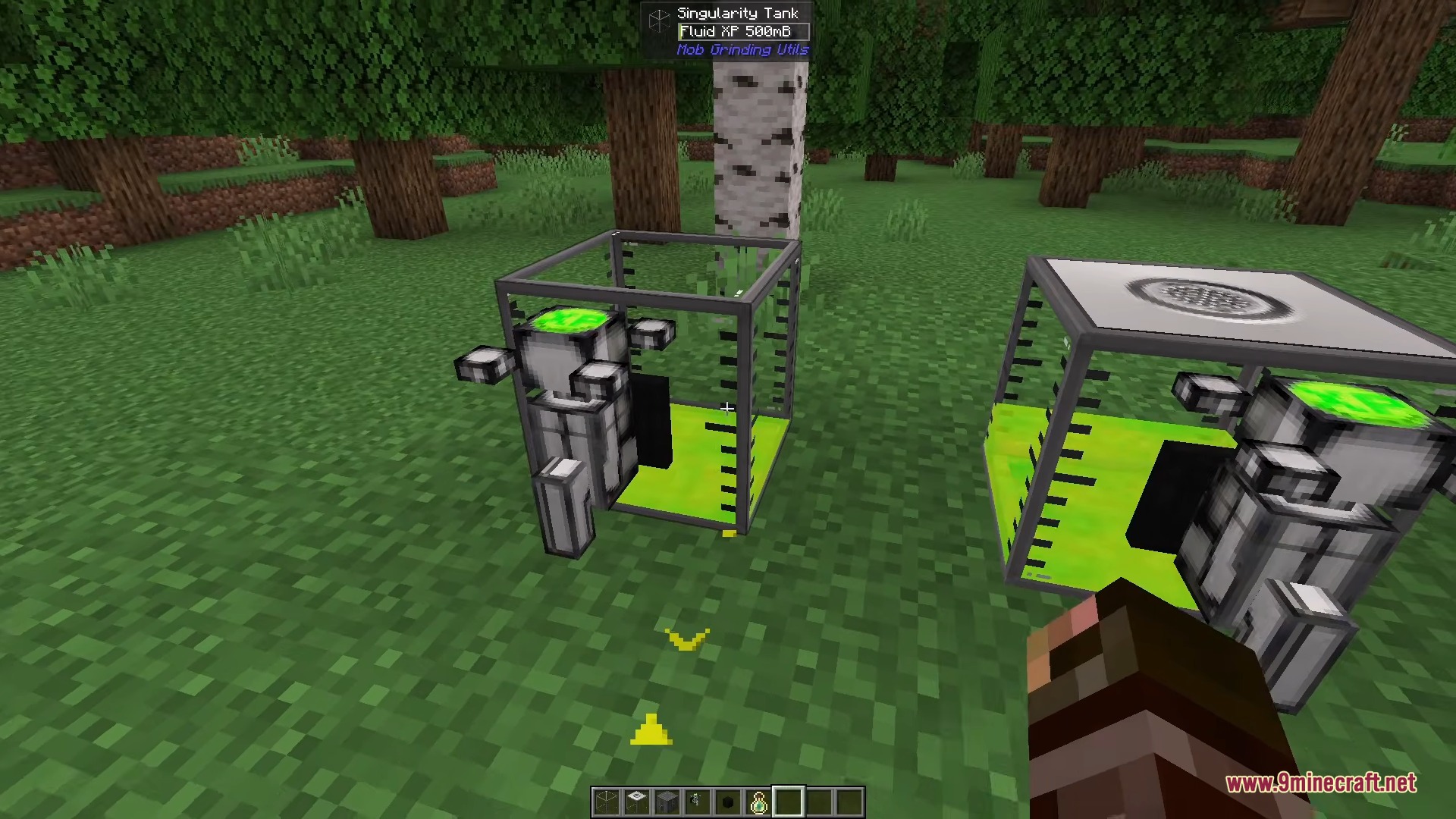
- Liquid Experience Storage: The mod collects dropped XP and stores it as a green fluid inside giant glass tanks.
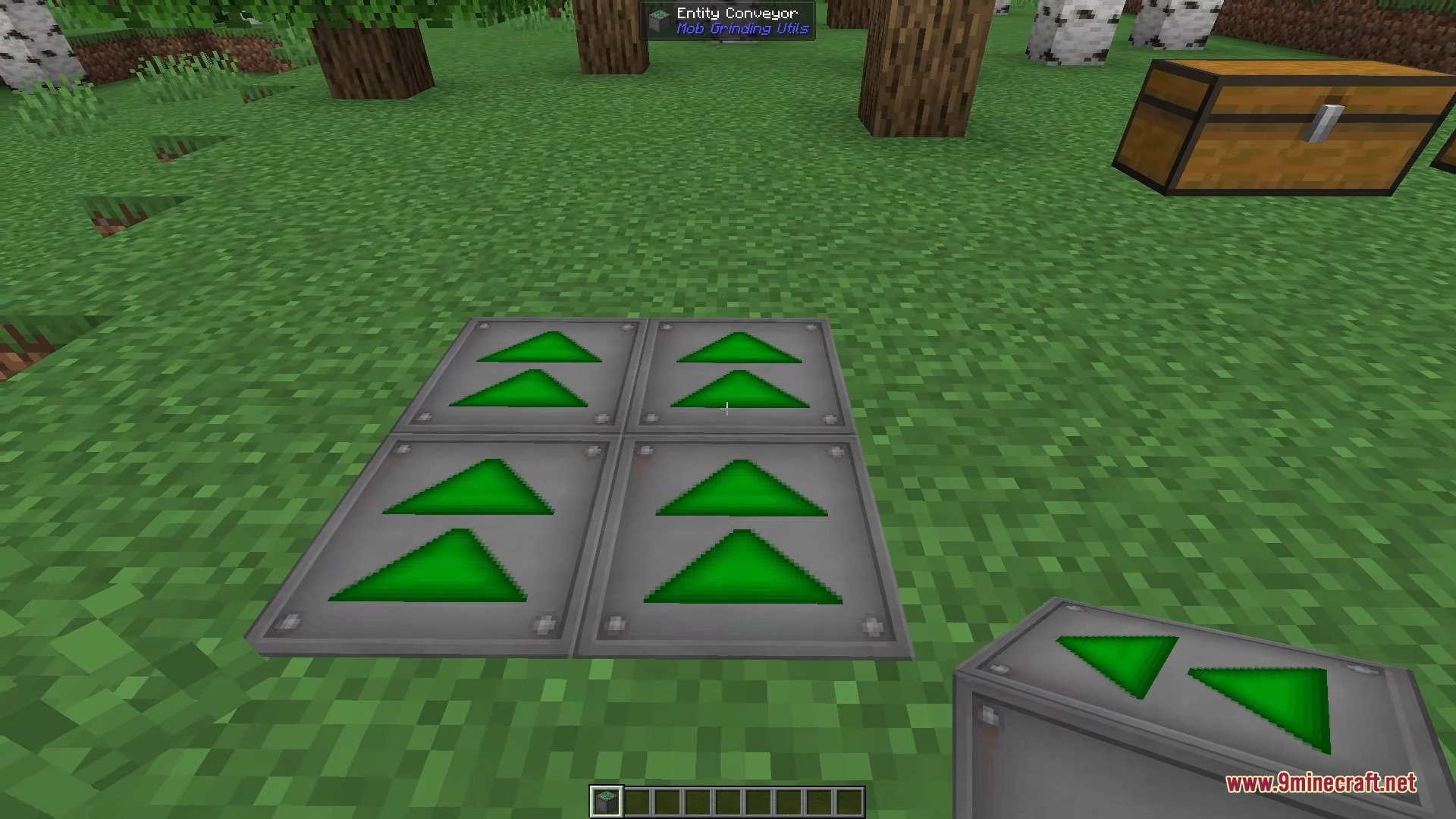
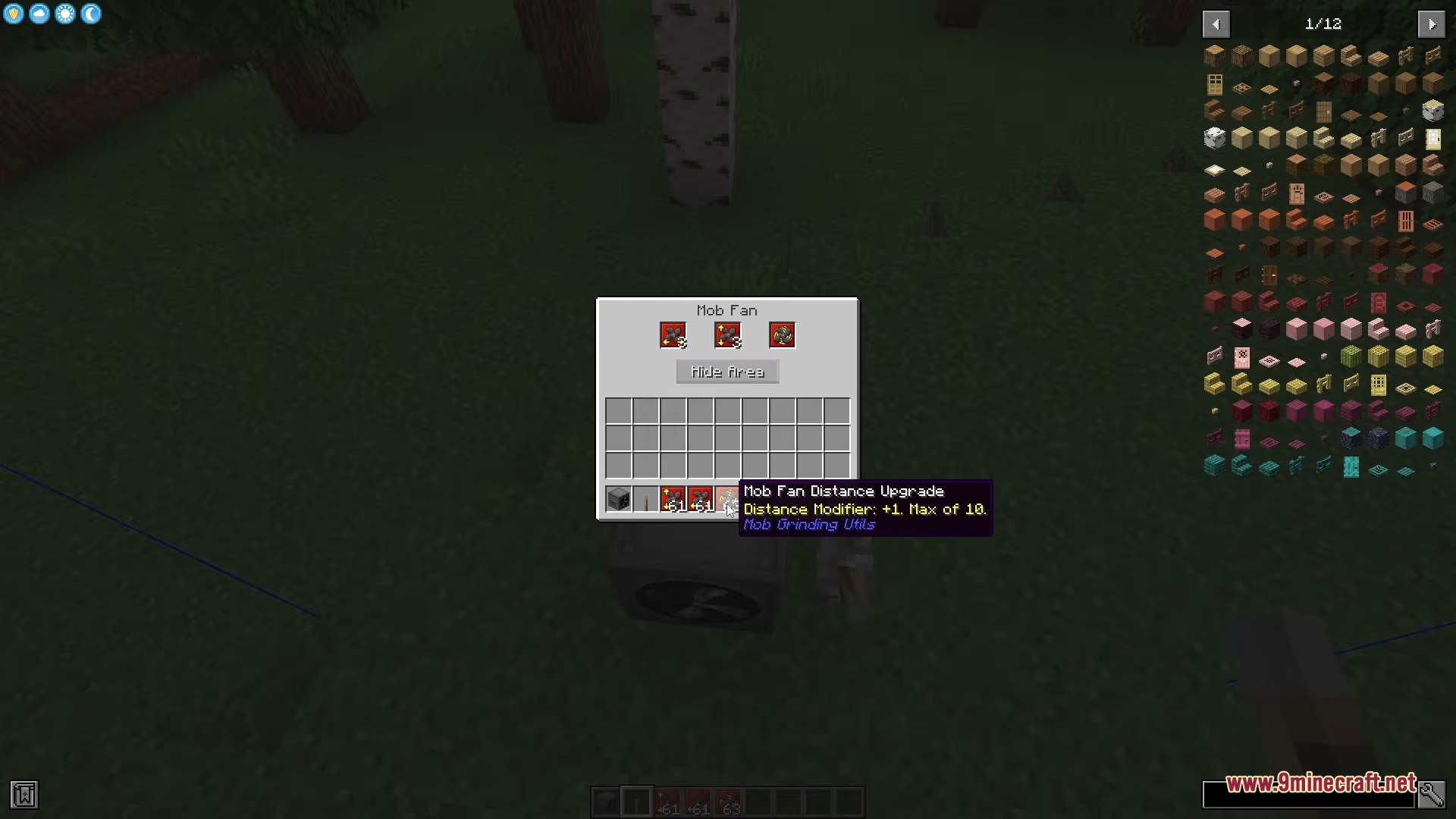
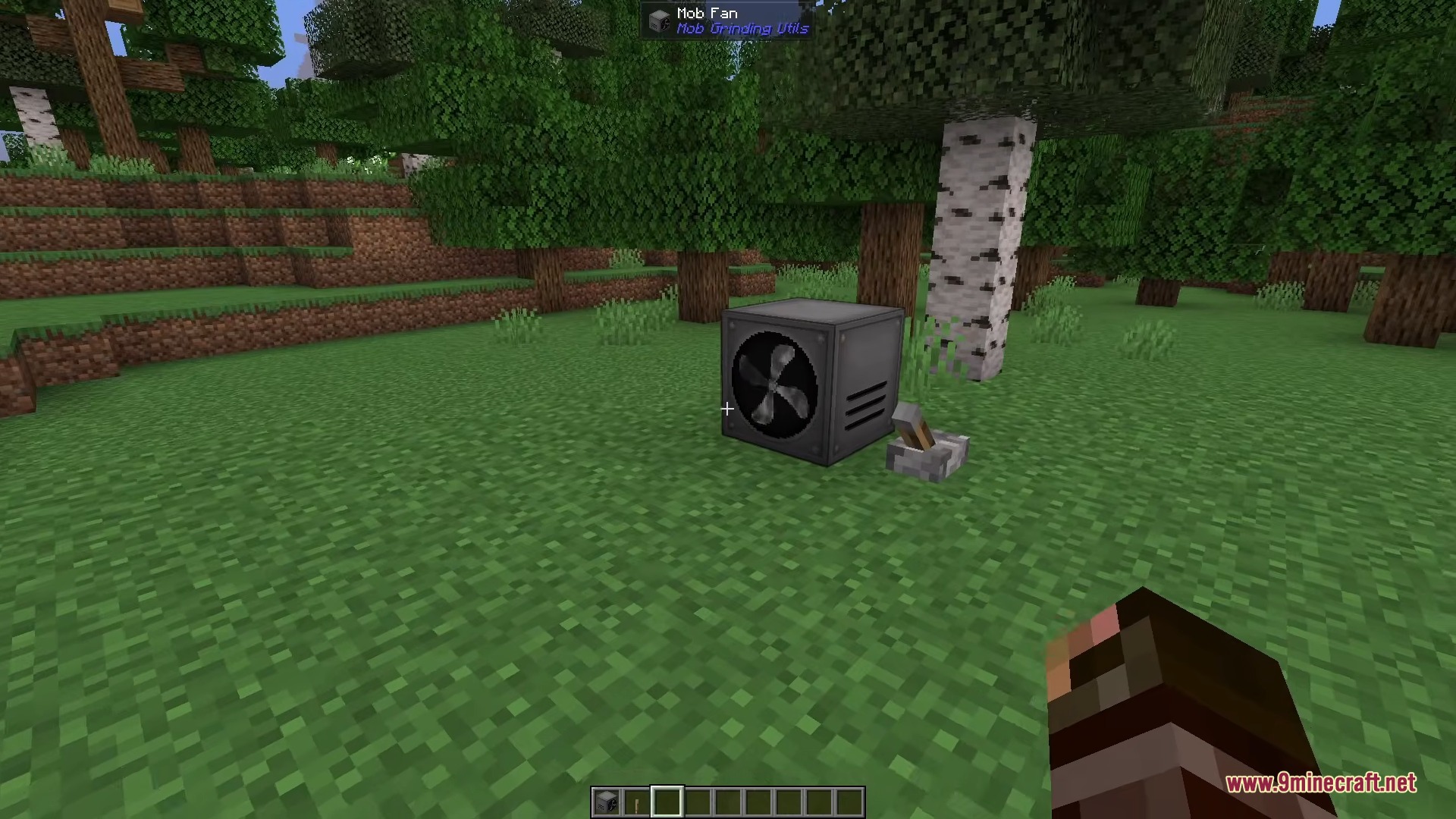
- Push monsters exactly where you want them using large fans and conveyor belts instead of water streams.
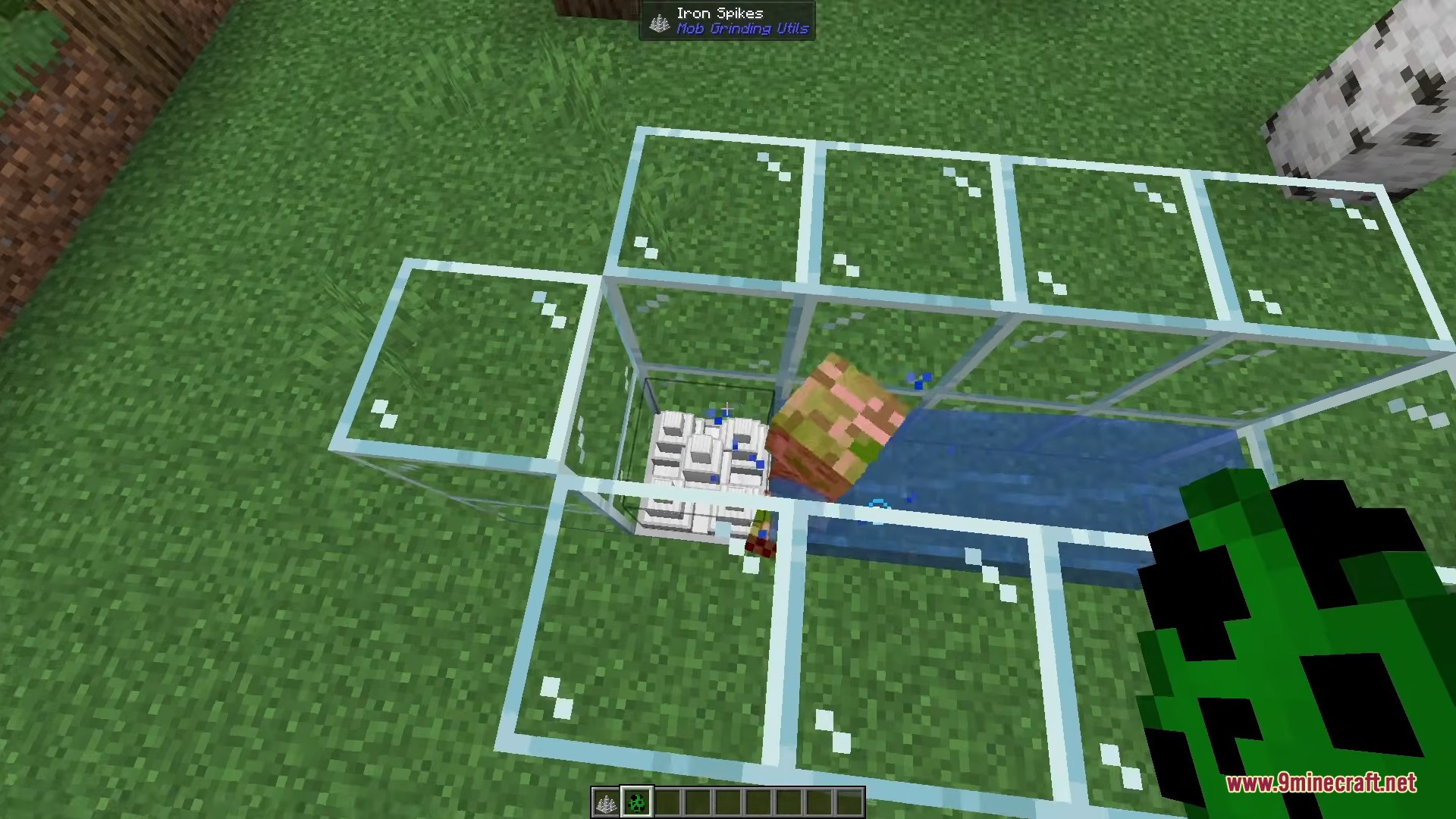
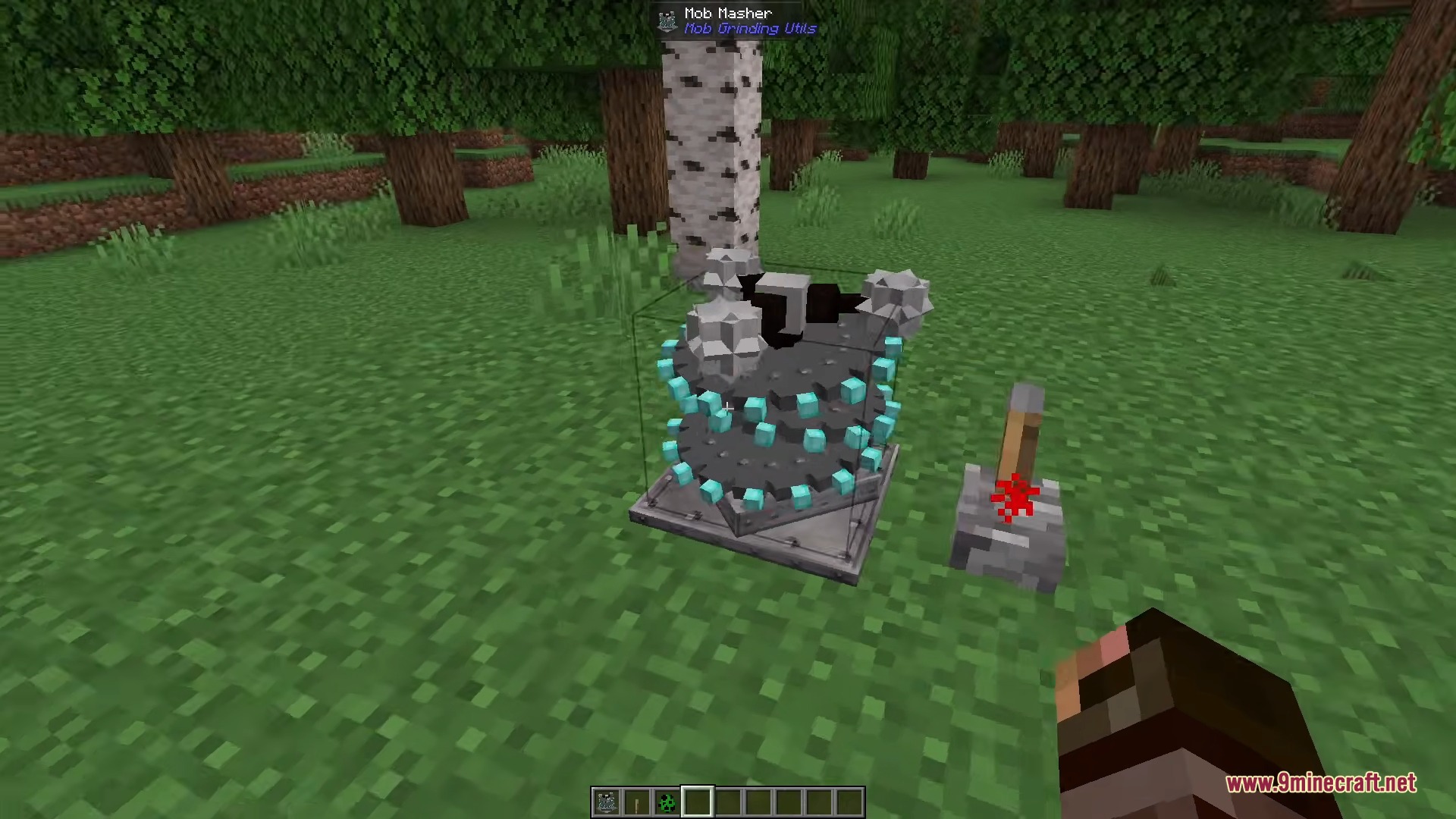
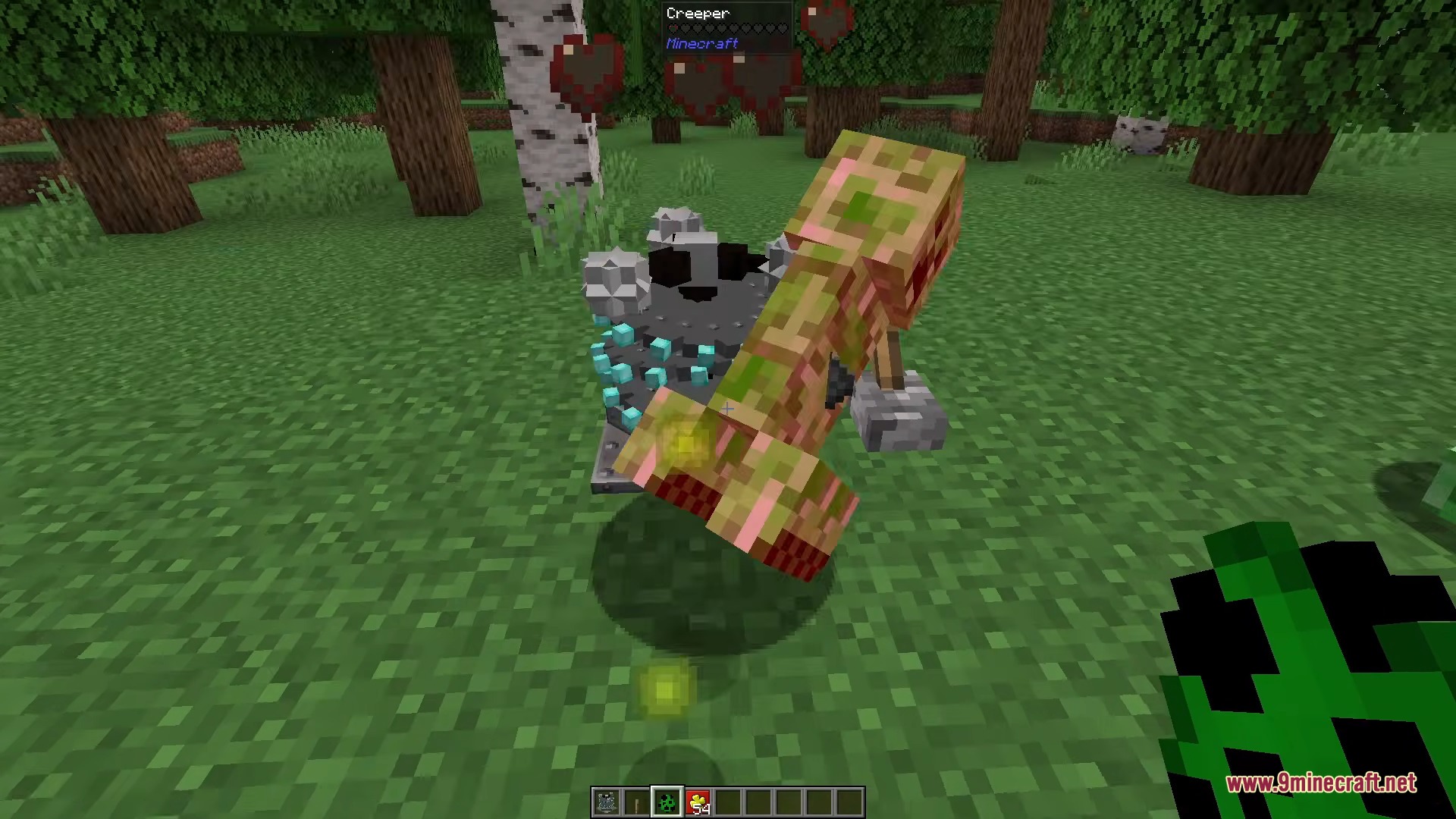
- Defeat trapped mobs automatically by placing sharp iron spikes or spinning saw blades on the floor.
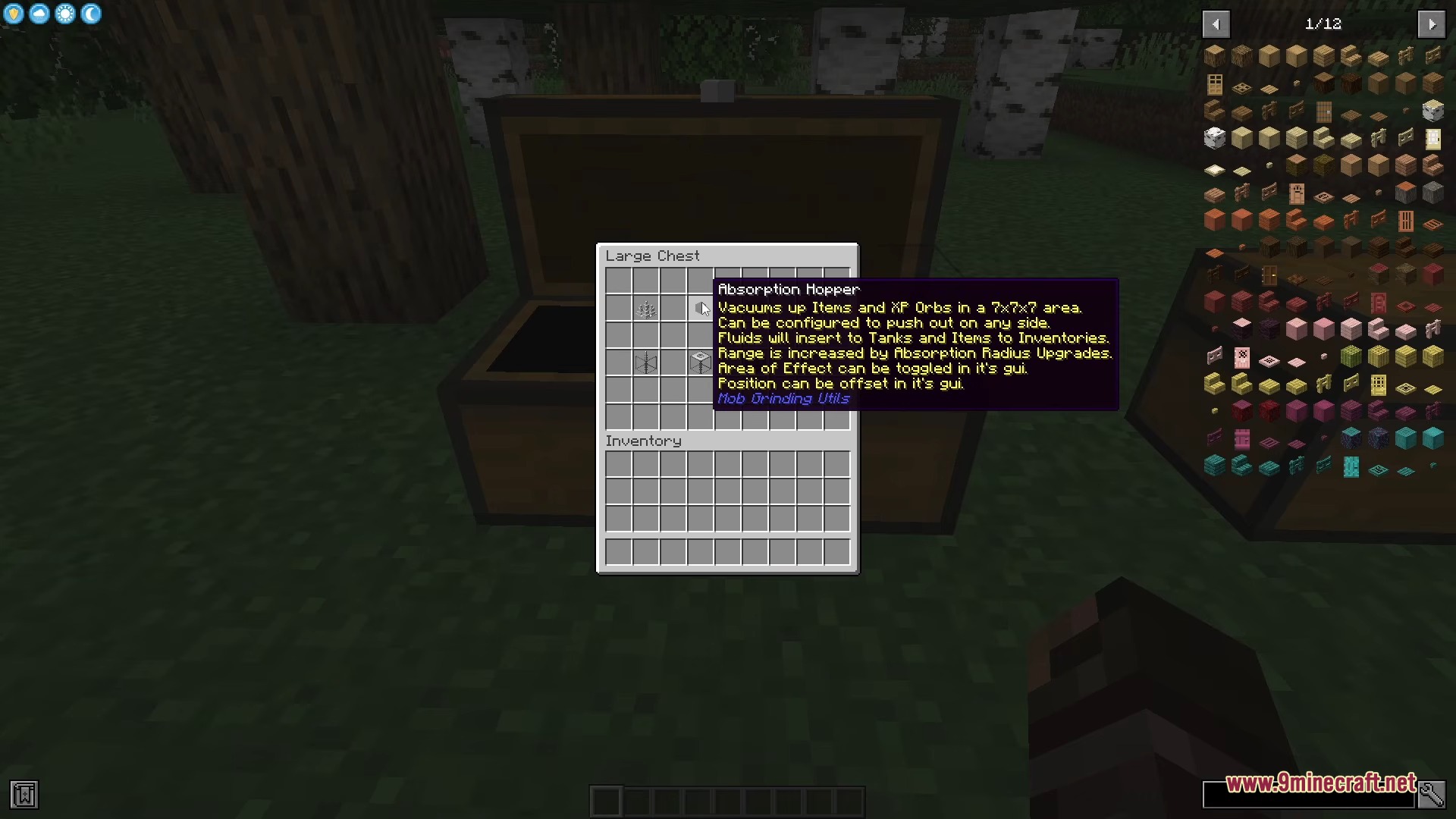
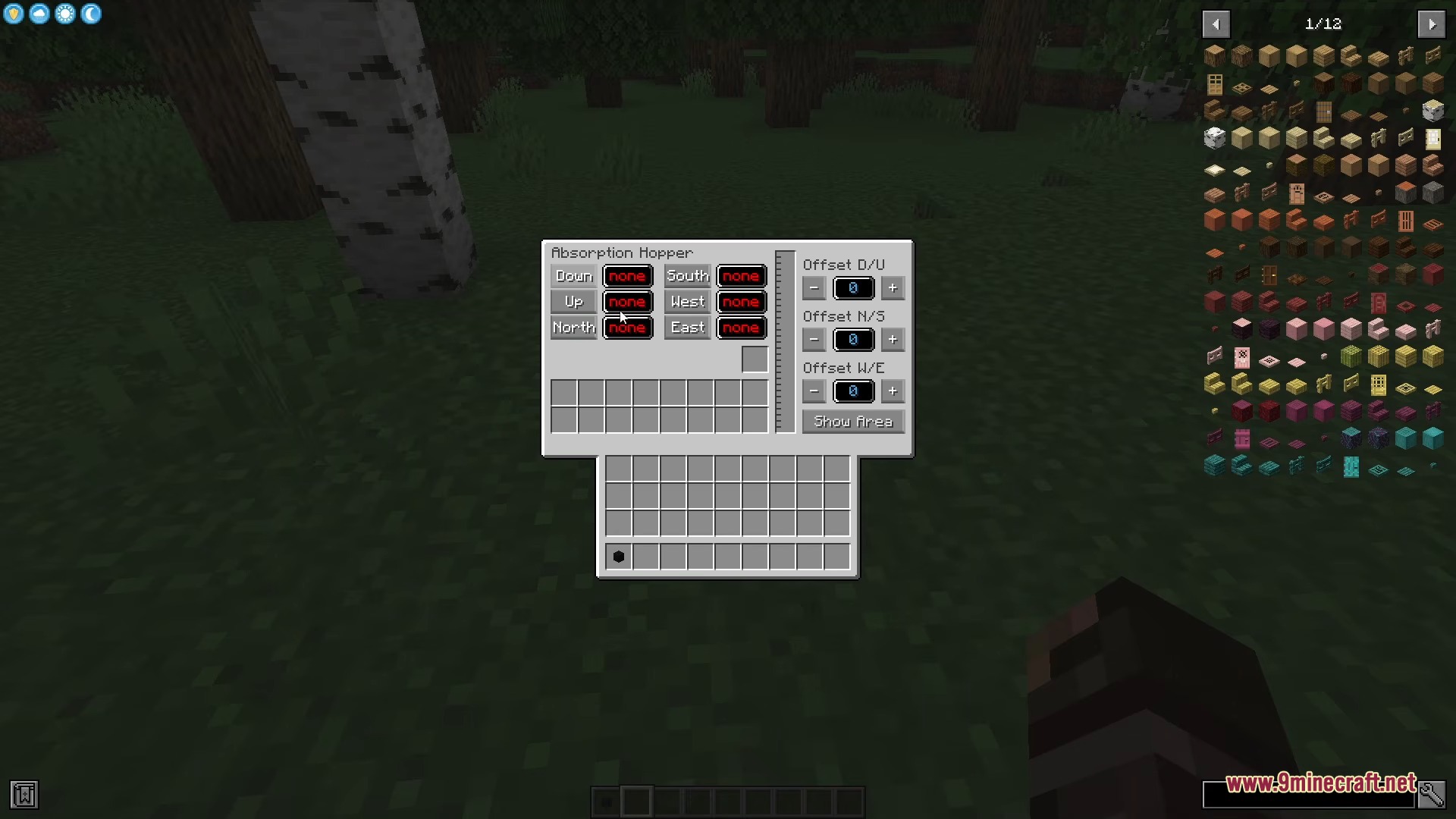
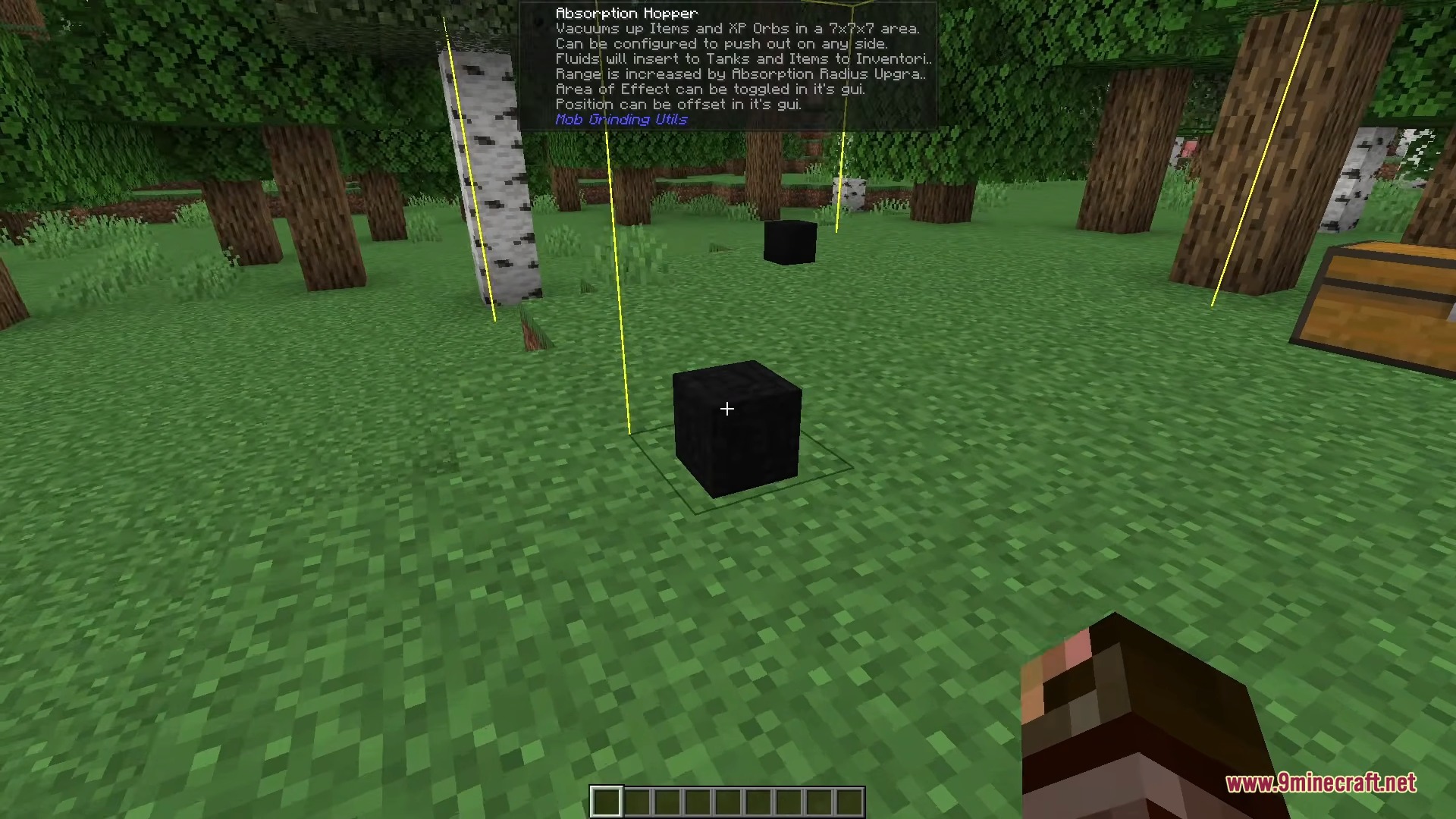
- Vacuum up all the dropped loot and experience orbs at the same time using an absorption hopper.
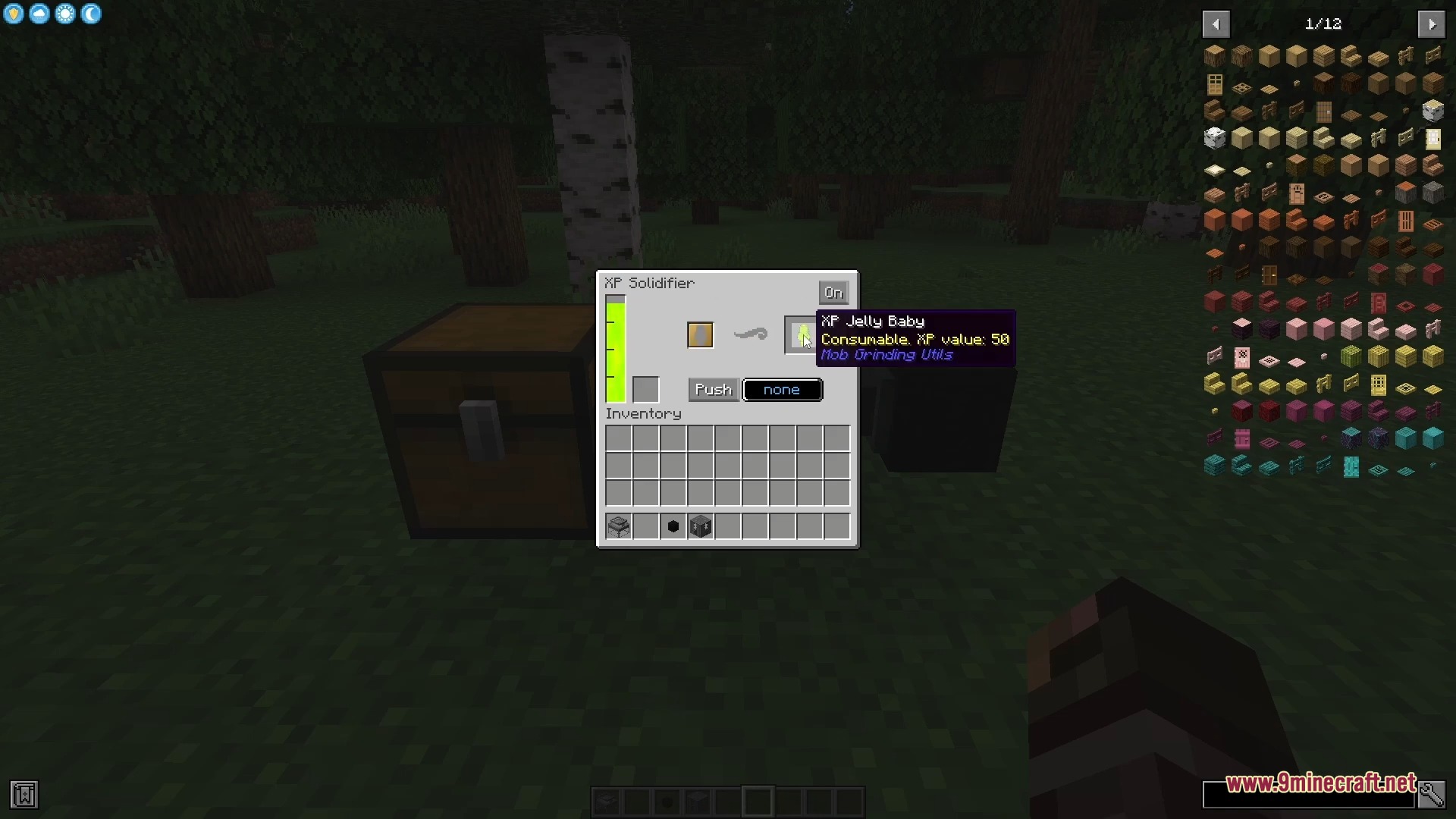
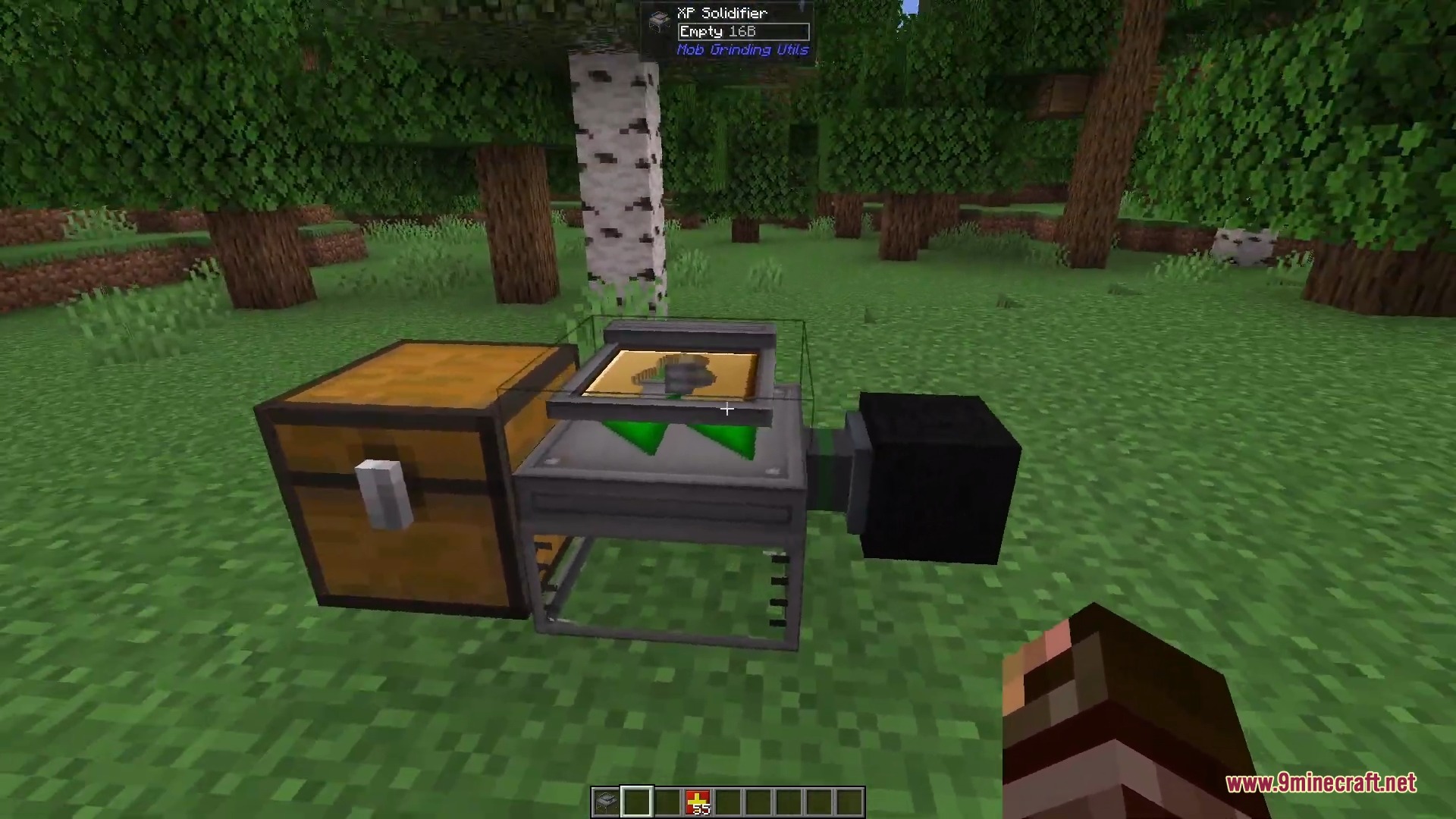
- Turn your stored liquid experience into solid blocks using the solidifier machine so you can carry it around.
- Pick up and move passive animals with a golden lasso, or catch hostile monsters with a dark lasso.
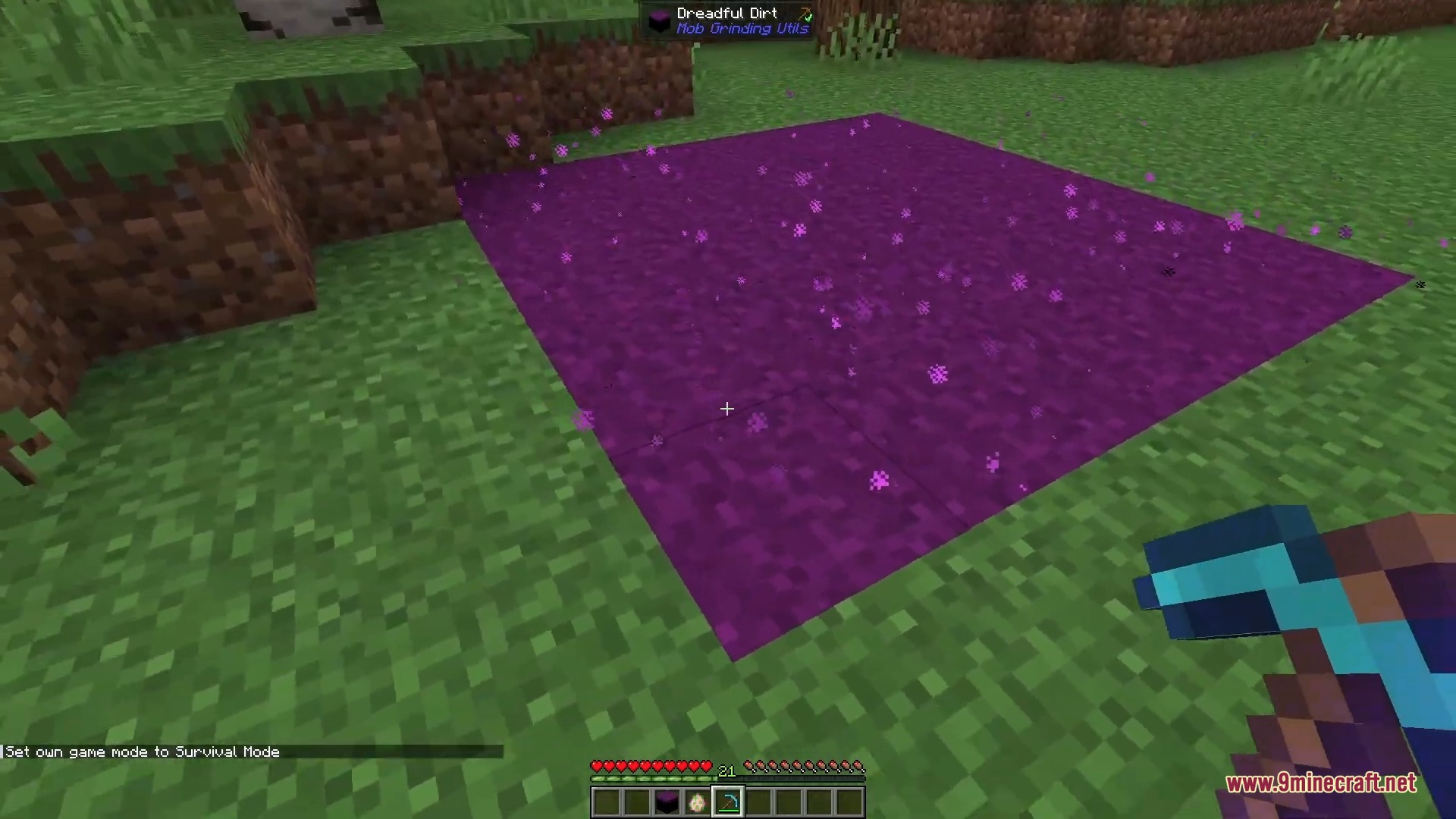
- Place down dreadful dirt blocks to make hostile mobs spawn quickly in a specific area.
Mob Grinding Utils 9minecraft Mod – Video Showcase
How to Use:
- Craft a mob swab and hit the monster you want to farm.
- Place the spawner block and apply the swab to set the monster type.
- Put down fans or conveyor belts to push the spawned monsters into a corner.
- Place iron spikes or a mob masher at the end of the path to defeat them.
- Set an absorption hopper under the room to collect the items and connect it to a chest.
Screenshots:
Mob Grinding Utils 9minecraft Mod Download Links
Quick facts
- Edition: Minecraft Java
- File type: .jar
- How to install: Install the matching mod loader (Forge, Fabric or NeoForge) for your Minecraft version. → Download the .jar. → Put it in the .minecraft/mods folder and launch that loader profile.
- Where to get it: Opens on the file's original source — not every file is mirrored on our own servers.
Install steps are the general flow for this file type — How to install Minecraft Java mods & modpacks walks through it step by step.
Mob Grinding Utils 9minecraft Mod (26.3, 26.2) – Automate Mob Farms Without Redstone is a free Minecraft Java mod. Download it and open it directly in the game.