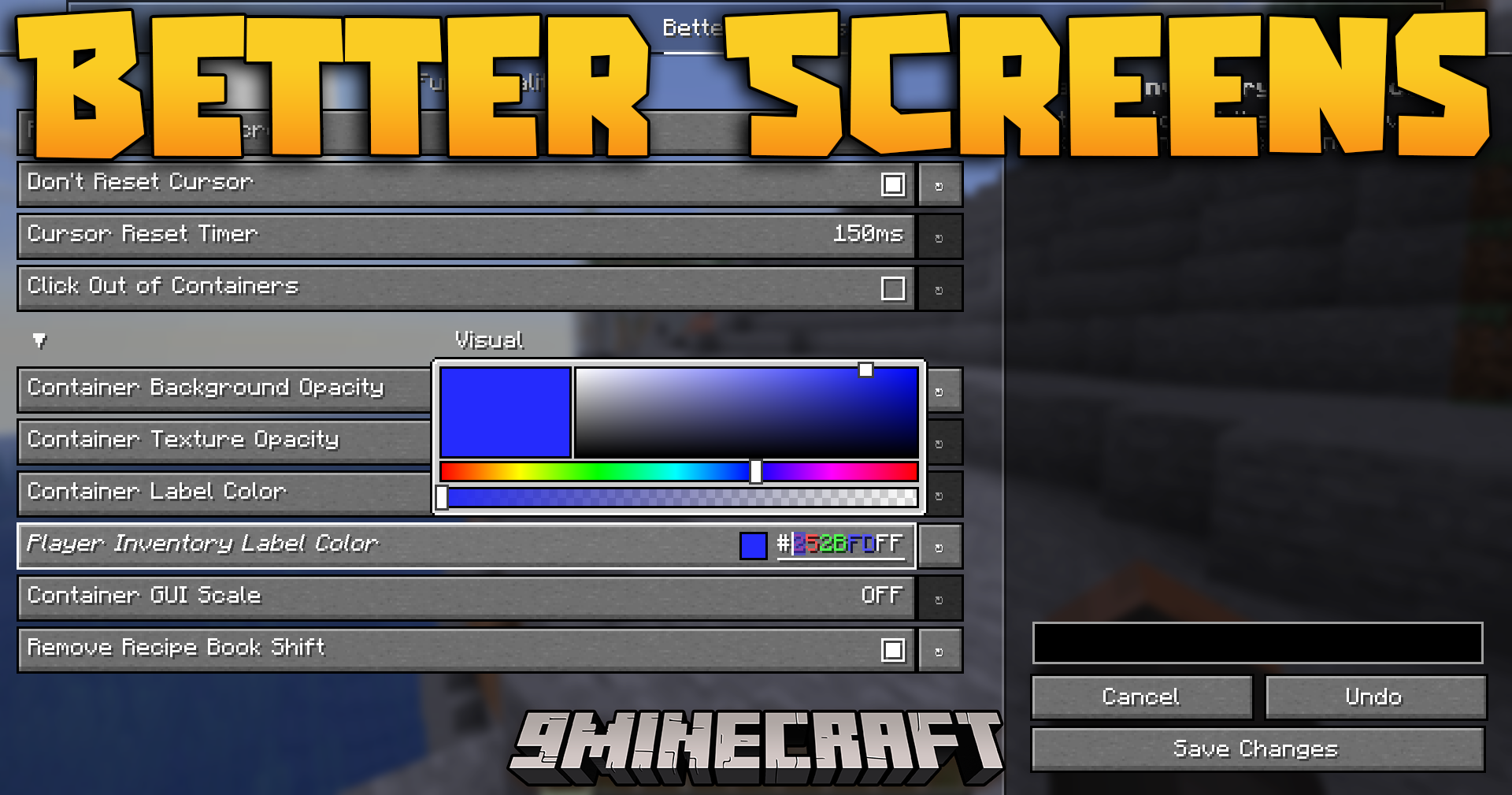
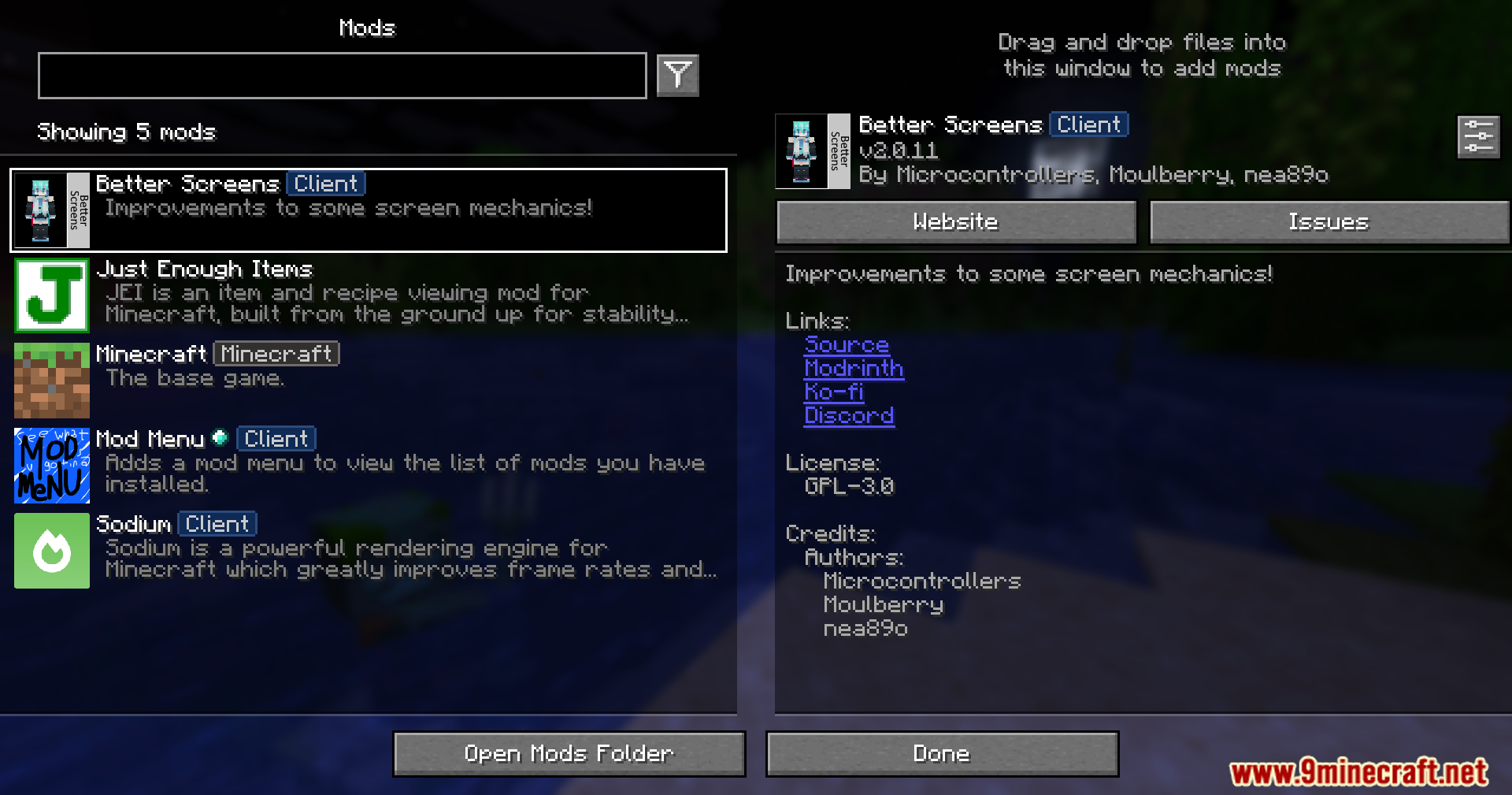
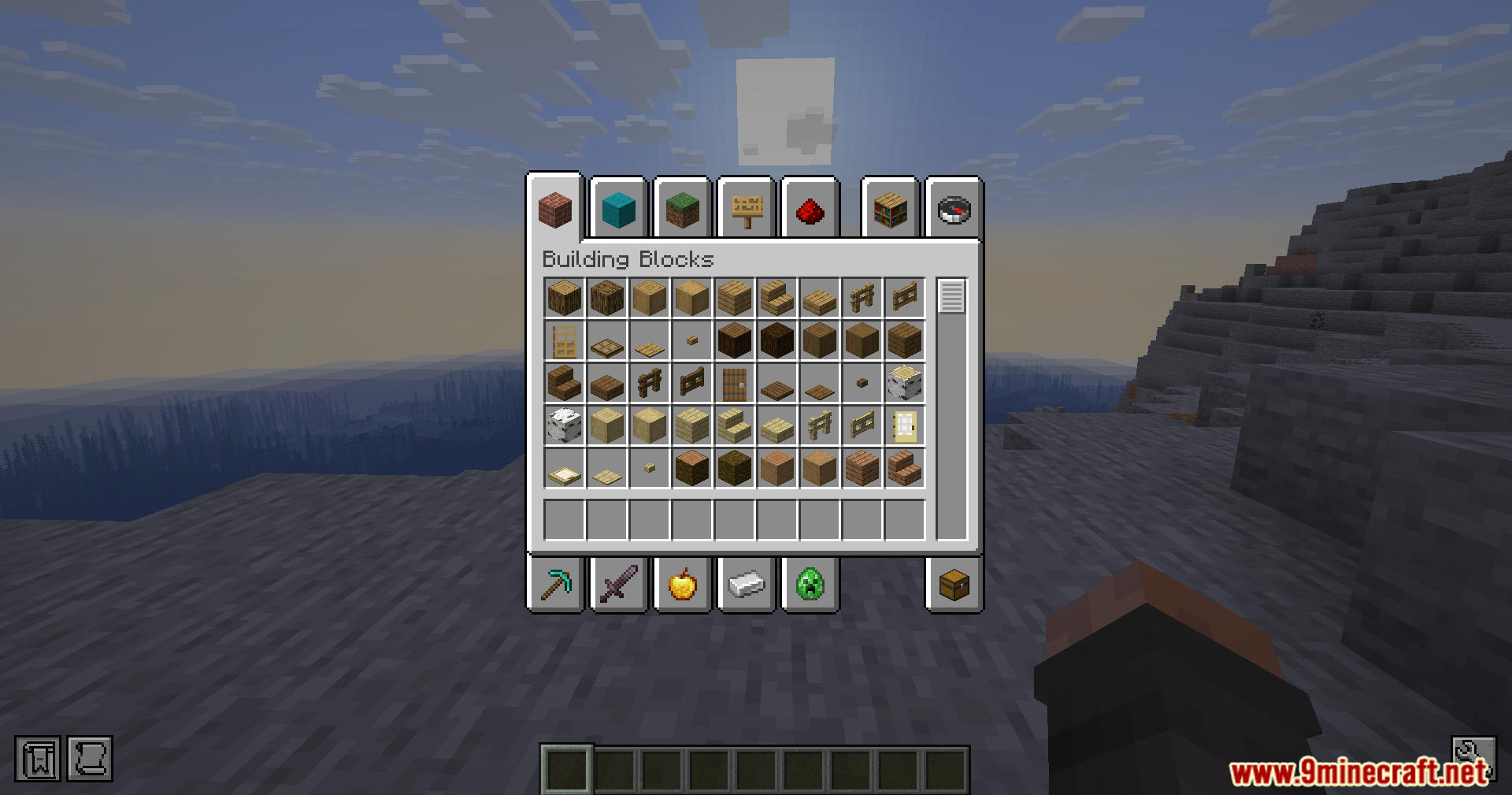
Better Screens Mod fixes annoying problems with your inventory and menus. It stops servers from forcing your chat or chests to close when a minigame starts. You can also change how clear the background looks and pick new colors for the text inside your chests. It makes managing your items much easier and less frustrating.
Features:
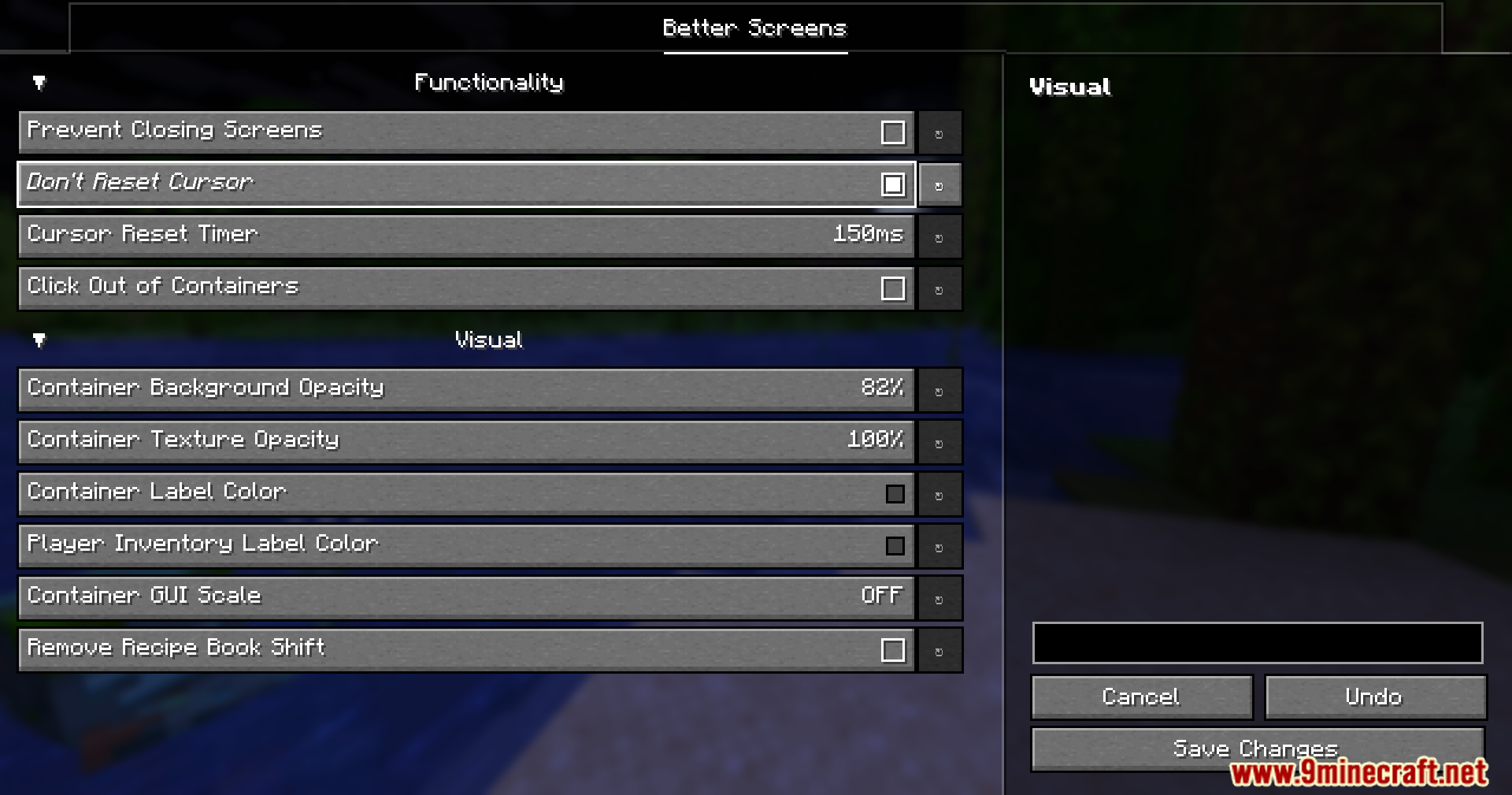
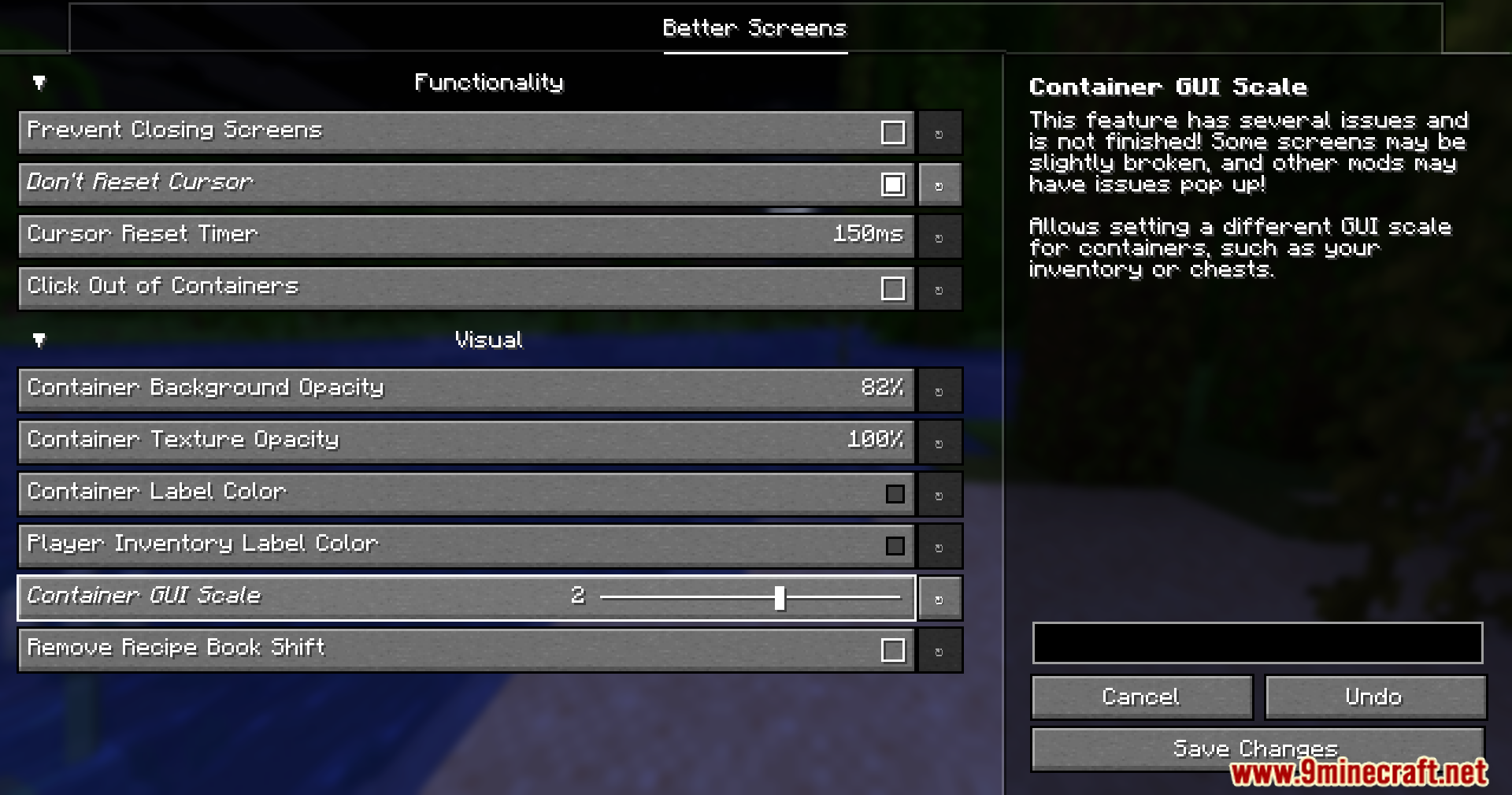
- Stop Forced Closing: Prevents servers from closing your open menus, so you can keep typing in chat when a minigame starts.
- Keep Cursor Position: Remembers exactly where your mouse was when you quickly switch between different backpacks or chests.
- Lets you close any chest or crafting table just by clicking anywhere outside the menu box.
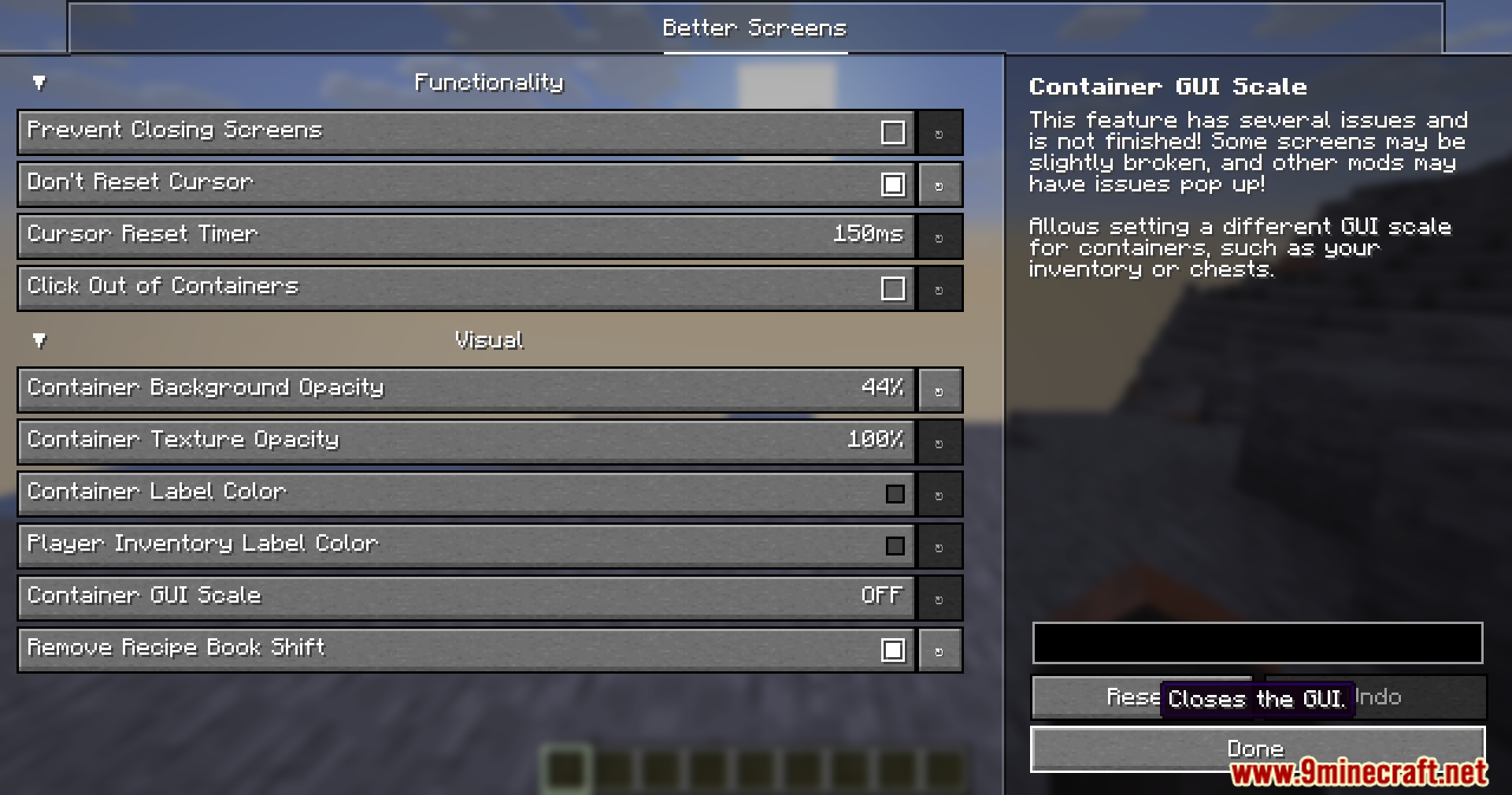
- Allows you to make the dark background behind your menus more clear or completely see-through.
- Changes how see-through the actual chest and inventory textures appear on your screen.
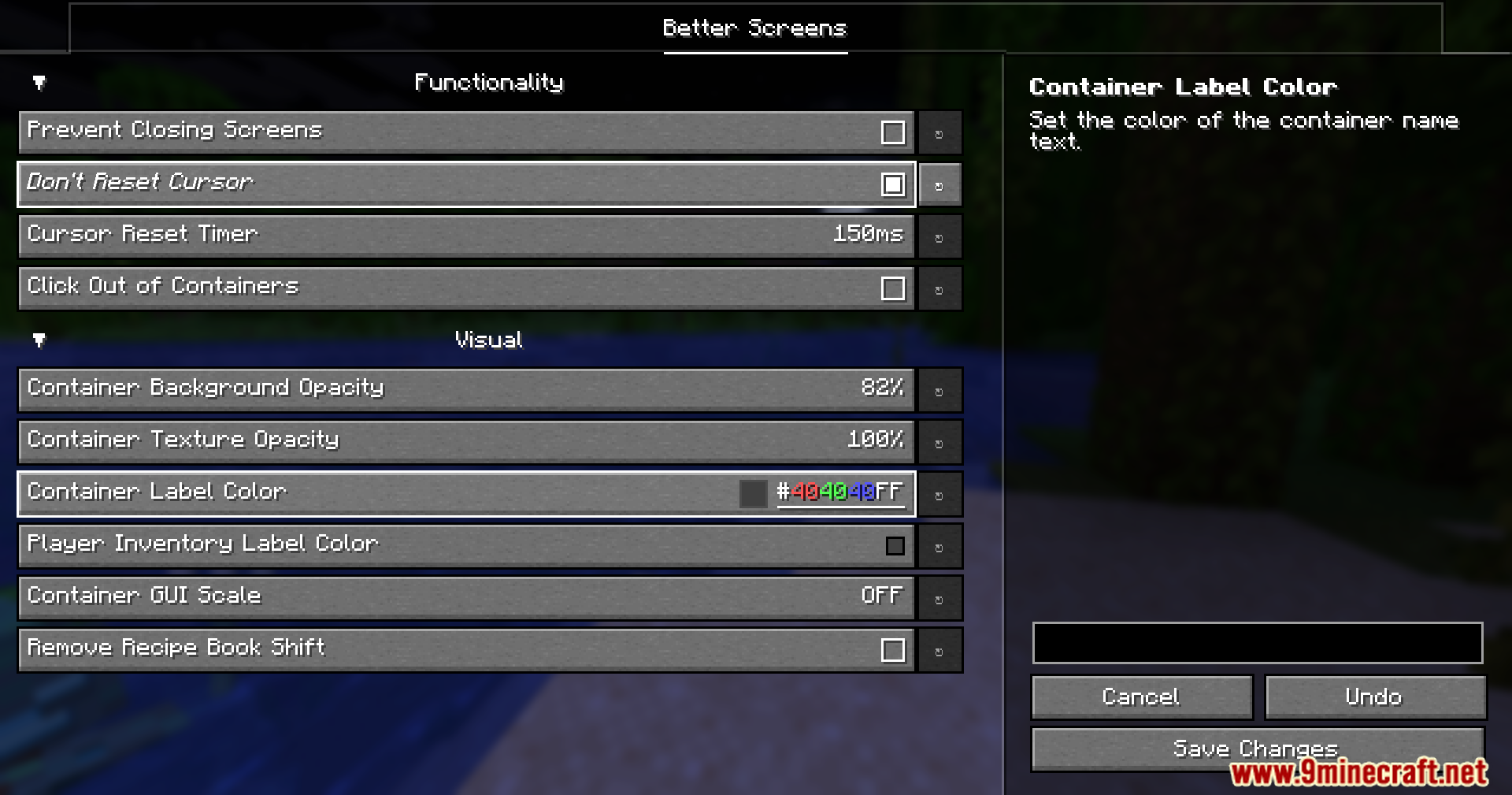
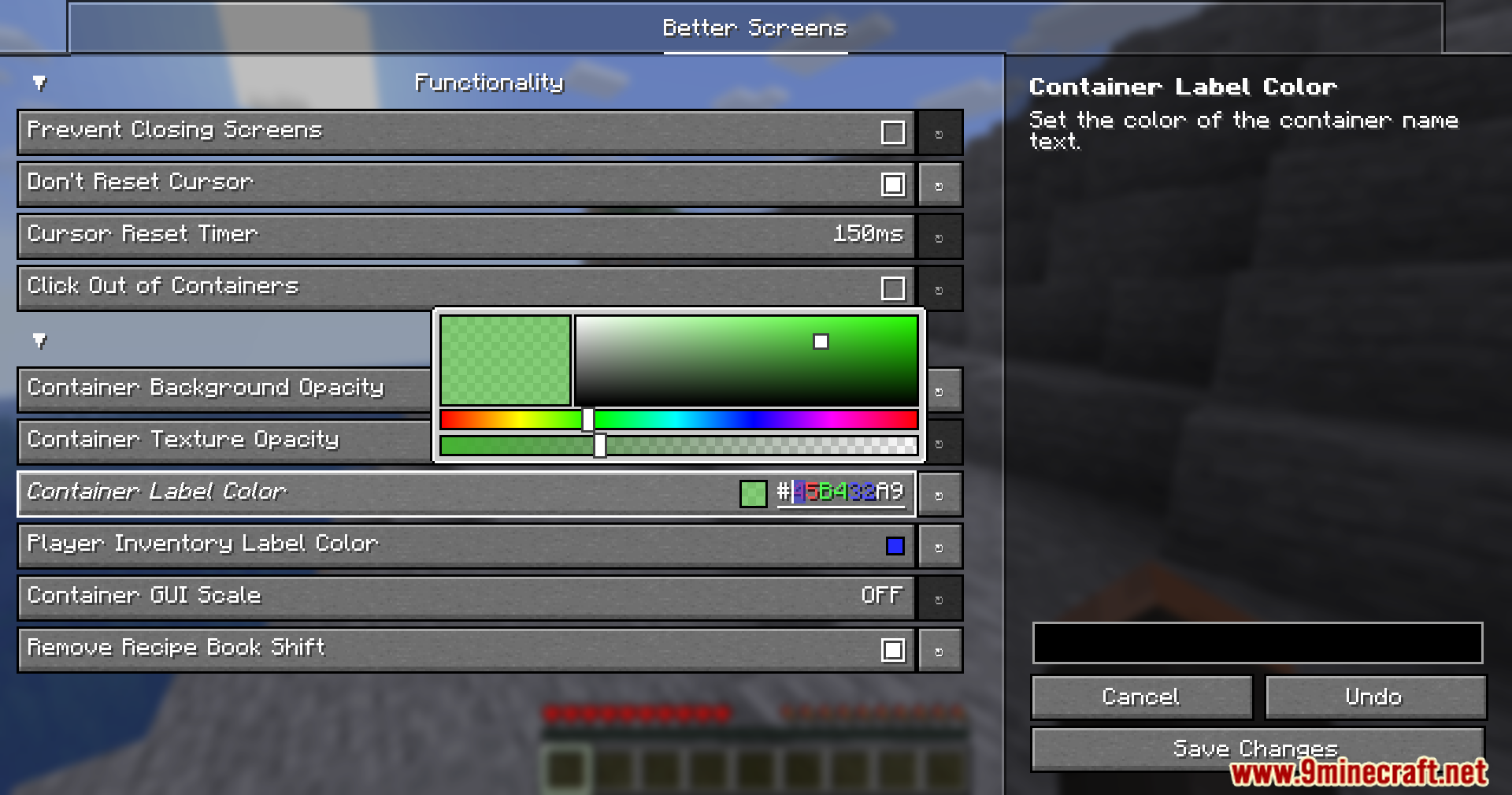
- Lets you pick a new color for the chest names, which helps if a resource pack makes the words hard to read.
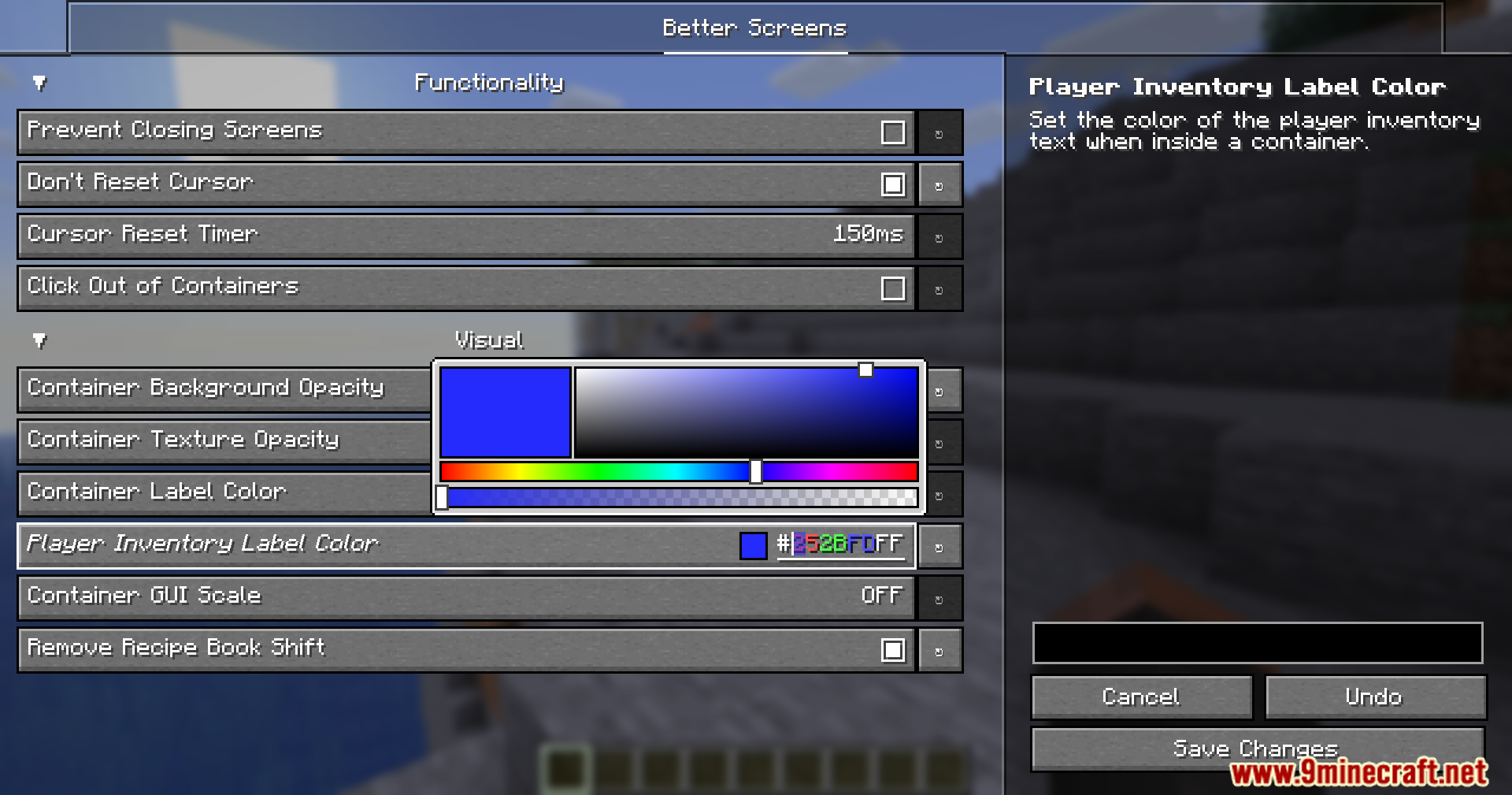
- Allows you to change the color of the inventory text shown at the bottom of your screen.
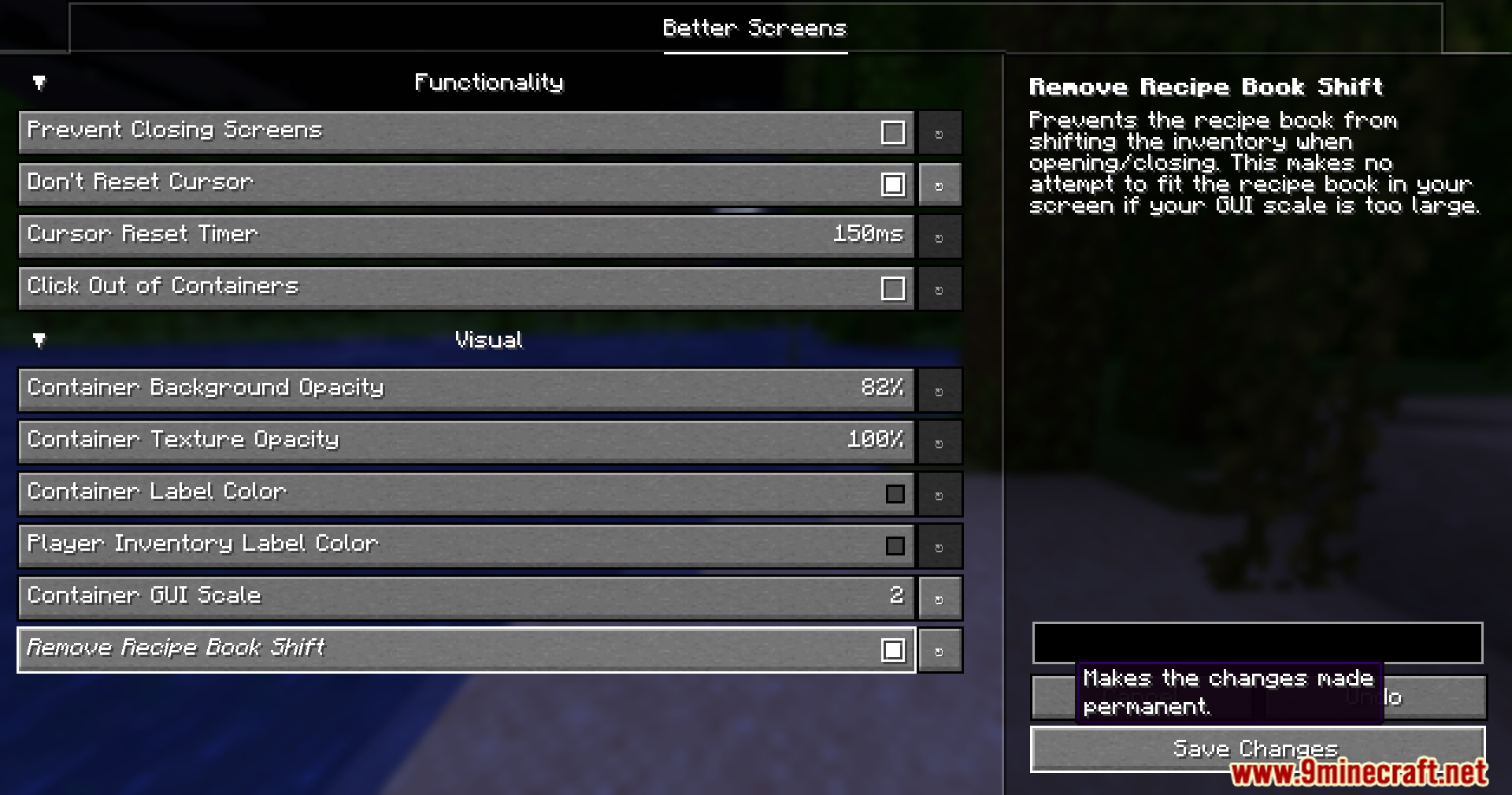
- Stops the recipe book from pushing your whole inventory to the side when you open it.
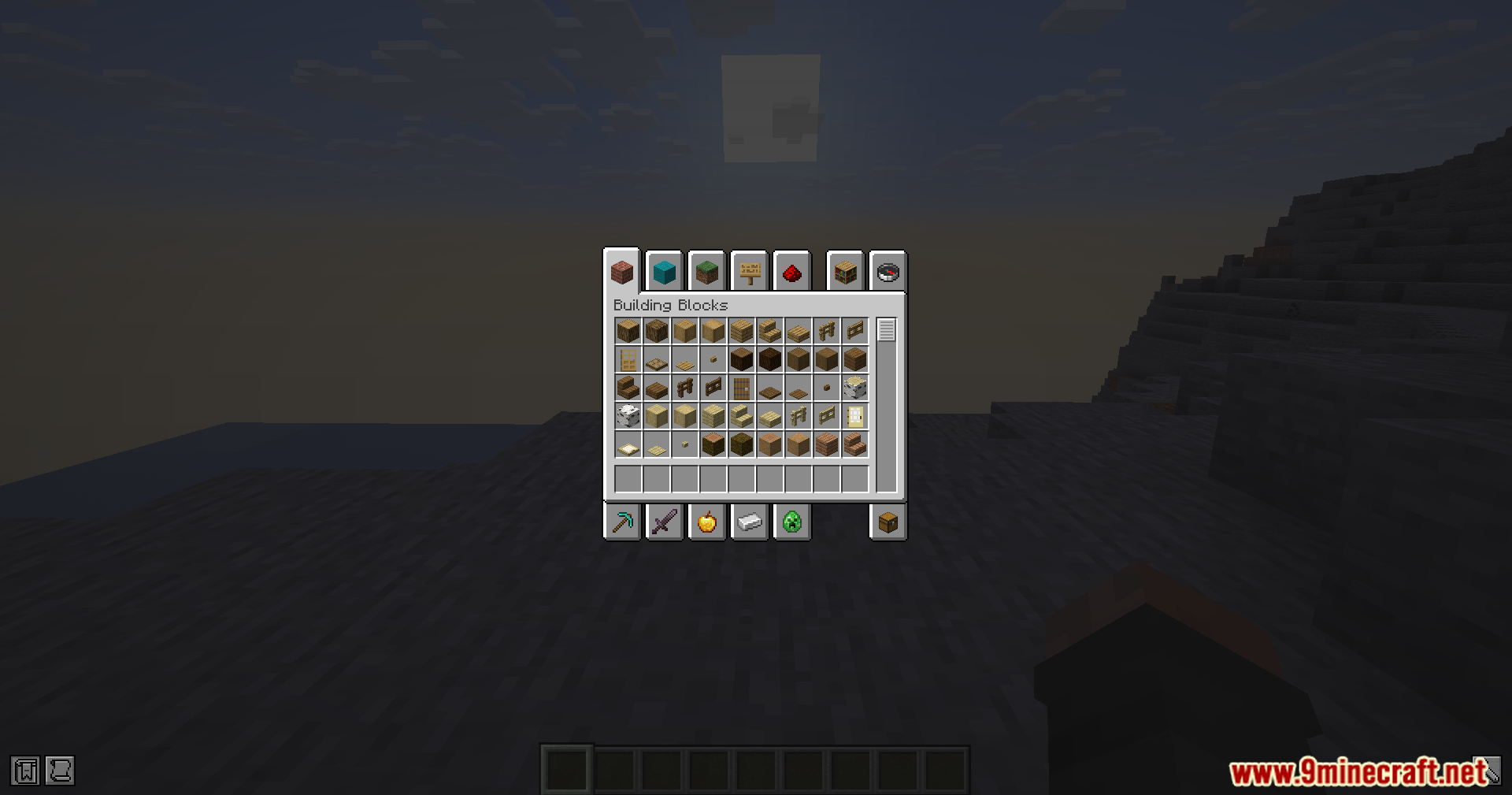
- Gives you an option to change the size of your chests and menus without changing the rest of the game.
Screenshots:
Better Screens Mod Download Links
Quick facts
- Edition: Minecraft Java
- File type: .jar
- Minecraft version listed: 1.21.11
- How to install: Install the matching mod loader (Forge, Fabric or NeoForge) for your Minecraft version. → Download the .jar. → Put it in the .minecraft/mods folder and launch that loader profile.
- Where to get it: In MC Java Mods, or directly above on this page.
Install steps are the general flow for this file type — How to install Minecraft Java mods & modpacks walks through it step by step.
Verified by MCModsHub
- Downloads as 190442.mcaddon
- Download size: 184 KB
- Download link checked 22 Sept 2026 — working
- Mirrored on our own servers — the download does not depend on the original host
These come from our own check of the pack file, not from the source page.