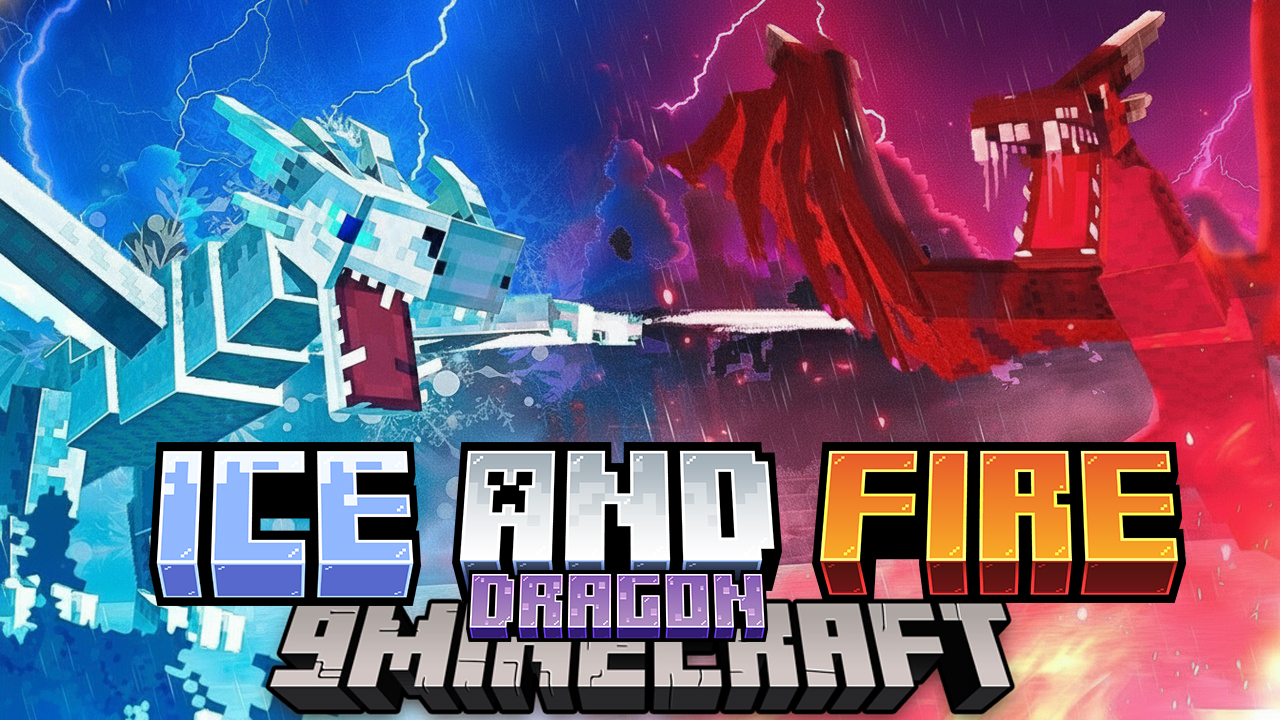
Ice and Fire Dragons 9minecraft Mod (26.3, 26.2) – Raise and Ride Your Own Giant Dragon
Java mod listed for Minecraft 26.x. File opened and checked on 16 Oct 2026; downloads from the MC Java Mods app on Android.
⬇ Download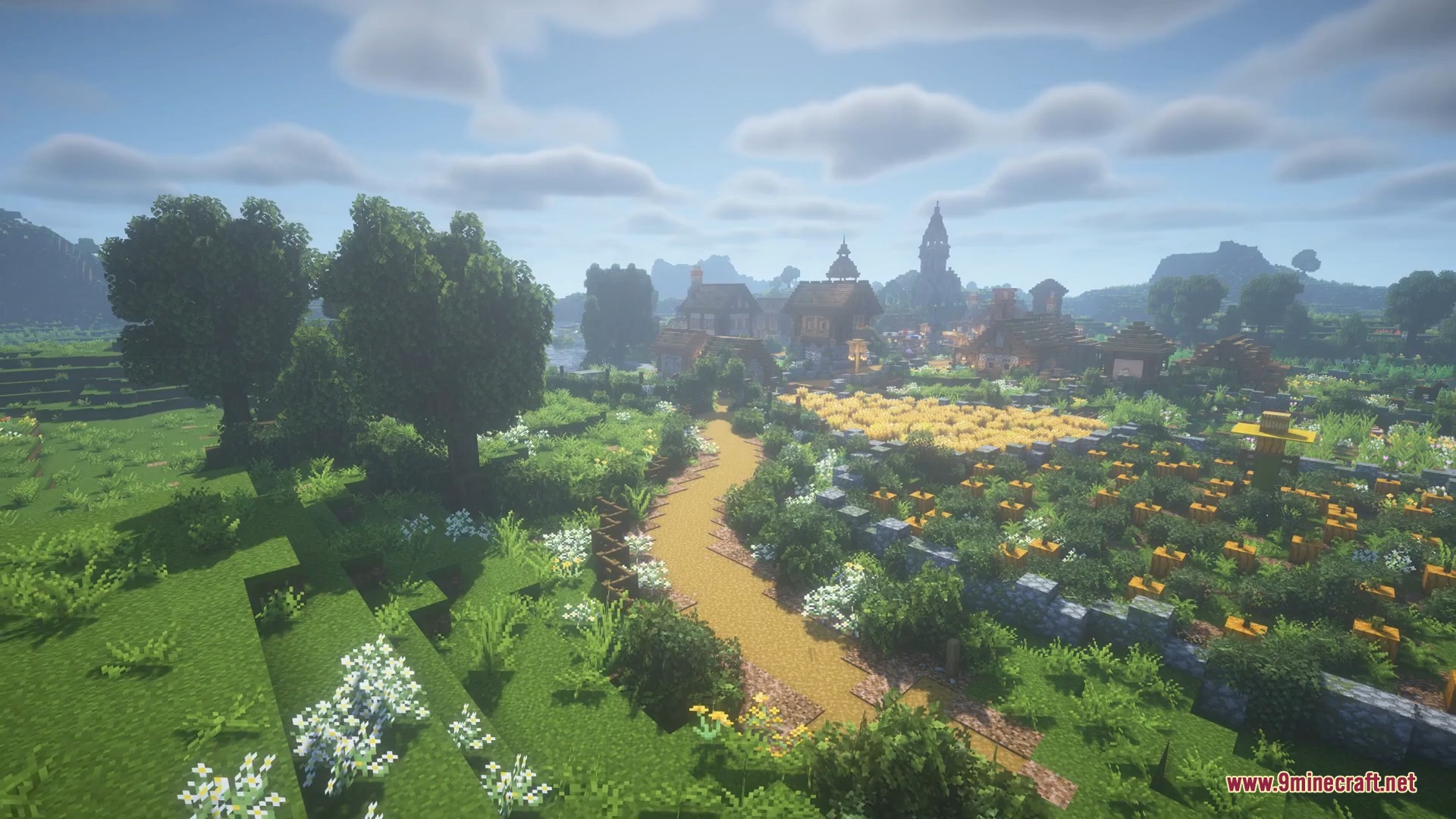
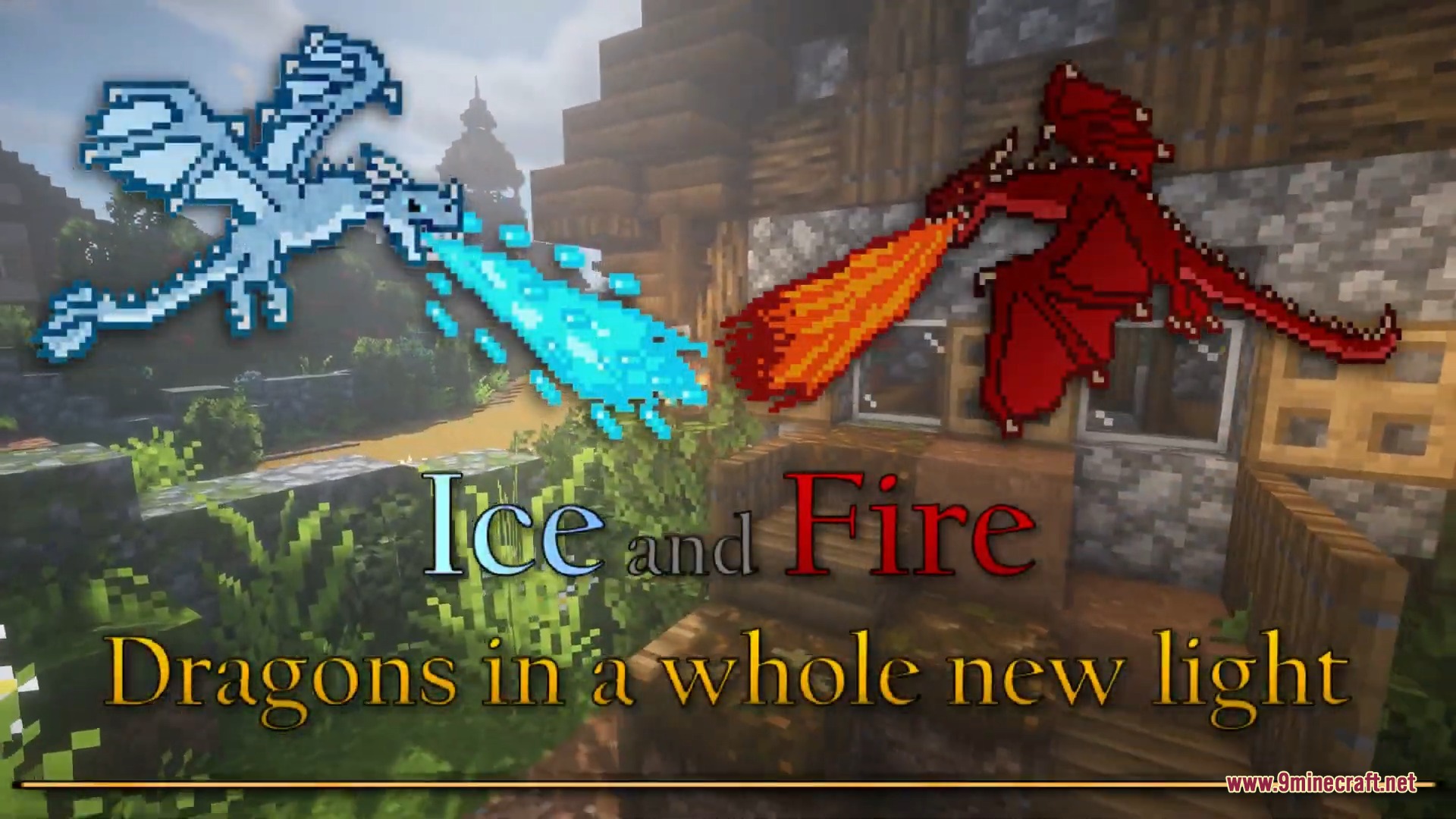
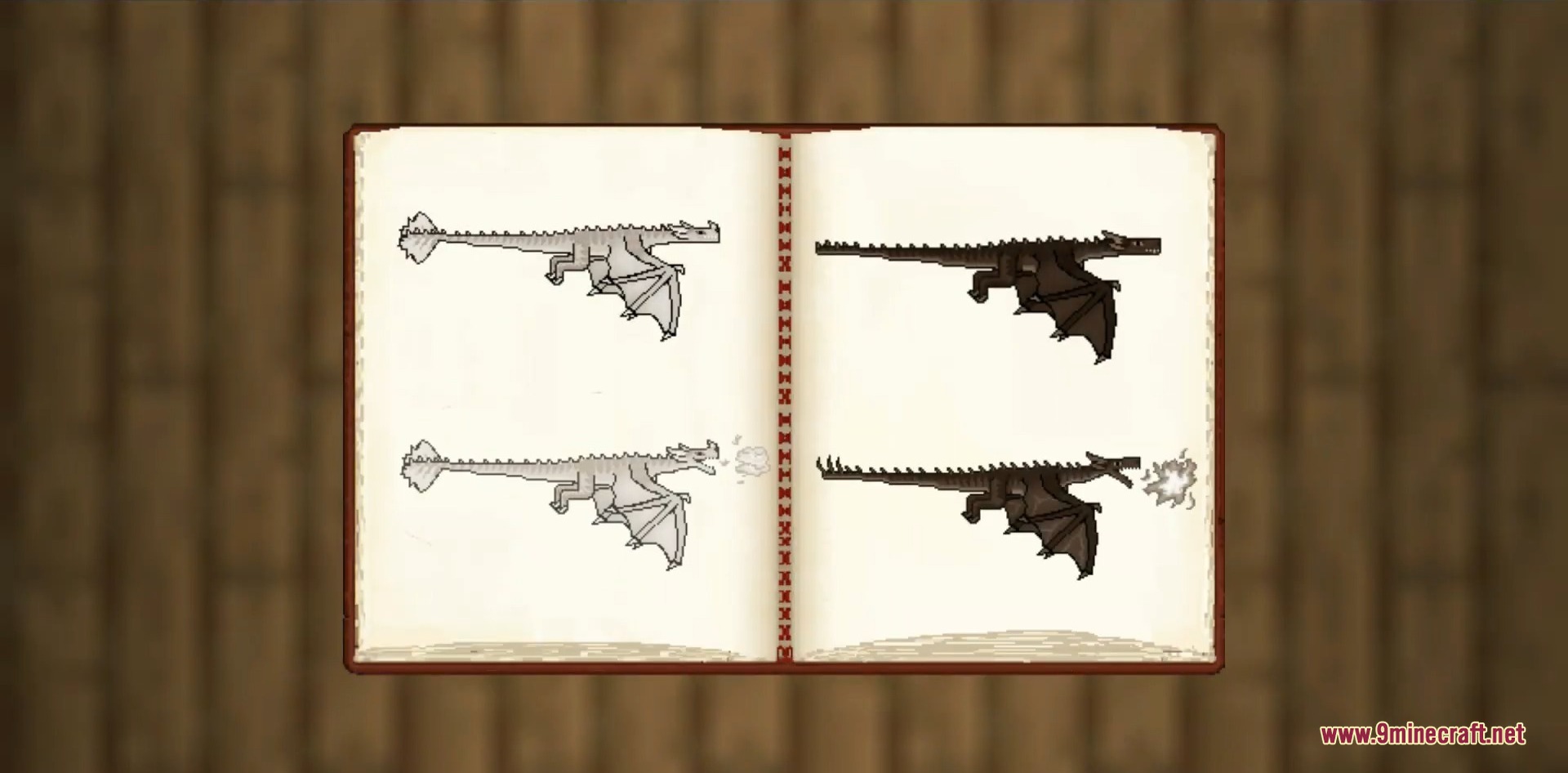
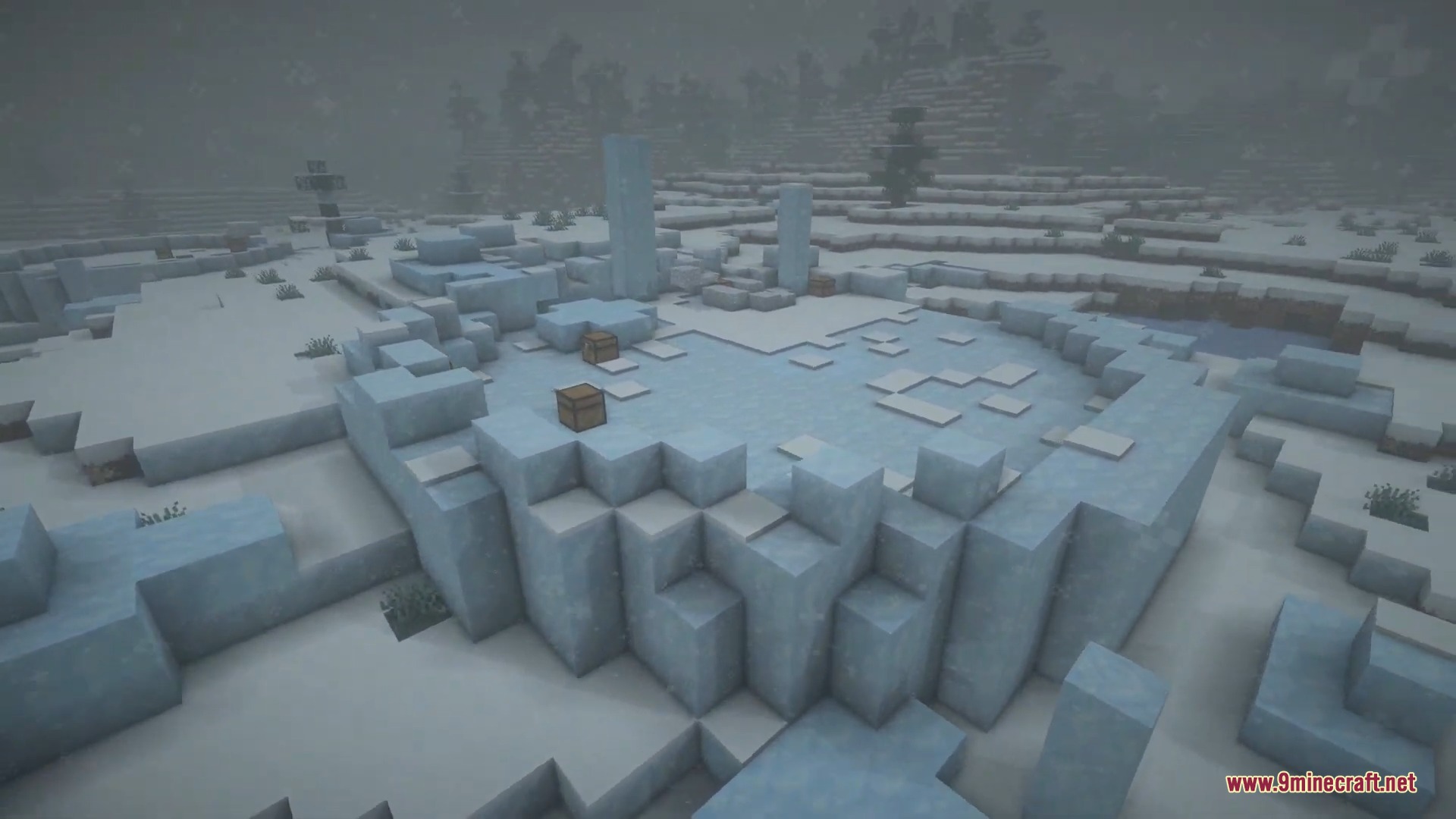
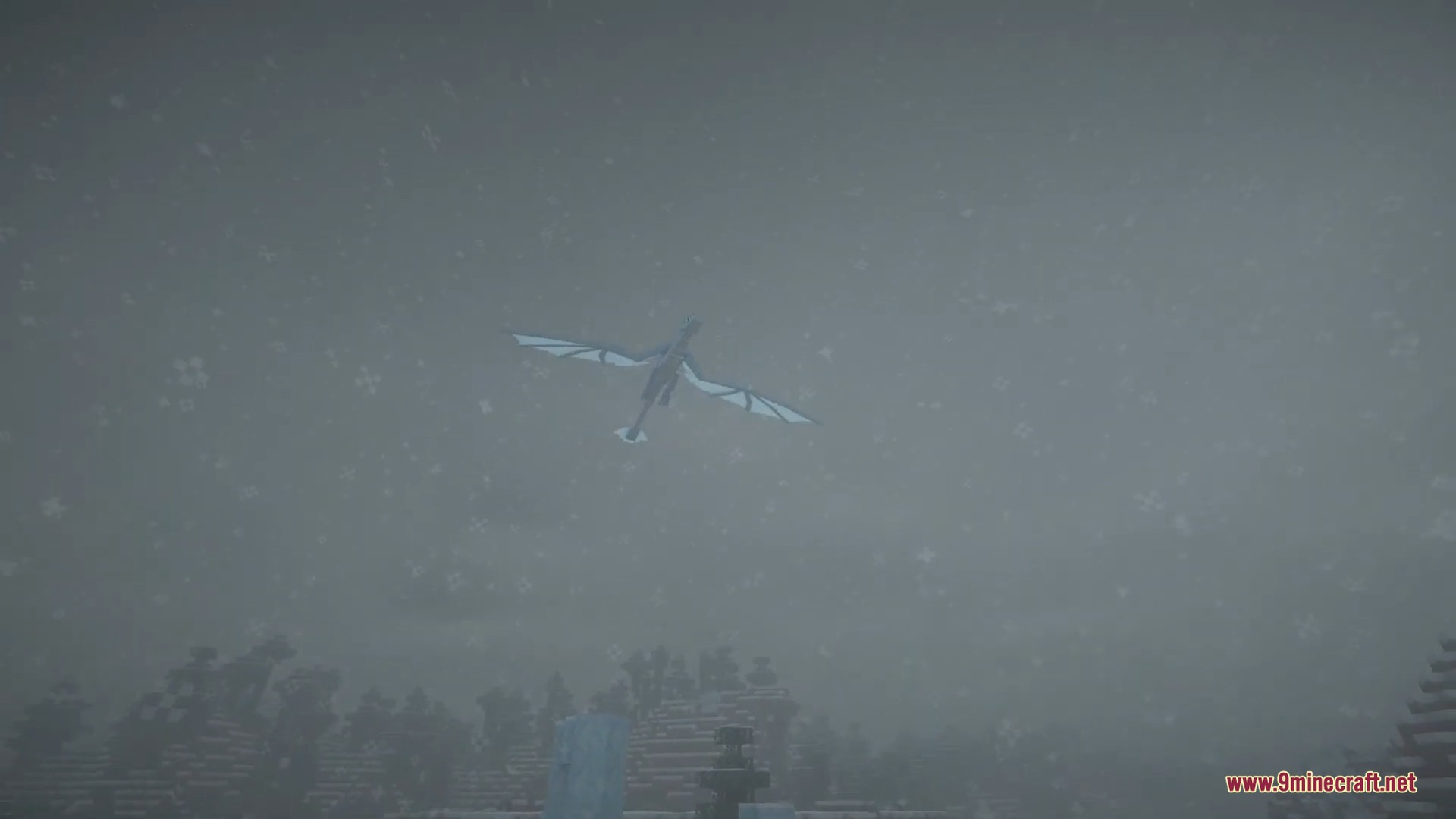
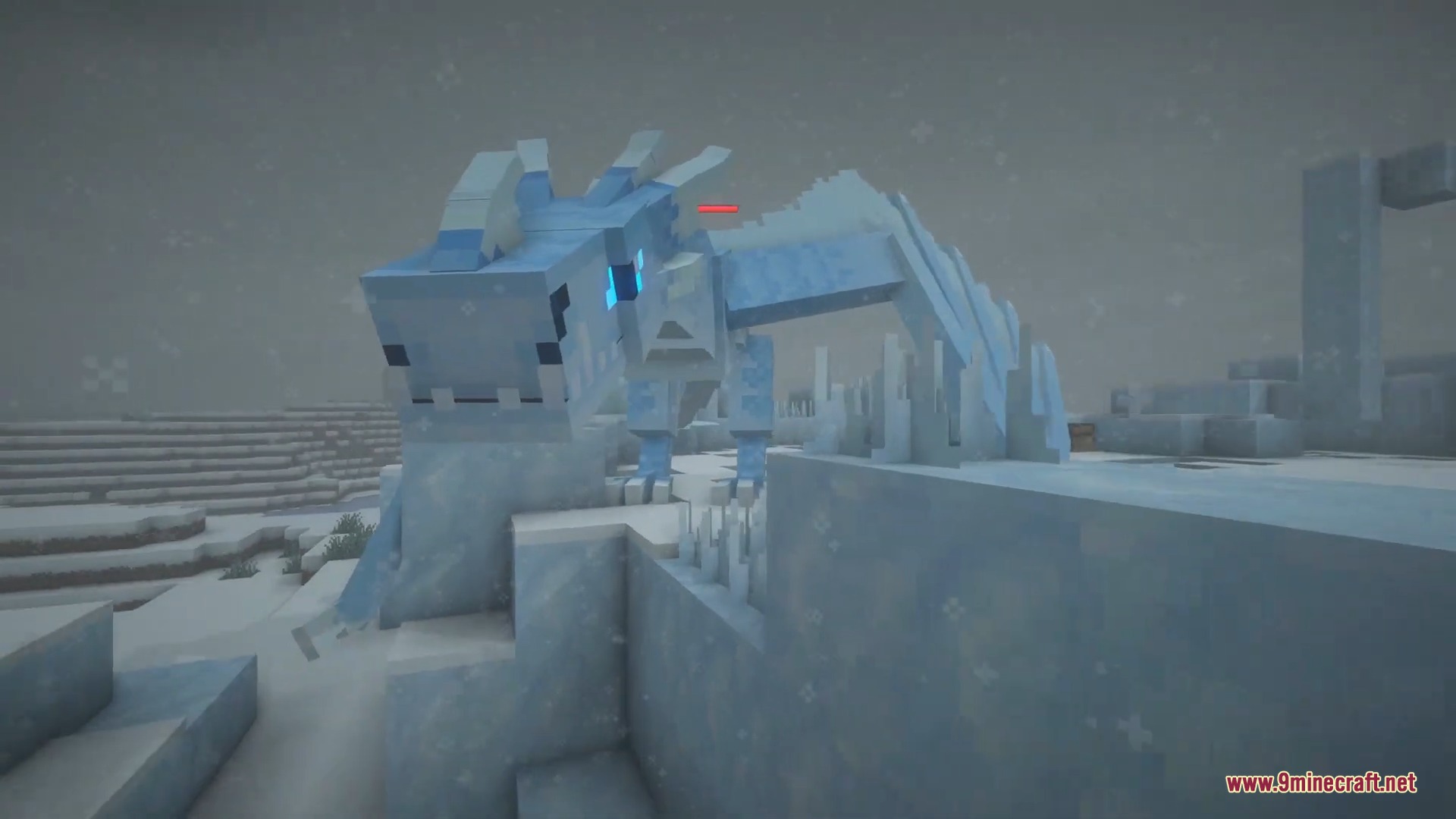
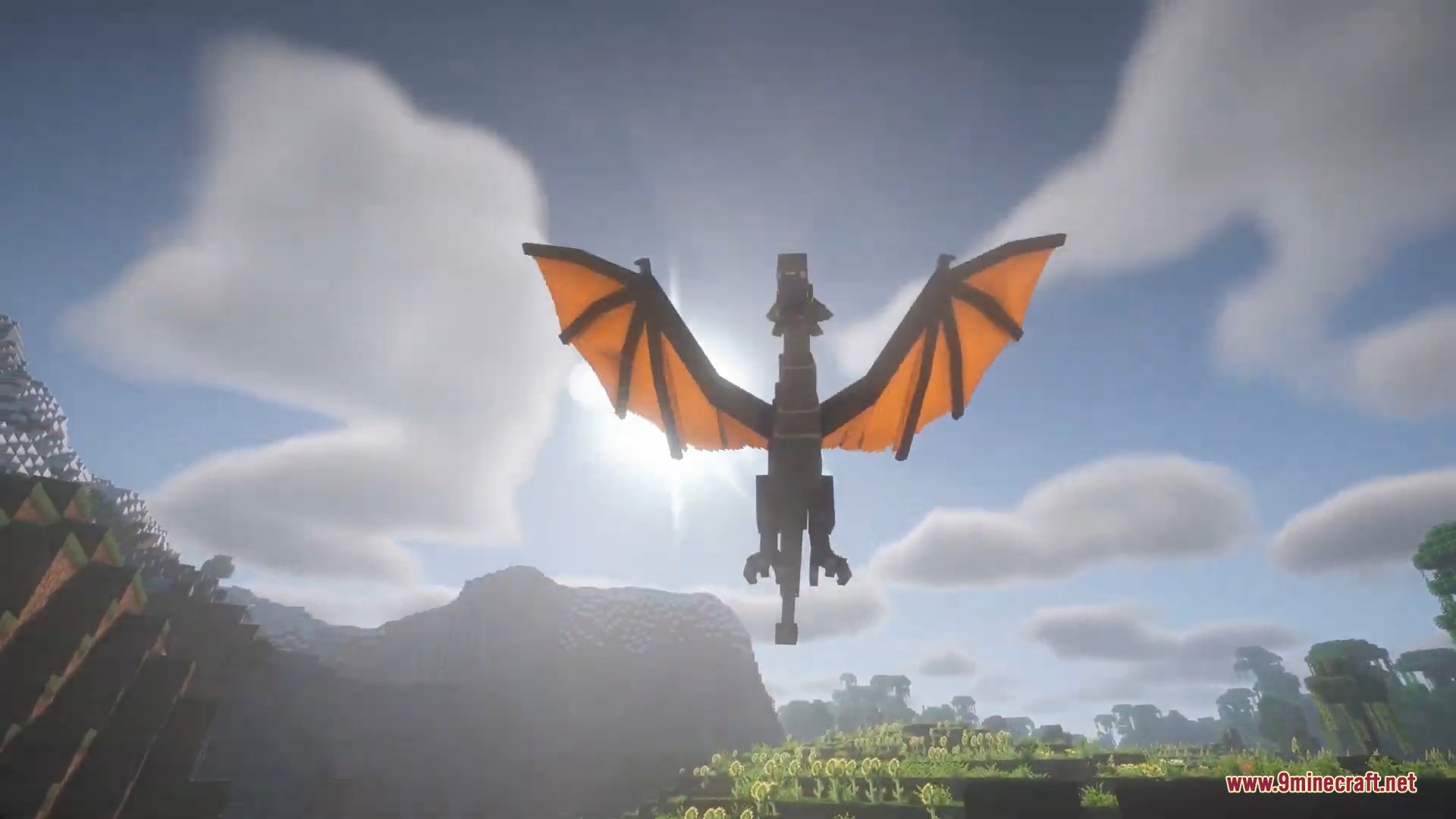
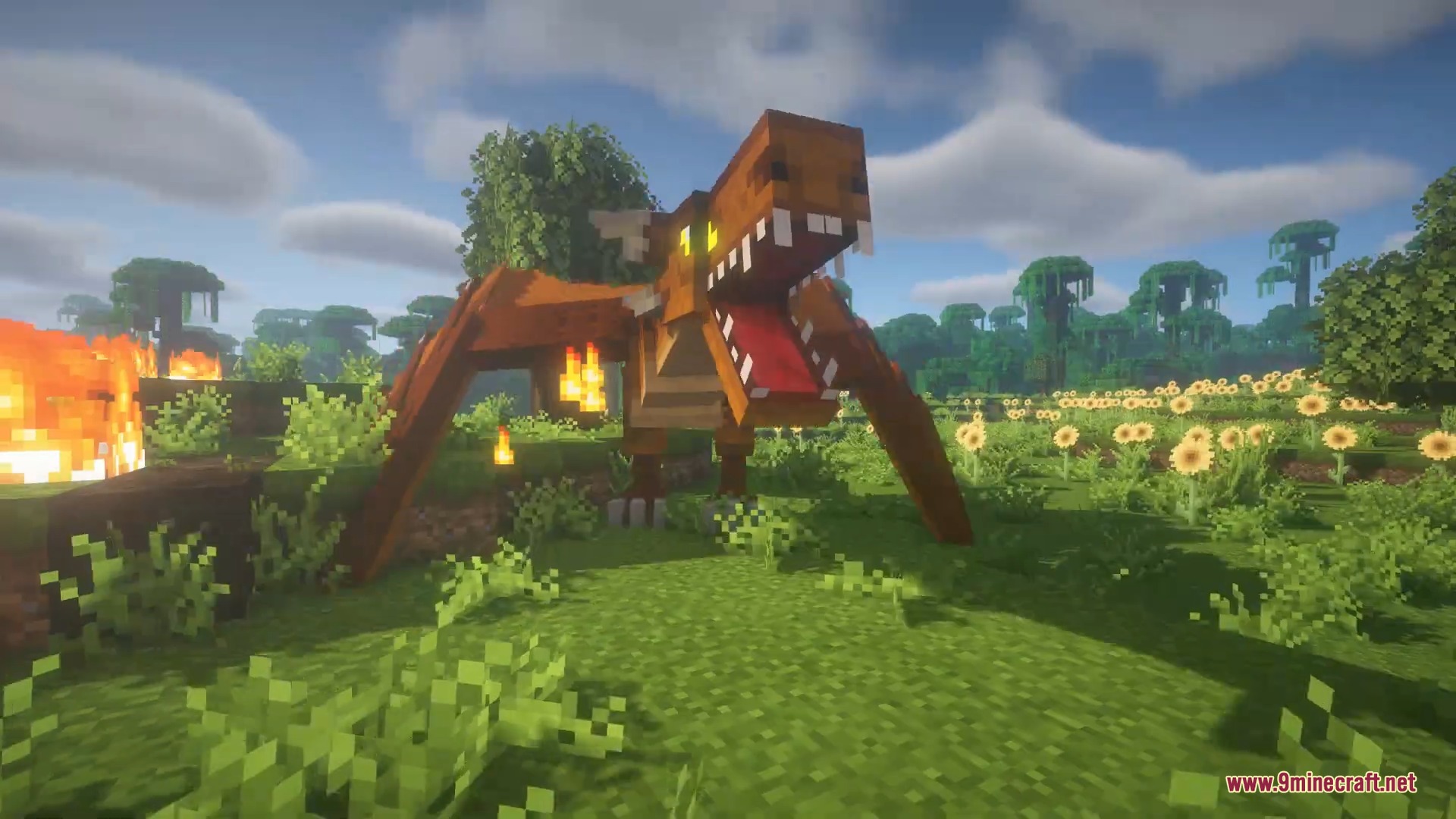
Ice and Fire Dragons 9minecraft Mod brings giant dragons and mythical creatures to your world. You can find dragon eggs, hatch them, and raise tiny hatchlings into huge beasts. Once they grow up, you can put a saddle on them and fly through the sky. The mod also fills the land and sea with other monsters like sea serpents, trolls, and gorgons. You can fight these creatures to collect rare items and craft powerful weapons and armor.
Features:
- Tameable Dragons: Find fire, ice, and lightning dragon eggs to hatch and raise your own giant pet.
- Ride and Fly: Put a saddle on a fully grown dragon to fly around and command it to attack enemies.
- Dragon Gear: Craft strong weapons and armor using dragon scales, bones, and special dragonsteel.
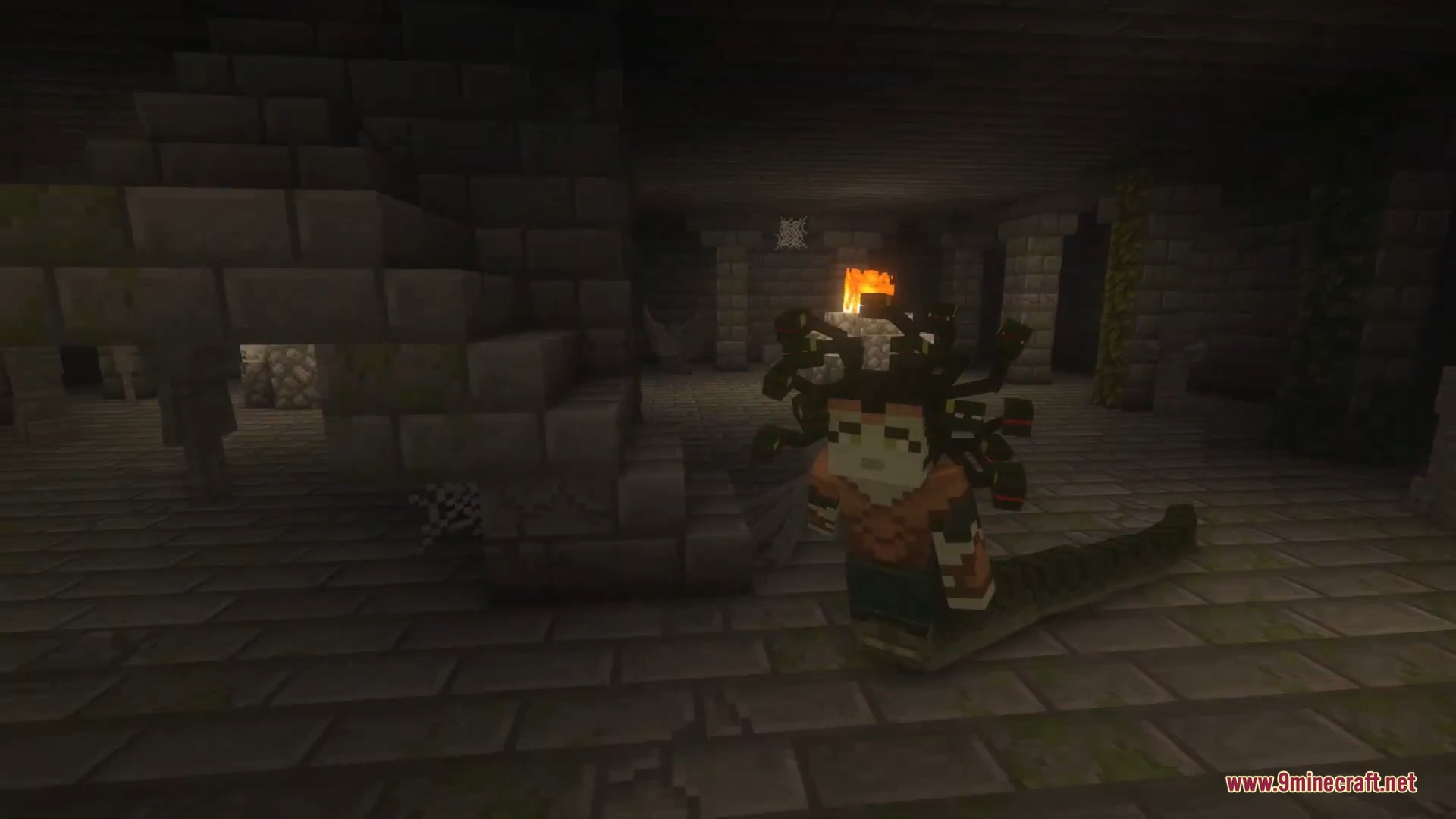
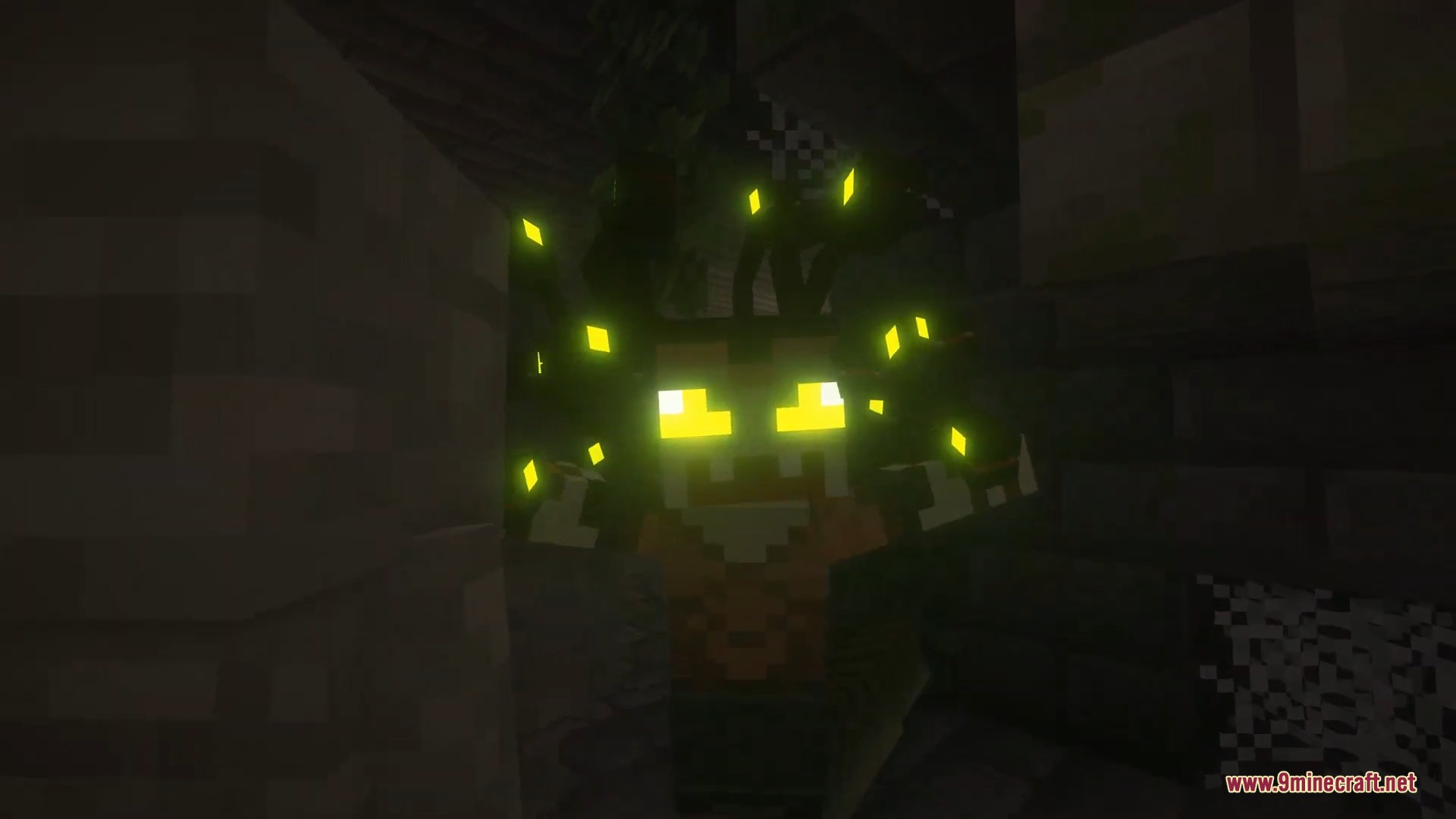
- Fight dangerous mythical monsters like cyclopes, hydras, and trolls in different biomes.
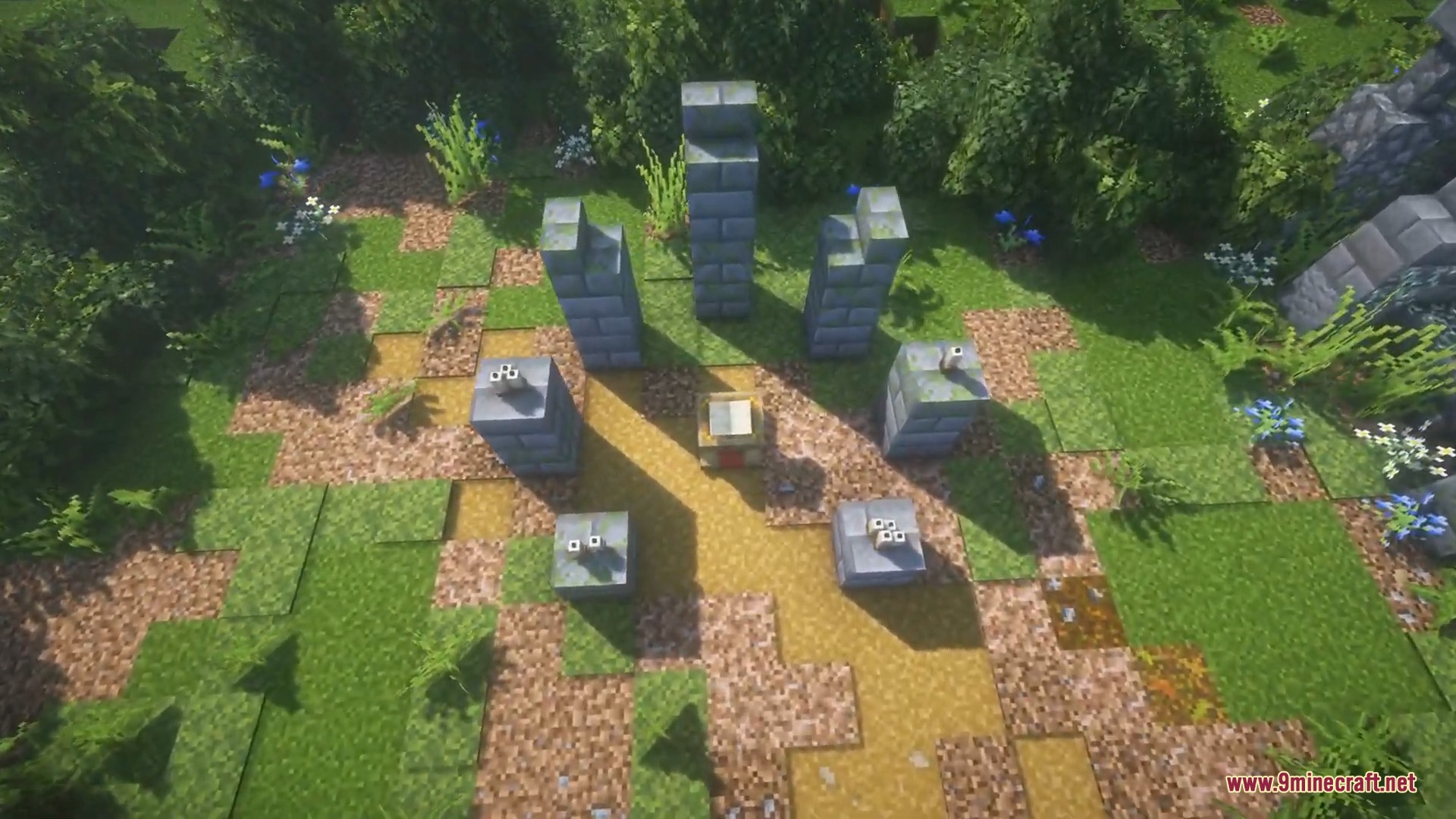
- Explore new structures like dragon caves, gorgon temples, and old graveyards to find hidden loot.
- Use special tools like the dragon horn and flute to call and control your pets.
- Watch out for sea serpents in the ocean and giant death worms hiding in the desert sand.
Ice and Fire Dragons 9minecraft Mod – Video Showcase
Required Mods:
This mod does not run on its own. Install Jupiter and Uranus for the same Minecraft version and the same mod loader before you add it, or the game will stop at the loading screen.
How to Use:
- Search the world to find dragon roosts and underground caves.
- Defeat a female dragon or search chests to get a dragon egg.
- Hatch the egg and feed your baby dragon so it grows larger over time.
- Craft a saddle and place it on your adult dragon to start flying.
- Collect scales and bones from defeated monsters to make strong armor and weapons.
Screenshots:
Ice and Fire Dragons 9minecraft Mod Download Links
- Edition: Minecraft Java
- File type: .jar
- Minecraft versions listed: 26.3, 26.2
- How to install: Install the matching mod loader (Forge, Fabric or NeoForge) for your Minecraft version. → Download the .jar. → Put it in the .minecraft/mods folder and launch that loader profile.
- Where to get it: In MC Java Mods, or directly above on this page.
Install steps are the general flow for this file type — How to install Minecraft Java mods & modpacks walks through it step by step.
- Download size: 20.3 MB
- Download link checked 23 Sept 2026 — working
- Mirrored on our own servers — the download does not depend on the original host
These come from our own check of the pack file, not from the source page.