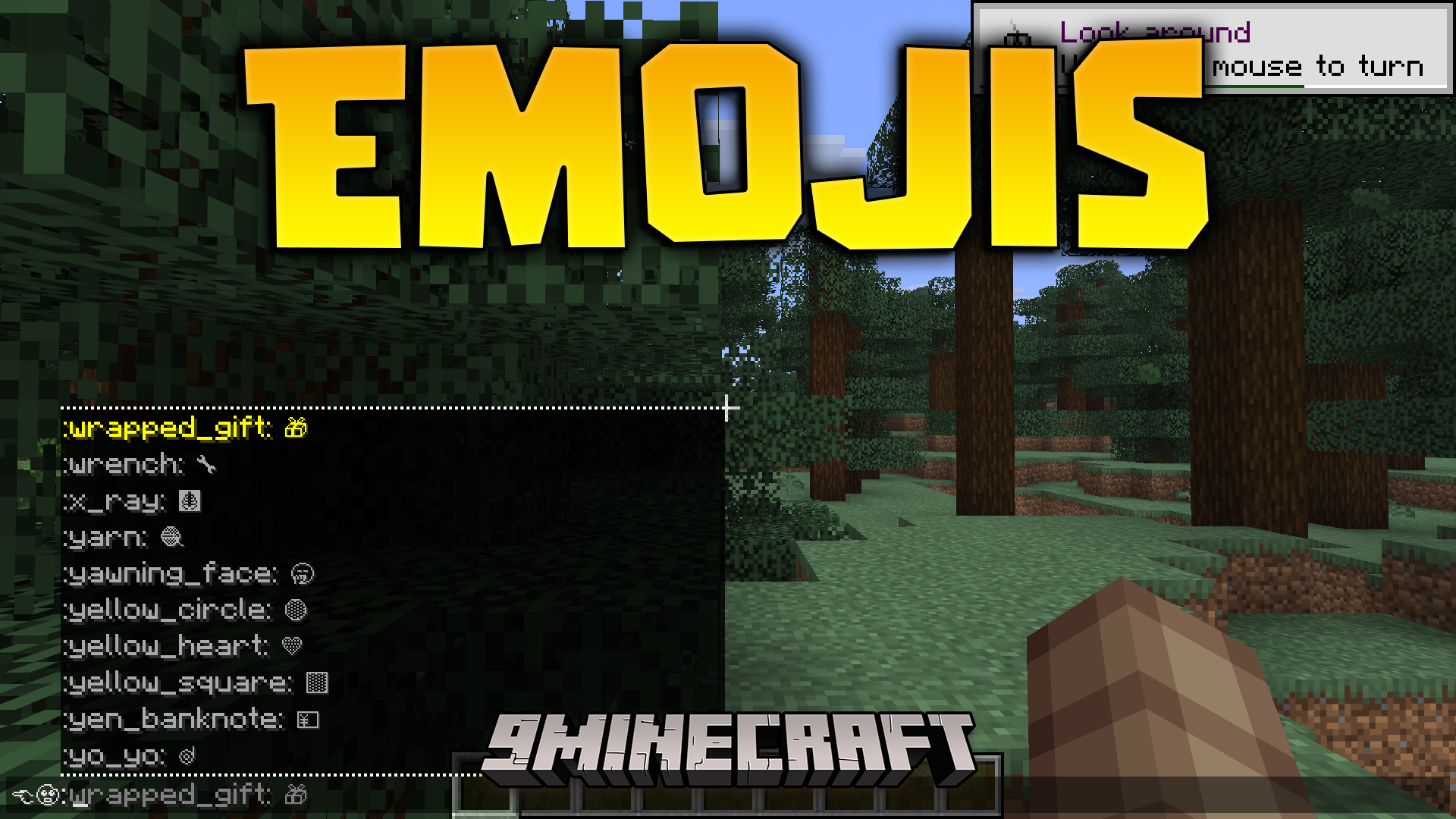
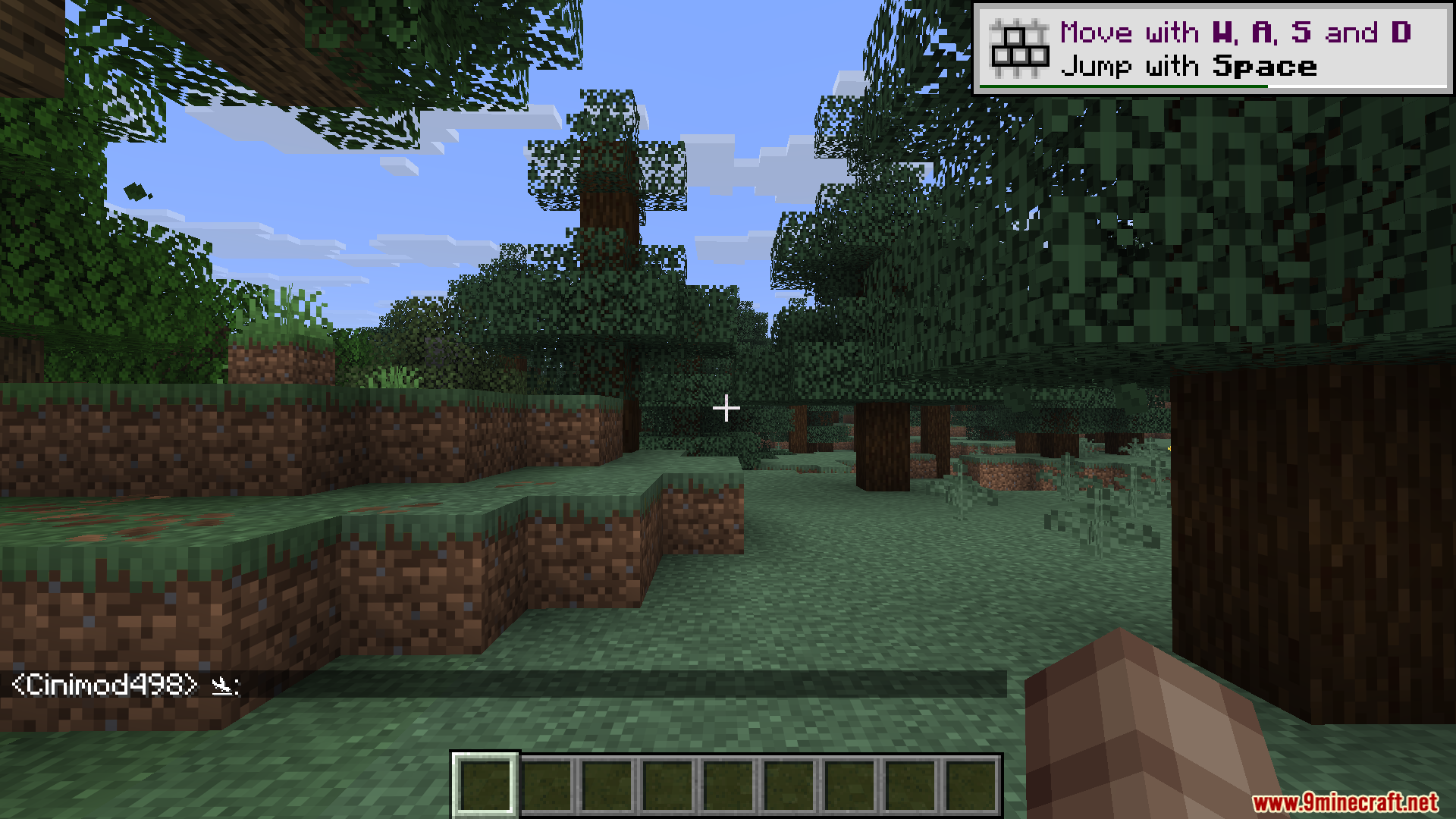
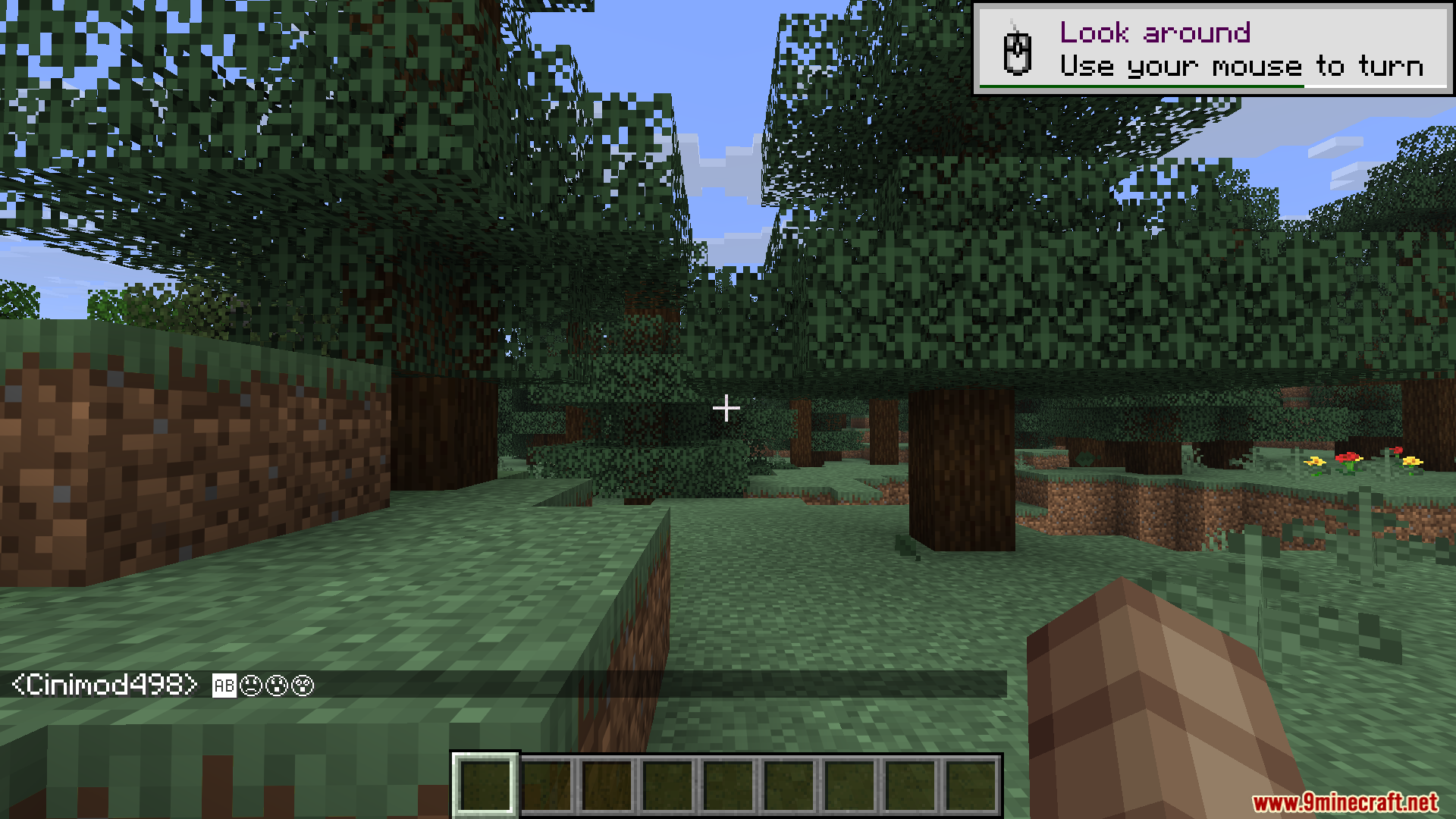
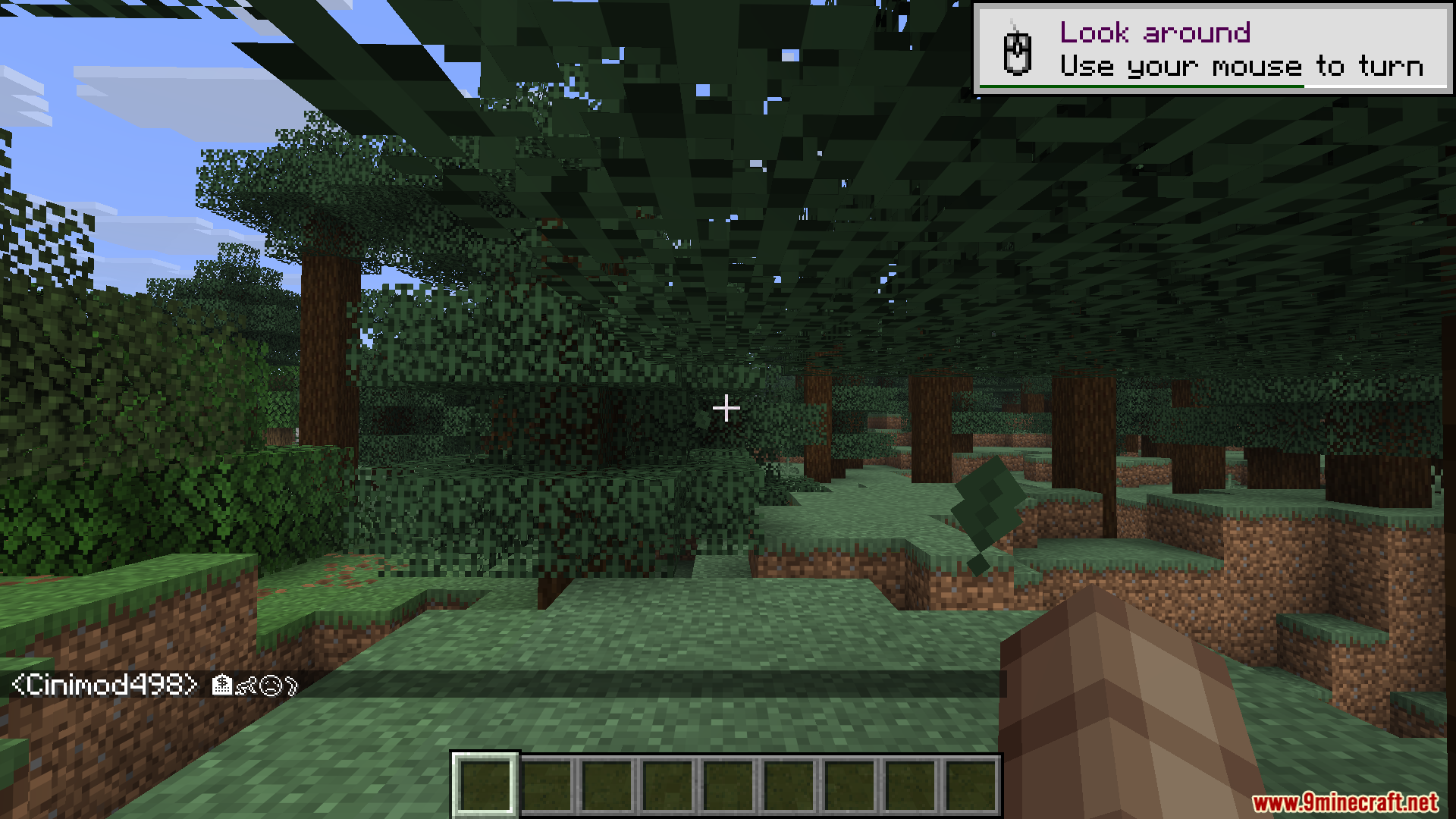
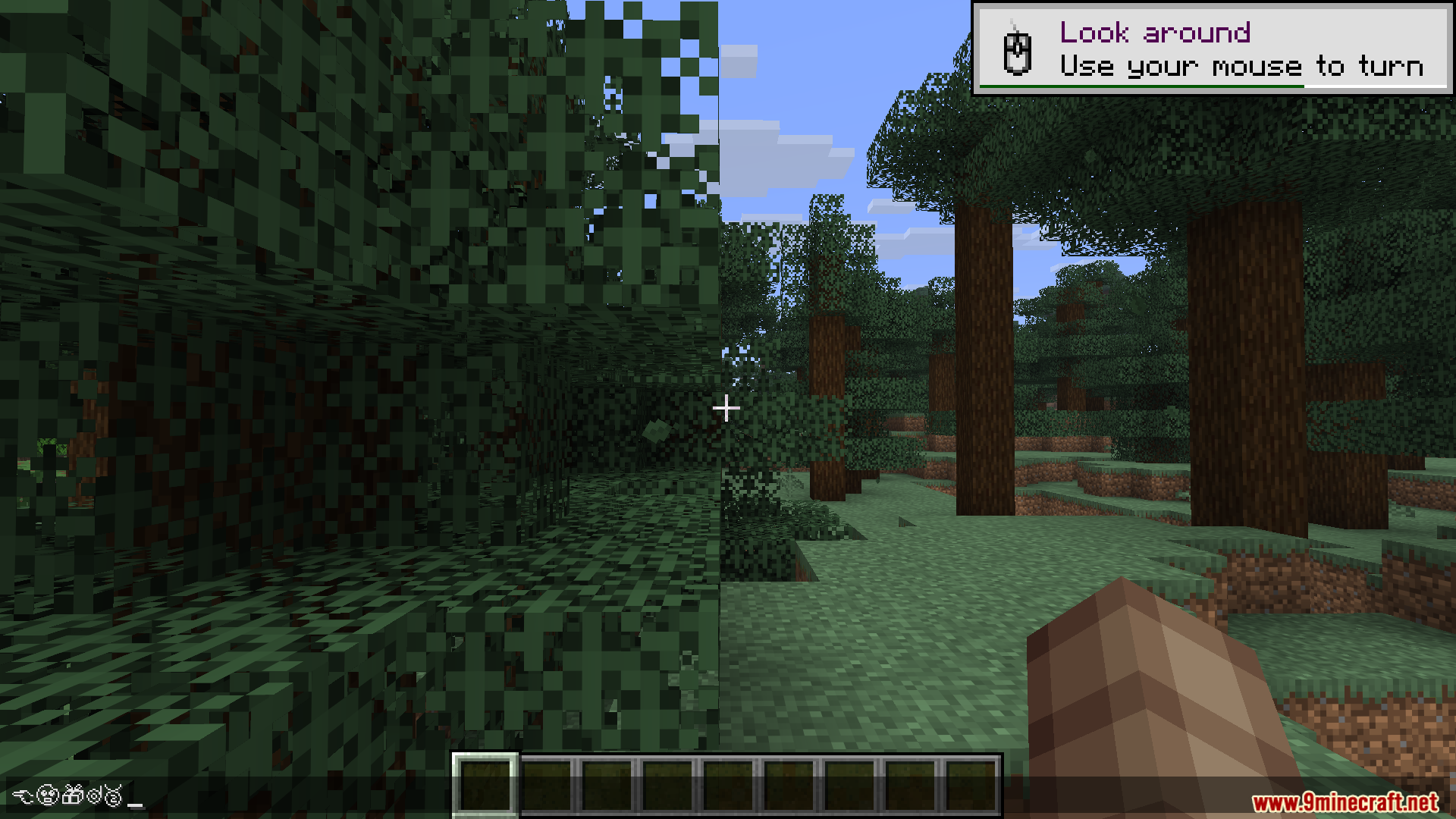
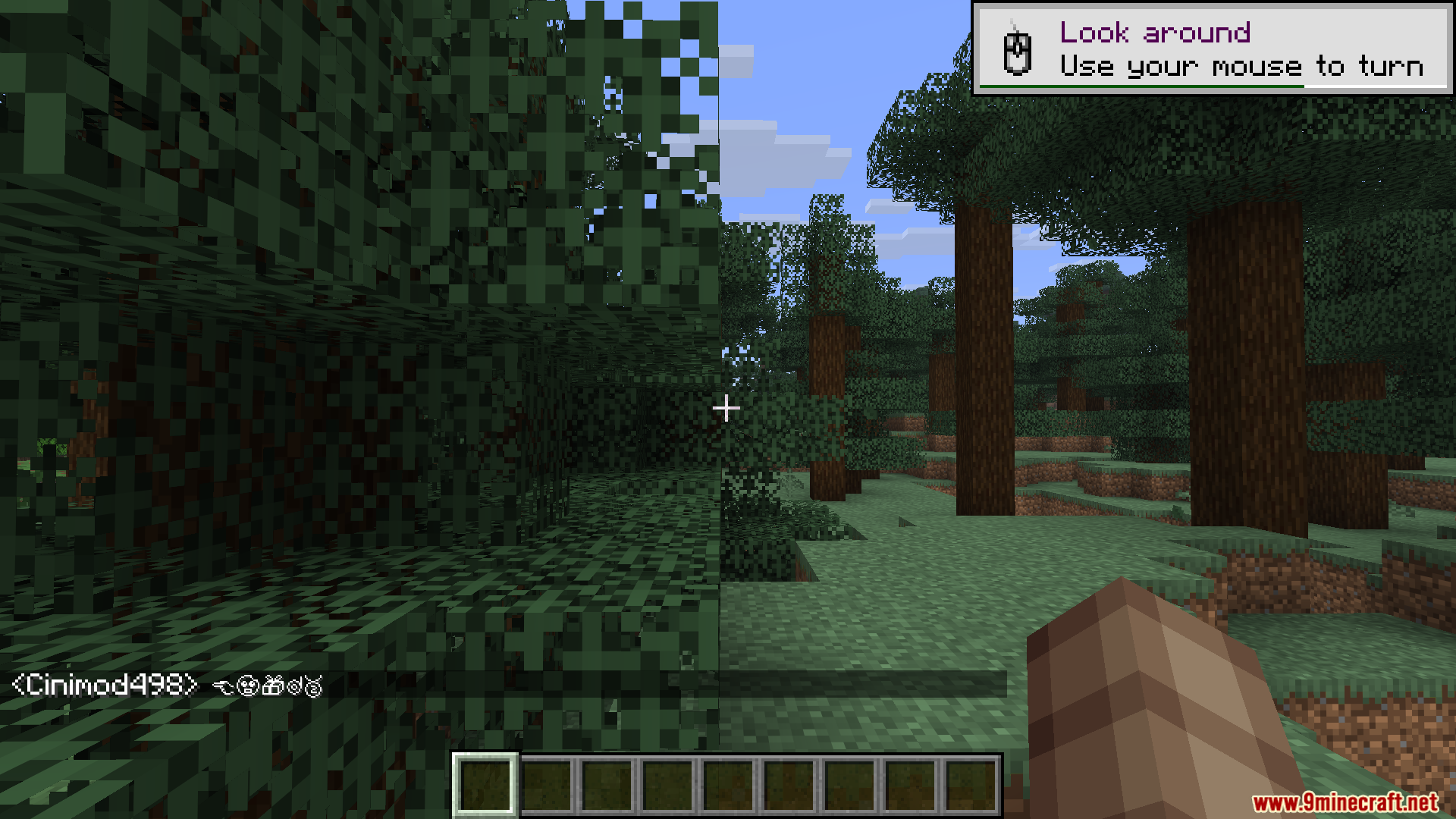
Emojis Mod lets you type fun symbols and faces in your game. It works on the client side, so your friends can see the symbols even if they do not have the mod installed. You can put these symbols in the chat box, on signs, or inside anvils. The mod comes with hundreds of options ready to use right away.
Features:
- Huge Symbol Library: Adds over 1200 different symbols and text art pieces to your game.
- Visible To Everyone: Other players can see your symbols on any server without installing anything themselves.
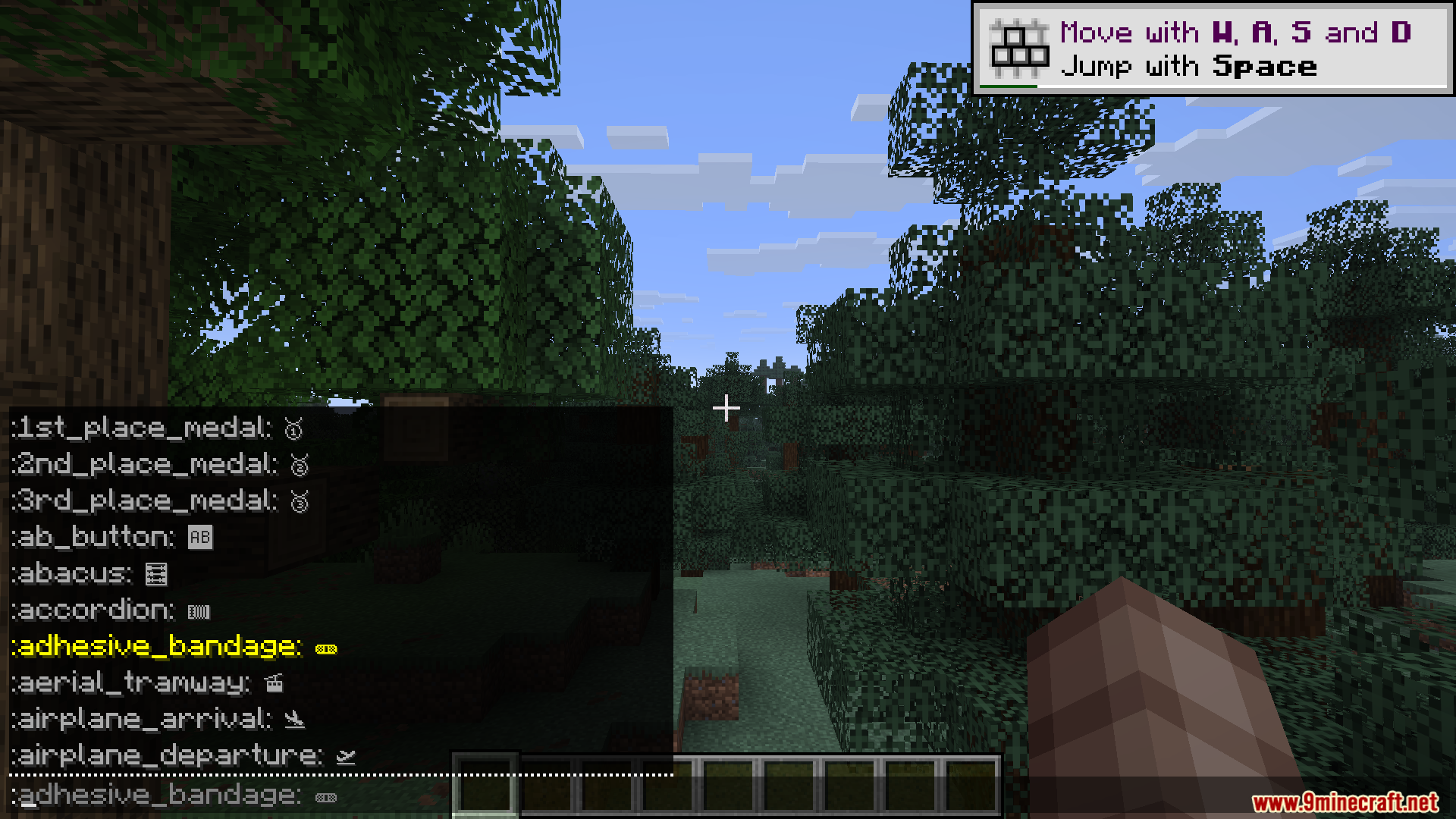
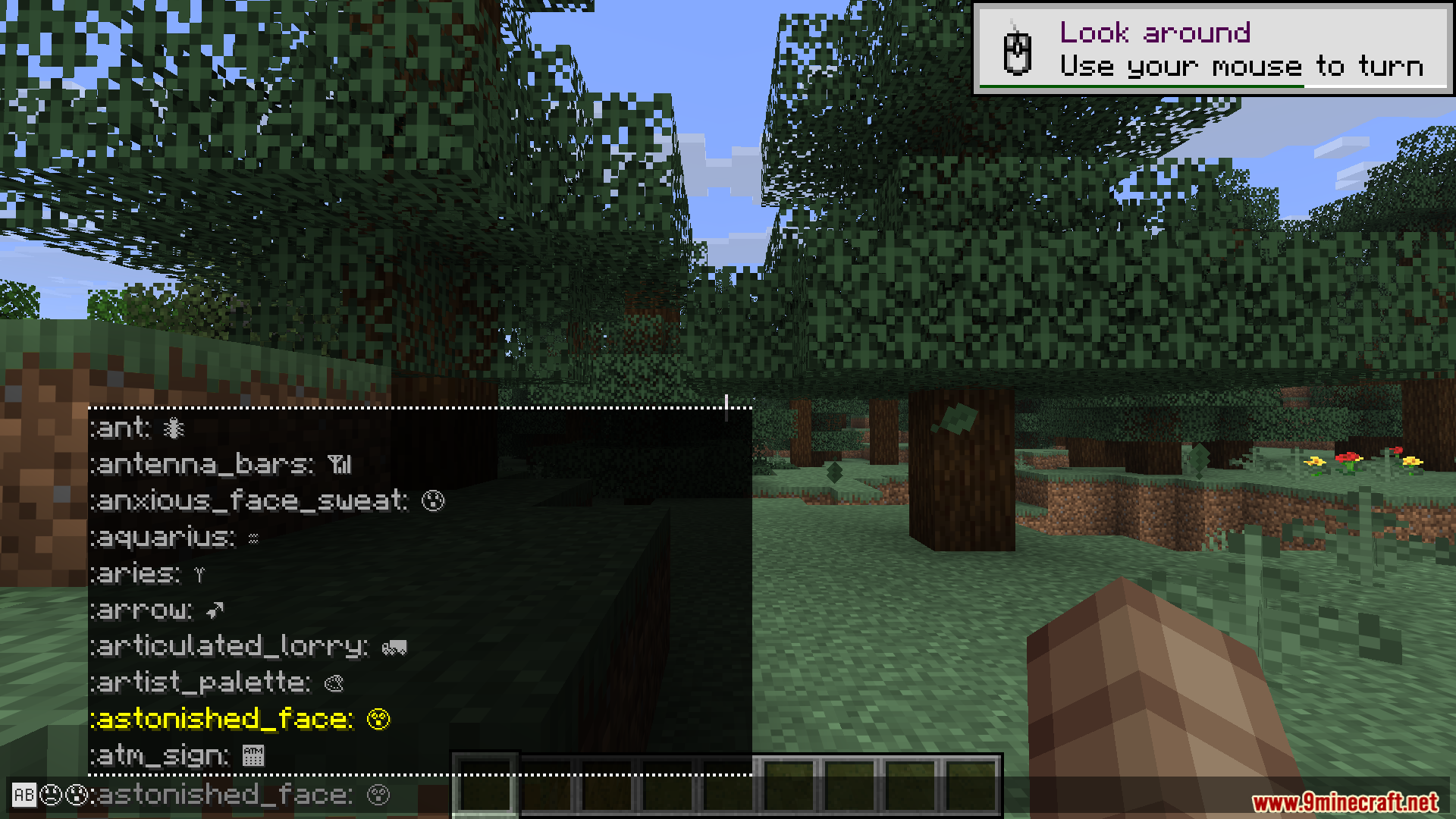
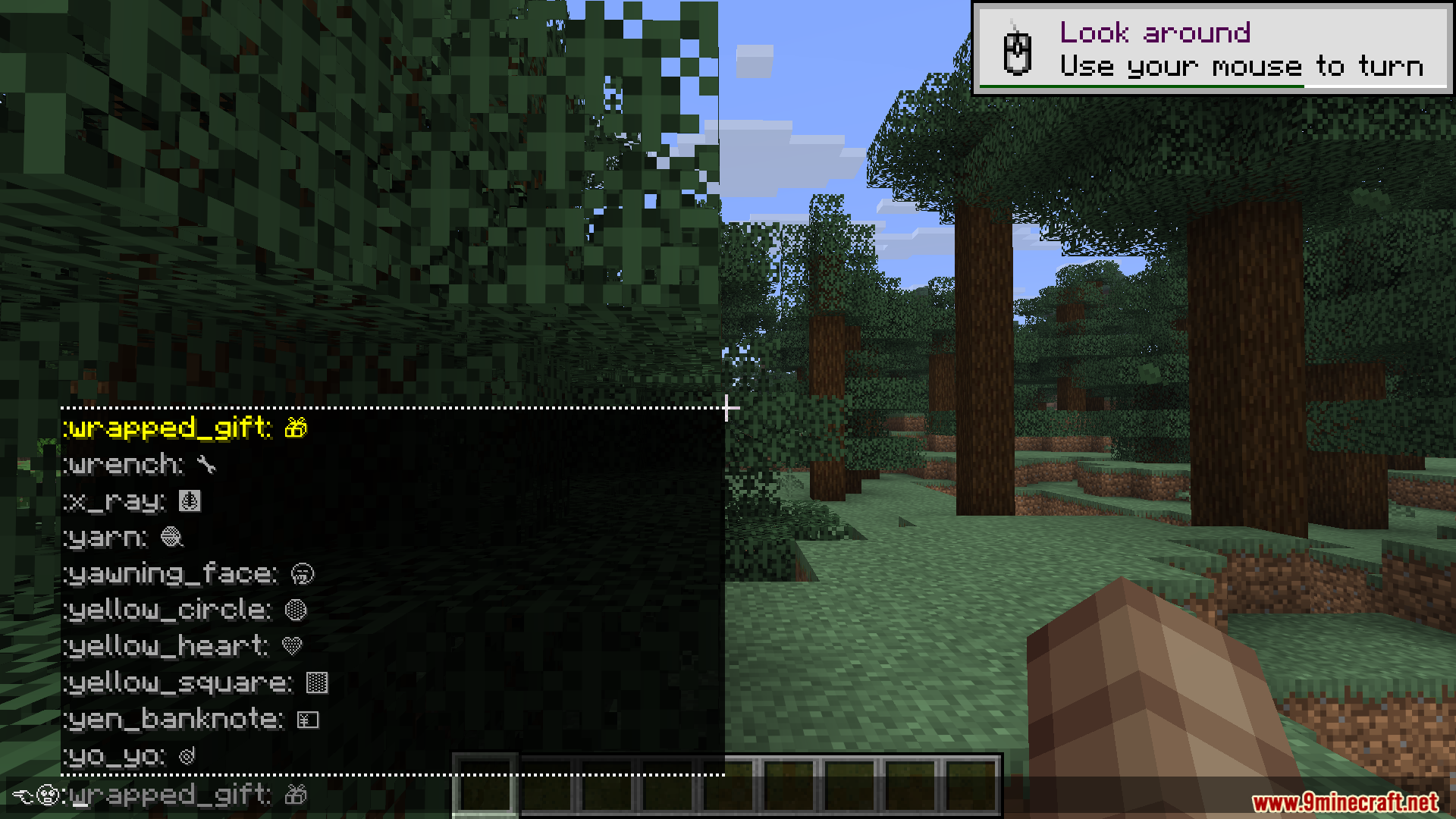
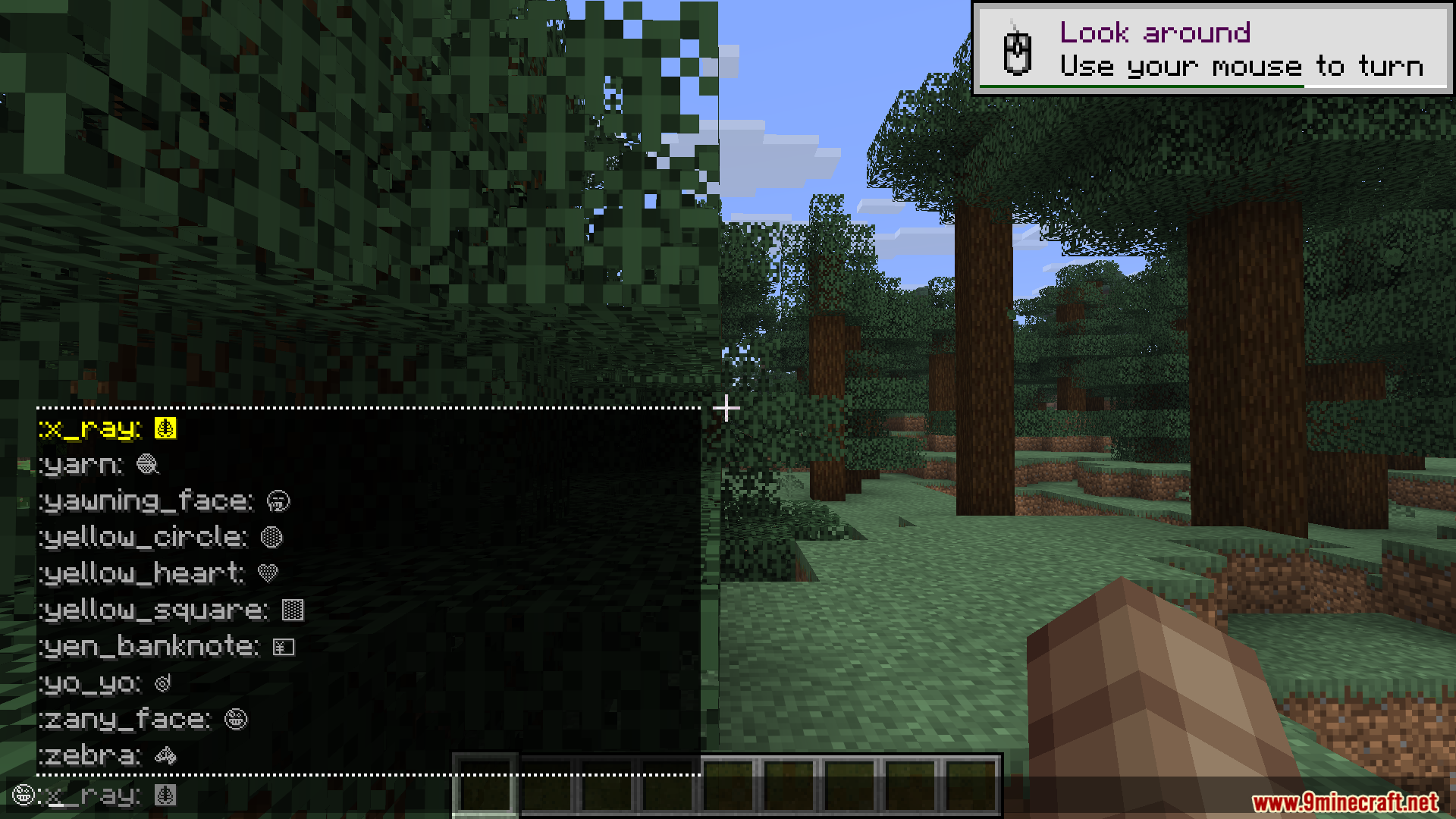
- Gives you a quick pop-up menu in the chat box when you type a colon.
- Lets you paste and save your own custom text art using a quick chat command.
- Changes the look of symbols from plain white to full color if you add a compatible resource pack.
How to Use:
- Open the chat and type a colon (:) to see a list of symbol suggestions.
- Pick the symbol you want from the auto-complete menu.
- For signs or anvils, type the exact name between two colons, like :hamburger:.
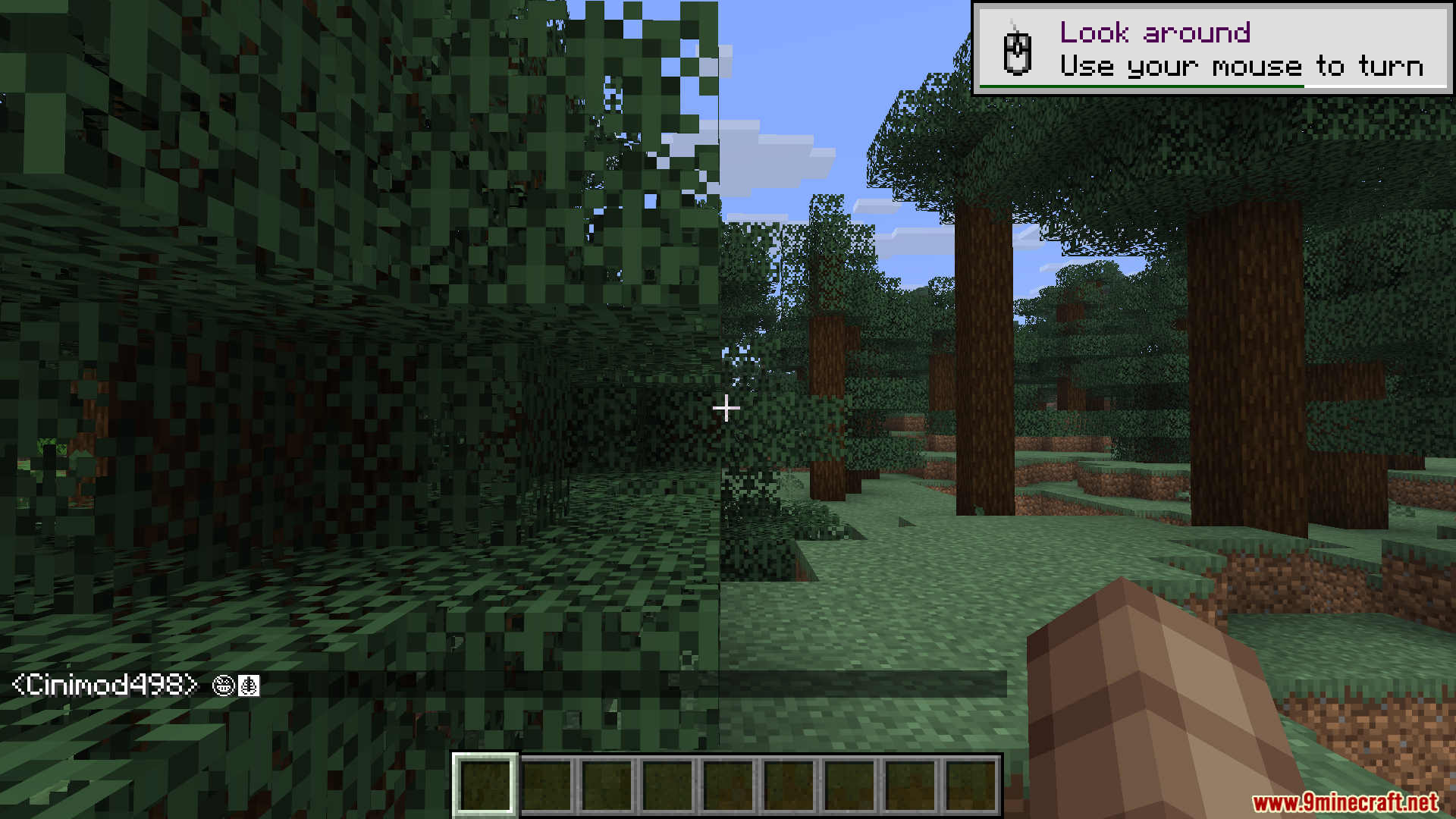
- Press enter or finish typing to turn the text into the symbol.
- Type /emojis add [name] [symbol] to create your own custom symbol shortcut.
Screenshots:
Emojis Mod Download Links
Quick facts
- Edition: Minecraft Java
- File type: .jar
- Minecraft version listed: 1.20.1
- How to install: Install the matching mod loader (Forge, Fabric or NeoForge) for your Minecraft version. → Download the .jar. → Put it in the .minecraft/mods folder and launch that loader profile.
- Where to get it: In MC Java Mods, or directly above on this page.
Install steps are the general flow for this file type — How to install Minecraft Java mods & modpacks walks through it step by step.
Verified by MCModsHub
- Downloads as 190448.mcaddon
- Download size: 46 KB
- Download link checked 24 Sept 2026 — working
- Mirrored on our own servers — the download does not depend on the original host
These come from our own check of the pack file, not from the source page.