
World Rules Editor
Bedrock add-on listed for Minecraft 1.21–26.x (behavior + resource pack). File opened and checked on 3 Oct 2026; installs from the MC Bedrock Mods app on Android.
Edit every Minecraft game rule from a clean in-game menu. Toggle PvP, Keep Inventory, Fire Spread, and 30+ more rules. Adjust difficulty, weather, and…
⬇ Download on CurseForgeThe author built this one for Minecraft 26.50. On other versions it may install and then do nothing.
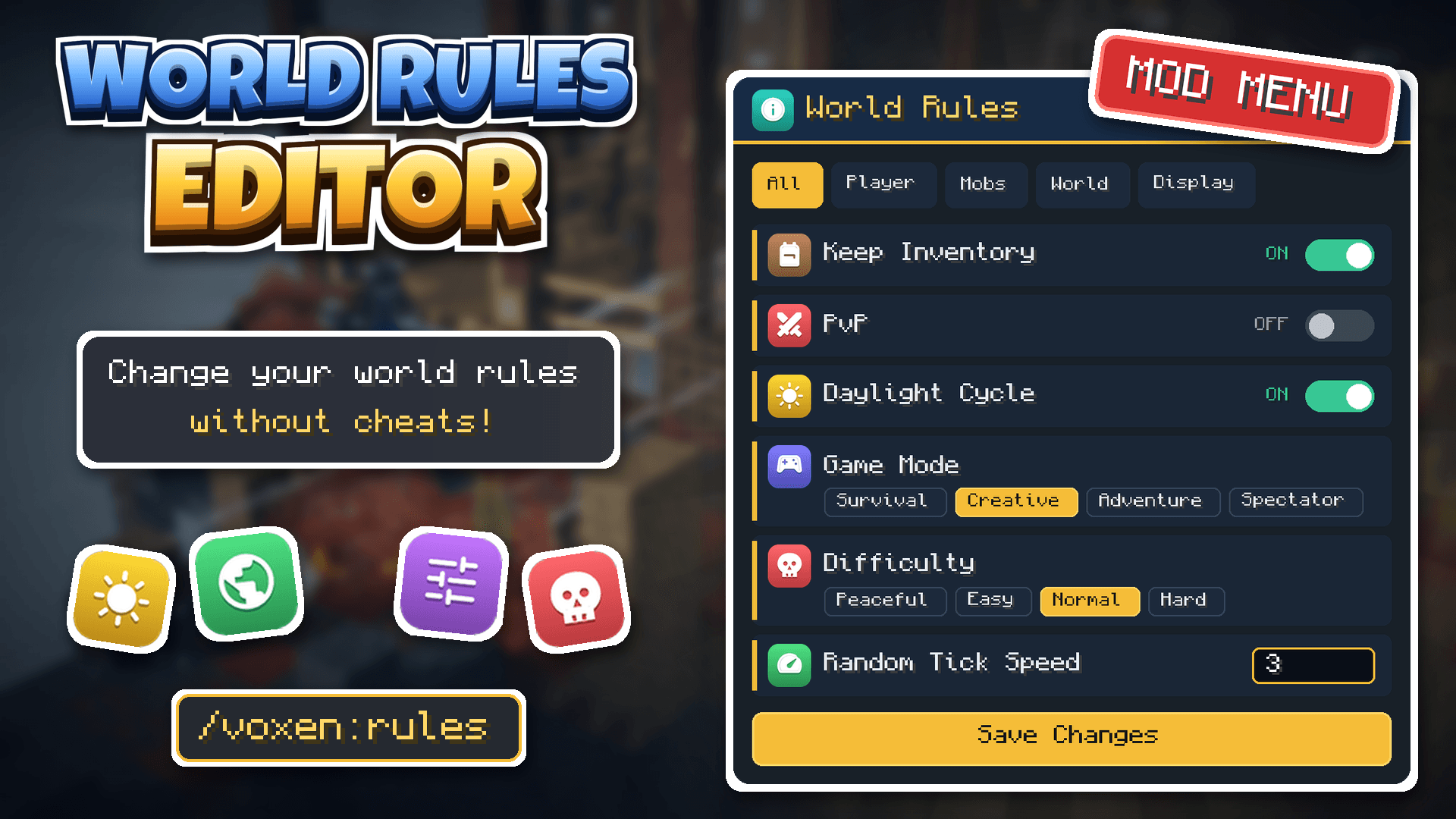
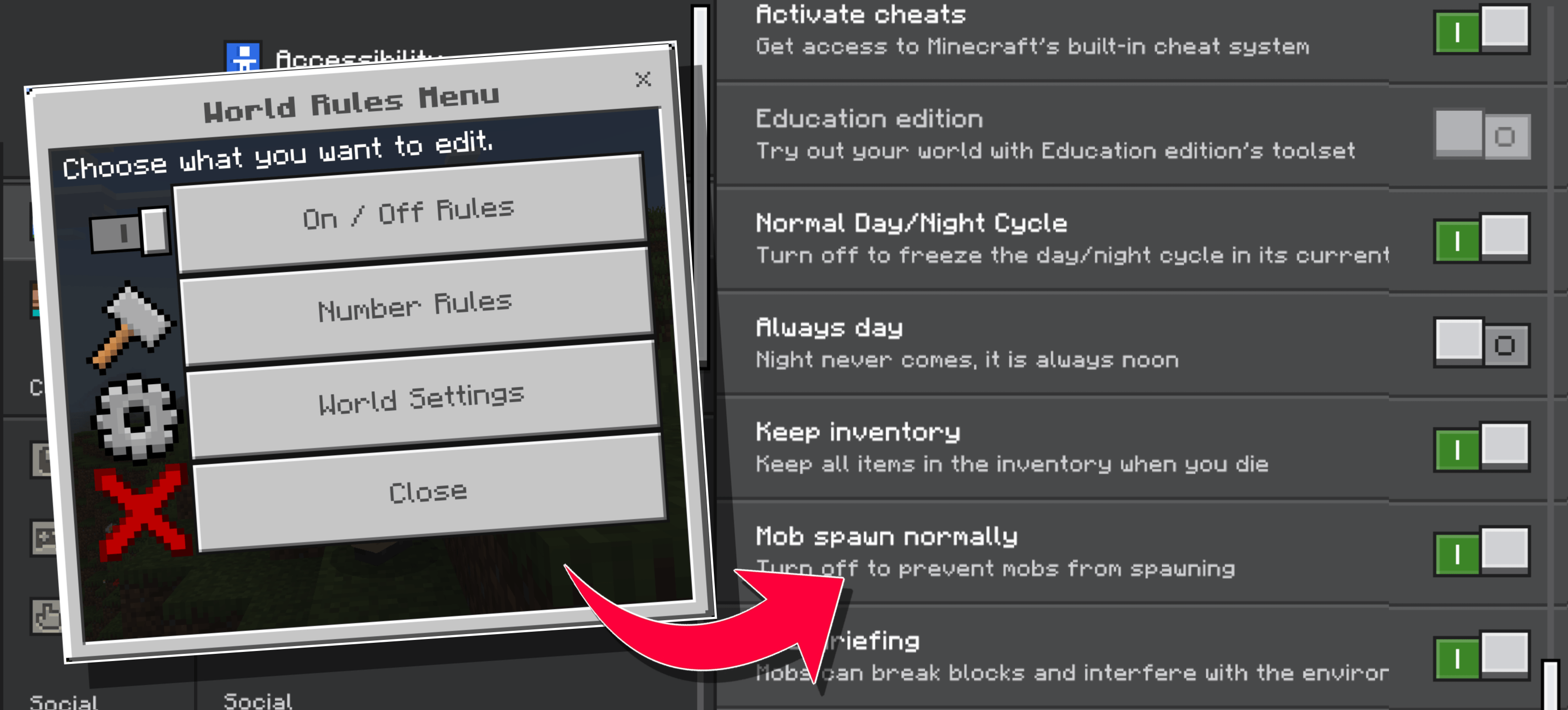

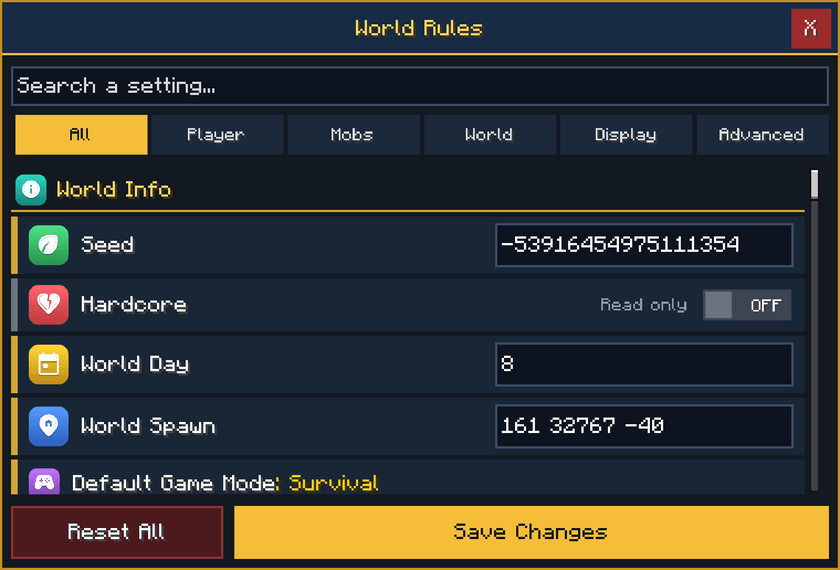
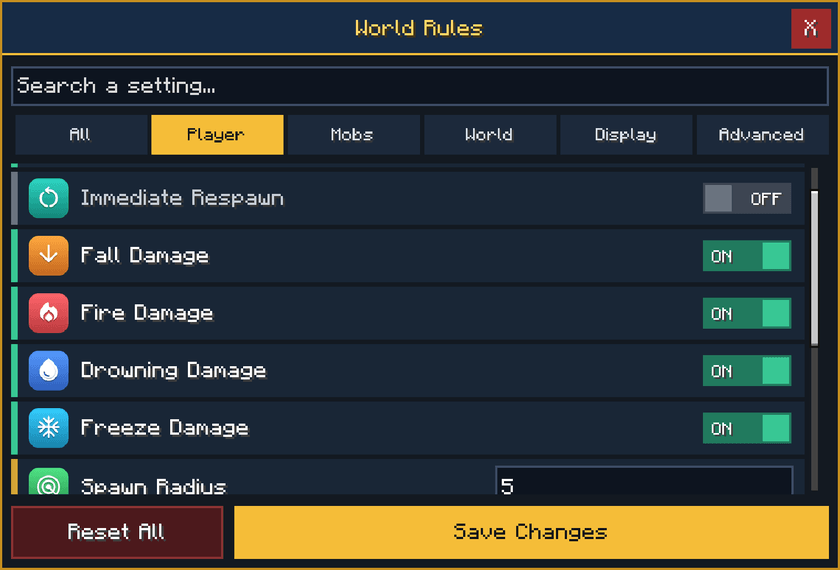
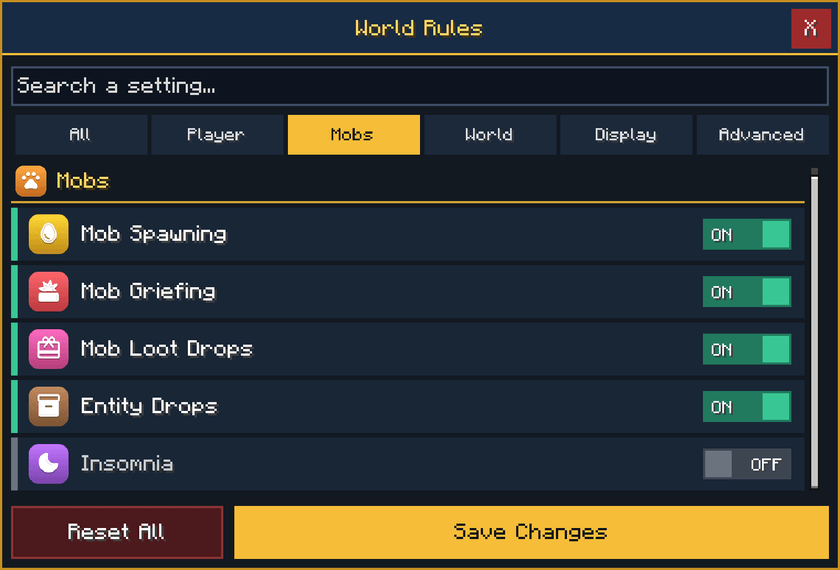
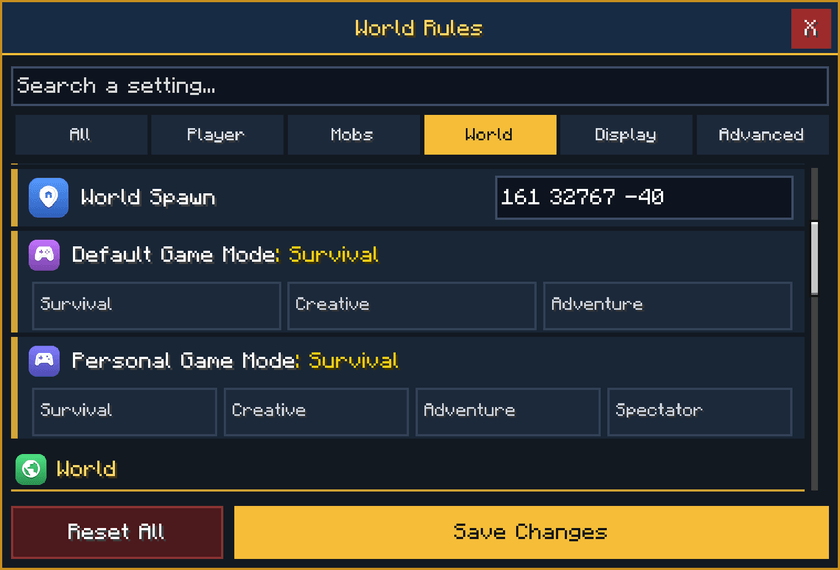
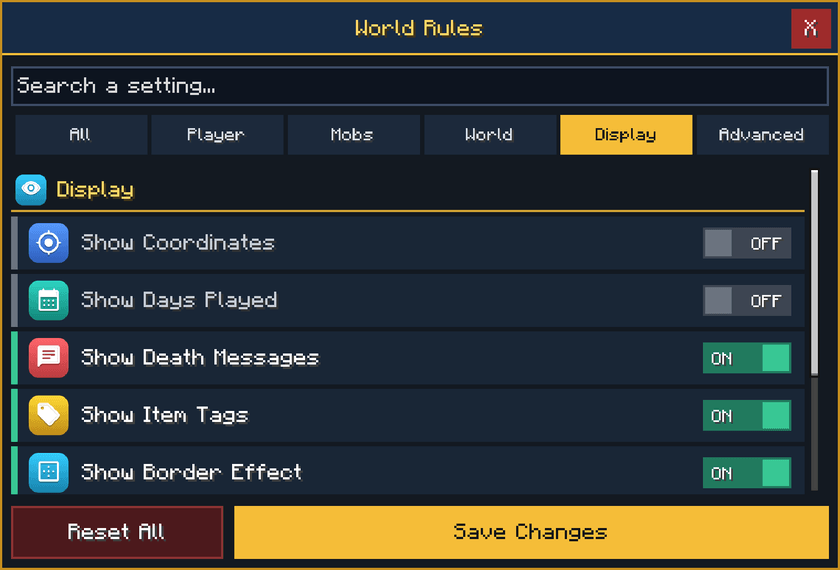
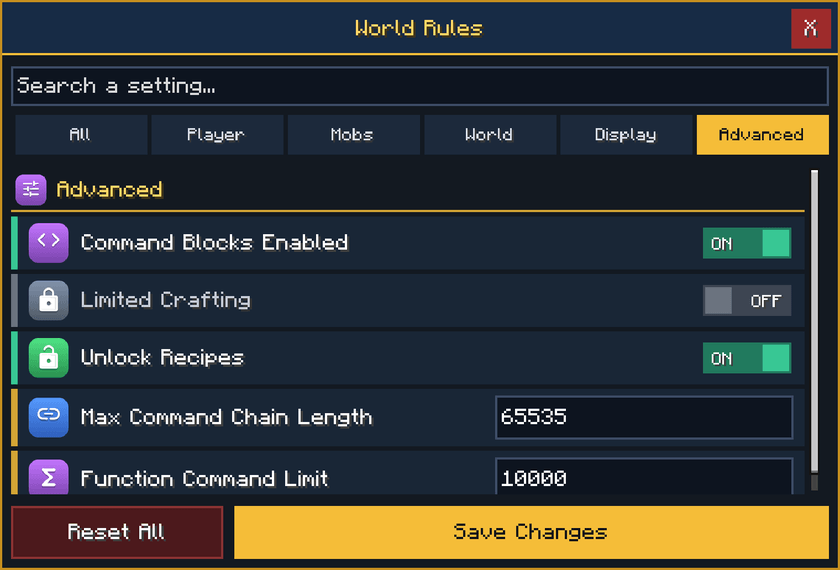
Want to edit your world rules without losing your achievements? World Rules Editor lets you easily change different world settings from a simple in-game menu. Turn Keep Inventory on, increase Random Tick Speed, change the weather, adjust the difficulty, and much more.
- Turn Keep Inventory and other game rules ON or OFF.
- Change Random Tick Speed, Spawn Radius, and other number-based rules.
- Change Difficulty, Game Mode, Weather, and Time of Day.
- And many more settings
- No cheats required.
How to Use
Type /voxen:rules in chat to open the World Rules Editor menu. Choose the setting you want to change and adjust it directly from the menu.
Achievement Friendly?
Yes, the pack is achievement friendly, so you can edit your world rules without losing your world achievements.

- Edition: Minecraft Bedrock
- File type: .mcpack or .mcaddon
- Minecraft version listed: 26.50
- How to install: Download the .mcpack or .mcaddon file. → Open it — Minecraft imports it. → In your world: Behavior Packs → Available → Activate, then the same under Resource Packs.
- Where to get it: Opens on CurseForge — not every file is mirrored on our own servers.
Install steps are the general flow for this file type — How to install Minecraft Bedrock addons & mods walks through it step by step.
- Pack type: .mcaddon — behaviour and resource pack in one file
- Manifest requires Minecraft 1.21.100 or newer
- Complete pack — everything it depends on is inside the file
- Download size: 384 KB
- Download link checked 17 Oct 2026 — working
These come from our own check of the pack file, not from the source page.