X-Ray Texture Pack v1.18
You feel hard to find diamonds or caves, even if you can't find any bases when playing on a server? With the X-ray texture pack, fear no more because you…
⬇ DownloadOpen in MCModsHubGet it on Google Play →You feel hard to find diamonds or caves, even if you can’t find any bases when playing on a server? With the X-ray texture pack, fear no more because you can custom with lots of different variants!
How does X-Ray Texture Pack work?
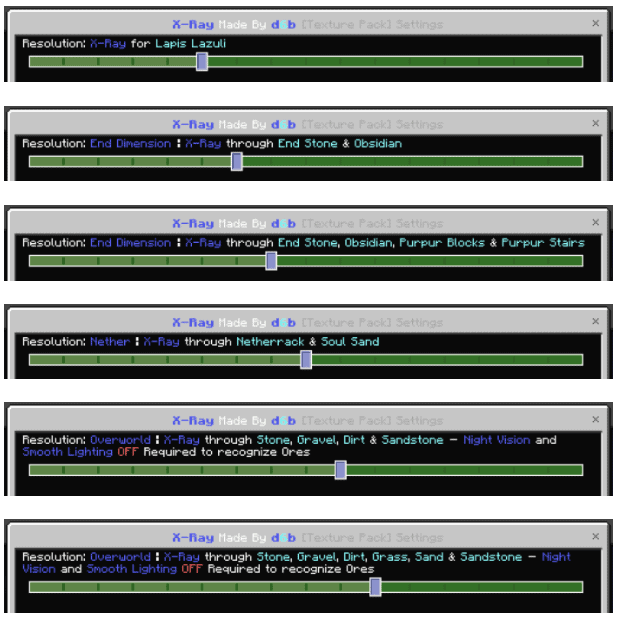
When you apply the pack, it will automatically be set to Classic X-Ray. To change the mode, just click the little gear for this pack options

Using the slider to change the type of X-Ray. It includes 18 different variations



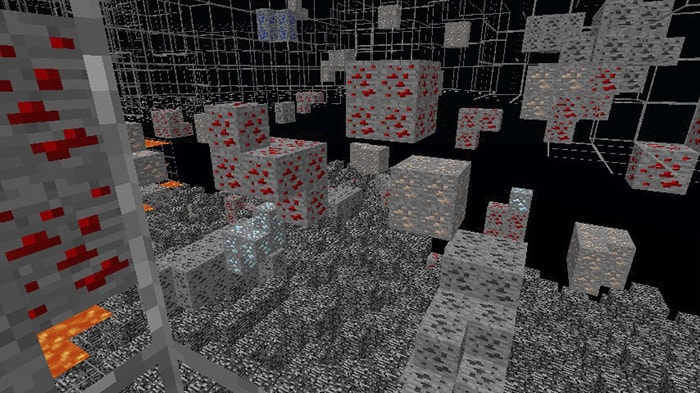
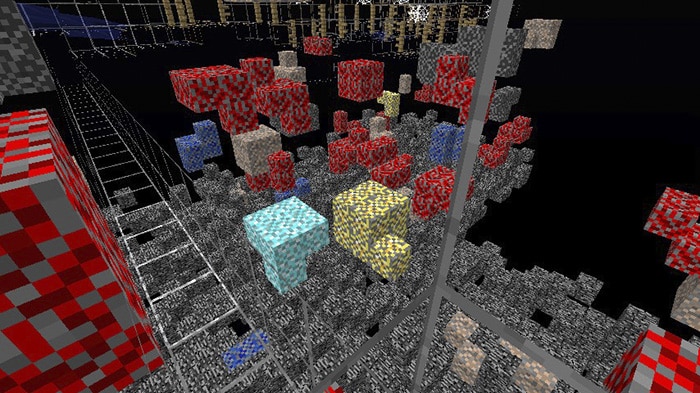
Here you can see some captures of X-Ray Texture Pack:
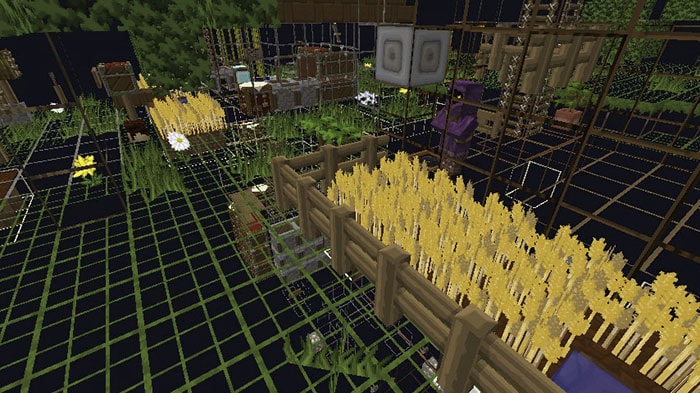
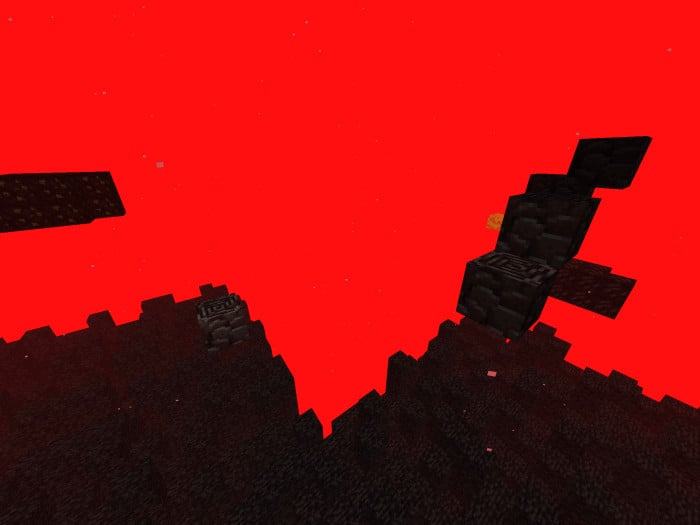
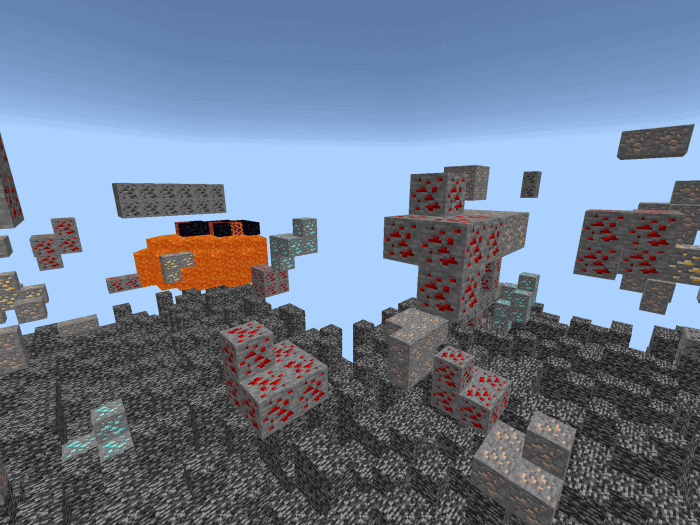

Download X-Ray Texture Pack .mcaddon
or here (gg drive)
Troubleshooting
X-Ray is not importing (iOS)
Doesn’t work (on all platforms), sometimes you have to restart the game to work properly
If the pack didn’t work, open File Explorer
+ Navigate to “C:\Users\Username\AppData\Local\Packages\Microsoft.MinecraftUWP_8wekyb3d8bbwe\
LocalState\games\com.mojang\resource_packs”
+ Now move the “X-Ray.mcpack” into this Folder
+ Next time you open Minecraft, the X-Ray should appear in your Resource Packs
Note from creator
- Use at your own risk. This texture pack is punishable for some servers
- I don’t take responsibility for any punishments occurring due to due to illegal use of this or any X-Ray packs
Changelog
| – Adding Copper and Amethyst variants as well as updating old variants to the new ores! – Fixed a few Errors in Code causing some variants to not work – Updated some of the Splashes and Loading Screen messages Minor changes and fixes |
👉 If you like this Texture Pack, you can also check our Elingo’s Custom Swords AddOn created Captain_Elingo; Potopo: Furniture Update (Part1) created by Potopo Ann or more other Textures in https://mcpeaddons.com
- Pack type: .mcaddon — behaviour and resource pack in one file
- Download link checked 12 Jul 2026 — working
- Mirrored on our own servers — the download does not depend on the original host
These come from our own check of the pack file, not from the source page.