Home›Bedrock›Addons›Performance Optimizer Addon (26.x) – Boost FPS And Reduce Lag
AddonsBedrock
Performance Optimizer Addon (26.x) – Boost FPS And Reduce Lag
Performance Optimizer Addon improves your game speed and reduces lag on Bedrock. It lets you change how the game handles mobs, items, and graphics for…
Performance Optimizer Addon improves your game speed and reduces lag on Bedrock. It lets you change how the game handles mobs, items, and graphics for better frames per second. This pack allows you to play smoothly without losing your achievements.
Features:
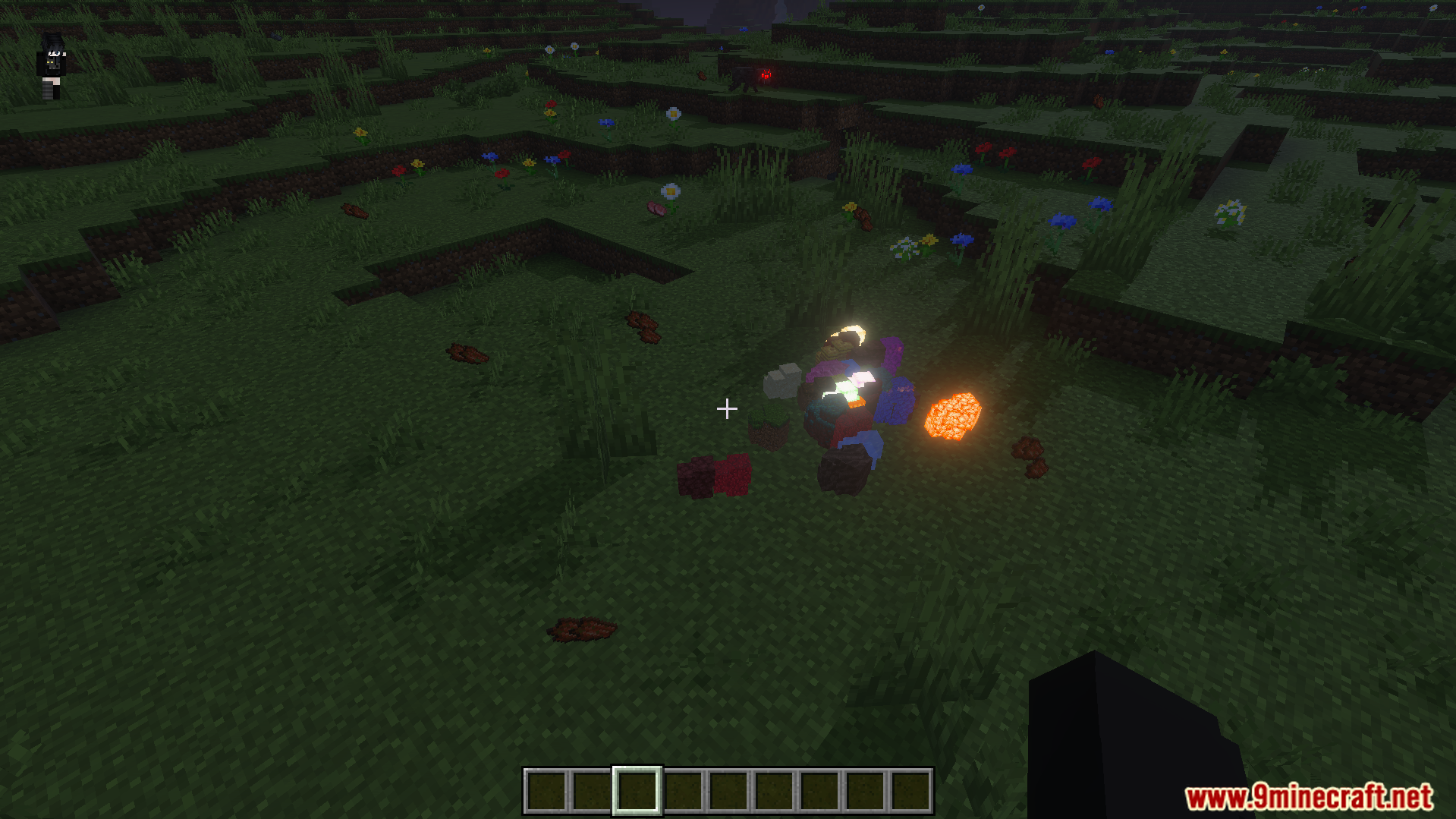
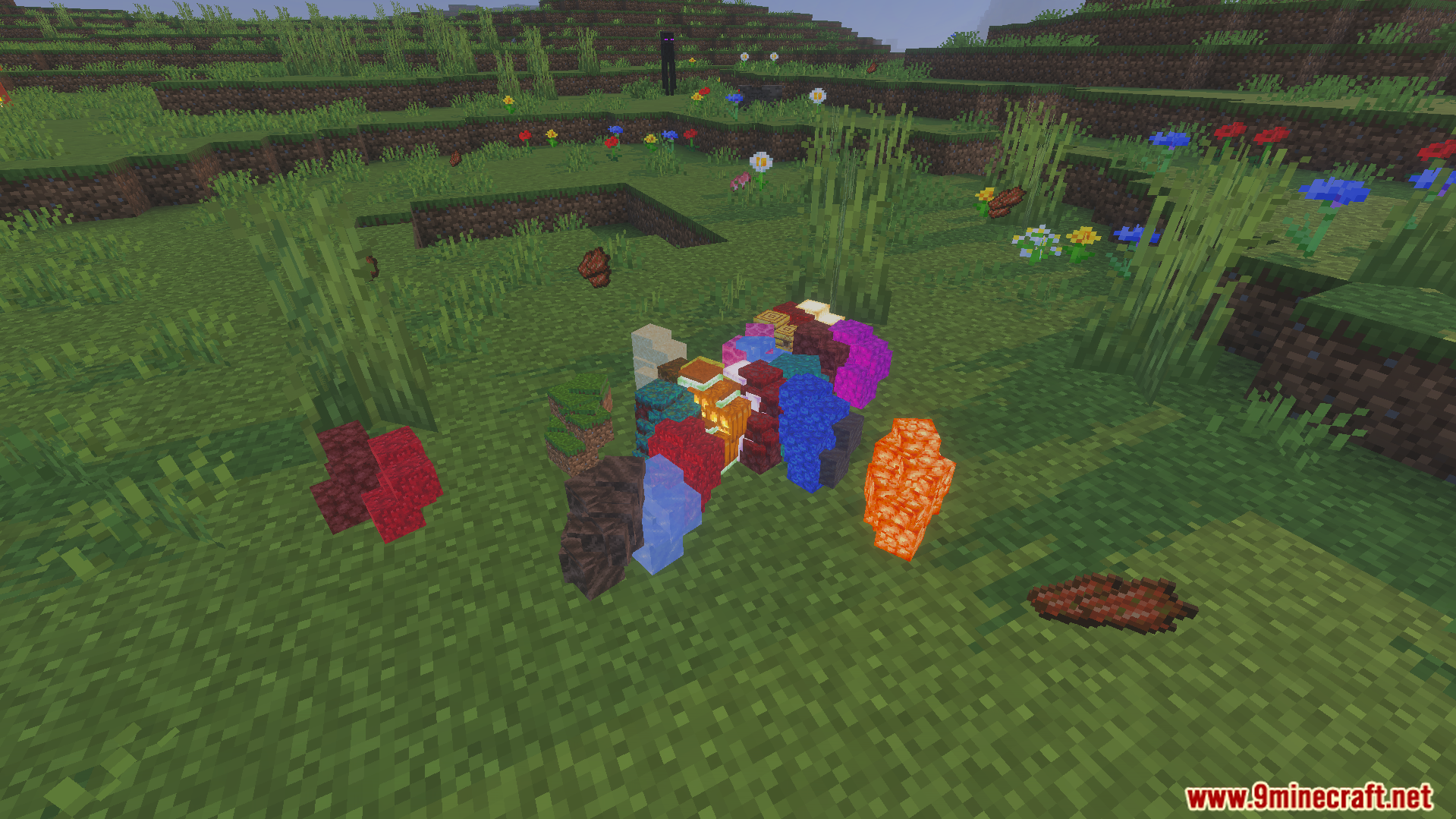
Dropped items group together to save your device power.
Far away monsters despawn faster to keep your game fast.
Falling gravel blocks disappear quickly after a few seconds.
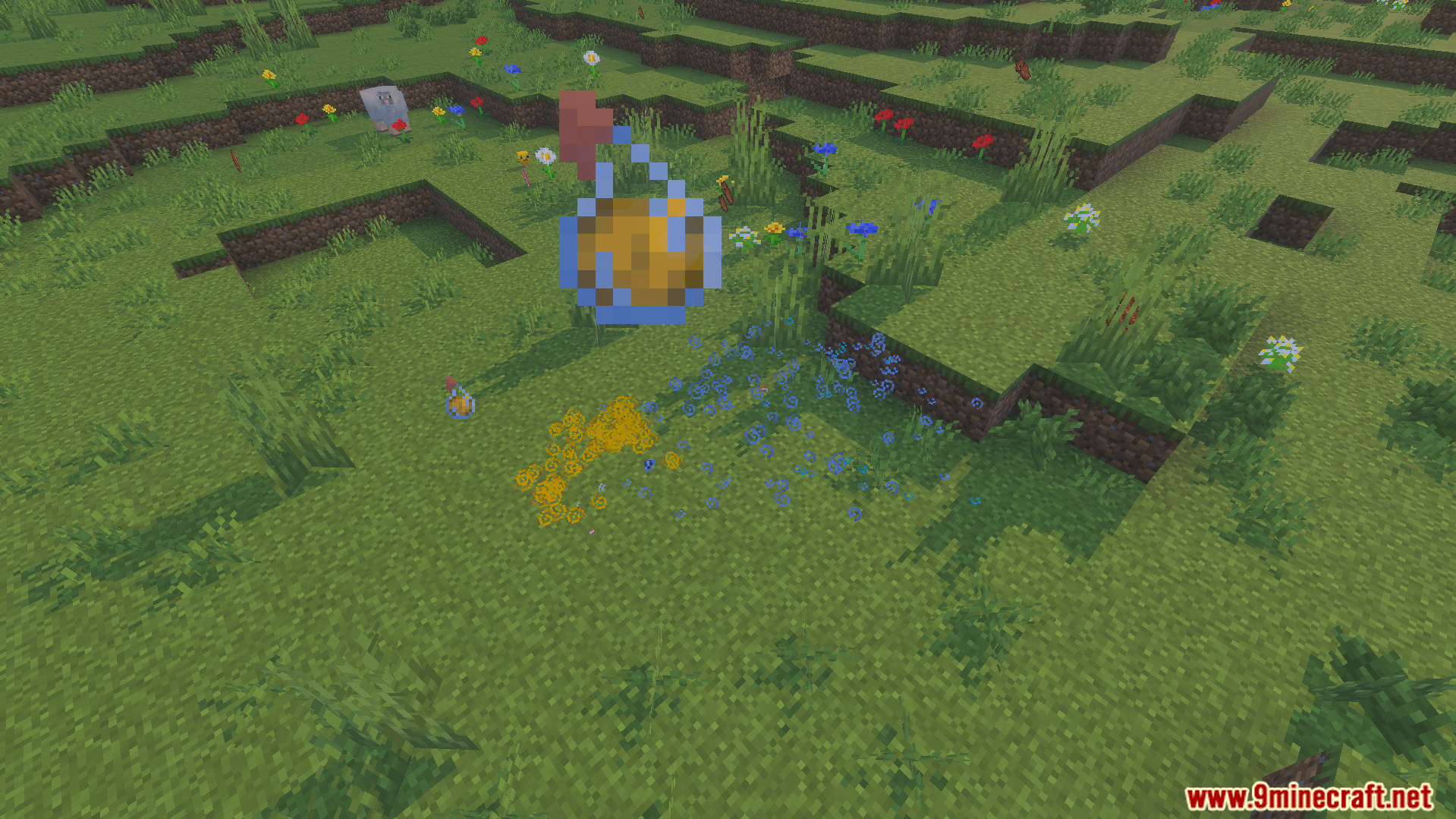
Particle effects are reduced during combat for better performance.
It lowers texture calculations to save memory and graphics power.
Commands:
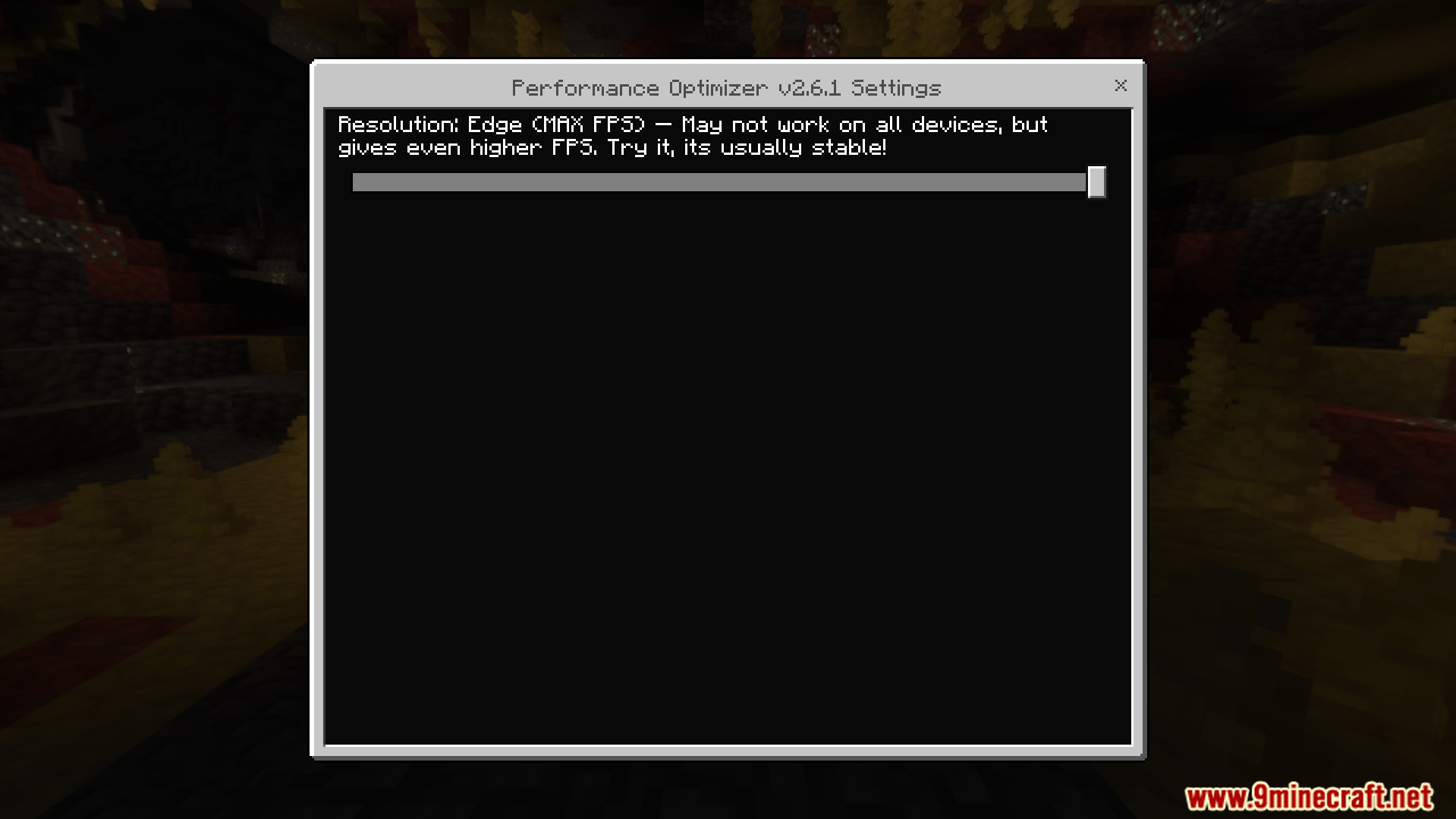
Type /scriptevent perf:cfg in the chat to open the settings menu.
Type /reload after changing any slider options to apply them.
Configuration:
You can find a config file inside the pack folders.
This file lets you add specific creatures to a safe list.
Screenshots:
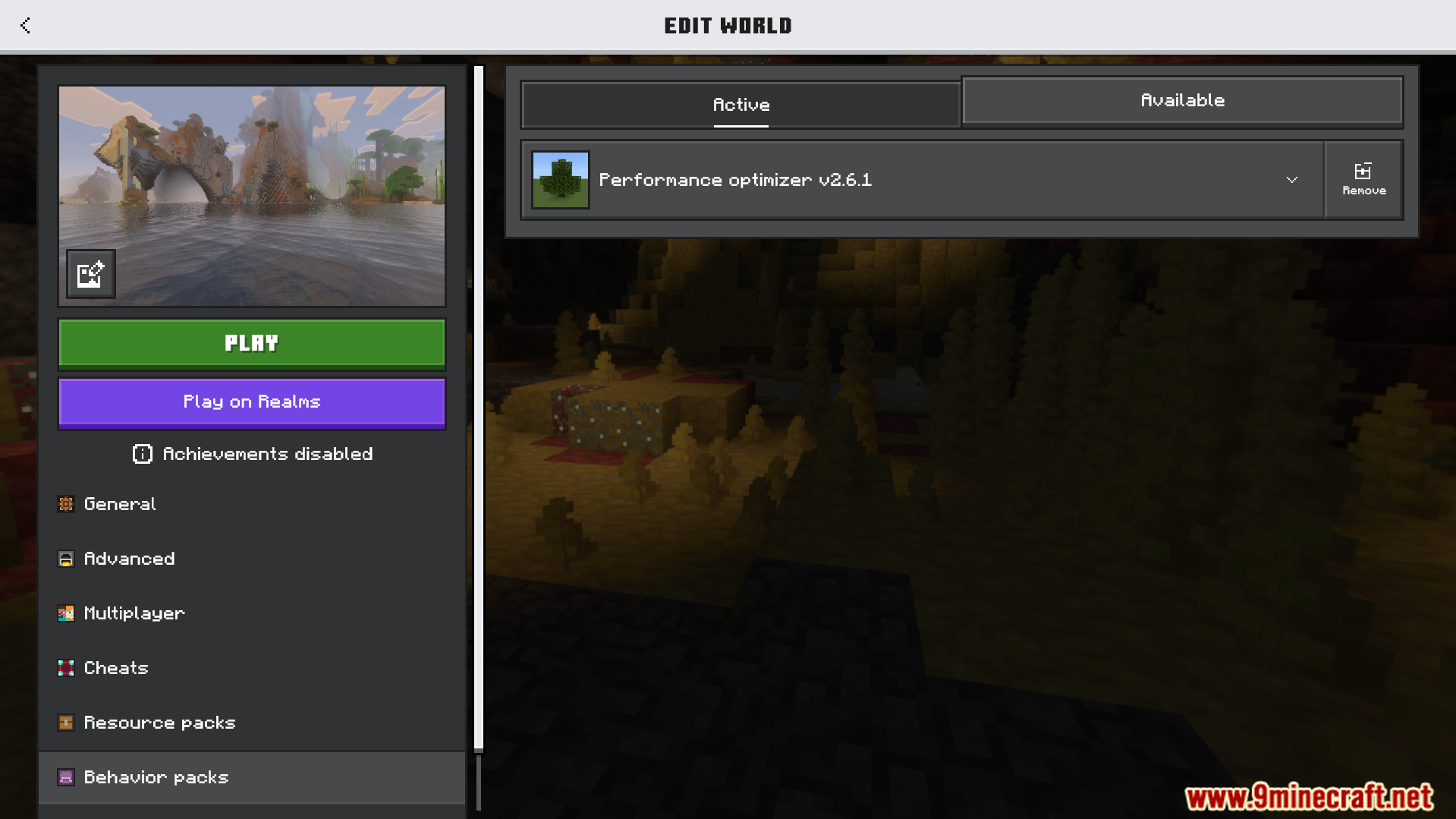
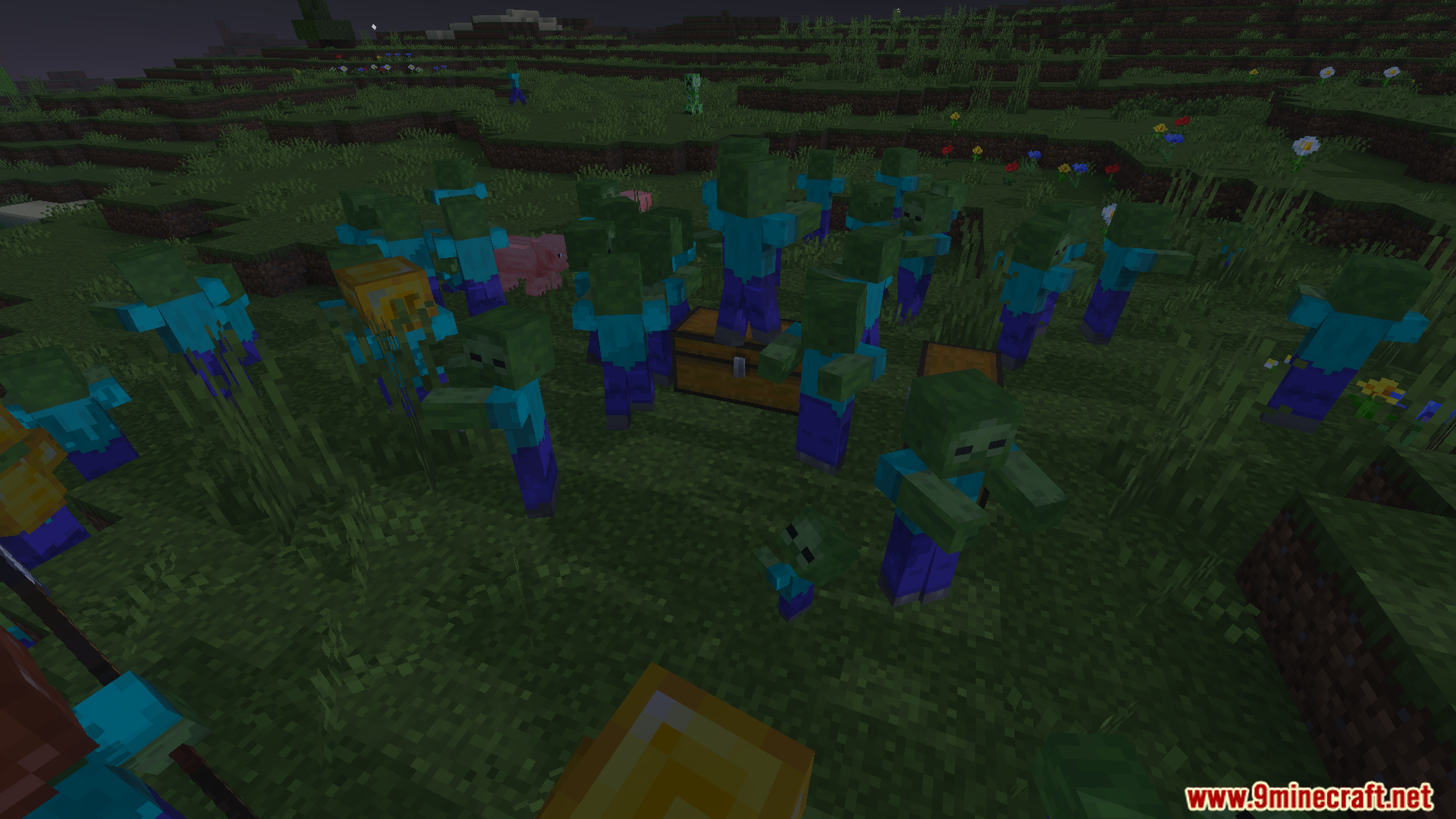
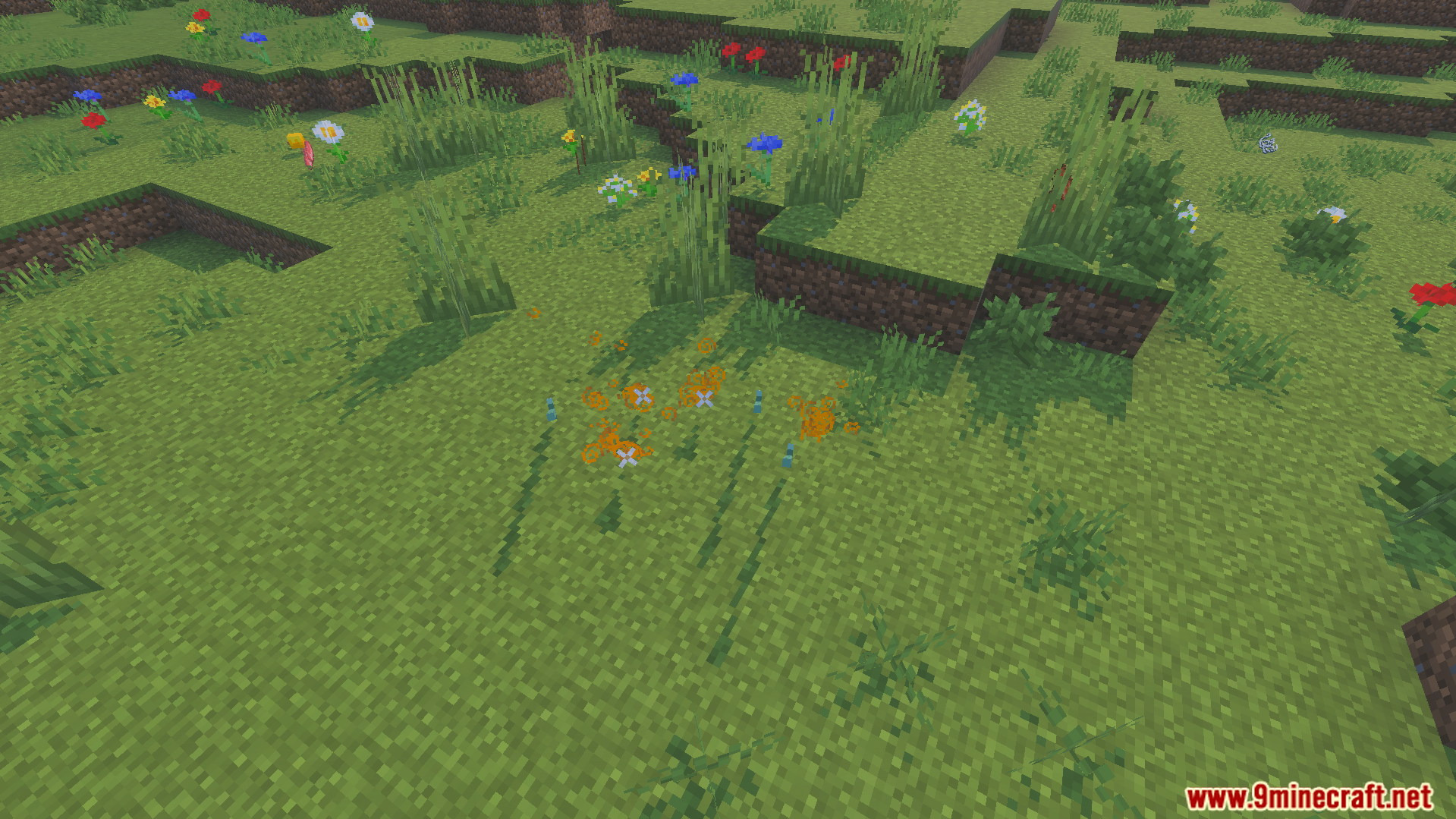
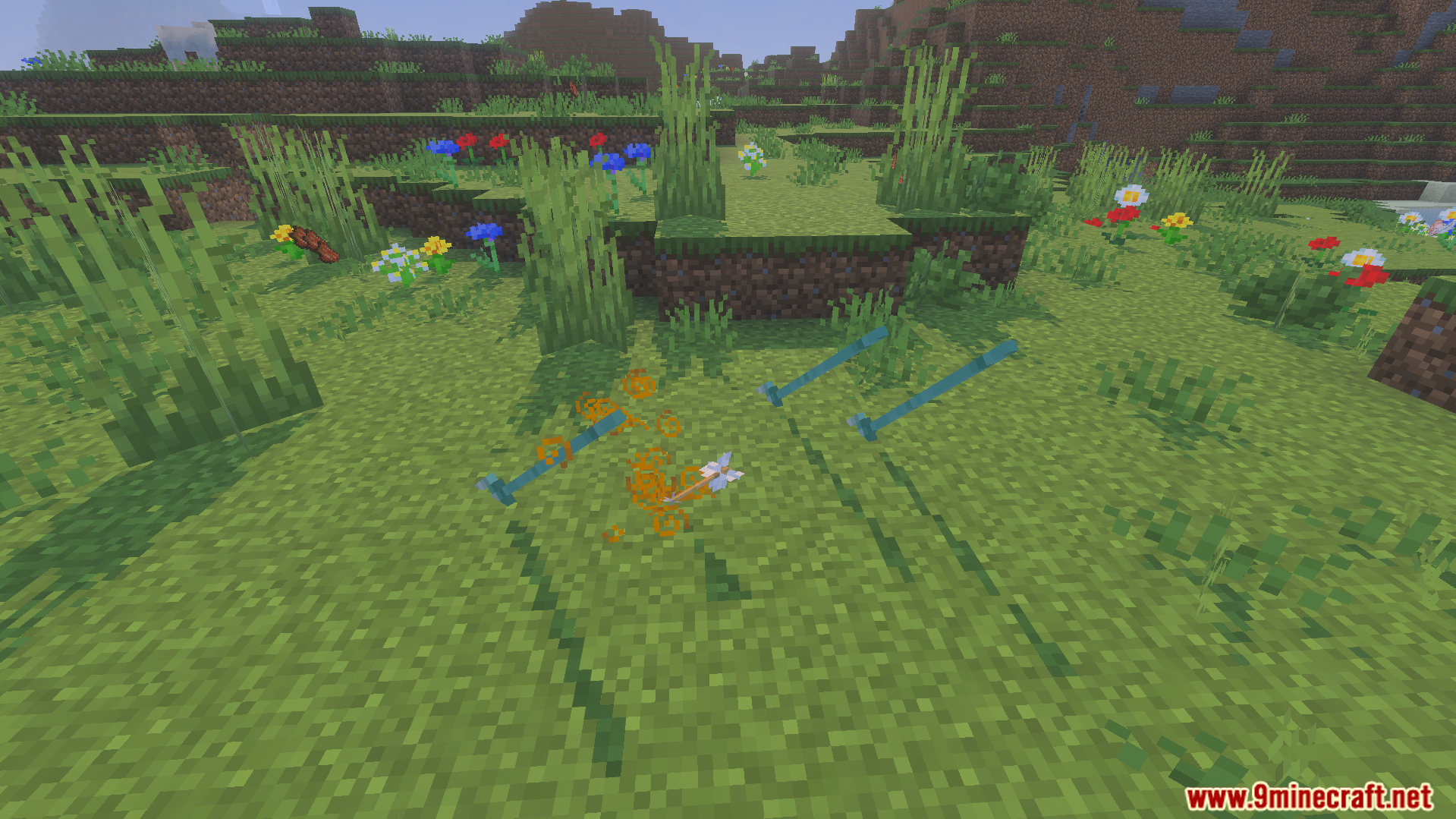
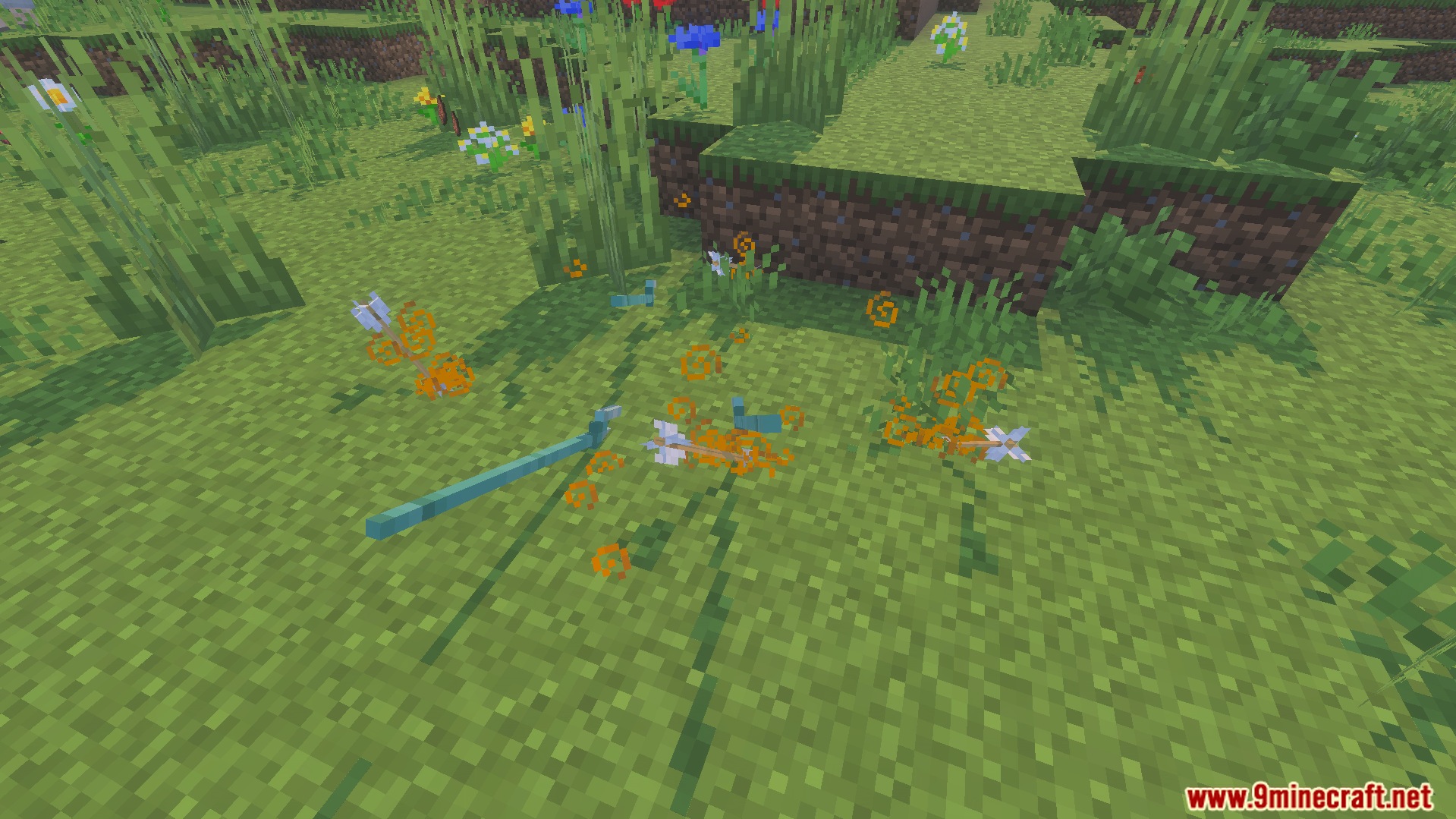
Minecraft edit world screen with the Performance Optimizer addon activeAddon settings menu with a slider to optimize resolution for higher frame ratesA large group of zombies surrounding a wooden chest in a grassy fieldDropped items grouping together on the grass to improve game performanceDropped items group together on the grass with Performance Optimizer AddonReduced particle effects and dropped potion bottles on the grass fieldVarious flowers and dropped items scattered across a hilly Minecraft landscapeDropped items grouping together on the ground to save device powerPerformance Optimizer Addon grouping dropped items together with orange particle effectsDropped items and arrows on the grass with orange particles to improve game speed
Performance Optimizer Addon Download Links
Verified by MCModsHub
Pack type: .mcaddon — behaviour and resource pack in one file
Manifest requires Minecraft 1.21.90 or newer
Complete pack — everything it depends on is inside the file
Download link checked 22 Jul 2026 — working
Mirrored on our own servers — the download does not depend on the original host
These come from our own check of the pack file, not from the source page.