
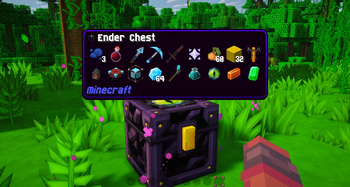
Want to use Sapixcraft together with Jade?
Jade is the modern information HUD mod - the successor to Hwyla/WAILA. It shows block names, mob health, furnace progress, chest contents, and more when you look at things in the world.
If the default Jade tooltip boxes feel out of place next to Sapixcraft’s UI, this patch fixes that.
This resource pack restyles Jade’s HUD with Sapixcraft-styled tooltip backgrounds, borders, and progress bars - so block info, mob health, and machine readouts all feel like part of the pack.
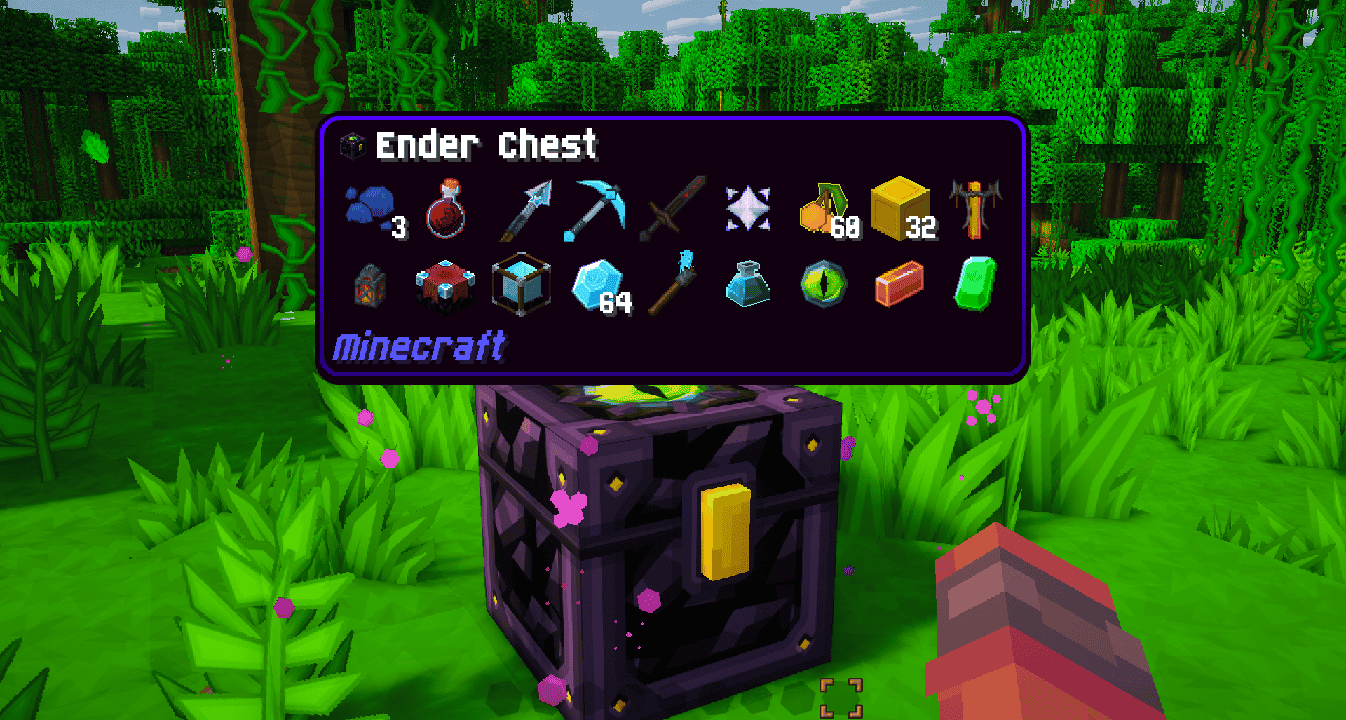
What this patch changes
- Tooltip backgrounds — restyled for all built-in Jade themes
- Slim borders & nested boxes — updated to match Sapixcraft’s look
- Progress bars — furnace progress, brewing timers, and similar HUD elements
Restyled Jade themes
Jade ships with several built-in themes. This patch updates all of them:
Waila (default)

Dark

Create

One Probe

Load order: place this mod patch above Sapixcraft.
This pack is designed specifically to use with Sapixcraft and the Jade mod.
Note: Jade can be installed on the client only, but some features (item storage, brewing stand fuel, bees in beehives, etc.) require Jade on the server as well.
Other Supported Mods



(all FREE)
Sapixcraft Add-ons
FREE add-ons



Premium add-ons


Community
Want to give feedback or hang out? Join the Sapixcraft Discord.
Thanks for downloading! 🧡
- Sapix

- Edition: Minecraft Java
- File type: .zip (resource pack)
- Minecraft version listed: 26.2
- How to install: Download the .zip resource pack — do not unzip it. → Put it in .minecraft/resourcepacks. → Enable it in Options → Resource Packs.
- Where to get it: Opens on Modrinth — not every file is mirrored on our own servers.
Install steps are the general flow for this file type — How to install Minecraft Java resource packs walks through it step by step.
- Downloads as Jade x Sapixcraft r0.1 26.2.zip
- Download size: 246 KB
- Download link checked 21 Aug 2026 — working
These come from our own check of the pack file, not from the source page.