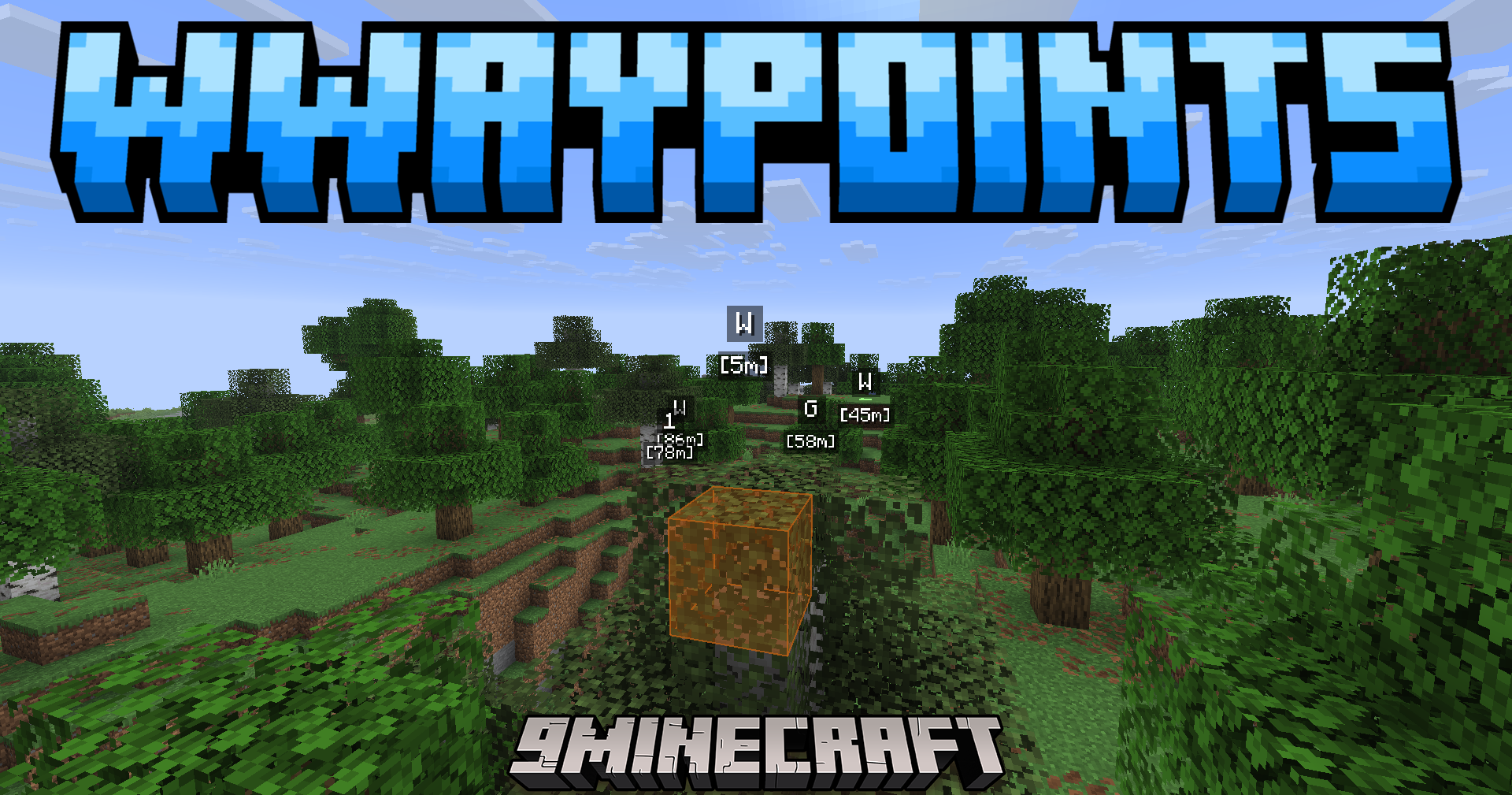
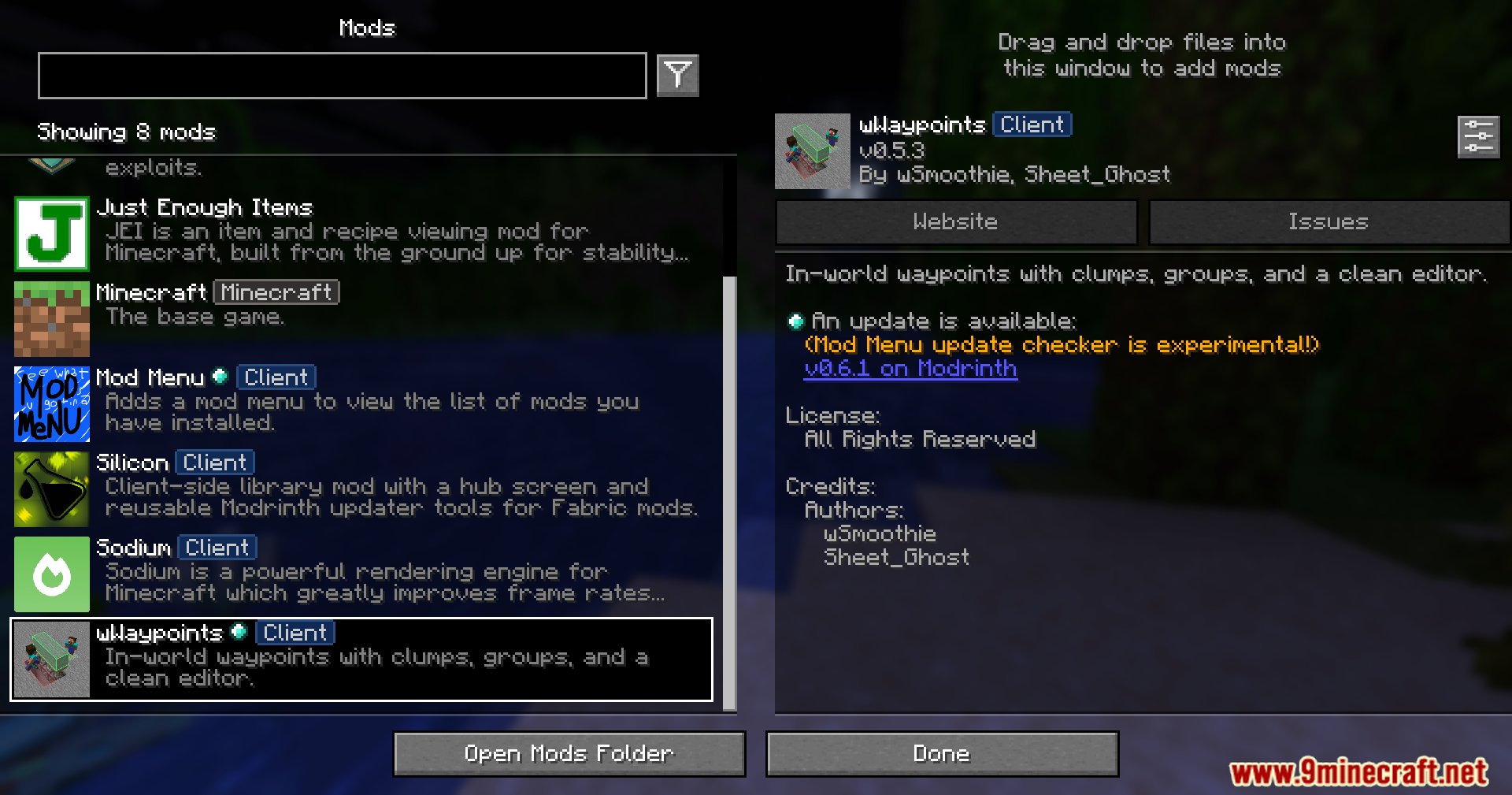
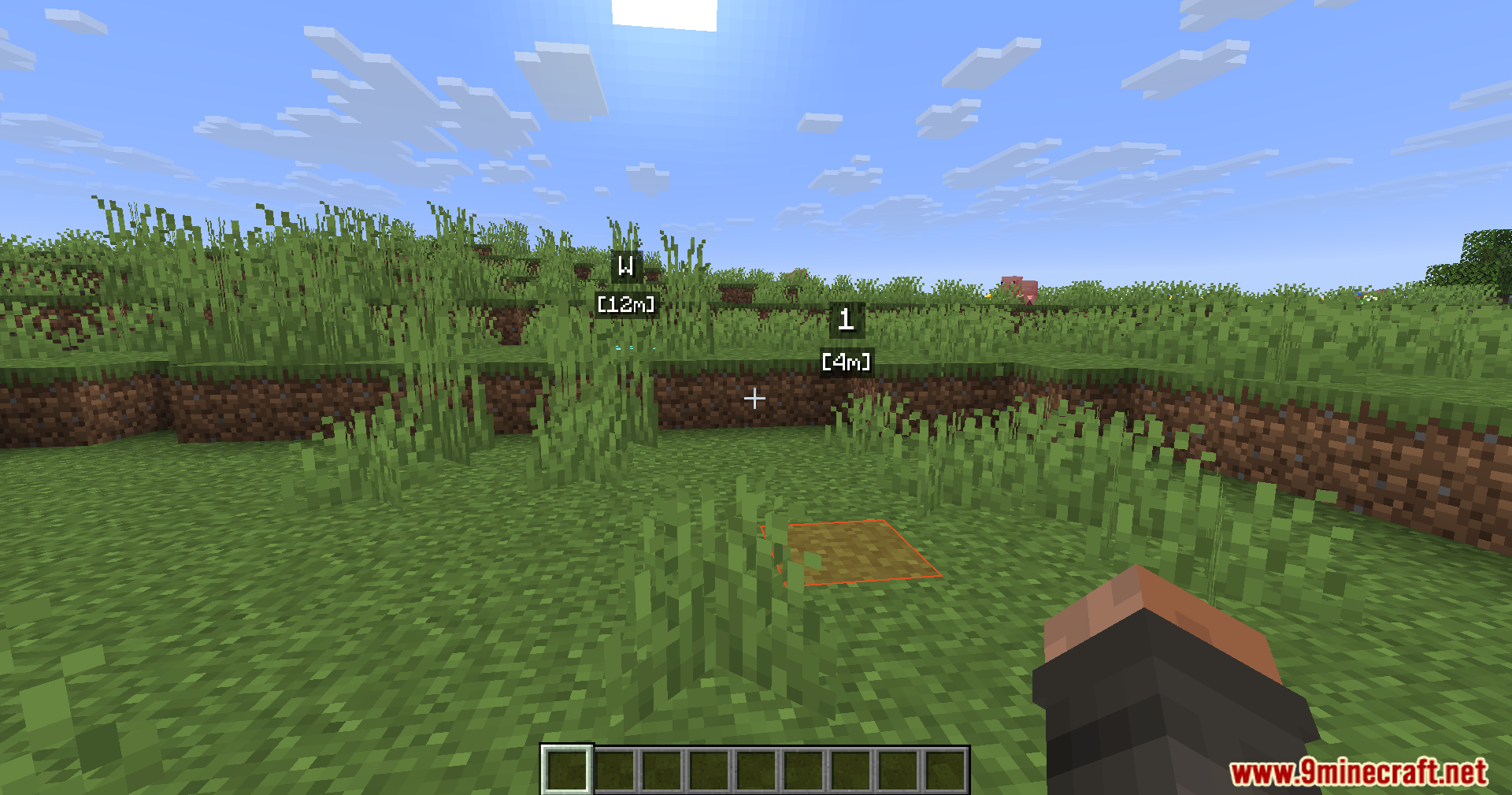
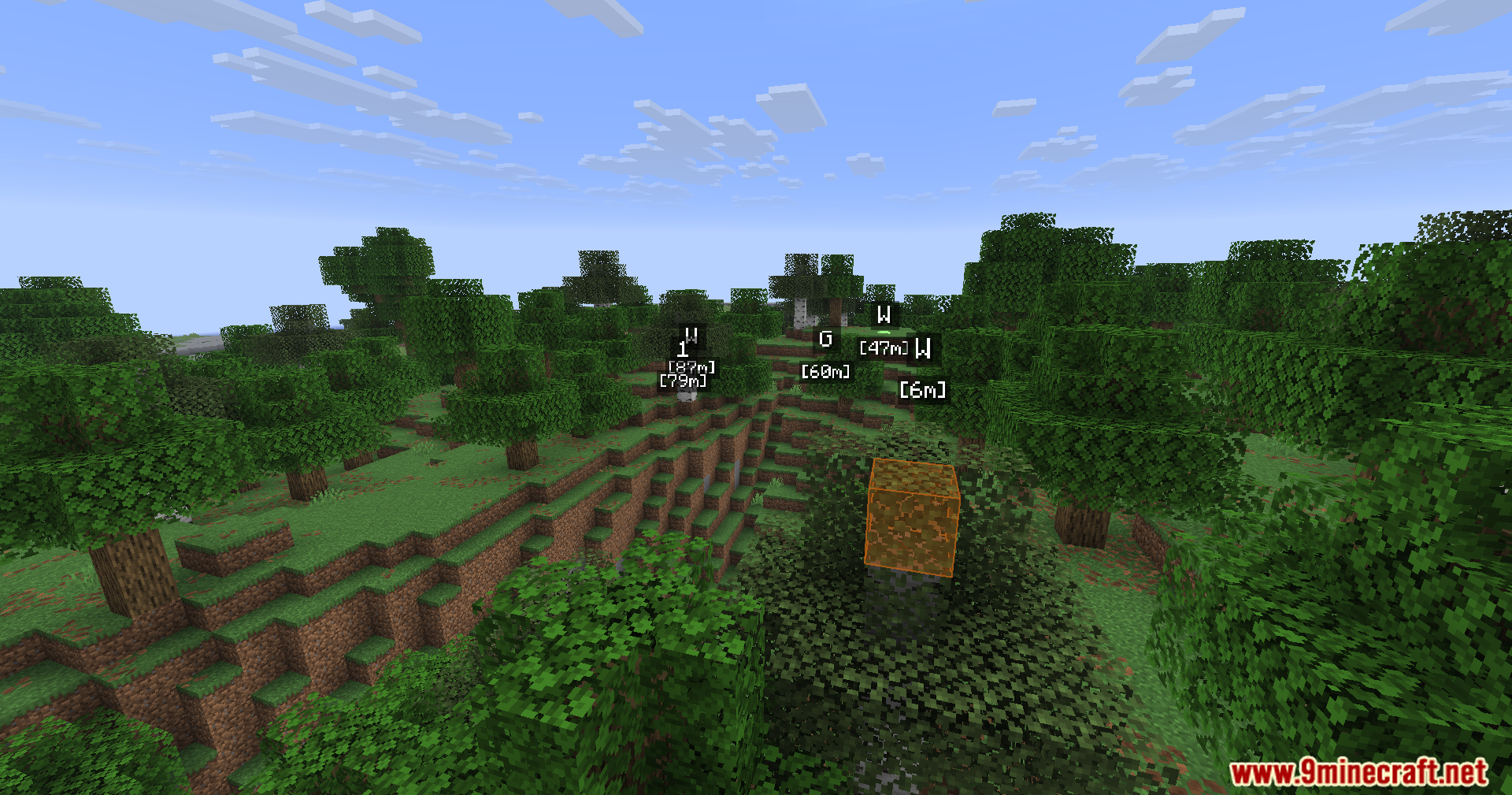
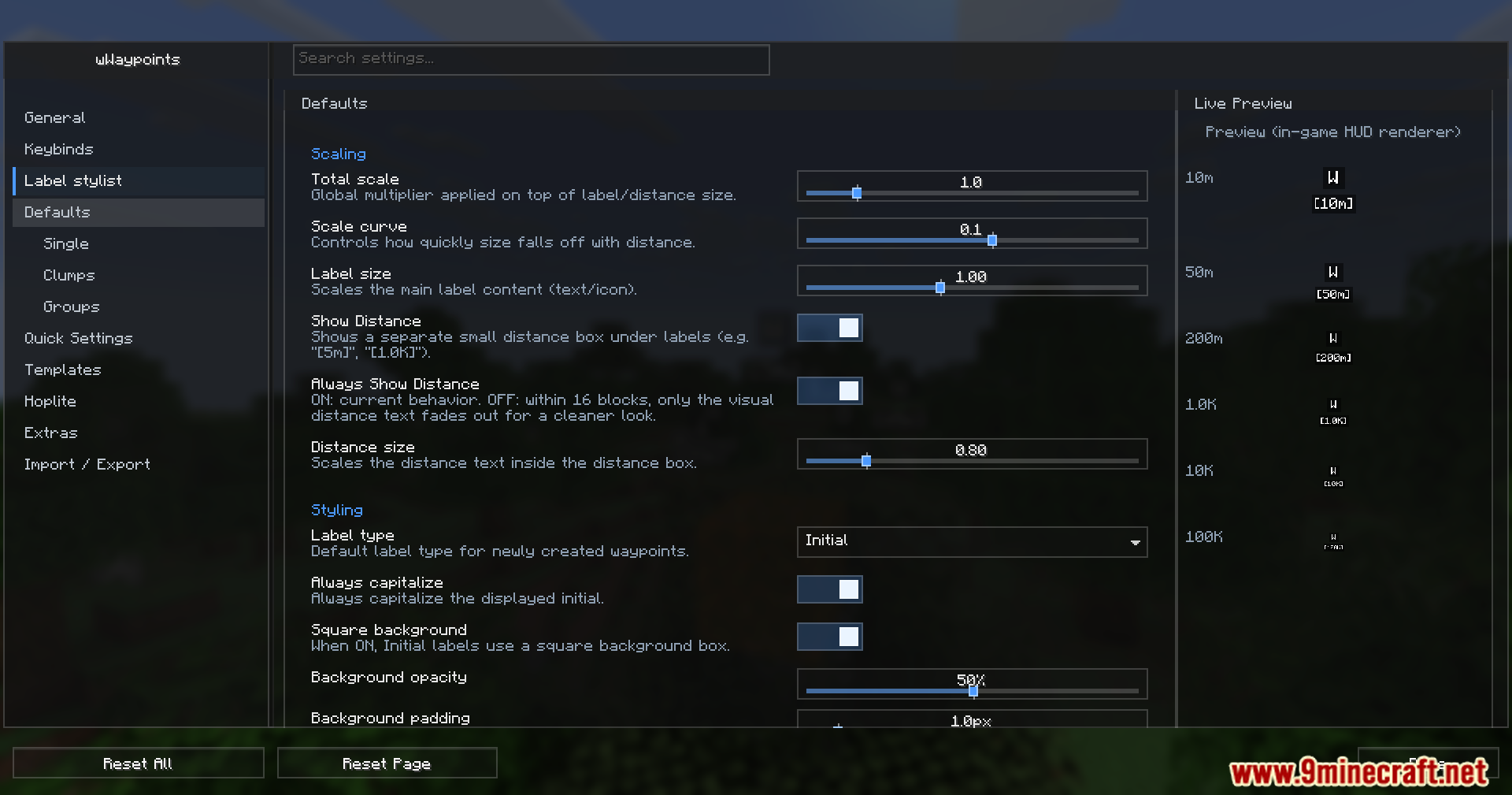
WWaypoints Mod gives you new ways to mark important spots in your world. It adds bright markers, helpful folders, and special block highlights so you always know exactly where to go.
Features:
- Lets you create large markers that cover multiple blocks at the same time.
- Adds folders so you can sort your saved locations and keep your screen clean.
- Players can change the colors, icons, and styles for every single marker they make.
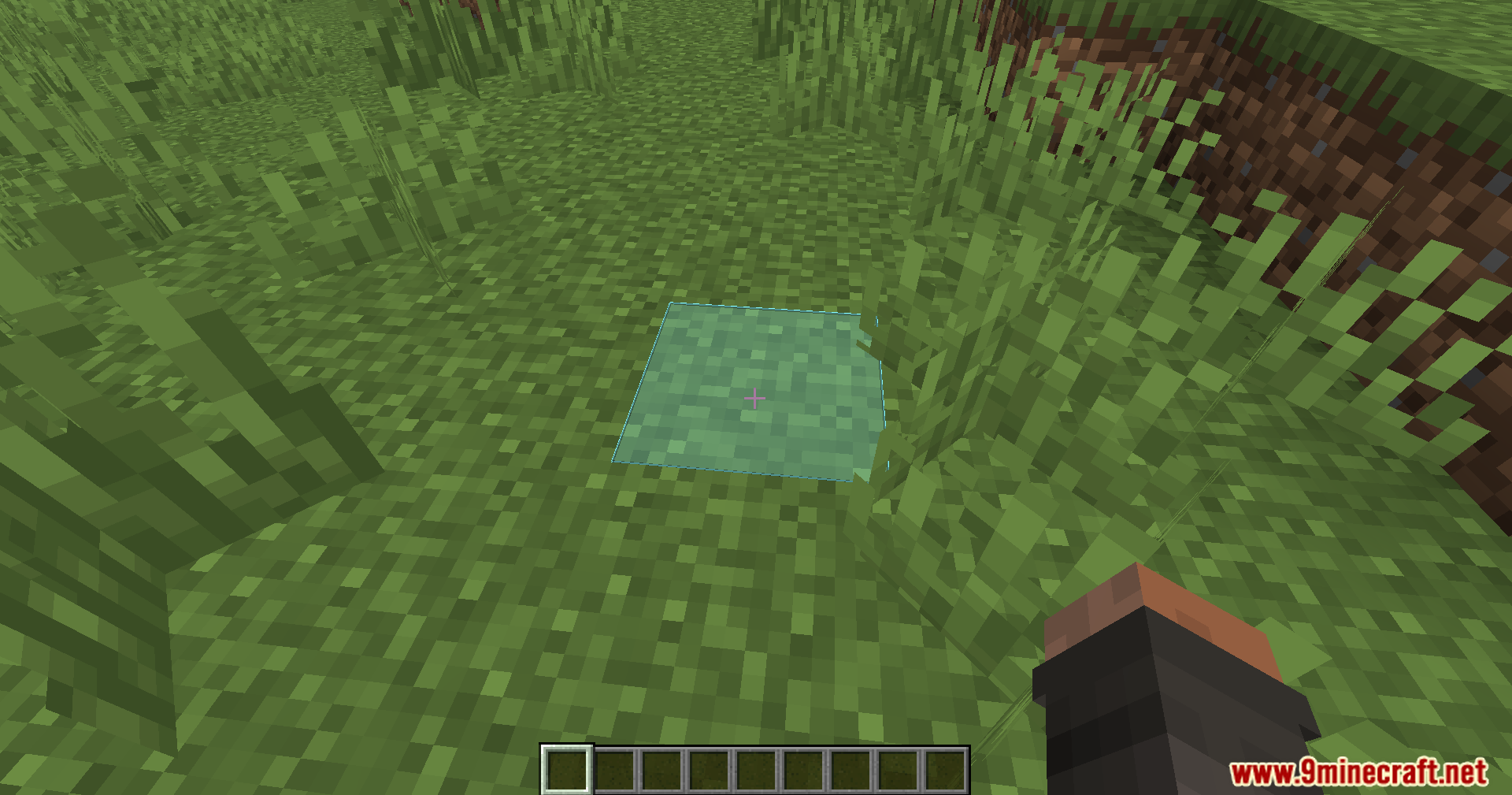
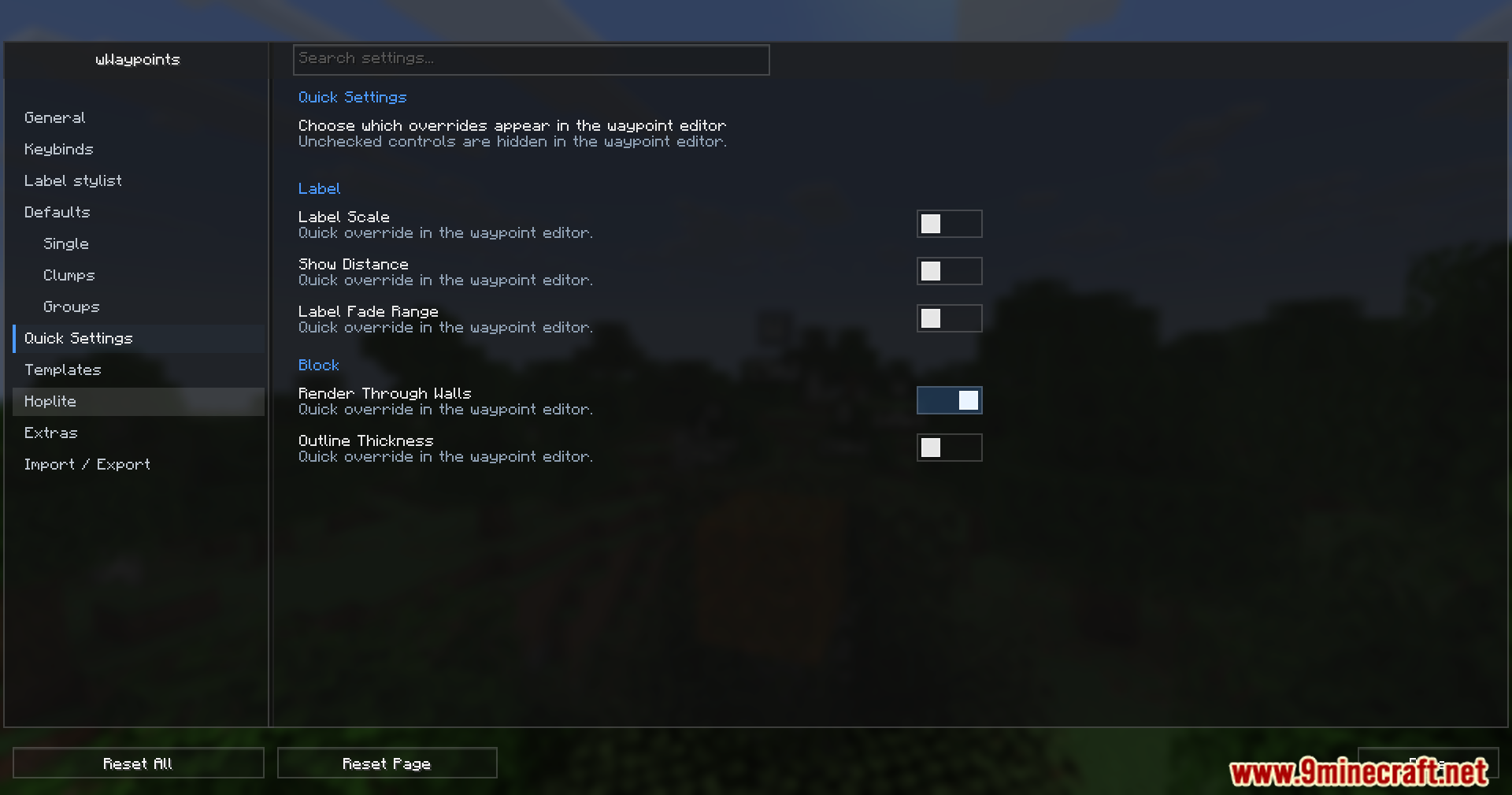
- Highlights specific blocks to help you build and manage traps easily.
- Includes a helpful sign popup menu that speeds up the trapping process.
- Gives you an option to keep your character sneaking without holding the button down.
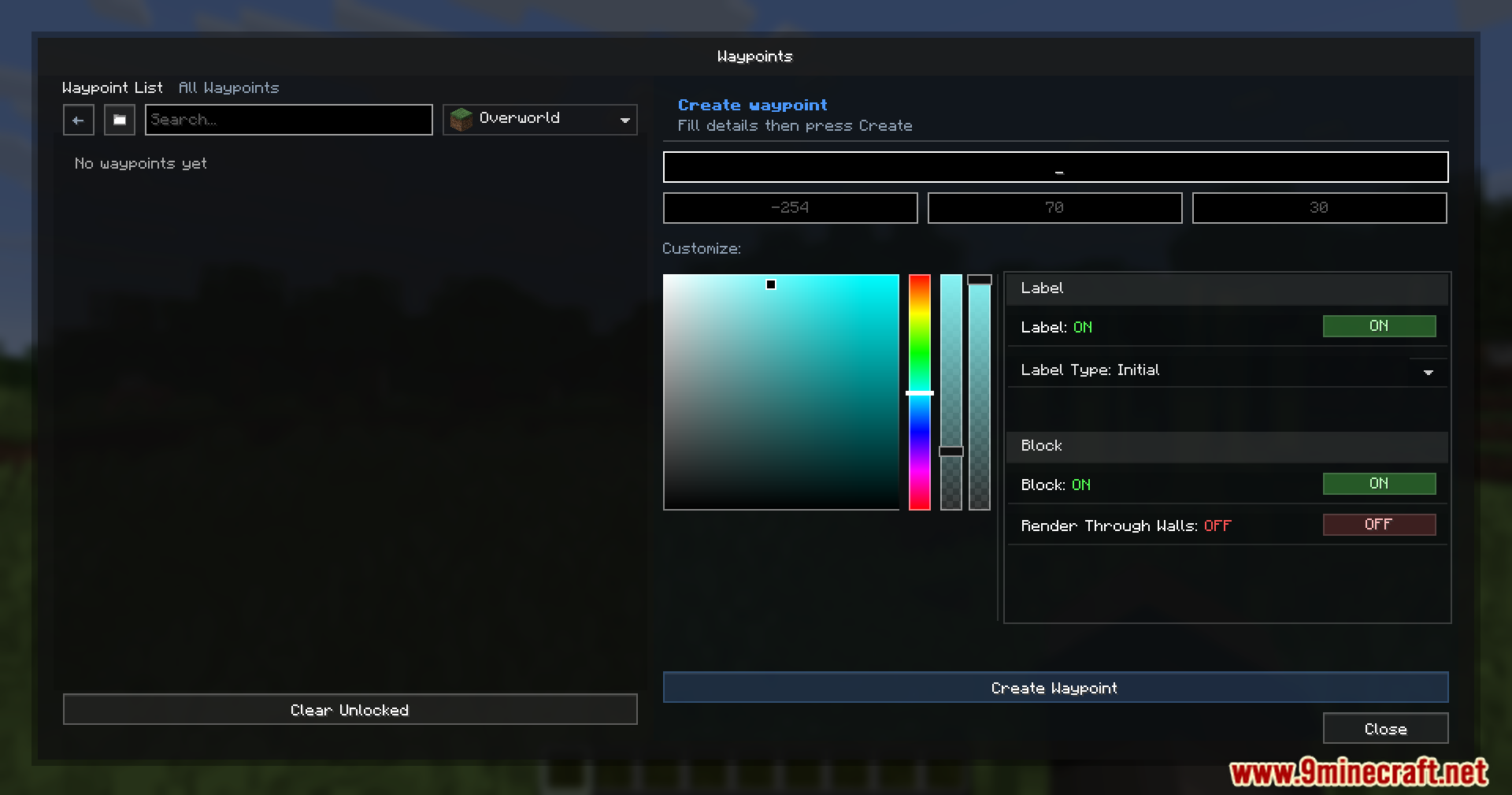
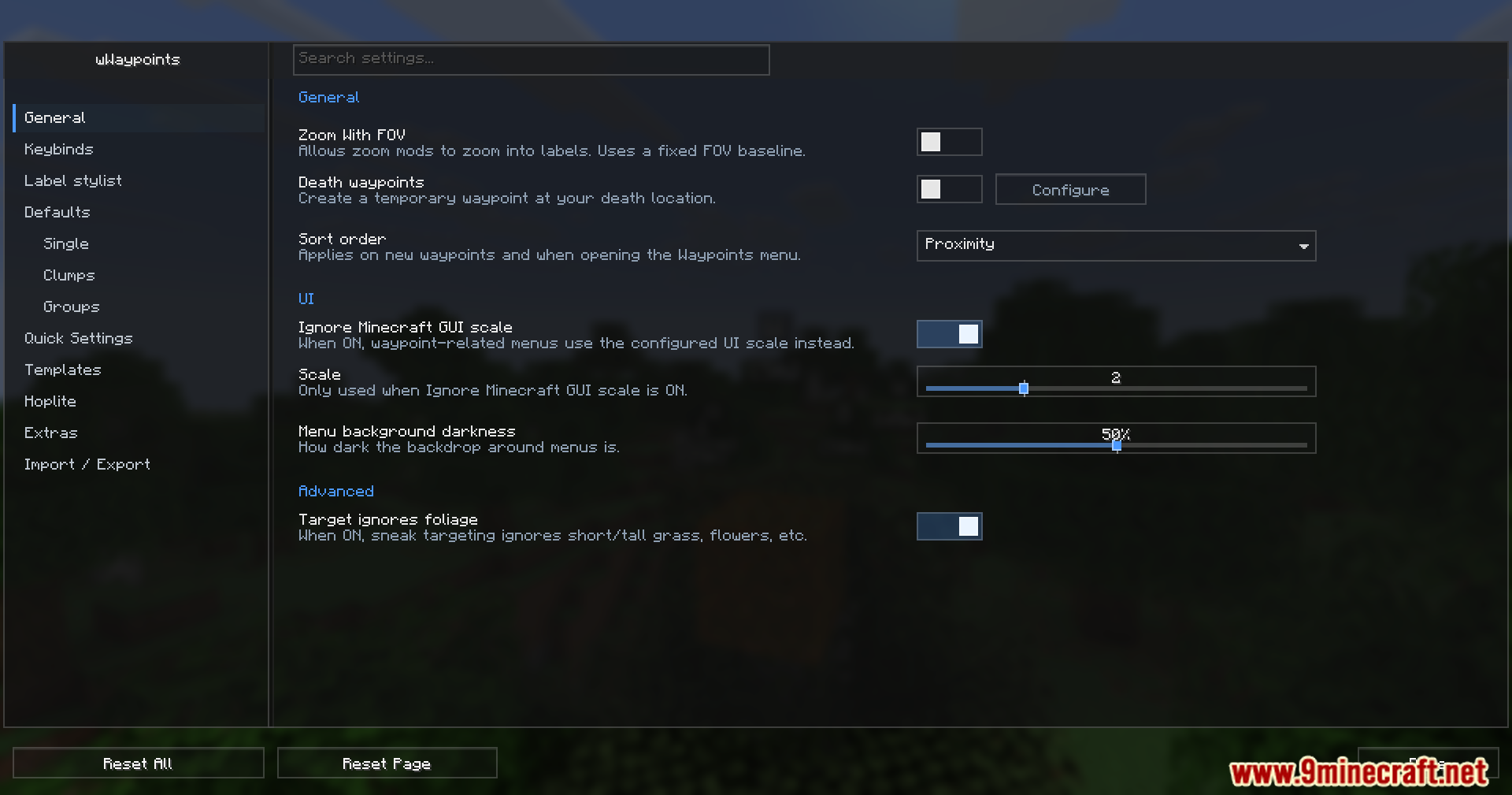
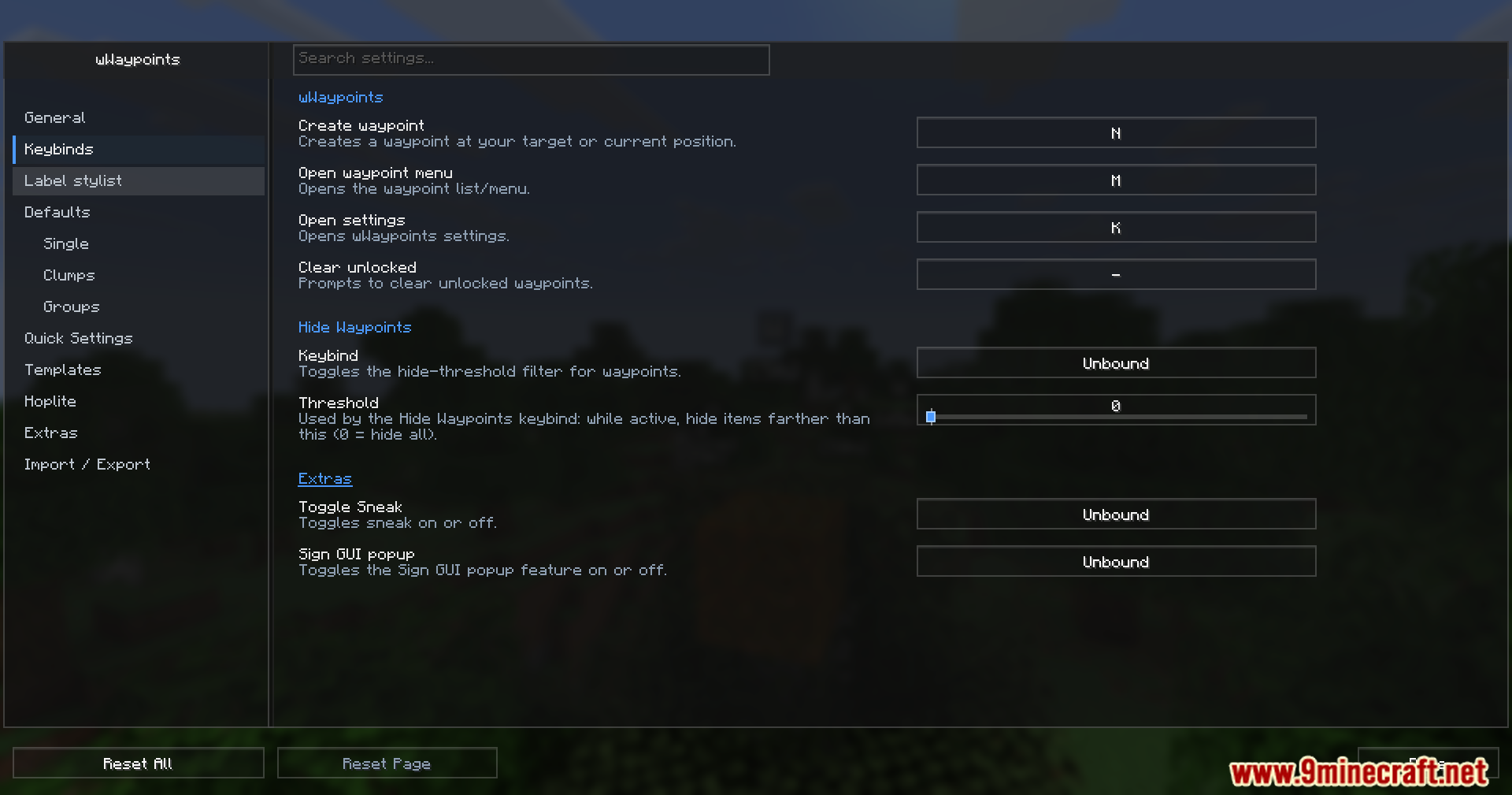
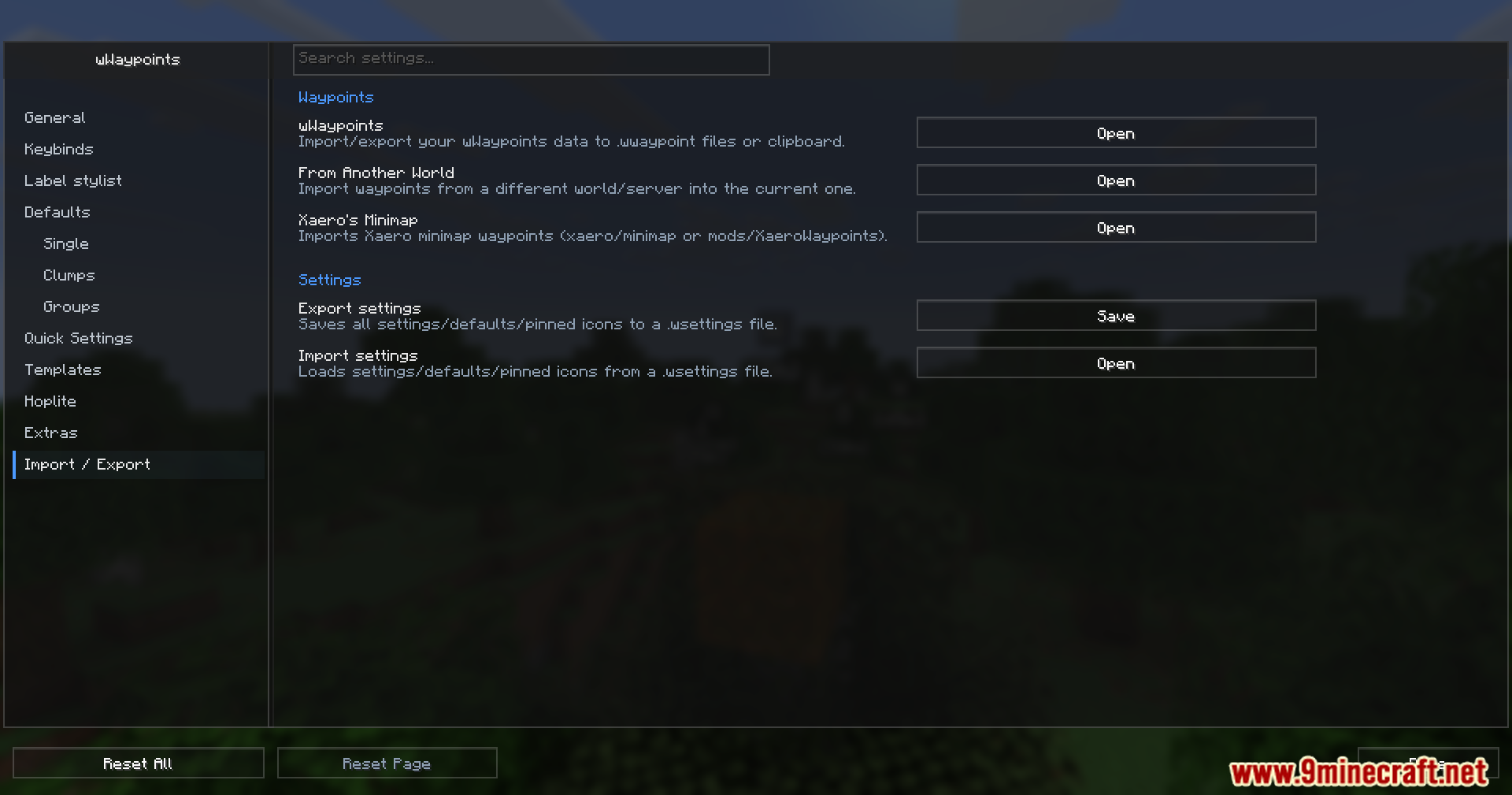
- Brings clean and simple menus to manage all your settings and spots.
- Works perfectly even when you play with custom shaders turned on.
- This mod is officially allowed for players to use on the Hoplite server.
How to Use:
- Open the main menu to set up your basic markers and pick their icons.
- Hold down the create waypoint key while moving your character to make a multi-block marker.
- Put your saved spots into custom folders if your list gets too long.
Screenshots:
WWaypoints Mod Download Links
Quick facts
- Edition: Minecraft Java
- File type: .jar
- Minecraft version listed: 1.21.1
- How to install: Install the matching mod loader (Forge, Fabric or NeoForge) for your Minecraft version. → Download the .jar. → Put it in the .minecraft/mods folder and launch that loader profile.
- Where to get it: In MC Java Mods, or directly above on this page.
Install steps are the general flow for this file type — How to install Minecraft Java mods & modpacks walks through it step by step.
Verified by MCModsHub
- Downloads as 195063.mcaddon
- Download size: 2.9 MB
- Download link checked 25 Sept 2026 — working
- Mirrored on our own servers — the download does not depend on the original host
These come from our own check of the pack file, not from the source page.