ModsJava
Revive Me Mod (26.1.2, 1.20.1) – Save Fallen Friends From Instant Death
Java mod listed for Minecraft 1.20. Downloads from the MC Java Mods app on Android.
⬇ Download
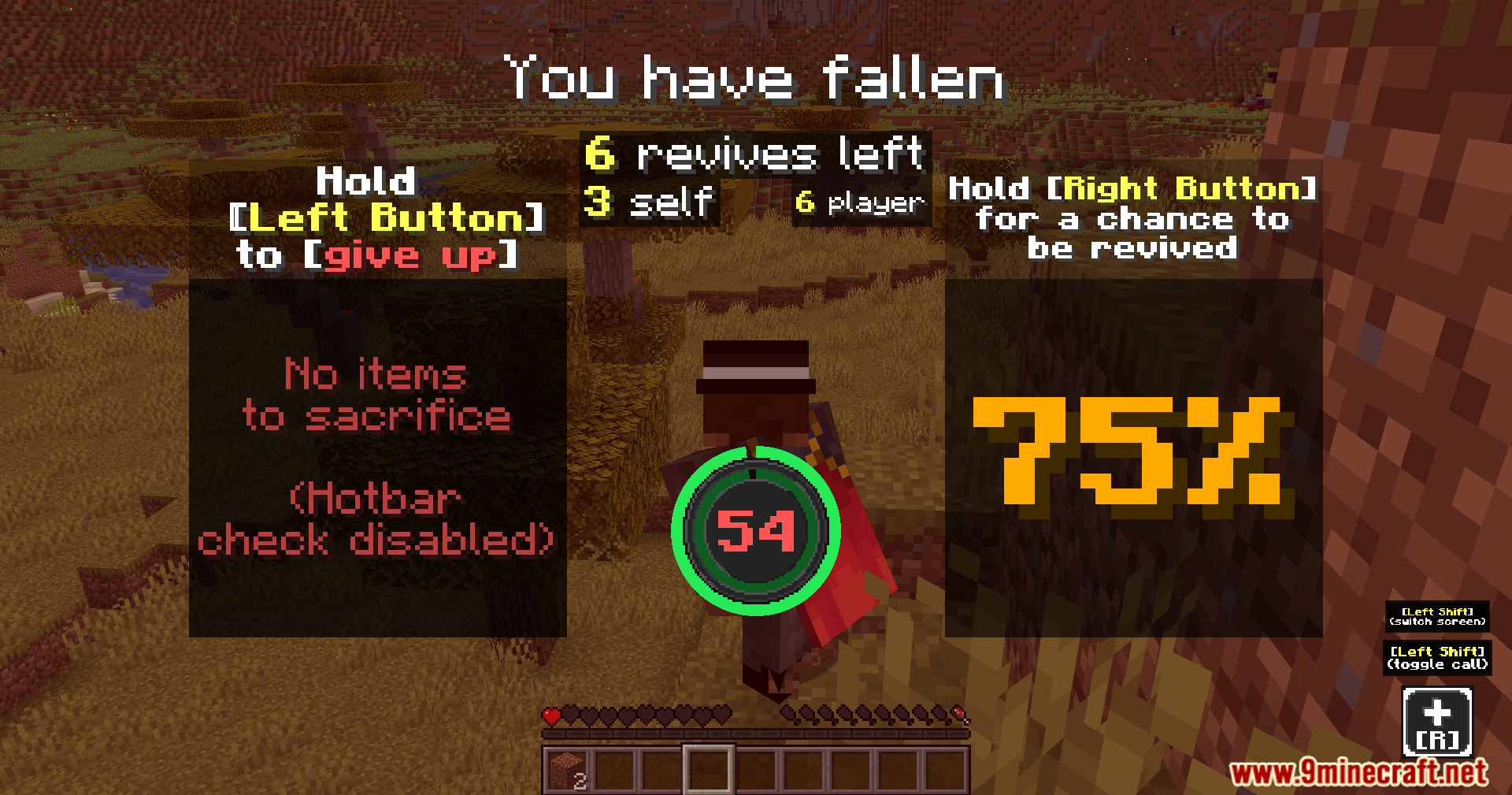
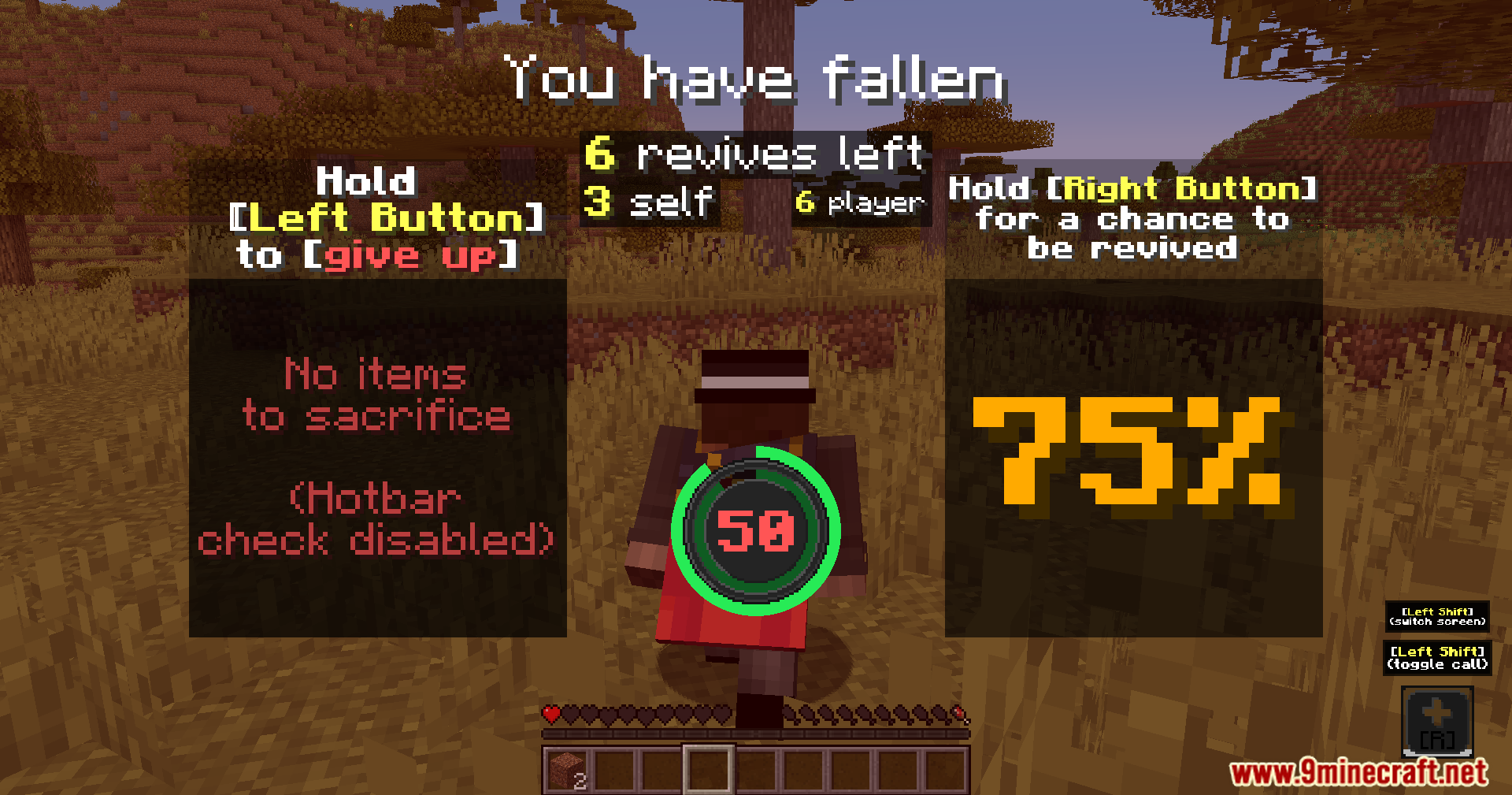
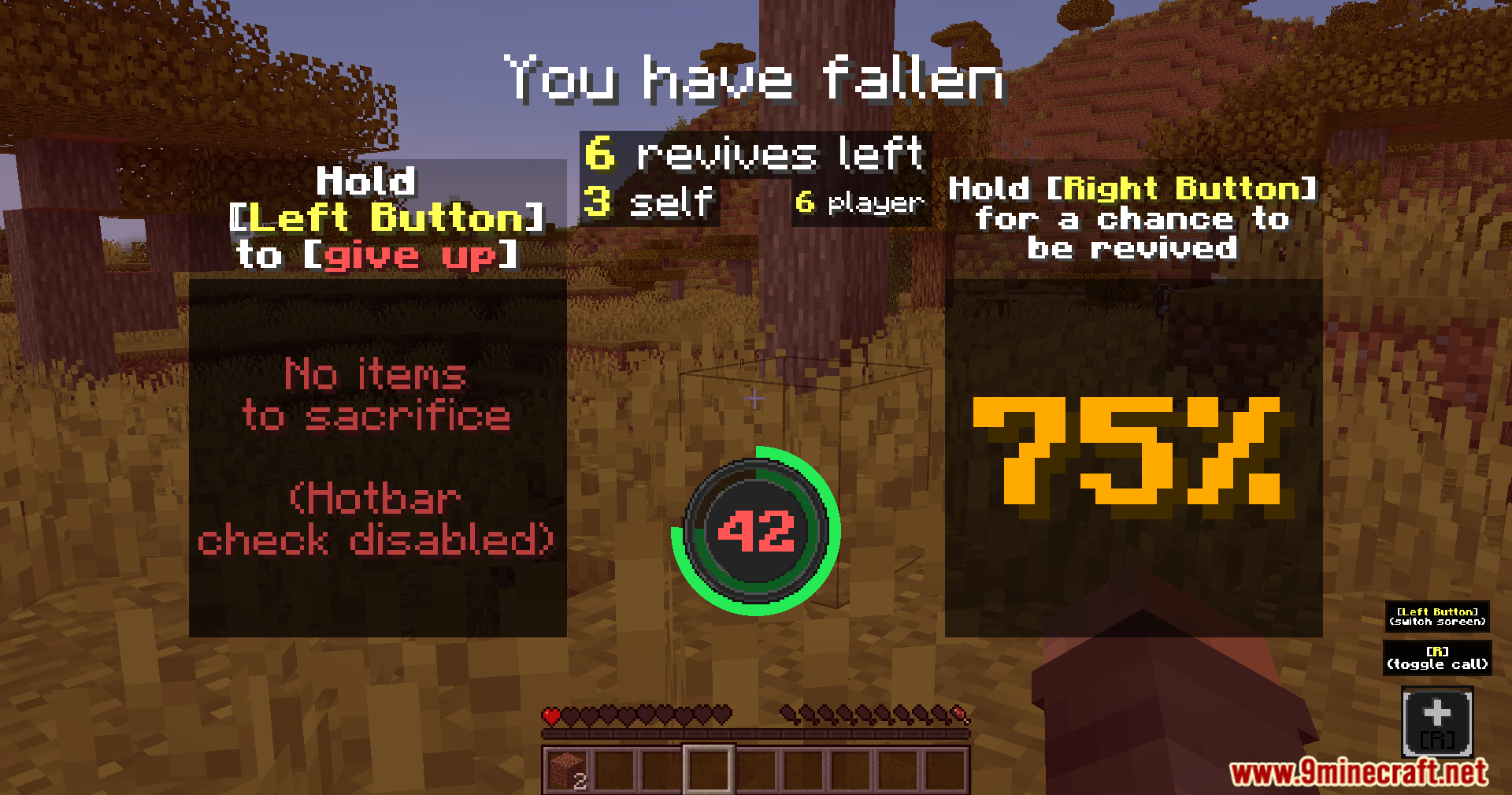
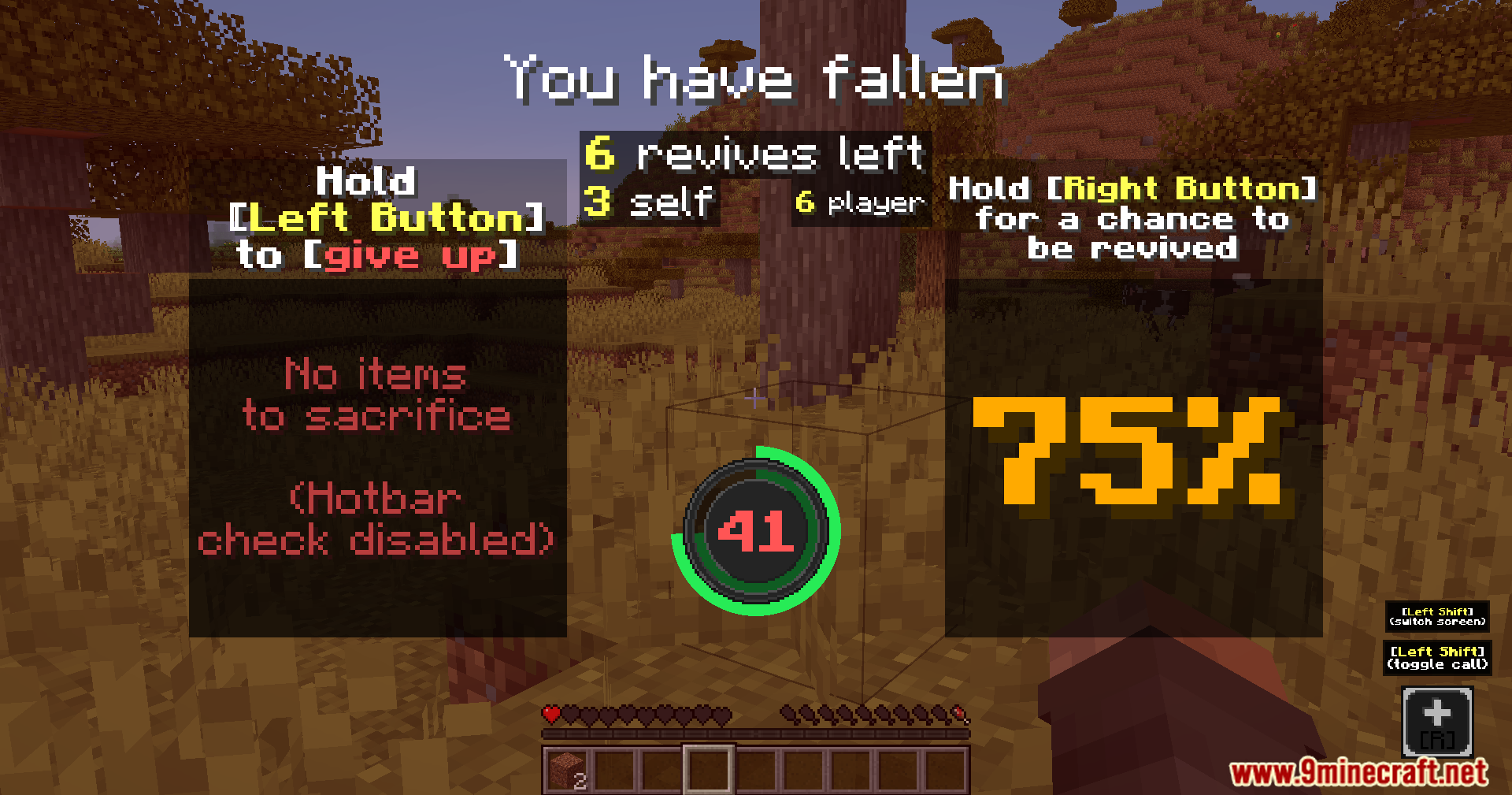
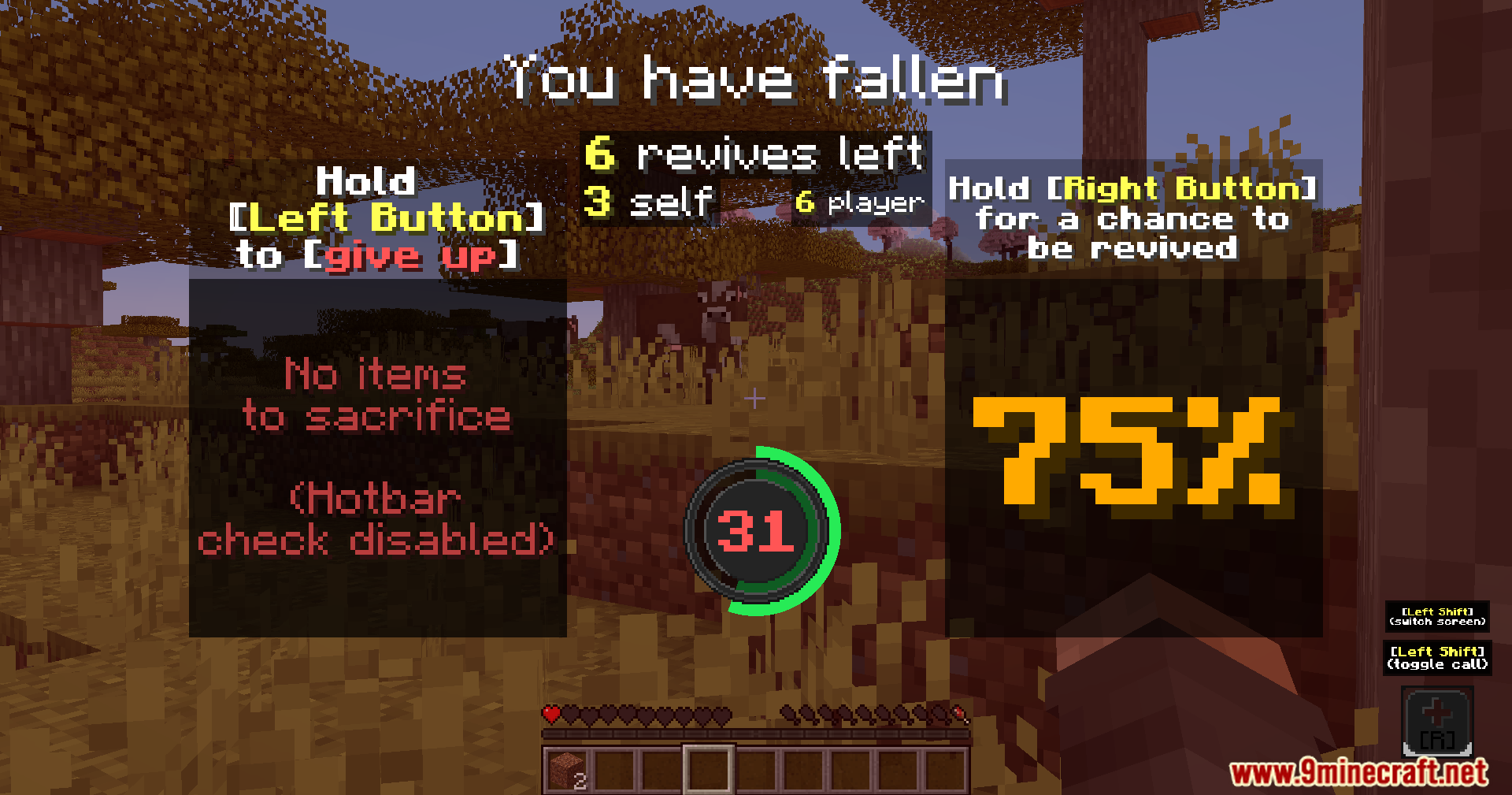
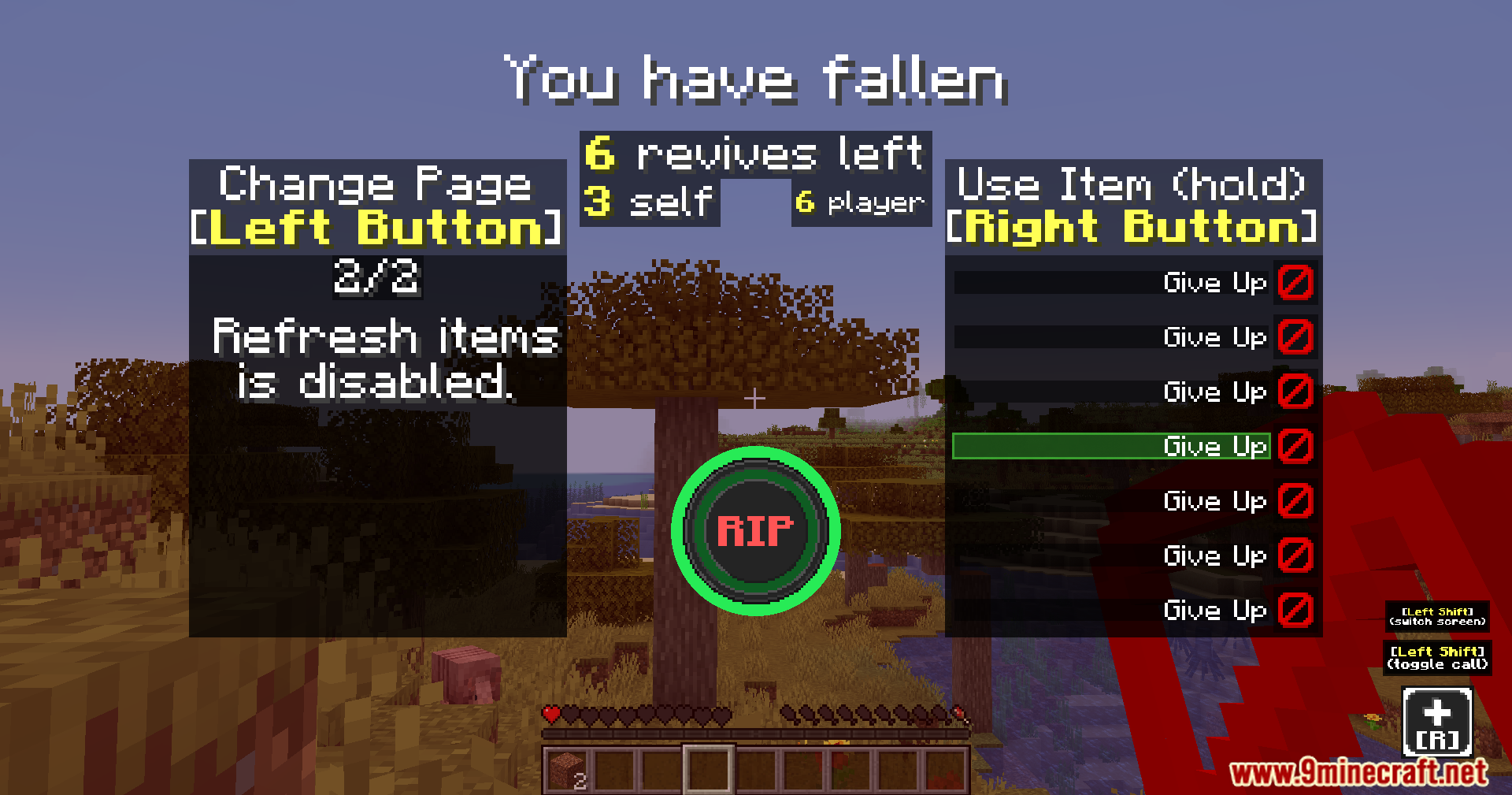
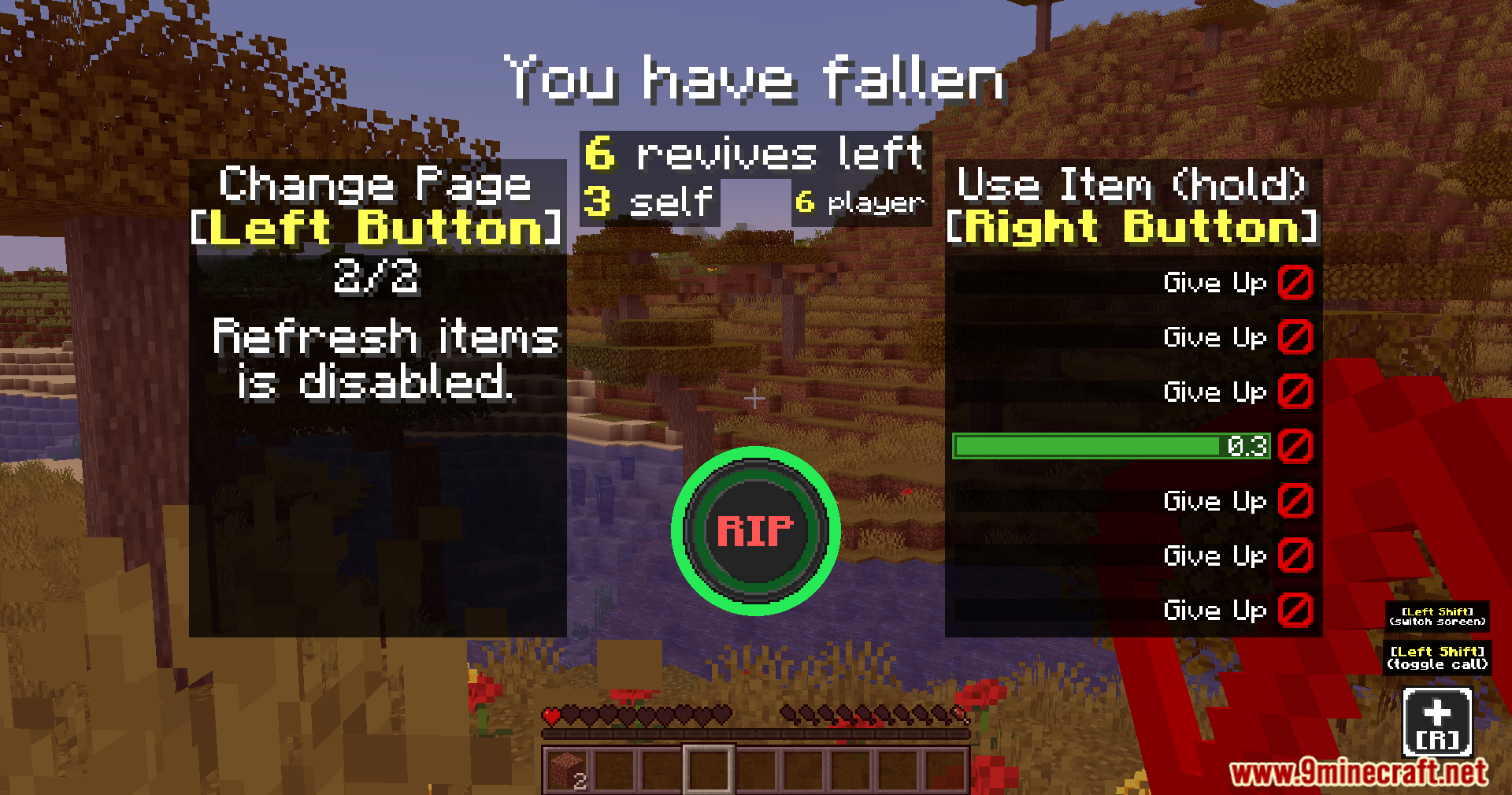
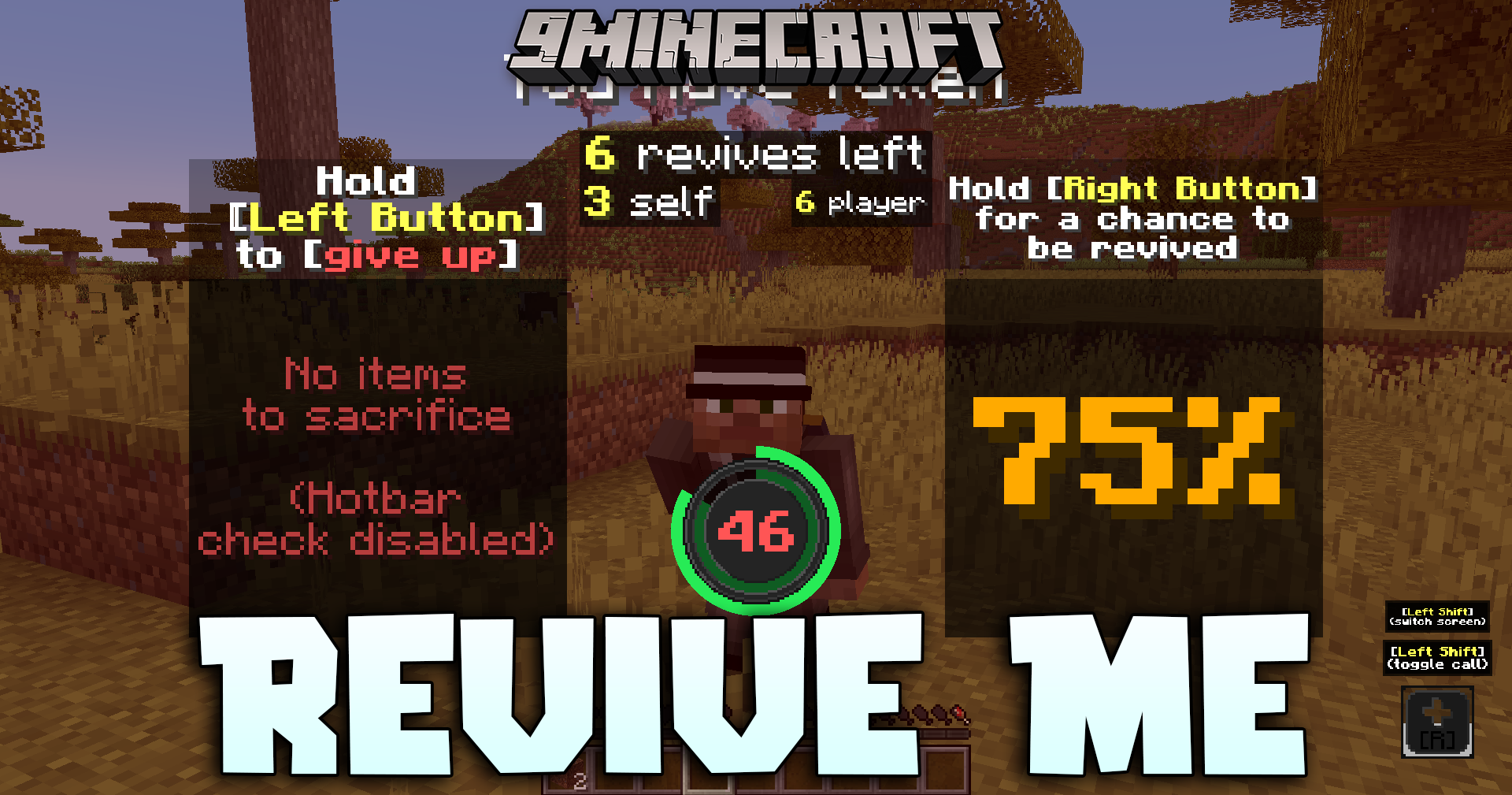
Revive Me Mod adds a new death and revival system that requires Invocore to work. It stops you from dying right away when you take fatal damage, putting you in a fallen state instead. This gives your friends a chance to save you before your timer runs out. You can also set up rules to bring yourself back to life by paying a cost.
Features:
- Puts players into a safe fallen state with a countdown timer instead of killing them instantly.
- Prevents fallen players from opening their inventory, using items, or breaking blocks.
- Makes fallen players immune to most damage so they have time to get help.
- Works perfectly with normal Minecraft teams and other popular combat mods.
- Lets you change over 50 different settings in the config file to match your world.
Ways to Revive Others:
- Give up some of your own health or food bar to save a friend.
- Spend your own experience points to wake up a fallen player.
- Use special custom items that you set up in the config file.
- Heal a fallen player past their max health to get them back on their feet.
Ways to Revive Yourself:
- Pay a cost by losing your experience points or getting negative potion effects.
- Fight for your life by defeating a set number of mobs before the timer ends.
- Sacrifice up to four random items from your inventory to stand back up.
- Rely on a lucky percentage chance to wake up without any help.
Commands:
/reviveme– Brings a specific fallen player back to life instantly.
How to Use:
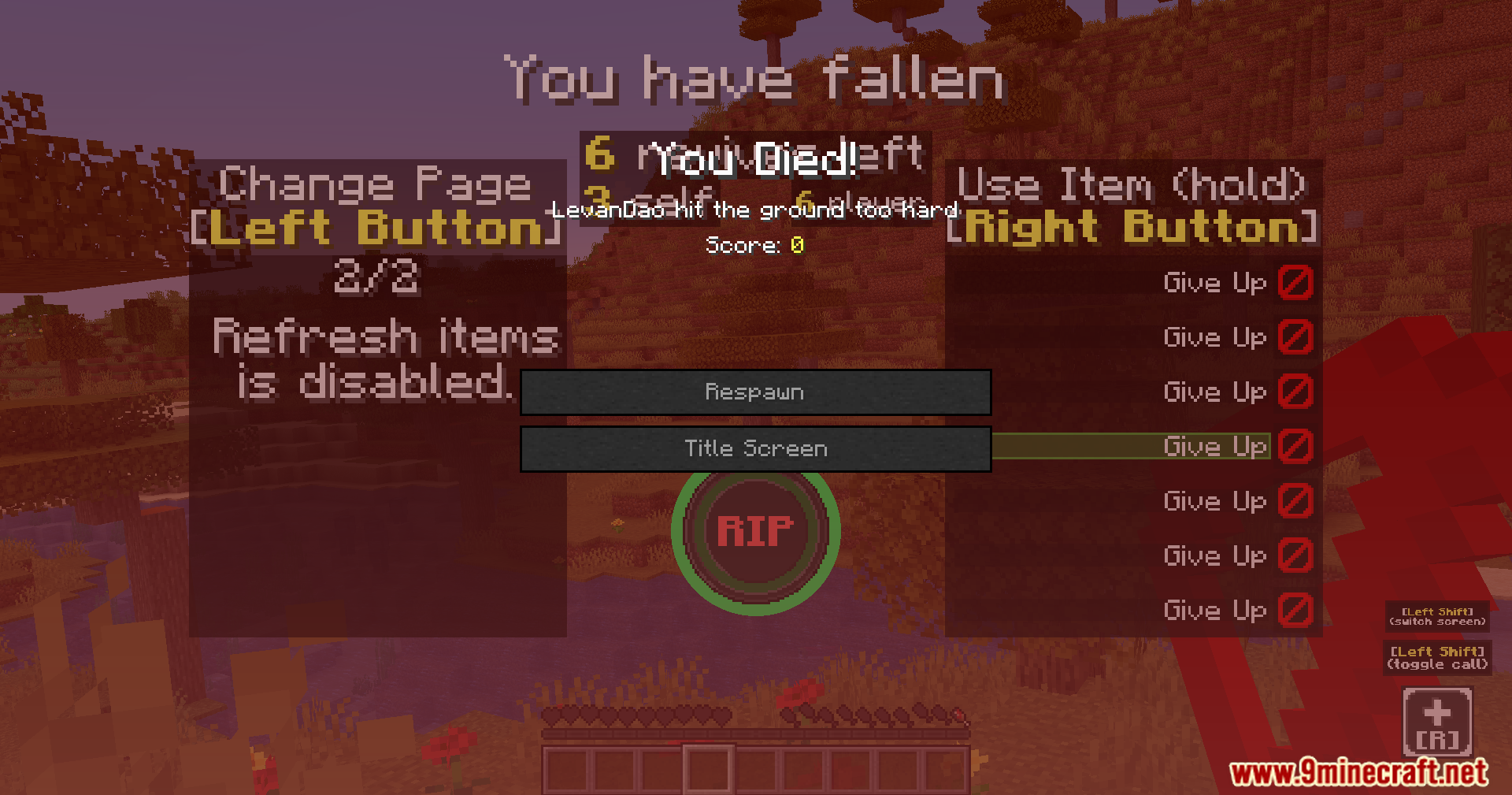
- Take enough damage to lose all your health and enter the fallen state.
- Wait for another player to come close and pay a cost, like health or food, to save you.
- If you are alone, defeat nearby mobs quickly or accept a penalty to revive yourself.
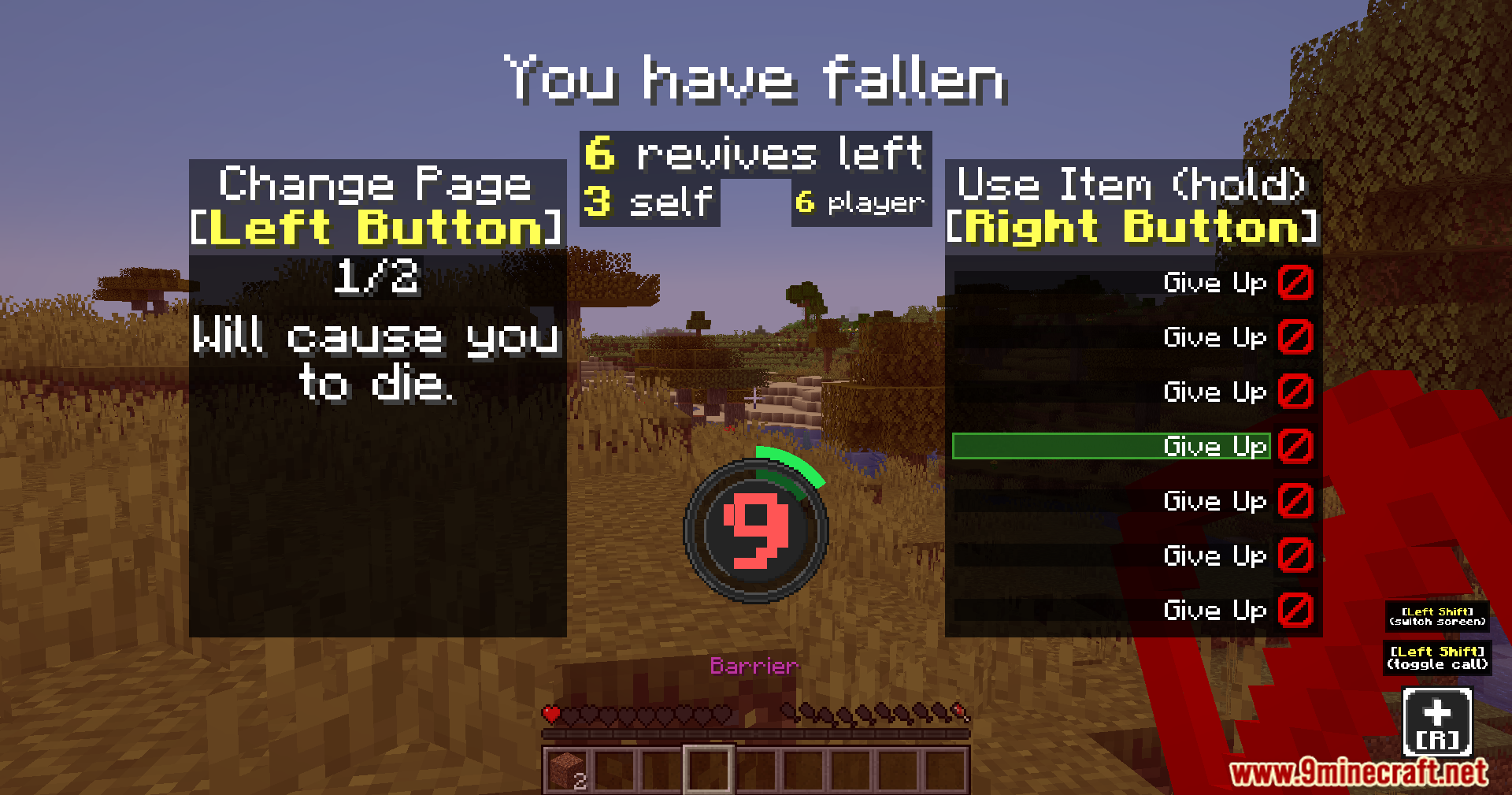
- Check the countdown timer on your screen to see how much time you have left.
Screenshots:
Revive Me Mod Download Links
Quick facts
- Edition: Minecraft Java
- File type: .jar
- Minecraft version listed: 1.20.1
- How to install: Install the matching mod loader (Forge, Fabric or NeoForge) for your Minecraft version. → Download the .jar. → Put it in the .minecraft/mods folder and launch that loader profile.
- Where to get it: In MC Java Mods, or directly above on this page.
Install steps are the general flow for this file type — How to install Minecraft Java mods & modpacks walks through it step by step.
File checked by MCModsHub
- Downloads as 195064.mcaddon
- Download size: 1.3 MB
- Download link checked 25 Sept 2026 — working
- Mirrored on our own servers — the download does not depend on the original host
These come from our own check of the pack file, not from the source page.