
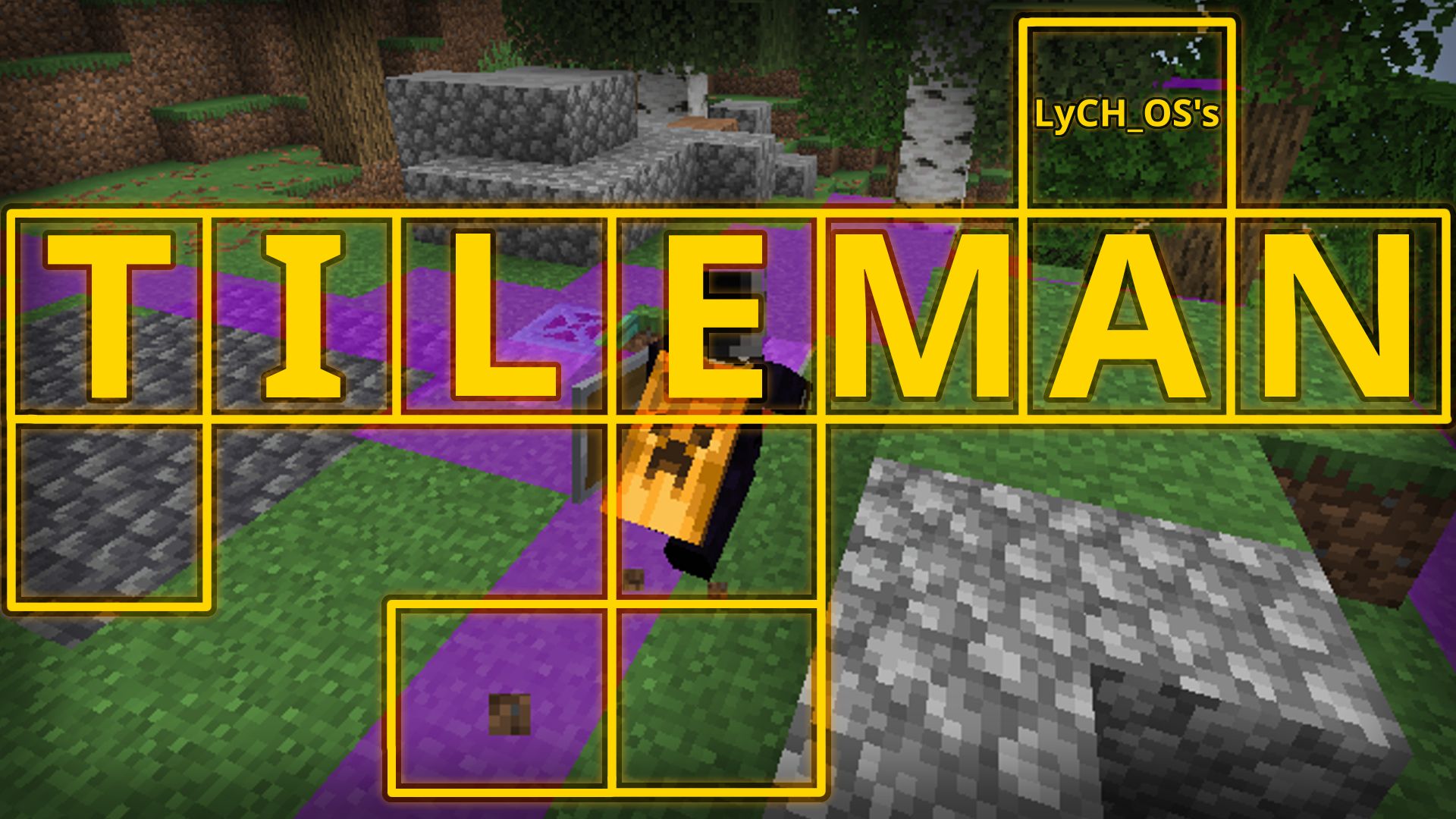
LyCH_OS's Tileman
(I recently got hired somewhere, so dev might be slower than it already is)
Description
An Old School RuneScape (OSRS)-inspired gridlock challenge mod.
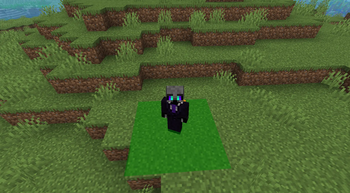
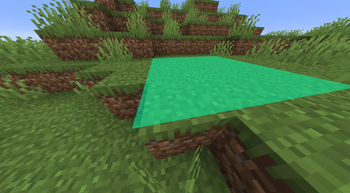
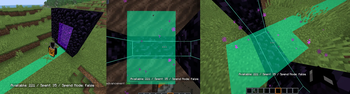
Movement is restricted to only specific blocks inside "tiles". In Minecraft's 3D context, tiles are X/Z coordinates (with infinite Y-height up or down) that you have to unlock.
You start with a (default) 3x3 grid of free unlocked tiles at spawn (this can be customized in-game).
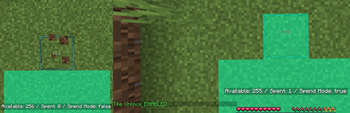
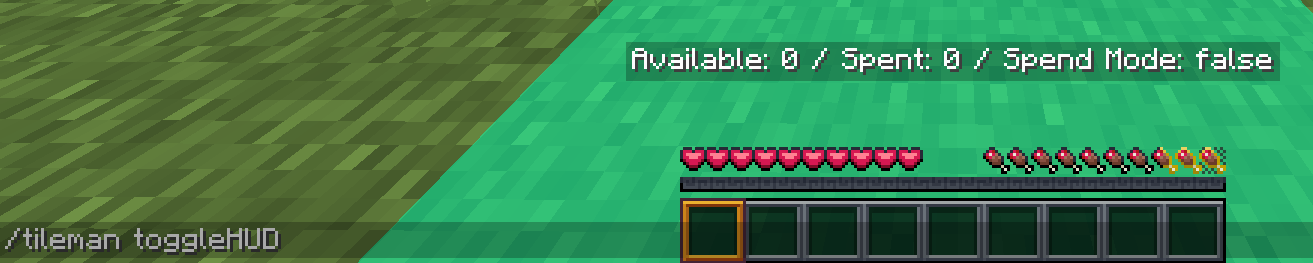
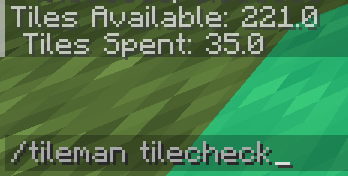
To earn more tiles, you complete tasks such as killing mobs, with which you can then spend by switching to Unlock Mode (default 'B' key) and walking into any block coordinates that you don't yet own.
If you don't have unlocked tiles, walking into an un-owned coordinate will bounce you back.
Requirements, Dependencies, Works-with...
Must have the following:
- Fabric Mod Loader (duh)
- Fabric API (Make sure to get the latest one for your Minecraft version!)
1.21.8 version tested alongside these other mods with no issues:
- AppleSkin
- BBE (Better Block Entities)
- Better Controls (Multiloader)
- Better Hand Bobbing
- EntityCulling
- FerriteCore
- ImmediatelyFast
- Lithium
- Mod Menu
- NotEnoughAnimations
- Placeholder API
- Reese's Sodium Options
- Sodium
- Sodium Extra
- Sodium Fullbright (I know many of these probably don't matter, but you know.)
Usage
After installing the mod (which there are hundreds of tutorials for Fabric mods on YouTube etc), just start Minecraft and the mod will initialize.
Check the controls menu for custom keybinds, which will be at the bottom under "Tileman".
Spawn randomness is disabled so you ALWAYS respawn back at the center of the starter grid.
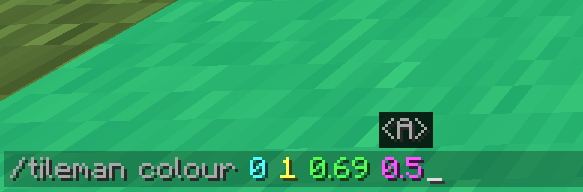
Use the '/tileman' command for additional customization.
Currently if Tileman is loaded, you start new worlds in Adventure mode with most processes paused so you can get a lay of the land.
If you like the seed and are ready to play on it, run '/tileman options' to choose your settings.
Run '/tileman start confirm' to lock in your settings, and begin. The mod will clear your inventory, un-pause everything, warp you to your start grid, and put you into Survival mode.
For convenience, if you switch to Spectator mode while on an active run, tile movement and tracking gets paused so you can explore without affecting your game.
Known Issues
- (Seems to be only on the 1.21.8 version) 'Fabulous!' quality causes weird rendering issues when tiles are in front of certain things (like water), namely making water fully clear. I don't know enough about GLSL/Java/whatever shading methods Fabulous uses, so this will probably be a permanent issue.
Credits
Kev / LyCH_OS (hi) - Mod creator
Laclica - Occasional co-programming, multiplayer testing, and (s*loads of) moral support.
sram1337 - Original creator of the Tileman concept (initially called 'Tilebound').
ConorLeckey - Creator of the OSRS Runelite plugin for Tileman.
whosalbercik - Creator of another Tileman mod for Minecraft 1.21.4 (which for what it is it's really well done), inspired me to make my own.
- Edition: Minecraft Java
- File type: .jar
- Minecraft version listed: 1.21.8
- How to install: Install the matching mod loader (Forge, Fabric or NeoForge) for your Minecraft version. → Download the .jar. → Put it in the .minecraft/mods folder and launch that loader profile.
- Where to get it: Opens on Modrinth — not every file is mirrored on our own servers.
Install steps are the general flow for this file type — How to install Minecraft Java mods & modpacks walks through it step by step.
- Ships as tileman-0.0.4.1-fabric-1.21.8.jar — drop this file into the mods folder
- Download size: 313 KB
- Download link checked 24 Aug 2026 — working
These come from our own check of the pack file, not from the source page.