
ModsJava
FoFlatAllDimensions
Java mod listed for Minecraft 26.x. Downloads from the MC Java Mods app on Android.
⬇ Download on Modrinth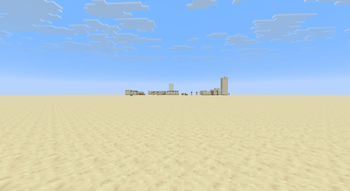
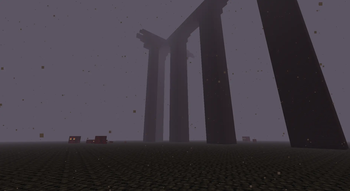
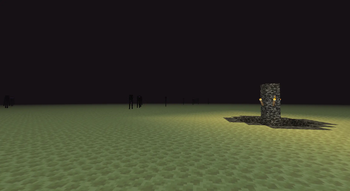
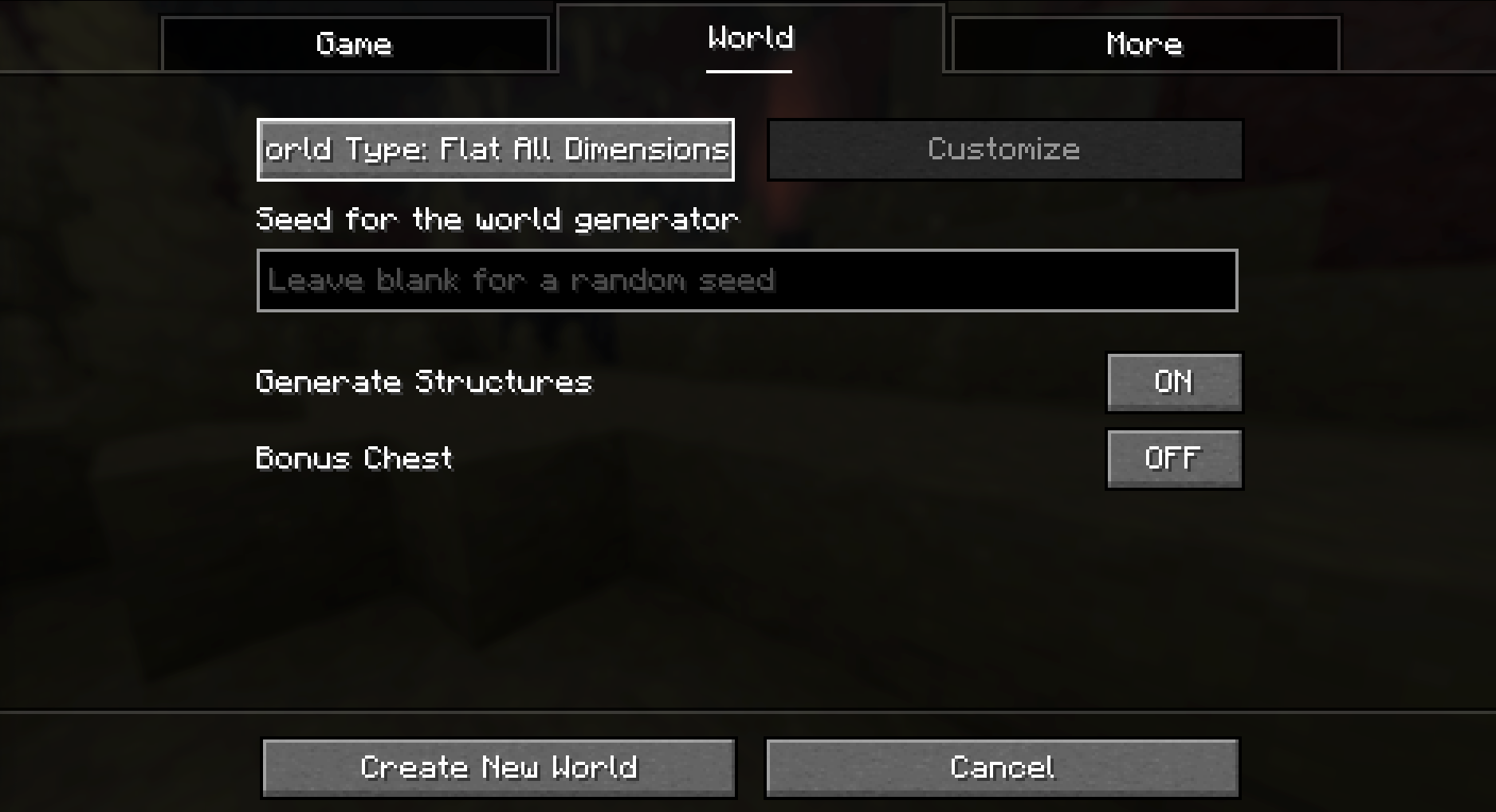
FoFlatAllDimensions is a tiny Fabric mod that adds Flat All Dimensions to Minecraft's normal world type selector. Pick it when creating a new world to generate flat-style terrain in the Overworld, Nether, and End without adding commands, config screens, items, blocks, or extra gameplay systems.
Features
- Adds Flat All Dimensions to the standard
World Typebutton in the Create New World menu. - Uses Minecraft's vanilla
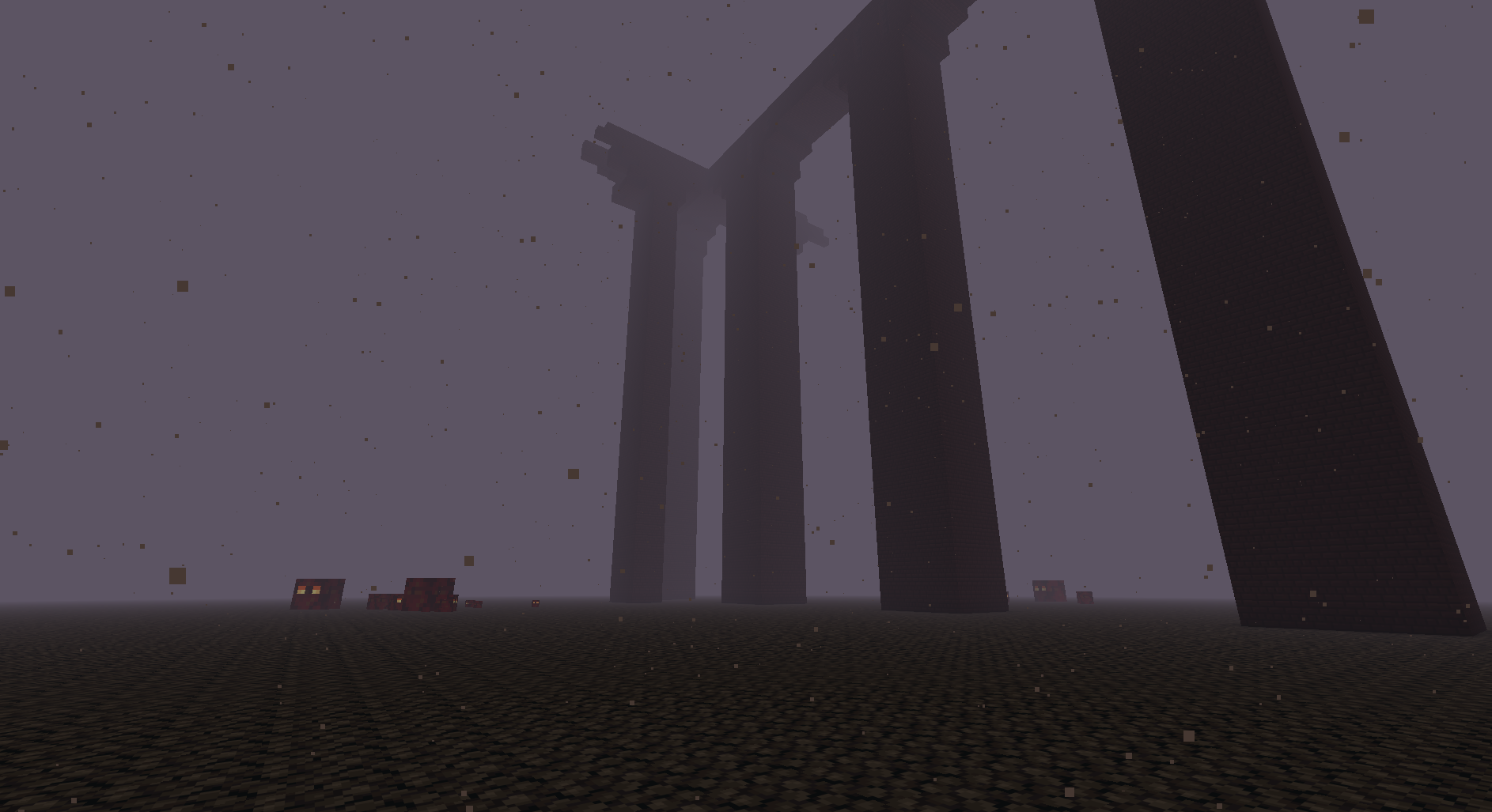
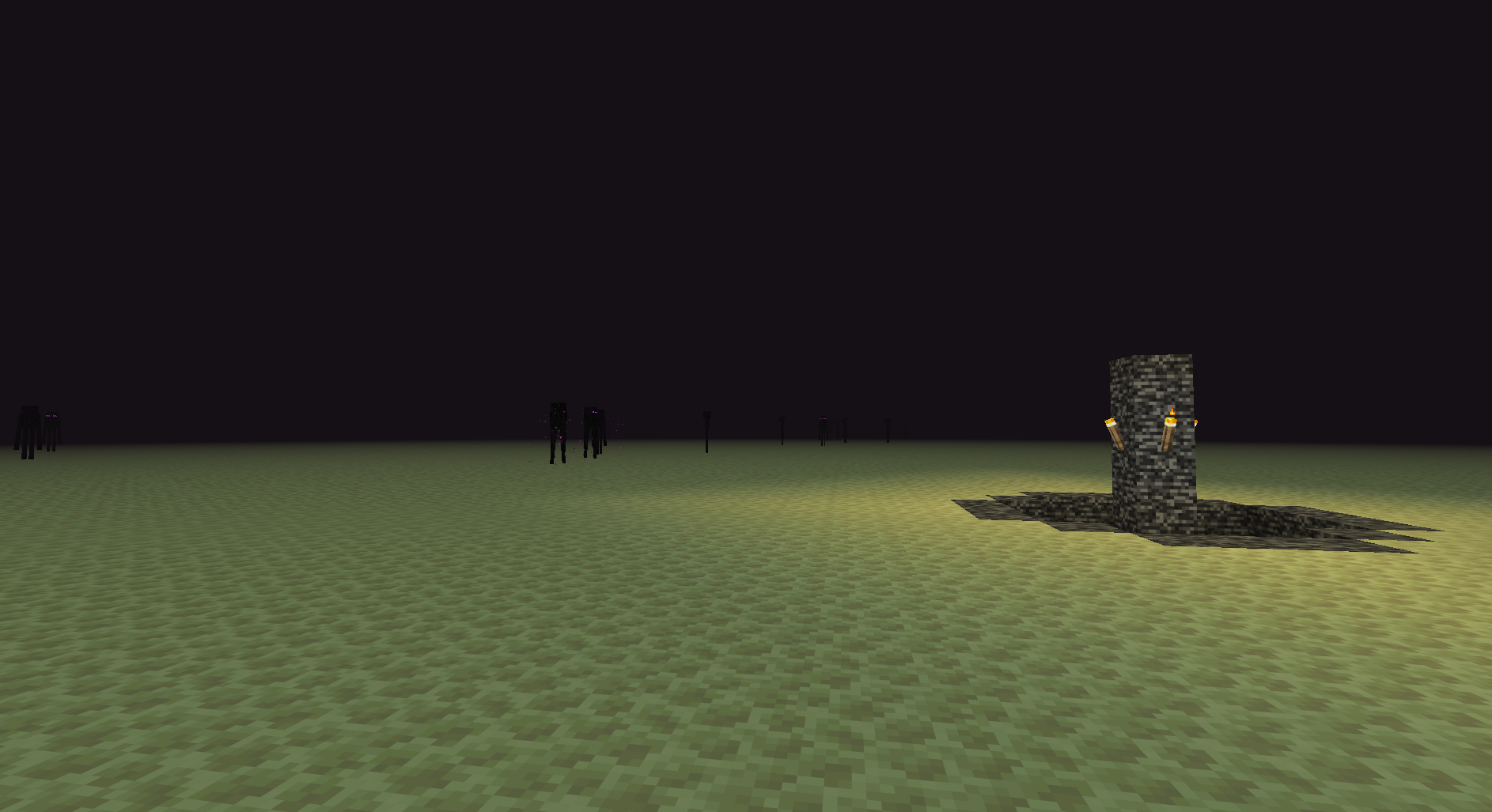
flat_all_dimensionsworld preset entry instead of a code-heavy custom generator. - Applies flat-style terrain across the Overworld, Nether, and End, not only the Overworld.
- Keeps the mod lightweight with no commands, config files, items, blocks, or custom GUI screens.
- Useful for testing, building, mapmaking, and clean worlds where every vanilla dimension should be flat.
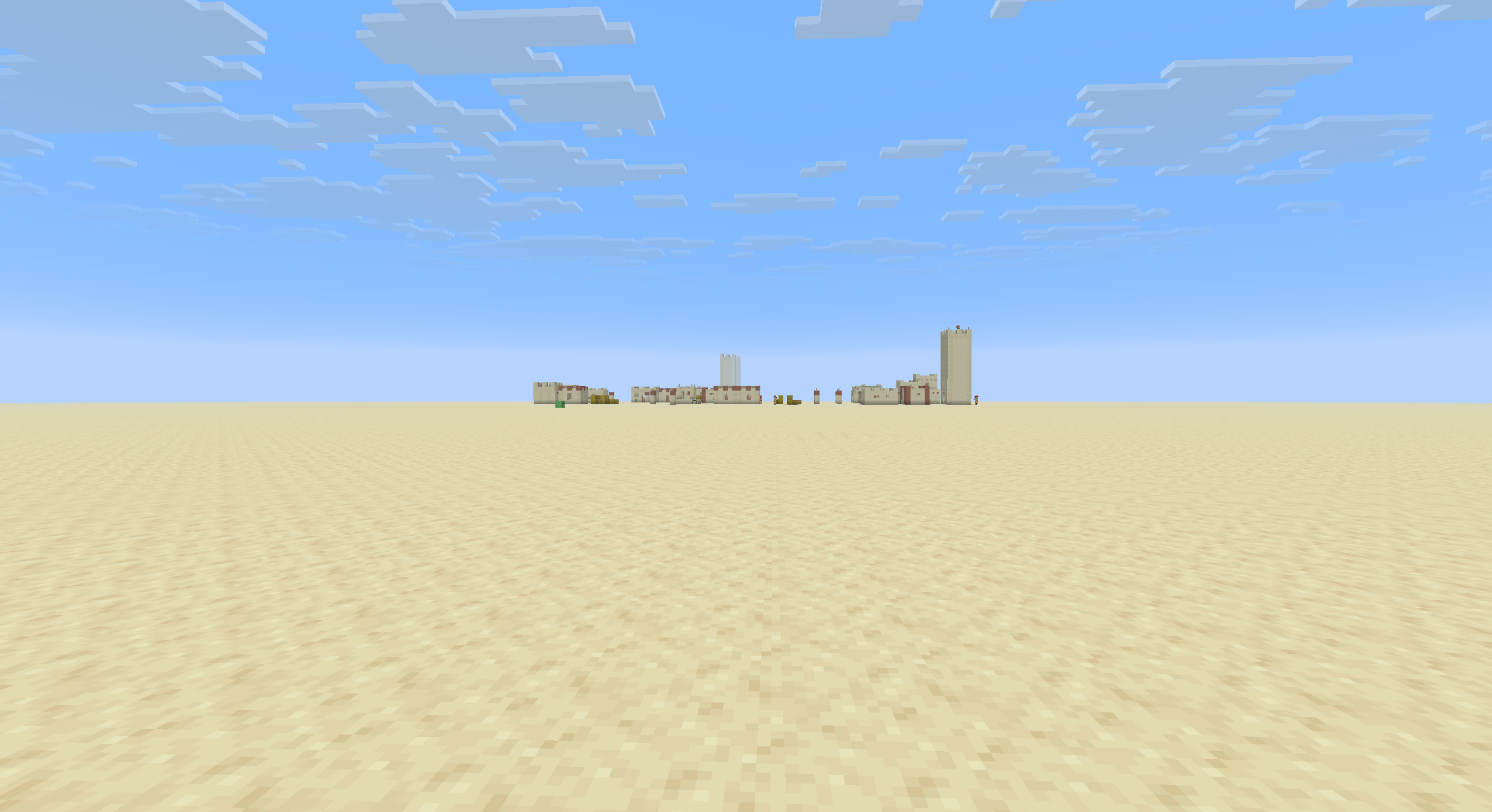
Flat Dimensions
The preset keeps every vanilla dimension simple to inspect, build in, and test against.
Usage
- Install the mod with Fabric.
- Create a new world.
- Cycle the
World Typebutton until Flat All Dimensions appears. - Create the world and use the normal vanilla world creation options.
Quick facts
- Edition: Minecraft Java
- File type: .jar
- Minecraft version listed: 26.2
- How to install: Install the matching mod loader (Forge, Fabric or NeoForge) for your Minecraft version. → Download the .jar. → Put it in the .minecraft/mods folder and launch that loader profile.
- Where to get it: Opens on Modrinth — not every file is mirrored on our own servers.
Install steps are the general flow for this file type — How to install Minecraft Java mods & modpacks walks through it step by step.
File checked by MCModsHub
- Ships as foflatalldimensions-1.0.jar — drop this file into the mods folder
- Download size: 2 KB
- Download link checked 23 Oct 2026 — working
These come from our own check of the pack file, not from the source page.