
Custom Crosshair Mod Fix
A small compatibility patch for Minecraft 1.21.11 that fixes broken circle crosshair rendering (https://modrinth.com/mod/custom-crosshair-mod).
This mod does not replace the original mod and requires the original mod to be installed.
How that works?
The render was broken because the original mod drew the circle using an old line-based approach: it generated points around the circle and submitted them as a line render state.
Original idea:
for (int i = startAngle; i <= endAngle; i++) {
    float radians = (i - 90) * ratio;
    points.add(x + cos(radians) * radius);
    points.add(y + sin(radians) * radius);
}
The problem was that the original ModLinesGuiElementRenderState used a debug/line pipeline with lineWidth(2.0F). In Minecraft 1.21.11’s newer GUI render-state system, that line rendering path became unreliable: the circle could break into chunks, disappear, or render with incorrect thickness.
So this mod overrides old circle rendering replaces it with RingGuiElementRenderState
The rendering is different from the original in older versions!
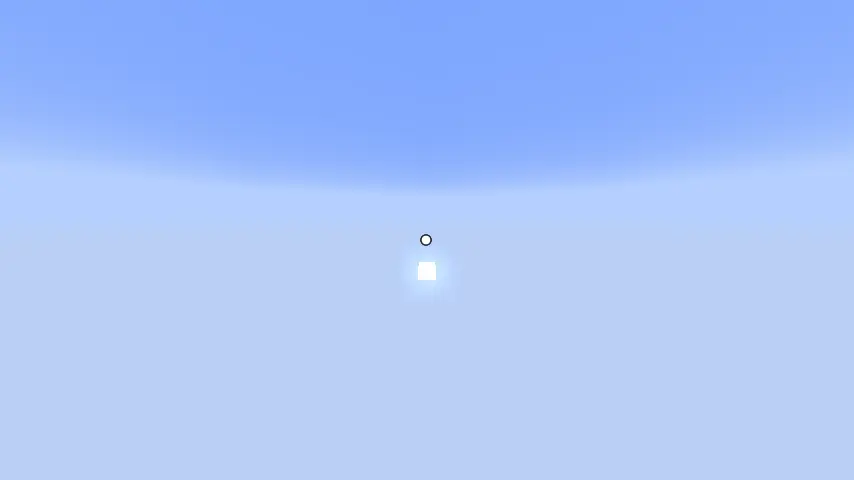
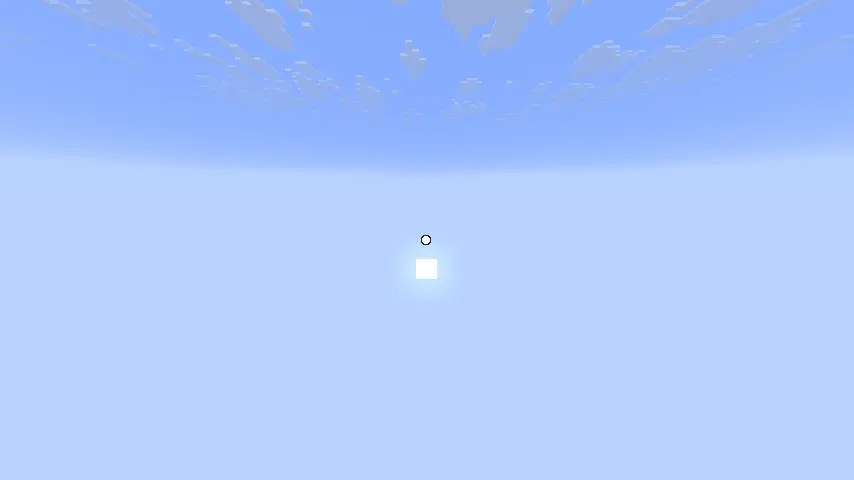
Comparing
old:
new:
- Edition: Minecraft Java
- File type: .jar
- Minecraft version listed: 1.21.11
- How to install: Install the matching mod loader (Forge, Fabric or NeoForge) for your Minecraft version. → Download the .jar. → Put it in the .minecraft/mods folder and launch that loader profile.
- Where to get it: Opens on Modrinth — not every file is mirrored on our own servers.
Install steps are the general flow for this file type — How to install Minecraft Java mods & modpacks walks through it step by step.
- Ships as CustomCrosshairFix-1.0.jar — drop this file into the mods folder
- Download size: 13 KB
- Download link checked 22 Aug 2026 — working
These come from our own check of the pack file, not from the source page.