
World Change
Java mod listed for Minecraft 26.x. Downloads from the MC Java Mods app on Android.
⬇ Download on Modrinth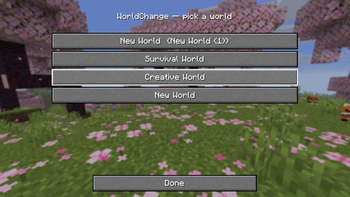
WorldChange
Switch between your singleplayer worlds with a single command — no trip back to the title screen.
What it does
WorldChange loads another world from your saves folder while you're still in-game. It reuses Minecraft's own "play selected world" flow, so all you see is the normal loading screen — you never get kicked back to the menu.
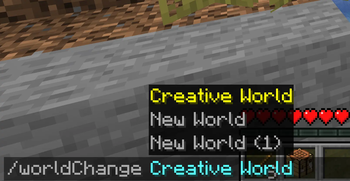
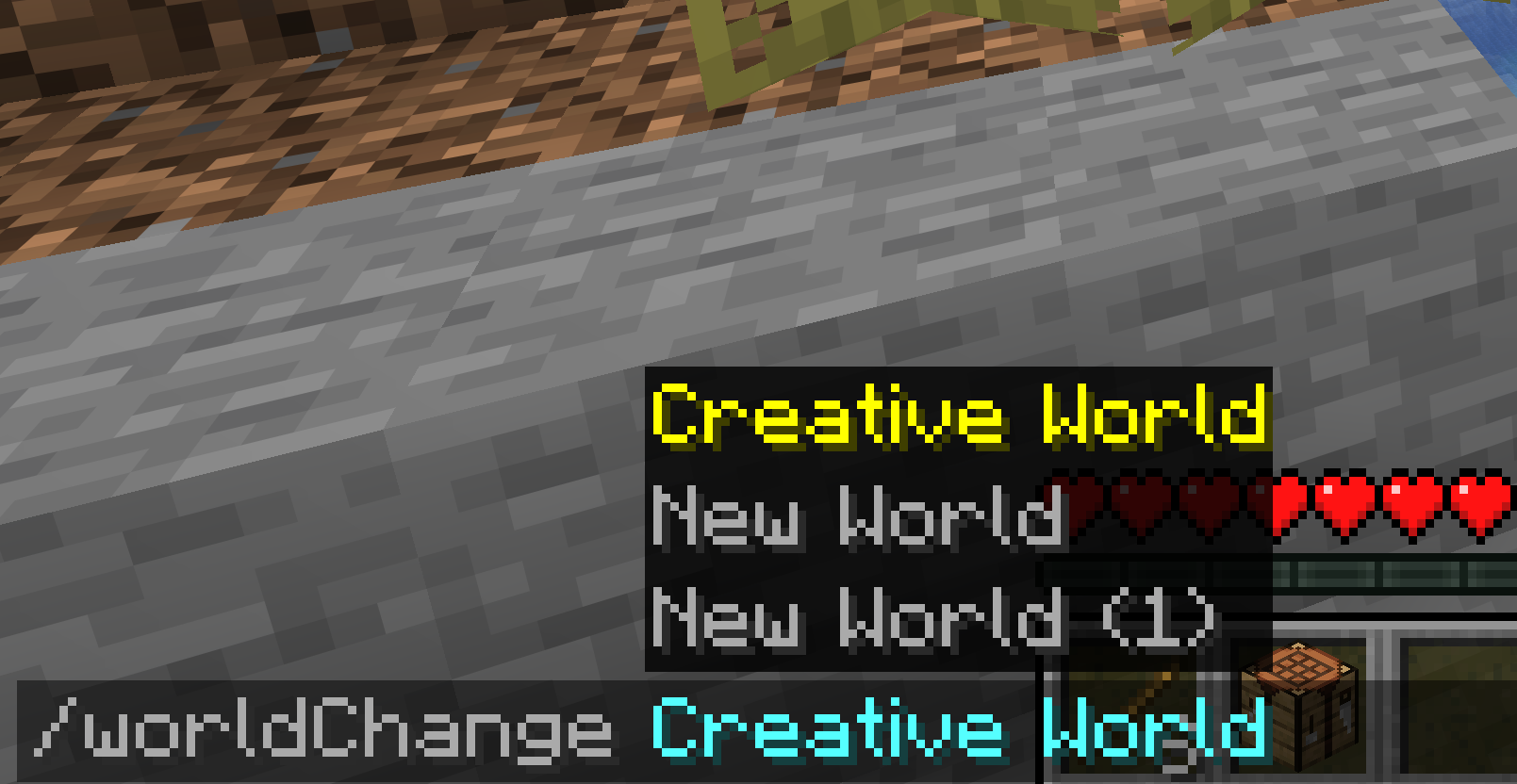
- One command —
/worldChange <name>switches you to that world instantly - Works from anywhere — even while connected to a multiplayer server (it disconnects and loads your local world)
- Smart matching — finds worlds by name; the seed is optional and only needed to tell apart two worlds that share a name
- No surprises — clear in-game messages when a world isn't found, is locked, or is incompatible. It never crashes your game
- Vanilla look & feel — built entirely with Minecraft's native UI, no custom textures or decoration
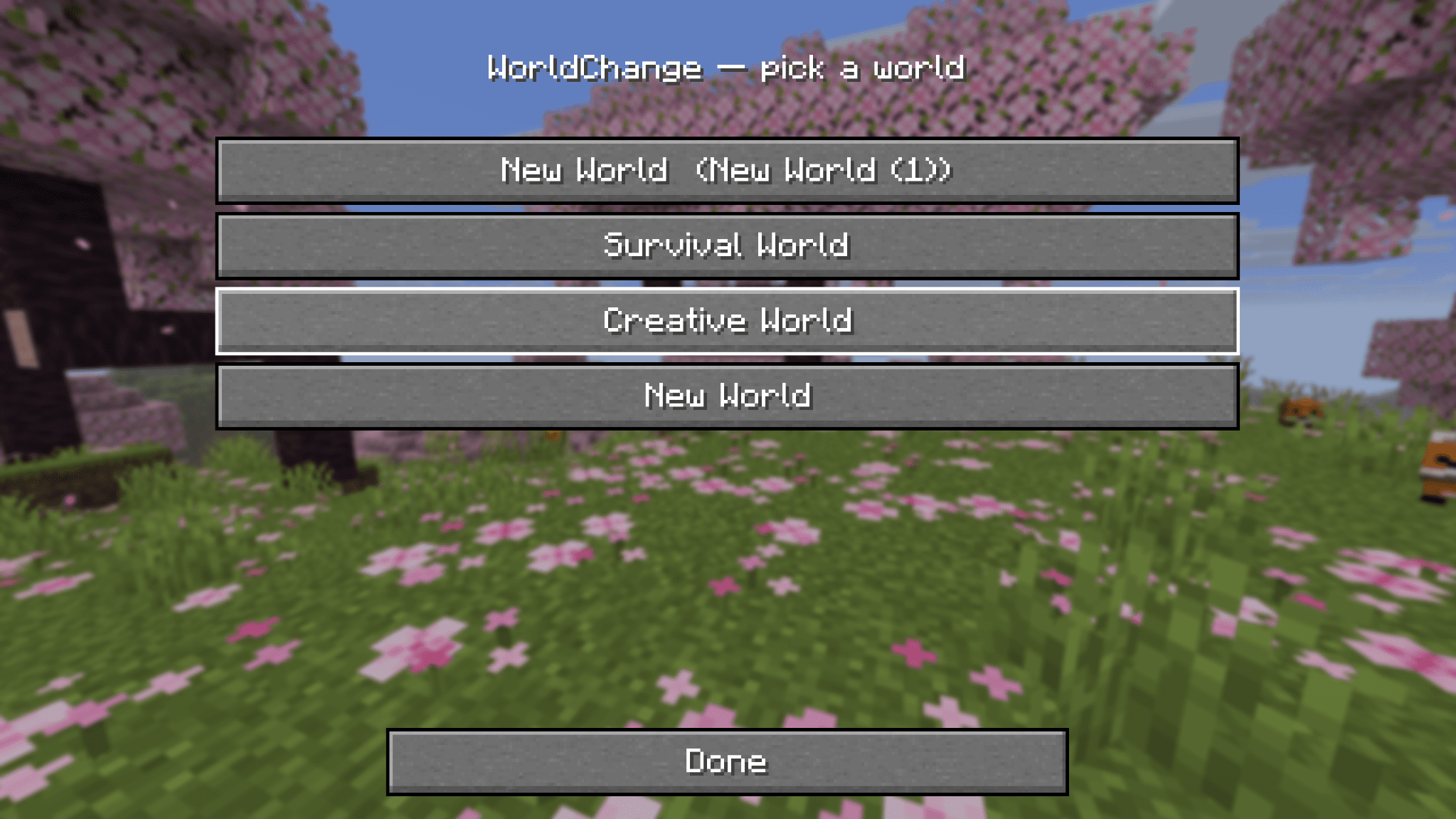
World picker (Mod Menu)
Prefer clicking over typing? Open WorldChange from Mod Menu to get a clean, vanilla-style list of your worlds — one click switches. Worlds that can't be loaded (incompatible version, currently open, or locked) are shown but disabled.
Usage
/worldChange MyWorld          # switch by name
/worldChange MyWorld:12345    # add the seed when two worlds share a name
Compatibility
| Loader | Fabric |
| Minecraft | 1.21.10 · 1.21.11 · 26.1 · 26.1.1 · 26.1.2 · 26.2 |
| Requires | Fabric API |
| Optional | Mod Menu (for the world picker) |
| Side | Client-side only — not needed on servers |
Notes
- This is the first release (v0.1.0). Feedback and bug reports are welcome.
- Switching always saves your current world before loading the next one.
- Edition: Minecraft Java
- File type: .jar
- Minecraft version listed: 26.2
- How to install: Install the matching mod loader (Forge, Fabric or NeoForge) for your Minecraft version. → Download the .jar. → Put it in the .minecraft/mods folder and launch that loader profile.
- Where to get it: Opens on Modrinth — not every file is mirrored on our own servers.
Install steps are the general flow for this file type — How to install Minecraft Java mods & modpacks walks through it step by step.
- Ships as worldchange-0.1.0+26.2-fabric.jar — drop this file into the mods folder
- Download size: 32 KB
- Download link checked 24 Oct 2026 — working
These come from our own check of the pack file, not from the source page.