
One Pixel
A radical minimalist resource pack that replaces most Minecraft textures with a single solid color sampled from their top-left pixel.
I don't know my version or loader
One Pixel
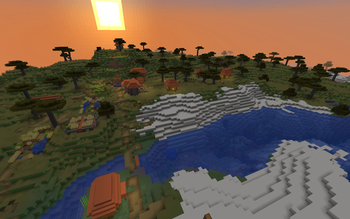
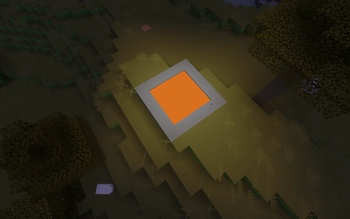
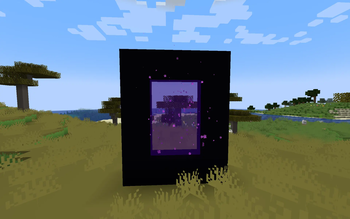
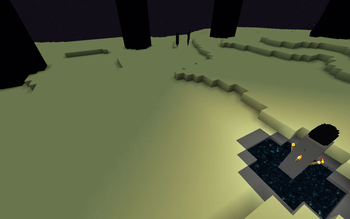
Is a unique and radical resource pack that transforms the world of Minecraft into an absolute triumph of minimalist design. If you are tired of complex details or looking for a truly fresh visual experience, this pack is for you.
💡 How does it work?
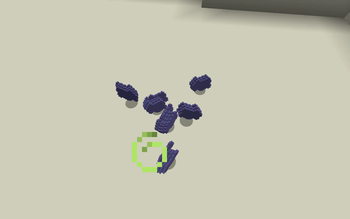
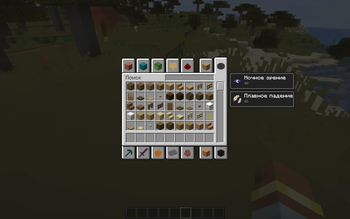
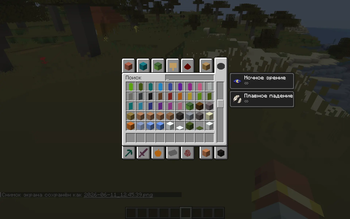
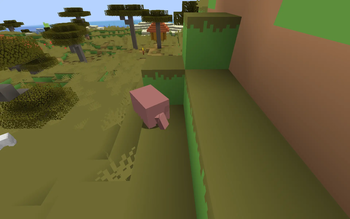
The concept is simple yet mind-blowing: every single texture in the game—from a basic dirt block to complex item sprites—is reduced to a single solid color. This color is sampled directly from the top-left pixel of the original texture. No noise, no gradients, just pure color.
✨ Features:
Ultimate Minimalism: The entire world turns into a stylish, low-poly abstract masterpiece.
A New Perspective on Building: Familiar structures will look completely different. It’s all about shape and color palette now.
🛠 Installation:
Download the .zip archive.
Launch Minecraft and go to Options -> Resource Packs.
Click Open Pack Folder and drop the downloaded file there.
Select the pack from the list and click Done.
❗Exceptions:
Grass block - its texture has not been completely replaced for unknown reasons. Ore blocks - the color of their texture is a mixture of stone/deepslate color and ore color
- Edition: Minecraft Java
- File type: .zip (resource pack)
- Minecraft versions listed: 1.21.7, 1.21.8
- How to install: Download the .zip resource pack — do not unzip it. → Put it in .minecraft/resourcepacks. → Enable it in Options → Resource Packs.
- Where to get it: Opens on Modrinth — not every file is mirrored on our own servers.
Install steps are the general flow for this file type — How to install Minecraft Java resource packs walks through it step by step.
- Downloads as One Pixel v1.0 (1.21.8).zip
- Download size: 1.9 MB
- Download link checked 14 Sept 2026 — working
These come from our own check of the pack file, not from the source page.