ModsJava
Player Trims
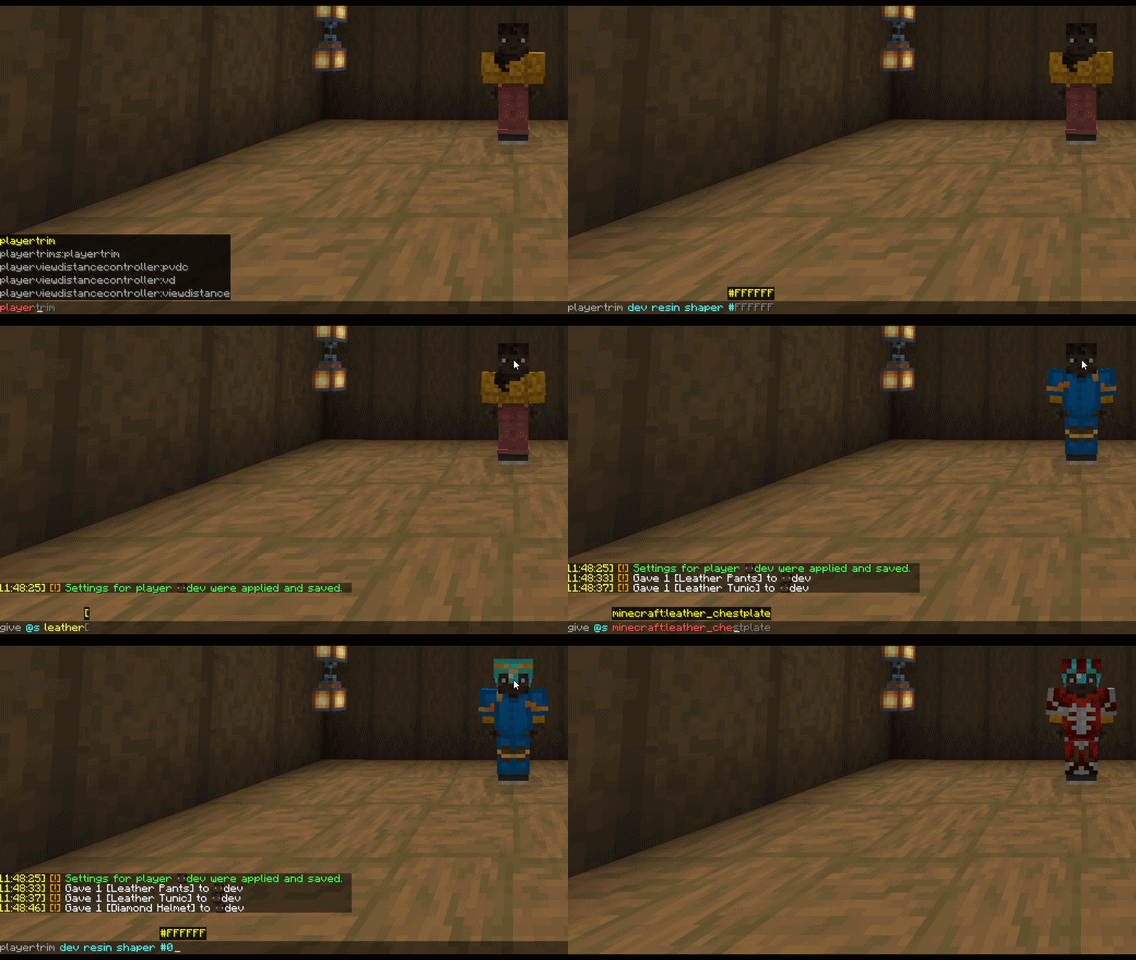
This plugin automatically applies custom armor trims and leather dyes to players when they equip any piece of armor, based on configuration via commands.
⬇ Download on Modrinth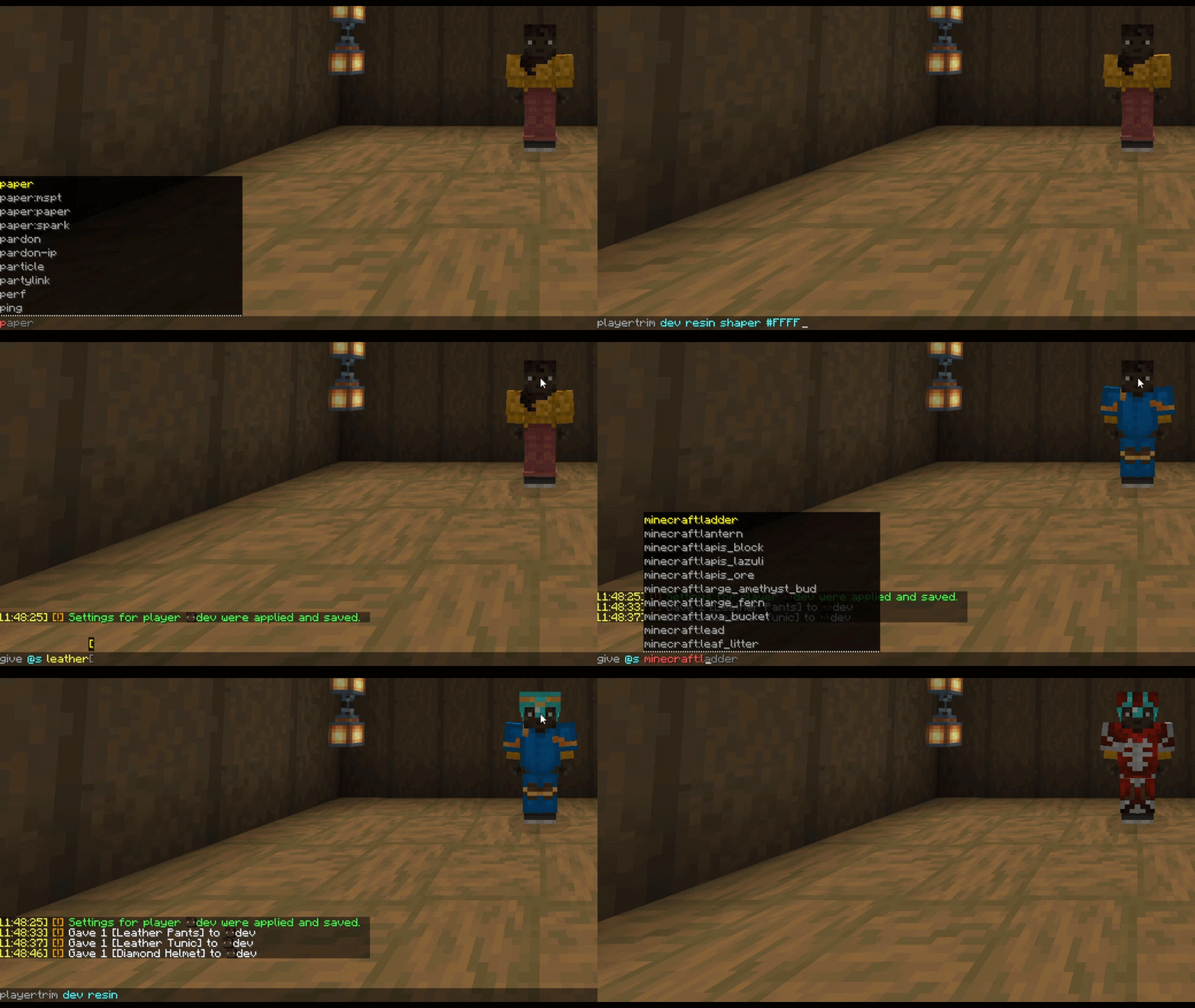
PlayerTrims
PlayerTrims is a lightweight, efficient PaperMC plugin that automatically enhances players' armor aesthetics in real-time. Whenever a player equips any piece of armor, the plugin instantly applies a pre-configured Armor Trim (Pattern & Material) and Custom Color (for leather armor).
Commands and Permissions
/playertrim <player> <material> <pattern> <hex-color>— Sets the custom armor style for the specified player.- Permission:
playertrims.admin
- Permission:
Quick facts
- Edition: Minecraft Java
- File type: .jar
- Minecraft versions listed: 1.21, 1.21.1, 1.21.2
- How to install: Install the matching mod loader (Forge, Fabric or NeoForge) for your Minecraft version. → Download the .jar. → Put it in the .minecraft/mods folder and launch that loader profile.
- Where to get it: Opens on Modrinth — not every file is mirrored on our own servers.
Install steps are the general flow for this file type — How to install Minecraft Java mods & modpacks walks through it step by step.
Verified by MCModsHub
- Ships as PlayerTrims-1.0.jar — drop this file into the mods folder
- Download size: 12 KB
- Download link checked 14 Sept 2026 — working
These come from our own check of the pack file, not from the source page.