One Click PvP Kit Equip | Mace Elytra, Crystal, Cart, UHC, Spear, Sword kits
Bedrock add-on listed for Minecraft 26.x (behavior + resource pack). File opened and checked on 18 Oct 2026; installs from the MC Bedrock Mods app on Android.
Get full PvP kits with a single click! No more taking items one by one. This Minecraft Bedrock add-on gives you a simple kit menu inspired by Java…
⬇ DownloadThe author built this one for Minecraft 26.13–26.50. On other versions it may install and then do nothing.


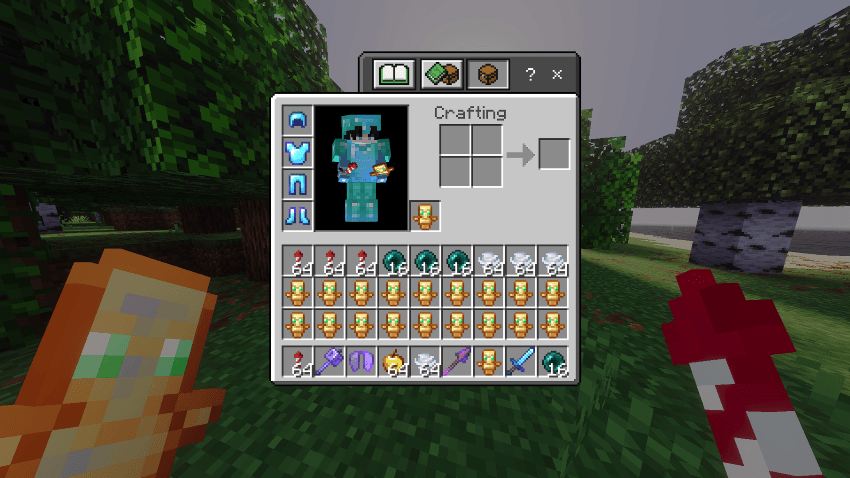
MACE KIT
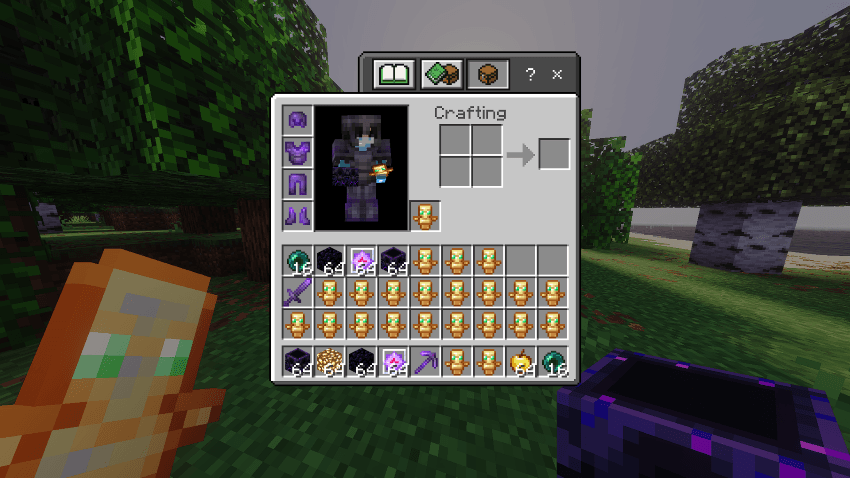
CRYSTAL KIT
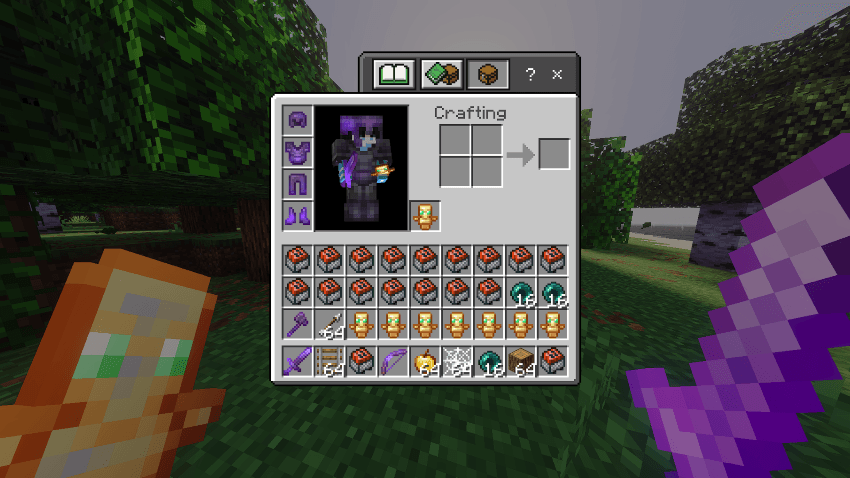
CART KIT
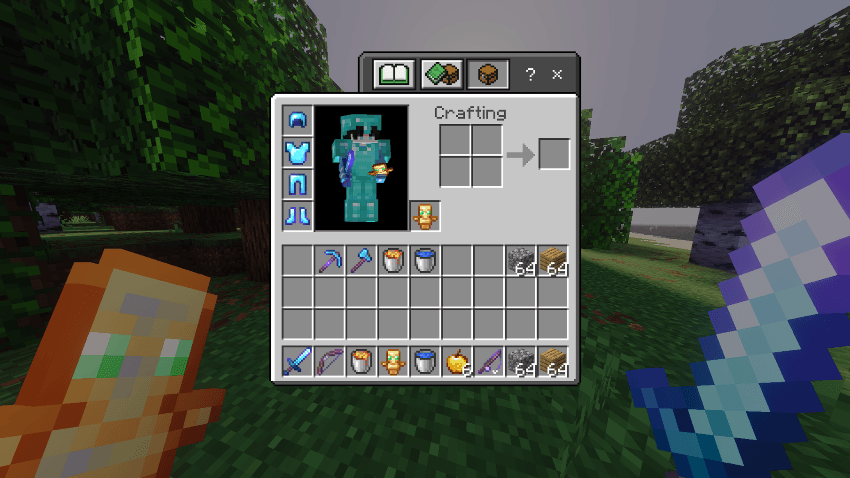
BUILD UHC KIT
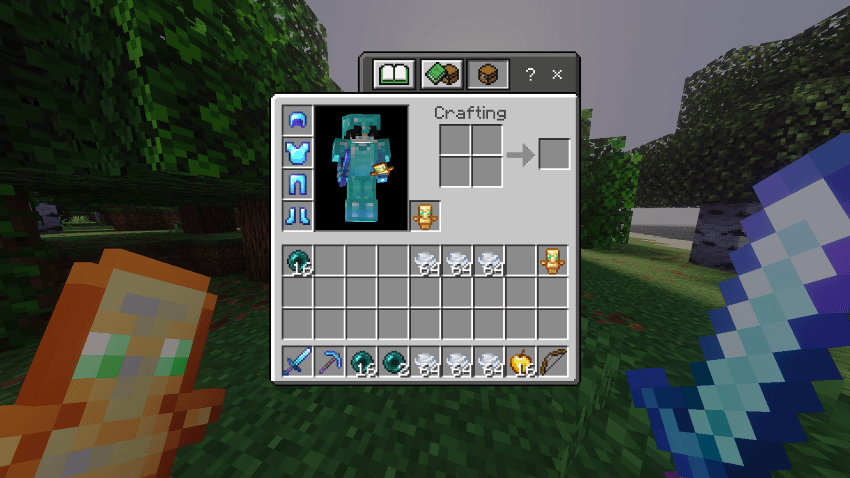
SKYWARS KIT
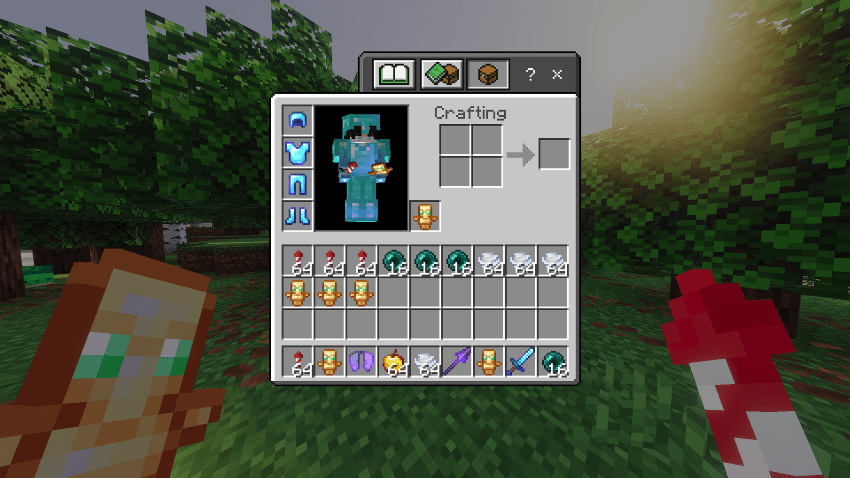
SPEAR KIT
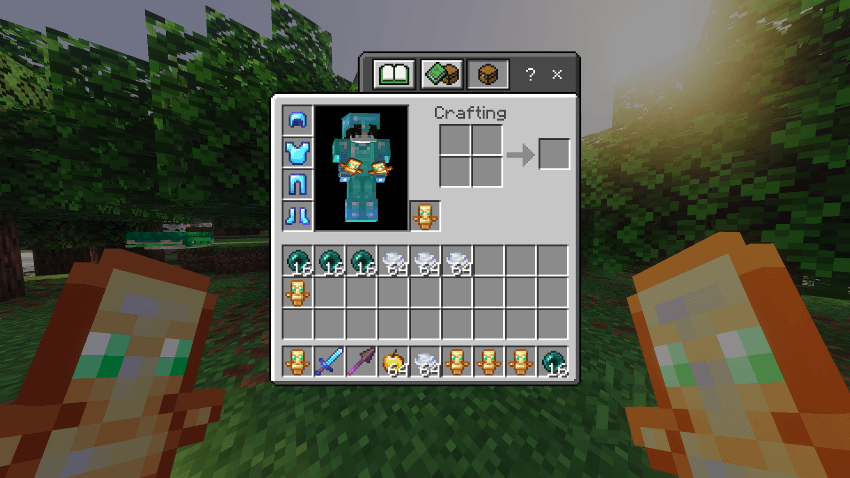
SWORD KIT
📥 How to Install & Activate
1. Install the Add-on
Download the add-on and open the .mcaddon file. Minecraft will import it automatically.
2. Activate the Pack
Create a new world or edit an existing one.
Go to:
Behavior Packs & Resource Packs → Activate "One Click PvP Kit Equip"
3. Enable Required Settings
Before entering the world, enable:
✅ Beta APIs
✅ Cheats

These settings are required for the add-on to work correctly.
4. Join Your World
Enter your world after enabling the pack and required settings.
5. Initialize the Add-on
Open the chat and run:
/function kit/all/<kit>⚠️ Originality Notice
This add-on was created by Ash Blast. It is inspired by Java Edition style kit systems, but all files and functionality were created from scratch.
⚠️ Usage & Credit
Feel free to use this add-on in your projects, but please ask for permission first and give proper credit to Ash Blast.
- Edition: Minecraft Bedrock
- File type: .mcpack or .mcaddon
- Minecraft versions listed: 26.20, 26.13, 26.30
- How to install: Download the .mcpack or .mcaddon file. → Open it — Minecraft imports it. → In your world: Behavior Packs → Available → Activate, then the same under Resource Packs.
- Where to get it: In MCModsHub, or directly above on this page.
Install steps are the general flow for this file type — How to install Minecraft Bedrock addons & mods walks through it step by step.
- Pack type: .mcaddon — behaviour and resource pack in one file
- Complete pack — everything it depends on is inside the file
- Download size: 40 KB
- Download link checked 8 Aug 2026 — working
These come from our own check of the pack file, not from the source page.