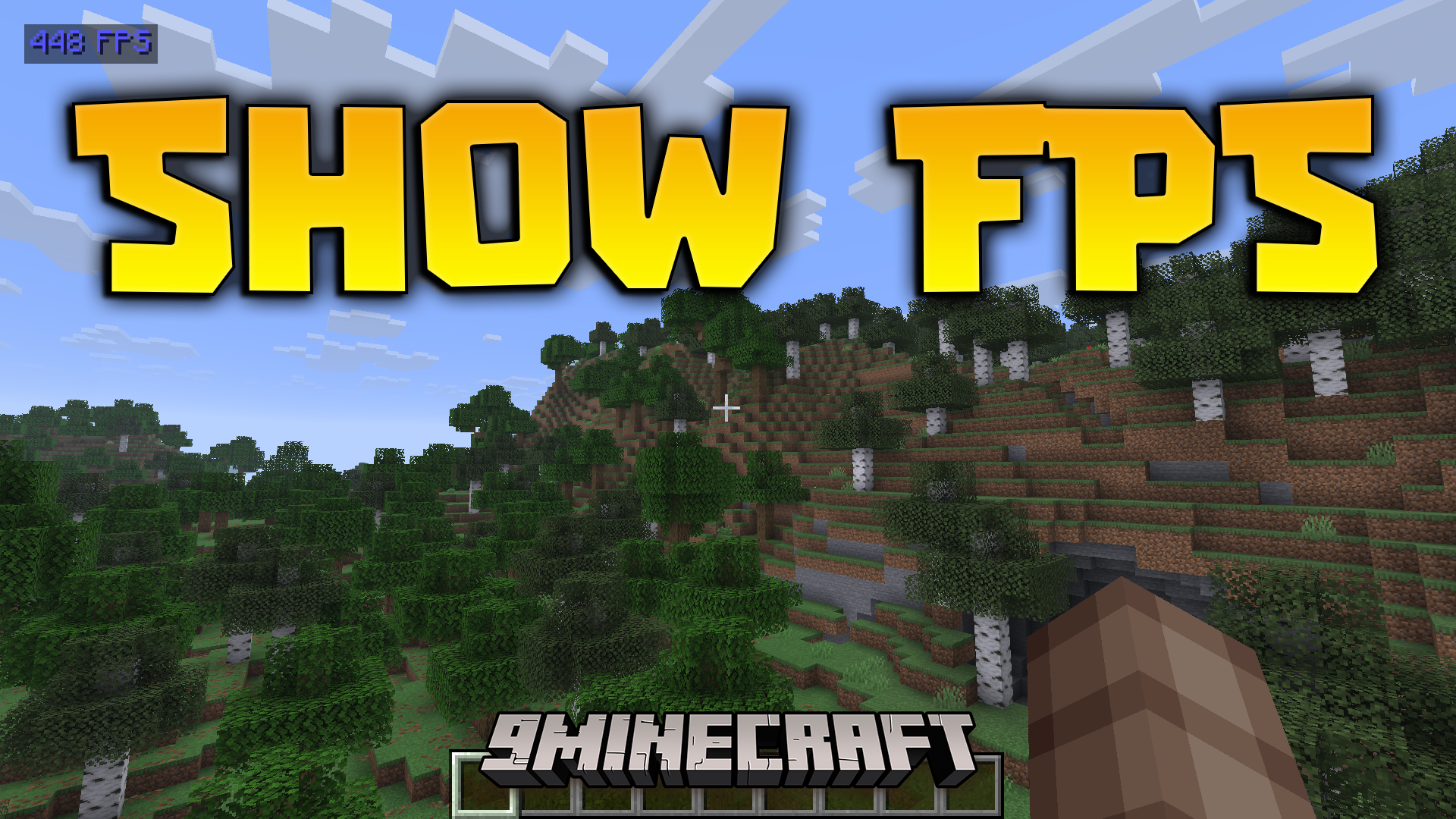
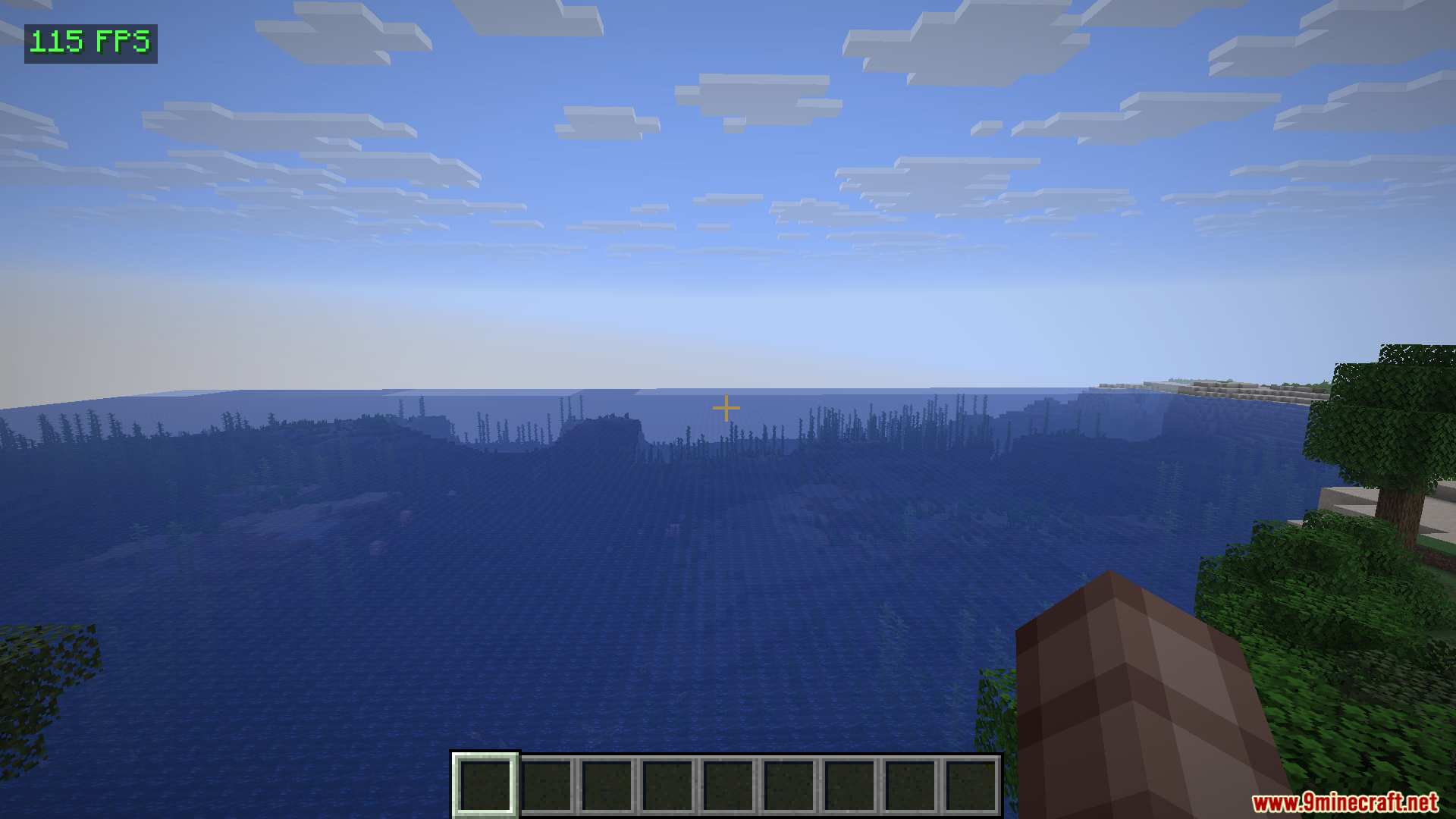
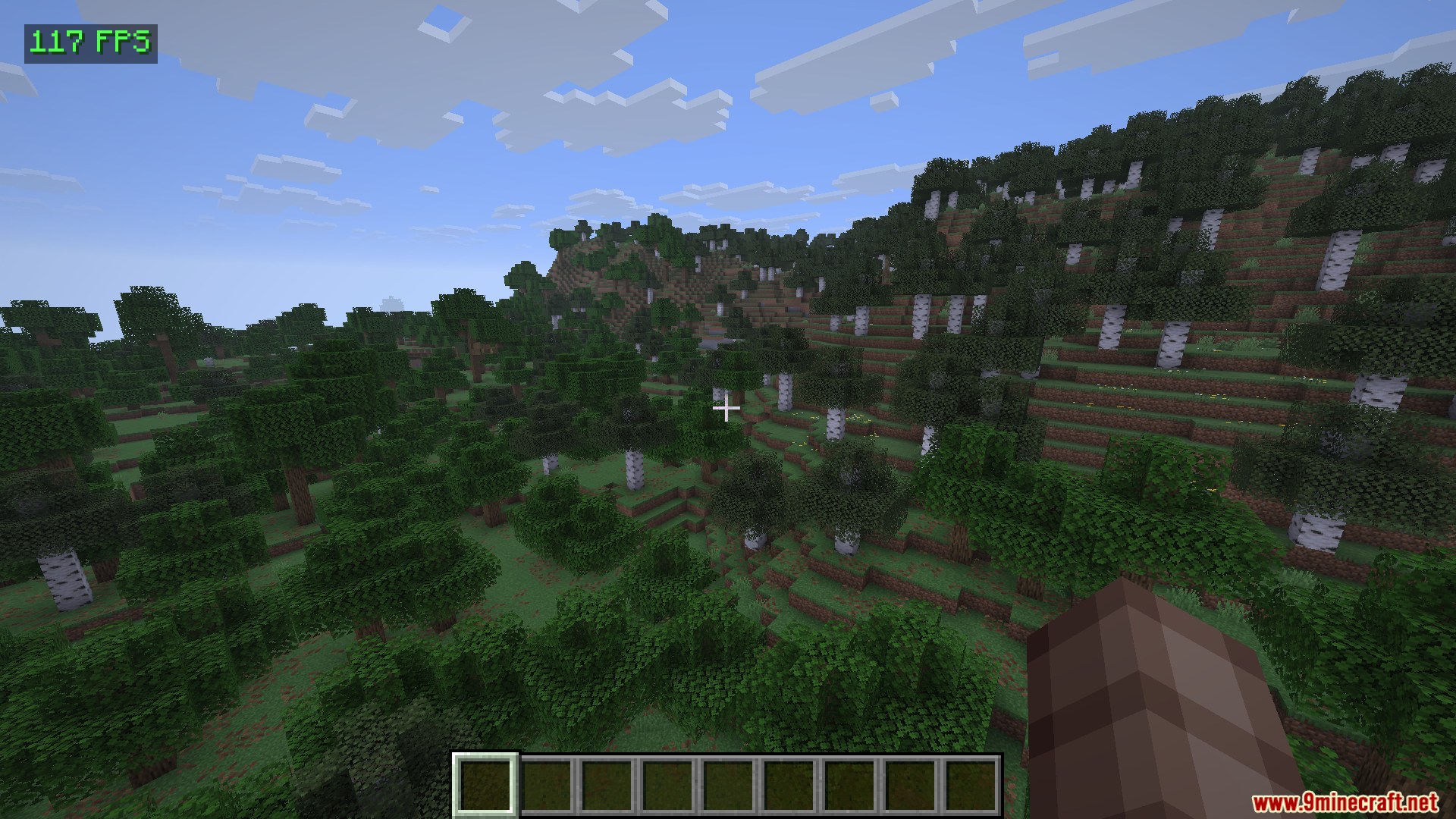
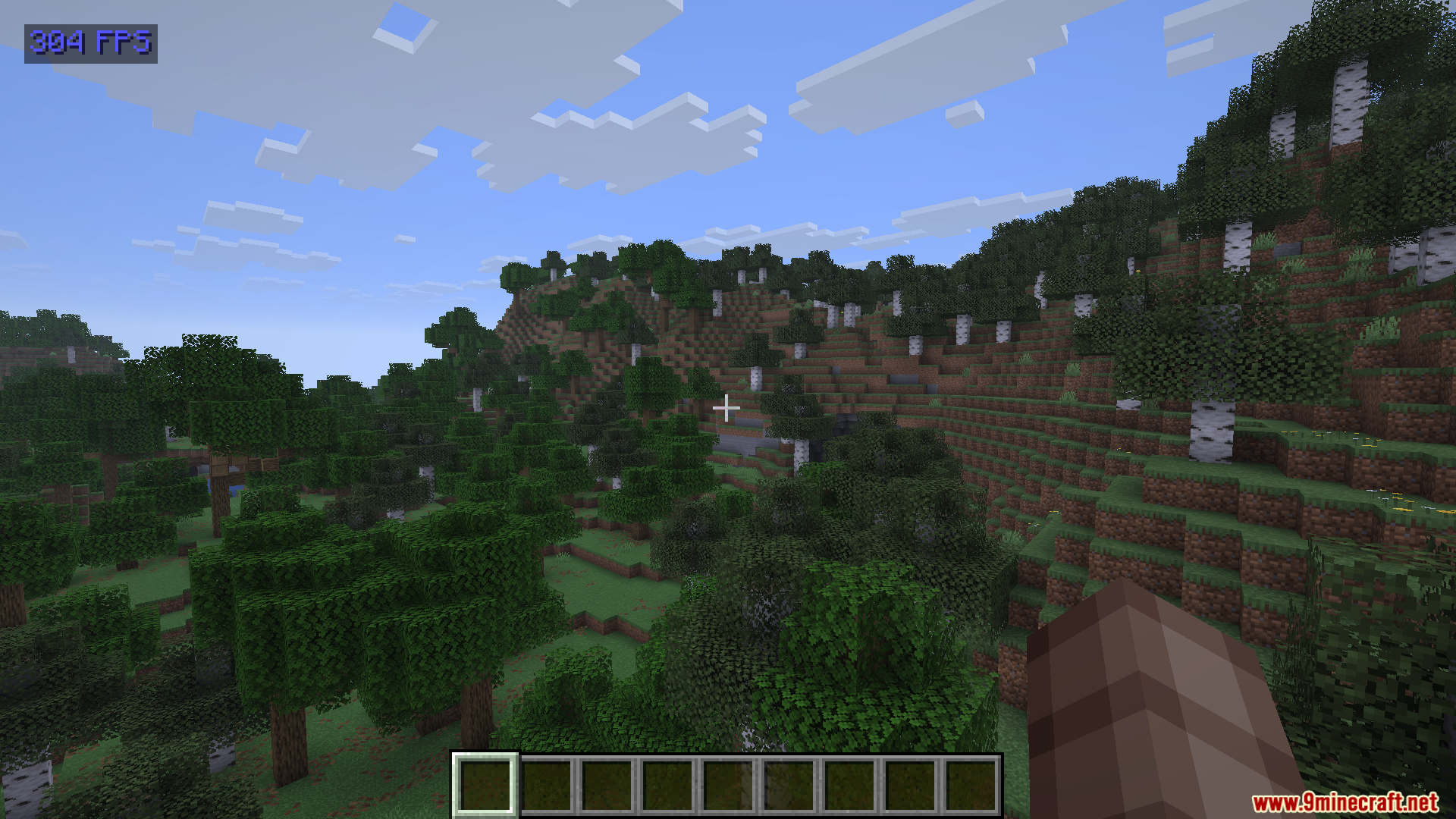
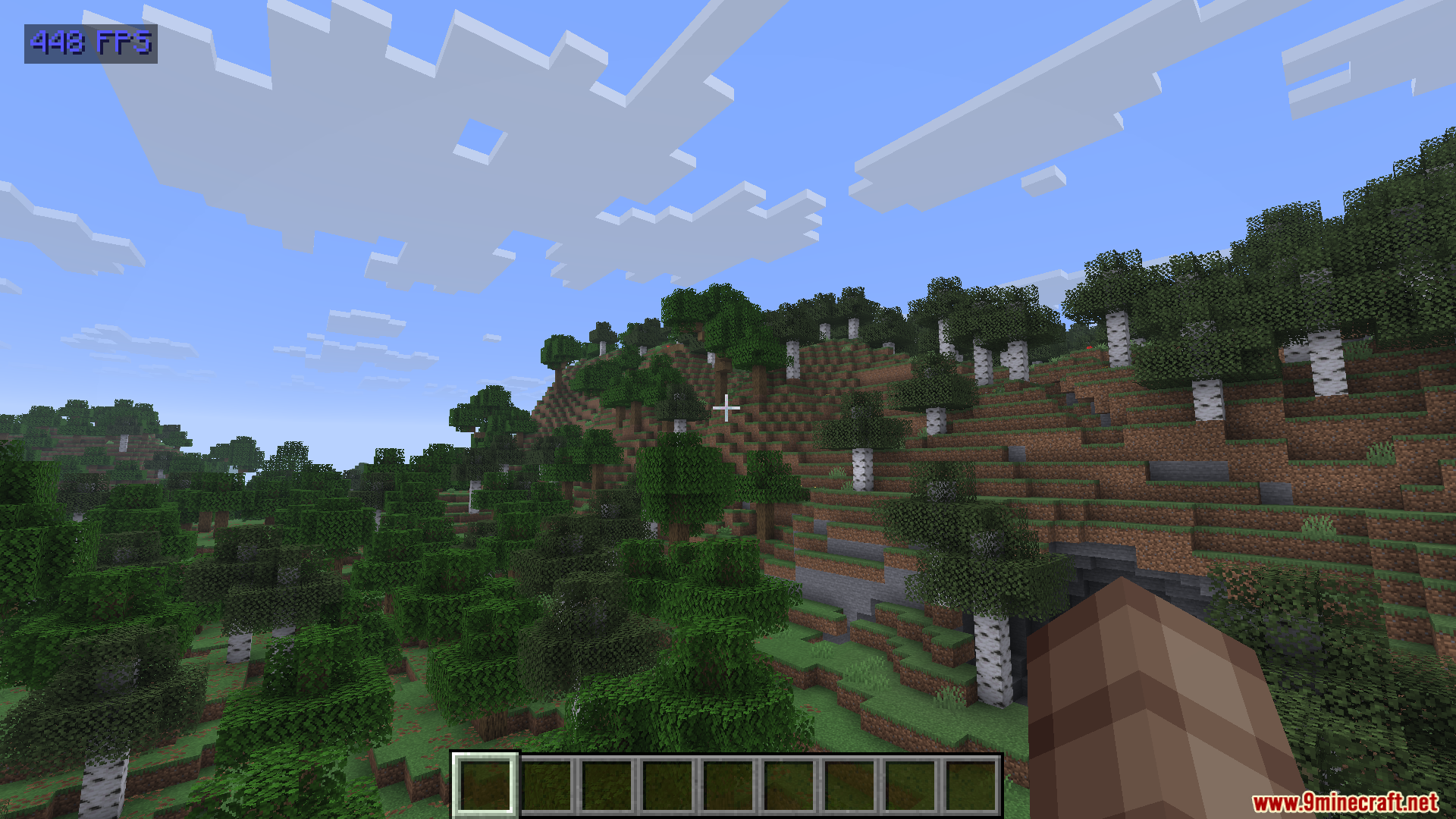
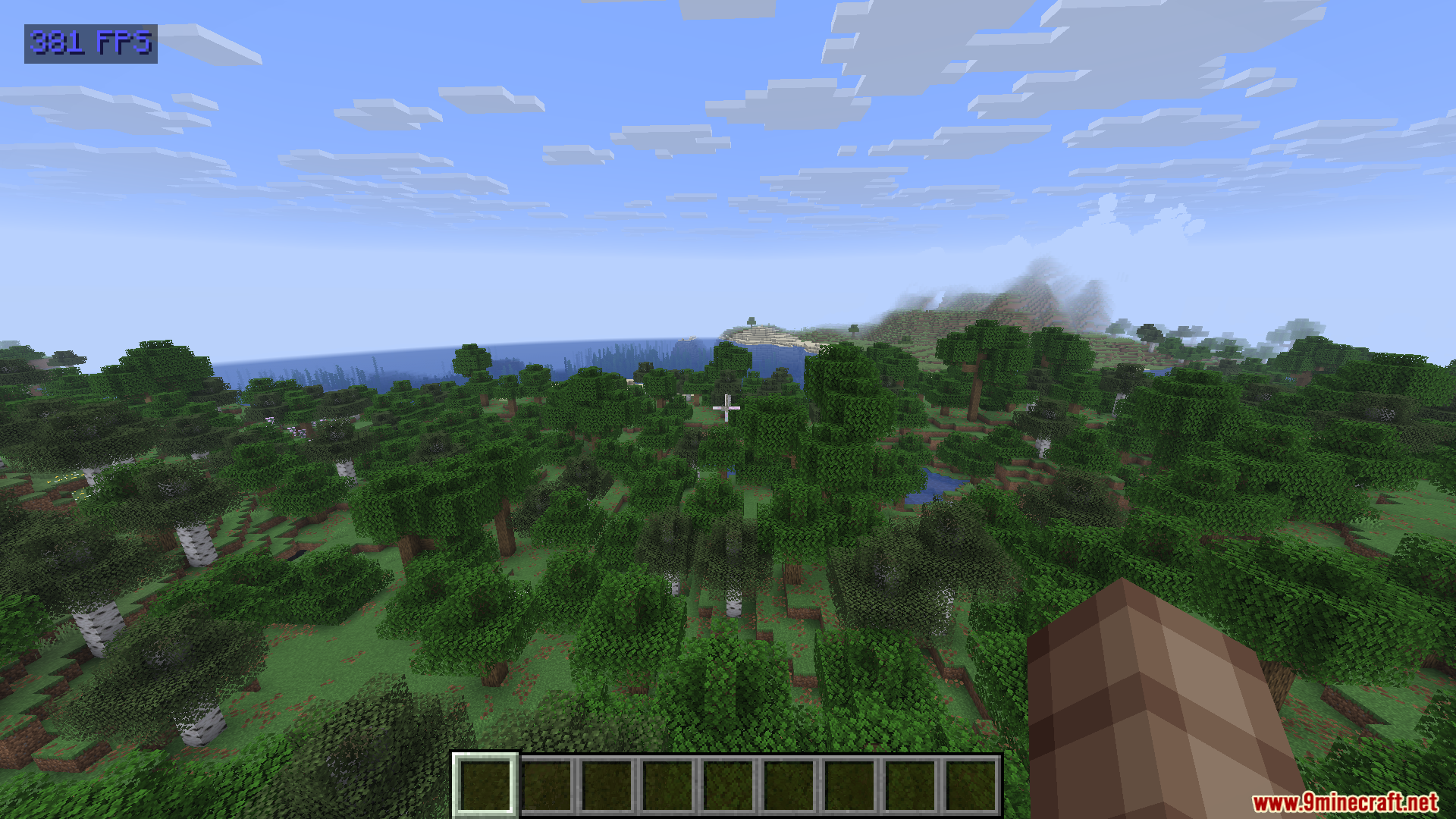
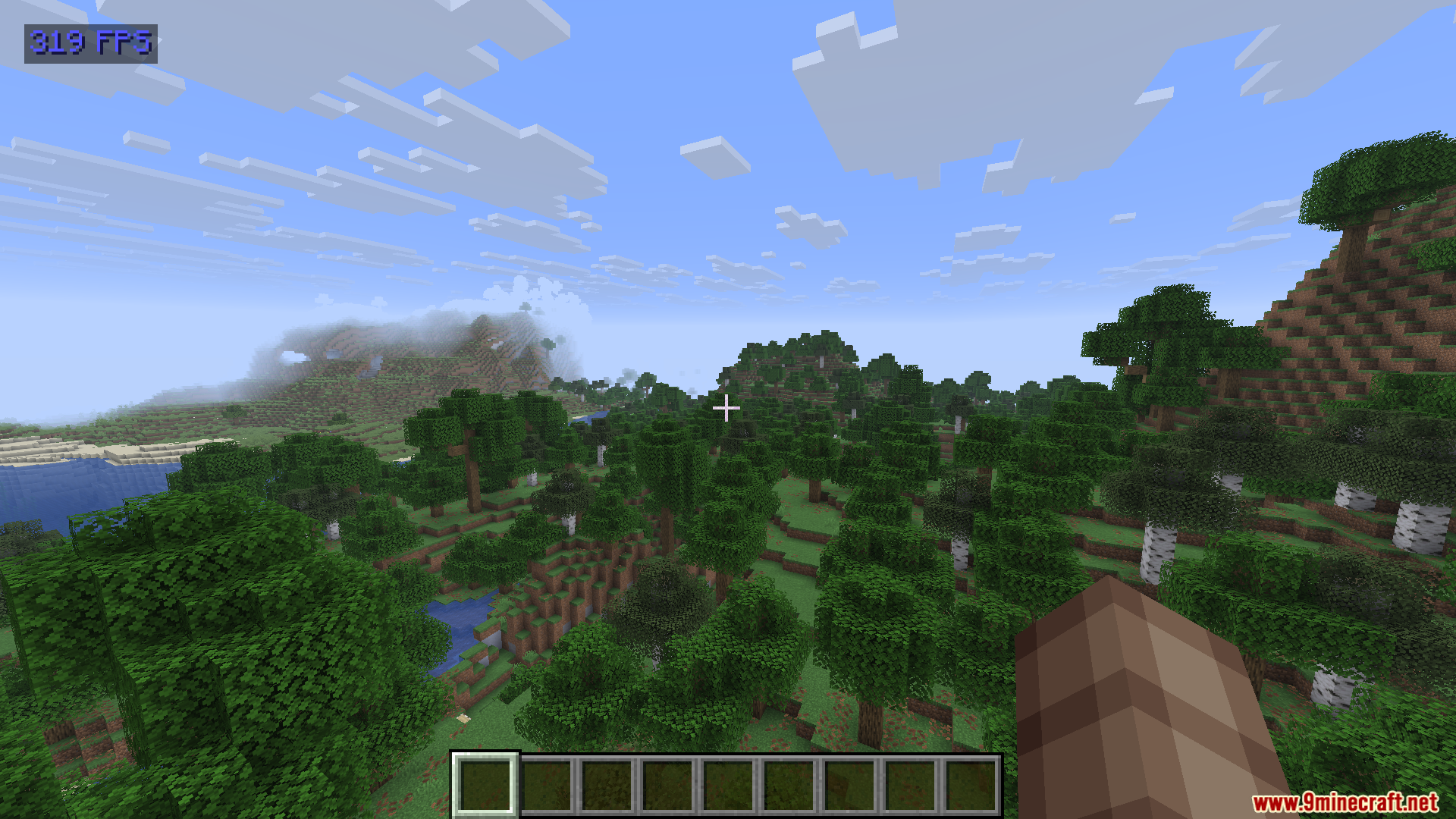
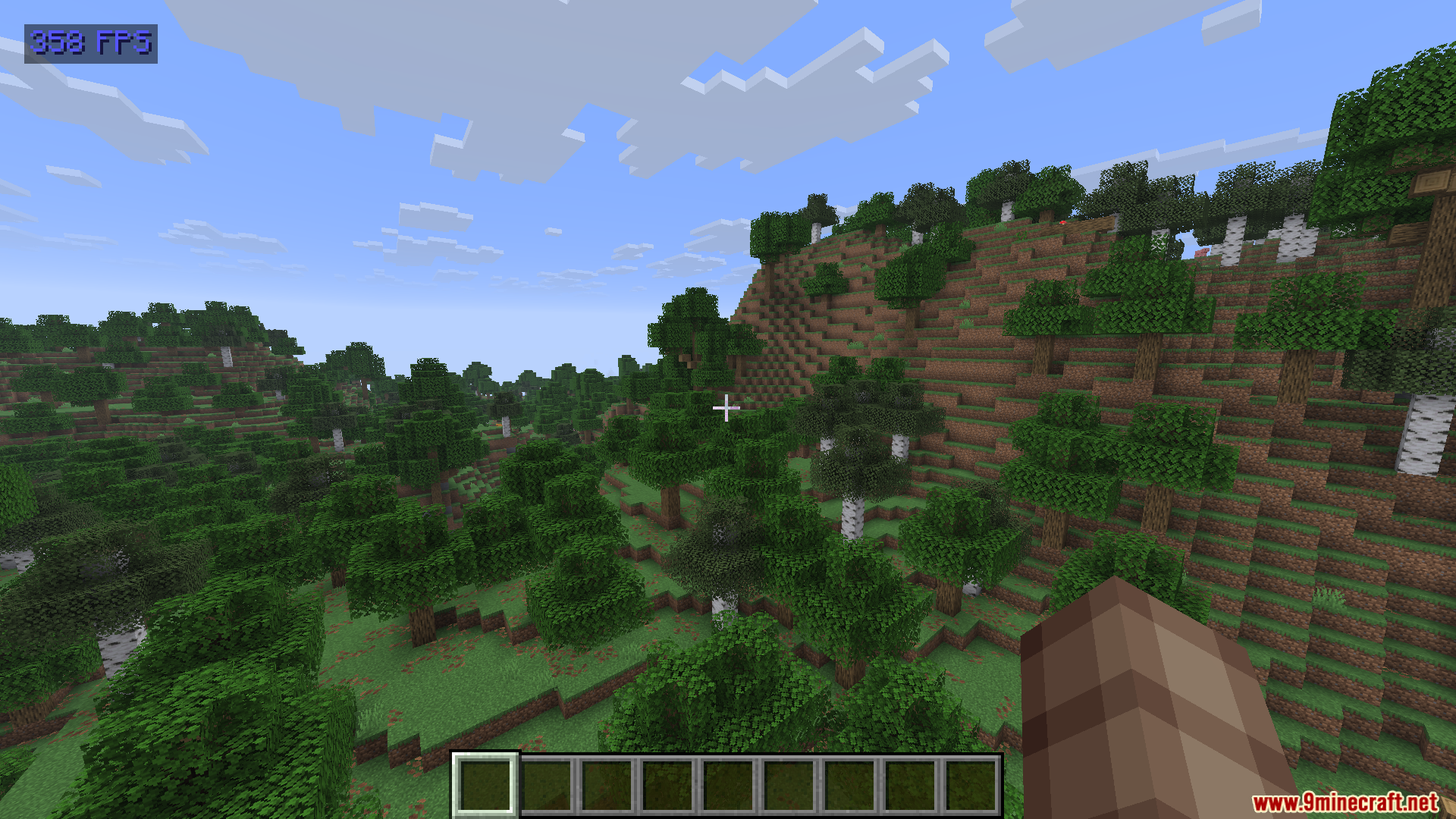
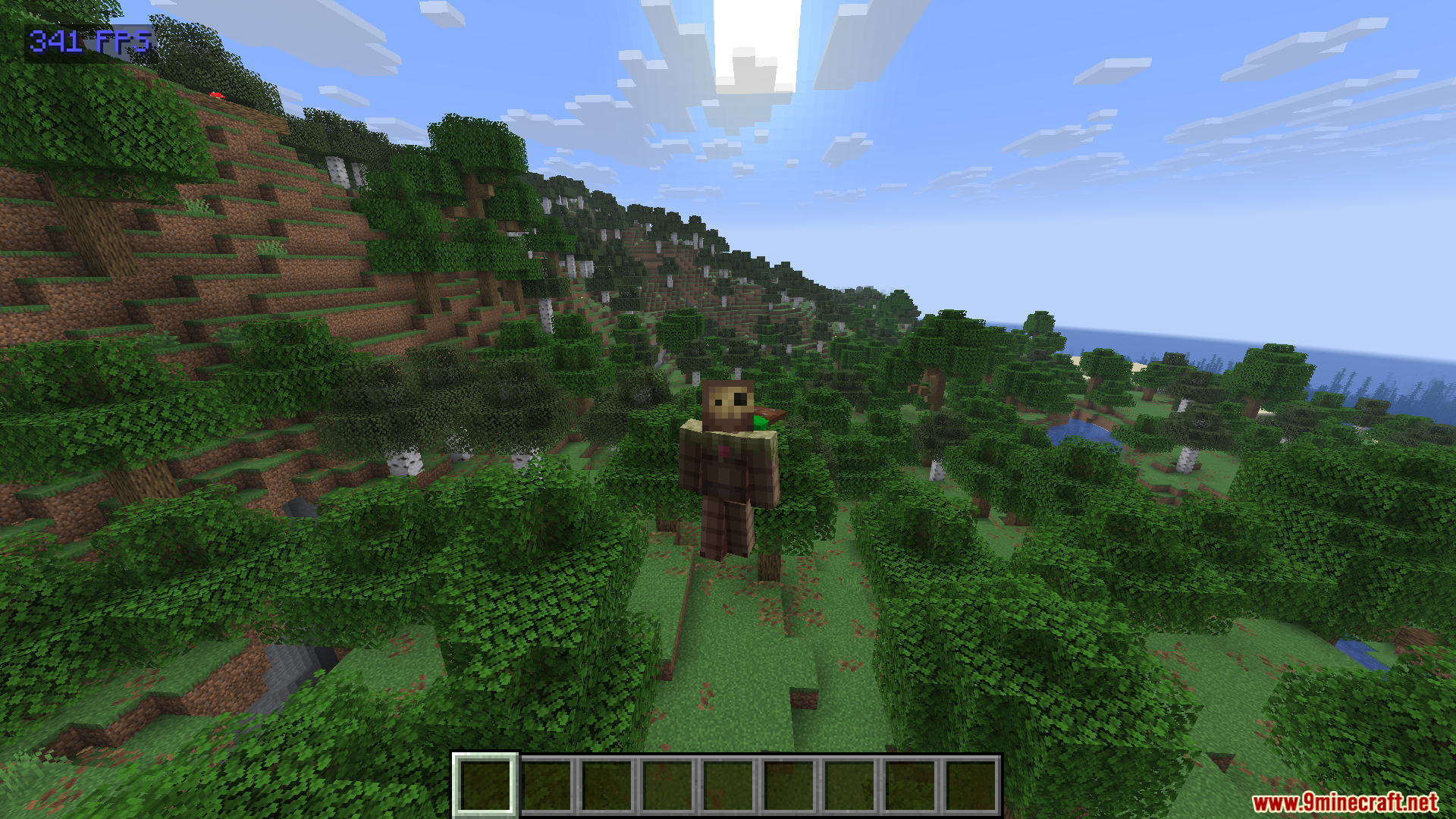
Show FPS Mod adds a simple frame rate counter to the top-left corner of your screen. This mod helps you check how fast your game runs without opening complicated debug menus. It uses almost zero extra computer power, so it will not slow down your gameplay.
Features:
- Color Coding: The text changes color based on your current frame rate.
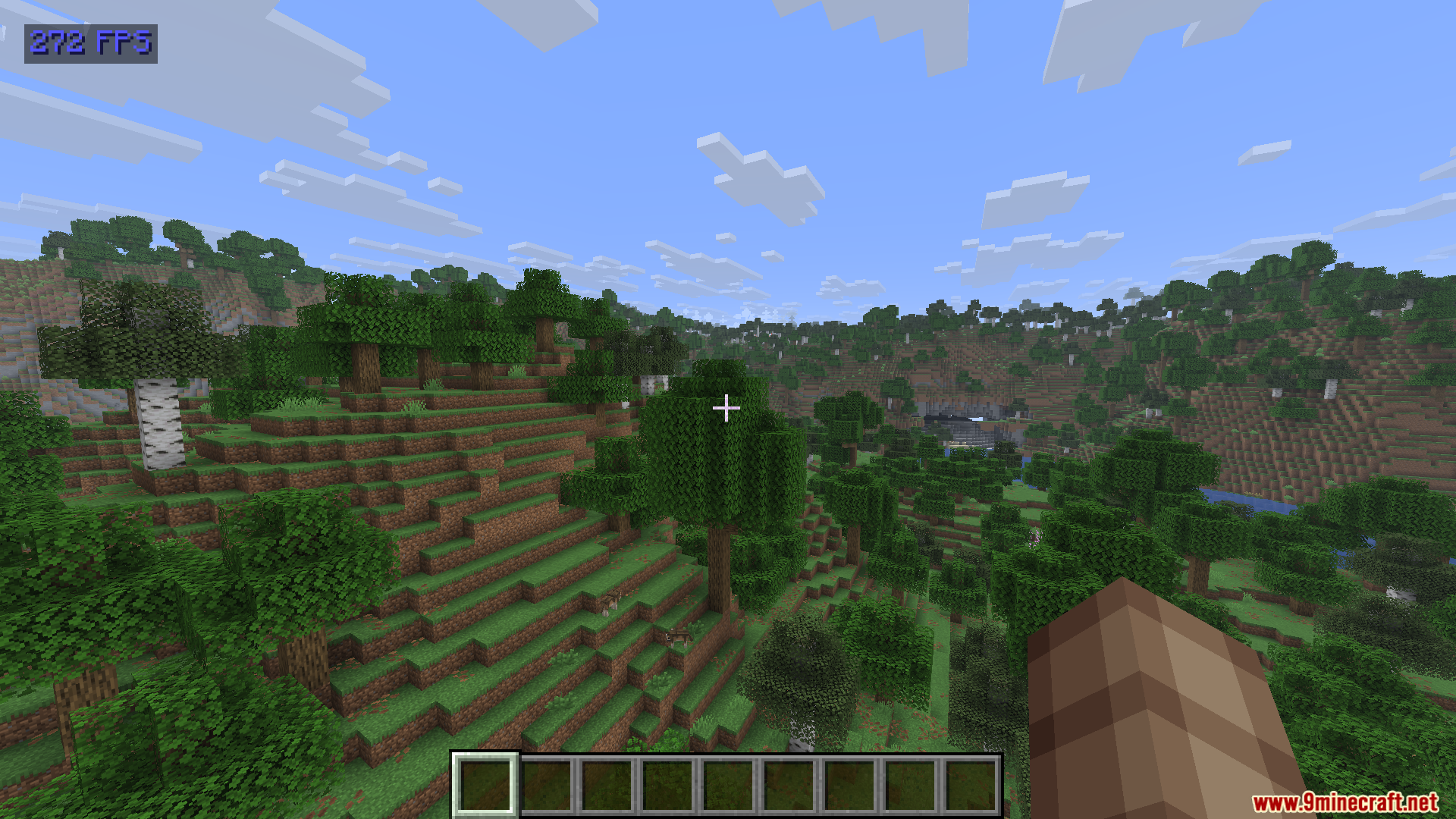
- Shows red text when your game drops below 60 frames per second.
- Turns green when you have a stable speed between 60 and 120 frames per second.
- Displays bright blue text when your game runs faster than 120 frames per second.
- Keeps a very small footprint so it never hurts your game performance.
- Gives you a clean way to check your speed without looking at the messy F3 screen.
How to Use:
- Look at the top-left corner of your screen during normal gameplay to see the number.
- Press the N key on your keyboard to open the custom settings menu.
- Change the menu button in your normal controls screen if you need to use a different key.
Screenshots:
Show FPS Mod Download Links
Quick facts
- Edition: Minecraft Java
- File type: .jar
- Minecraft version listed: 1.20.1
- How to install: Install the matching mod loader (Forge, Fabric or NeoForge) for your Minecraft version. → Download the .jar. → Put it in the .minecraft/mods folder and launch that loader profile.
- Where to get it: In MC Java Mods, or directly above on this page.
Install steps are the general flow for this file type — How to install Minecraft Java mods & modpacks walks through it step by step.
Verified by MCModsHub
- Downloads as 195635.mcaddon
- Download size: 77 KB
- Download link checked 22 Sept 2026 — working
- Mirrored on our own servers — the download does not depend on the original host
These come from our own check of the pack file, not from the source page.