
Climate Rivers
Java mod listed for Minecraft 1.20–1.21. Downloads from the MC Java Mods app on Android.
I don't know my version or loader
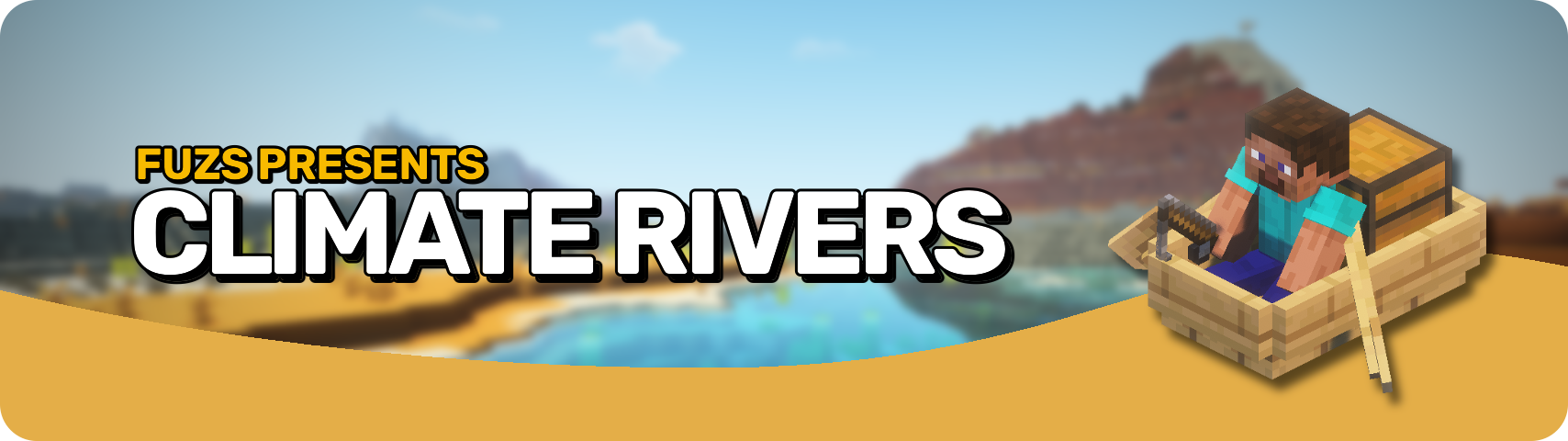








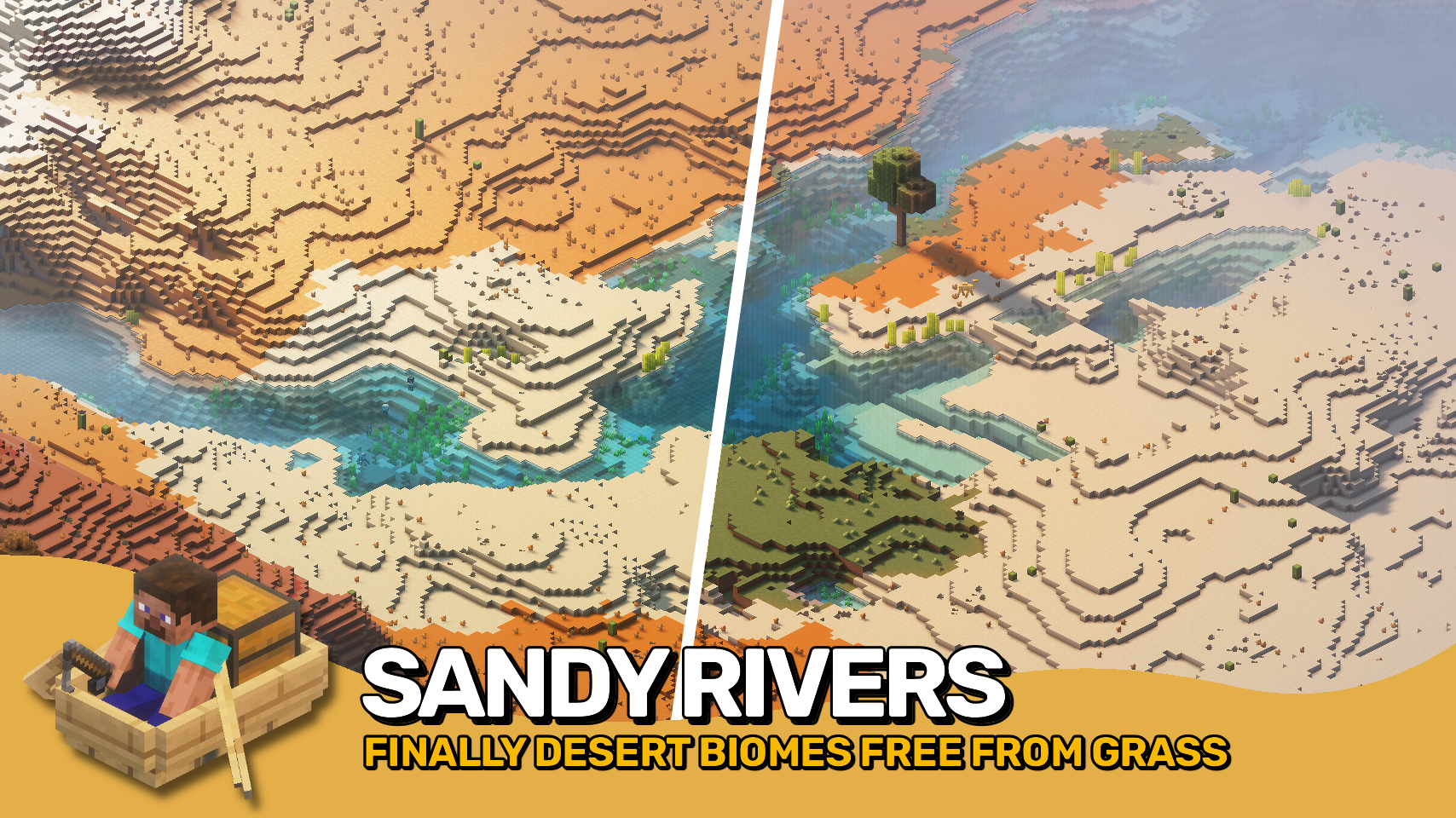
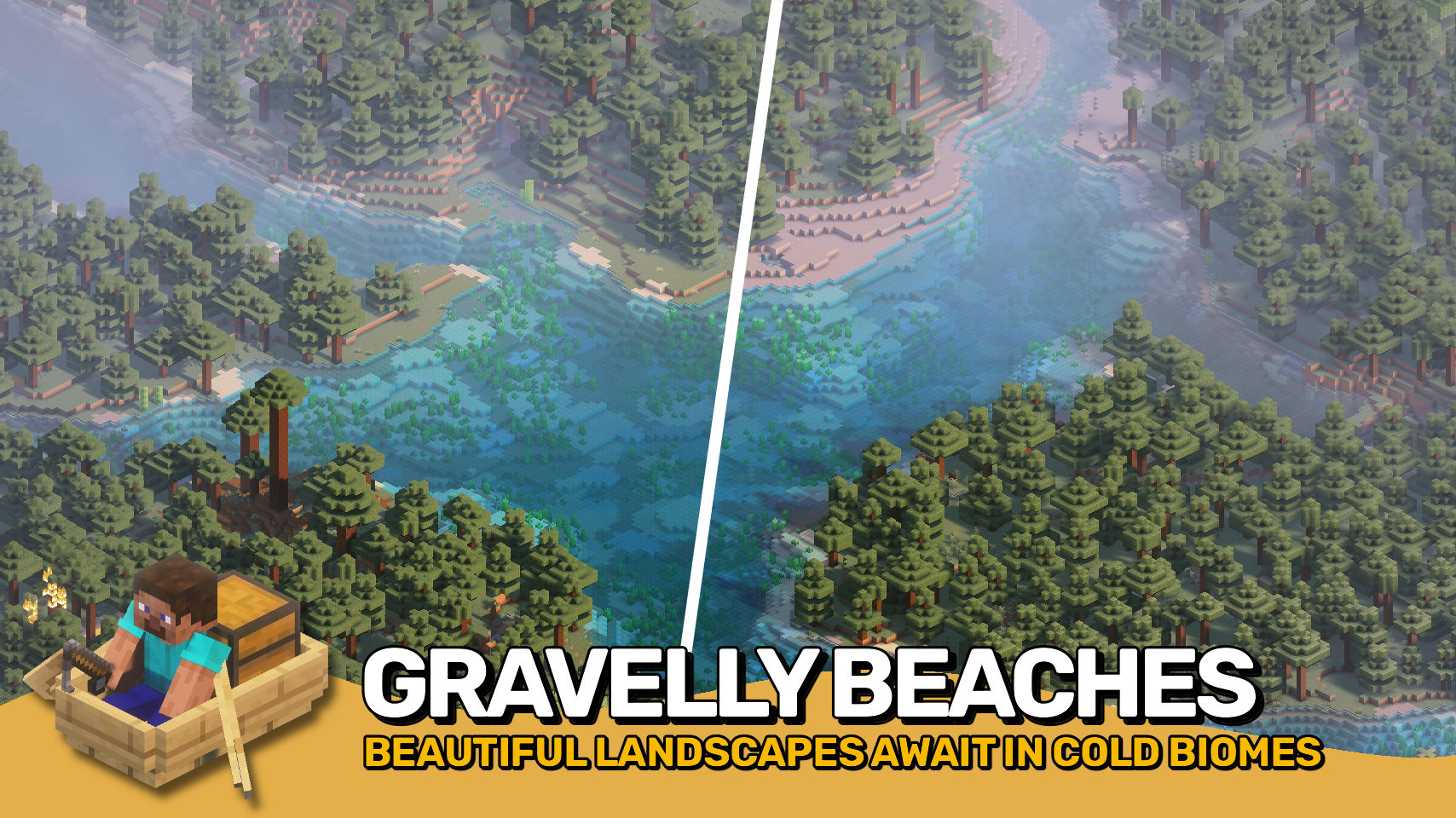
Say goodbye to ugly, out-of-place rivers! 🌊 Climate Rivers replaces Minecraft’s default river biome with beautiful, biome-specific rivers that actually make sense. Explore three new river types — warm 🏜️, lukewarm 🌴, and cold ❄️ — each bringing unique visuals that fit right into their surrounding climates.
No more grass blocks 🌱 ruining the look of your desert rivers, or taigas stuck with bland, grassy banks 🪨. Rivers now feel natural, immersive, and perfectly blended into the terrain around them. Ideal for builders 🧱, explorers 🧭, and anyone who wants a better-looking Minecraft world. It’s time to make your world generation smarter and more beautiful — one river at a time. 💧
Note: This mod may be overridden by other biome or world generation mods that feature their own terrain implementation.


⏩ INSTALLATION REQUIRED ON SERVER
⏩ REQUIRES PUZZLES LIB TO BE INSTALLED (FABRIC & NEOFORGE)
⏩ REQUIRES FABRIC API TO BE INSTALLED (FABRIC)
⏩ REQUIRES FORGE CONFIG API PORT TO BE INSTALLED (FABRIC)
⏩ REQUIRES BIOLITH TO BE INSTALLED (FABRIC & NEOFORGE)

If available for a mod, configuration is possible directly from in-game using the mod menu (requires Mod Menu by Prospector to be installed on Fabric). Please note that on older Minecraft versions installing Forge Config Screens is also a requirement.
For manual configuration using an external text editor all files are found at .minecraft/config, named as MOD_ID-client.toml, MOD_ID-common.toml, or MOD_ID-server.toml, depending on the type of config. Not all types might exist for a mod, if any at all.

🌟 Thanks to SuperCoder79 for inspiring parts of the implementation for this project with their River Redux mod.
 |
 |
|
 |
 |
|
 |
 |
|
 |
 |
|
 |
 |
|

- Edition: Minecraft Java
- File type: .jar
- Minecraft versions listed: 1.21.11, 1.21.1, 1.21.10
- How to install: Install the matching mod loader (Forge, Fabric or NeoForge) for your Minecraft version. → Download the .jar. → Put it in the .minecraft/mods folder and launch that loader profile.
- Where to get it: Opens on CurseForge — not every file is mirrored on our own servers.
Install steps are the general flow for this file type — How to install Minecraft Java mods & modpacks walks through it step by step.
- Ships as ClimateRivers-v20.1.0-1.20.1-Forge.jar — drop this file into the mods folder
- Download size: 51 KB
- Download link checked 7 Oct 2026 — working
These come from our own check of the pack file, not from the source page.