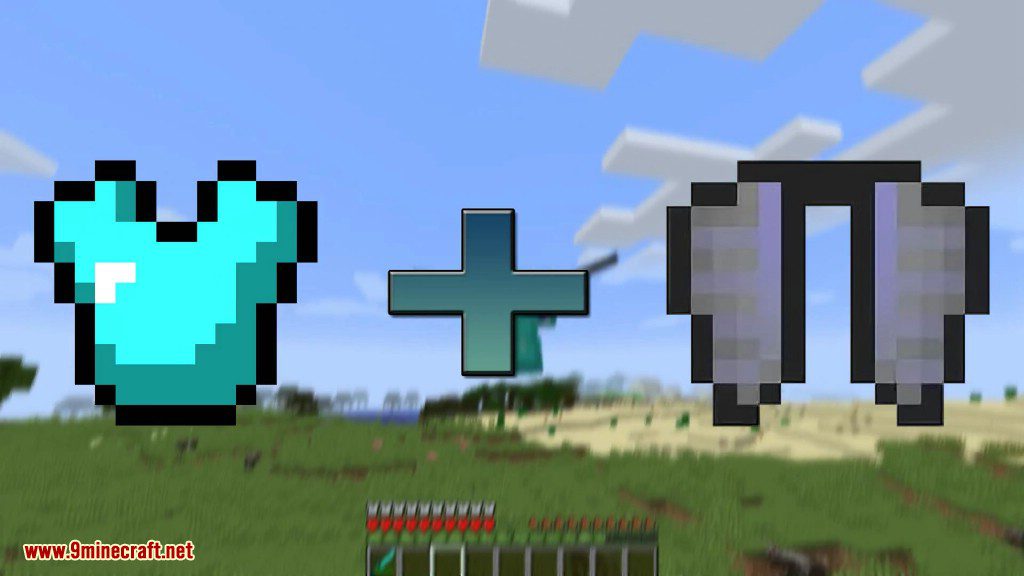
Colytra Mod lets you attach an elytra directly to any chestplate. Now you don’t have to give up your strong or cool-looking armor just to fly around the world. Simply combine a chestplate and an elytra in a crafting grid to create one item that gives you both protection and flight.
Features:
- Combine any chestplate with an elytra in a crafting grid.
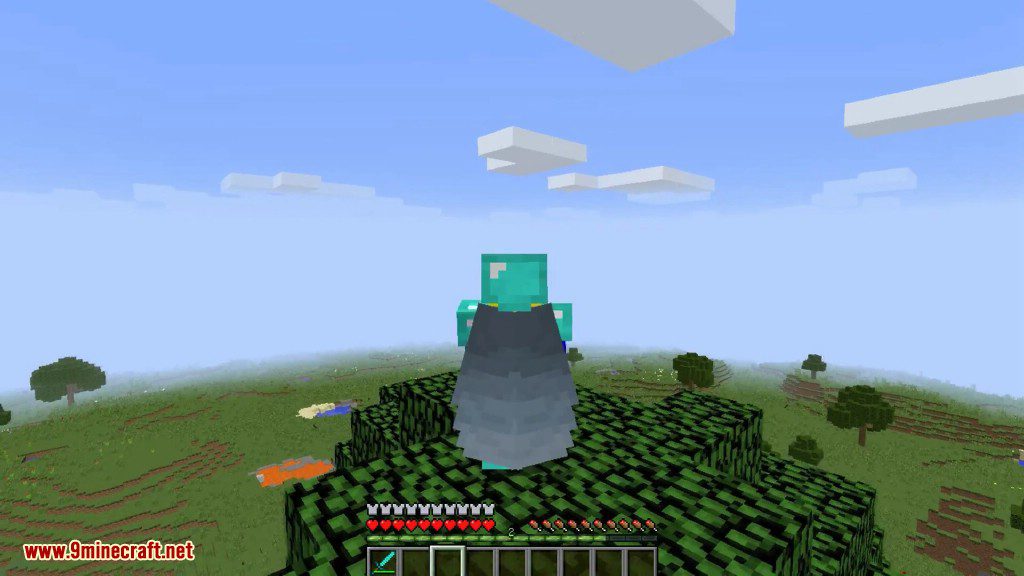
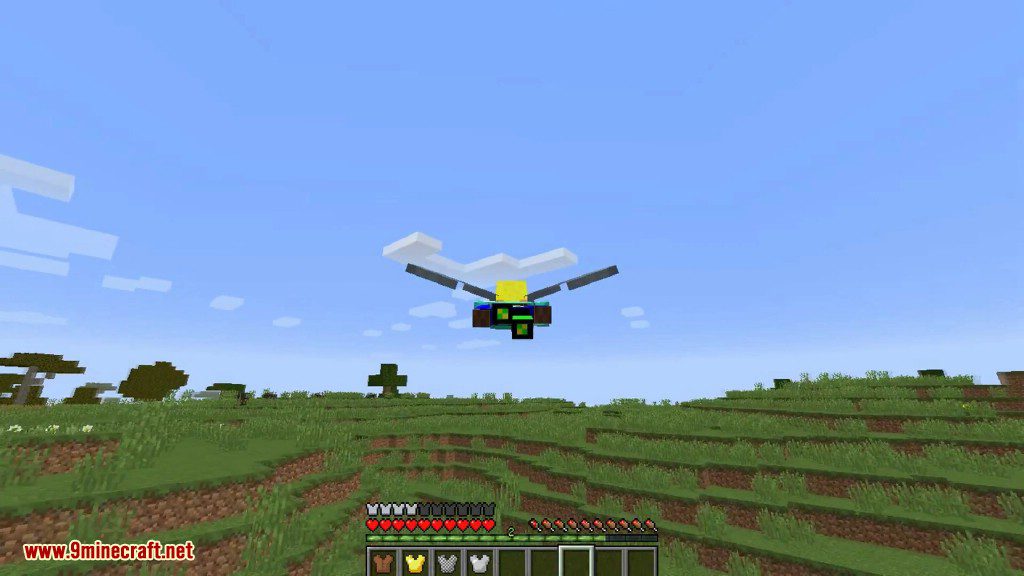
- Fly around without having to remove your chestplate for an elytra.
- The new item shows a special tooltip confirming an elytra is attached.
- Choose one of three modes from the configuration to decide how durability is handled.
- The elytra and chestplate can be separated again if you use the Normal mode.
- Each mode offers a different way for the items to work together.
How to Use:
Combining Items
- Open a crafting table.
- Place your chestplate and an elytra anywhere in the crafting grid.
- Take the combined item from the output slot.
Separating Items
If you are using the “Normal” configuration mode, you can get your original items back.
- Place the combined chestplate-elytra into a crafting grid.
- The chestplate and elytra will be separated, and you can take them from the crafting grid.
Screenshots:
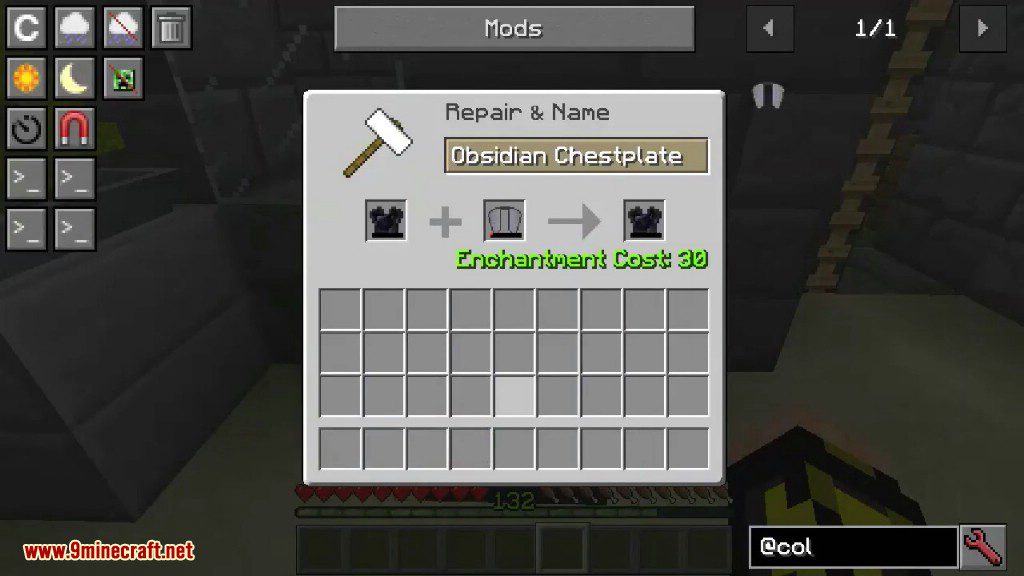
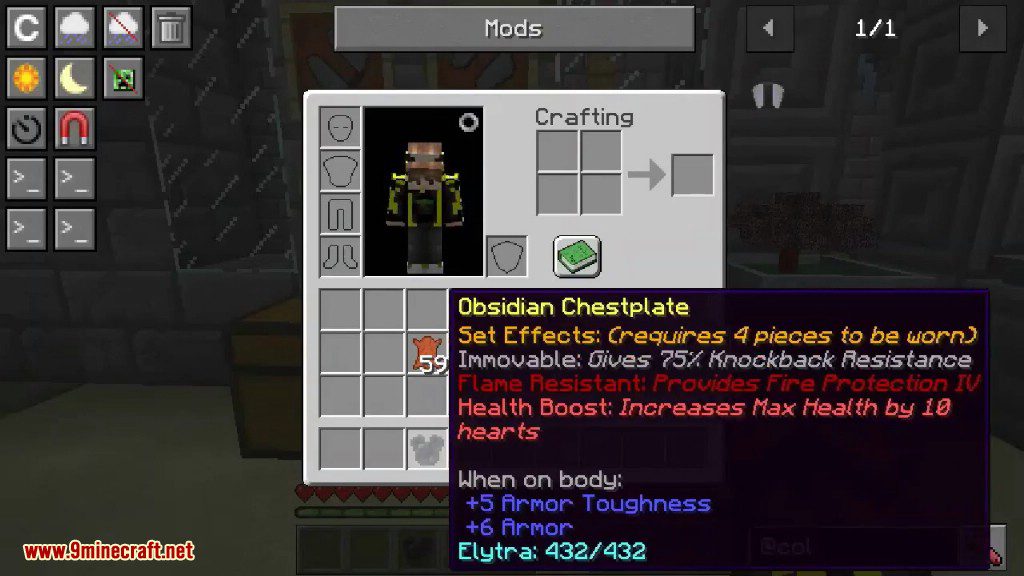
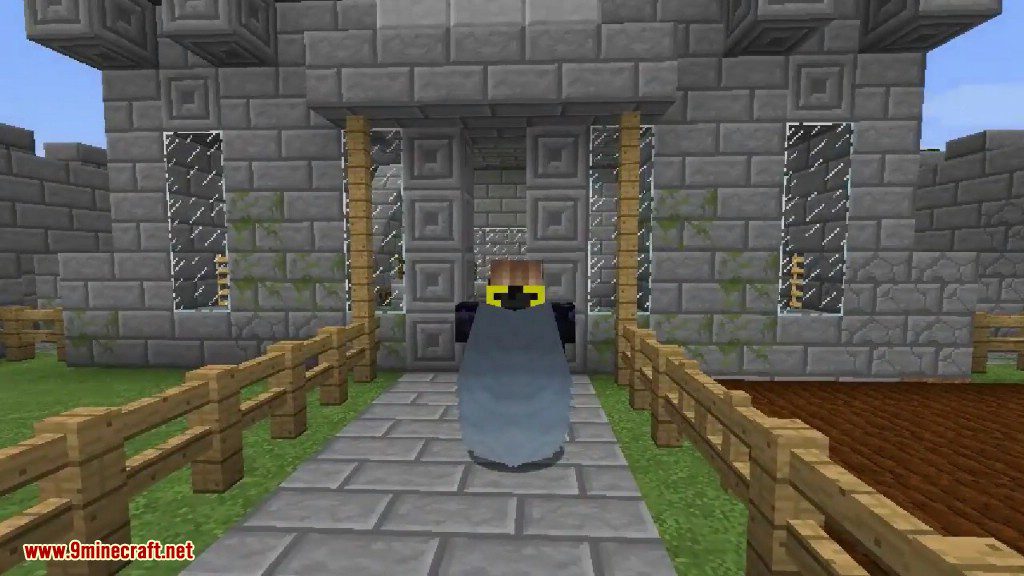
Configuration:
This mod has three modes you can select in the config file to change how the combined item works:
- Normal: The chestplate and elytra act as separate items. They each have their own durability, and the elytra can be repaired with Phantom Membranes. You can also separate them later.
- Unison: The chestplate and elytra are fused into one item. All enchantments are merged, and flying will use the chestplate’s durability or energy. You cannot separate them in this mode.
- Perfect: This mode is the same as Unison, but flying does not use up any durability or energy at all.
Colytra Mod Download Links
For Minecraft 1.12.2
For Minecraft 1.15.2
For Minecraft 1.16.5
Forge version: Download from Server 1
Fabric version: Download from Server 1
For Minecraft 1.17.1
Forge version: Download from Server 1
Fabric version: Download from Server 1
For Minecraft 1.18.1
Forge version: Download from Server 1
Fabric version: Download from Server 1
For Minecraft 1.18.2
Forge version: Download from Server 1
Fabric version: Download from Server 1
For Minecraft 1.19
Forge version: Download from Server 1
Fabric version: Download from Server 1
For Minecraft 1.19.1
Forge version: Download from Server 1
Fabric version: Download from Server 1
For Minecraft 1.19.2
Forge version: Download from Server 1
Fabric version: Download from Server 1
For Minecraft 1.19.4
Forge version: Download from Server 1 – Download from Server 2
Fabric version: Download from Server 1 – Download from Server 2
Quilt version: Download from Server 1 – Download from Server 2
For Minecraft 1.20.1, 1.20
Forge version: Download from Server 1 – Download from Server 2
Fabric version: Download from Server 1 – Download from Server 2
Quilt version: Download from Server 1 – Download from Server 2
- Edition: Minecraft Java
- File type: .jar
- Minecraft versions listed: 1.20.1, 1.19.2
- How to install: Install the matching mod loader (Forge, Fabric or NeoForge) for your Minecraft version. → Download the .jar. → Put it in the .minecraft/mods folder and launch that loader profile.
- Where to get it: In MC Java Mods, or directly above on this page.
Install steps are the general flow for this file type — How to install Minecraft Java mods & modpacks walks through it step by step.
- Downloads as 195789.mcaddon
- Download size: 84 KB
- Download link checked 26 Jul 2026 — working
- Mirrored on our own servers — the download does not depend on the original host
These come from our own check of the pack file, not from the source page.