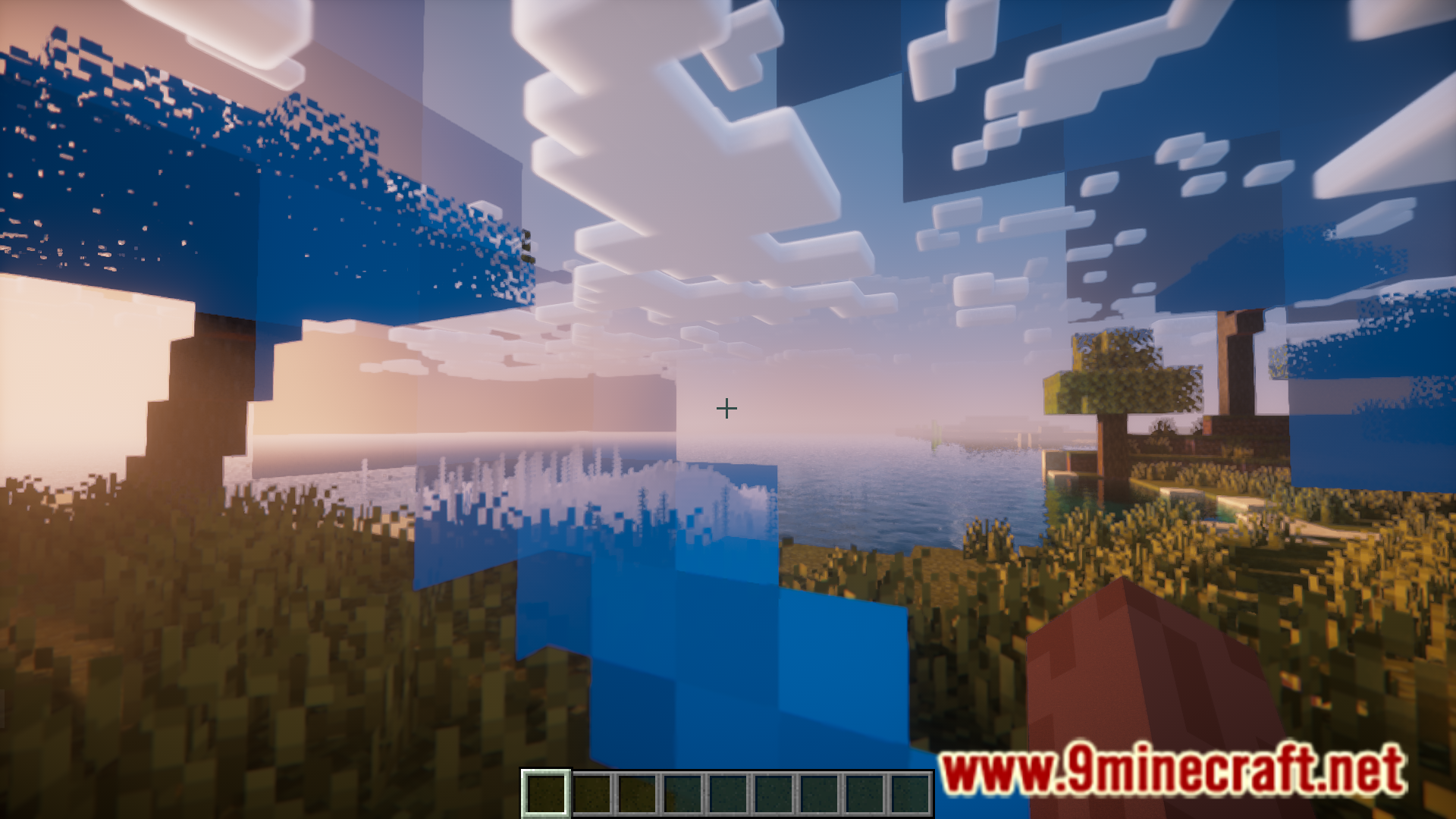
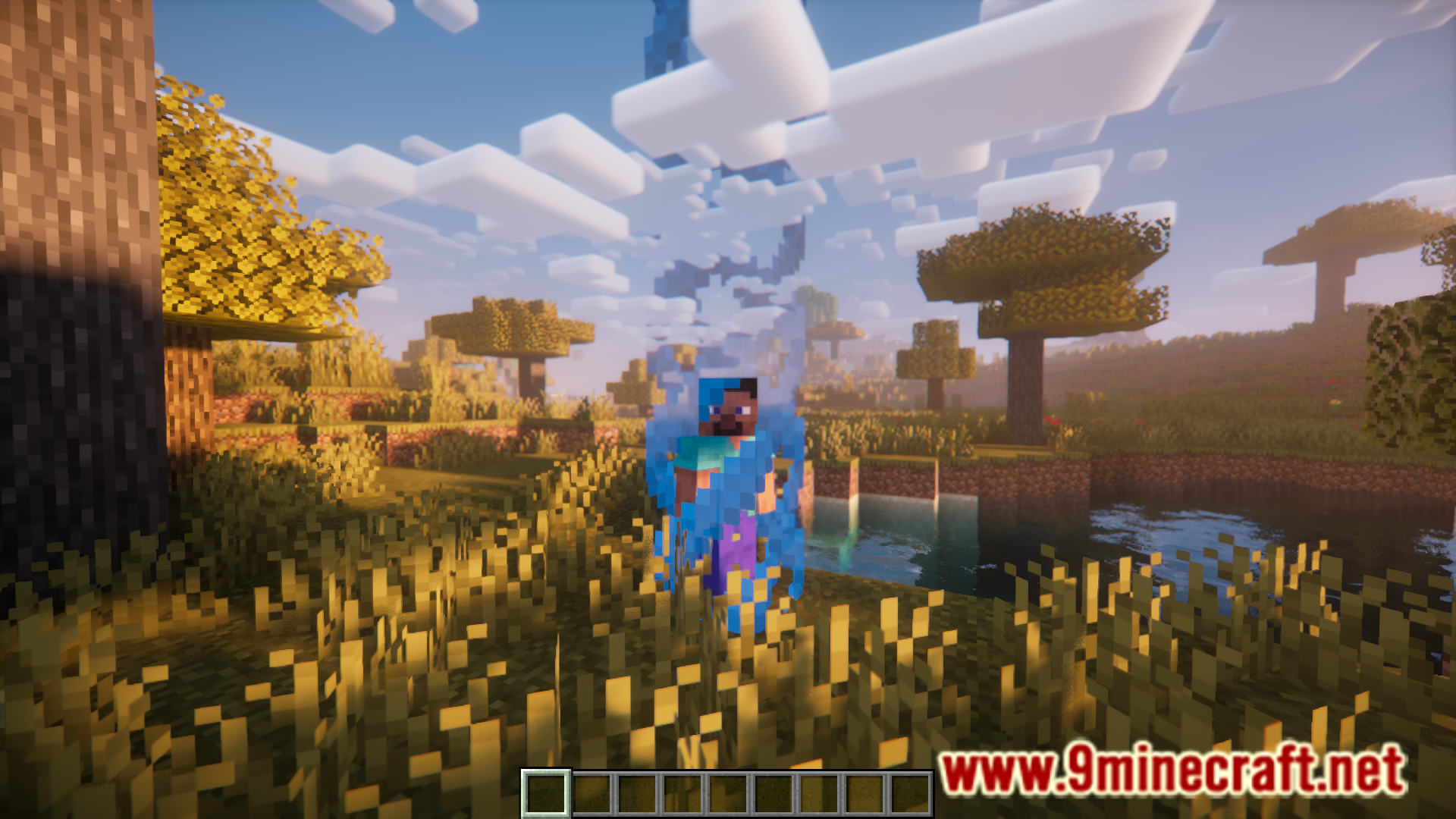
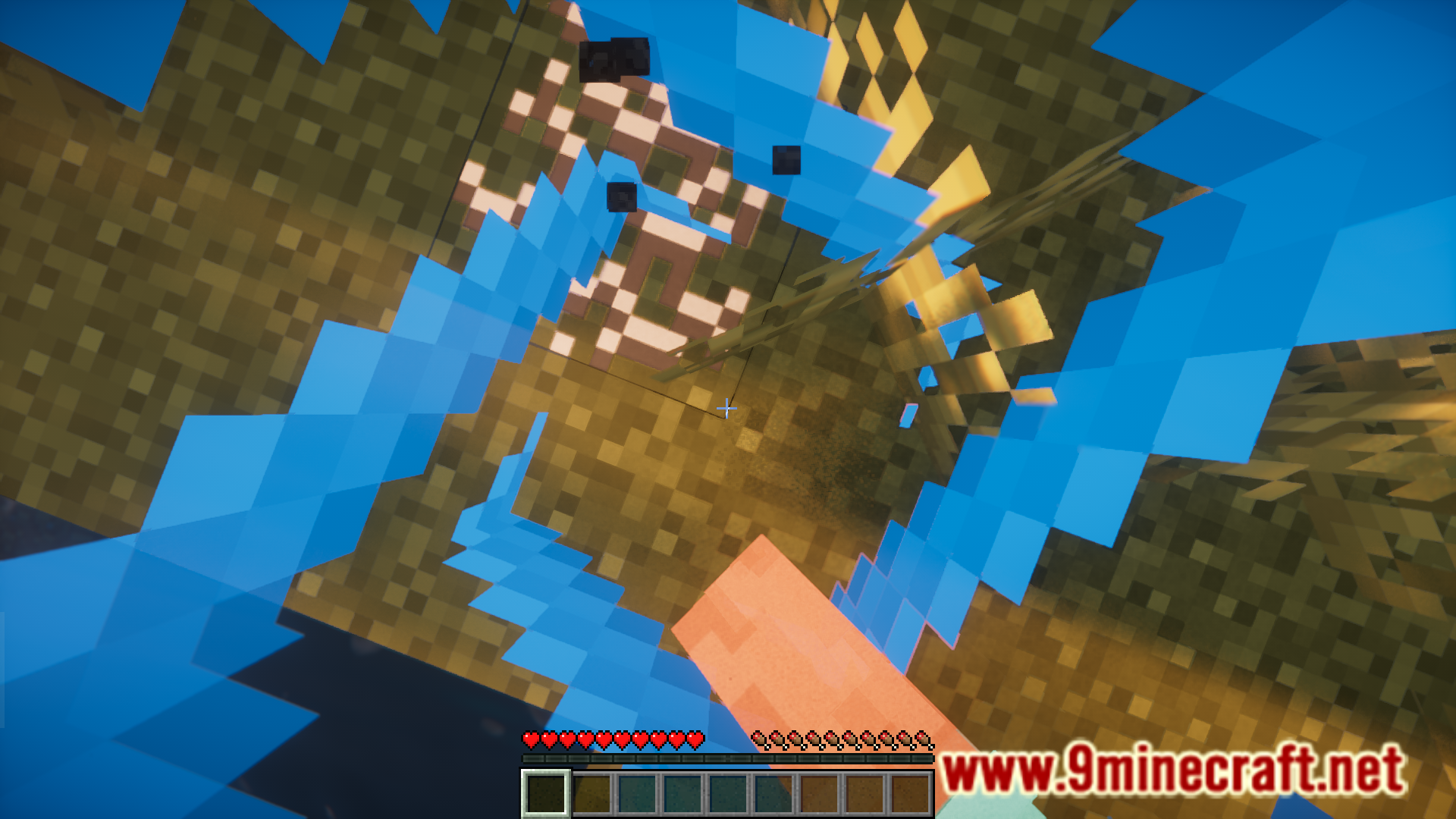
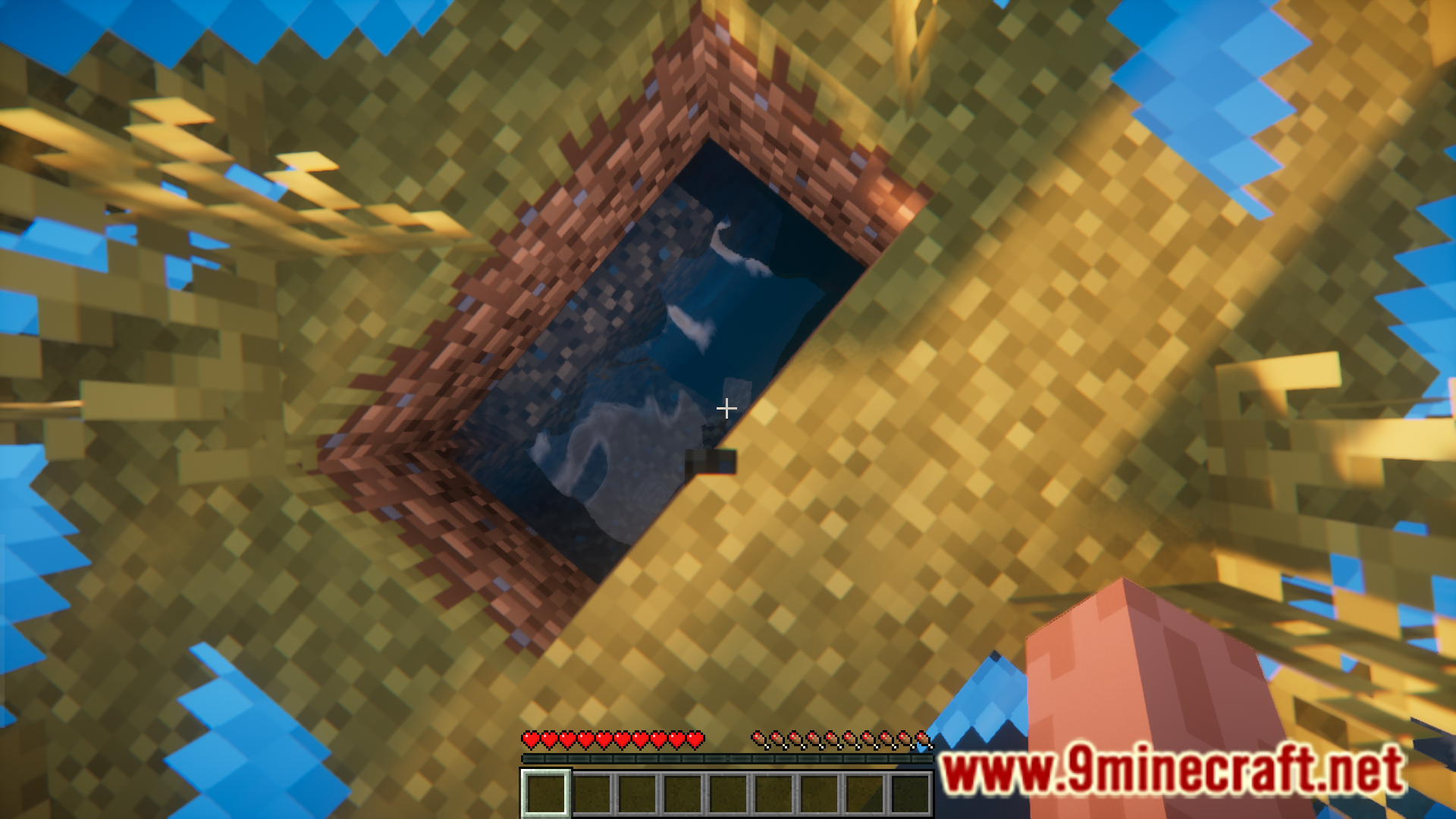
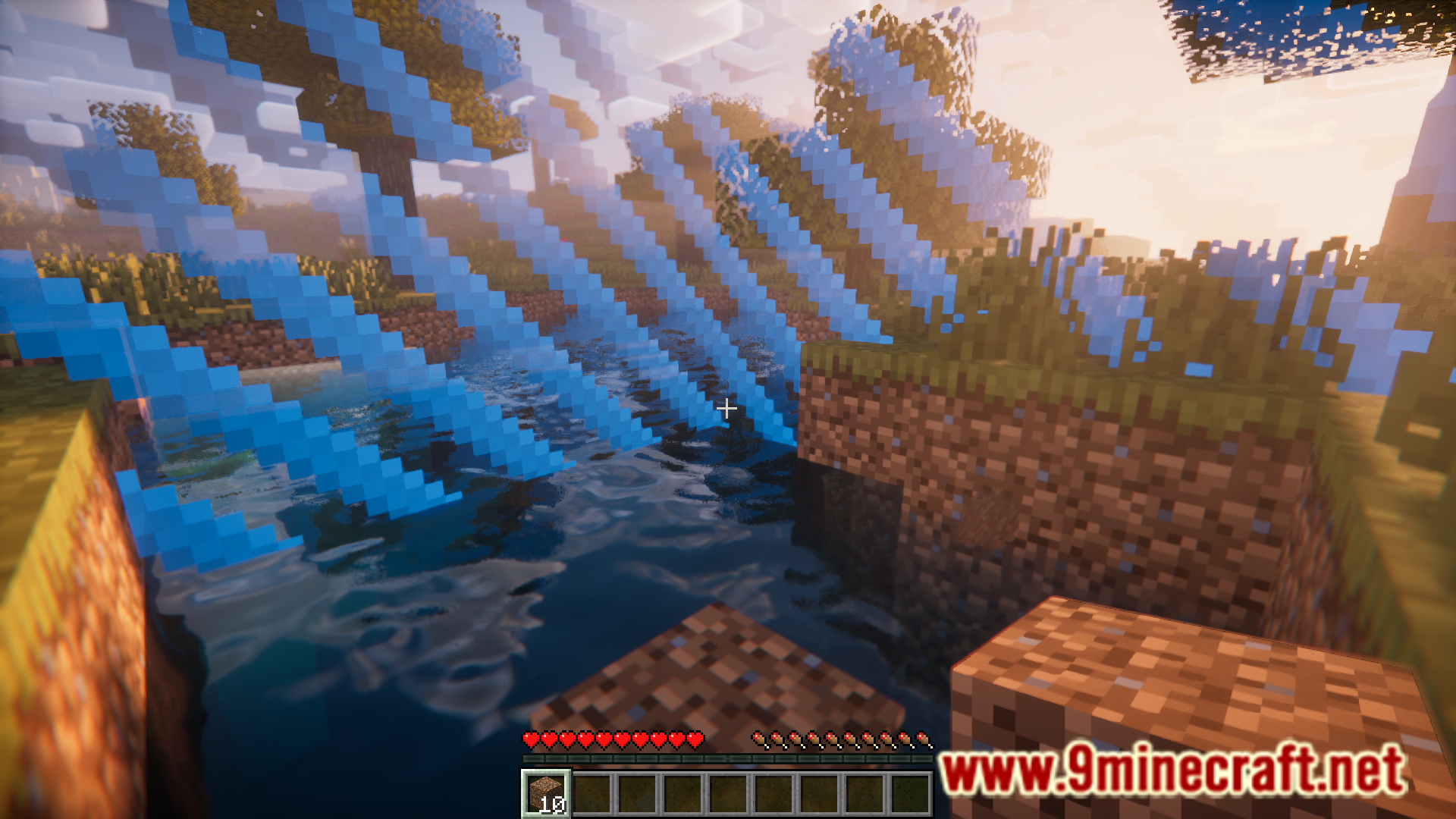
A Minecraft world is around 60 million by 60 million blocks in area. A player is free to explore as much of this world he wants to. Experienced Worlds Mod is here to add an interesting twist into the game. With this mod installed, when you start a new world, the player’s movement is restricted into a one block space. Activities like mining and breaking locks will increase this area progressively.
Features:
- Restricts the player’s movement in the world.
- The border grows when server wide statistics increase.
Screenshots:
Experienced Worlds Mod Download Links
For Minecraft 1.21.4
NeoForge version: Download from Server 1 – Download from Server 2
Fabric version: Download from Server 1 – Download from Server 2
For Minecraft 1.21.3, 1.21.2
NeoForge version: Download from Server 1 – Download from Server 2
Fabric version: Download from Server 1 – Download from Server 2
For Minecraft 1.21.1, 1.21
NeoForge version: Download from Server 1 – Download from Server 2
Fabric version: Download from Server 1 – Download from Server 2
- Edition: Minecraft Java
- File type: .jar
- Minecraft versions listed: 1.21.4, 1.21.1
- How to install: Install the matching mod loader (Forge, Fabric or NeoForge) for your Minecraft version. → Download the .jar. → Put it in the .minecraft/mods folder and launch that loader profile.
- Where to get it: In MC Java Mods, or directly above on this page.
Install steps are the general flow for this file type — How to install Minecraft Java mods & modpacks walks through it step by step.
- Downloads as 195833.mcaddon
- Download size: 247 KB
- Download link checked 26 Jul 2026 — working
- Mirrored on our own servers — the download does not depend on the original host
These come from our own check of the pack file, not from the source page.