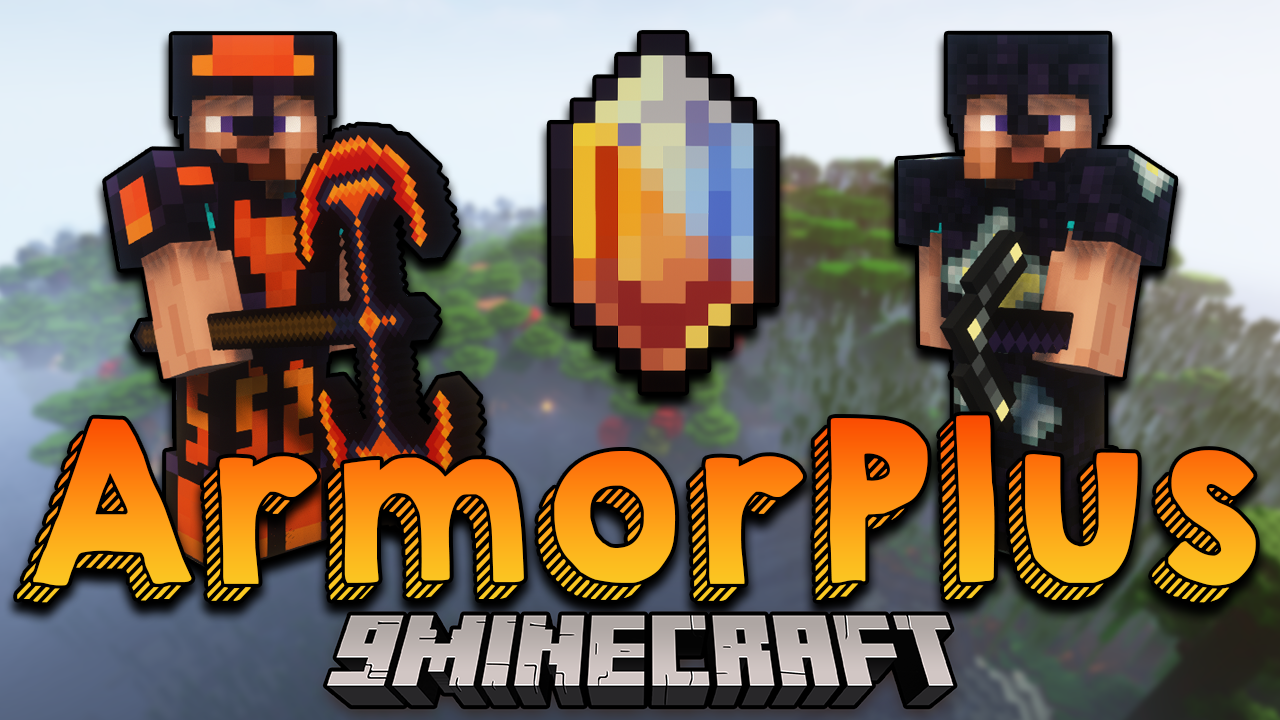
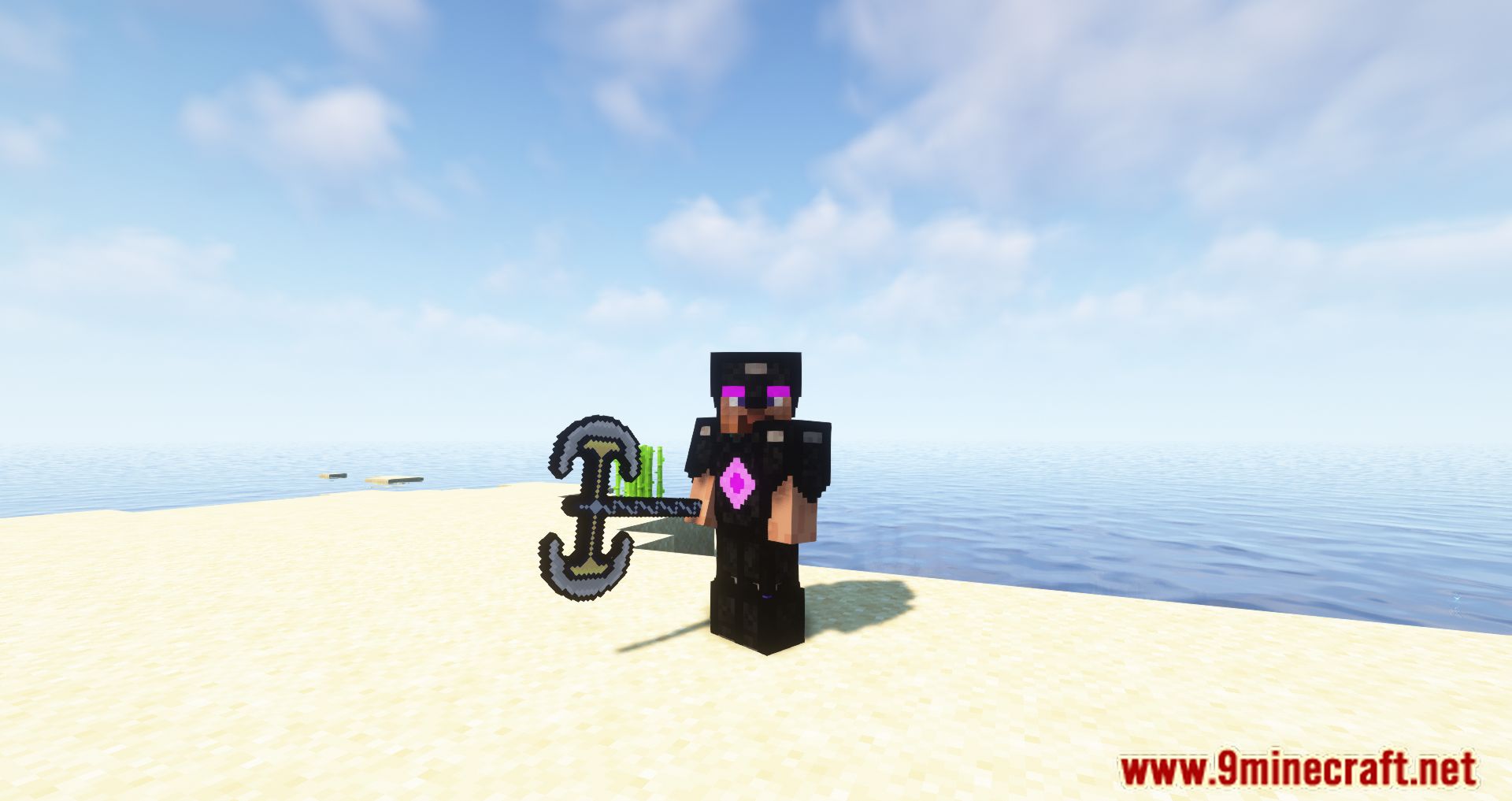
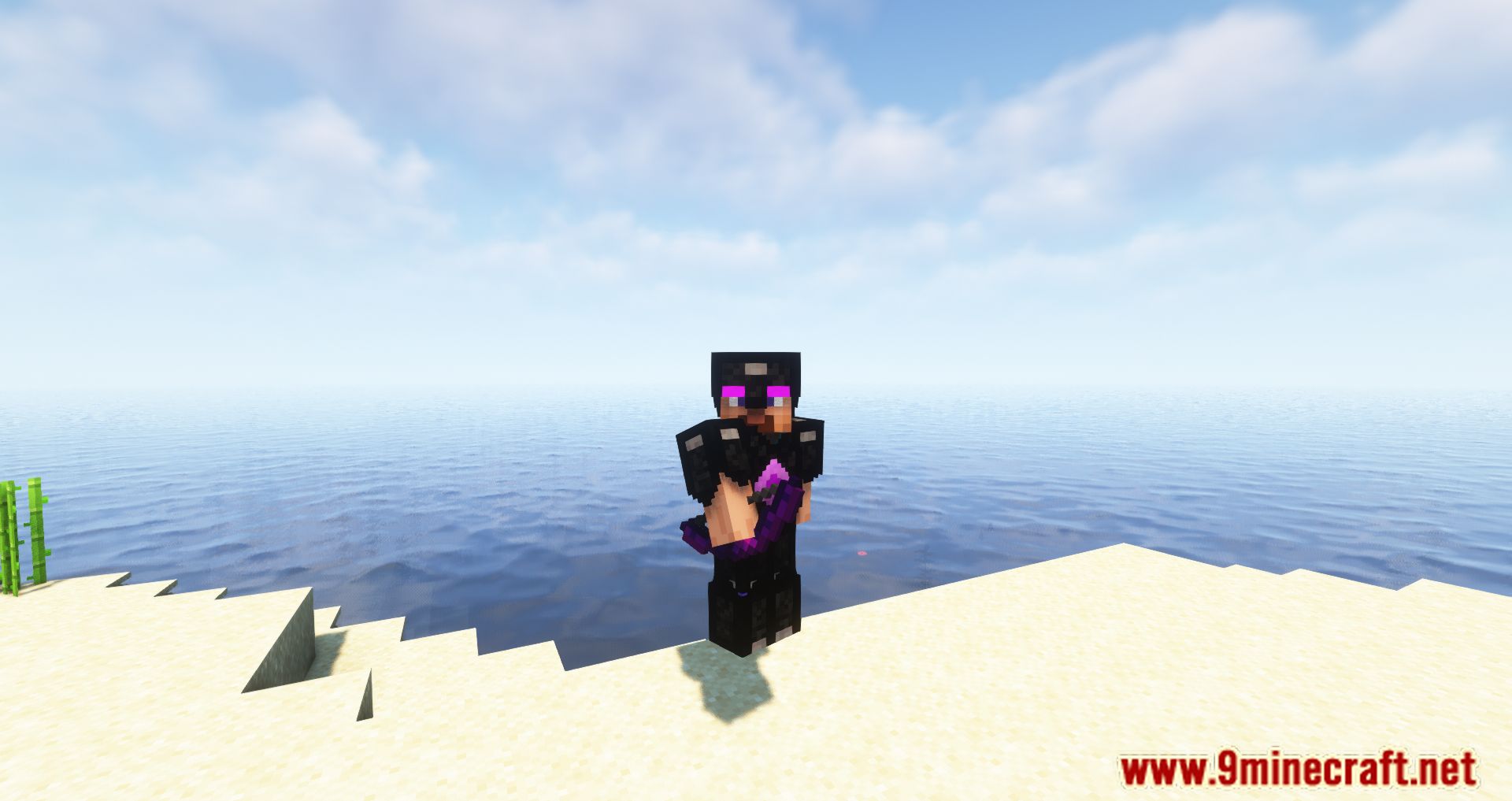
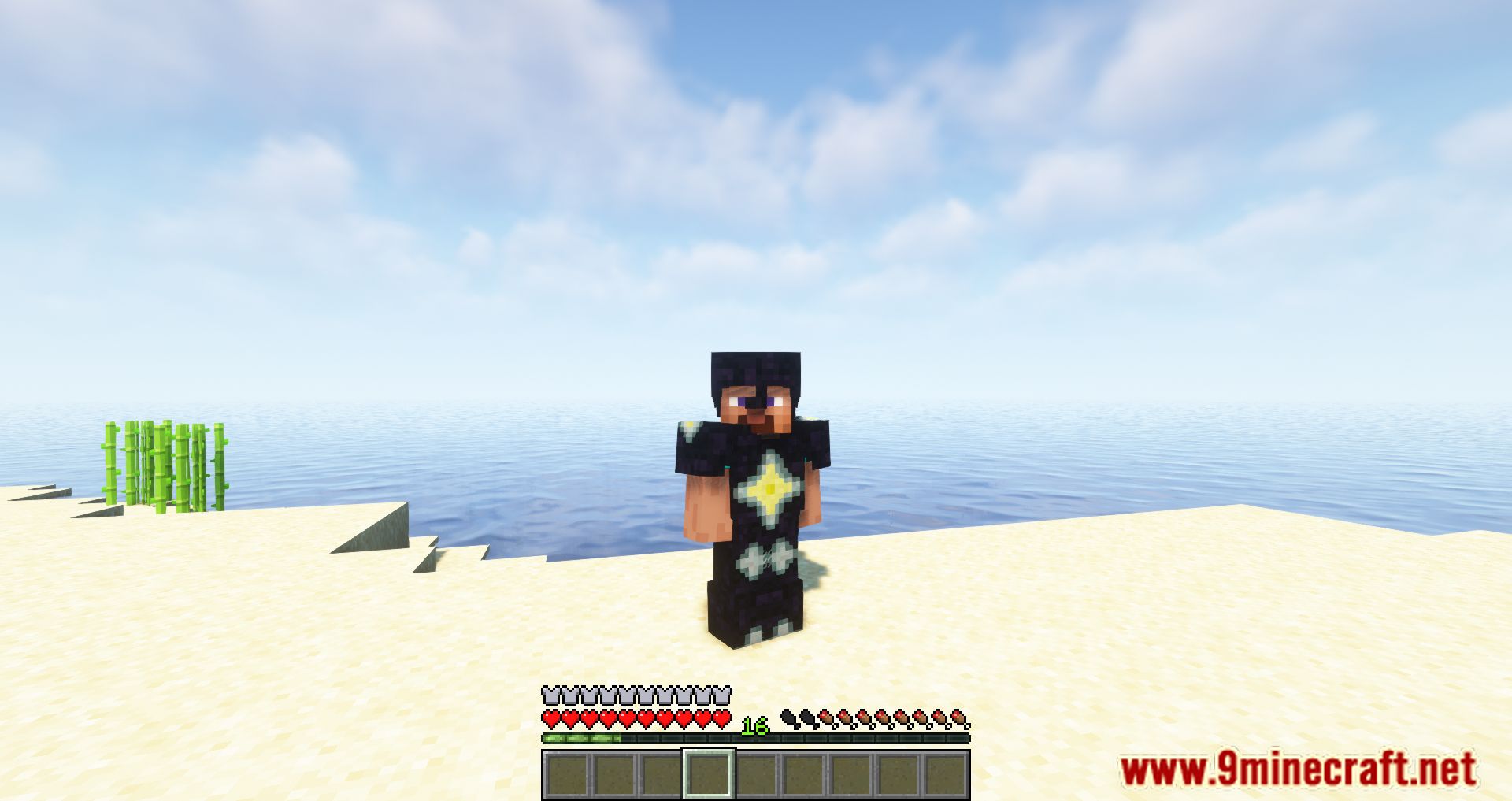
Armor Plus Mod is a mod that gives us the ability to craft new sets of weapons, tools, and armor pieces using existing mineral resources in the game-materials that, by default, cannot be used to make character equipment. With this mod, we can use materials such as Redstone, Lapis Lazuli, Obsidian, and Emerald, among others, to craft armor, weapons, and tools. Additionally, these new equipment sets provide permanent effects and altered states for our character.
Features:
- Multi-Tiered Equipment: Craft armor and weapons using materials like Redstone, Lapis Lazuli, Obsidian, and Emerald, each offering unique properties.
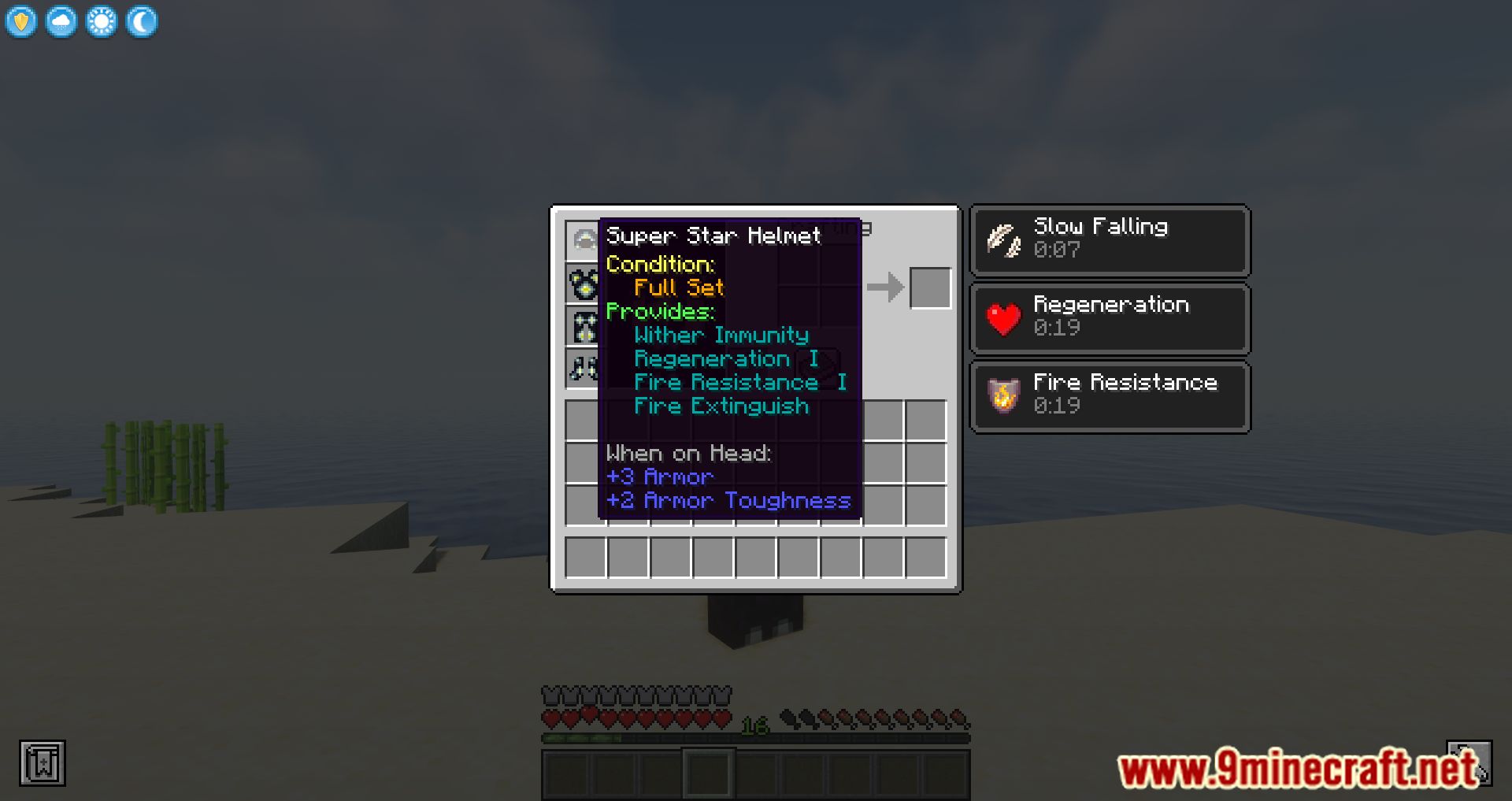
- Wearing full armor sets grants special abilities, such as increased speed, resistance, or enhanced mining efficiency.
- Utilize specialized crafting stations like the High-Tech Bench and Champion Bench for advanced gear creation.
- Some materials require defeating powerful mobs or exploring new areas to obtain.
Screenshots:
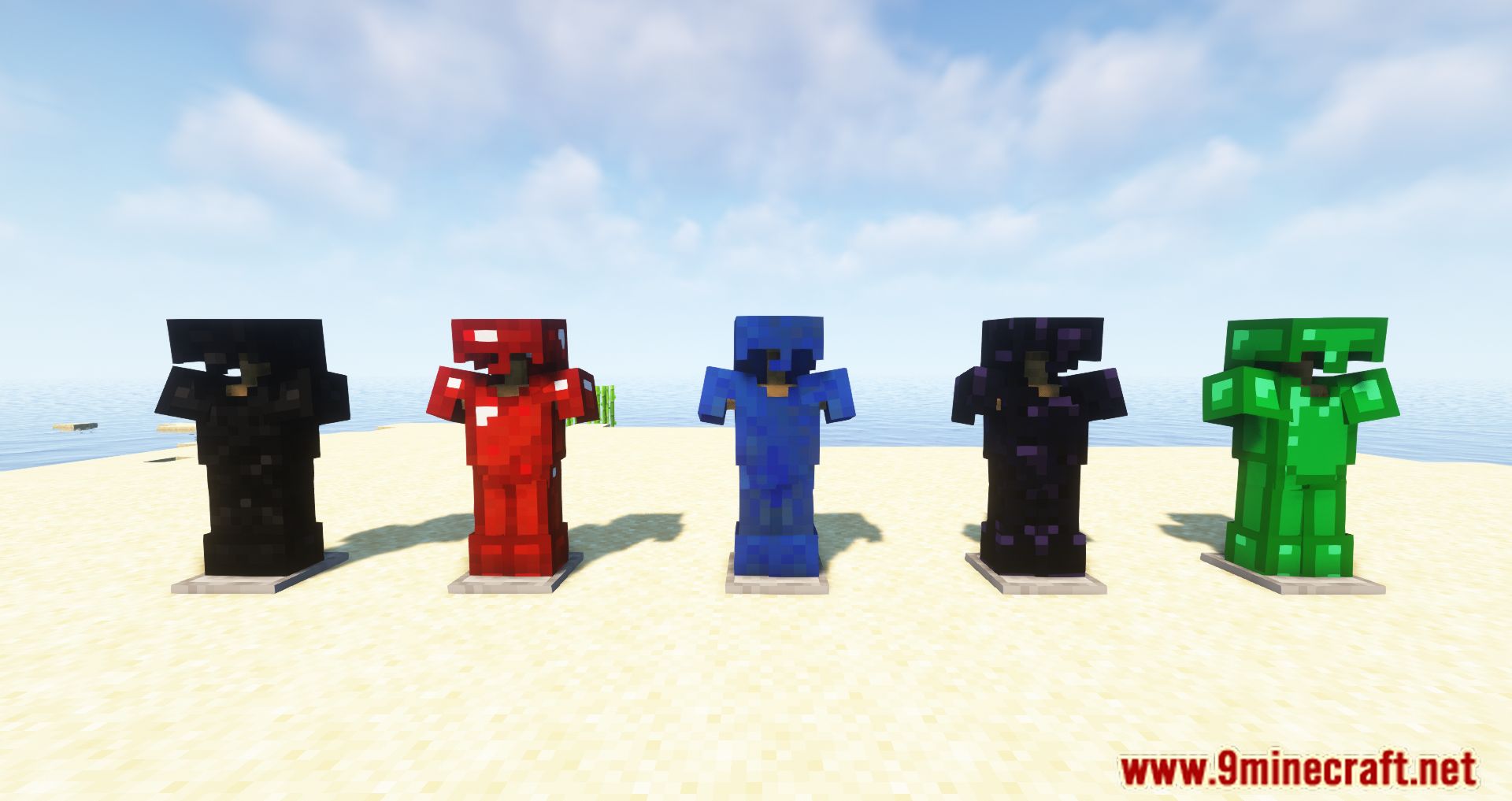
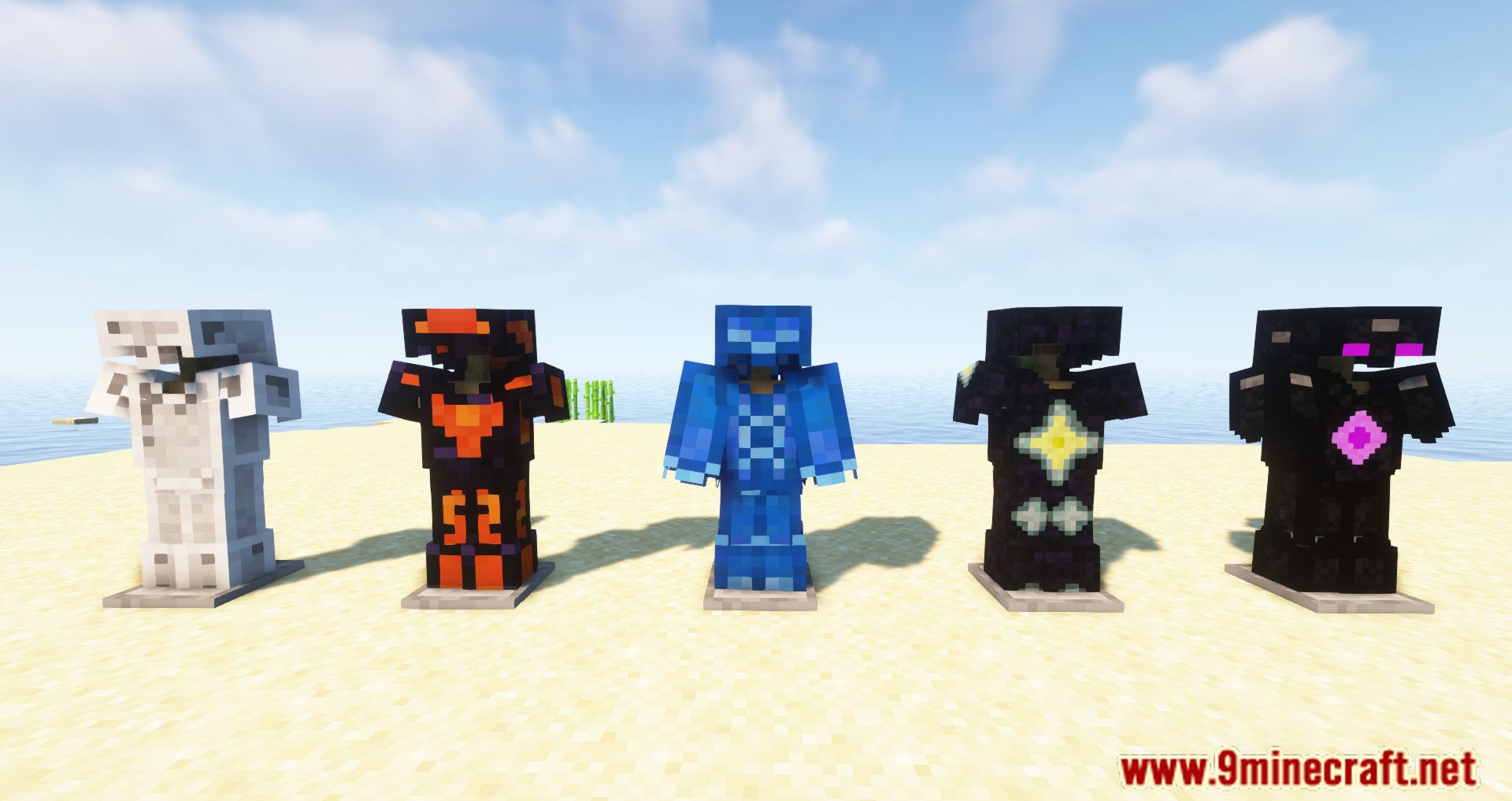
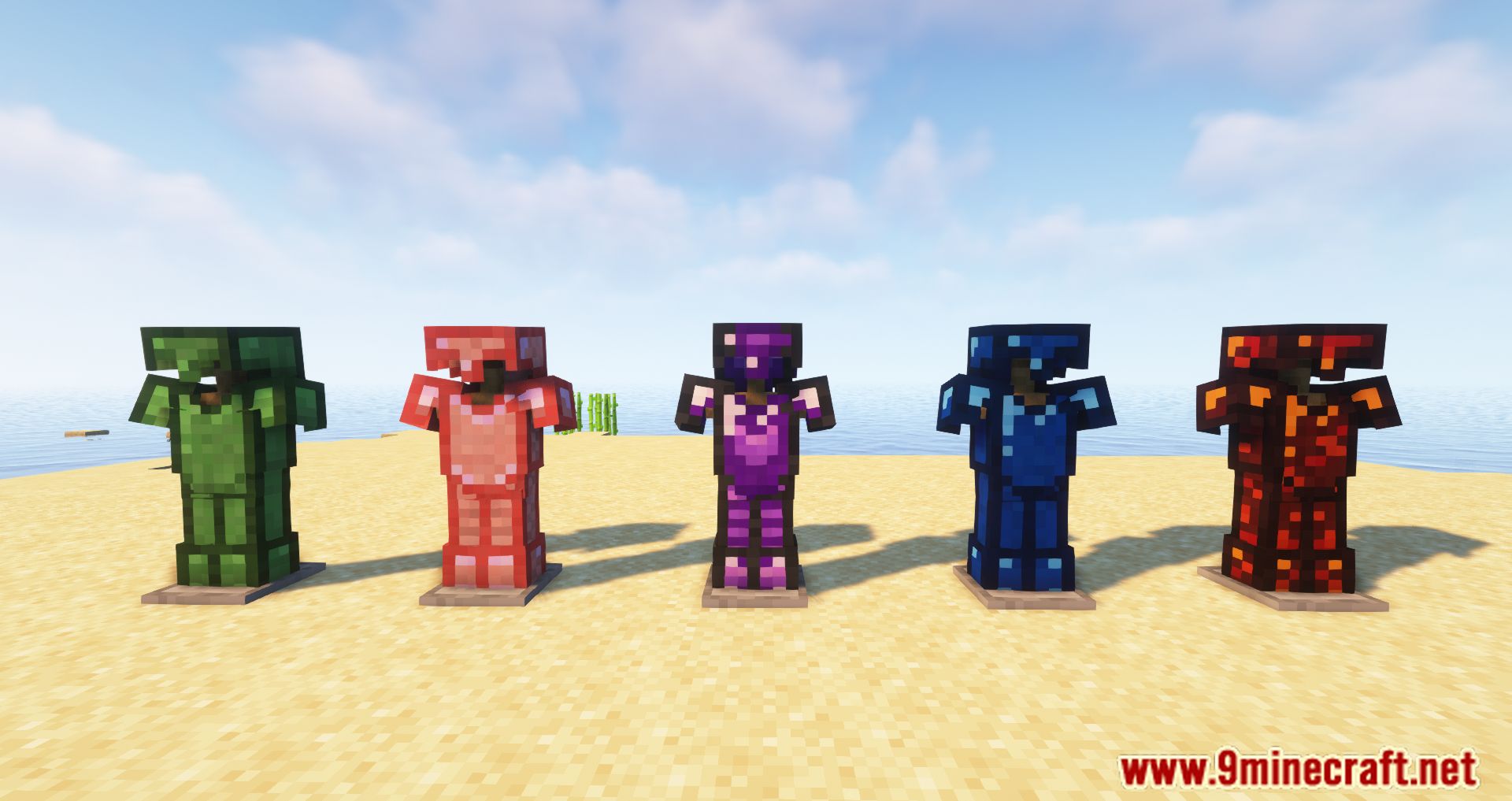
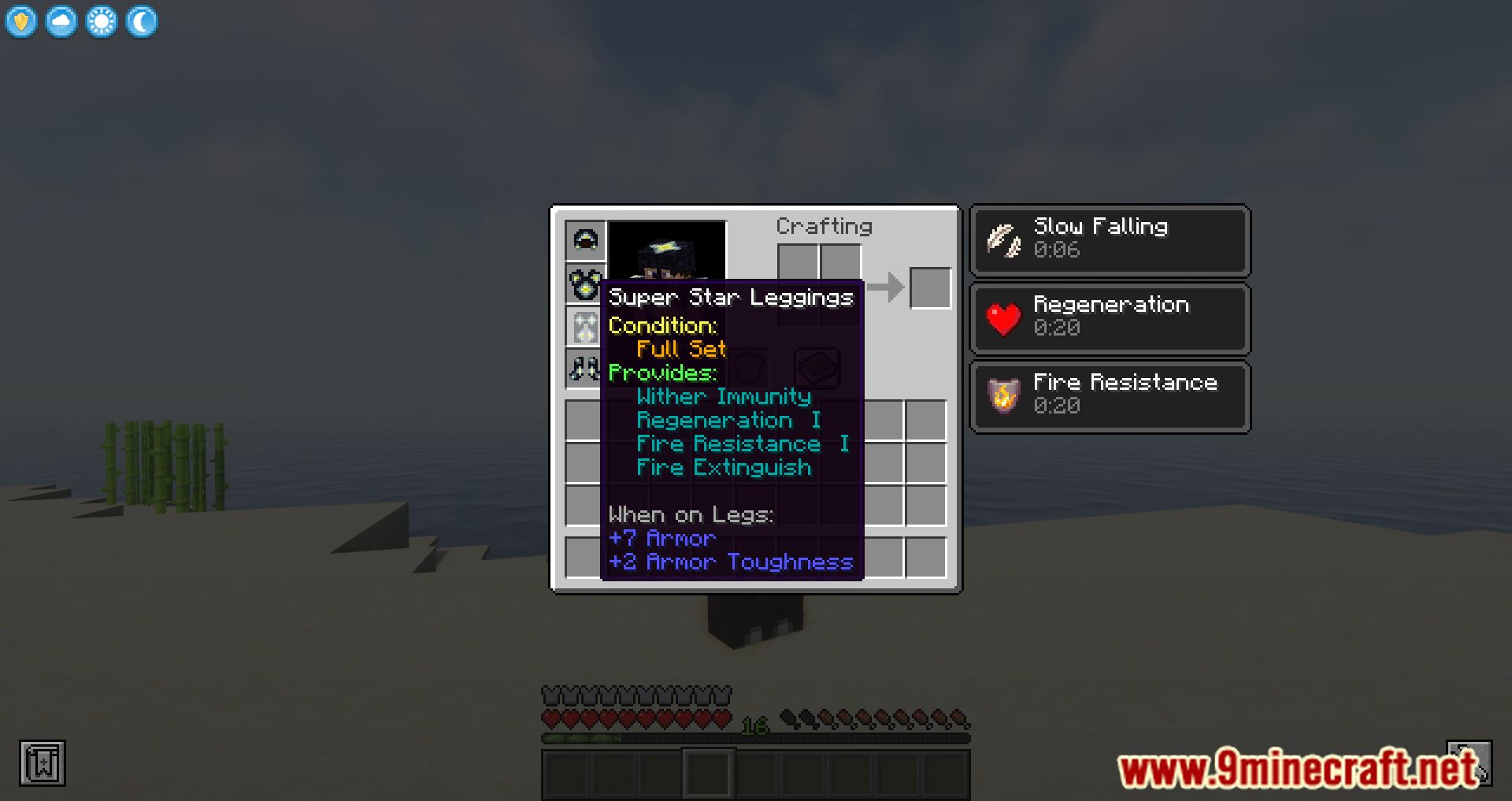
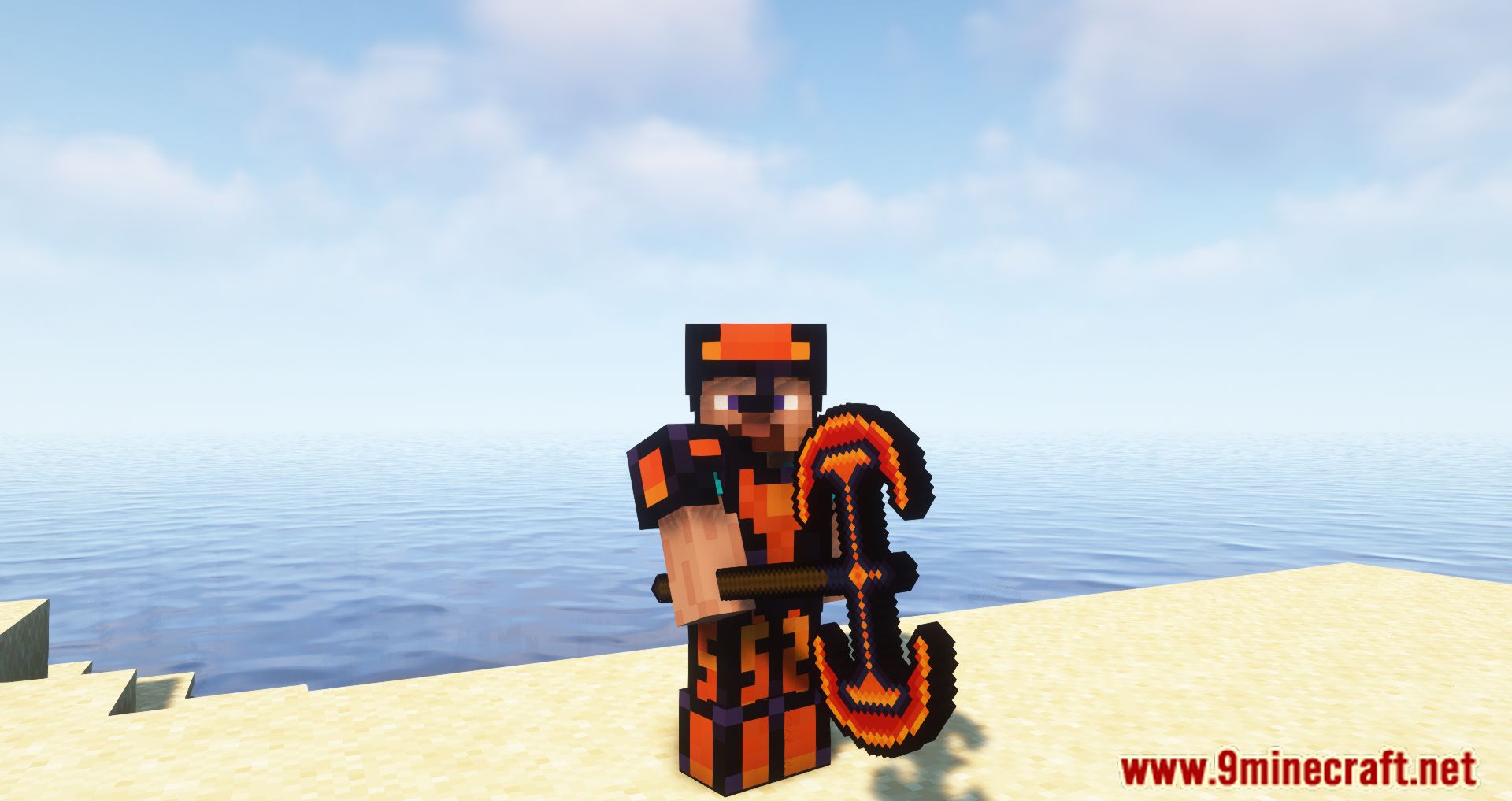
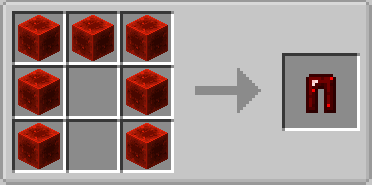
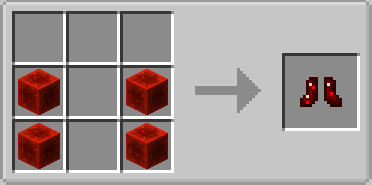
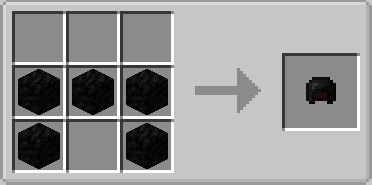
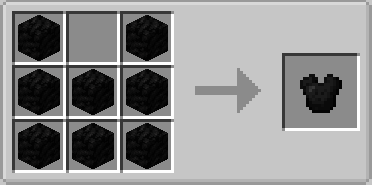
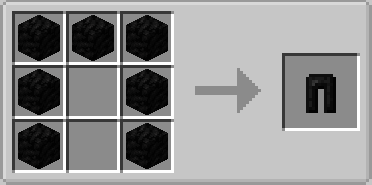
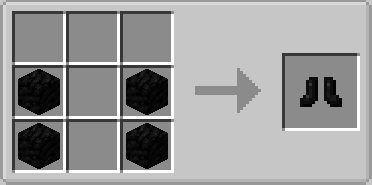
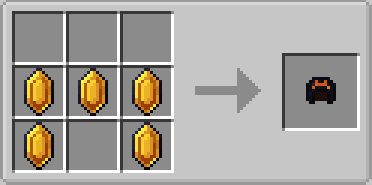
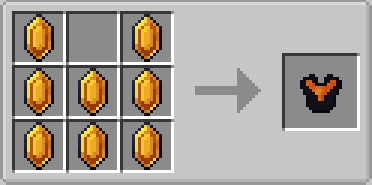
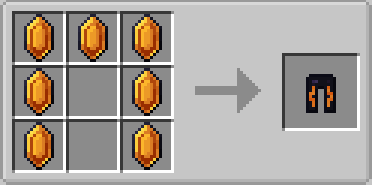
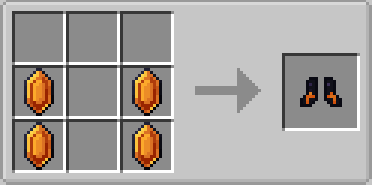
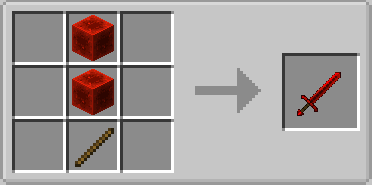
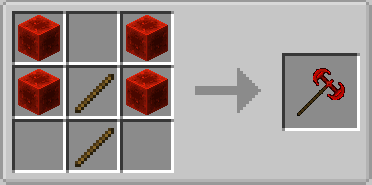
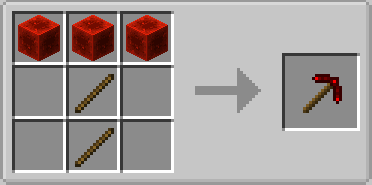
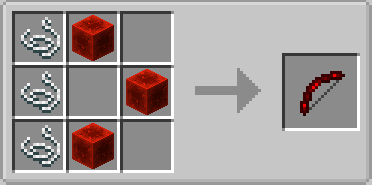
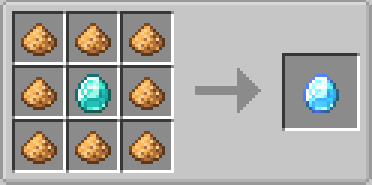
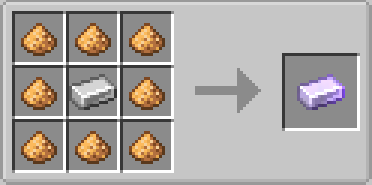
Crafting Recipes:
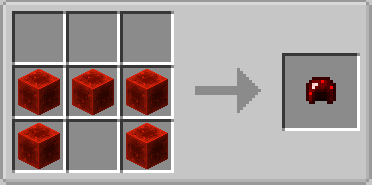
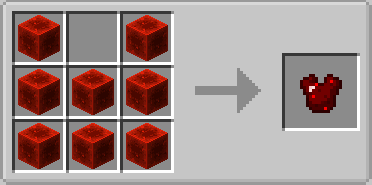
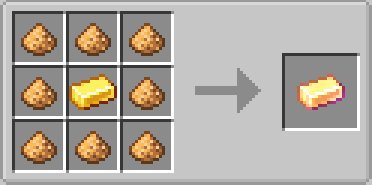
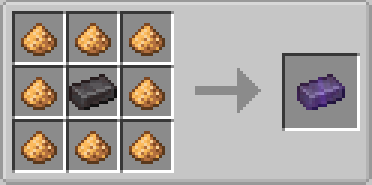
Armor Plus Mod Download Links
For Minecraft 1.8.9
Forge version: Download from Server 1
For Minecraft 1.9.4
Forge version: Download from Server 1
For Minecraft 1.10.2
Forge version: Download from Server 1
For Minecraft 1.11.2
Forge version: Download from Server 1
For Minecraft 1.12.2
Forge version: Download from Server 1
For Minecraft 1.16.5
Forge version: Download from Server 1
For Minecraft 1.18.2
Forge version: Download from Server 1
For Minecraft 1.19.2, 1.19.1
Forge version: Download from Server 1
For Minecraft 1.19.3
Forge version: Download from Server 1 – Download from Server 2
For Minecraft 1.20.1, 1.20
Forge version: Download from Server 1 – Download from Server 2
For Minecraft 1.20.2
Forge version: Download from Server 1 – Download from Server 2
For Minecraft 1.21.1, 1.21
NeoForge version: Download from Server 1 – Download from Server 2
- Edition: Minecraft Java
- File type: .jar
- Minecraft versions listed: 1.21.1, 1.20.1
- How to install: Install the matching mod loader (Forge, Fabric or NeoForge) for your Minecraft version. → Download the .jar. → Put it in the .minecraft/mods folder and launch that loader profile.
- Where to get it: In MC Java Mods, or directly above on this page.
Install steps are the general flow for this file type — How to install Minecraft Java mods & modpacks walks through it step by step.
- Downloads as 195845.mcaddon
- Download size: 304 KB
- Download link checked 26 Jul 2026 — working
- Mirrored on our own servers — the download does not depend on the original host
These come from our own check of the pack file, not from the source page.