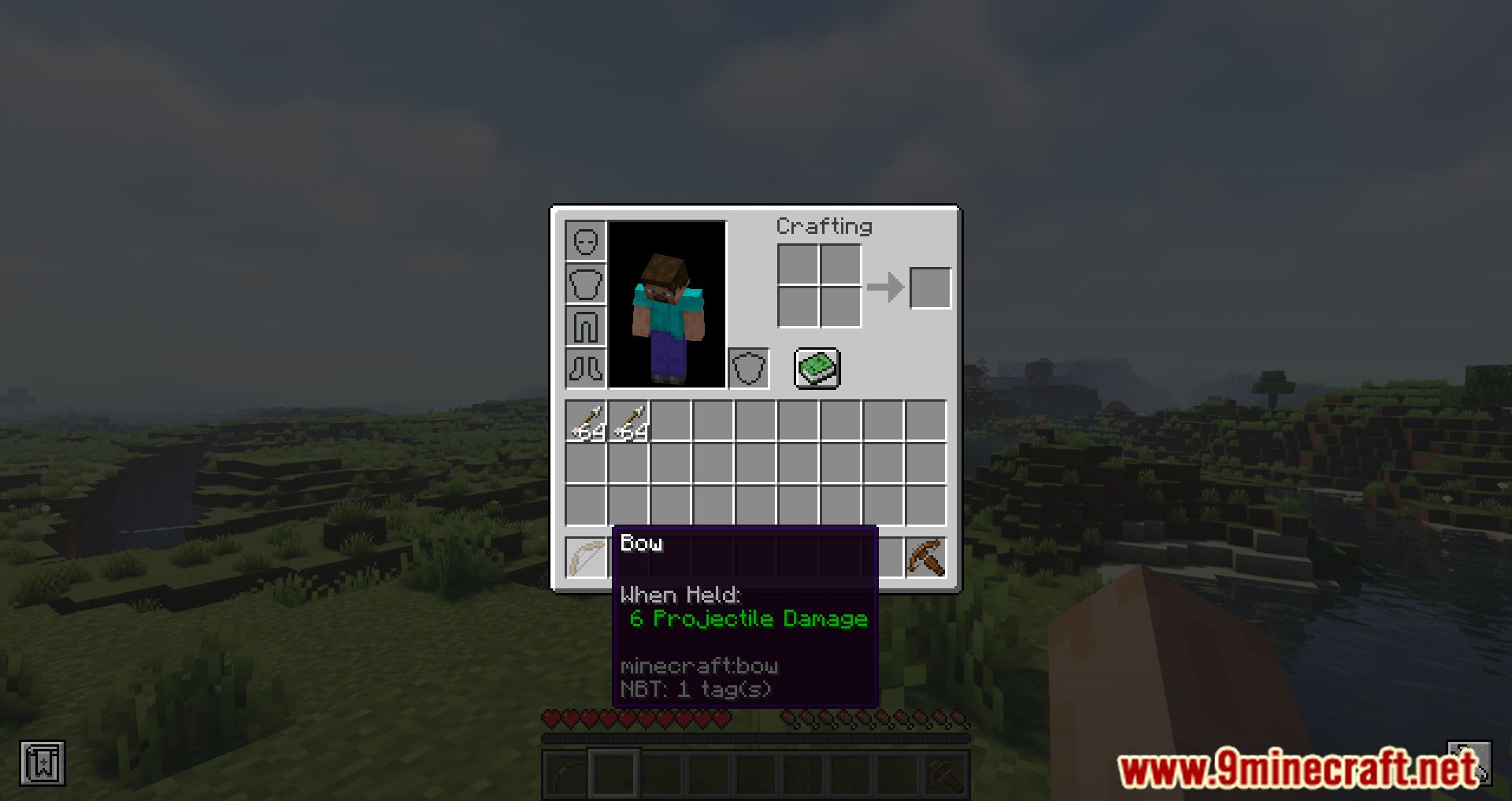
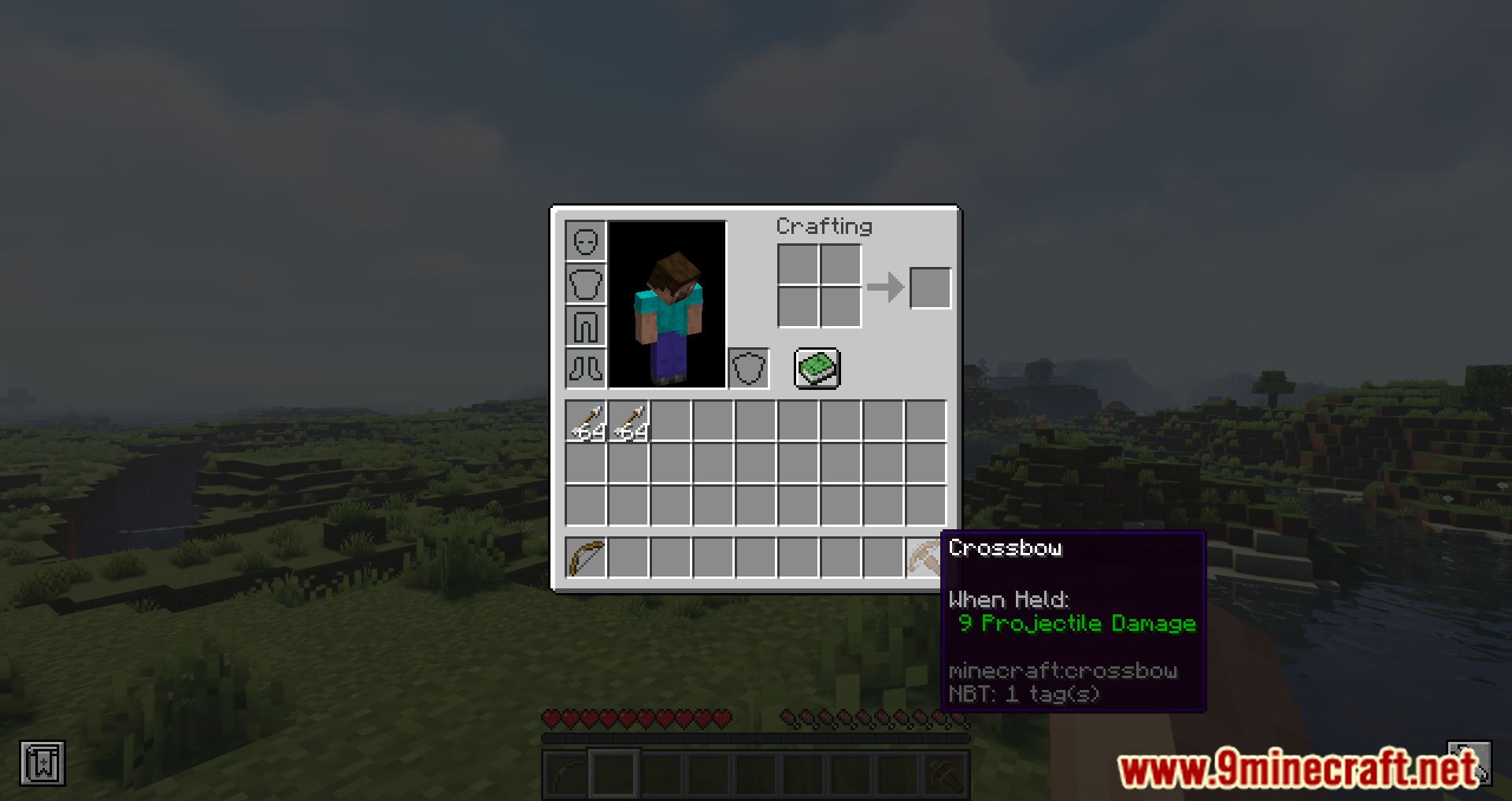
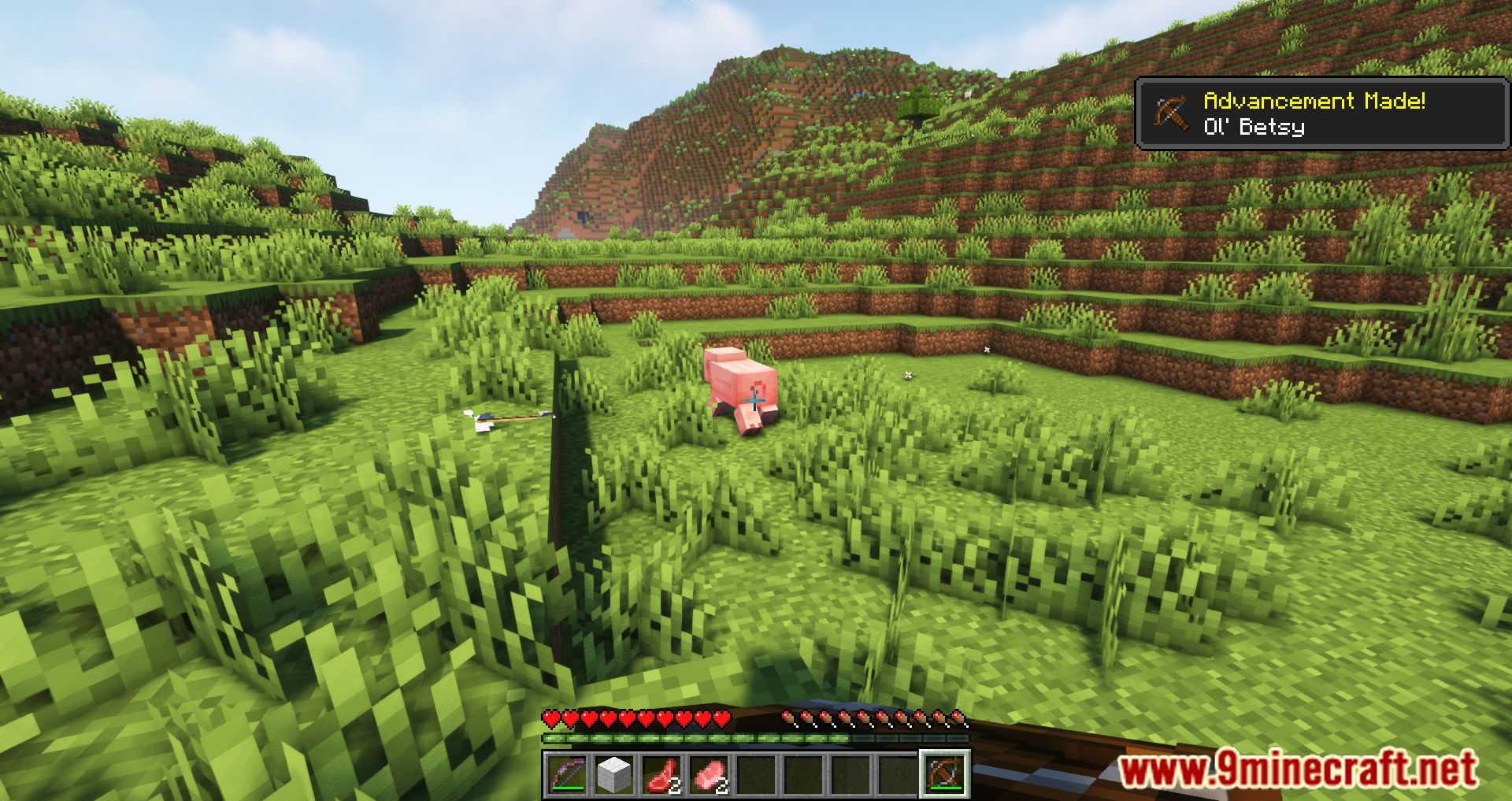
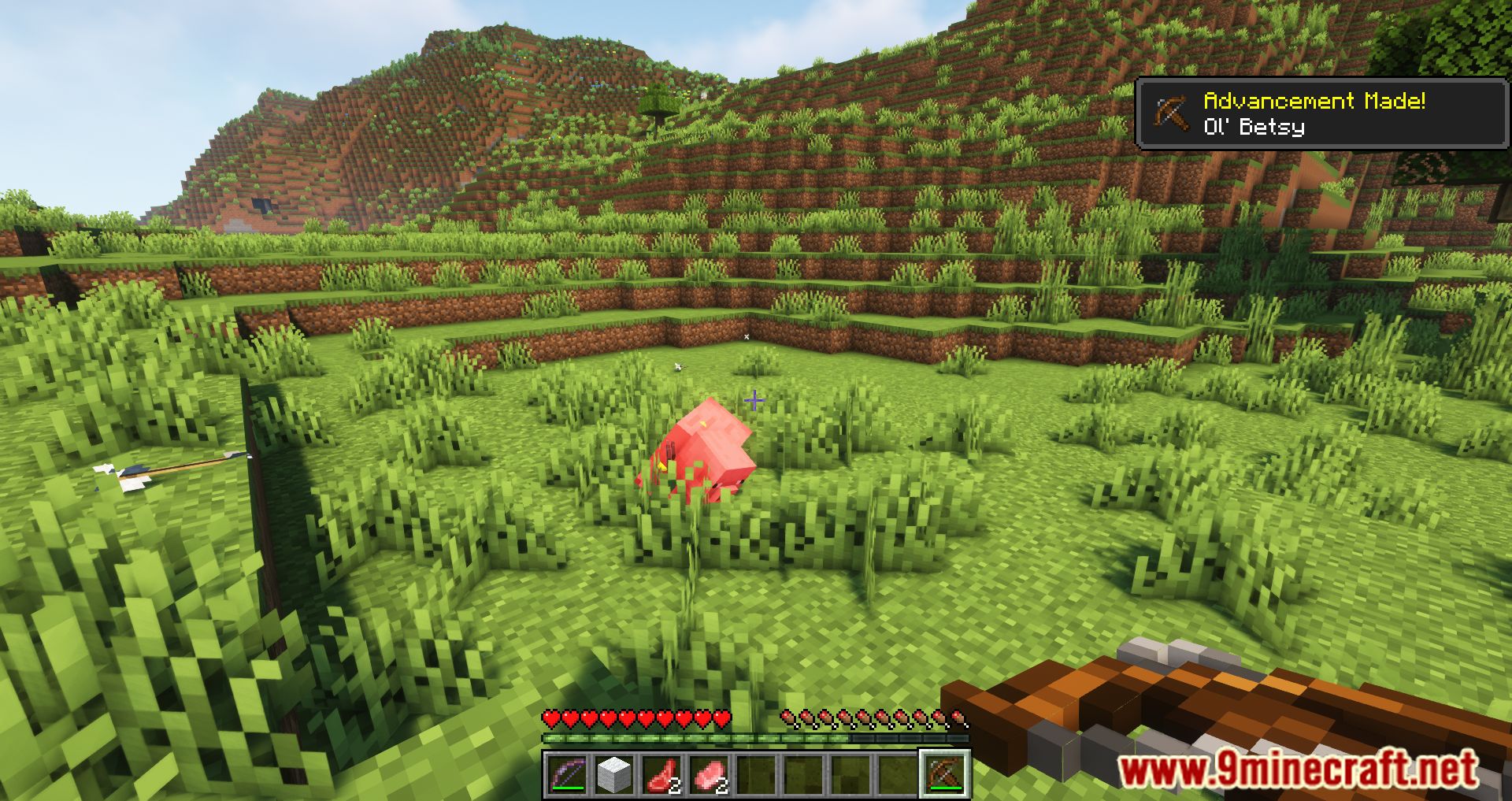
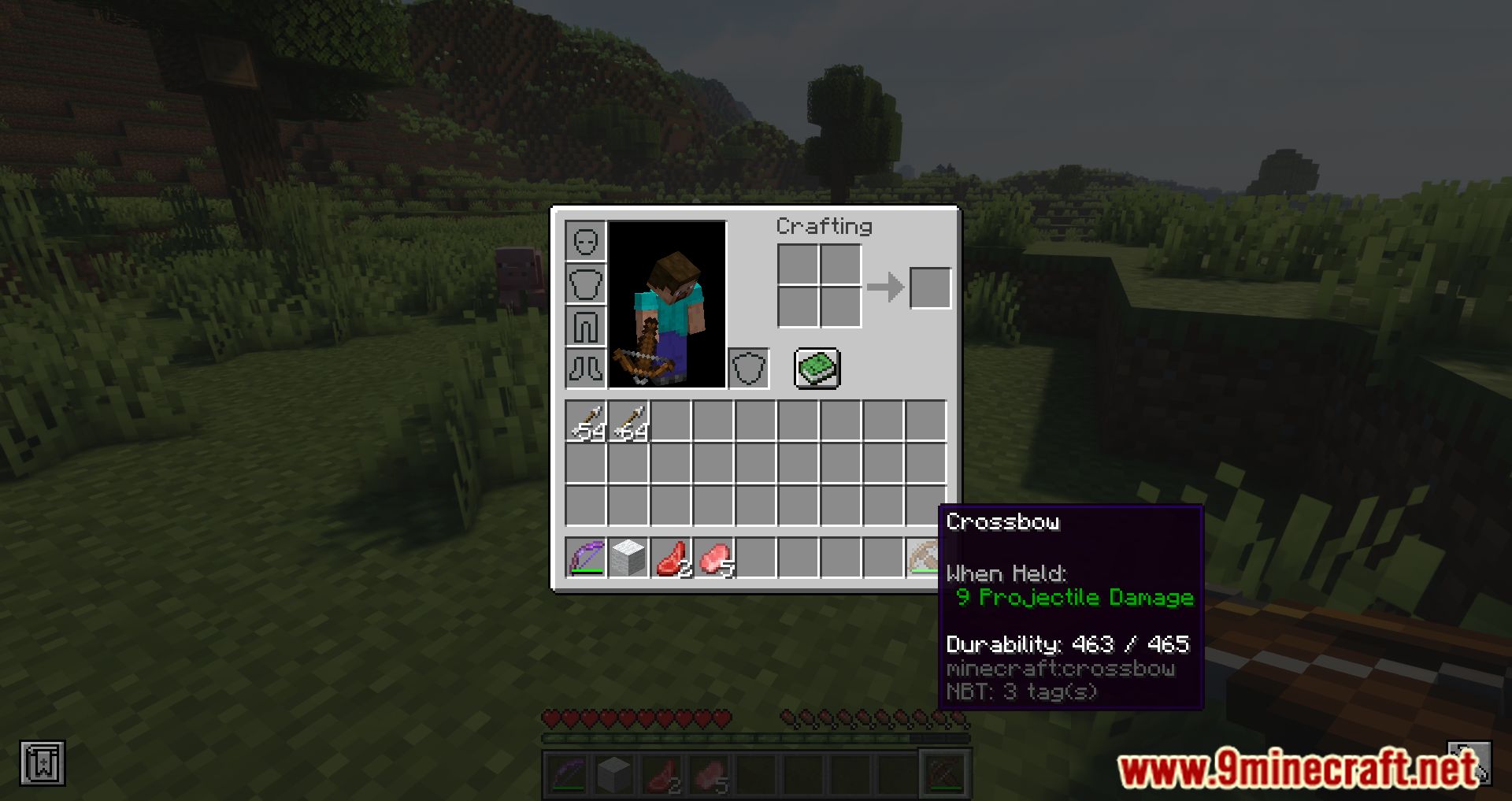
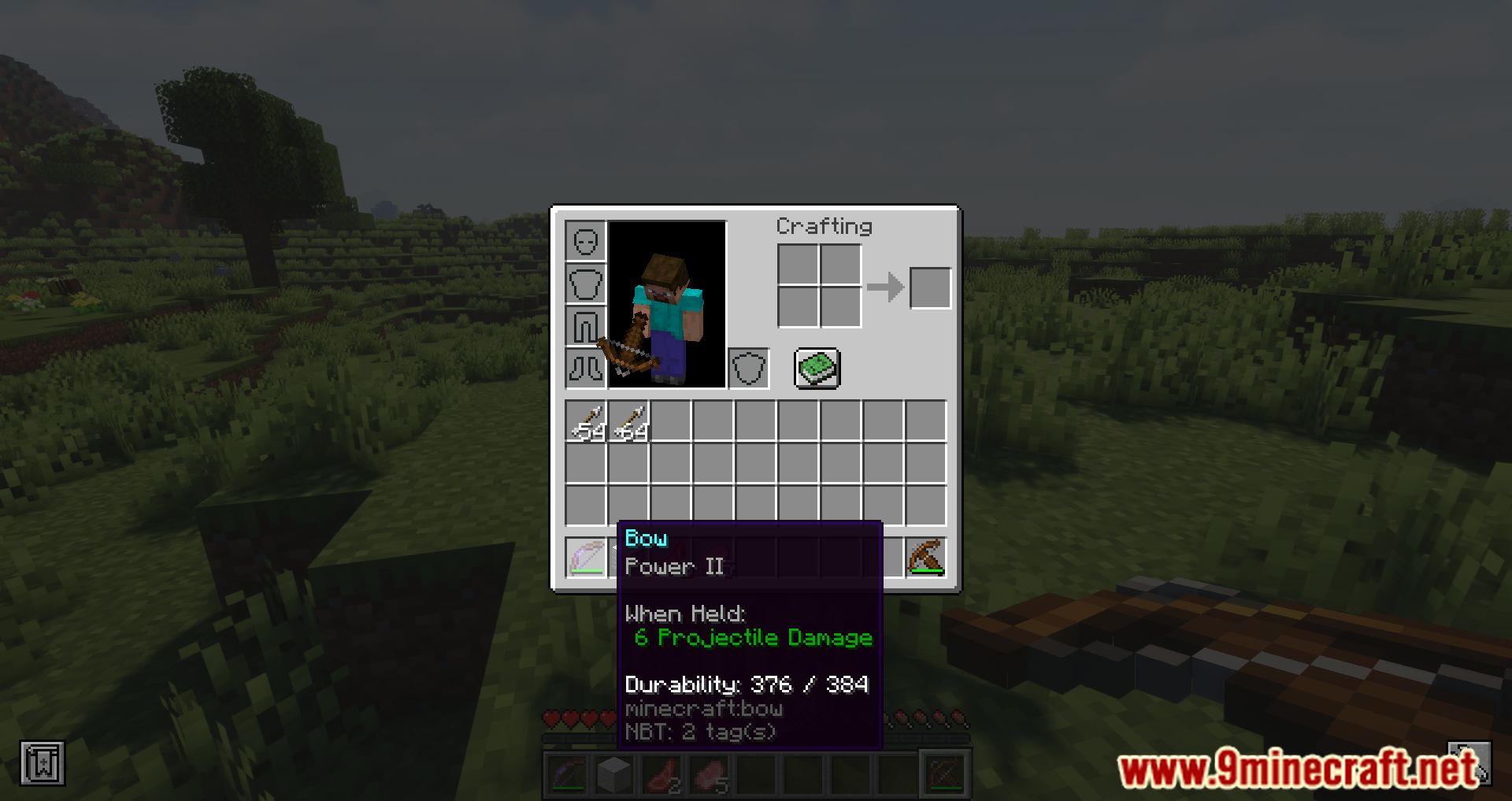
Projectile Damage Attribute Mod allows you to change the damage dealt by ranged weapons. You can adjust the damage for all bows and crossbows, or configure specific weapons to change their damage output. In the mod’s config file, you can set default damage values for bows and crossbows, which are set to 6 and 9 respectively by default, just like in the game. The mod adds the attribute projectile_damage:generic, which you can modify to change the damage dealt by a specific instance of a weapon. To change this attribute, you can use the IBE editor. Hold the item in your hand (without looking at other blocks), press I, choose attribute modifiers, click add, and find projectile_damage:generic in the list. Set the desired damage value (check the screenshots for guidance). You can also change the damage for an entity using the command /attribute @s projectile_damage:generic base set 10. Replace @s with the player’s name if needed. The command hints will show the current value of the entity (you). The mod also adds a new effect called Impact, which increases the damage dealt by an entity with ranged weapons. To give yourself this effect, use the command /effect give @p projectile_damage:impact 30 4.
Features:
- Adds a new entity attribute (projectile_damage:generic) that lets players modify the damage of bows, crossbows, and other ranged weapons.
- Introduces a new effect called “Impact,” which increases projectile damage when applied.
- Provides an API for modders to set custom damage values for their ranged weapons.
- Allows server admins to configure projectile damage settings via a config file.
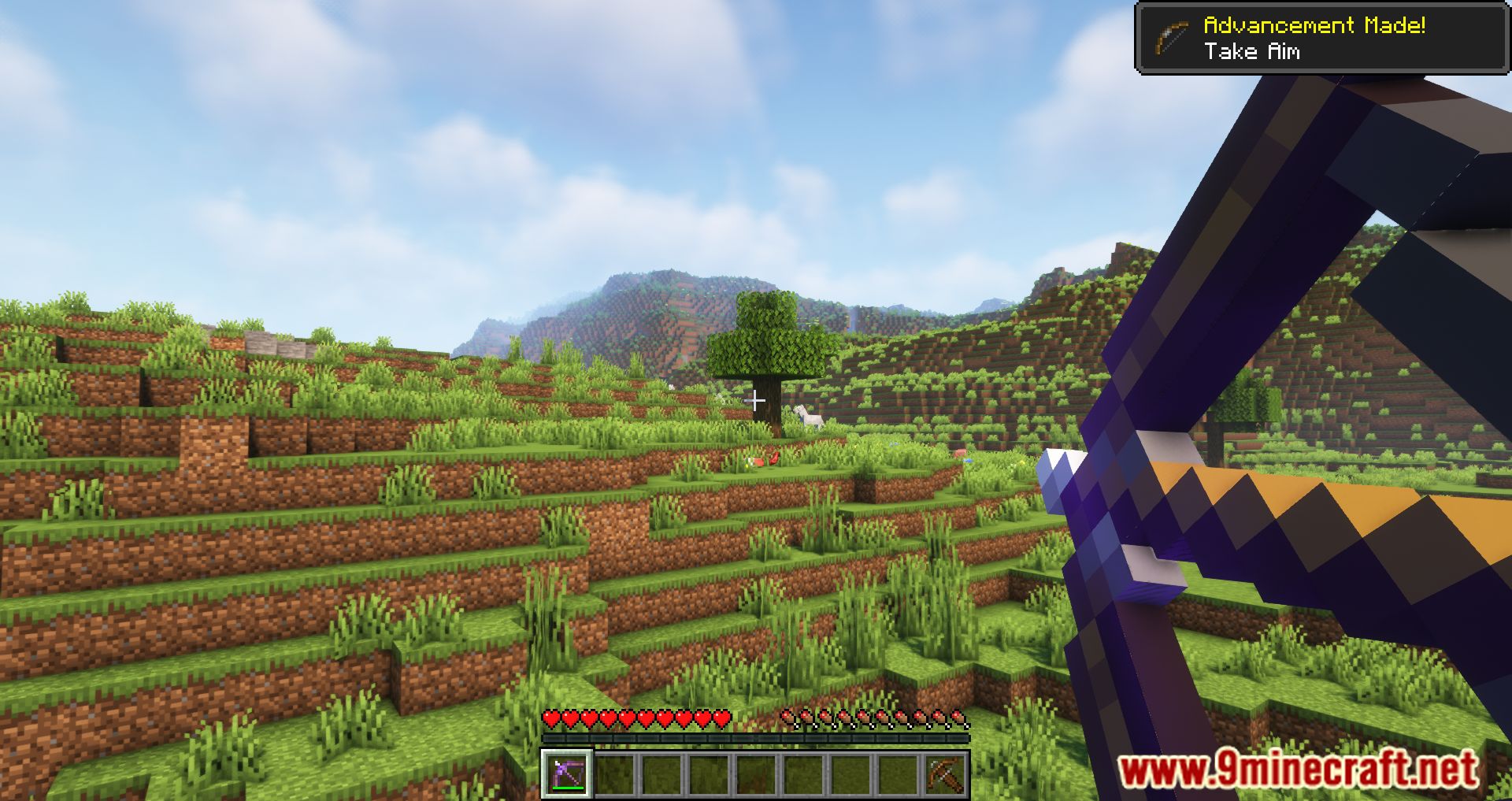
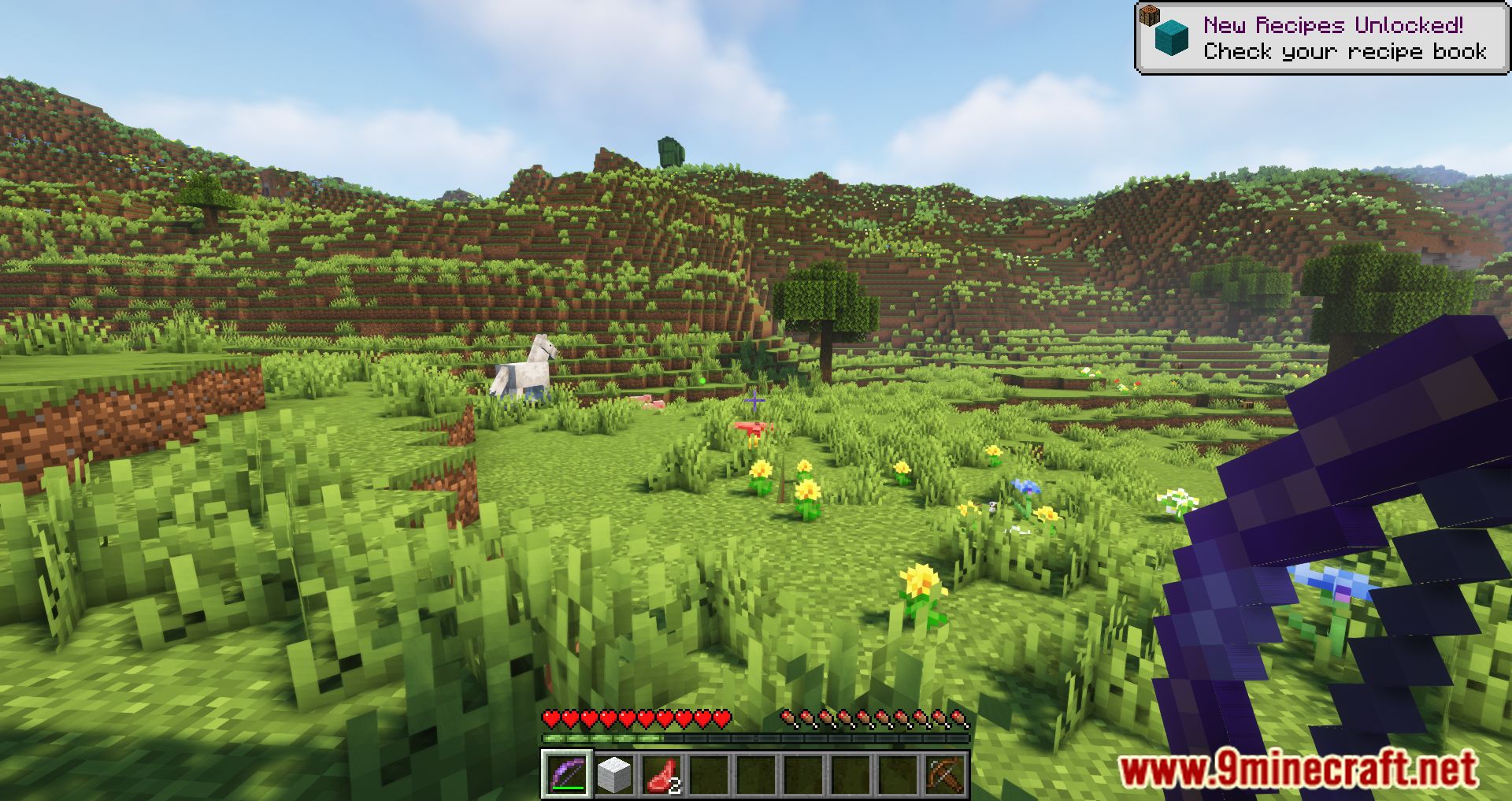
Screenshots:
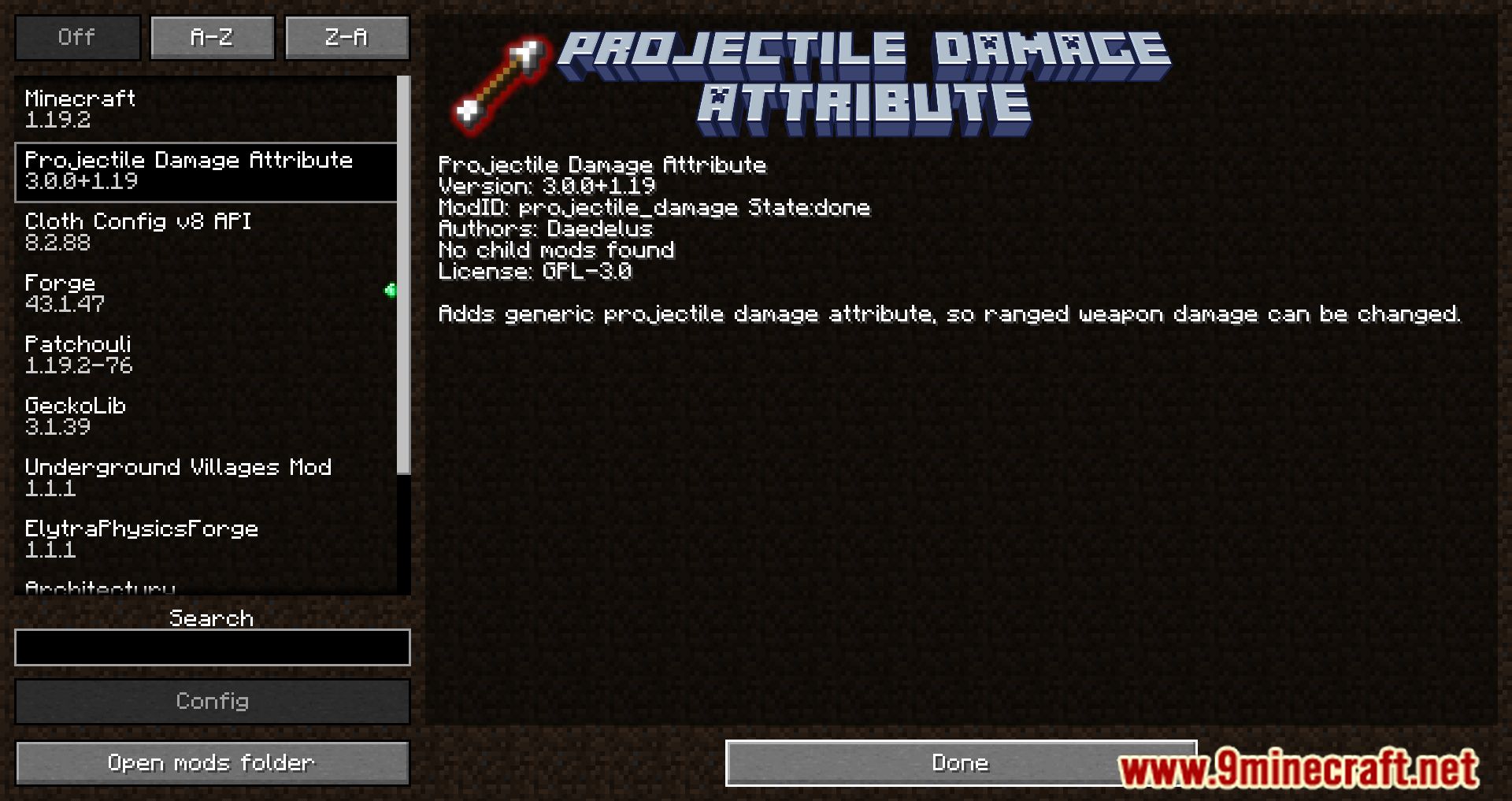
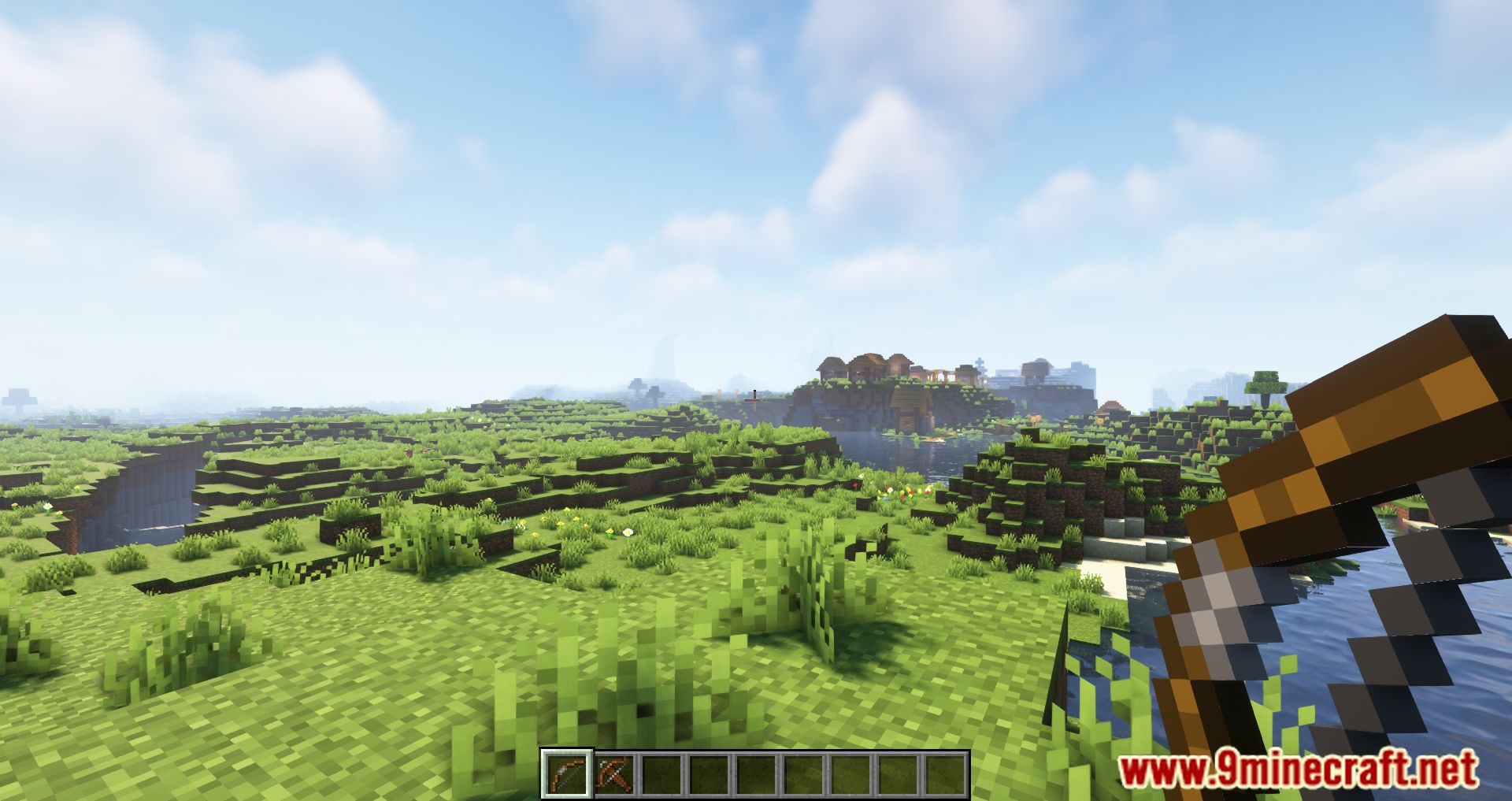
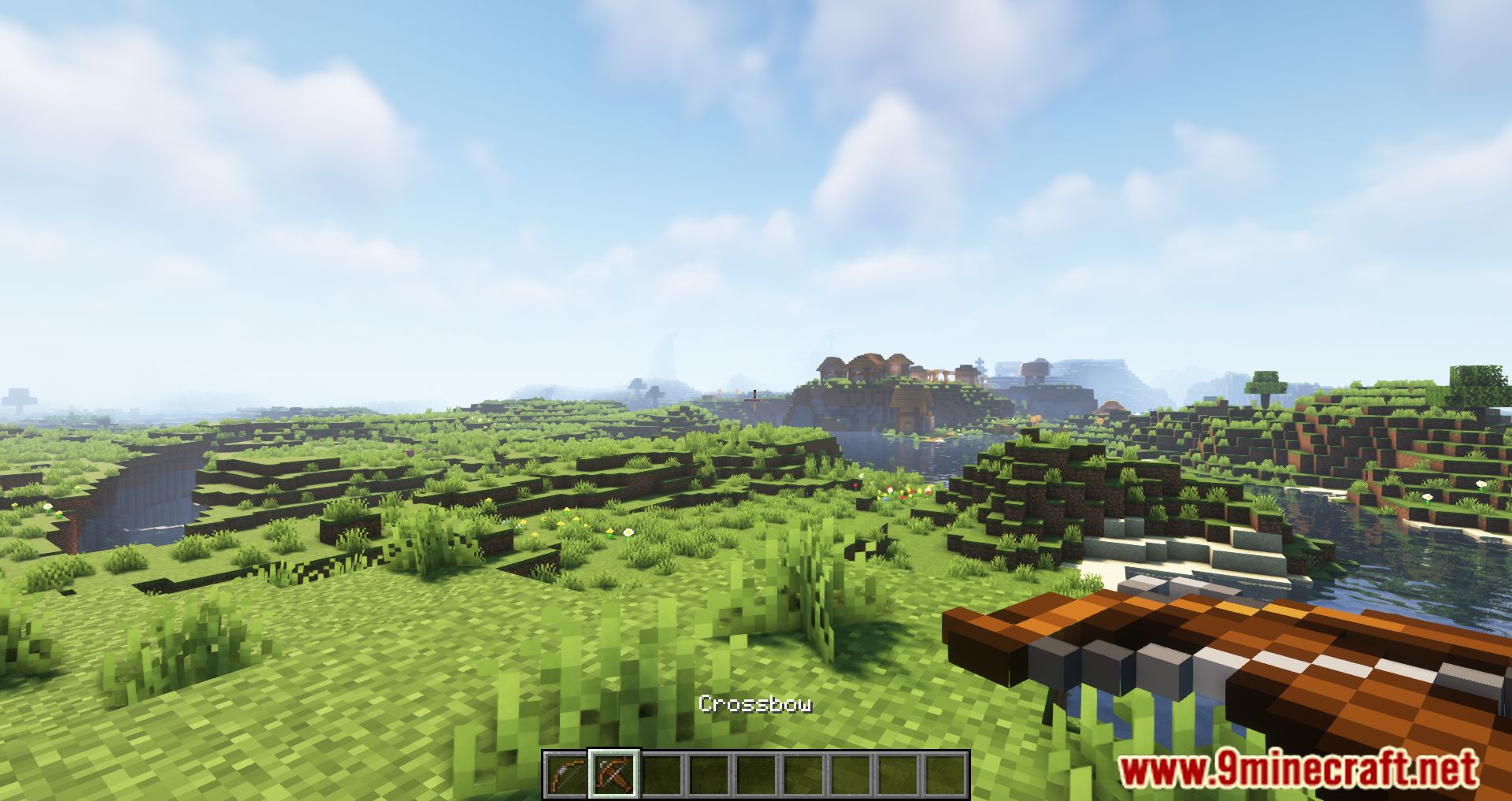
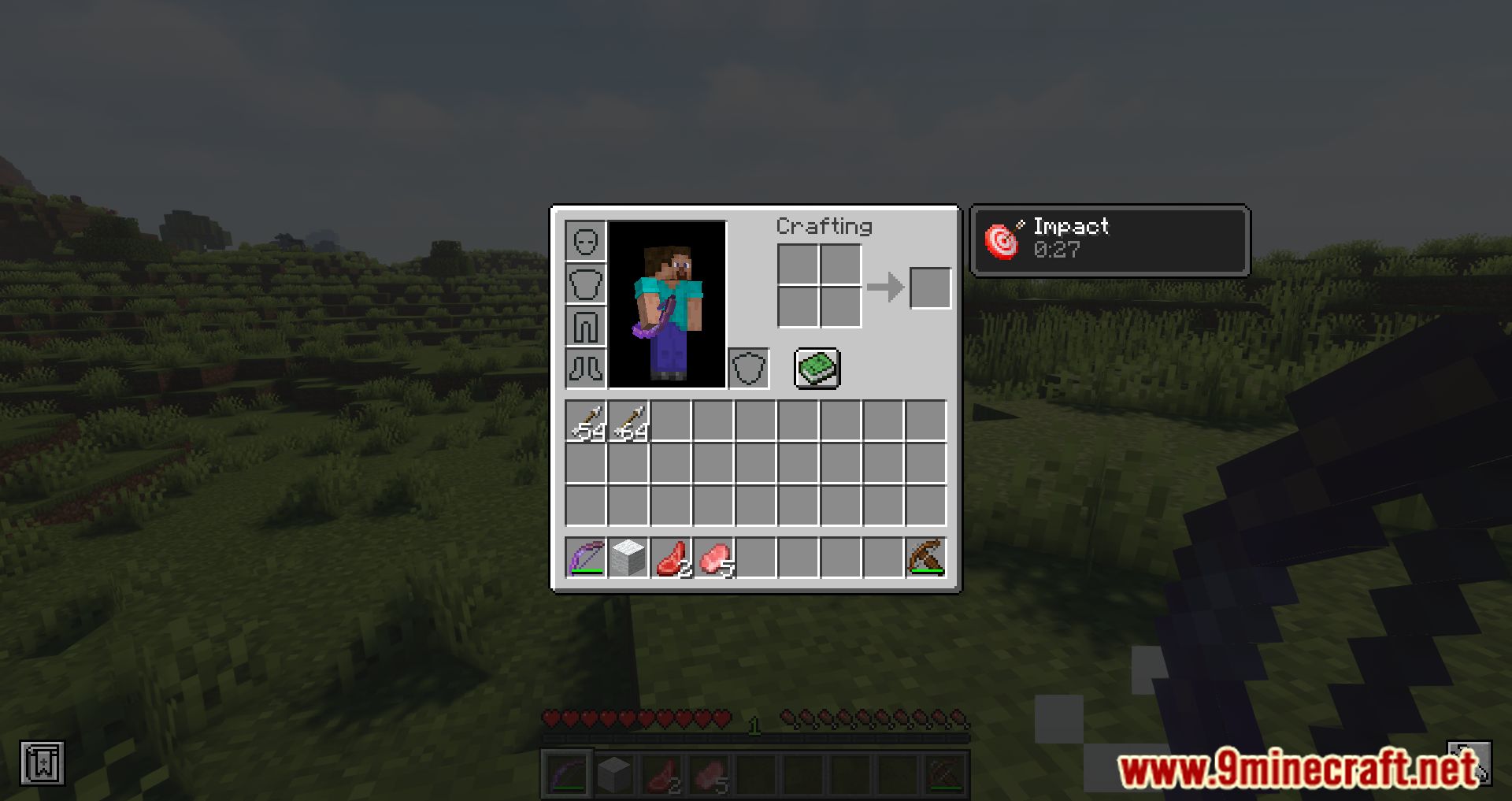
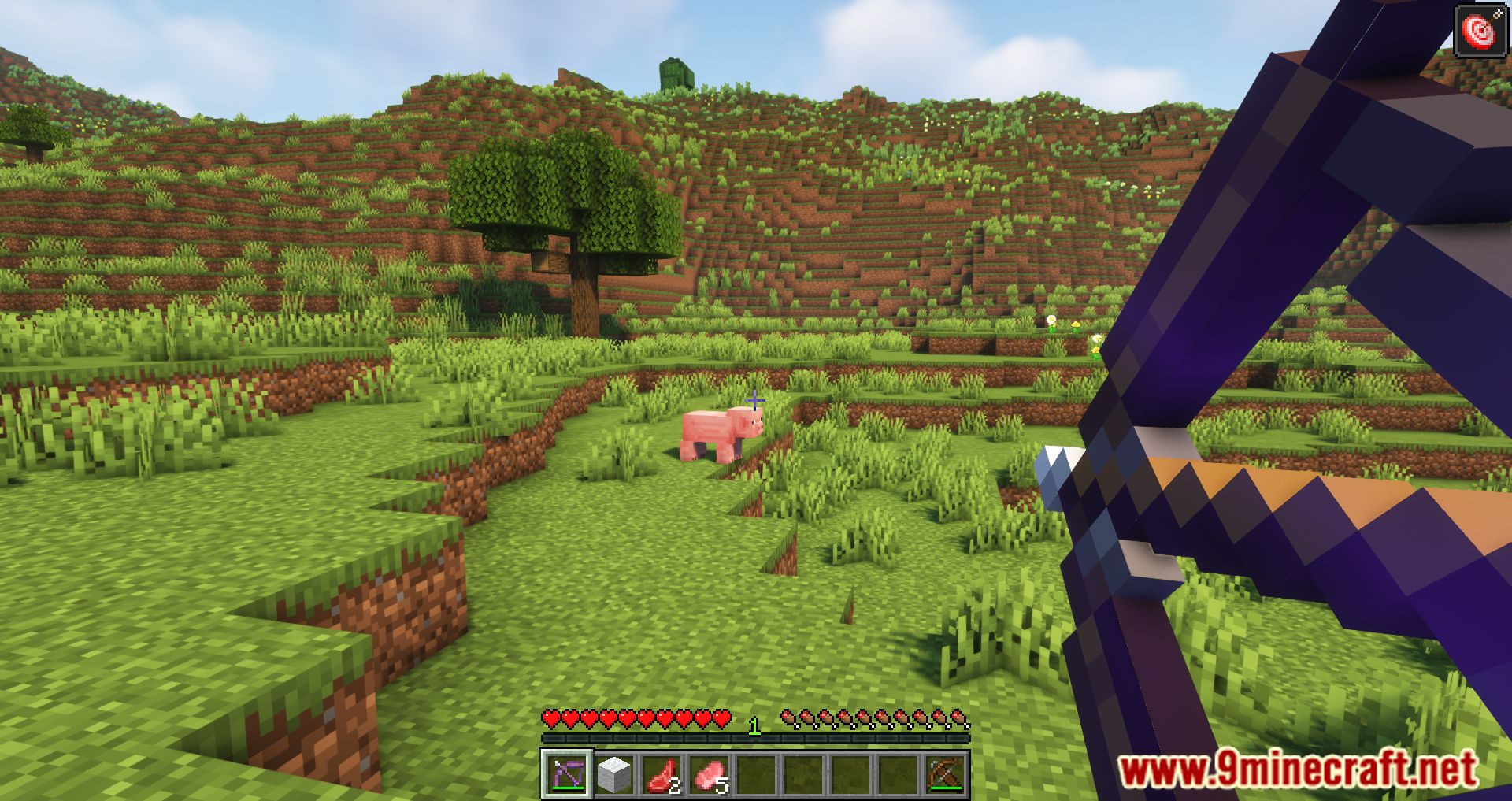
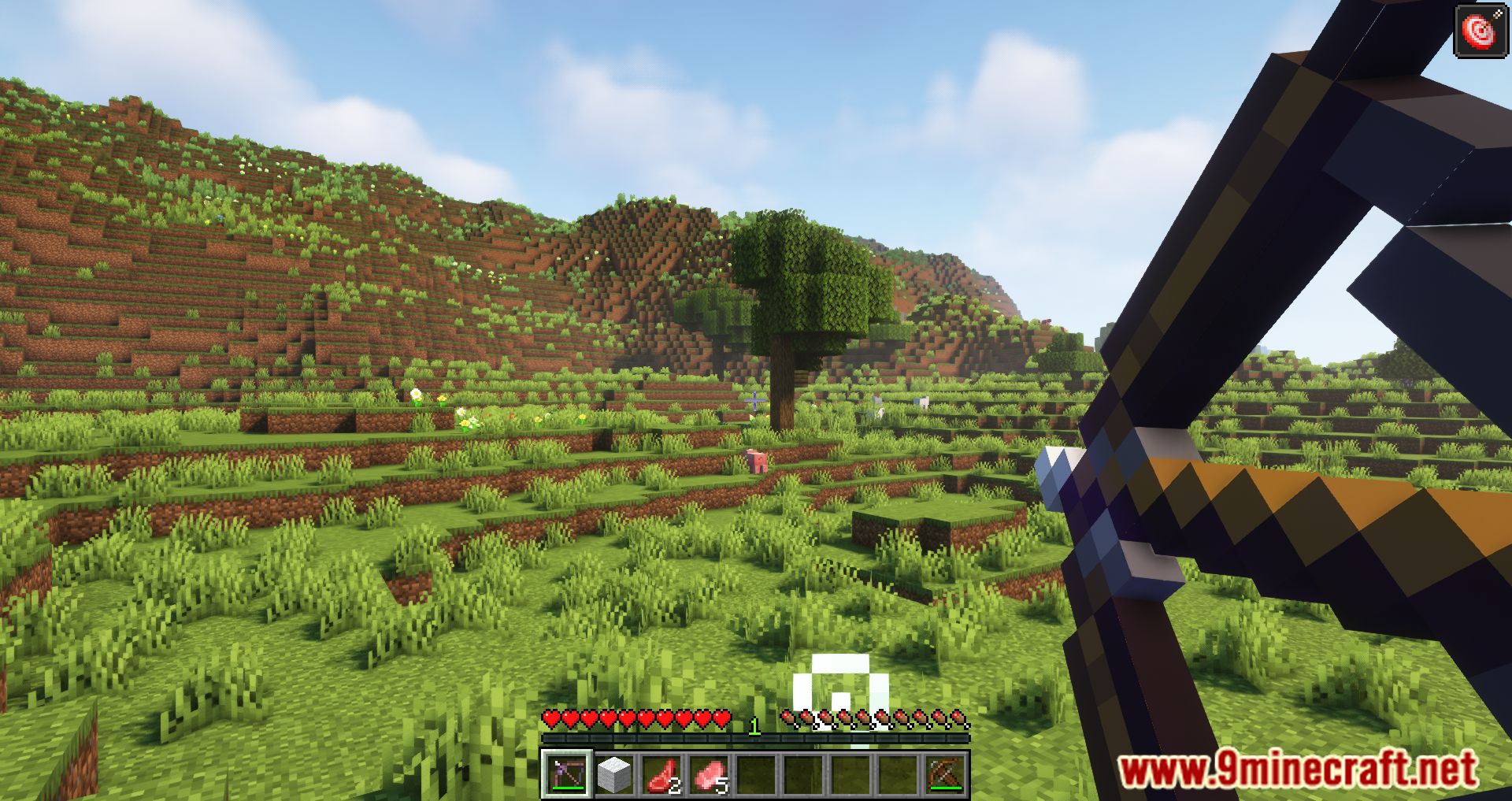
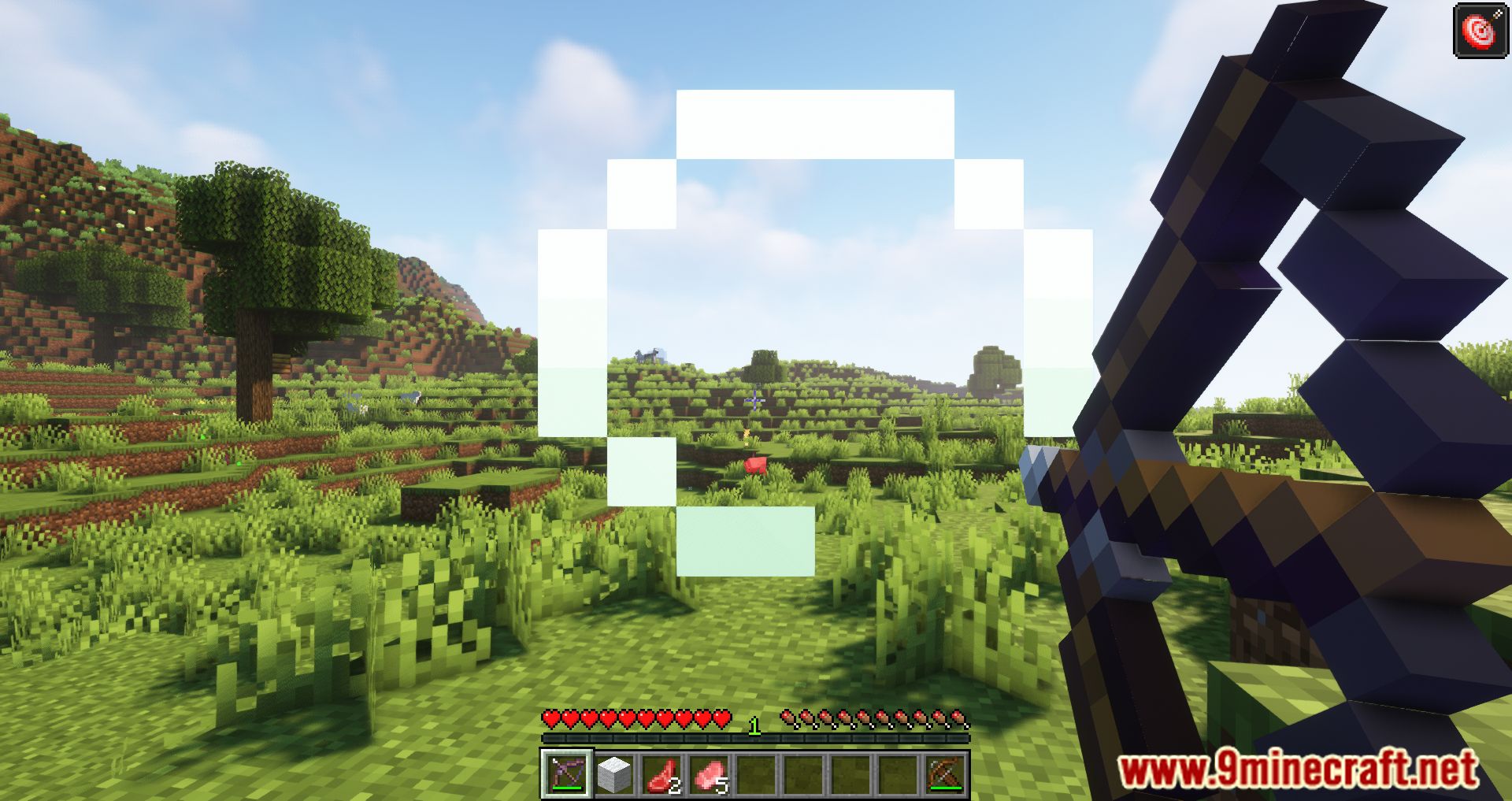
Projectile Damage Attribute Mod Download Links
For Minecraft 1.18.2
Forge Version: Download from Server 1 – Download from Server 2
Fabric Version: Download from Server 1 – Download from Server 2
For Minecraft 1.19.2, 1.19.1, 1.19
Forge Version: Download from Server 1 – Download from Server 2
Fabric Version: Download from Server 1 – Download from Server 2
For Minecraft 1.19.3
Forge Version: Download from Server 1 – Download from Server 2
Fabric Version: Download from Server 1 – Download from Server 2
For Minecraft 1.19.4
Forge Version: Download from Server 1 – Download from Server 2
Fabric Version: Download from Server 1 – Download from Server 2
For Minecraft 1.20.1, 1.20
Forge Version: Download from Server 1 – Download from Server 2
Fabric Version: Download from Server 1
For Minecraft 1.20.2
Forge Version: Download from Server 1 – Download from Server 2
Fabric Version: Download from Server 1
- Edition: Minecraft Java
- File type: .jar
- Minecraft versions listed: 1.20.1, 1.19.2
- How to install: Install the matching mod loader (Forge, Fabric or NeoForge) for your Minecraft version. → Download the .jar. → Put it in the .minecraft/mods folder and launch that loader profile.
- Where to get it: In MC Java Mods, or directly above on this page.
Install steps are the general flow for this file type — How to install Minecraft Java mods & modpacks walks through it step by step.
- Downloads as 195849.mcaddon
- Download size: 245 KB
- Download link checked 26 Jul 2026 — working
- Mirrored on our own servers — the download does not depend on the original host
These come from our own check of the pack file, not from the source page.