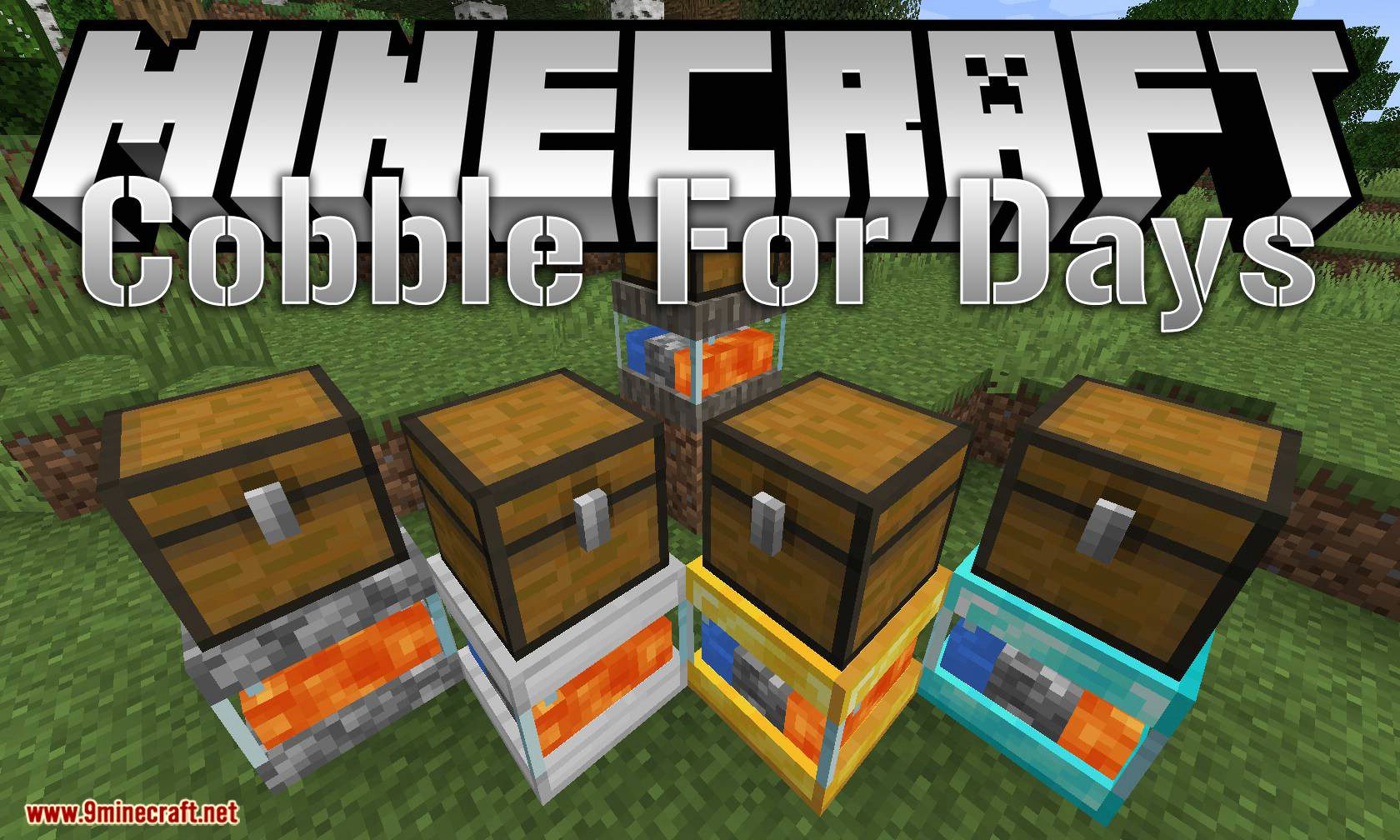
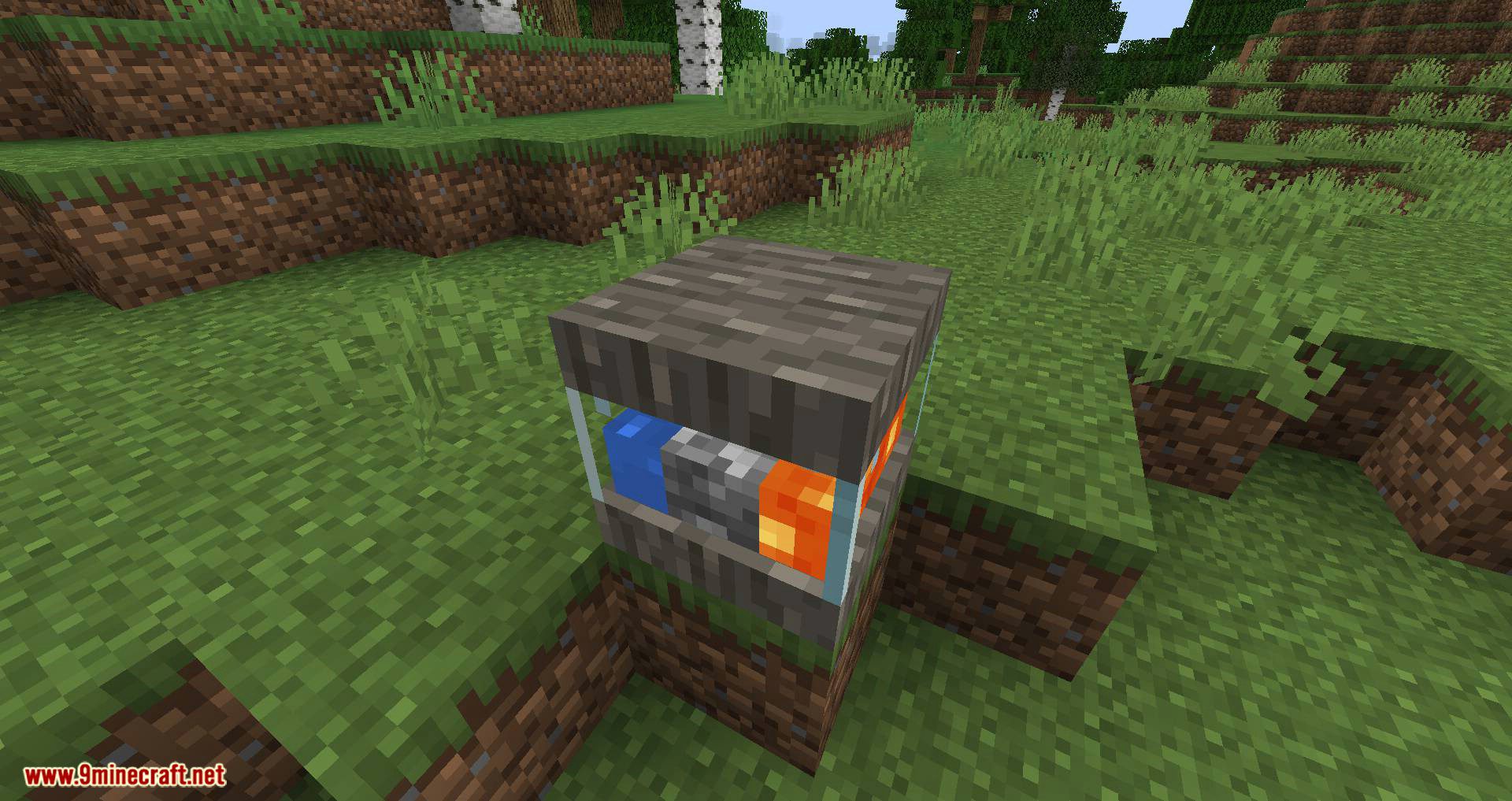
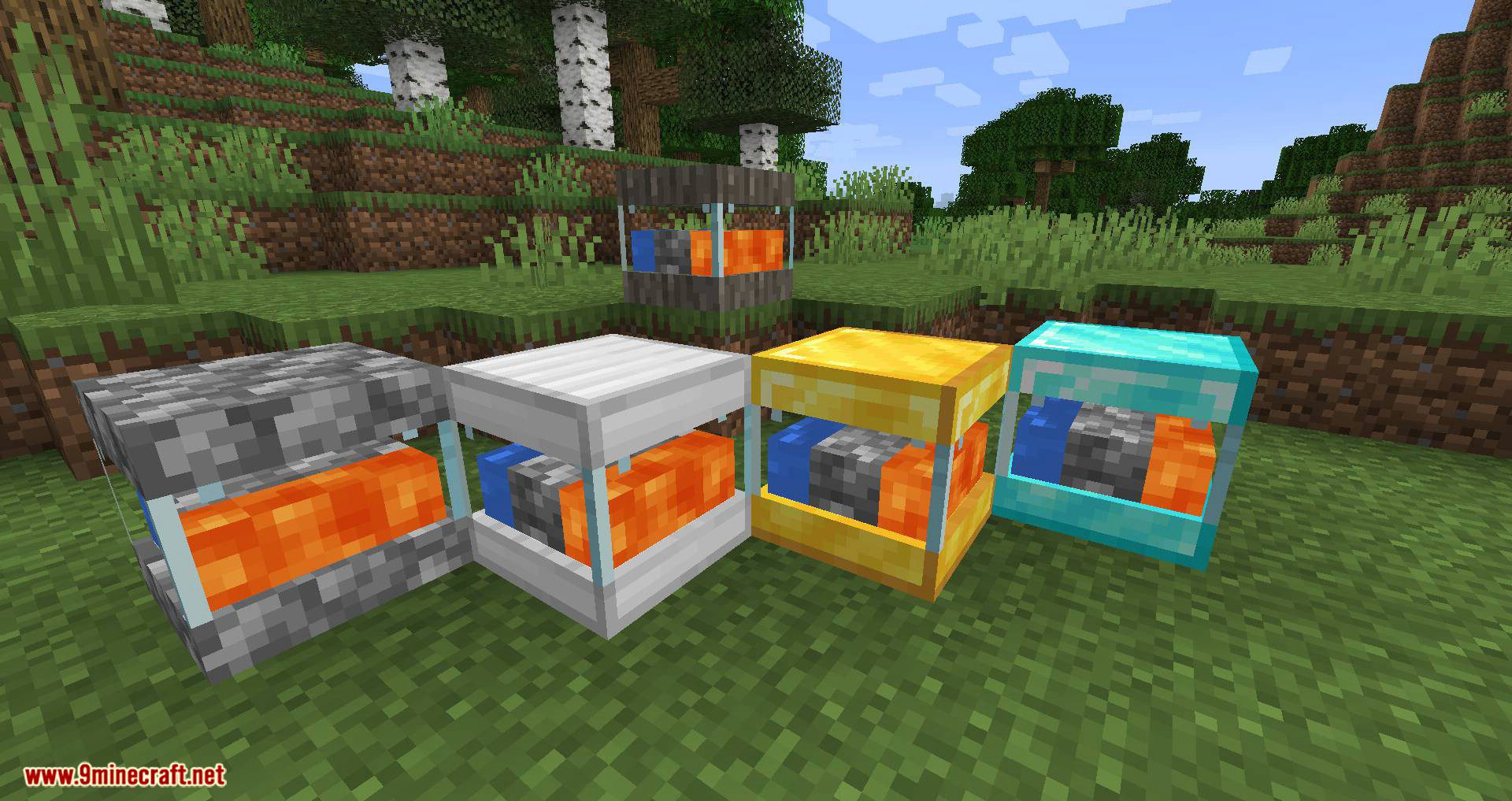
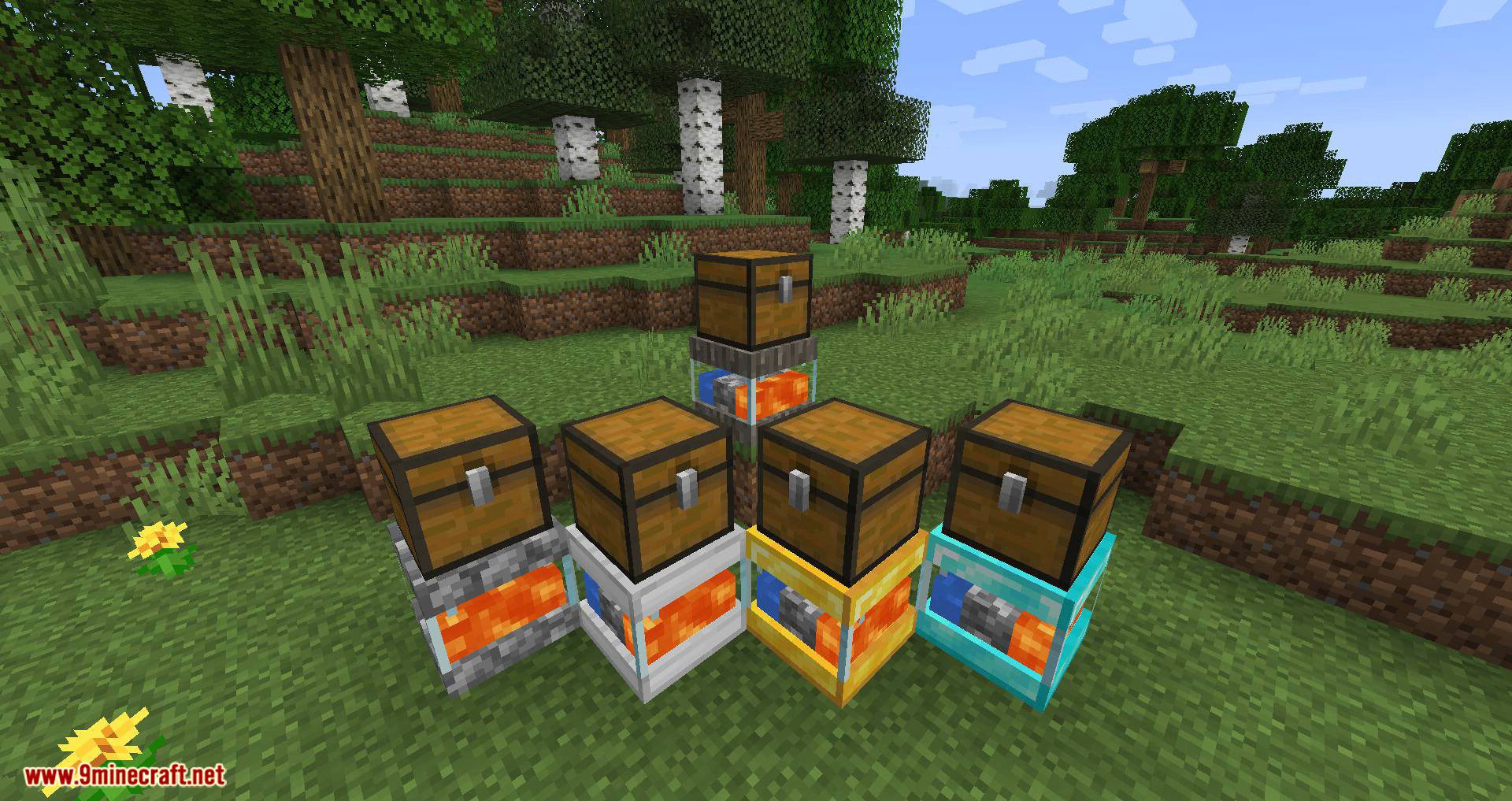
CobbleForDays Mod adds a simple cobblestone generator. There are 5 tiers available in case people wish to add multiple versions. This was made mainly as a standalone block to help servers. It’s far more performant to have a single ticking TE then it is a bunch and in-world cobble generation.
Features:
Each tier has settings that can be edited in the server config file.
[server.1]
- #The maximum amount of items to hold in the internal buffer.
- #Range: > 1
- max = 64
- #The amount of items to generate every update.
- #Range: > 1
- count = 1
- #The number of ticks between every generation update.
- #Range: > 1 interval = 40
- #Set to true to enable automatically pushing to inventories above this block.
- pushes = true
Screenshots:
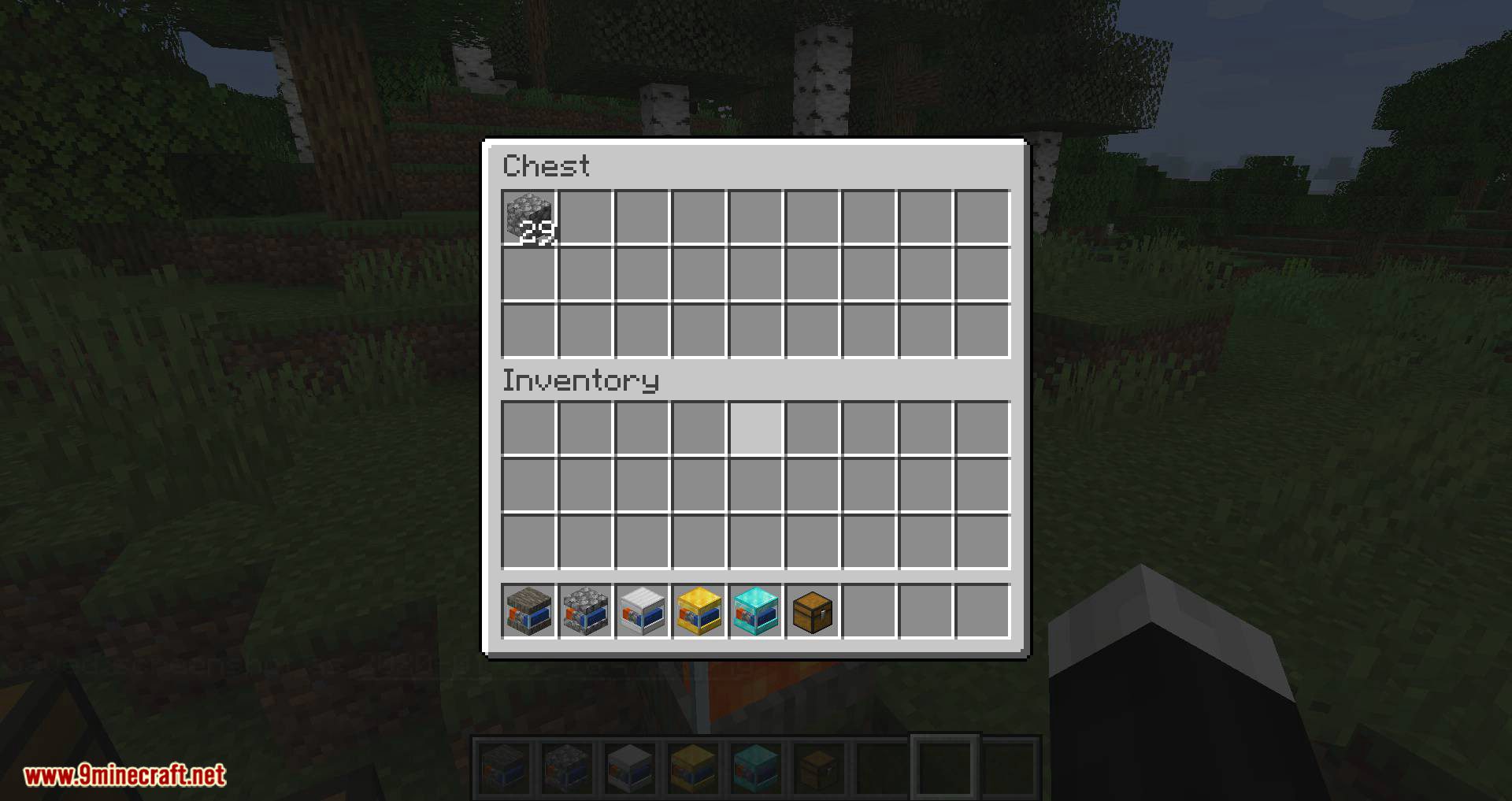
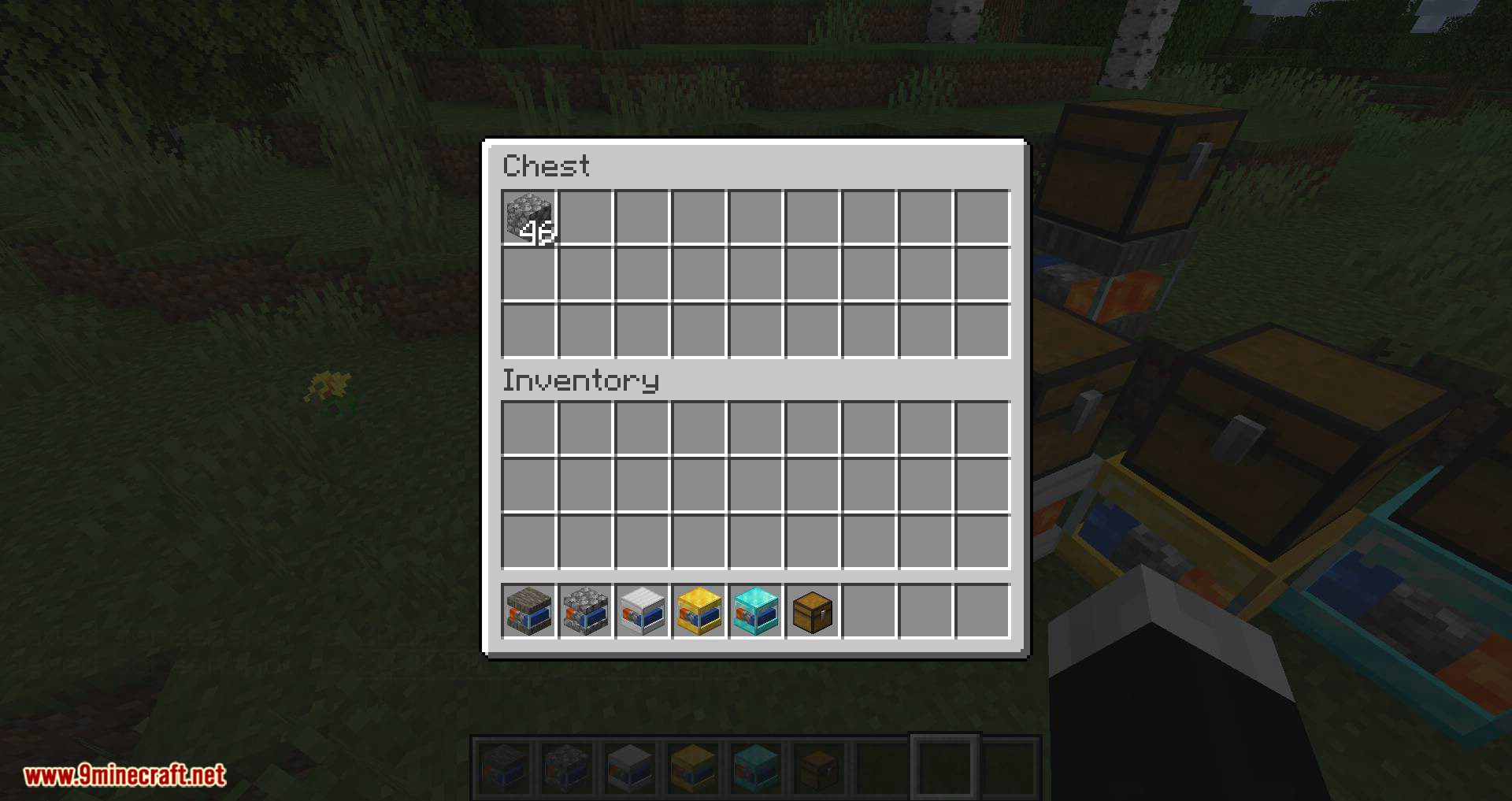
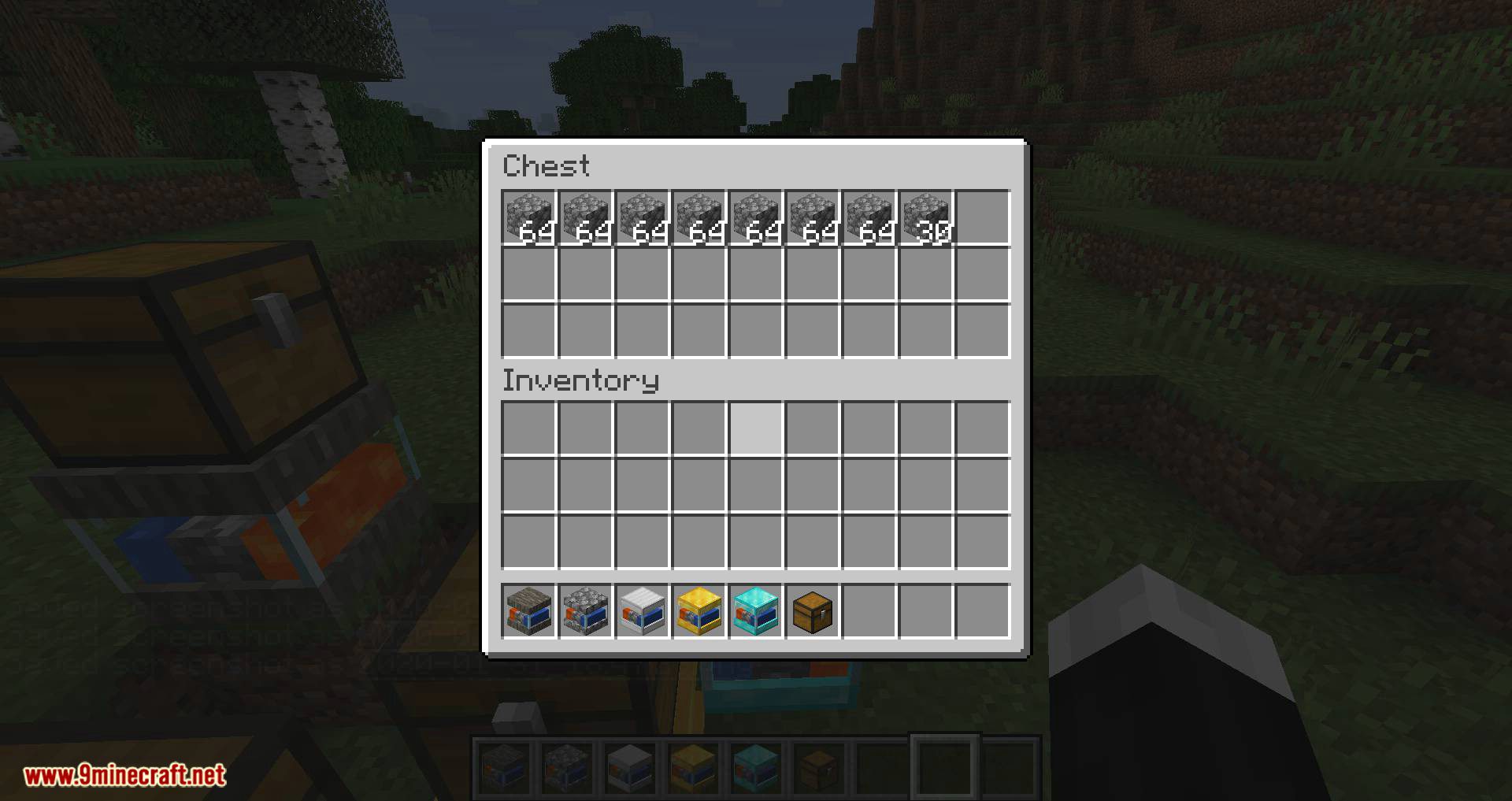
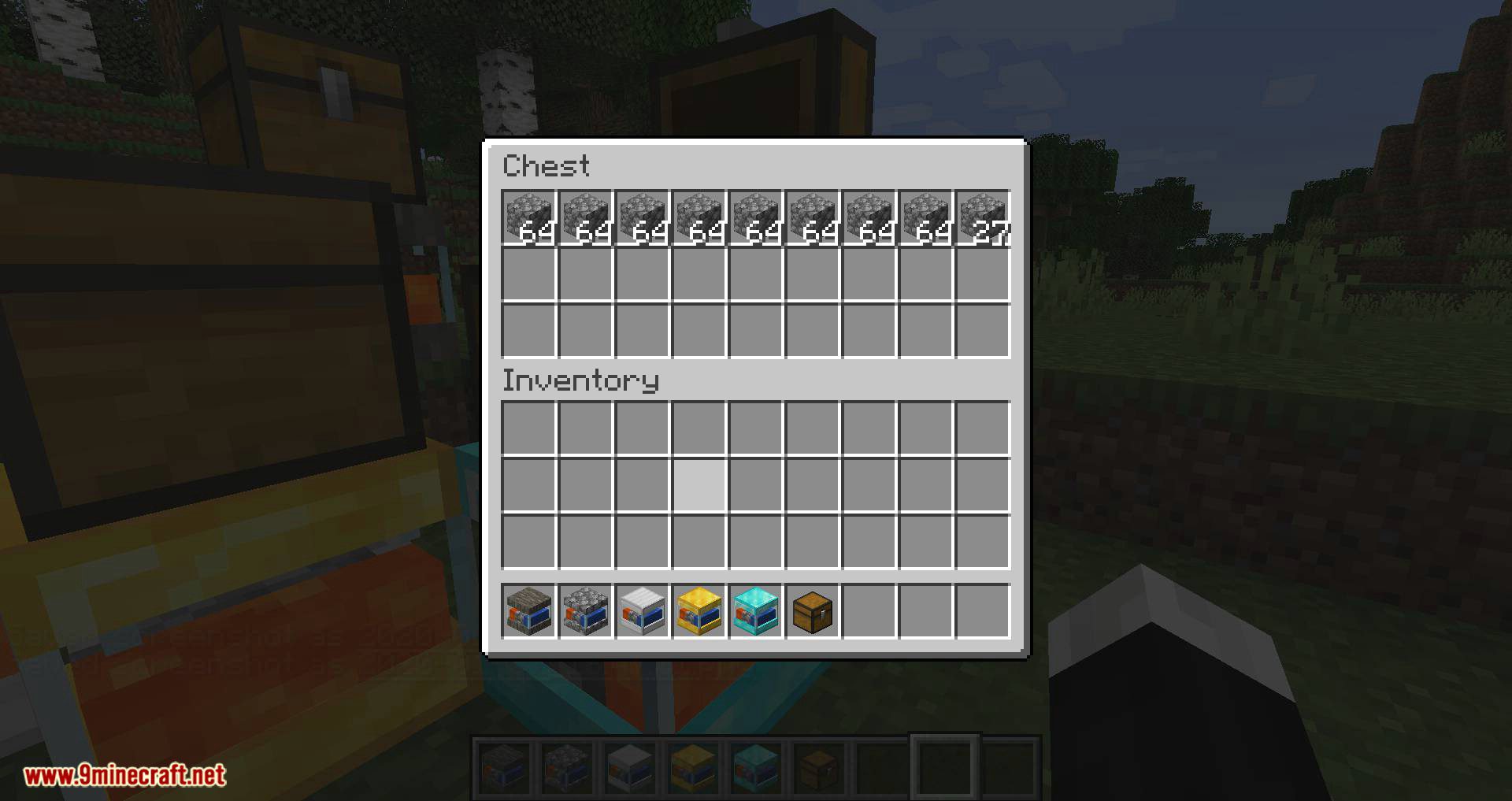
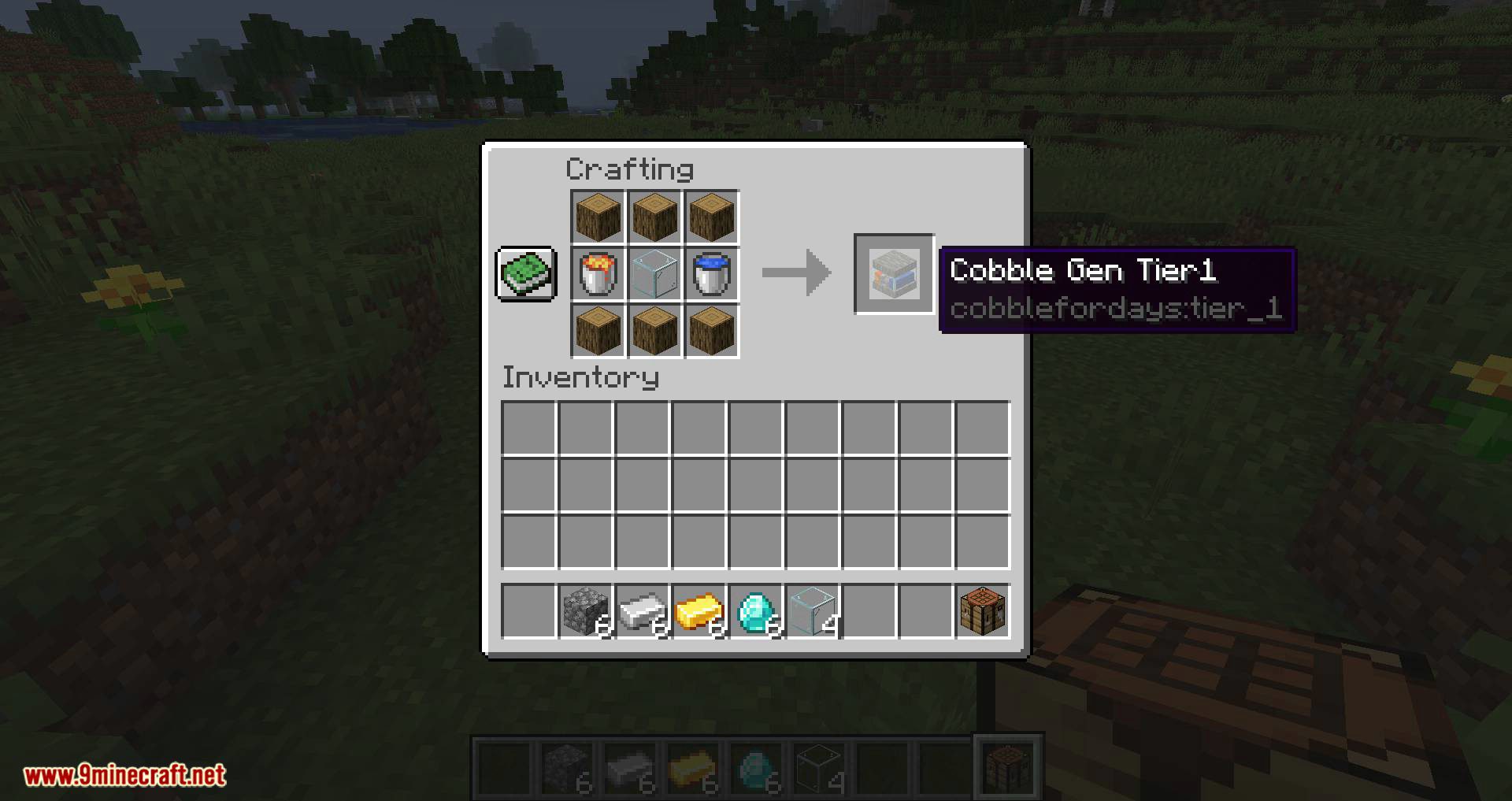
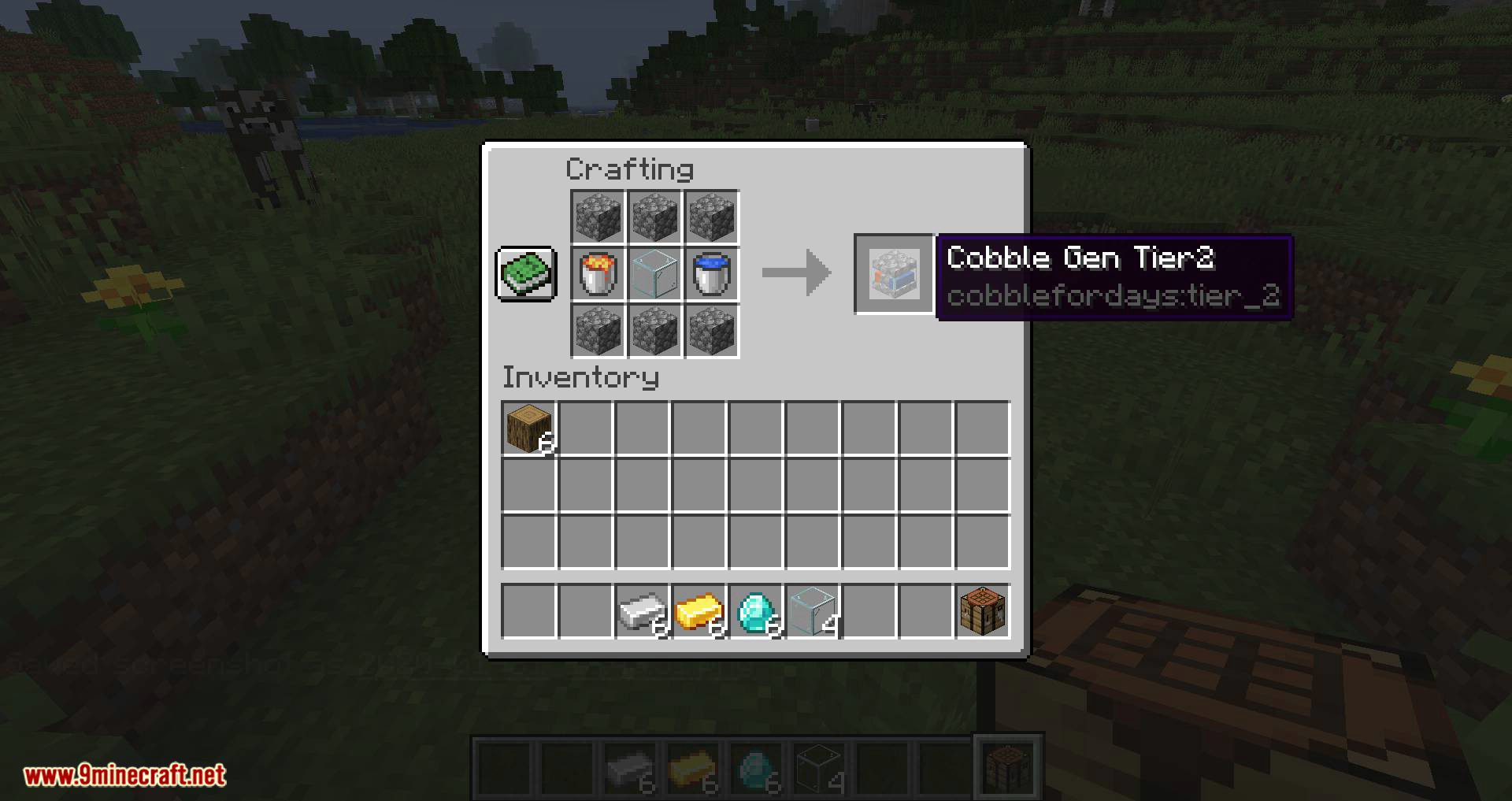
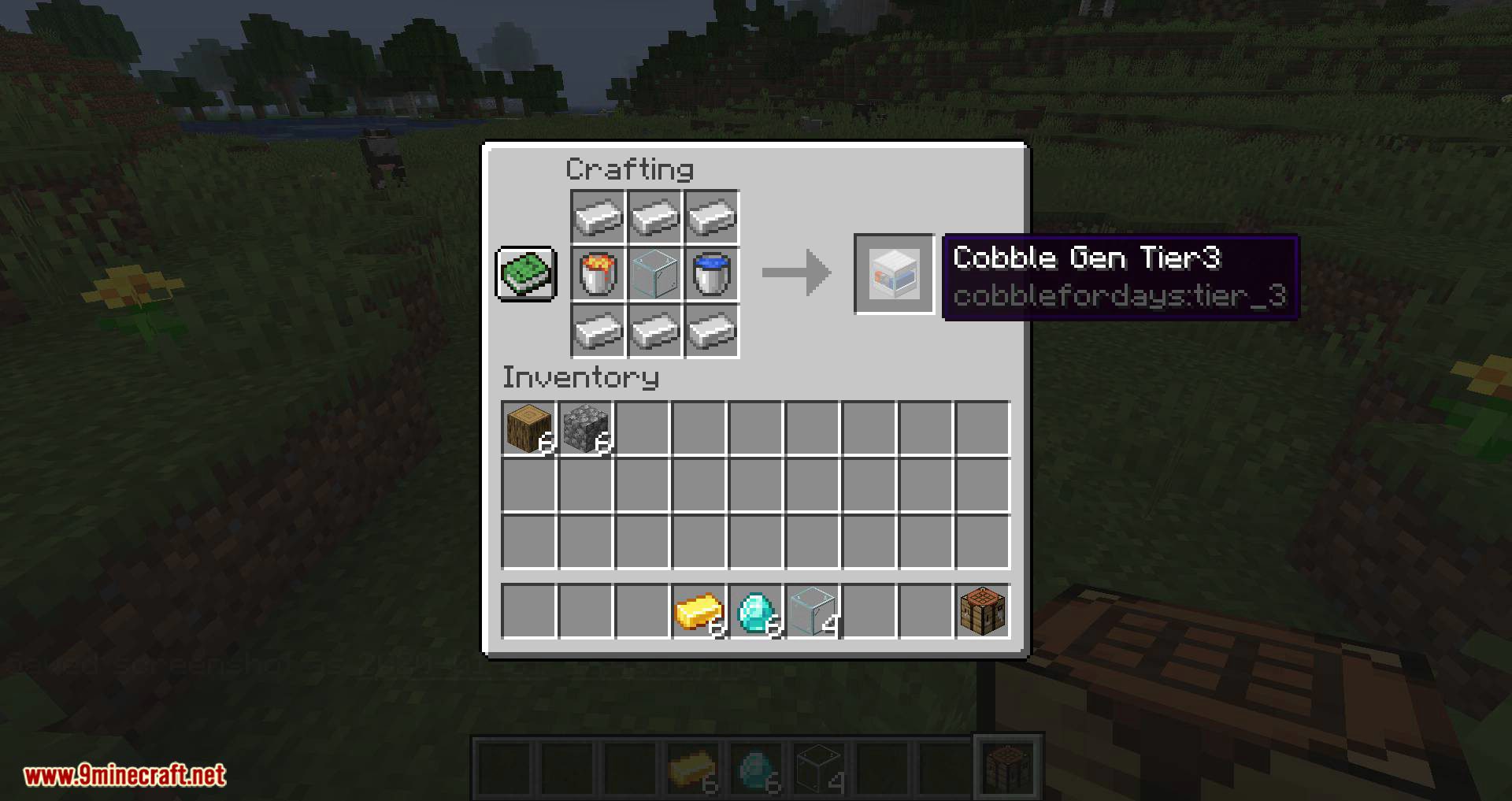
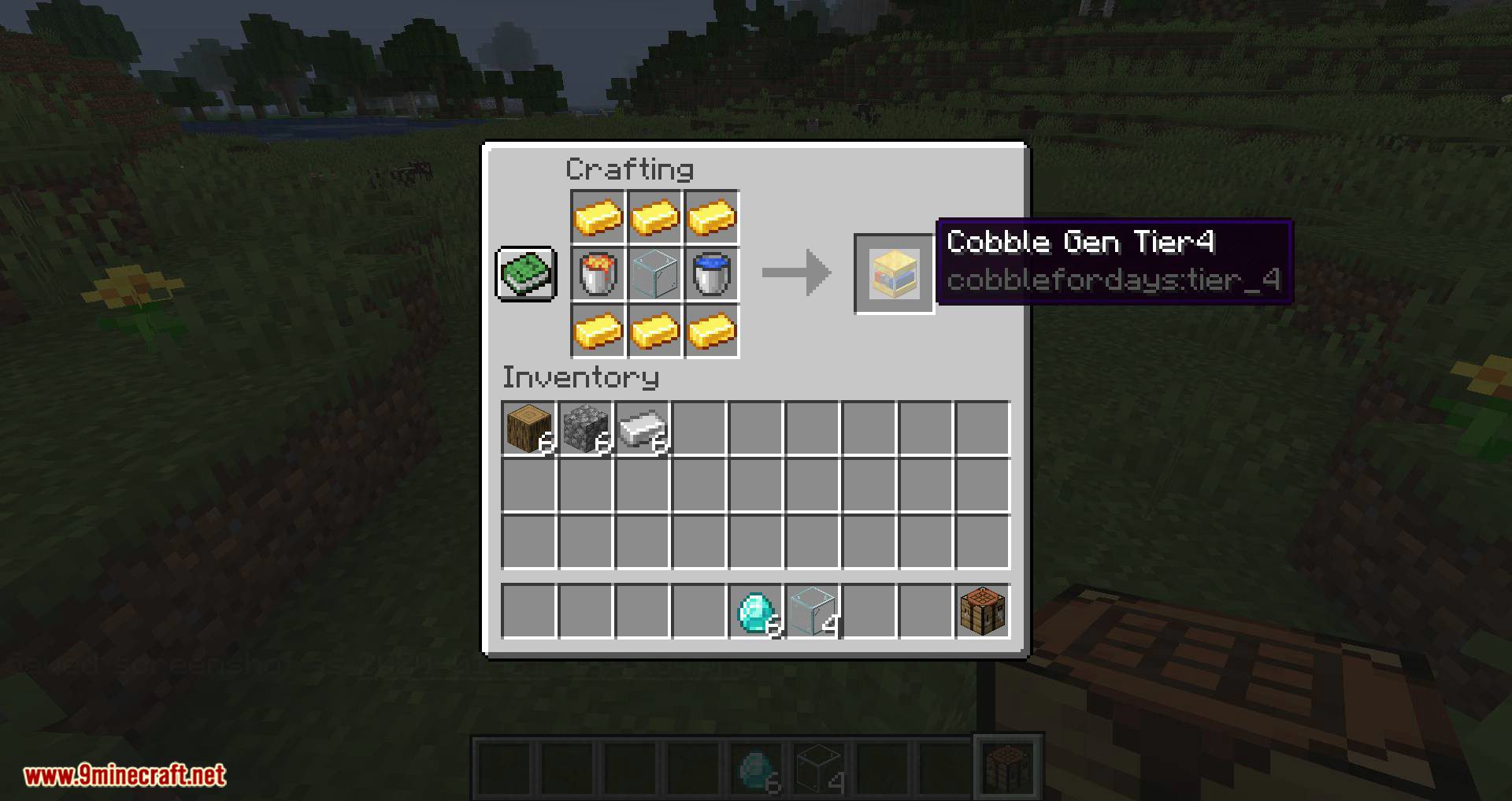
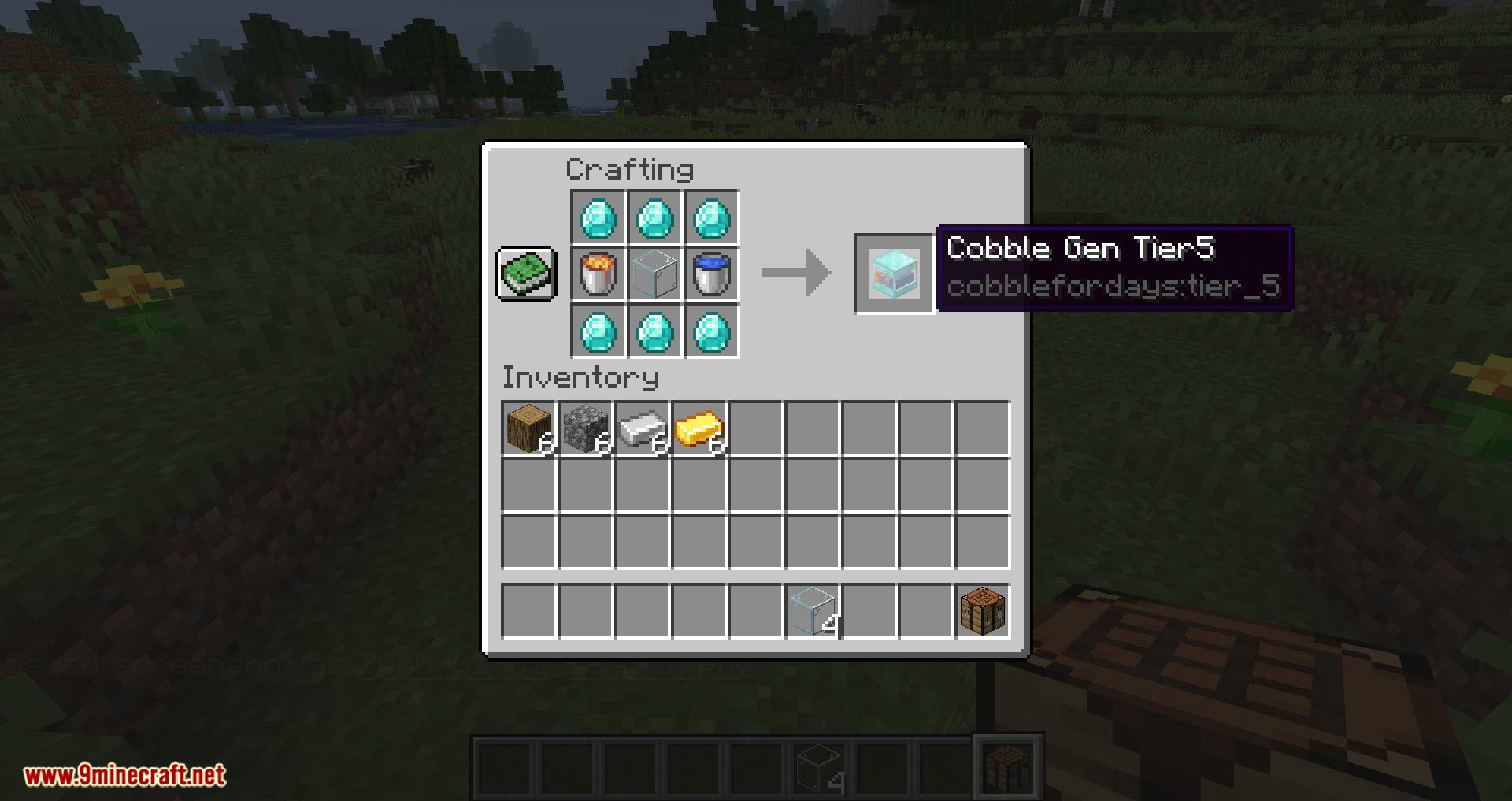
Crafting Recipes:
These are the default recipes, but obviously can be edited in data packs.
CobbleForDays Mod Download Links
For Minecraft 1.15.2
Forge version: Download from Server 1 – Download from Server 2
For Minecraft 1.16.5
Forge version: Download from Server 1 – Download from Server 2
For Minecraft 1.18.1
Forge version: Download from Server 1 – Download from Server 2
For Minecraft 1.18.2
Forge version: Download from Server 1 – Download from Server 2
For Minecraft 1.19.2
Forge version: Download from Server 1
For Minecraft 1.19.3
Forge version: Download from Server 1
For Minecraft 1.20.1, 1.20
Forge version: Download from Server 1
For Minecraft 1.20.4
Forge version: Download from Server 1 – Download from Server 2
For Minecraft 1.20.6
Forge version: Download from Server 1 – Download from Server 2
For Minecraft 1.21.1, 1.21
Forge version: Download from Server 1 – Download from Server 2
For Minecraft 1.21.3, 1.21.2
Forge version: Download from Server 1 – Download from Server 2
For Minecraft 1.21.4
Forge version: Download from Server 1 – Download from Server 2
- Edition: Minecraft Java
- File type: .jar
- Minecraft versions listed: 1.21.4, 1.20.1
- How to install: Install the matching mod loader (Forge, Fabric or NeoForge) for your Minecraft version. → Download the .jar. → Put it in the .minecraft/mods folder and launch that loader profile.
- Where to get it: In MC Java Mods, or directly above on this page.
Install steps are the general flow for this file type — How to install Minecraft Java mods & modpacks walks through it step by step.
- Downloads as 196025.mcaddon
- Download size: 40 KB
- Download link checked 22 Jul 2026 — working
- Mirrored on our own servers — the download does not depend on the original host
These come from our own check of the pack file, not from the source page.