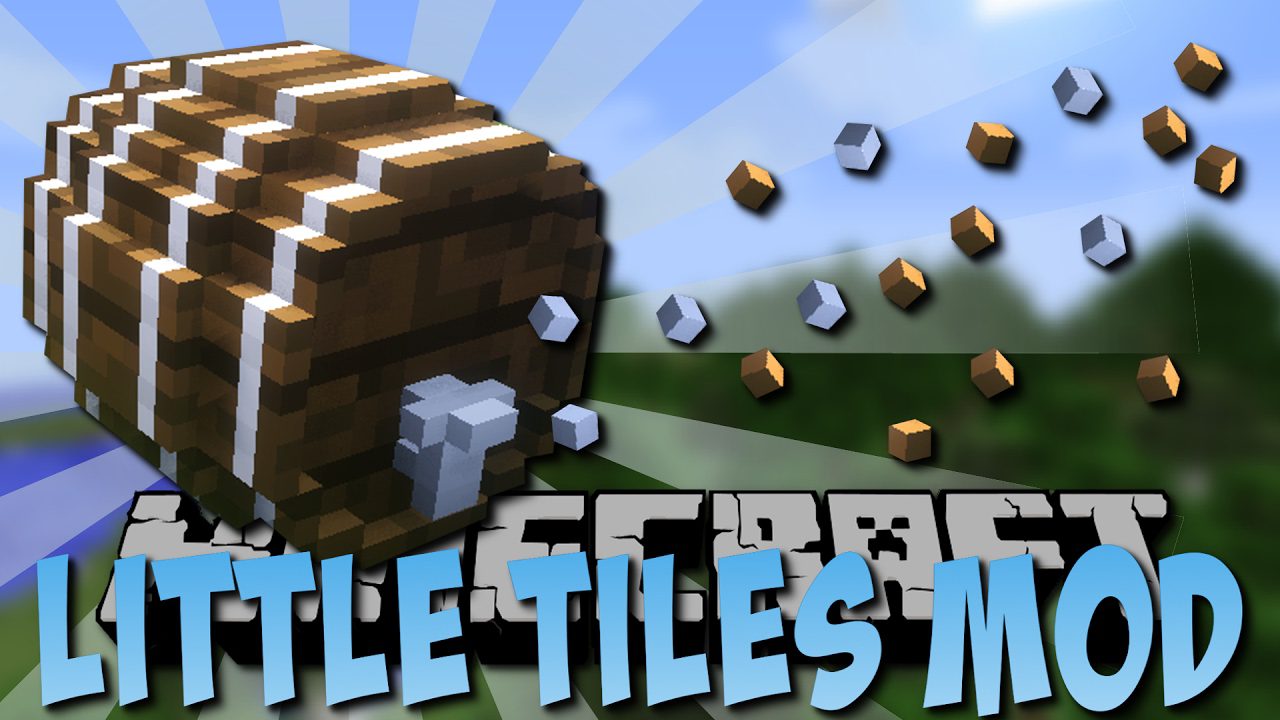
LittleTiles Mod (1.21.1, 1.20.1) – Build Beyond the Block Grid
Java mod listed for Minecraft 1.20–1.21. Downloads from the MC Java Mods app on Android.
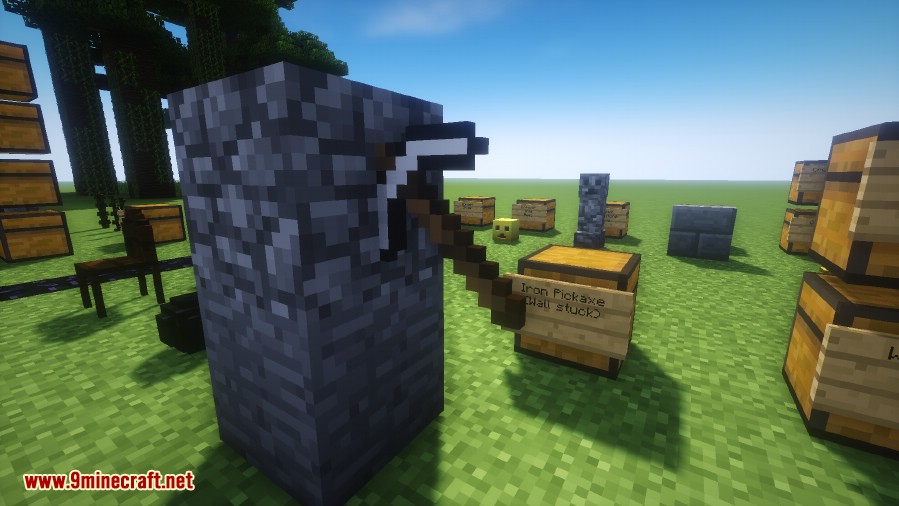
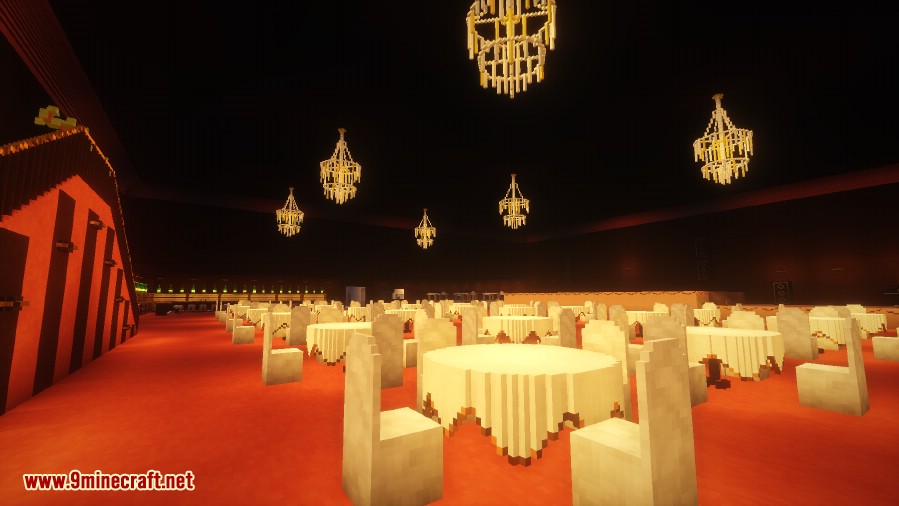
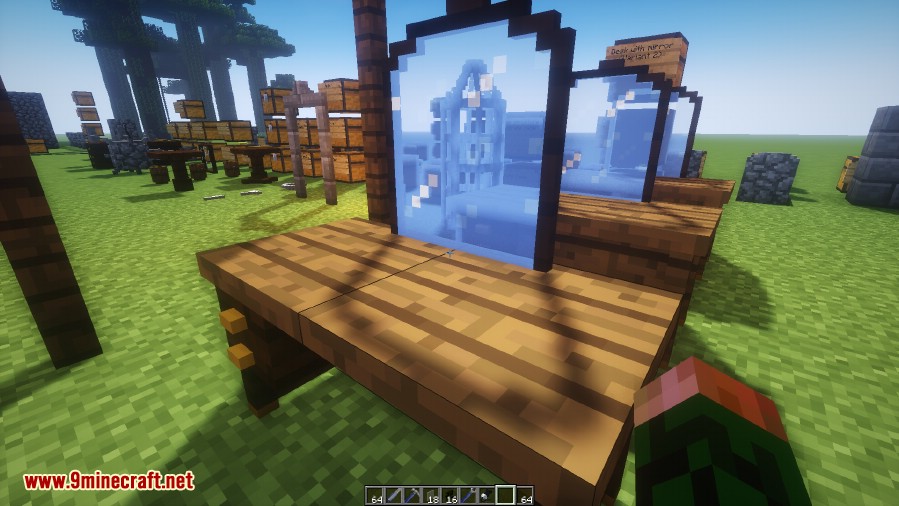
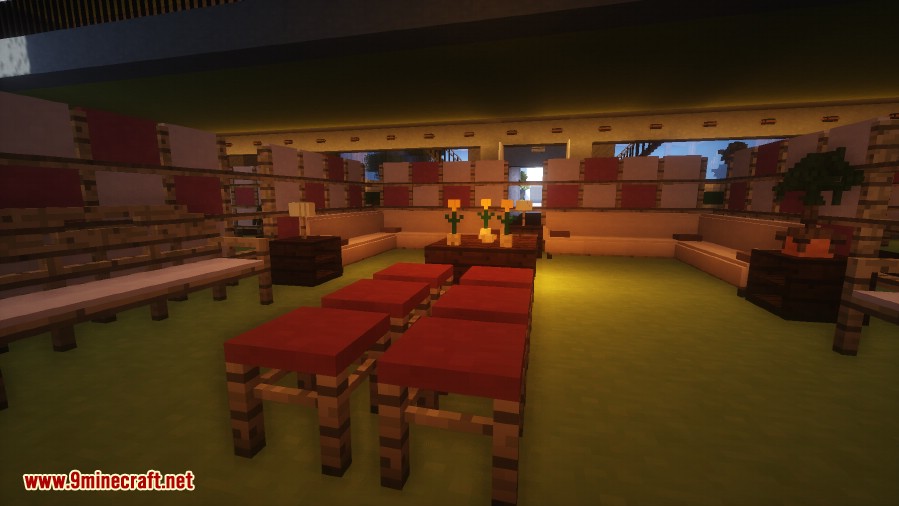
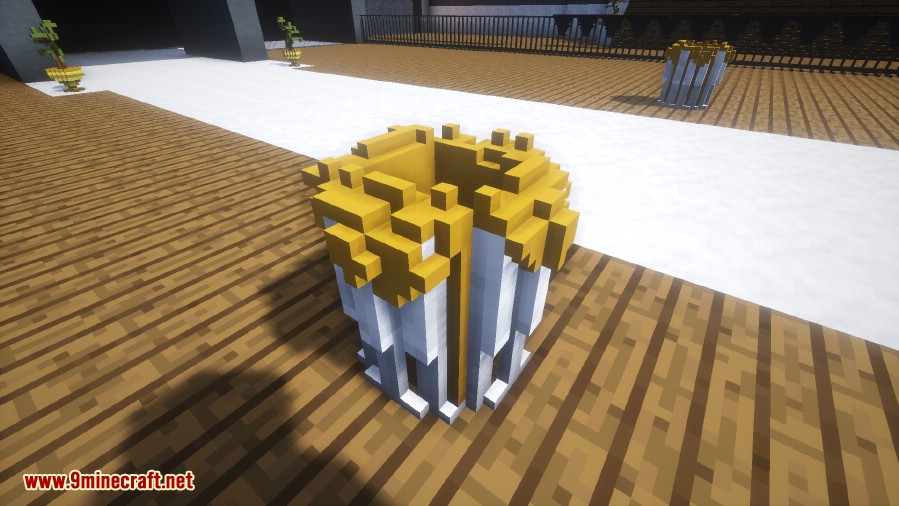
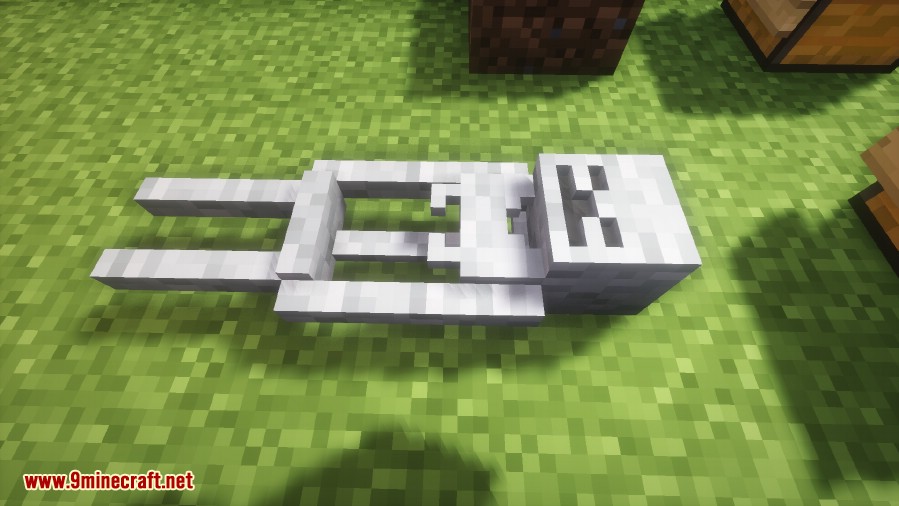
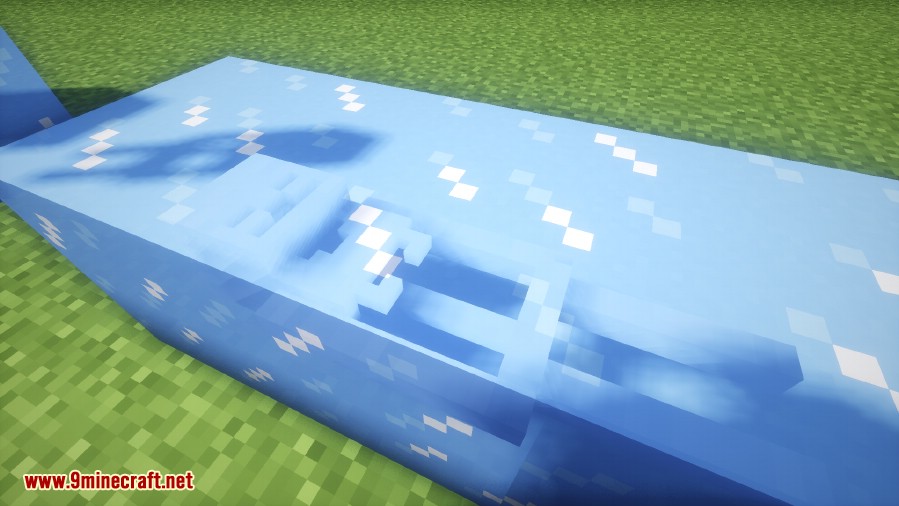
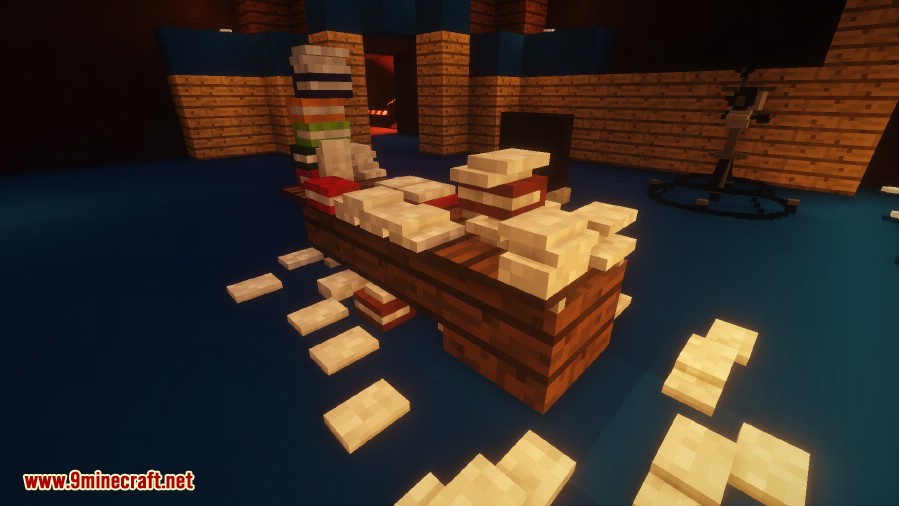
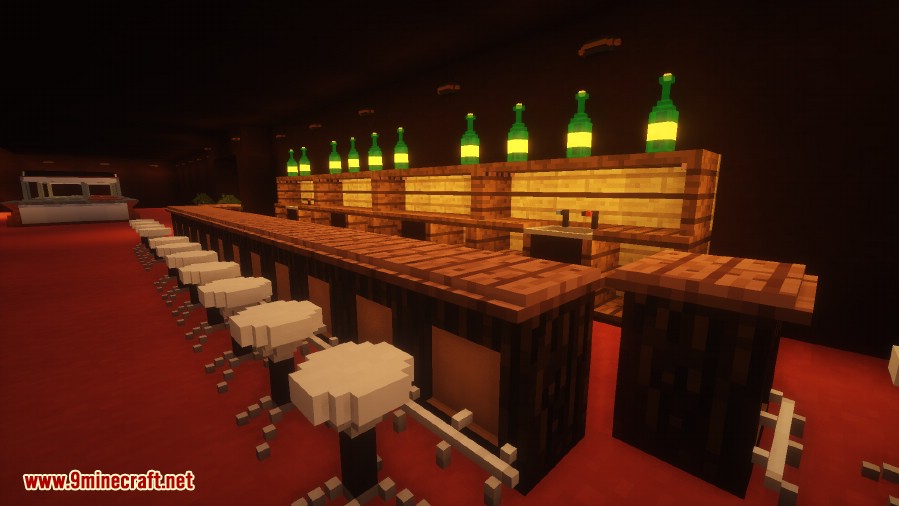
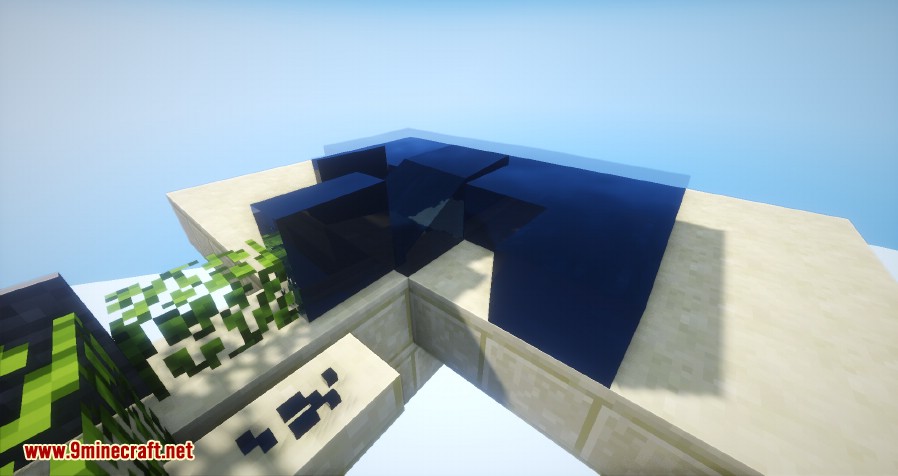
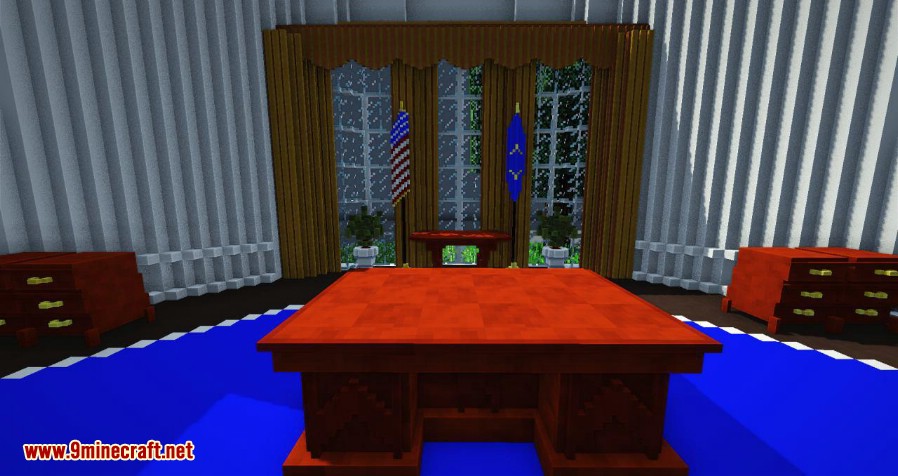
⬇ DownloadLittleTiles Mod lets you build with incredible detail by breaking down normal blocks into thousands of tiny tiles. A single Minecraft block can be split into 4096 smaller pieces, allowing you to create custom furniture, detailed decorations, and complex structures. You can combine these tiles to make functional items like doors, chairs, and even storage containers. This mod provides a hammer tool to help you craft and manage your miniature creations.
Features:
- Break down standard blocks into tiles up to 4096 times smaller for detailed building.
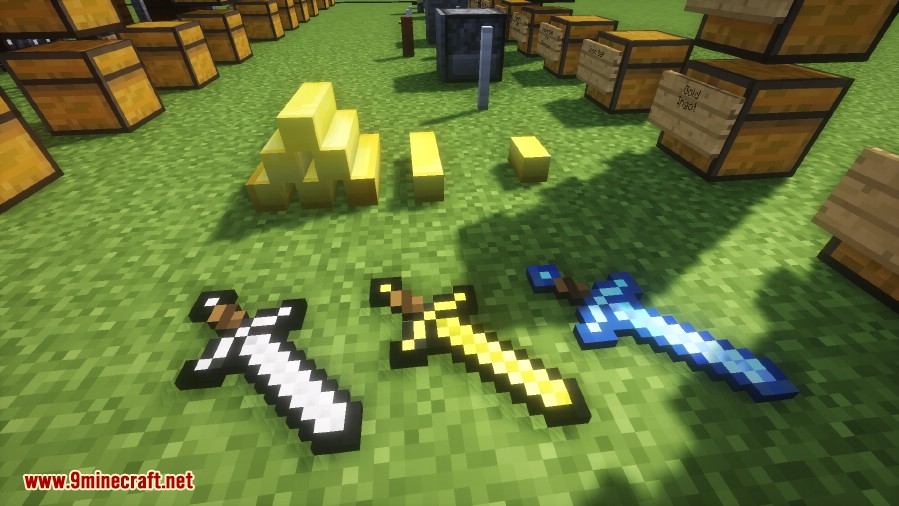
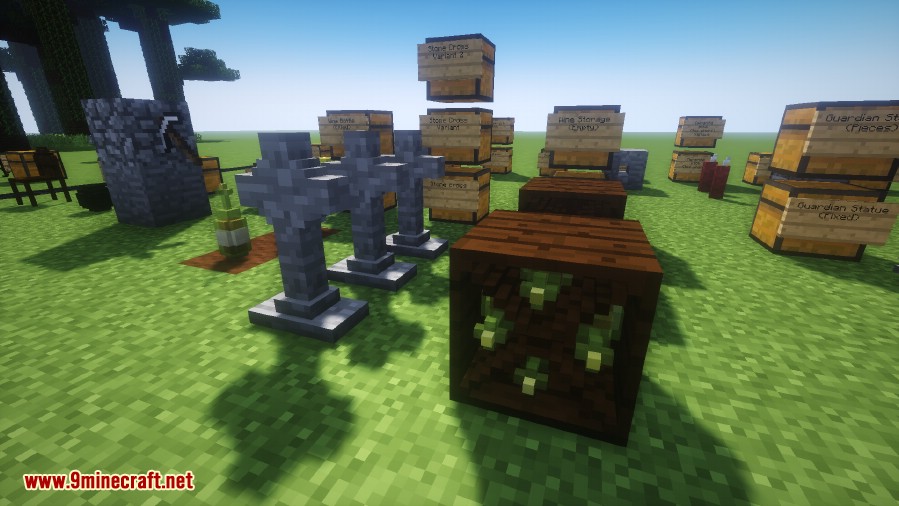
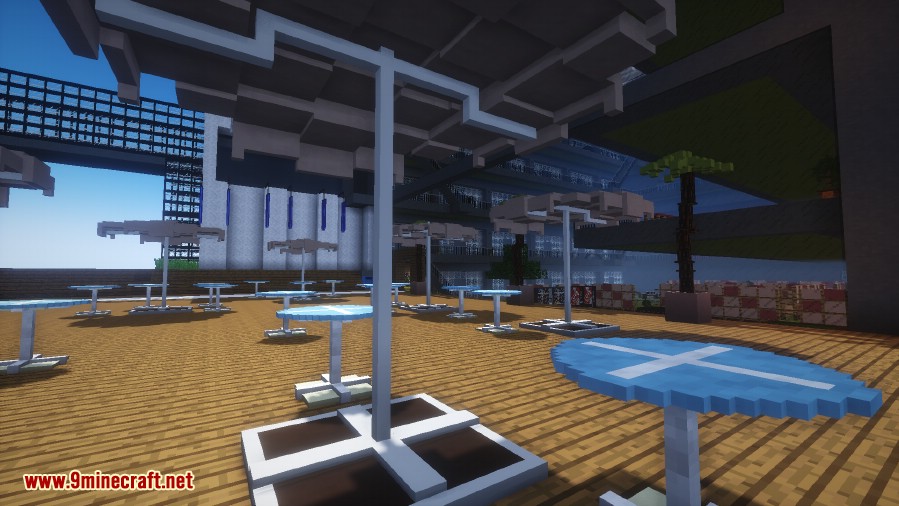
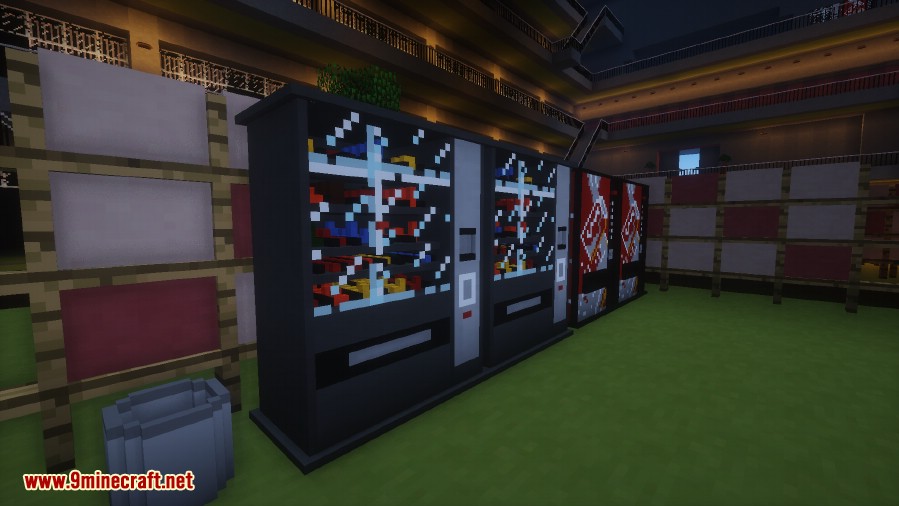
- Build custom furniture like chairs, tables, and decorations with precision.
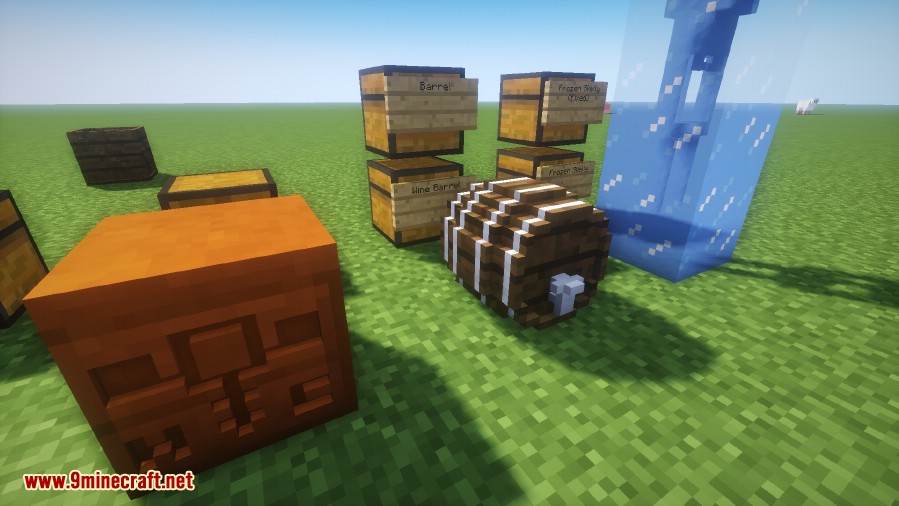
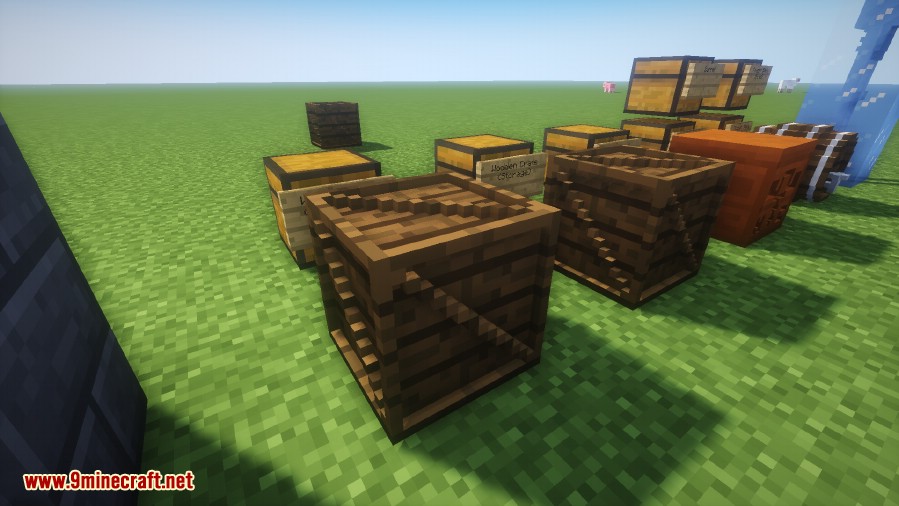
- Combine tiles to create functional structures such as doors, ladders, and storage blocks.
- Use a hammer tool to convert blocks into tiles and manage your creations.
- Pick up an entire tile structure as a single item by holding Shift and right-clicking it with the hammer.
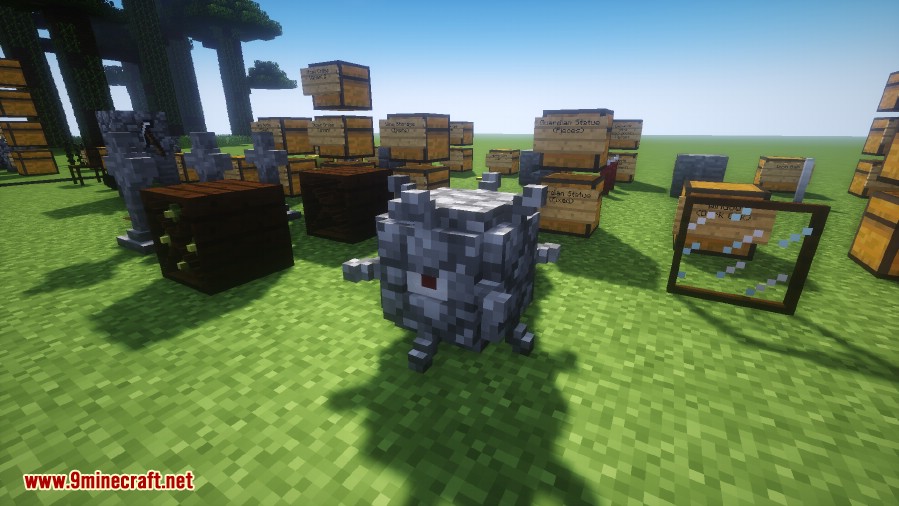
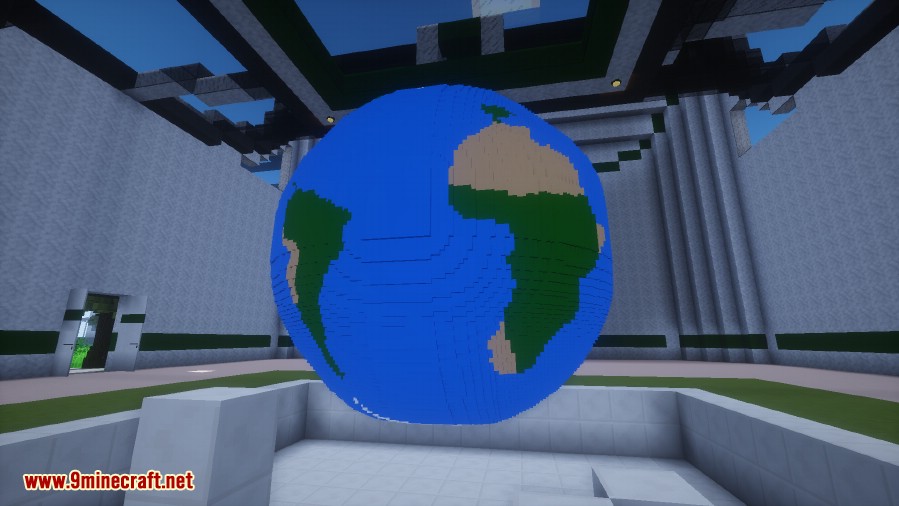
- Design and build anything from tiny houses to detailed pixel art.
How to Use:
- Use the hammer on a block to turn it into small tiles.
- Arrange the tiles to build your custom creation.
- To pick up your finished structure as a single item, hold the Shift key and right-click it with the hammer.
Screenshots:
LittleTiles Mod Download Links
For Minecraft 1.21.1, 1.21
NeoForge version: Download from Server 1 – Download from Server 2
For Minecraft 1.20.2
Forge version: Download from Server 1 – Download from Server 2
For Minecraft 1.20.1, 1.20
Forge version: Download from Server 1 – Download from Server 2
For Minecraft 1.19.4
Forge version: Download from Server 1 – Download from Server 2
For Minecraft 1.12.2
Forge version: Download from Server 1 – Download from Server 2
For Minecraft 1.12.1, 1.12
Forge version: Download from Server 2
For Minecraft 1.11.2
Forge version: Download from Server 1
For Minecraft 1.10.2
Forge version: Download from Server 1
For Minecraft 1.7.10
Forge version: Download from Server 2
- Edition: Minecraft Java
- File type: .jar
- Minecraft versions listed: 1.21.1, 1.20.1
- How to install: Install the matching mod loader (Forge, Fabric or NeoForge) for your Minecraft version. → Download the .jar. → Put it in the .minecraft/mods folder and launch that loader profile.
- Where to get it: In MC Java Mods, or directly above on this page.
Install steps are the general flow for this file type — How to install Minecraft Java mods & modpacks walks through it step by step.
- Downloads as 196094.mcaddon
- Download size: 2.4 MB
- Download link checked 22 Jul 2026 — working
- Mirrored on our own servers — the download does not depend on the original host
These come from our own check of the pack file, not from the source page.