Dawn API (1.20.1, 1.19.4) – Library for DawnTeamMC's Mods
Dawn API is a library mod that facilitates the creation of features for other mods. It also is bundled with some commands that can be used for mapmaking…
⬇ DownloadOpen in MCModsHubGet it on Google Play →Dawn API is a library mod that facilitates the creation of features for other mods. It also is bundled with some commands that can be used for mapmaking as a standalone mod.
Features:
Commands:
- /health
- /health add
- Adds health points to the .
- /health set
- Set health points to the .
- /health query
- Queries the health points of the .
- /health add
- /foodbar
- /foodbar add (food|saturation)
- Adds food/saturation points to the .
- /foodbar set (food|saturation)
- Set food/saturation points to the .
- /foodbar query (food|saturation)
- Queries the food/saturation points of the .
- /foodbar add (food|saturation)
- /motion
- /motion add
- Adds to the motion of .
- /motion set
- Sets to the motion of .
- /motion add
- /export
- A command that can export information/files of the game’s content.
Entities:
- Custom TNT:
- dawn:custom_tnt
- The custom TNT entity is an extension of the vanilla TNT entity.
- It can be set to display any block state, have any explosion strength and fuse time.
- Flying Block:
- dawn:flying_block
- The flying block entity is very similar to the falling block entity. Instead of falling down, it actually flies up.
- It is as customisable as the falling block.
Screenshots:
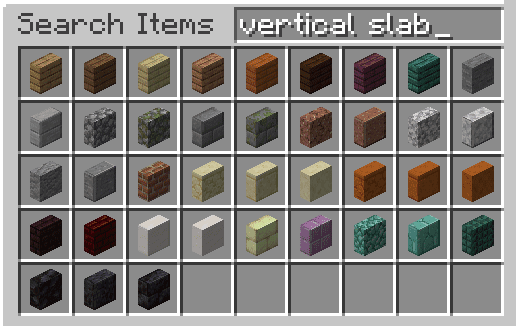
Vertical slabs
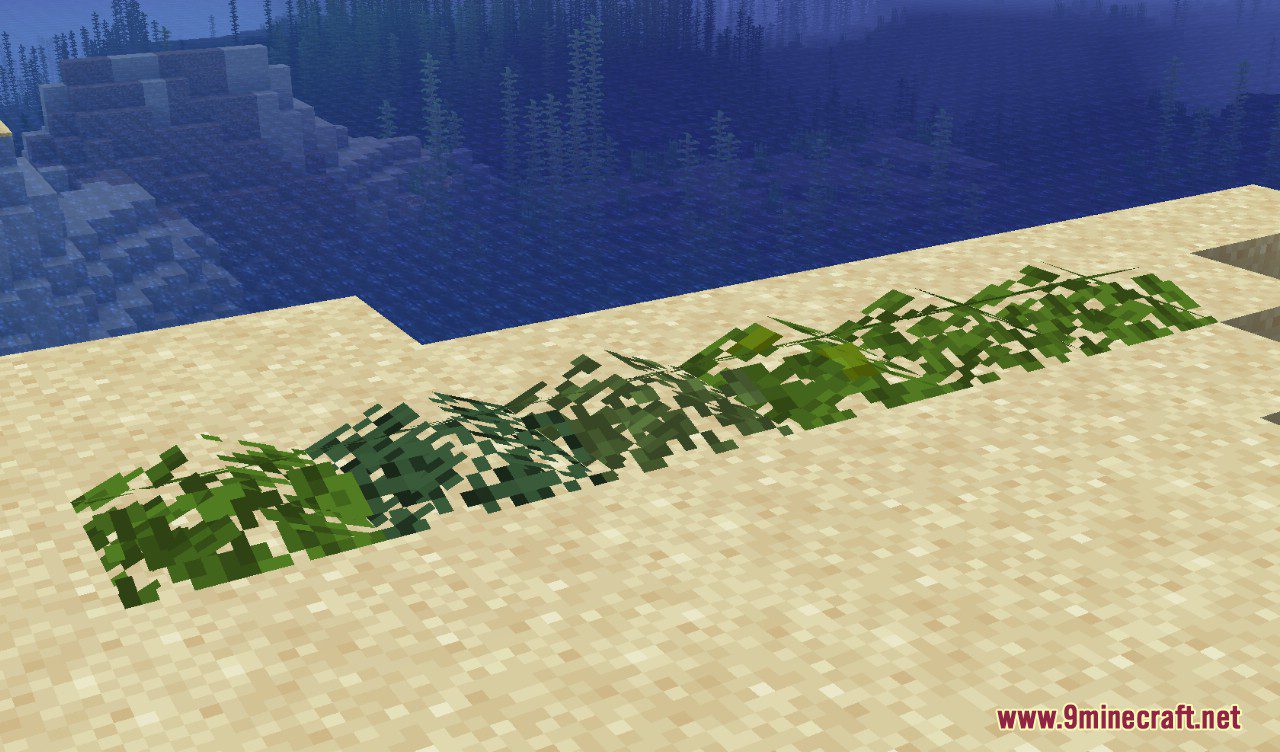
Leaf piles
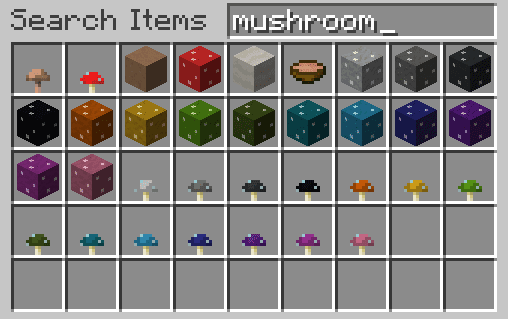
Colored mushrooms
Dawn API Download Links
For Minecraft 1.20.1, 1.20
Fabric/Quilt version: Download from Server 1 – Download from Server 2
For Minecraft 1.19.4
Fabric version: Download from Server 1 – Download from Server 2
For Minecraft 1.19.3
Fabric version: Download from Server 1 – Download from Server 2
For Minecraft 1.19.2, 1.19.1, 1.19
Fabric version: Download from Server 1
For Minecraft 1.18.2
Fabric version: Download from Server 1
For Minecraft 1.18.1
Fabric version: Download from Server 1
For Minecraft 1.17.1
Fabric version: Download from Server 1
For Minecraft 1.16.5
Fabric version: Download from Server 1
- Download size: 1.3 MB
- Download link checked 15 Jul 2026 — working
- Mirrored on our own servers — the download does not depend on the original host
These come from our own check of the pack file, not from the source page.