FTB Backups 2 Mod automatically makes backup copies of your Minecraft world to keep it safe. If your game crashes or a file gets corrupted, you can restore your world from a recent save. This mod works quietly in the background for both single-player and multiplayer, giving you peace of mind. You can also change the settings to control how often backups are made and how many are kept, which helps manage your storage space.
Features:
- Automatically saves your world at set times.
- Lets you decide how many backups to keep, saving disk space.
- Only makes a backup if a player has recently been online.
- Checks for enough free disk space before starting to prevent errors.
- Runs silently so it doesn’t interrupt your game.
- Automatically chooses the best compression to make backup files smaller.
- You can add extra folders to be included in the backup.
Commands:
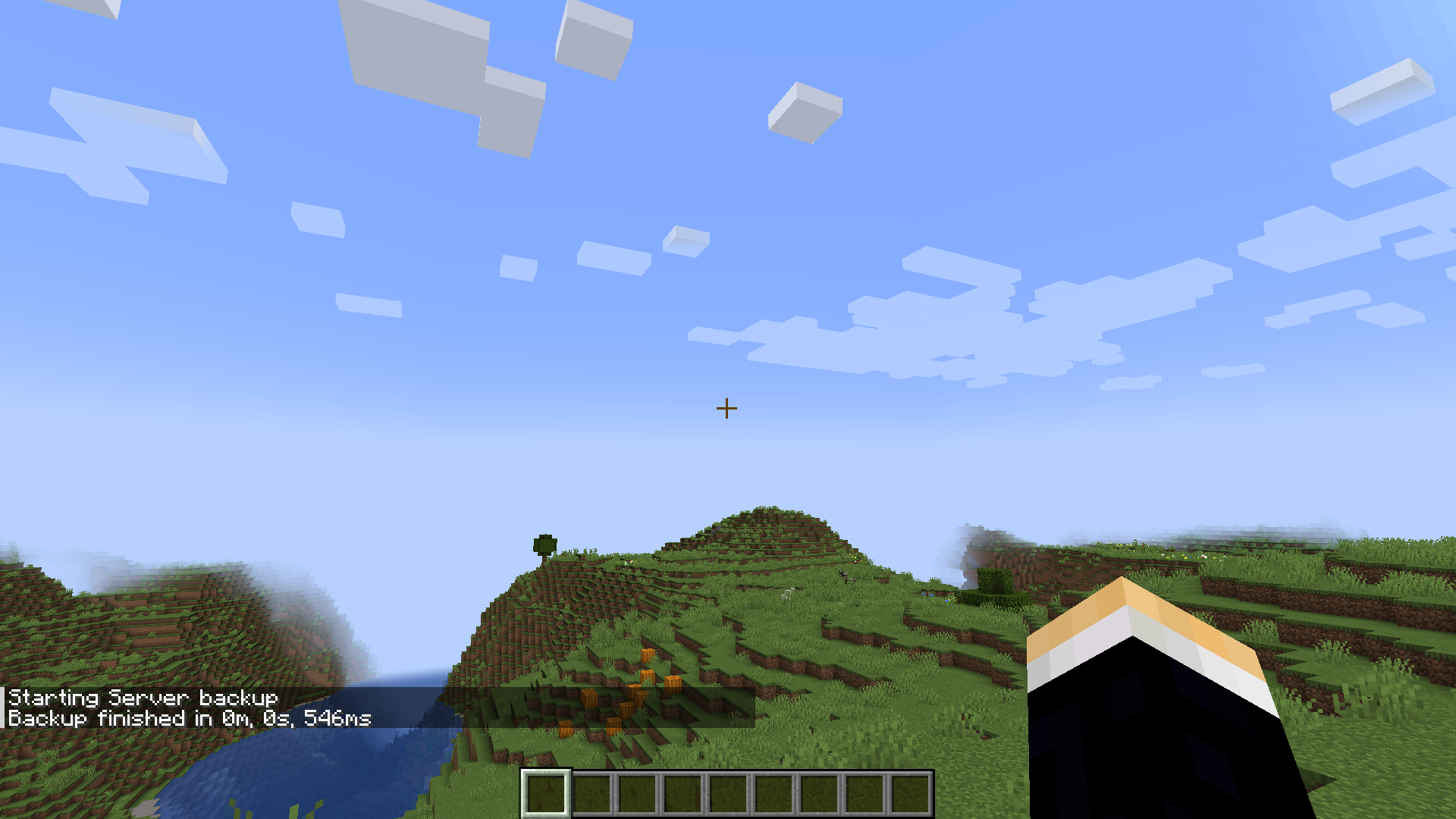
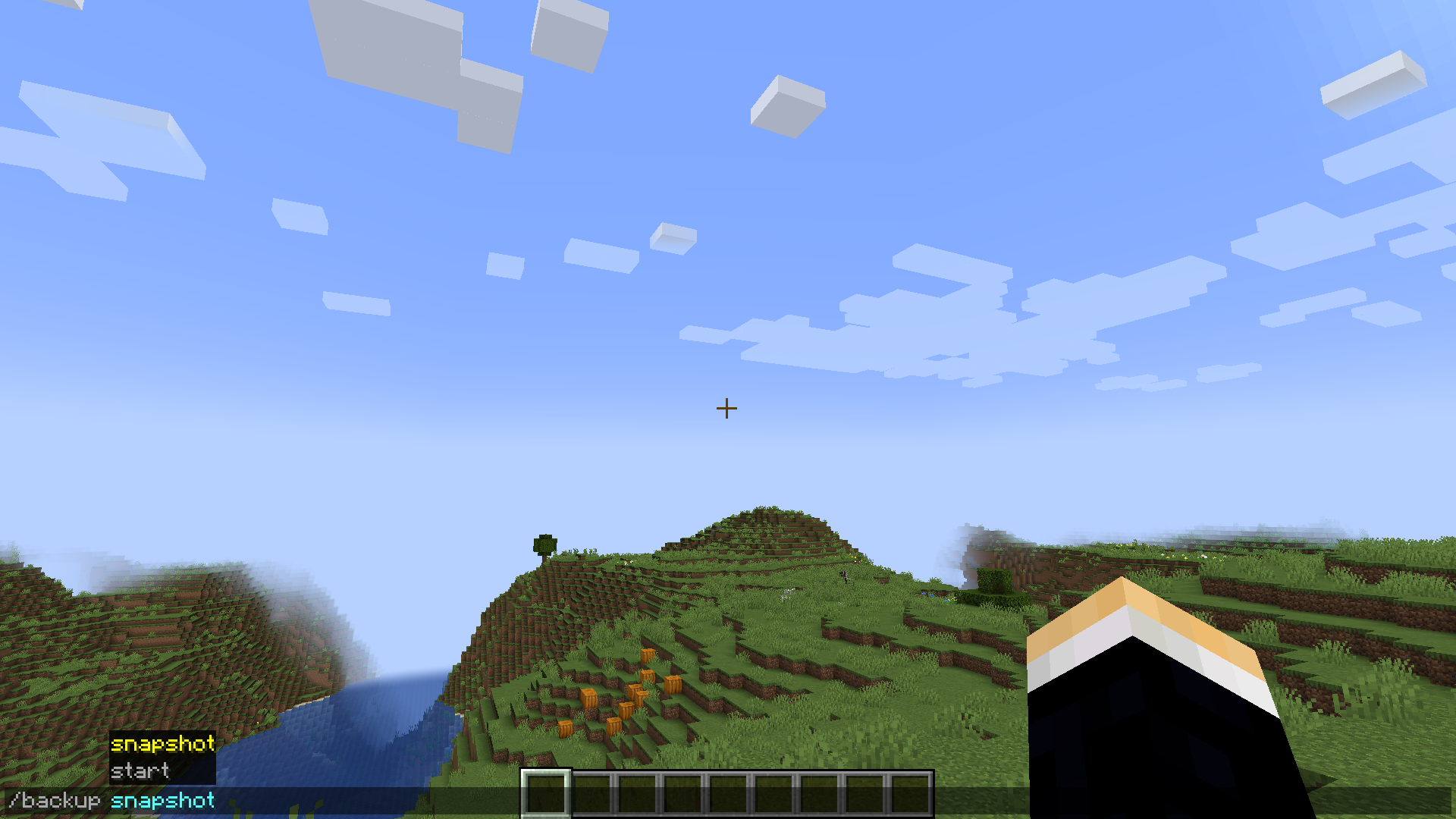
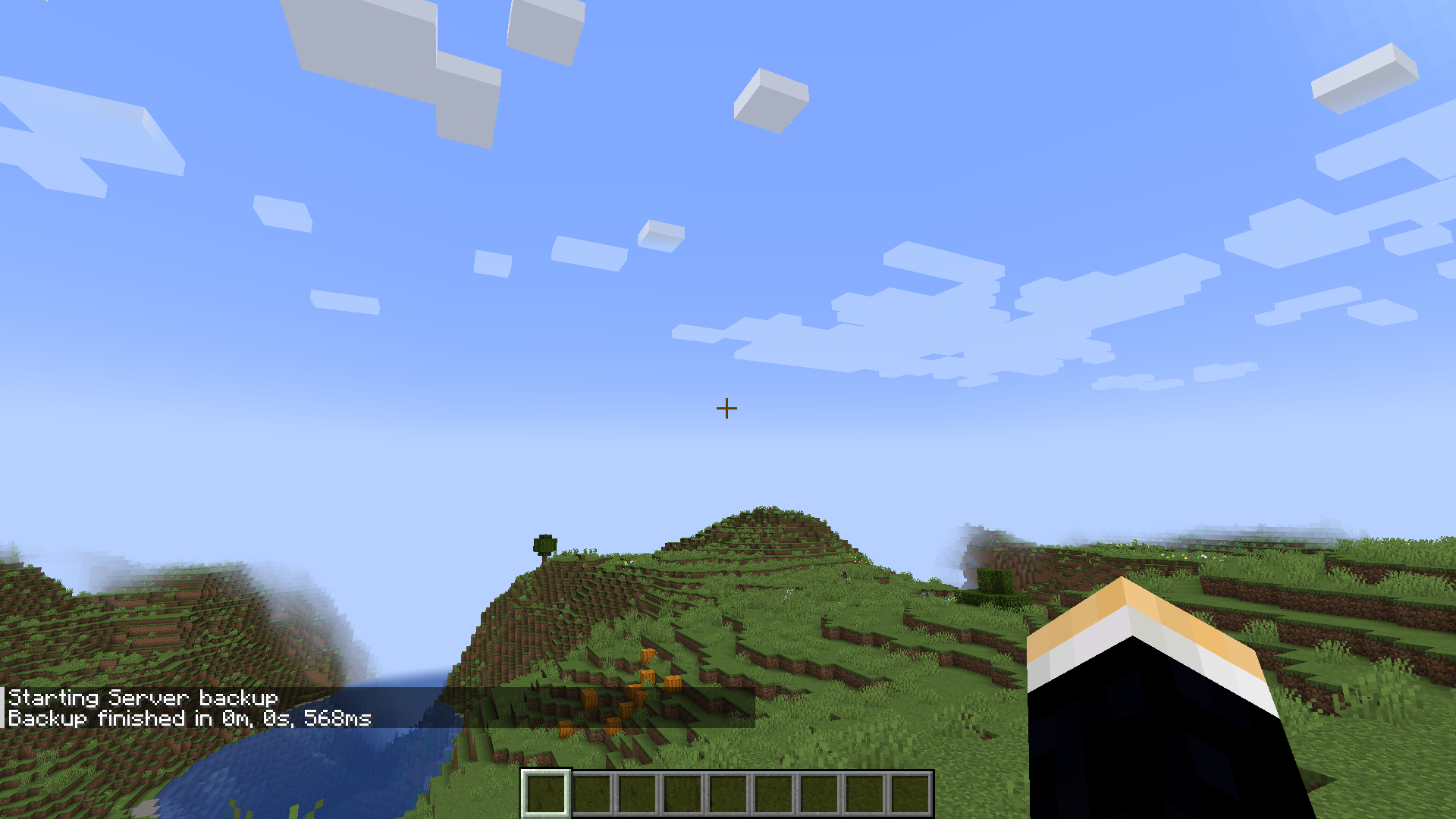
/backup create– Instantly starts a new backup./backup snapshot– Creates a special backup that won’t be deleted automatically by the cleanup process.
Screenshots:
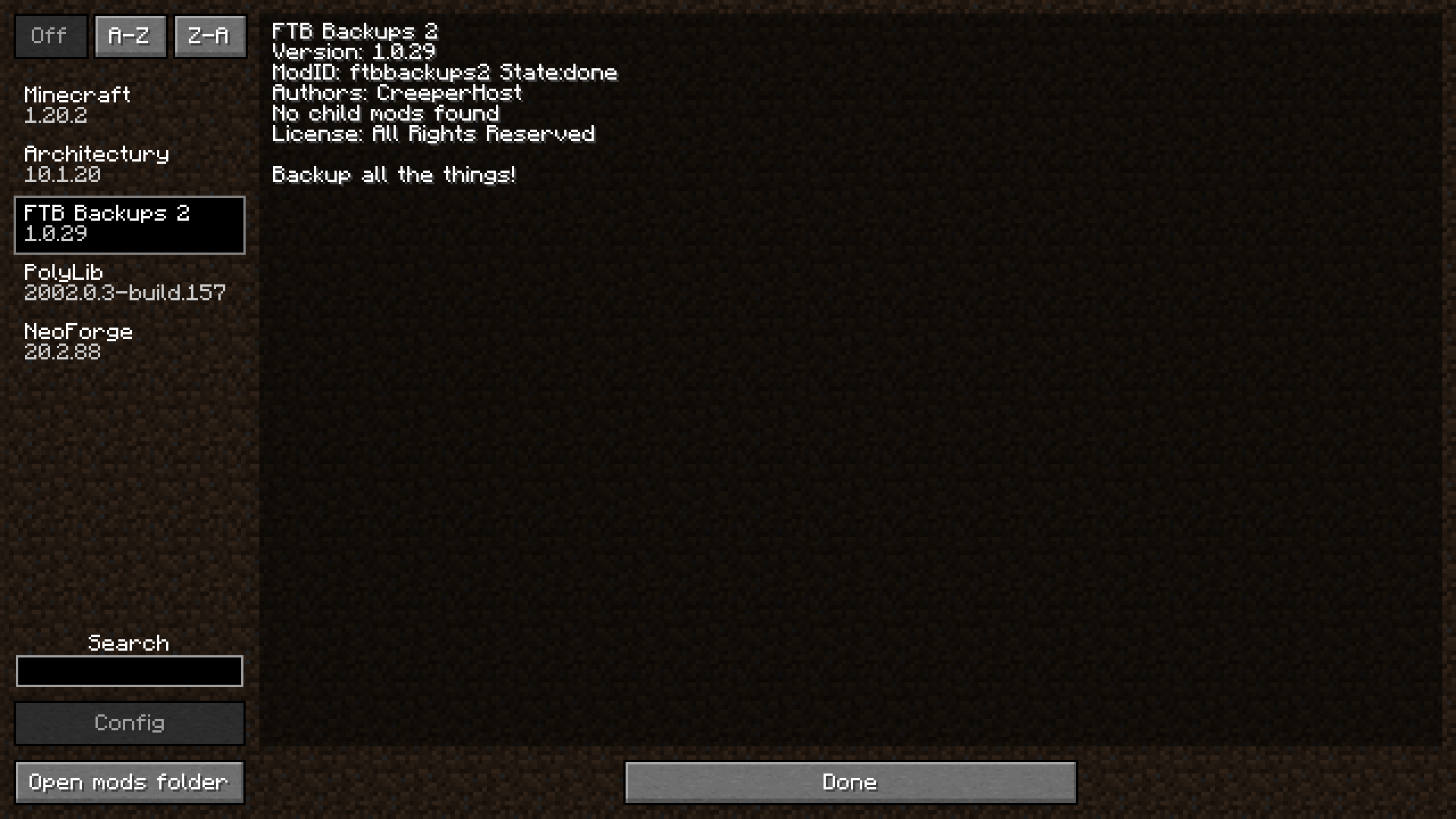
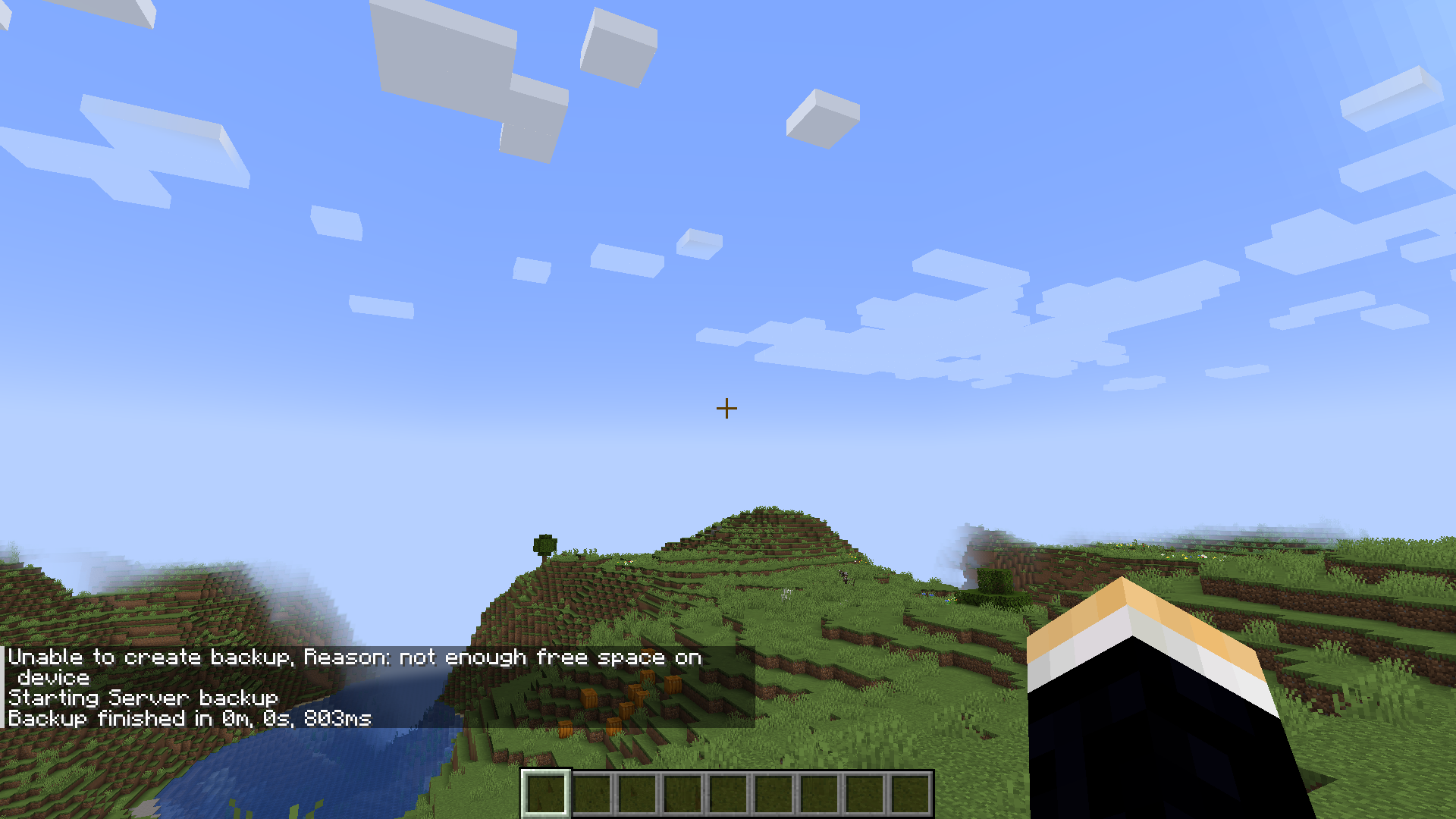
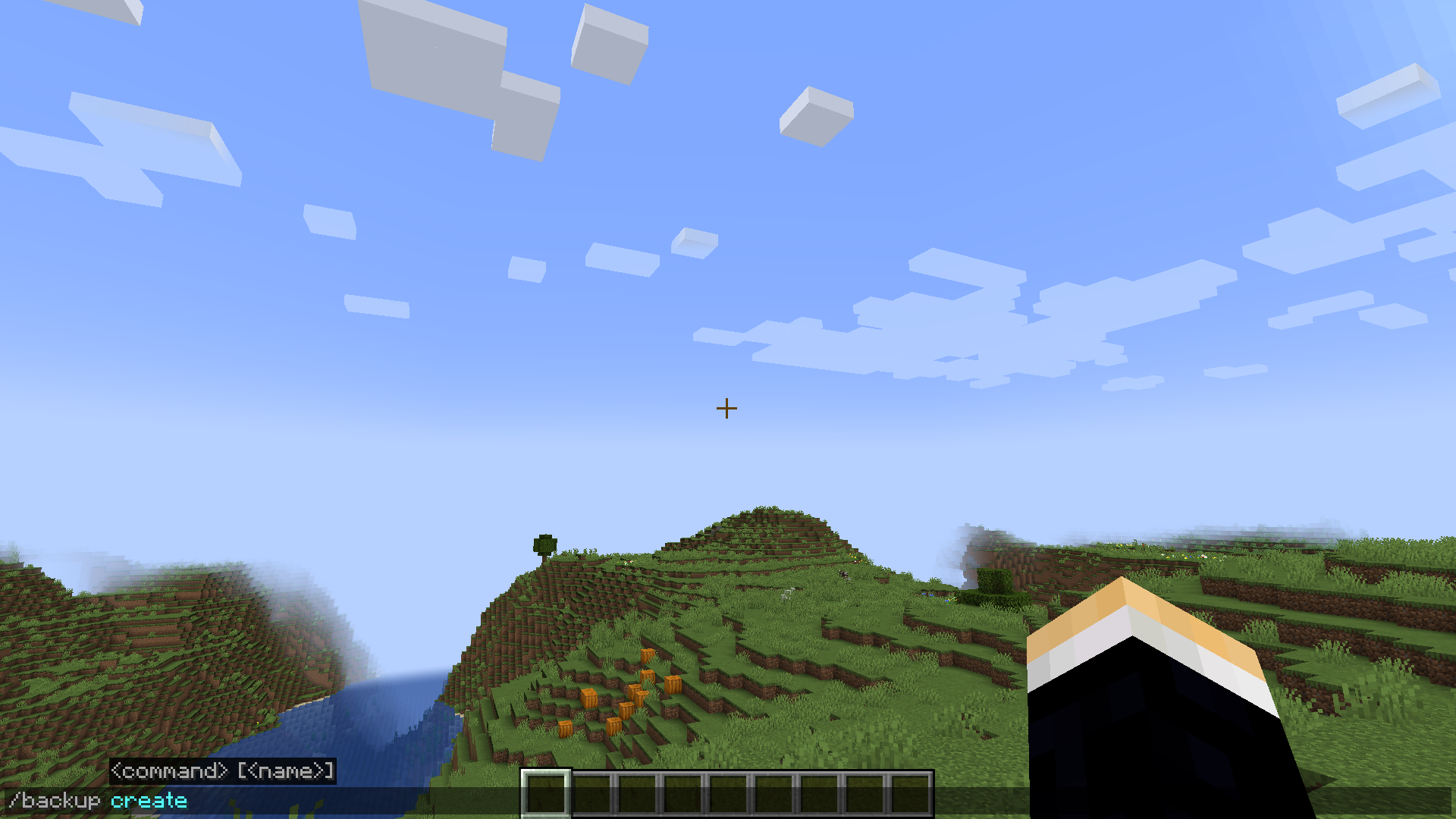
FTB Backups 2 Mod Download Links
For Minecraft 1.21.4
Fabric version: Download from Server 1 – Download from Server 2
NeoForge version: Download from Server 1 – Download from Server 2
For Minecraft 1.21.3, 1.21.2
Fabric version: Download from Server 1
NeoForge version: Download from Server 1
For Minecraft 1.21.1, 1.21
Fabric version: Download from Server 1 – Download from Server 2
NeoForge version: Download from Server 1 – Download from Server 2
For Minecraft 1.20.4
Forge version: Download from Server 1
Fabric version: Download from Server 1
NeoForge version: Download from Server 1
For Minecraft 1.20.2
Forge version: Download from Server 1
Fabric version: Download from Server 1
NeoForge version: Download from Server 1
For Minecraft 1.20.1, 1.20
Forge version: Download from Server 1 – Download from Server 2
Fabric version: Download from Server 1 – Download from Server 2
For Minecraft 1.19.3, 1.19.2
Forge version: Download from Server 1
Fabric version: Download from Server 1
For Minecraft 1.18.2
Forge version: Download from Server 1
Fabric version: Download from Server 1
- Edition: Minecraft Java
- File type: .jar
- Minecraft versions listed: 1.21.4, 1.20.1
- How to install: Install the matching mod loader (Forge, Fabric or NeoForge) for your Minecraft version. → Download the .jar. → Put it in the .minecraft/mods folder and launch that loader profile.
- Where to get it: In MC Java Mods, or directly above on this page.
Install steps are the general flow for this file type — How to install Minecraft Java mods & modpacks walks through it step by step.
- Downloads as 196264.mcaddon
- Download size: 2.5 MB
- Download link checked 15 Jul 2026 — working
- Mirrored on our own servers — the download does not depend on the original host
These come from our own check of the pack file, not from the source page.