Fastload Mod (1.20.1, 1.19.2) – Get Into The Game Faster
Java mod listed for Minecraft 1.19–1.20. Downloads from the MC Java Mods app on Android.
⬇ DownloadFastload Mod speeds up Minecraft’s startup and world loading by reducing the area the game calculates when generating or entering a world. This optimization saves time, especially for players with low render distance settings.
Features:
- Reduced Chunk Processing: By default, Minecraft loads 441 chunks (10 chunk render distance) when creating or entering a world. This mod lowers that number to 25, significantly boosting load speeds.
- Optimized for Slow Load Times: Since Minecraft 1.19, world creation has become notably slower-even on high-end processors like Ryzen. This mod helps improve performance for all setups.
- Progressive Chunk Loading: The game continues loading chunks dynamically, ensuring smooth gameplay without sacrificing render distance quality.
Performance Test
Hardware Used:
- Ryzen 9 5900X
- 32GB RAM (3800MHz)
- Minecraft Version: 1.19.2
Startup & World Load Time (Creative Mode):
- Without mod: ~47 seconds
- With mod: ~37 seconds
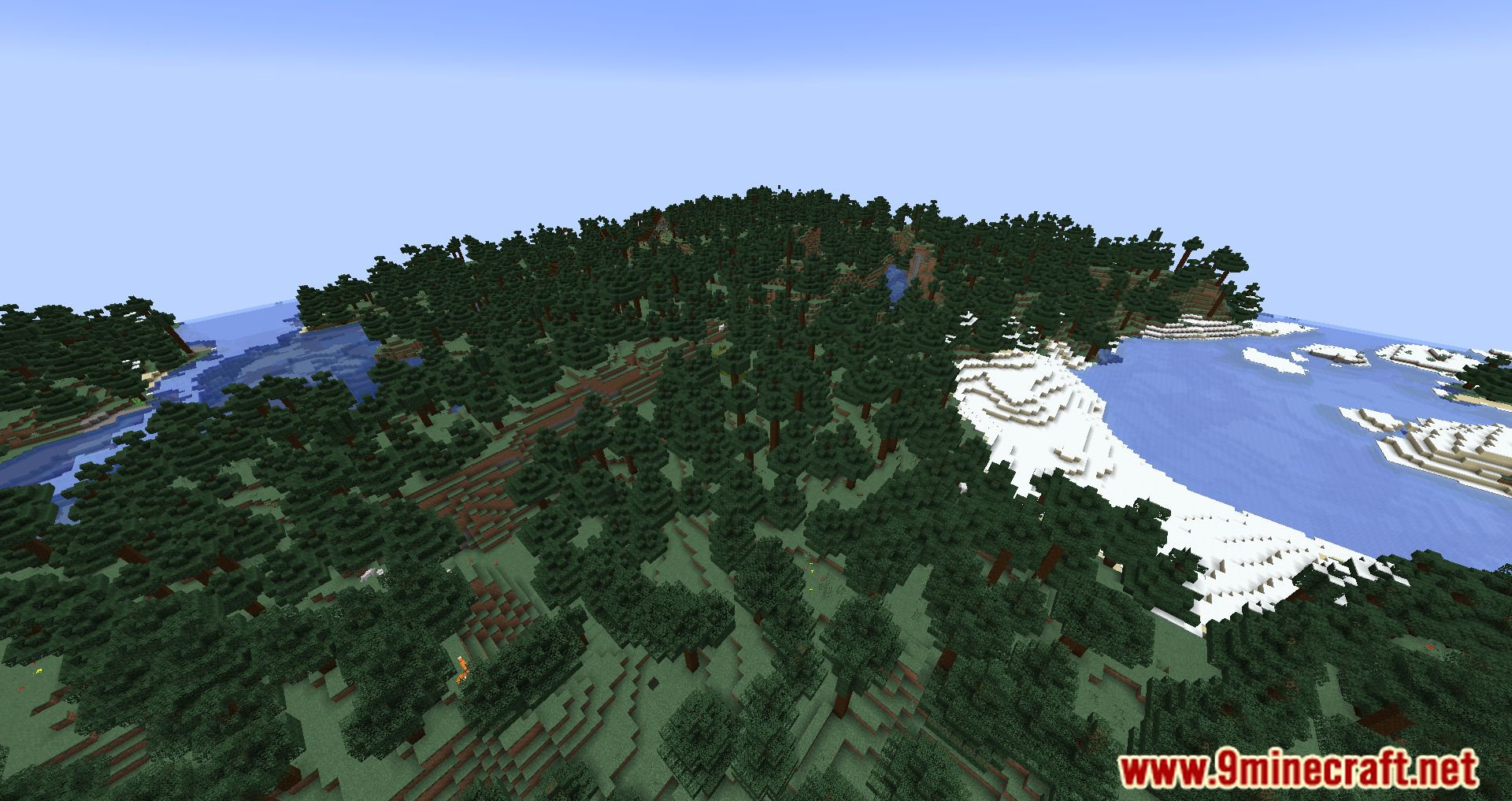
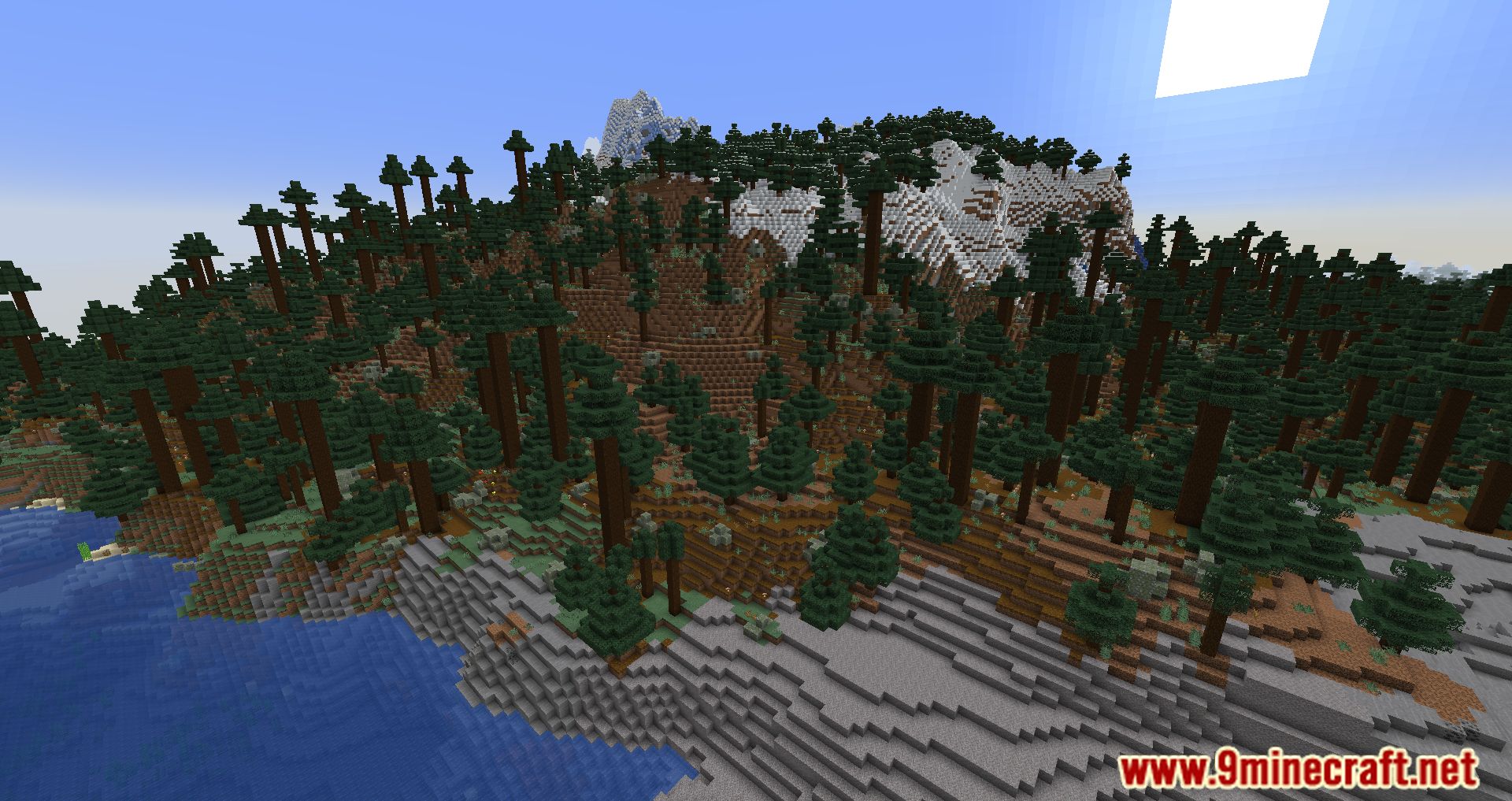
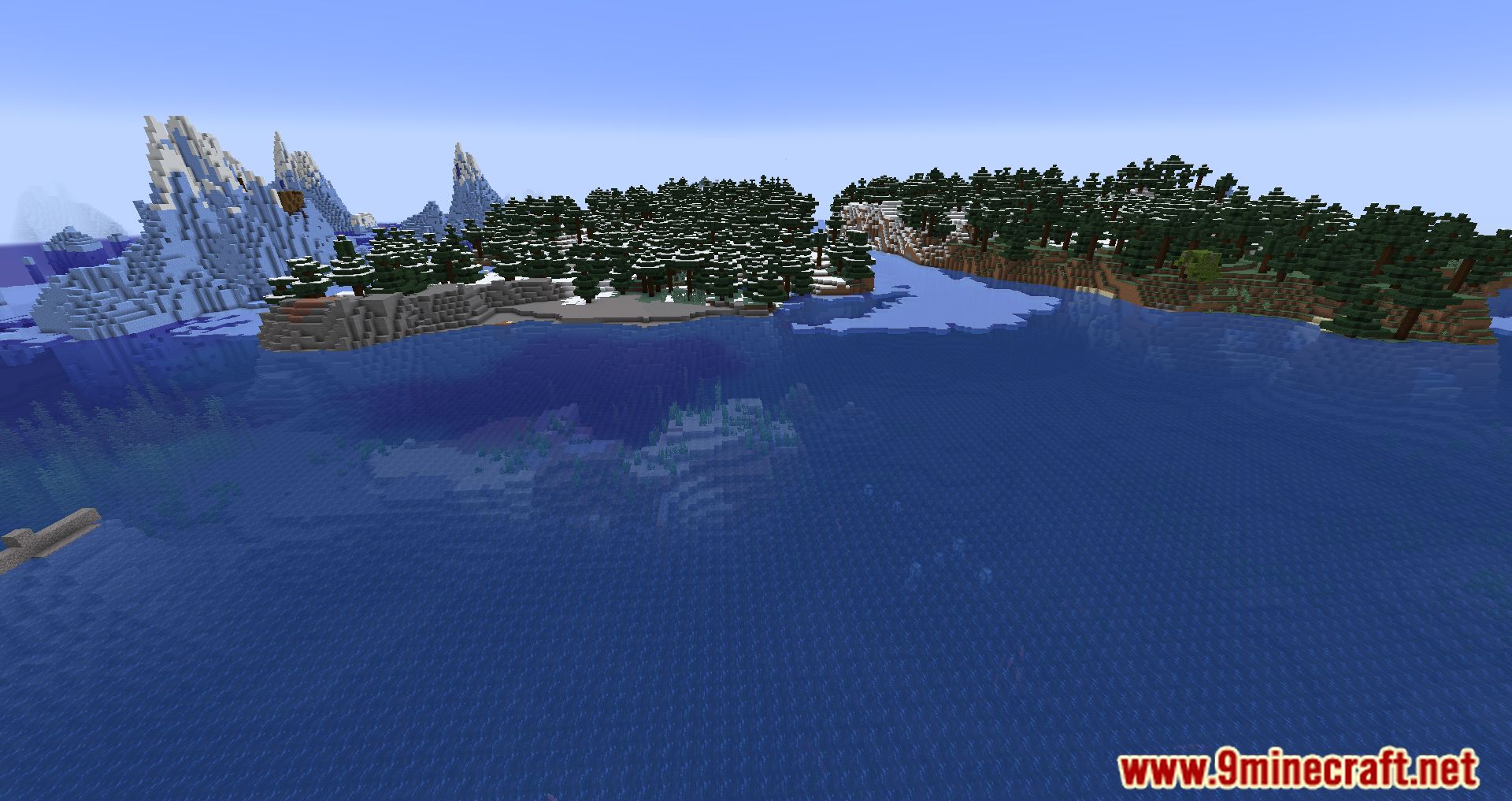
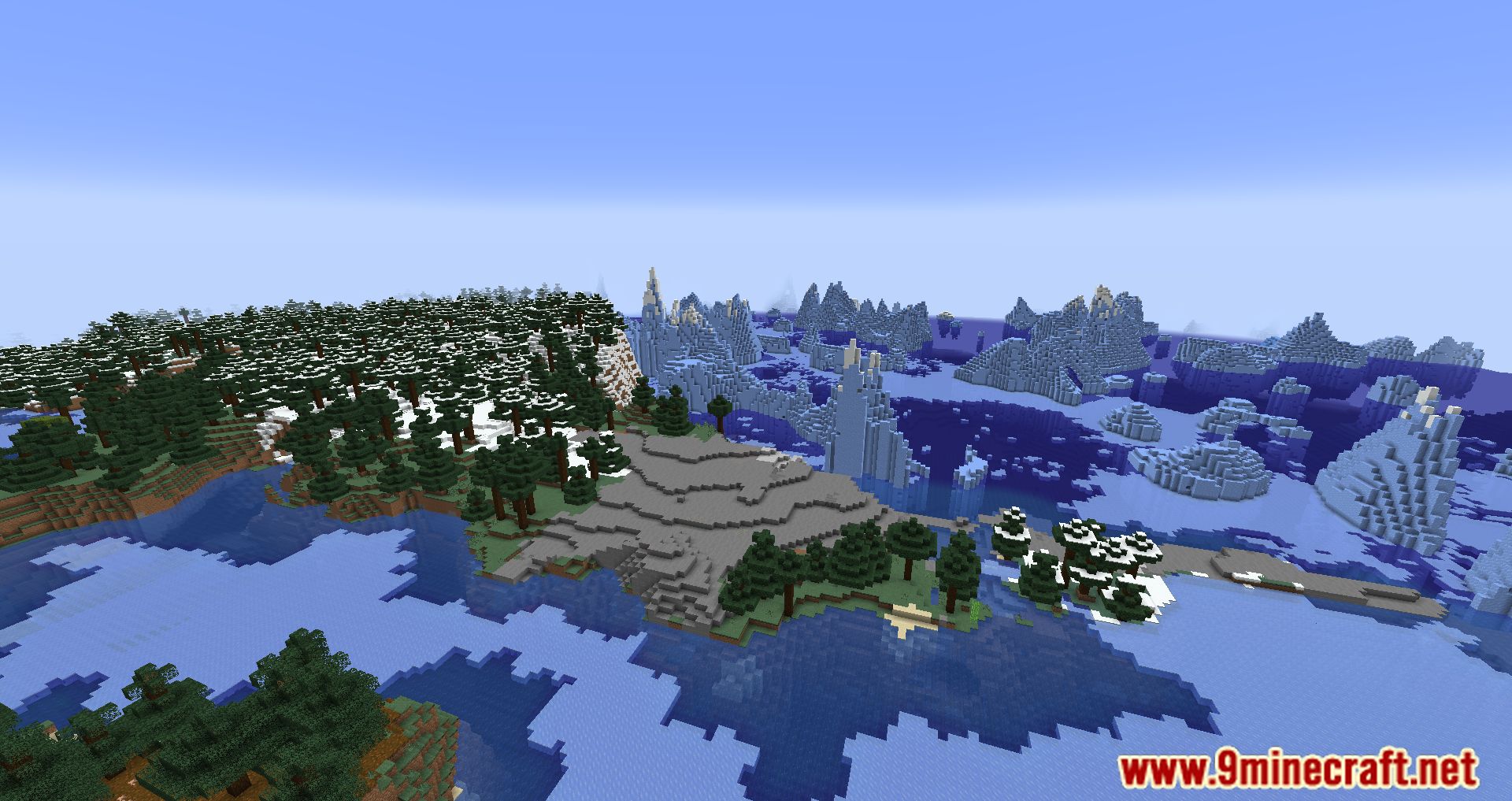
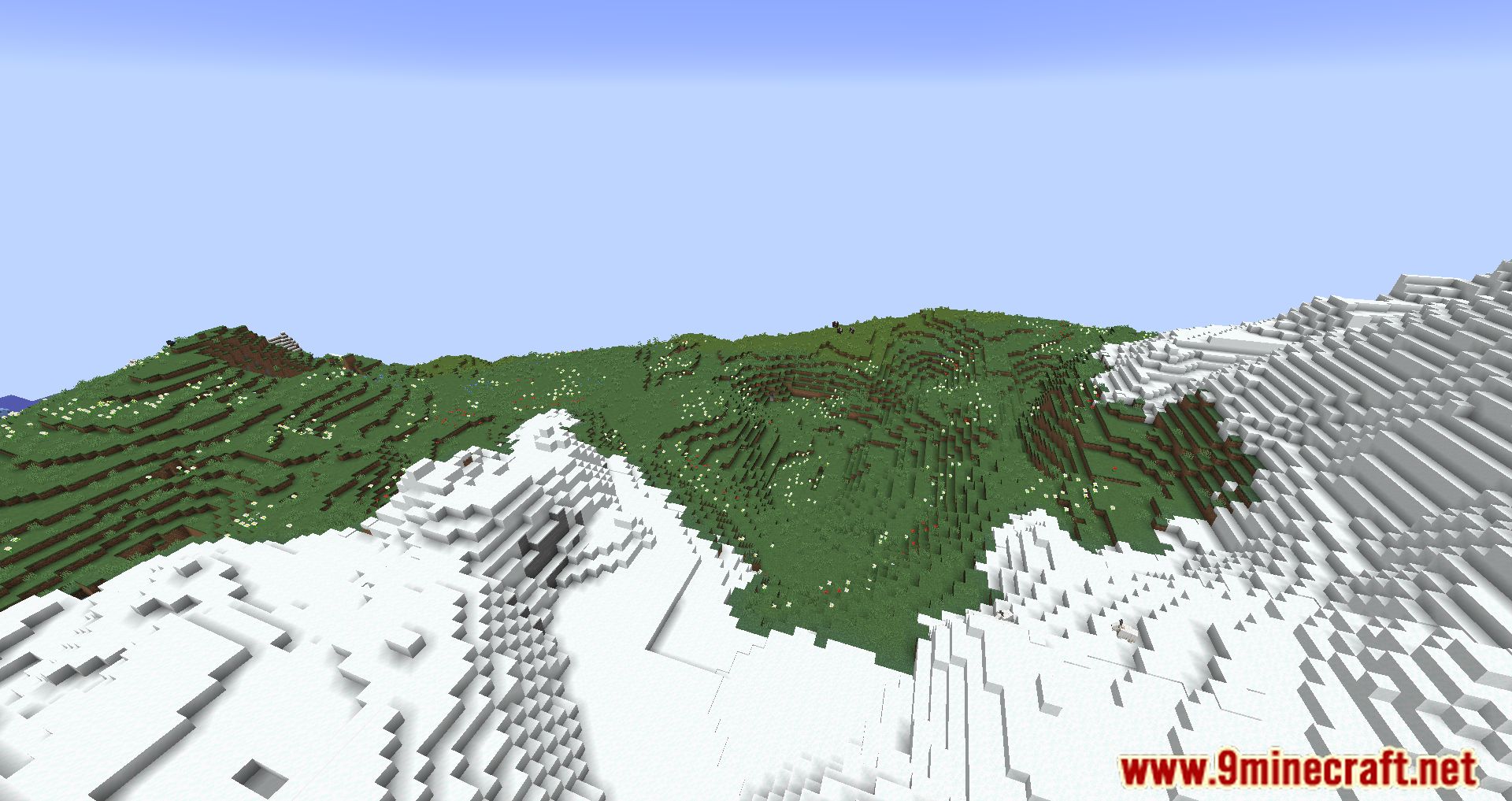
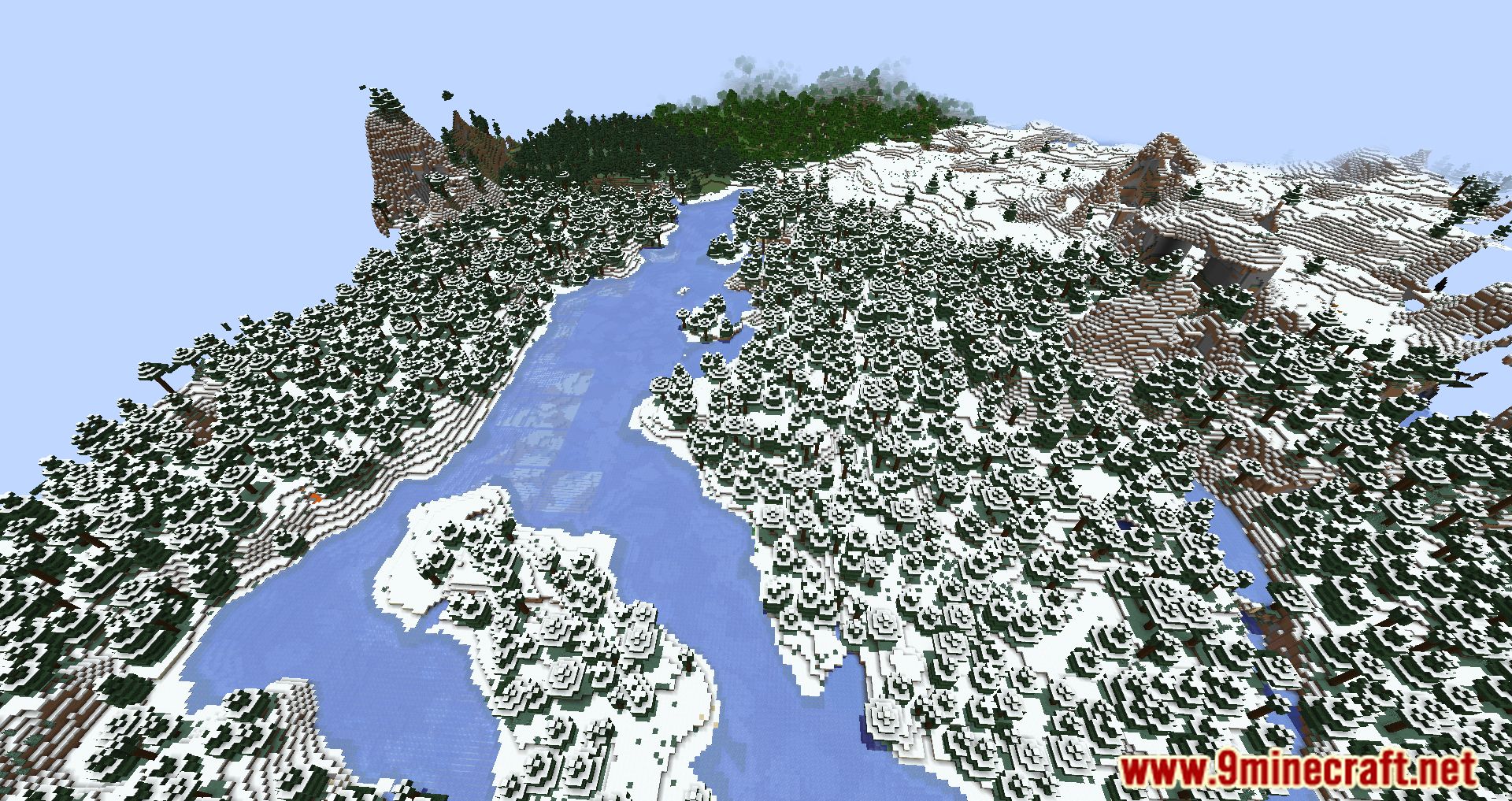
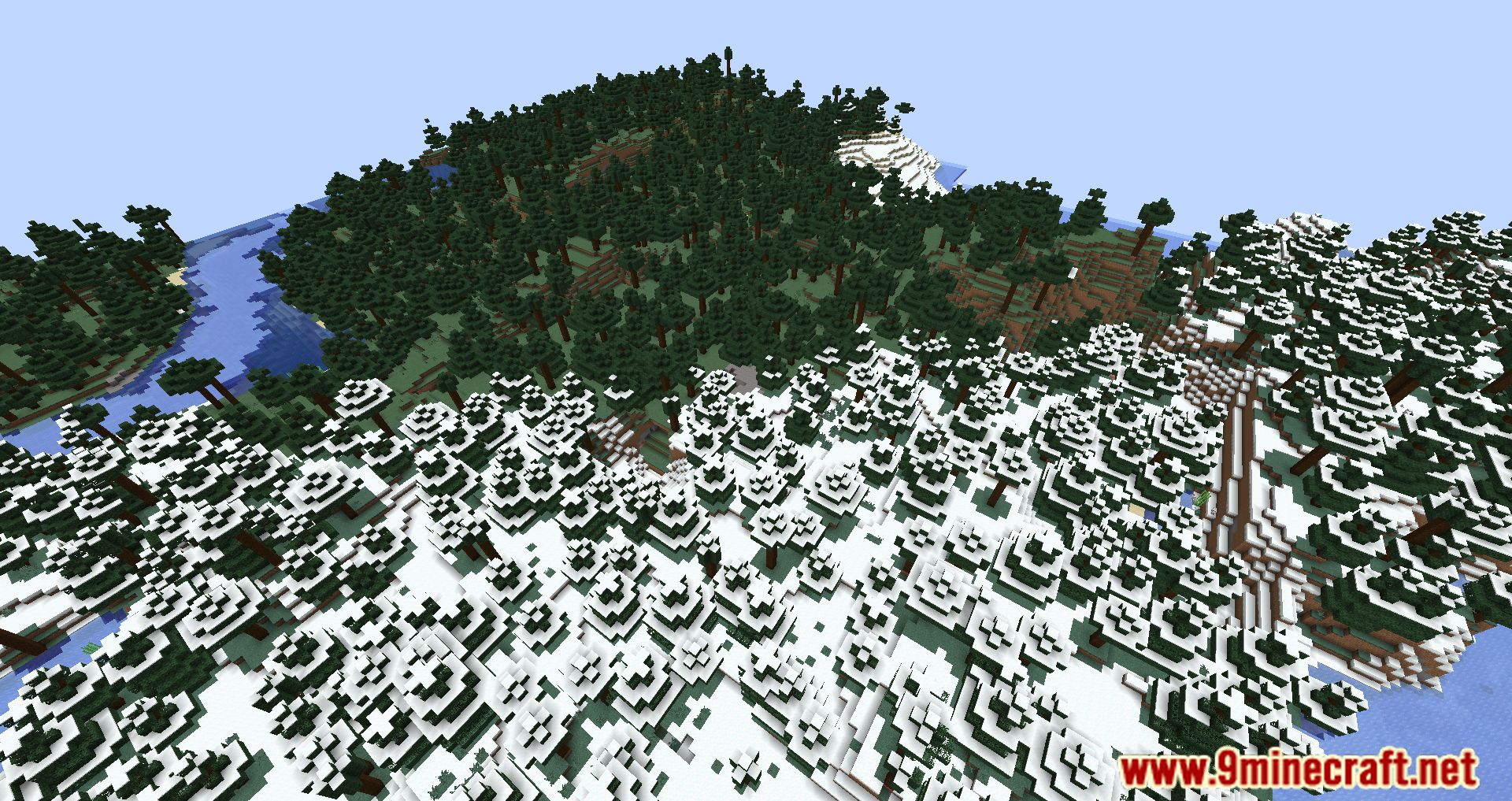
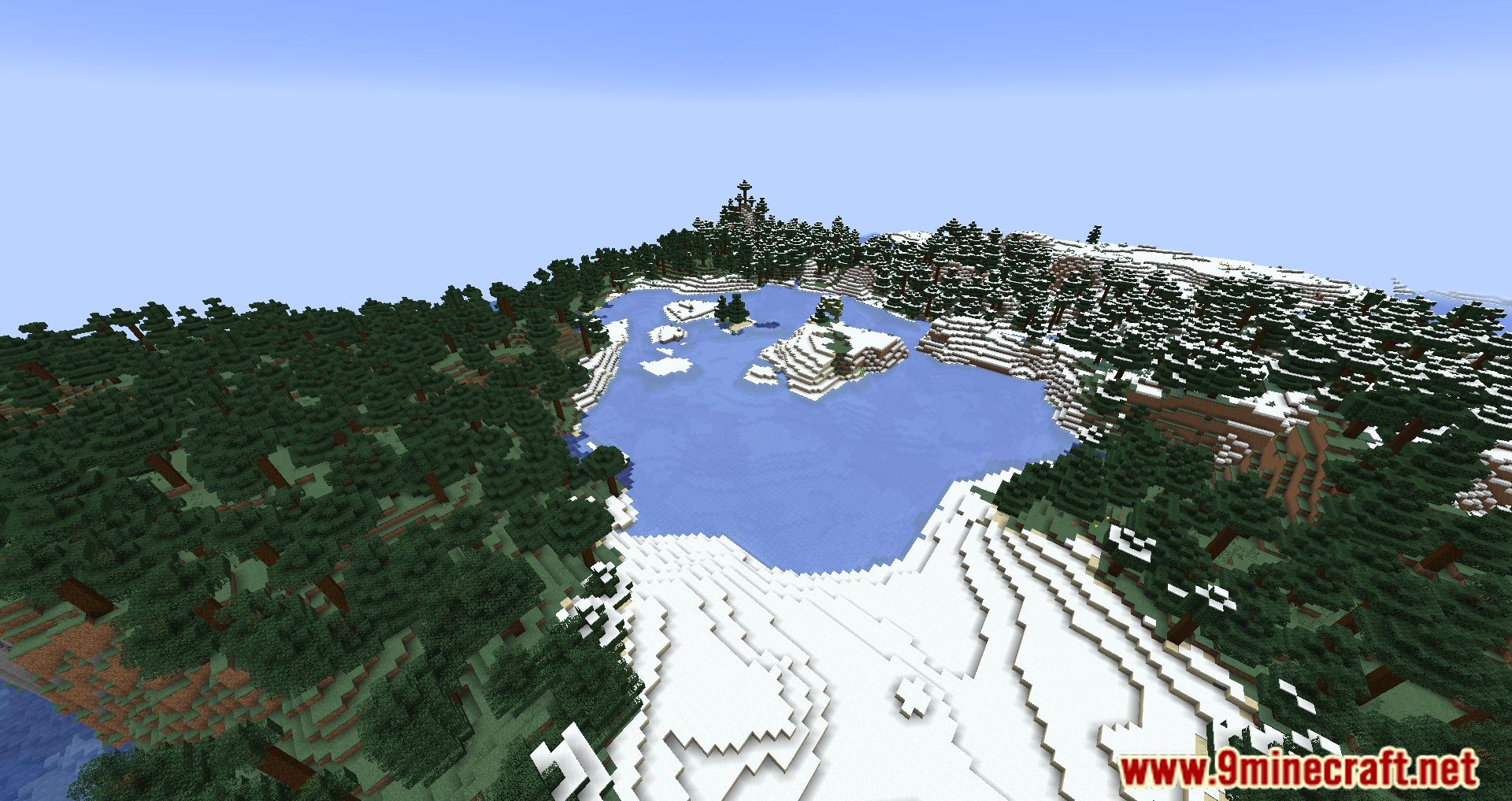
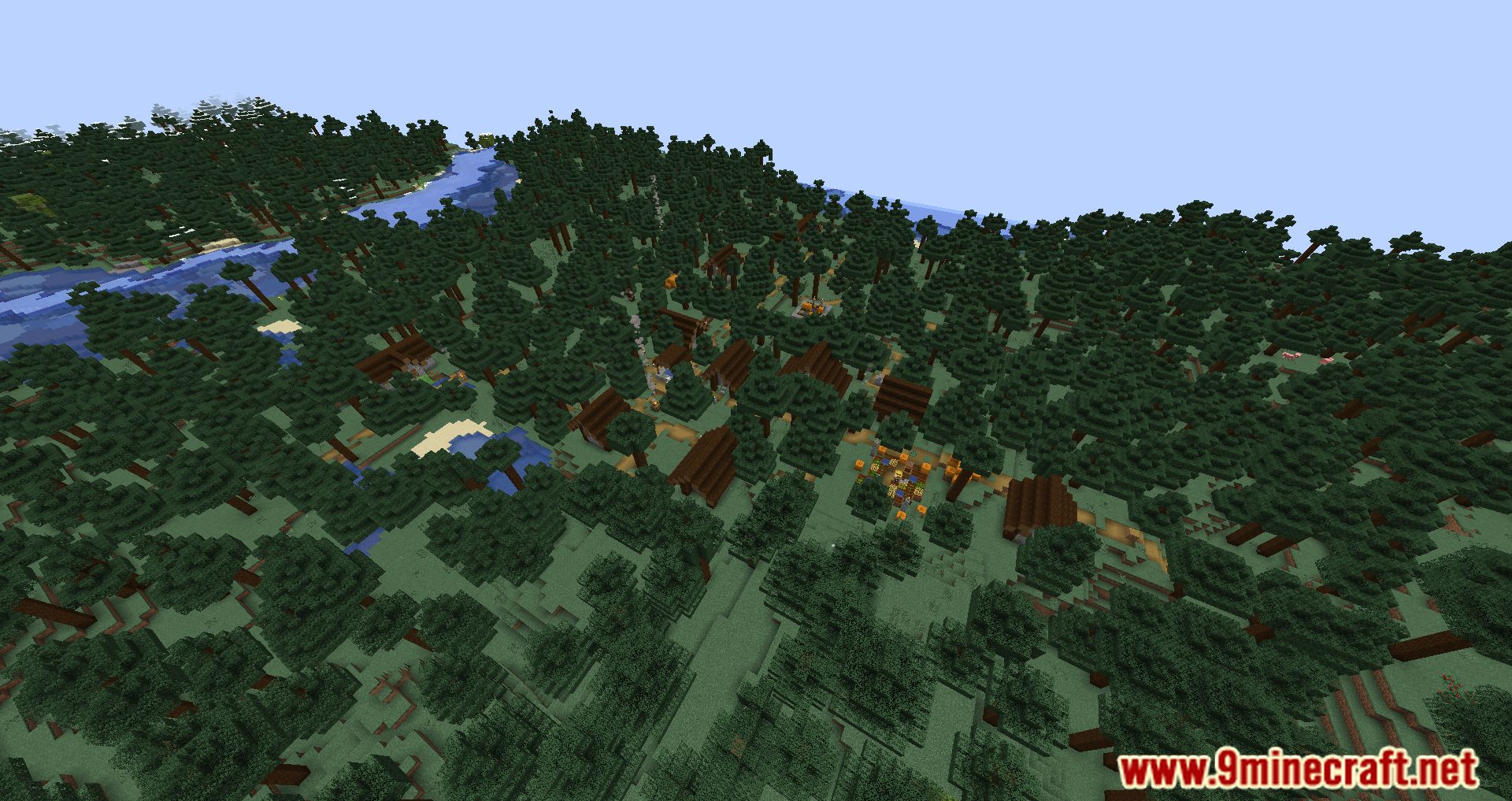
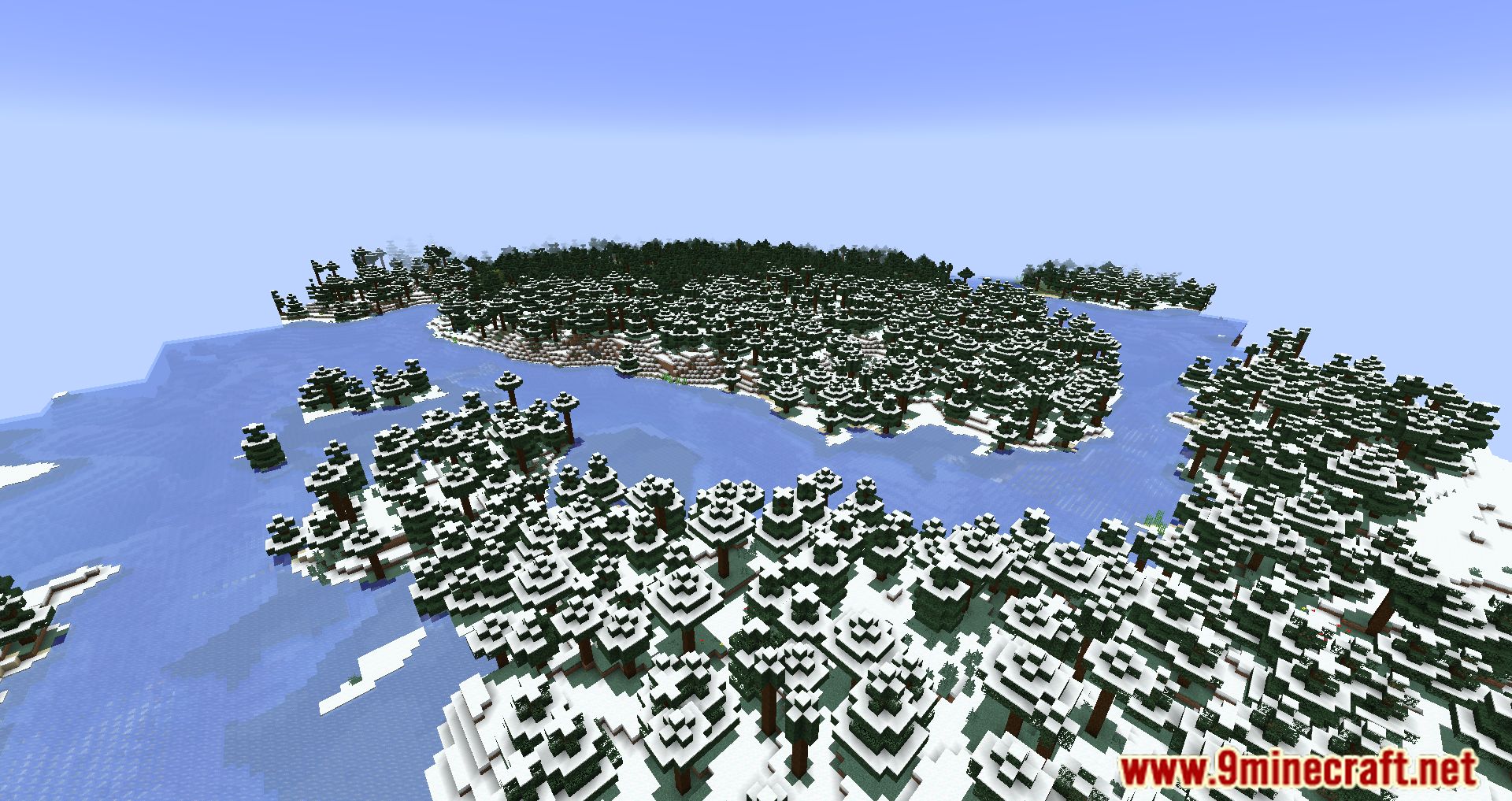
Screenshots:
Fastload Mod Download Links
For Minecraft 1.20.1, 1.20
Forge version: Download from Server 1 – Download from Server 2
Fabric/Quilt version: Download from Server 1 – Download from Server 2
For Minecraft 1.19.4
Fabric/Quilt version: Download from Server 1 – Download from Server 2
For Minecraft 1.19.3
Fabric/Quilt version: Download from Server 1 – Download from Server 2
For Minecraft 1.19.2
Fabric version: Download from Server 1 – Download from Server 2
Forge version: Download from Server 1 – Download from Server 2
For Minecraft 1.19.1, 1.19
Fabric version: Download from Server 1 – Download from Server 2
Forge version: Download from Server 1 – Download from Server 2
For Minecraft 1.18.2
Fabric version: Download from Server 1 – Download from Server 2
Forge version: Download from Server 1 – Download from Server 2
- Edition: Minecraft Java
- File type: .jar
- Minecraft versions listed: 1.20.1, 1.19.2
- How to install: Install the matching mod loader (Forge, Fabric or NeoForge) for your Minecraft version. → Download the .jar. → Put it in the .minecraft/mods folder and launch that loader profile.
- Where to get it: In MC Java Mods, or directly above on this page.
Install steps are the general flow for this file type — How to install Minecraft Java mods & modpacks walks through it step by step.
- Downloads as 196269.mcaddon
- Download size: 65 KB
- Download link checked 15 Jul 2026 — working
- Mirrored on our own servers — the download does not depend on the original host
These come from our own check of the pack file, not from the source page.