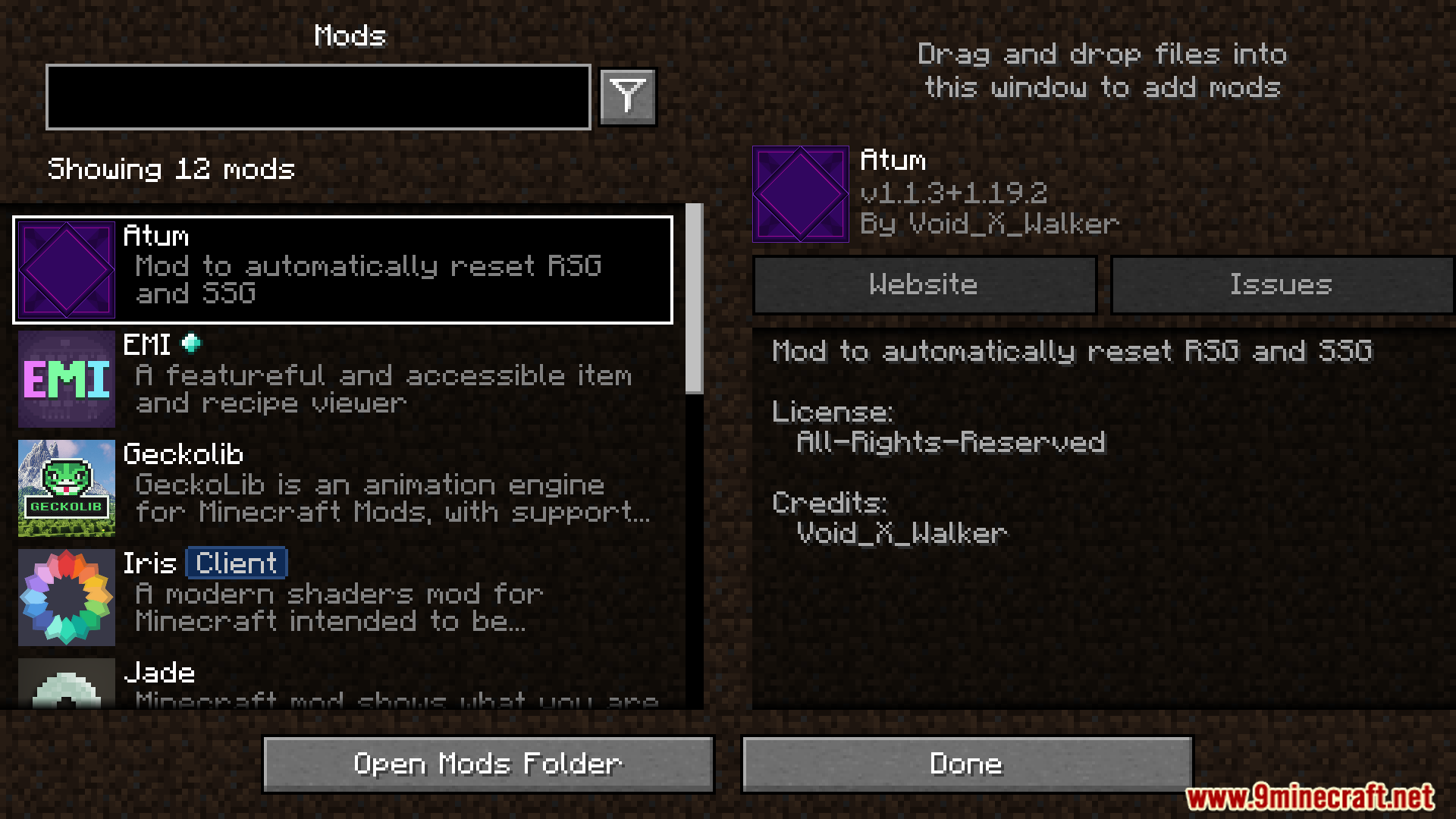
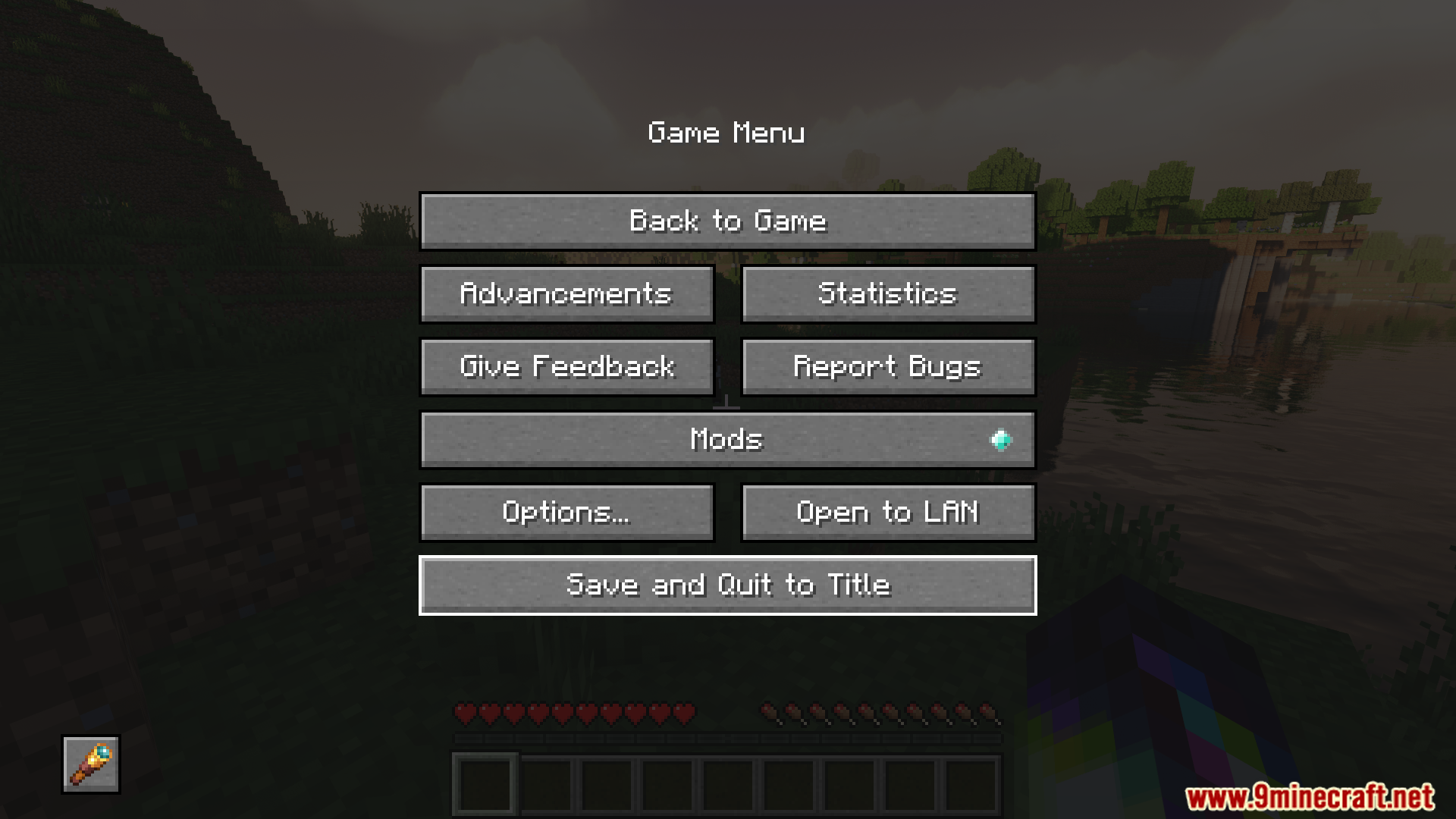
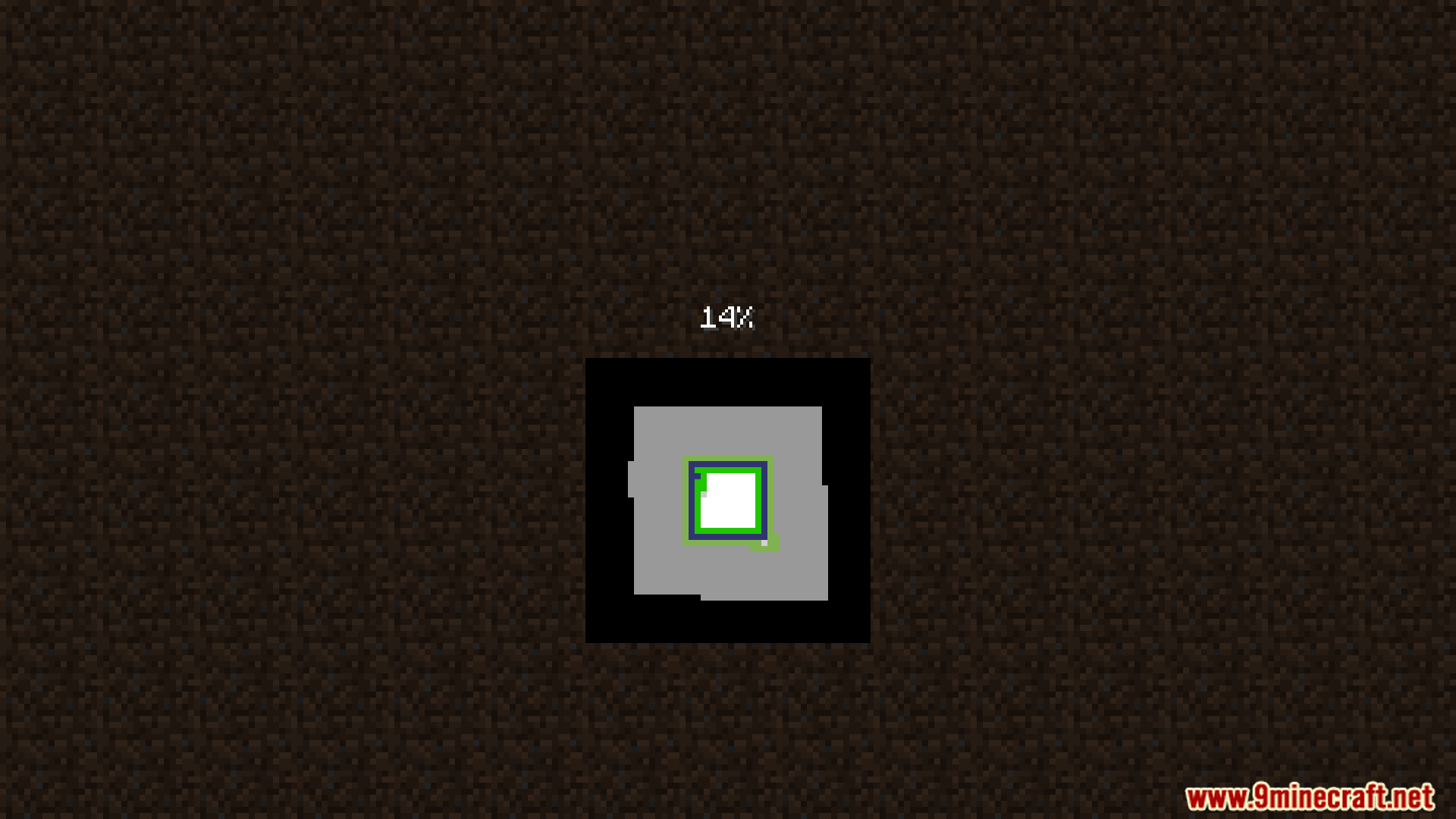
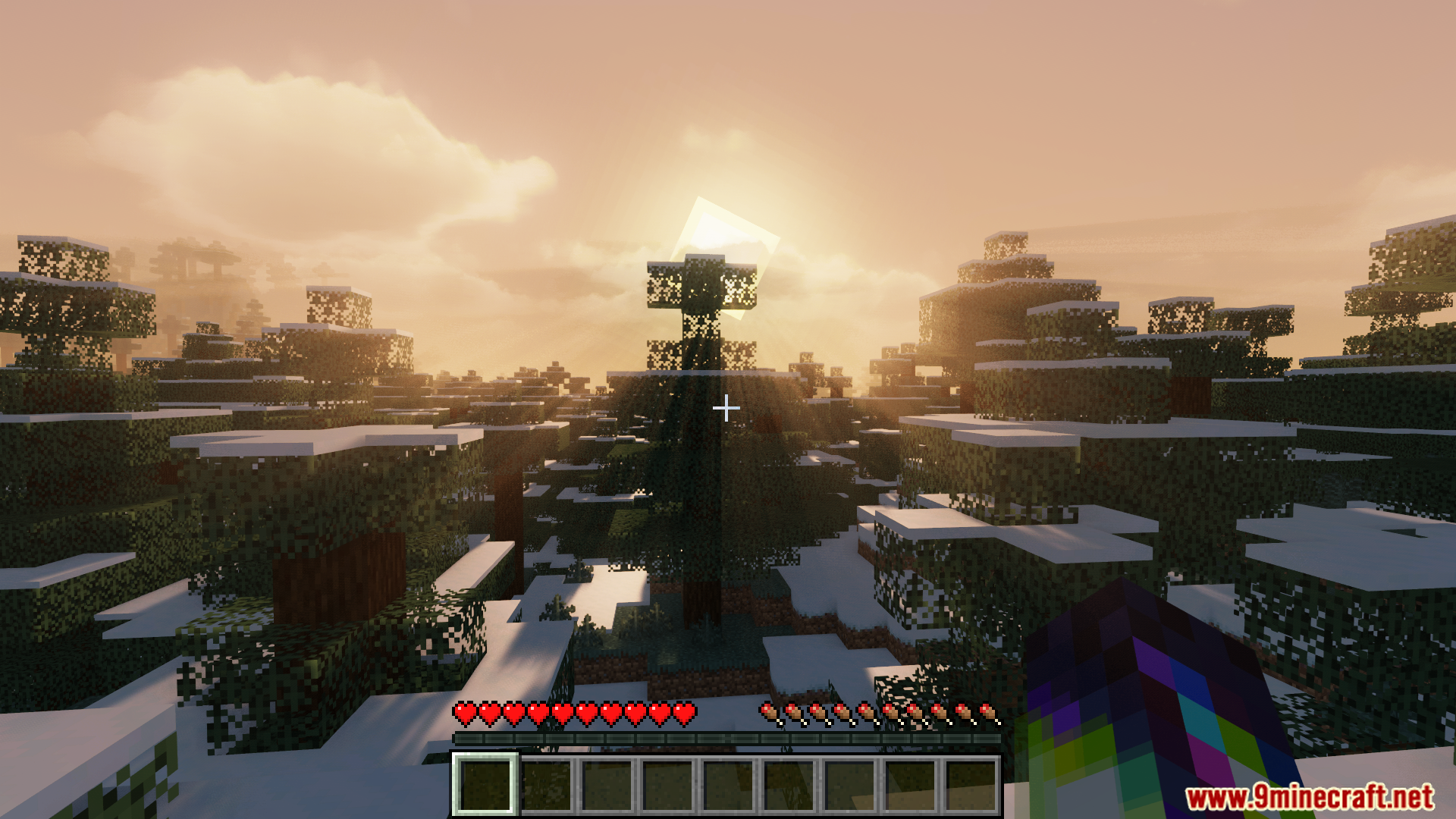
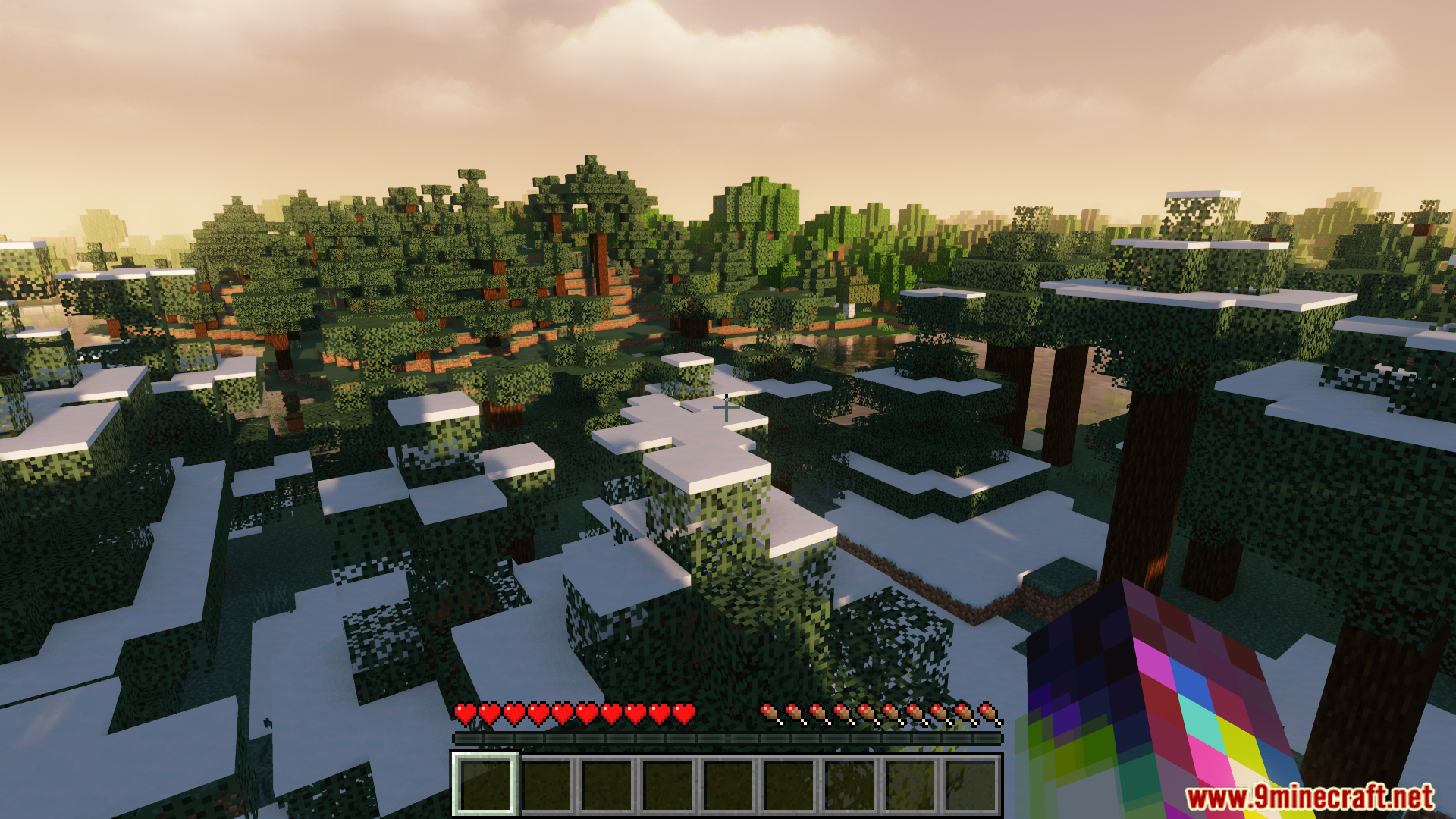
Atum Mod introduces a function for the automatic resetting with either random or specified seeds. It provides a method for users to quickly generate new world instances. The process is initiated via a dedicated button in the main menu, activating a world resetting mode. Subsequent exits from a world trigger an immediate reset, and a hotkey offers an alternative method for instant resets at any time.
Features:
- Enables automatic resetting of Minecraft worlds.
- Allows for the use of both random and user-defined seeds.
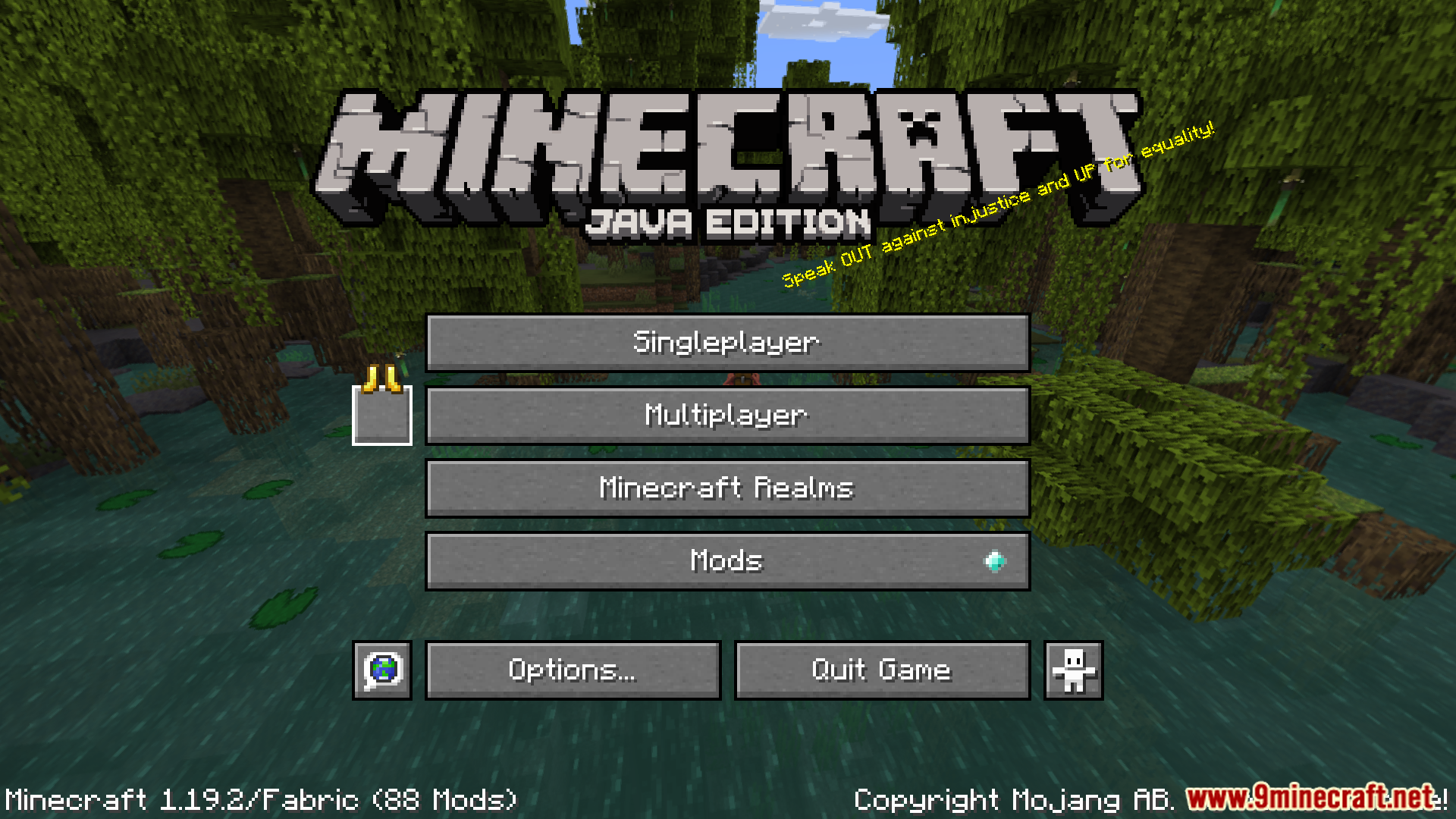
- Introduces a main menu button to initiate the world resetting mode.
- Resets the world upon exiting while in the resetting mode.
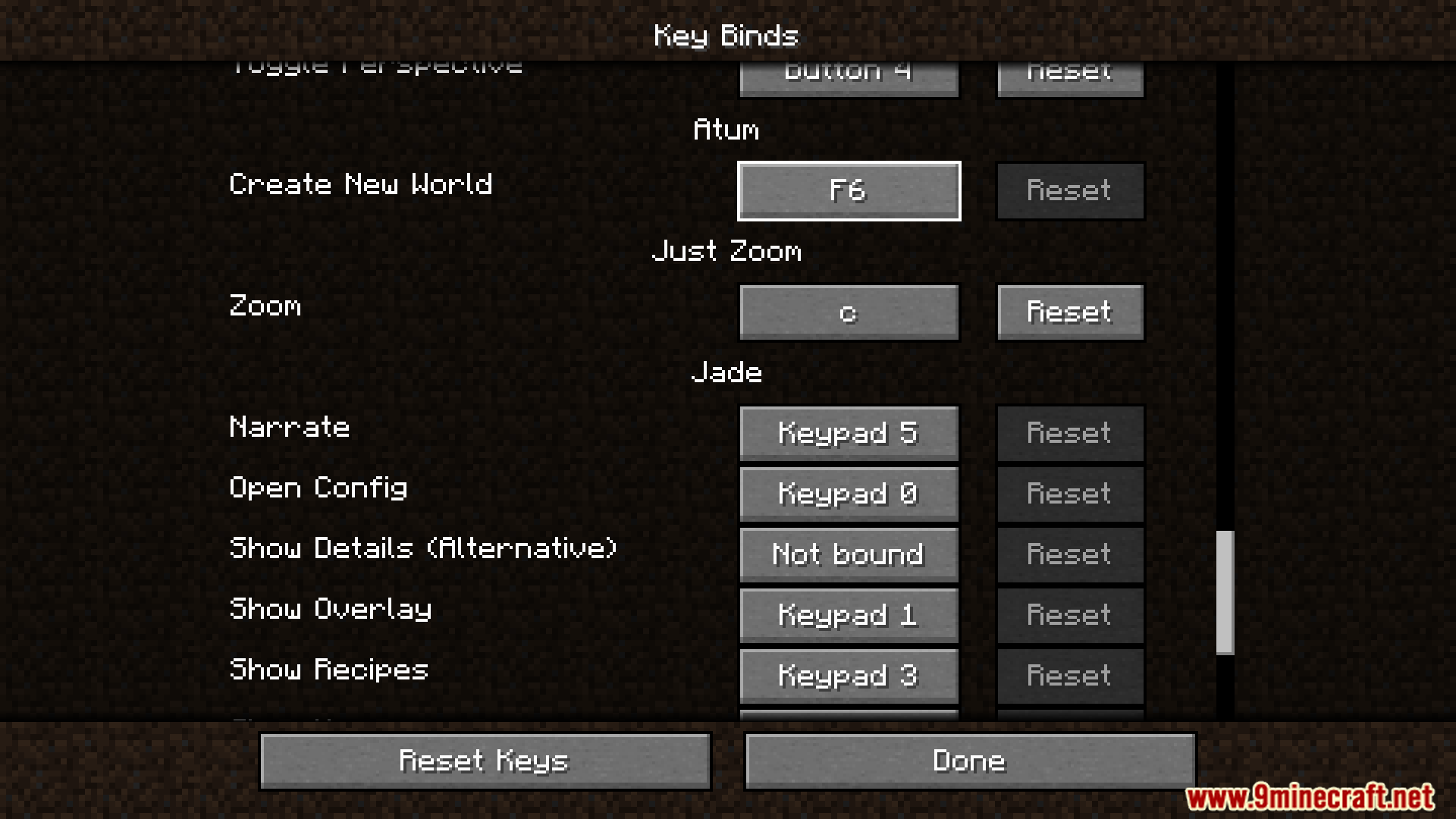
- Implements a hotkey (default F6) for immediate world resets.
- Facilitates the modification of the reset seed, difficulty, generator type, structure generation, and bonus chest via a shift-click on the main menu button.
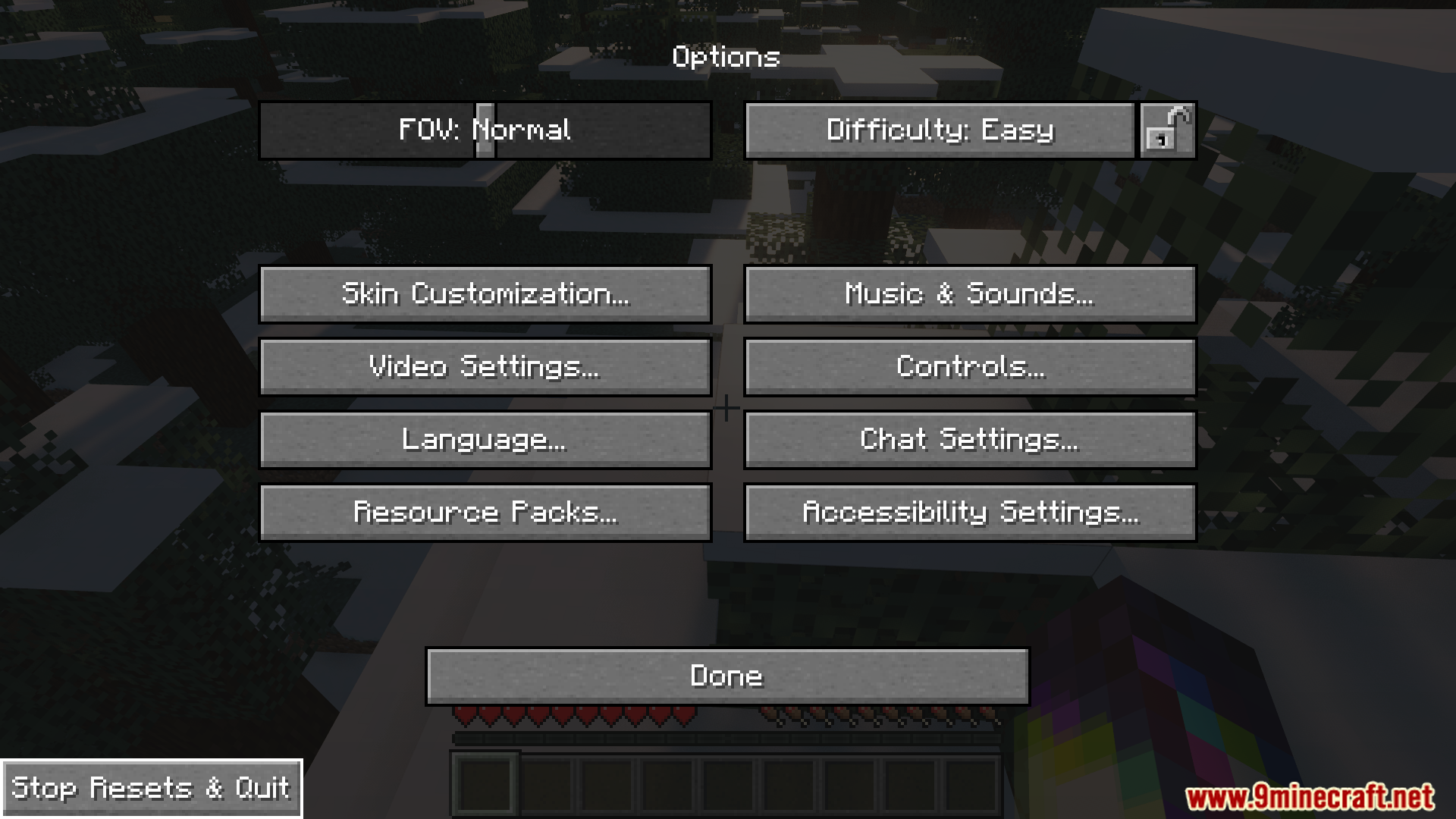
Screenshots:

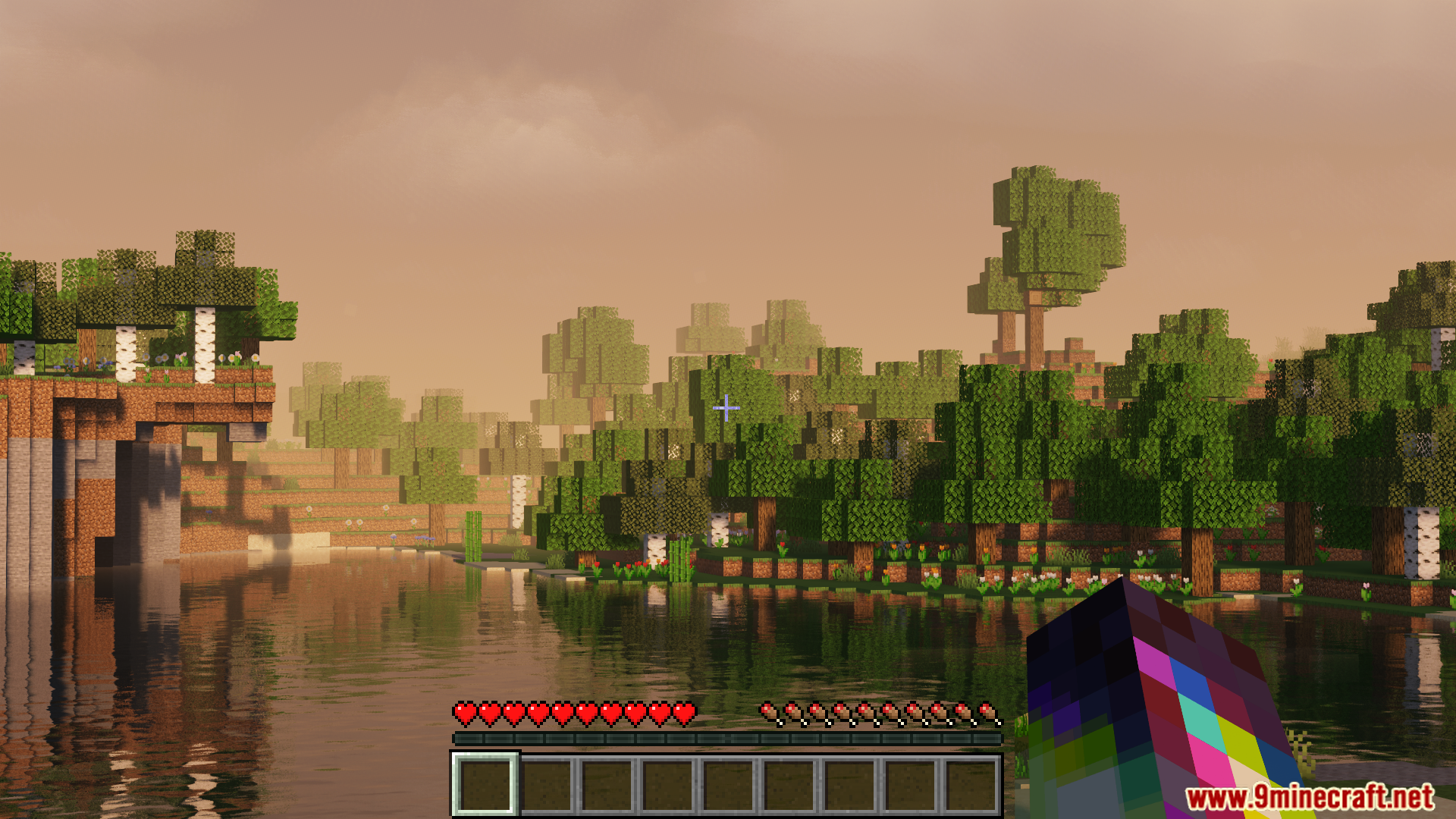
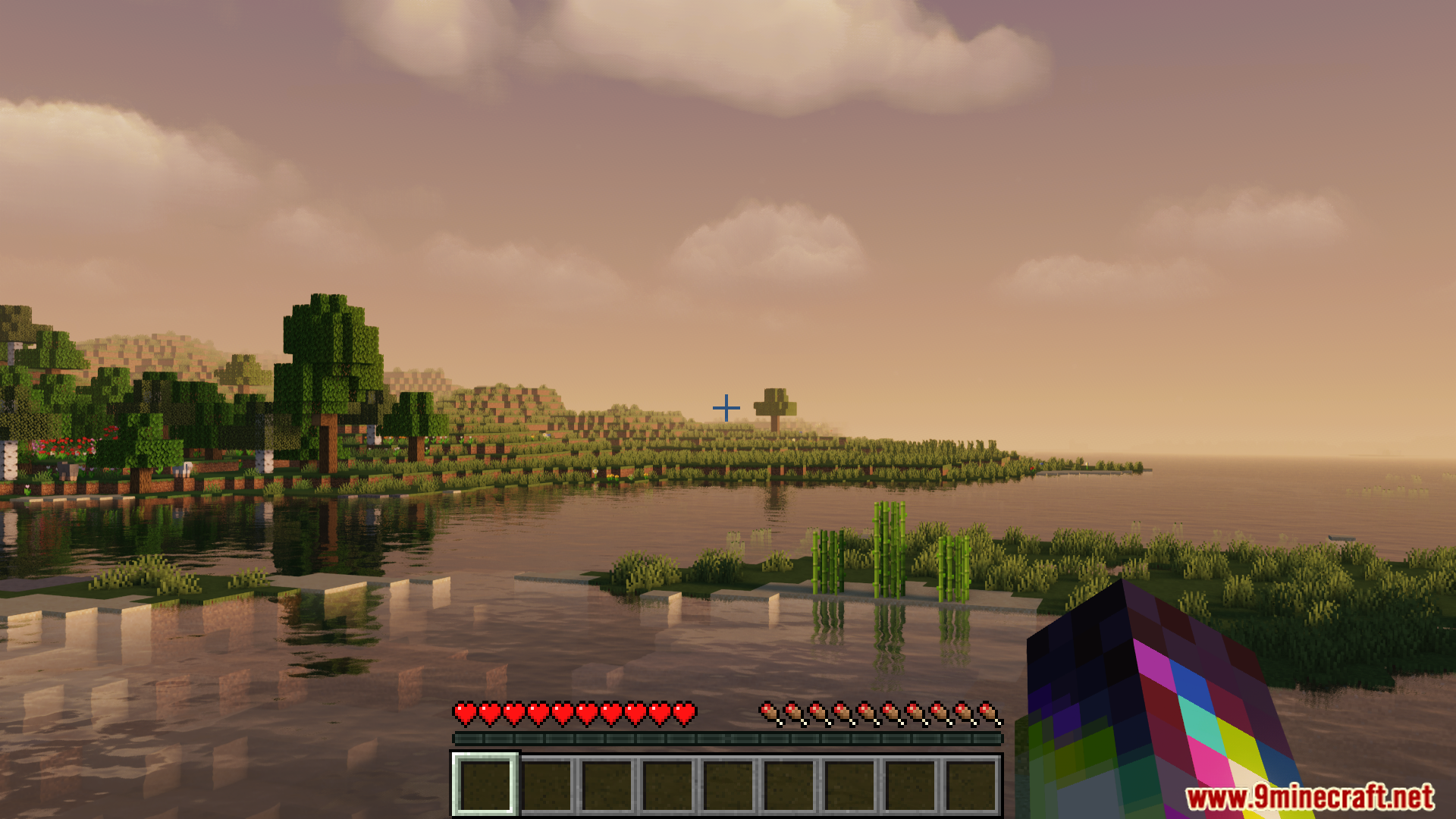

Atum Mod Download Links
For Minecraft 1.7.10
Fabric Version: Download from Server 1 – Download from Server 2
For Minecraft 1.8.9
Fabric Version: Download from Server 1 – Download from Server 2
For Minecraft 1.9.4
Fabric Version: Download from Server 1 – Download from Server 2
For Minecraft 1.10.2
Fabric Version: Download from Server 1 – Download from Server 2
For Minecraft 1.11.2
Fabric Version: Download from Server 1 – Download from Server 2
For Minecraft 1.12.2
Fabric Version: Download from Server 1 – Download from Server 2
For Minecraft 1.13.2
Fabric Version: Download from Server 1 – Download from Server 2
For Minecraft 1.14.4
Fabric Version: Download from Server 1 – Download from Server 2
For Minecraft 1.15.2
Fabric Version: Download from Server 1 – Download from Server 2
For Minecraft 1.16.5
Fabric Version: Download from Server 1 – Download from Server 2
For Minecraft 1.17.1
Fabric Version: Download from Server 1 – Download from Server 2
For Minecraft 1.18.2
Fabric Version: Download from Server 1 – Download from Server 2
For Minecraft 1.19.2
Fabric Version: Download from Server 1 – Download from Server 2
- Edition: Minecraft Java
- File type: .jar
- Minecraft versions listed: 1.19.2, 1.18.2
- How to install: Install the matching mod loader (Forge, Fabric or NeoForge) for your Minecraft version. → Download the .jar. → Put it in the .minecraft/mods folder and launch that loader profile.
- Where to get it: In MC Java Mods, or directly above on this page.
Install steps are the general flow for this file type — How to install Minecraft Java mods & modpacks walks through it step by step.
- Downloads as 196327.mcaddon
- Download size: 39 KB
- Download link checked 15 Jul 2026 — working
- Mirrored on our own servers — the download does not depend on the original host
These come from our own check of the pack file, not from the source page.