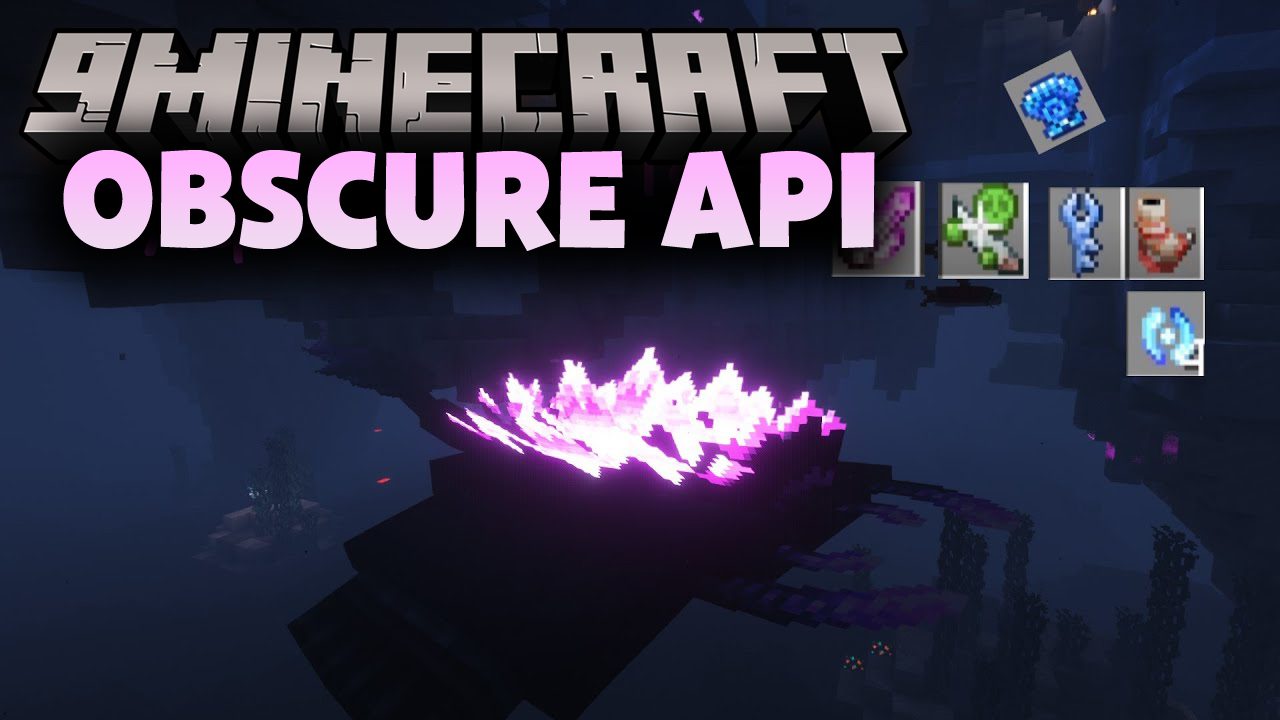
4Obscure API is a technical mod that contains the code necessary for other mods to work.
Features:
Class Equipment:
- The ability to assign a game class to an item (for example, Necromancer), which is displayed in the item description.
- Class armor can have custom bonuses (for example, “-30% Cooldown Duration for Necromancer Class Weapons” or “30% Ability Power for Necromancer Class Weapons”).
- While the armor is equipped, its bonuses apply to all items that match the description.
Weapon Abilities:
- Any weapon can be assigned an ability that includes a Passive Effect, an Attack Effect, an Active Effect, and an Extra Active Effect.
- Each effect can be assigned a cost (Cooldown, Item Durability, Player Experience, or a custom cost).
- The value of the effect cost and effect strength dynamically change in the item description if you have the appropriate class armor bonuses.
Item Upgrades:
- The mod adds materials to the game that can be used to upgrade items. You can add material functionality to your own items.
- Each material has unique properties and is applicable to items of different types and levels.
- With the help of materials, you can upgrade any equipment up to [Item Name] +10, increasing the main attribute (Damage for weapons and protection for armor). Changes are visible in the item tooltip.
Attribute Display (Client-Side only):
- Equipment displays its attributes in the tooltip using icons (can be disabled in the config (Obscuria/obscure-api-client.toml)).
- Food displays its properties in the tooltip using icons (can be disabled in the config (Obscuria/obscure-api-client.toml)).
Extended item descriptions (Client-Side only):
- You can add lore lines to any items by their ID.
- You can add knowledge lines to any items by their ID (The text is hidden if the player does not have the “Knowledge” effect).
“Hekate” Animation Library:
- A simple pure math library that uses Obscuria mods to animate creatures.
Obscure API Download Links
For Minecraft 1.20.1, 1.20
Forge version: Download from Server 1 – Download from Server 2
For Minecraft 1.19.4
Forge version: Download from Server 1 – Download from Server 2
For Minecraft 1.19.3
Forge version: Download from Server 1 – Download from Server 2
For Minecraft 1.19.2, 1.19.1, 1.19
Forge version: Download from Server 1 – Download from Server 2
For Minecraft 1.18.2, 1.18.1
Forge version: Download from Server 1 – Download from Server 2
For Minecraft 1.16.5
Forge version: Download from Server 1 – Download from Server 2
- Edition: Minecraft Java
- File type: .jar
- Minecraft versions listed: 1.20.1, 1.19.2
- How to install: Install the matching mod loader (Forge, Fabric or NeoForge) for your Minecraft version. → Download the .jar. → Put it in the .minecraft/mods folder and launch that loader profile.
- Where to get it: In MC Java Mods, or directly above on this page.
Install steps are the general flow for this file type — How to install Minecraft Java mods & modpacks walks through it step by step.
- Downloads as 196353.mcaddon
- Download size: 485 KB
- Download link checked 15 Jul 2026 — working
- Mirrored on our own servers — the download does not depend on the original host
These come from our own check of the pack file, not from the source page.