Vein Mining Mod (1.21.1, 1.20.1) – Mine 1 Ore Block and Get All Adjacent Ores
Vein Mining Mod is a mod that offers us a quick and simple way to collect mineral resources. Although the mod does not add any new items to the game, it…
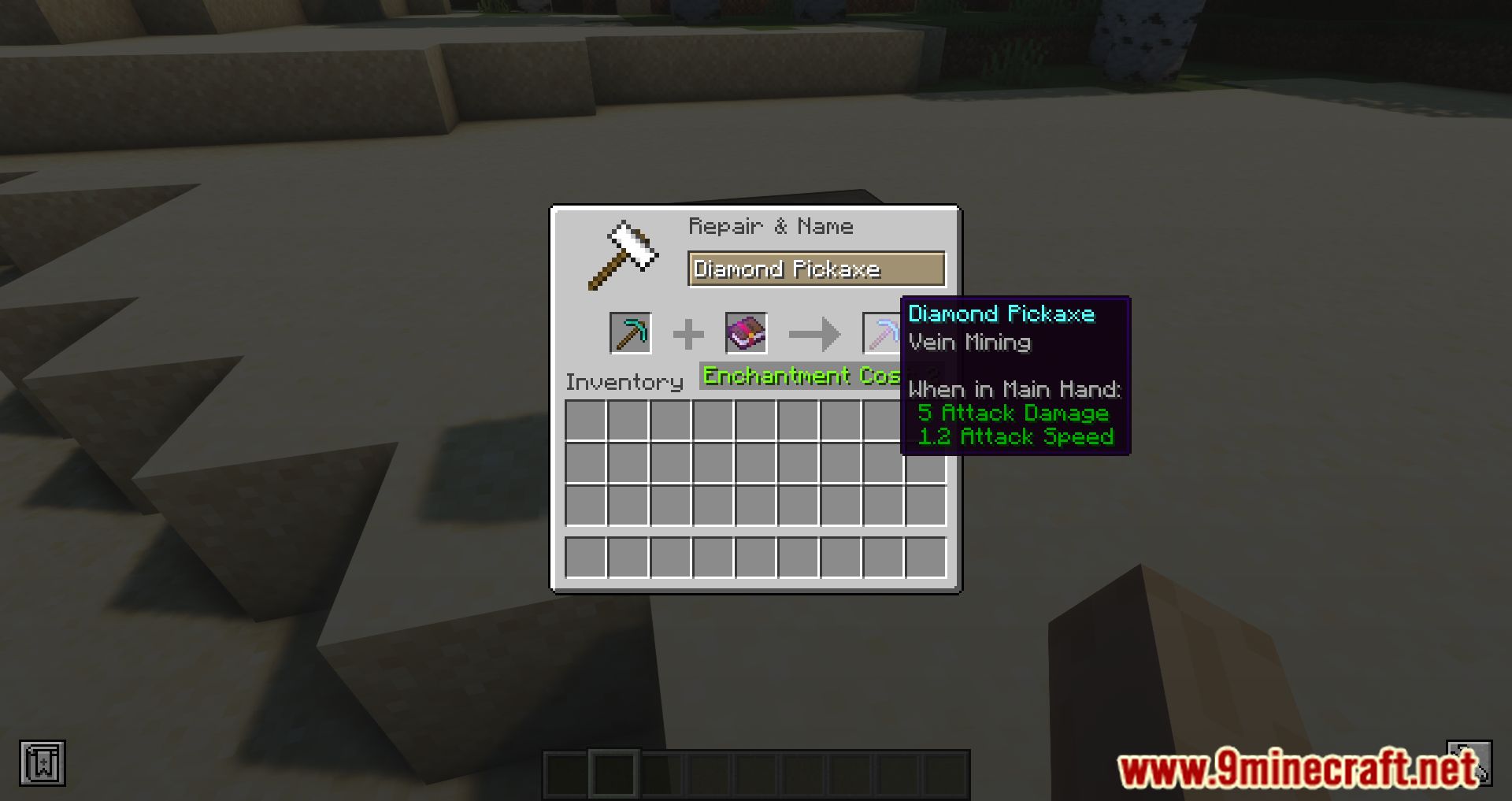
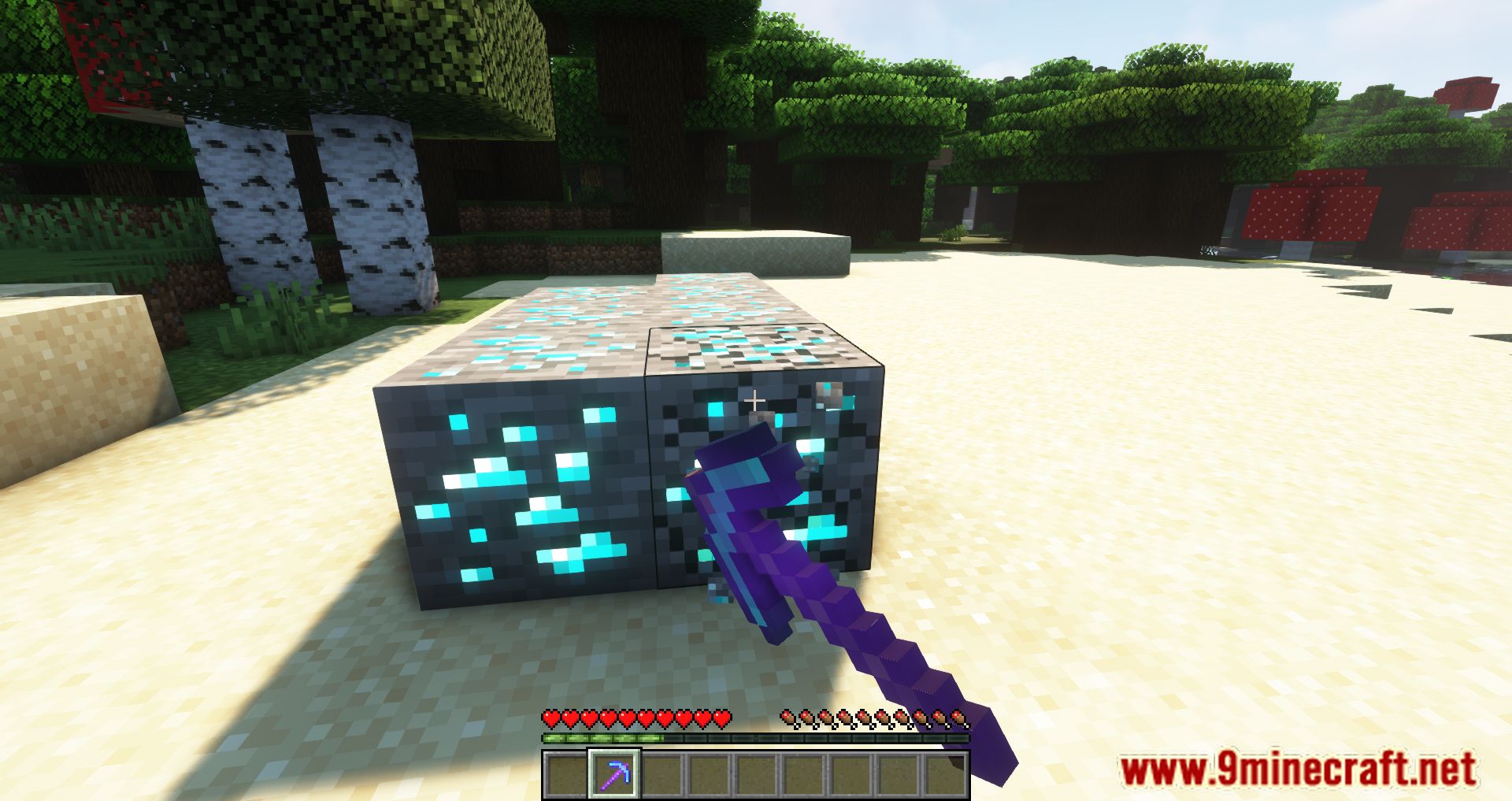
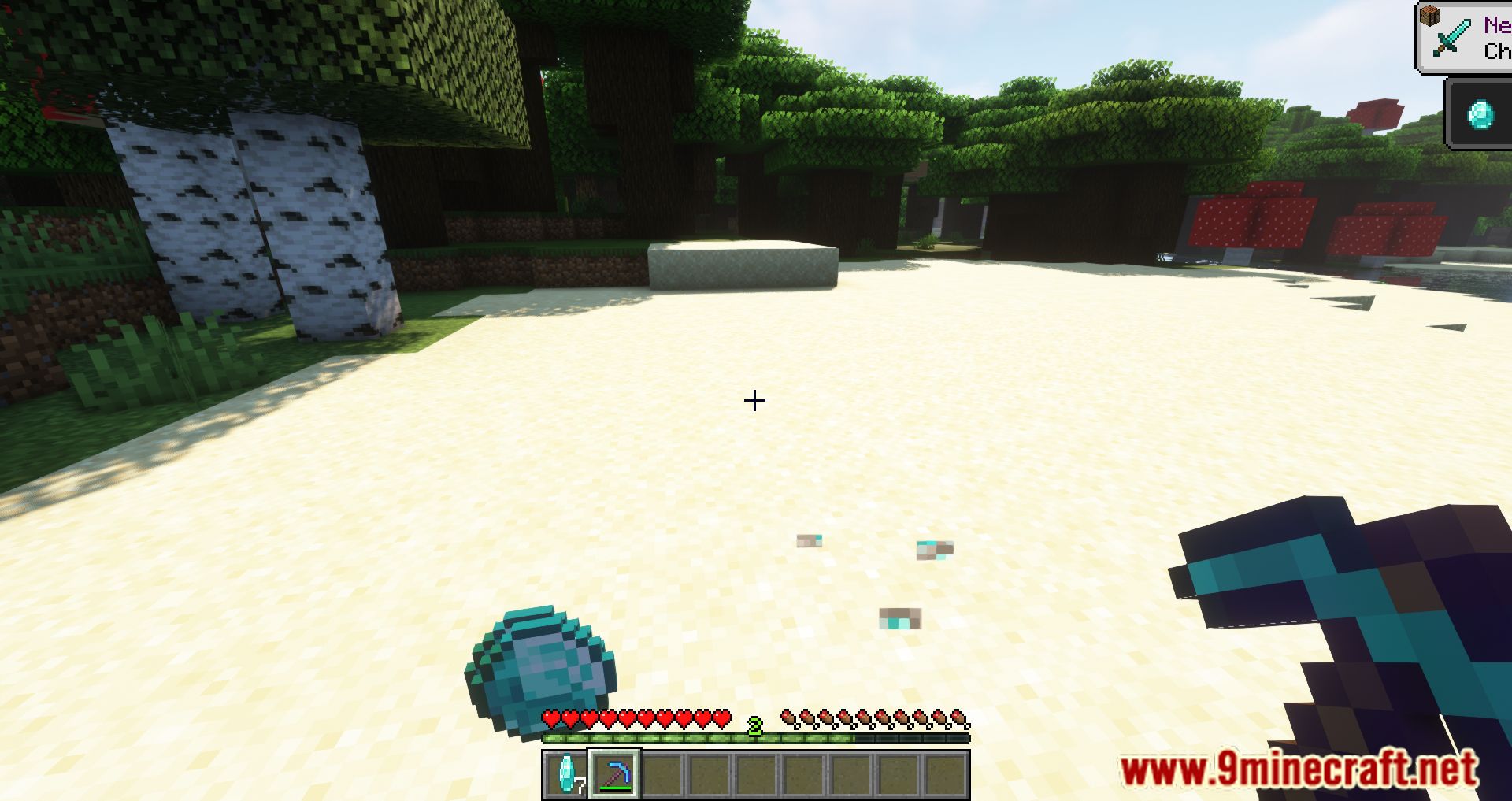
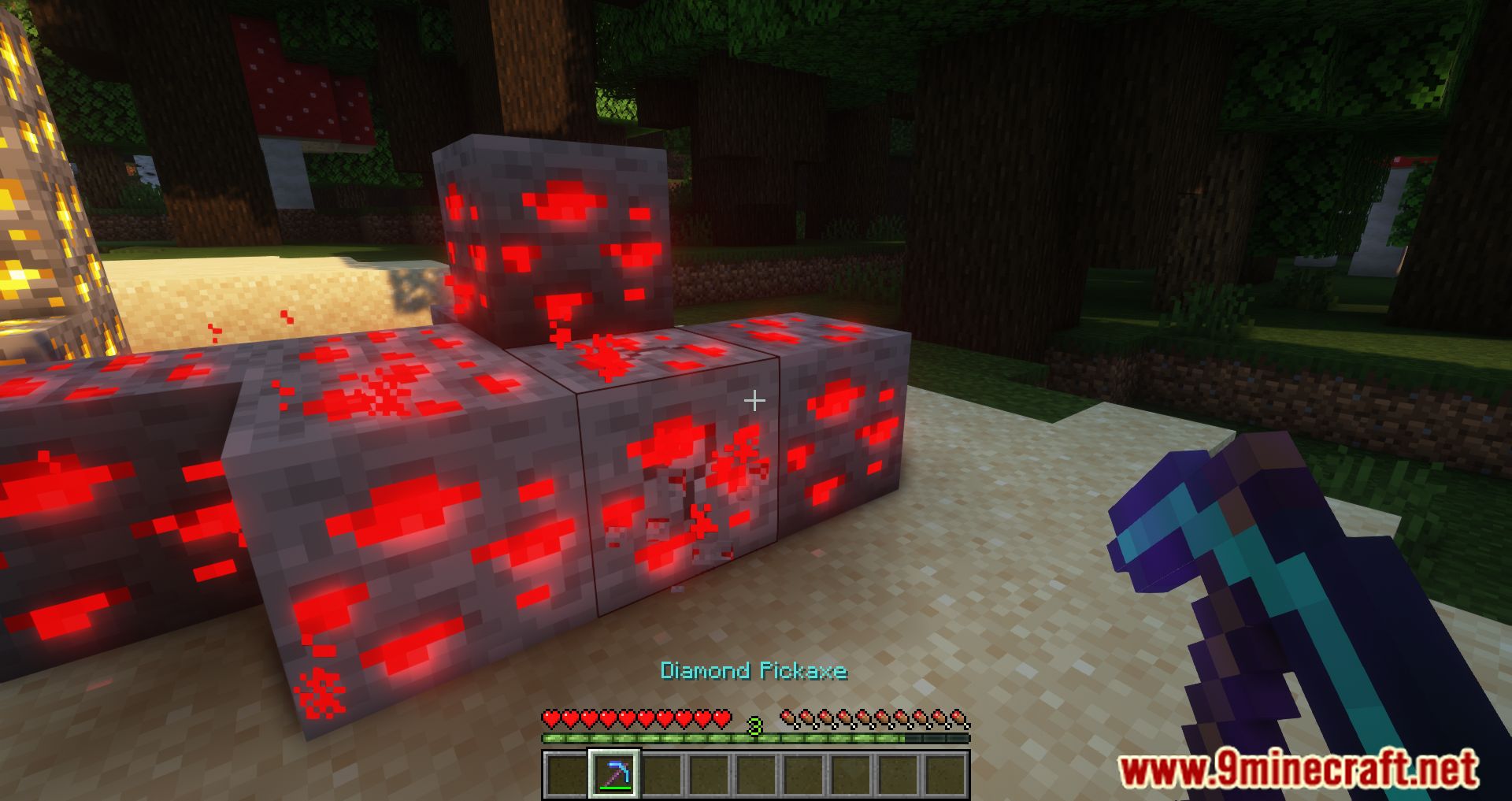
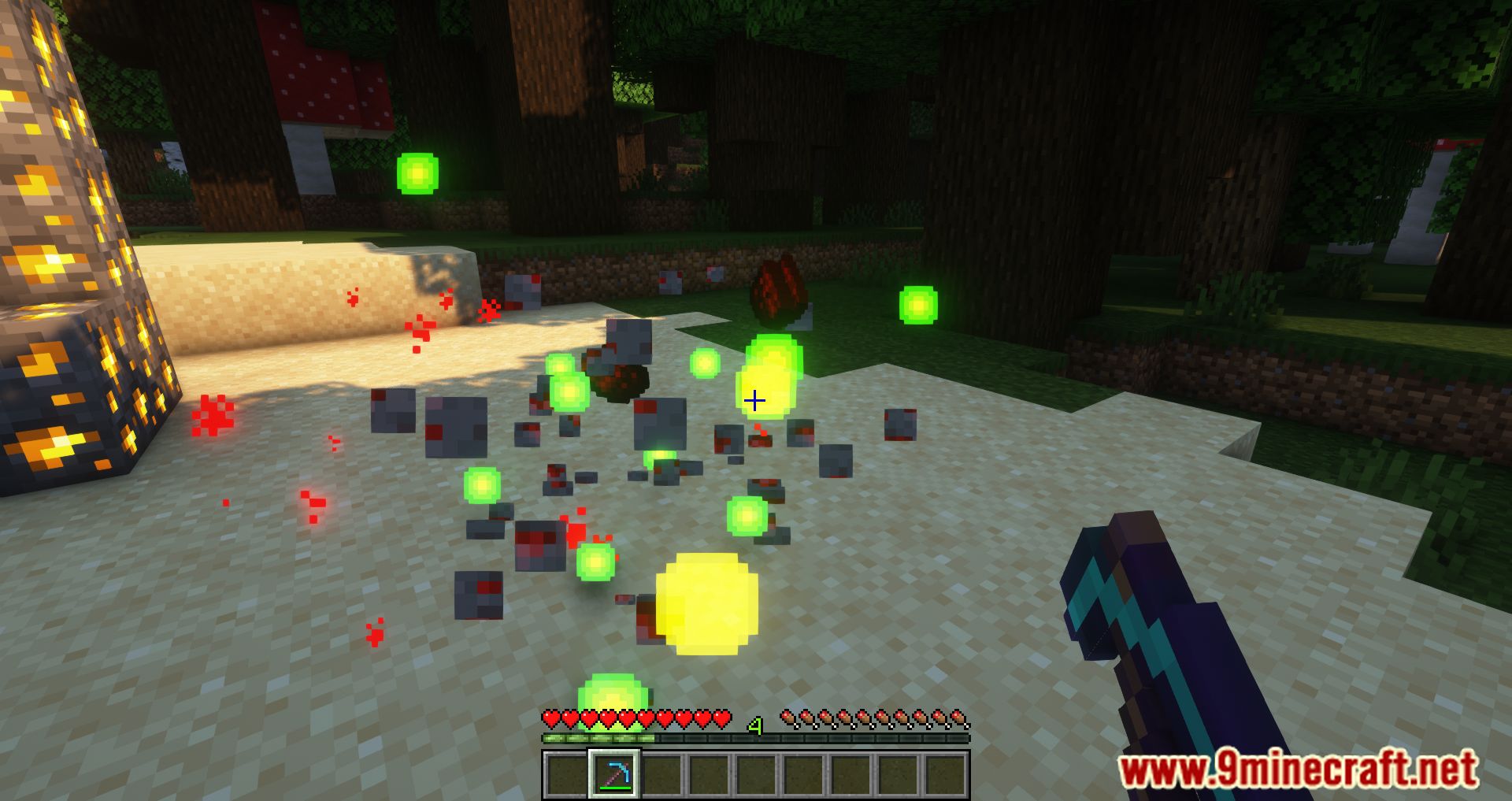
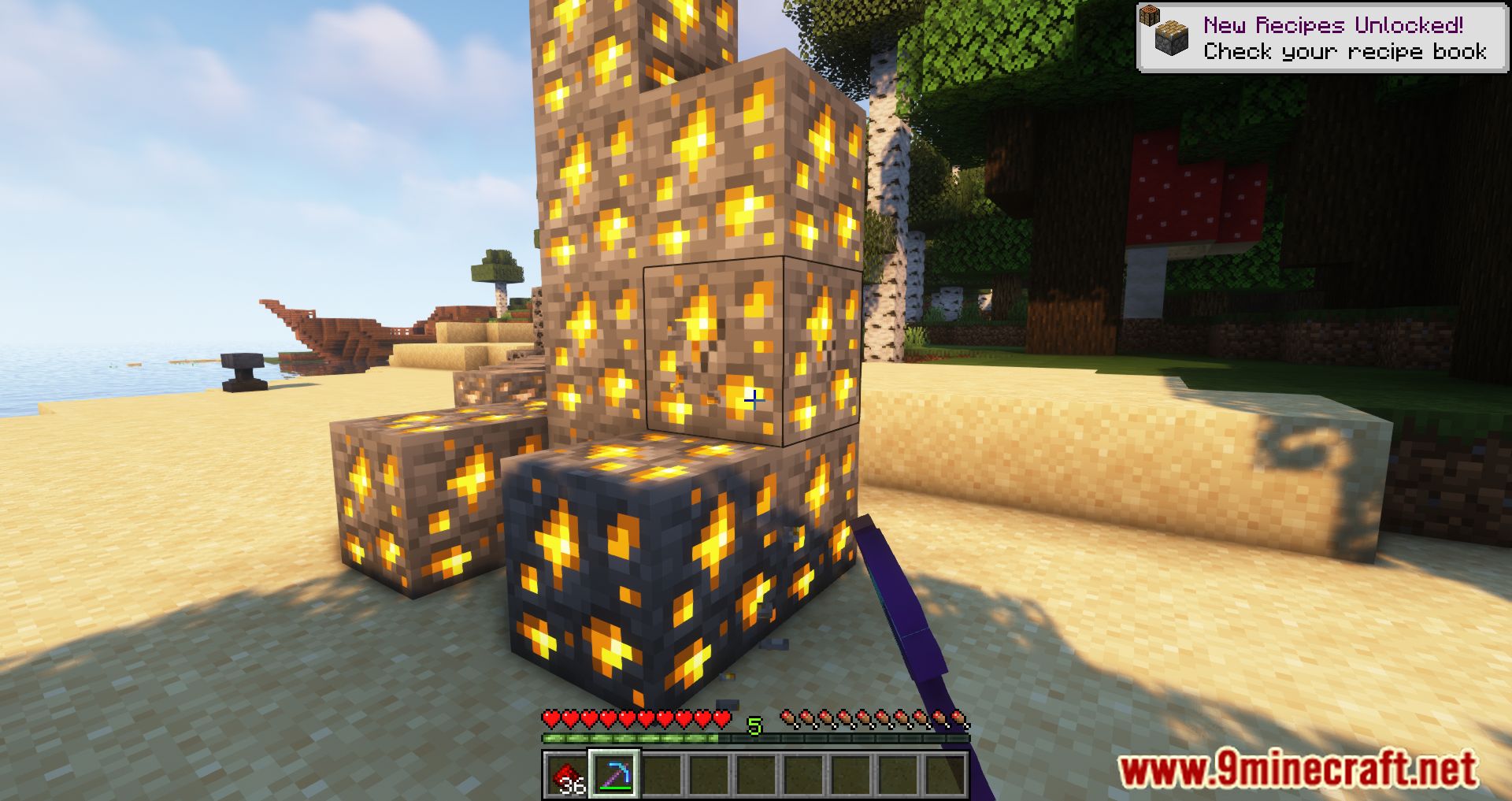
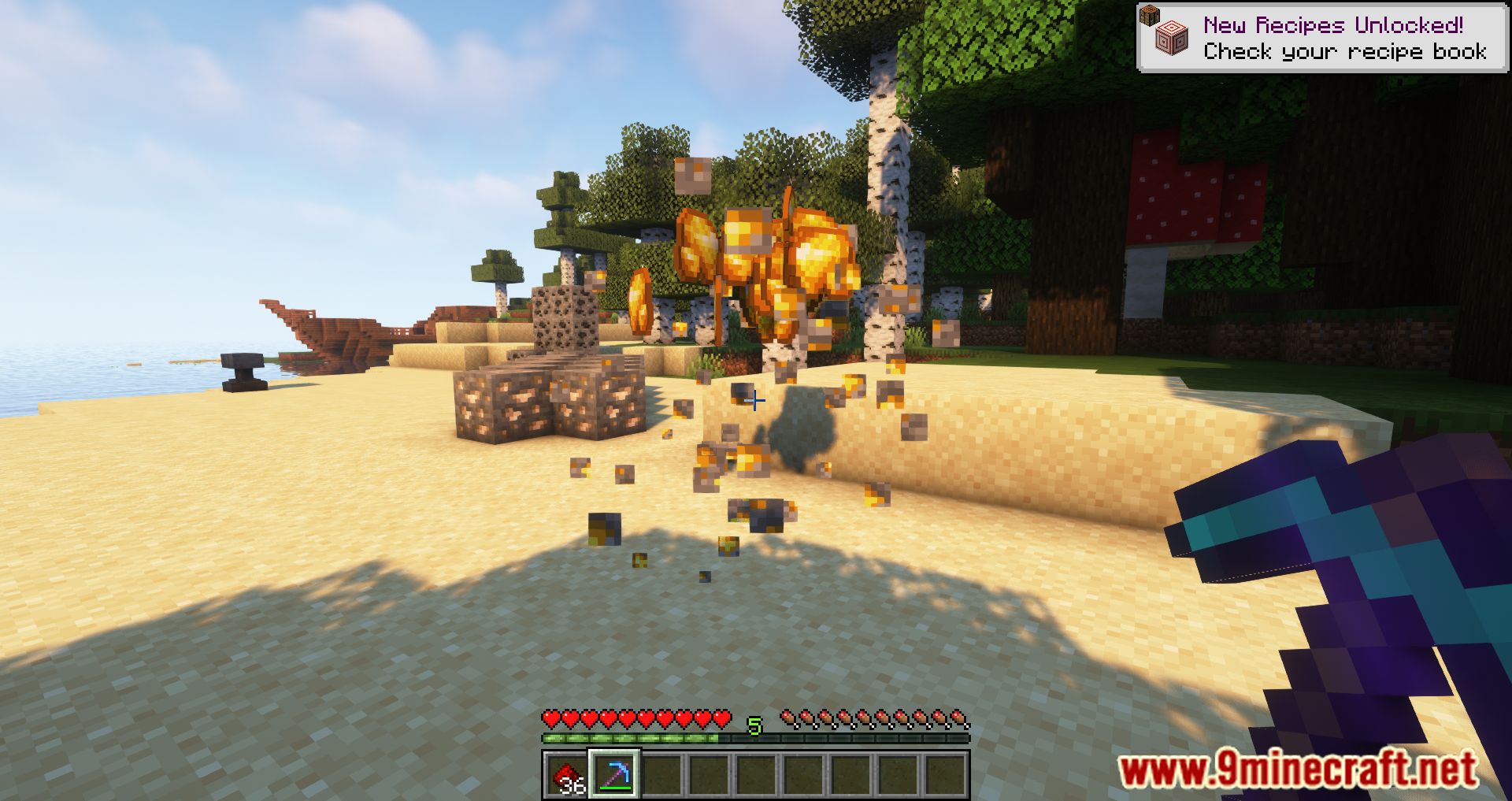
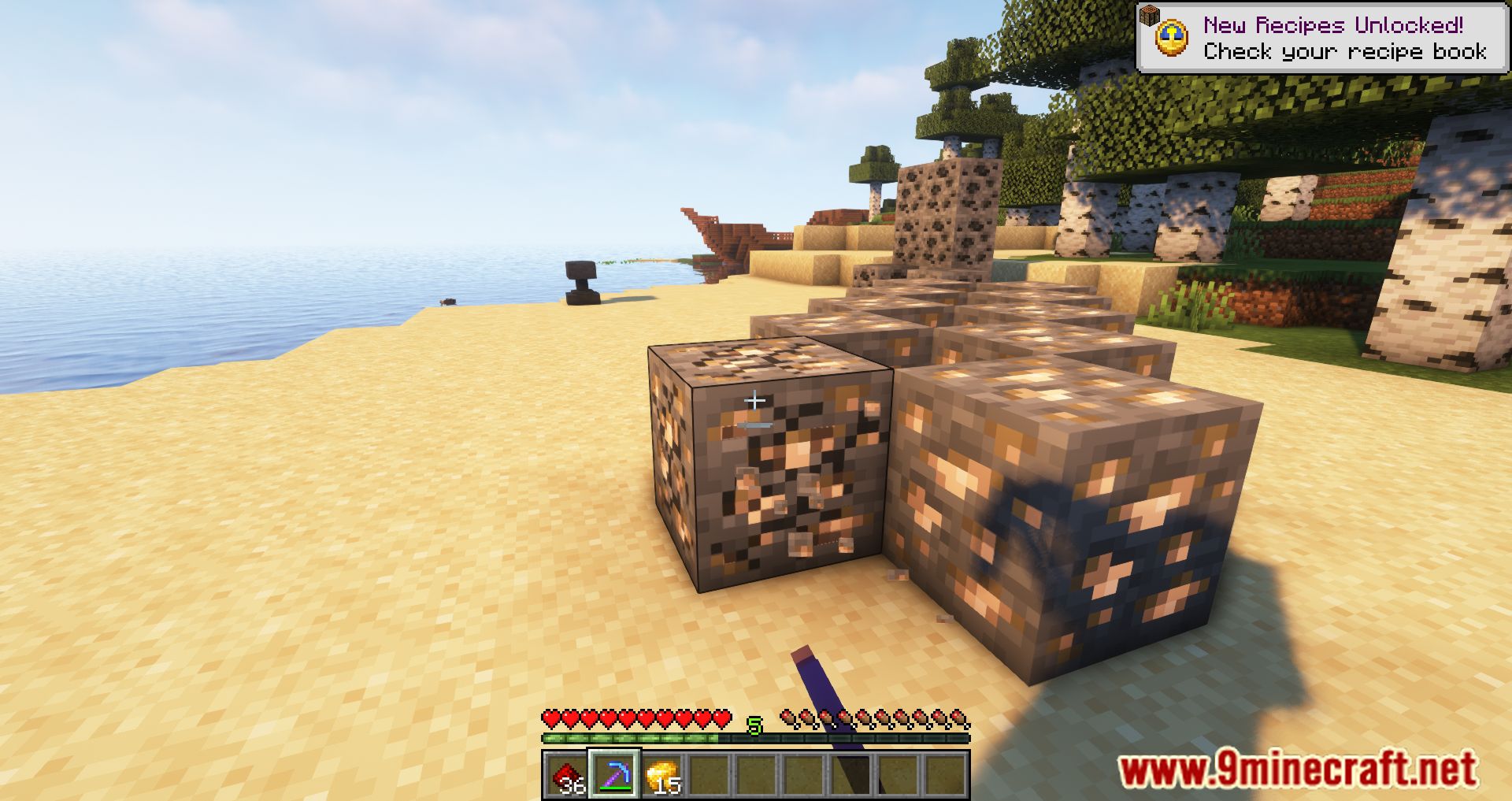
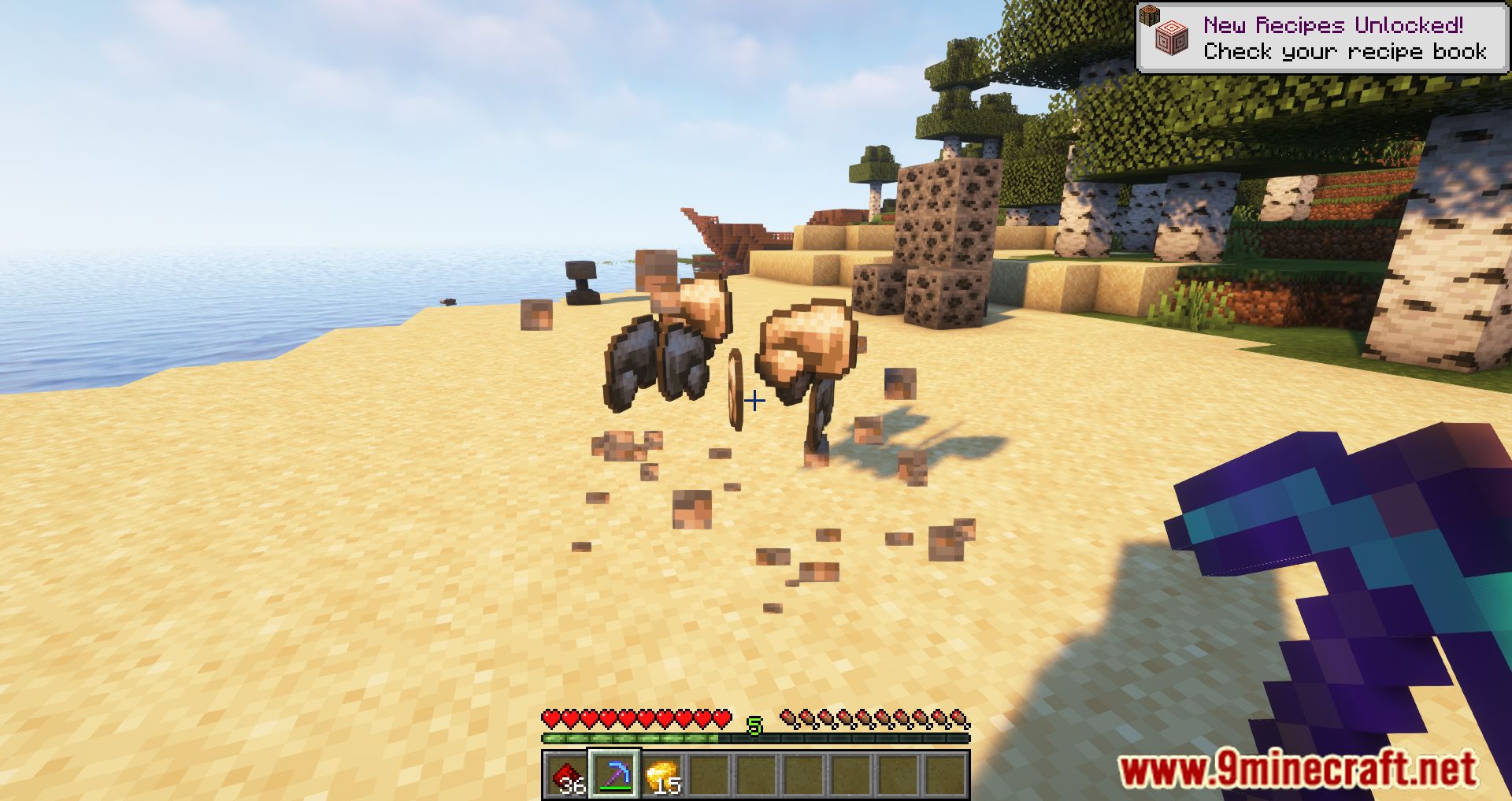
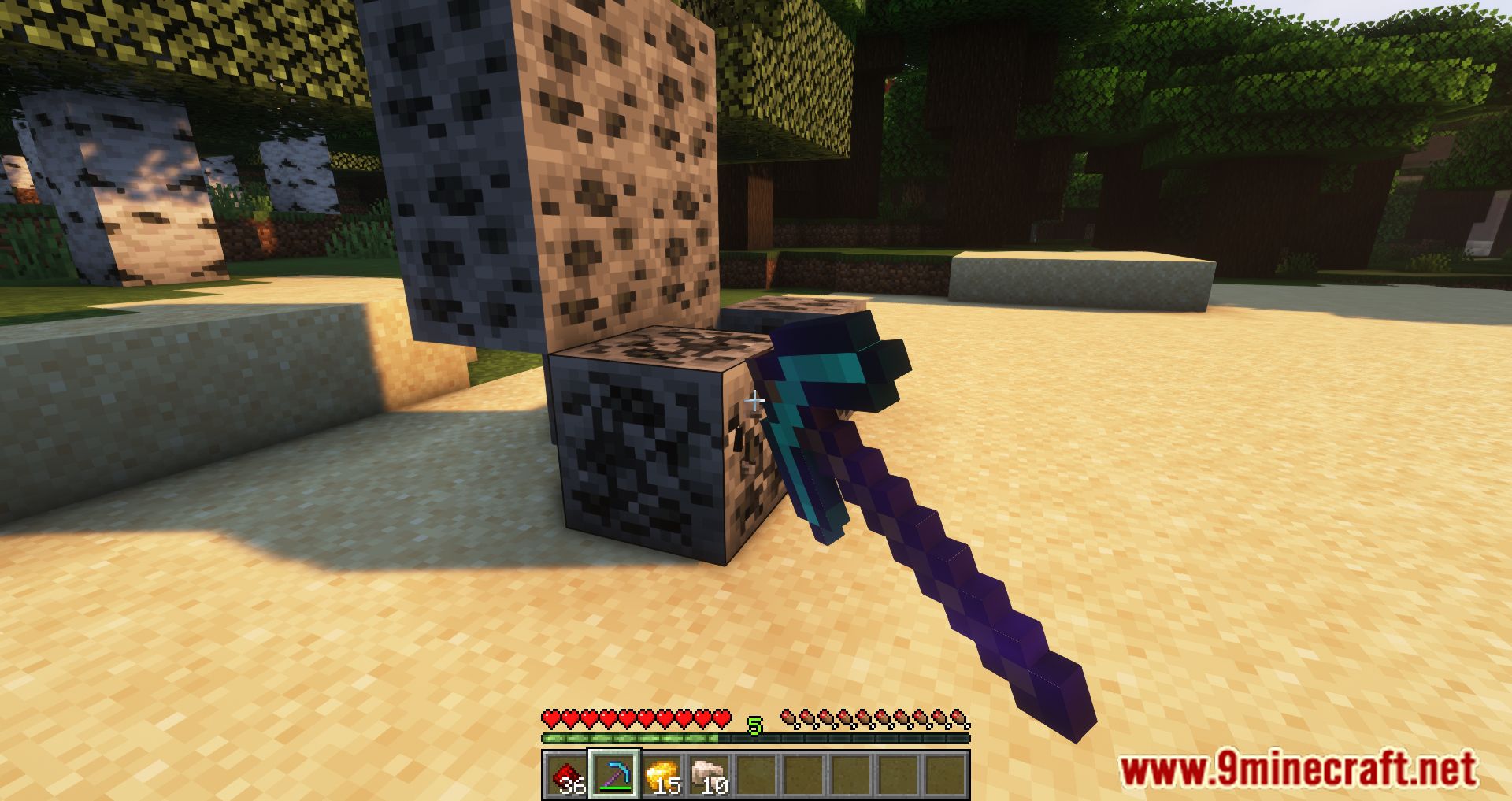
⬇ DownloadOpen in MCModsHubGet it on Google Play →Vein Mining Mod is a mod that offers us a quick and simple way to collect mineral resources. Although the mod does not add any new items to the game, it applies an effect to pickaxes when performing ore-mining tasks. With this mod installed, when you mine an ore block with any pickaxe in the game, as soon as you break one ore block, you will automatically collect all the ore blocks adjacent to the one you just mined. It’s worth noting that this functionality is applied automatically, regardless of the type or material of the pickaxe being used. In other words, there’s no need to apply any enchantments to the pickaxes or perform any additional actions-just use the pickaxe to mine.
Features:
- Break one ore block, and all adjacent ore blocks of the same type are mined automatically, saving time and effort.
- Works with all pickaxes, regardless of type or material, without requiring enchantments.
- No need to activate or configure-just start mining, and the mod takes care of the rest.
- Customizable Settings:
- Adjust the maximum number of blocks mined in one action.
- Configure activation methods, such as sneaking or keybinding.
- Set block whitelists or blacklists for more control.
Screenshots:
Vein Mining Mod Download Links
For Minecraft 1.16.5
Forge Version: Download from Server 1
Fabric Version: Download from Server 1
For Minecraft 1.17.1
Forge Version: Download from Server 1
Fabric Version: Download from Server 1
For Minecraft 1.18.1
Forge Version: Download from Server 1
Fabric Version: Download from Server 1
For Minecraft 1.18.2
Forge Version: Download from Server 1
Fabric Version: Download from Server 1
For Minecraft 1.19.2, 1.19.1, 1.19
Forge Version: Download from Server 1
Fabric Version: Download from Server 1
For Minecraft 1.19.3
Forge Version: Download from Server 1 – Download from Server 2
Fabric Version: Download from Server 1 – Download from Server 2
Quilt Version: Download from Server 1 – Download from Server 2
For Minecraft 1.19.4
Forge Version: Download from Server 1 – Download from Server 2
Fabric Version: Download from Server 1 – Download from Server 2
Quilt Version: Download from Server 1 – Download from Server 2
For Minecraft 1.20.1, 1.20
Forge Version: Download from Server 1 – Download from Server 2
Fabric Version: Download from Server 1 – Download from Server 2
Quilt Version: Download from Server 1 – Download from Server 2
For Minecraft 1.20.2
Forge Version: Download from Server 1 – Download from Server 2
Fabric Version: Download from Server 1 – Download from Server 2
For Minecraft 1.20.4
Forge Version: Download from Server 1 – Download from Server 2
NeoForge Version: Download from Server 1 – Download from Server 2
Fabric Version: Download from Server 1 – Download from Server 2
For Minecraft 1.20.6
Forge Version: Download from Server 1 – Download from Server 2
NeoForge Version: Download from Server 1 – Download from Server 2
Fabric Version: Download from Server 1 – Download from Server 2
For Minecraft 1.21.1, 1.21
Forge Version: Download from Server 1 – Download from Server 2
NeoForge Version: Download from Server 1 – Download from Server 2
Fabric Version: Download from Server 1 – Download from Server 2
- Download size: 64 KB
- Download link checked 15 Jul 2026 — working
- Mirrored on our own servers — the download does not depend on the original host
These come from our own check of the pack file, not from the source page.