Global GameRules Mod allows for global GameRules that applies when a world is loaded. Also allows for default world difficulty when loaded and locking of the difficulty. When locking a worlds difficulty it can’t be unlocked again and it’s done after any difficulty changes. A locked world won’t have it’s difficulty changed when loaded. All changes made to the GameRules or the difficulty in one world is applied to all other worlds when they are loaded and saved to the config.
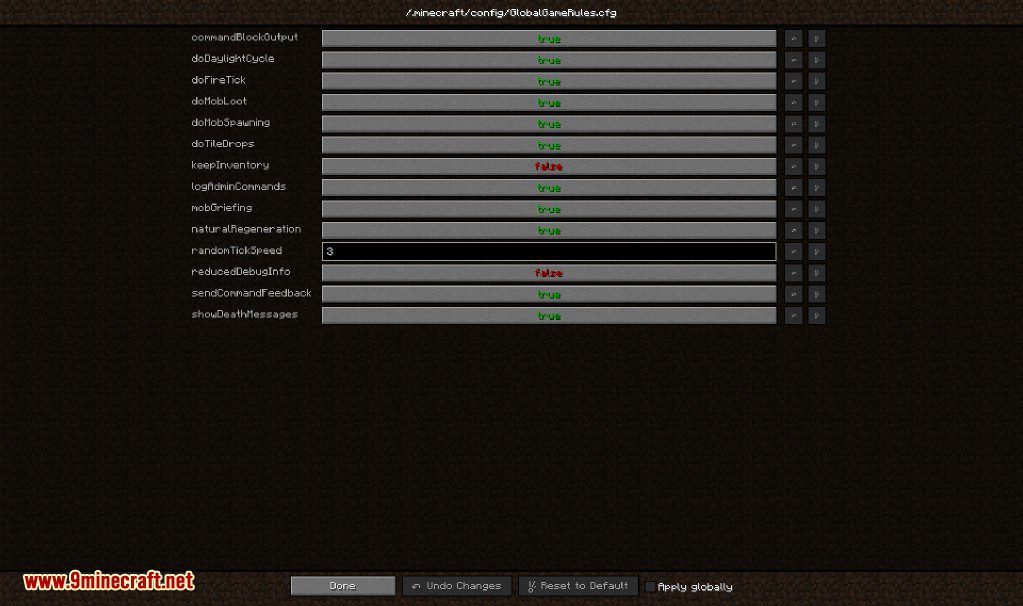
Changes made in either config file or in-game config gui is applied on world loads.
Screenshots:
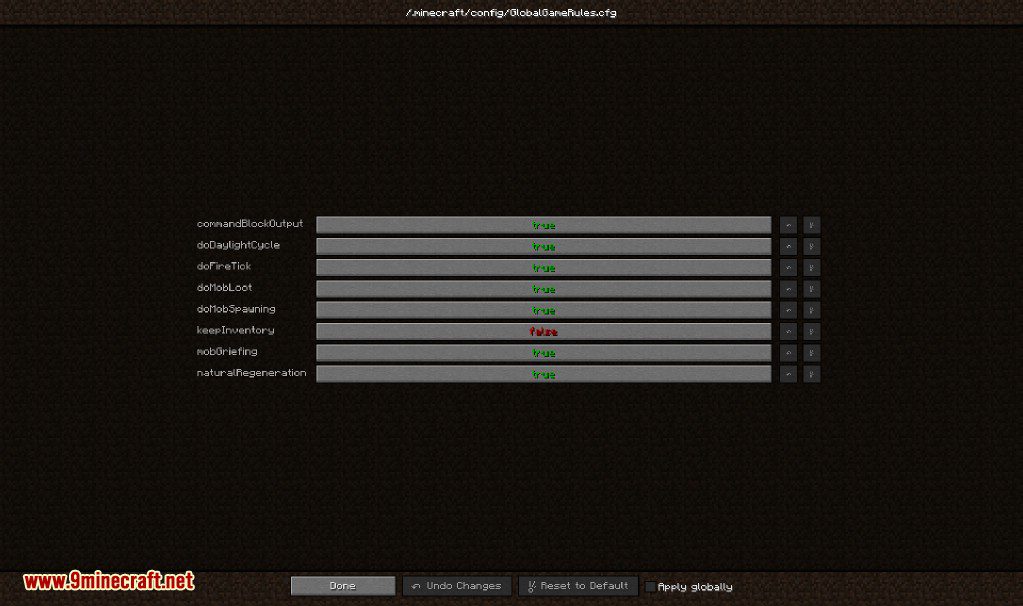
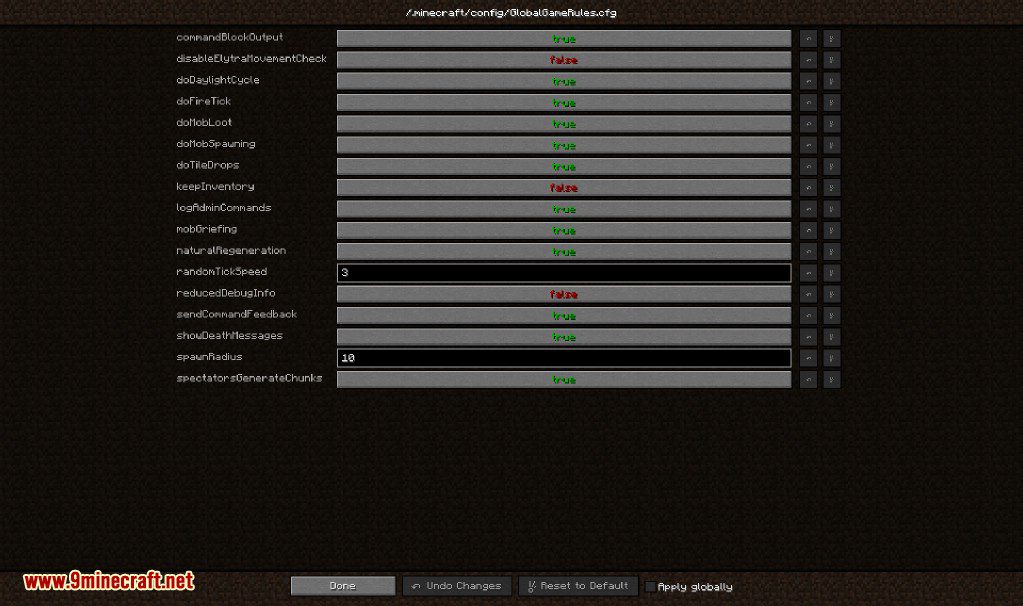
Default Config
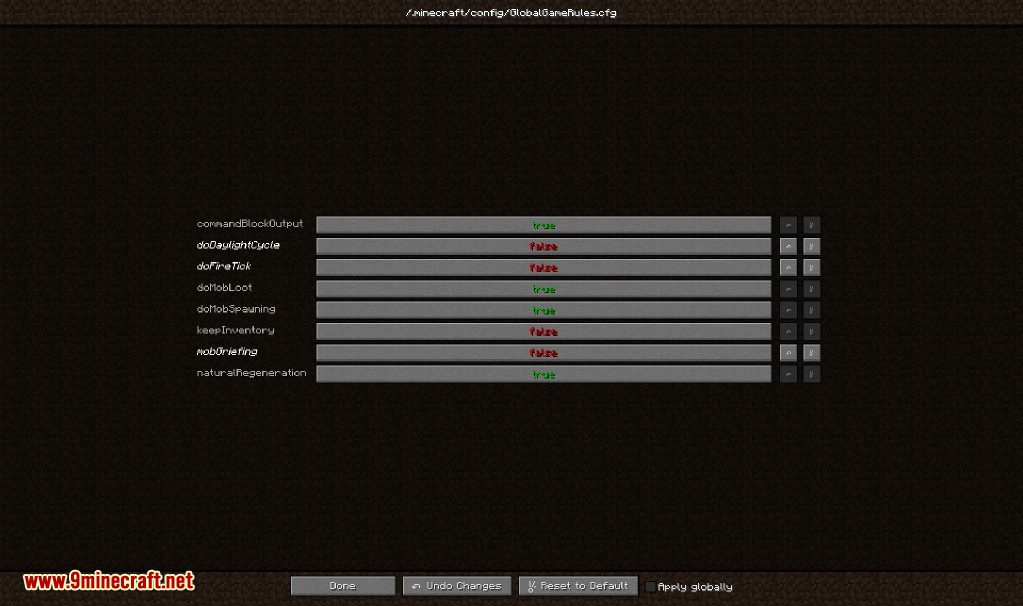
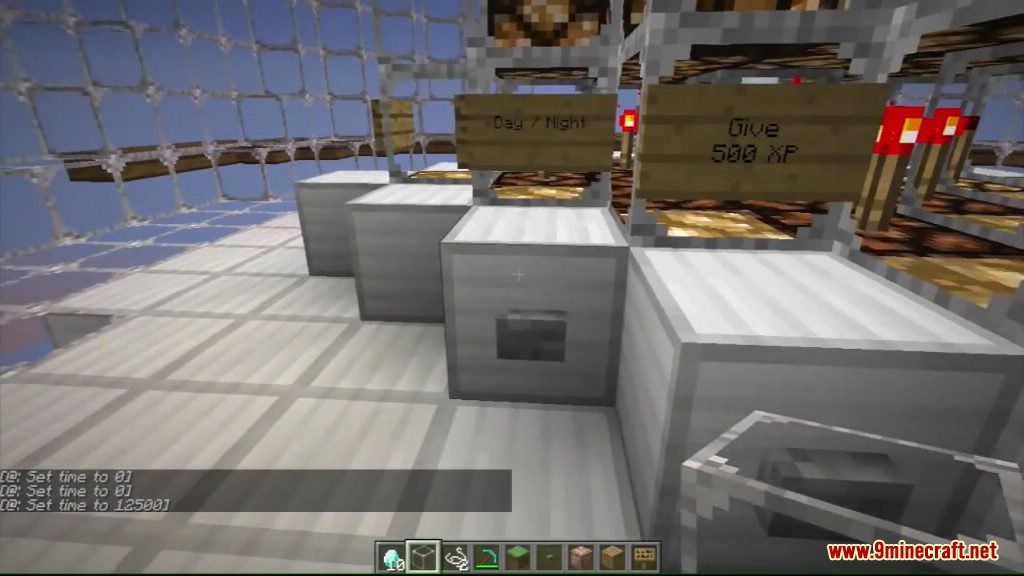
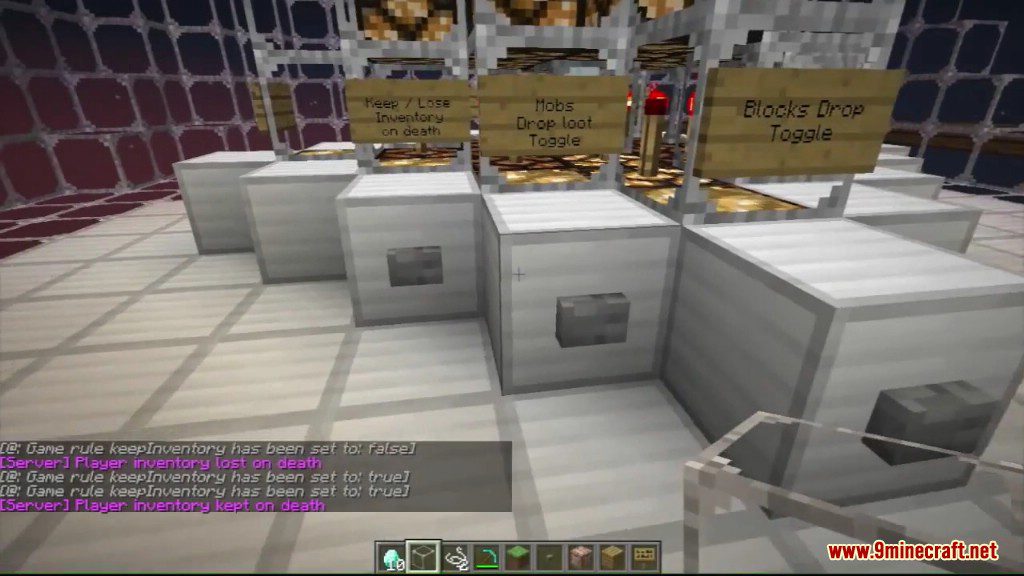
Example of changed config


Global GameRules Mod Download Links
For Minecraft 1.7.10
Forge version: Download from Server 1
For Minecraft 1.20.1, 1.20
Forge version: Download from Server 1 – Download from Server 2
For Minecraft 1.19.4
Forge version: Download from Server 1 – Download from Server 2
For Minecraft 1.19.3
Forge version: Download from Server 1 – Download from Server 2
For Minecraft 1.19.2
Forge version: Download from Server 1
For Minecraft 1.18.2, 1.18.1
Forge version: Download from Server 1
For Minecraft 1.16.5
Forge version: Download from Server 1
For Minecraft 1.15.2
Forge version: Download from Server 1
For Minecraft 1.12.2, 1.12.1, 1.12
Forge version: Download from Server 1
- Edition: Minecraft Java
- File type: .jar
- Minecraft versions listed: 1.20.1, 1.19.2
- How to install: Install the matching mod loader (Forge, Fabric or NeoForge) for your Minecraft version. → Download the .jar. → Put it in the .minecraft/mods folder and launch that loader profile.
- Where to get it: In MC Java Mods, or directly above on this page.
Install steps are the general flow for this file type — How to install Minecraft Java mods & modpacks walks through it step by step.
- Downloads as 196391.mcaddon
- Download size: 8 KB
- Download link checked 17 Jul 2026 — working
- Mirrored on our own servers — the download does not depend on the original host
These come from our own check of the pack file, not from the source page.