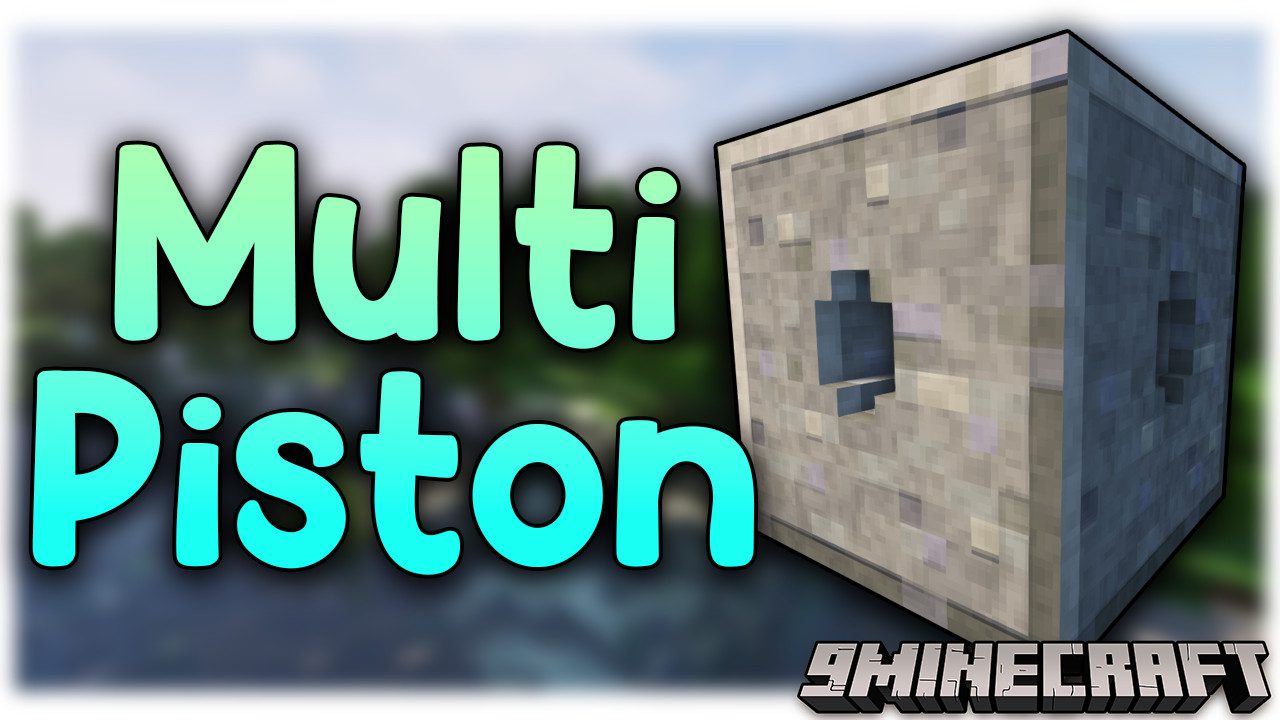
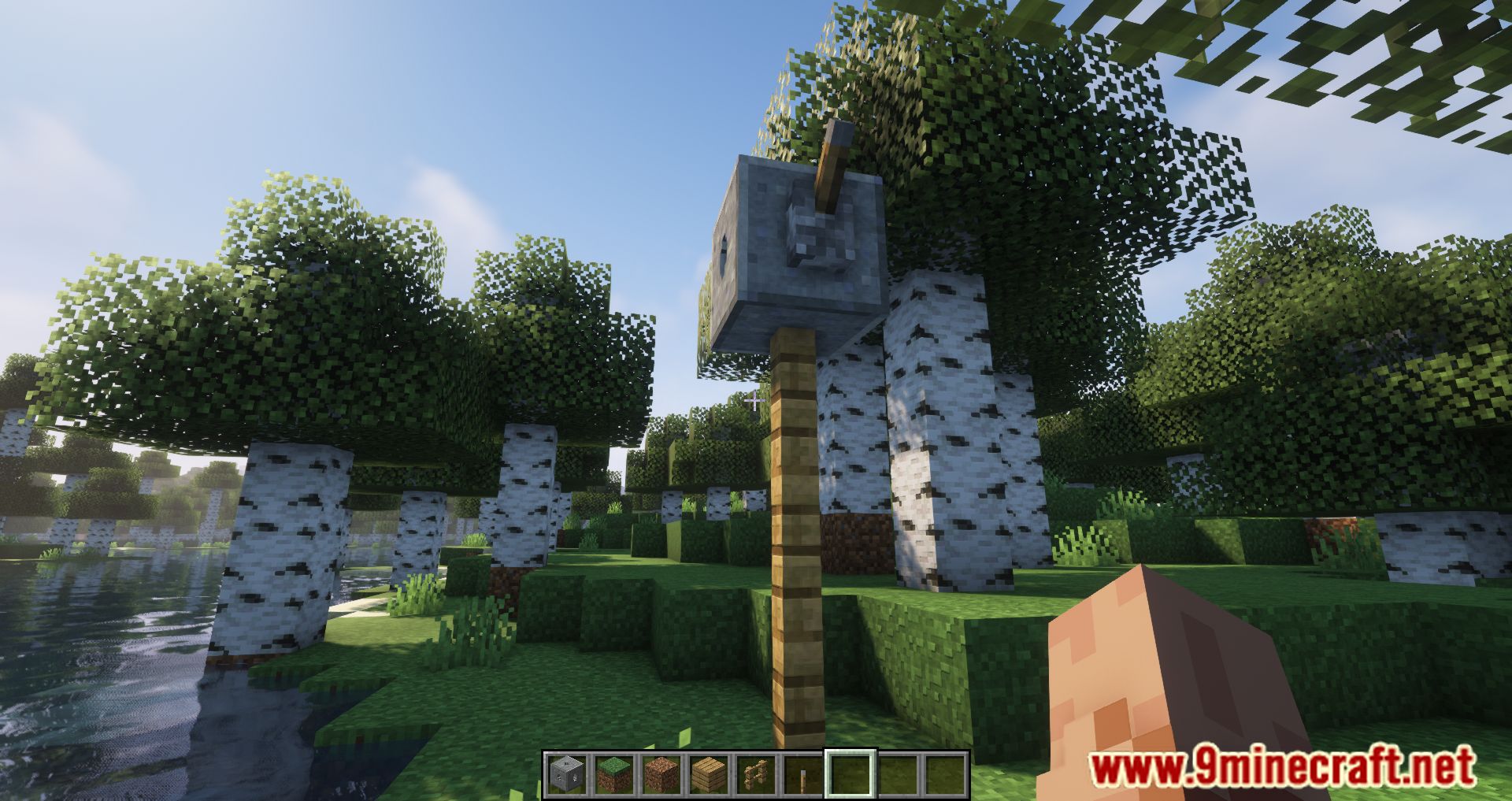
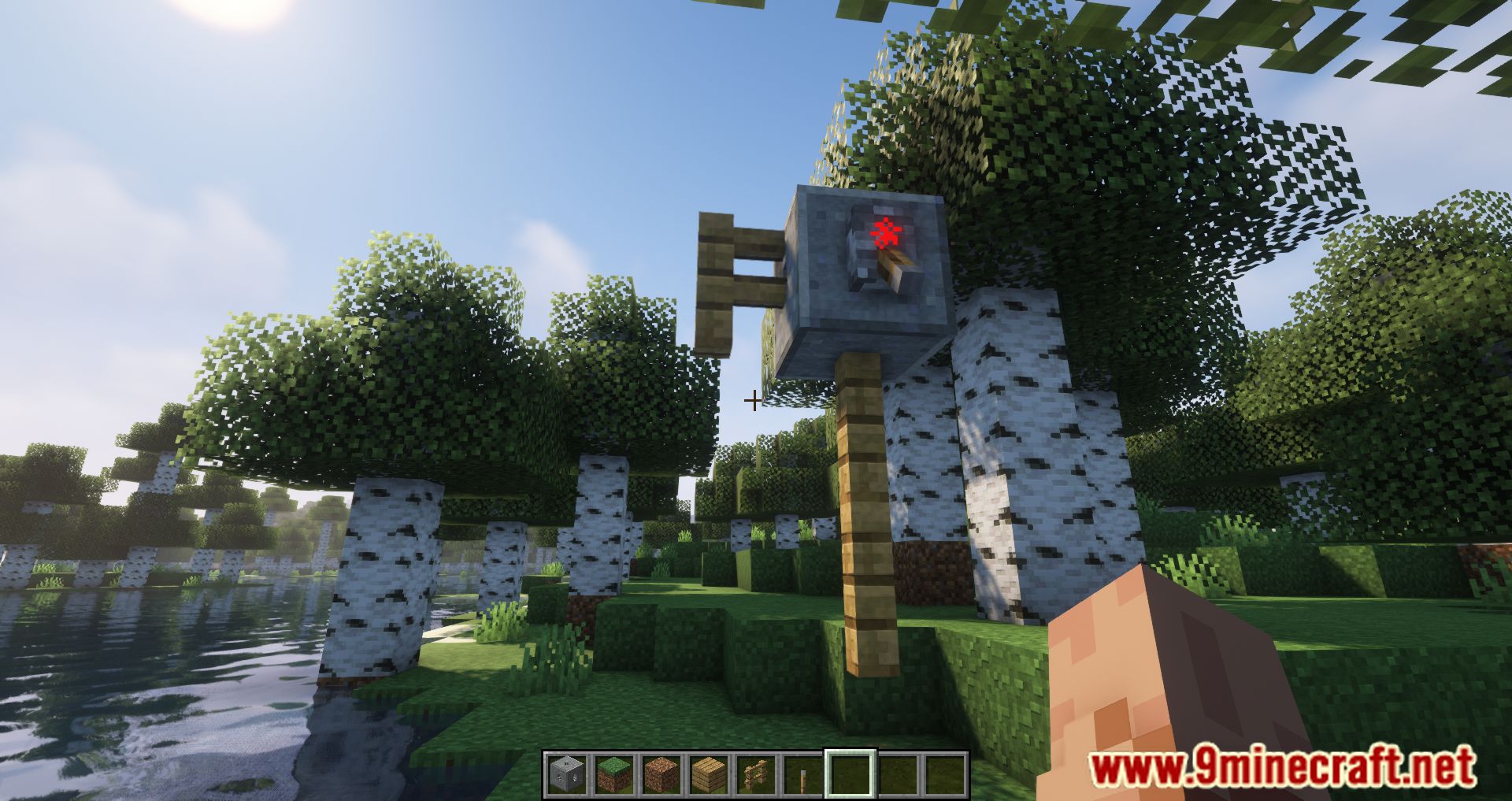
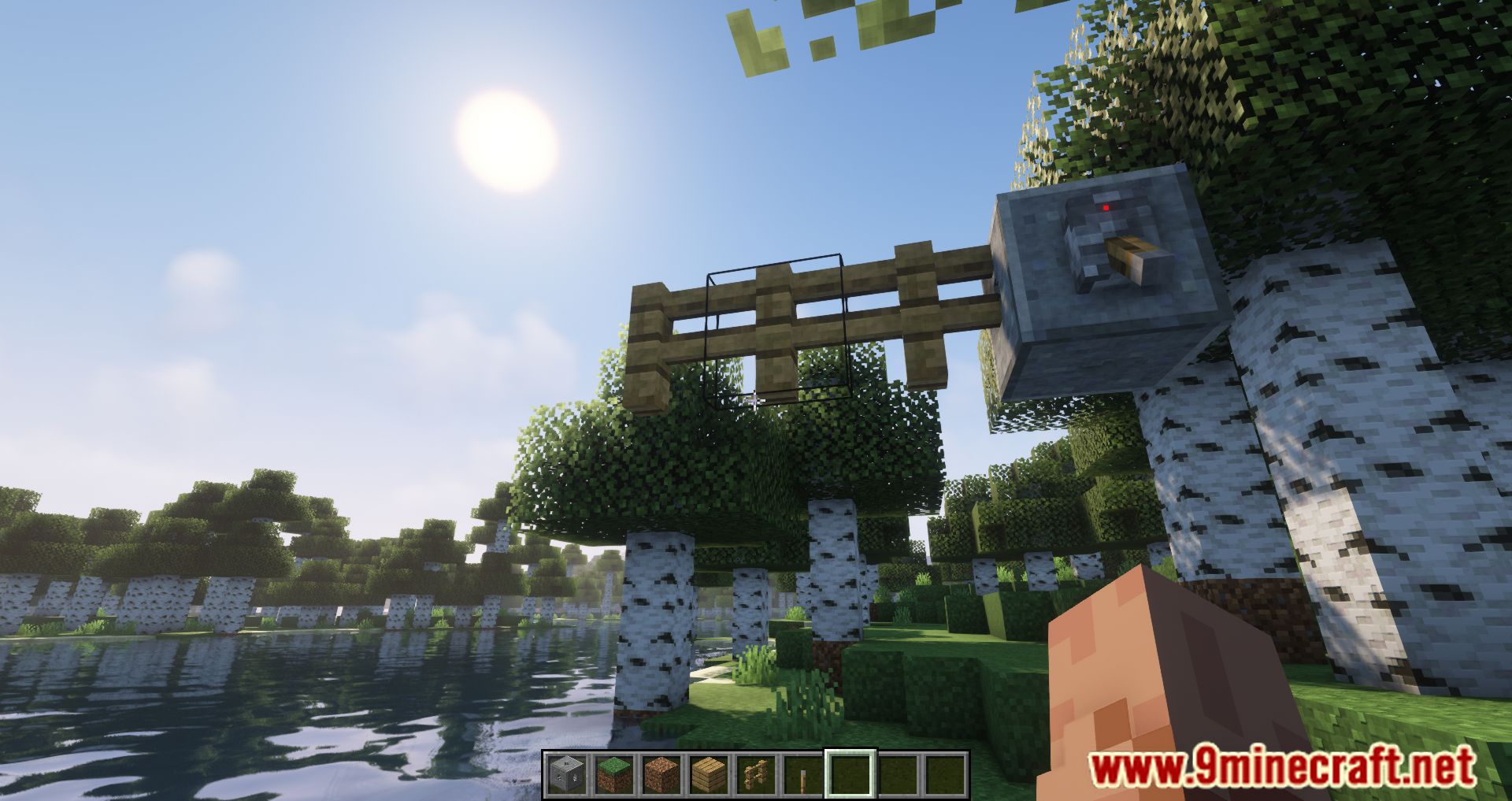
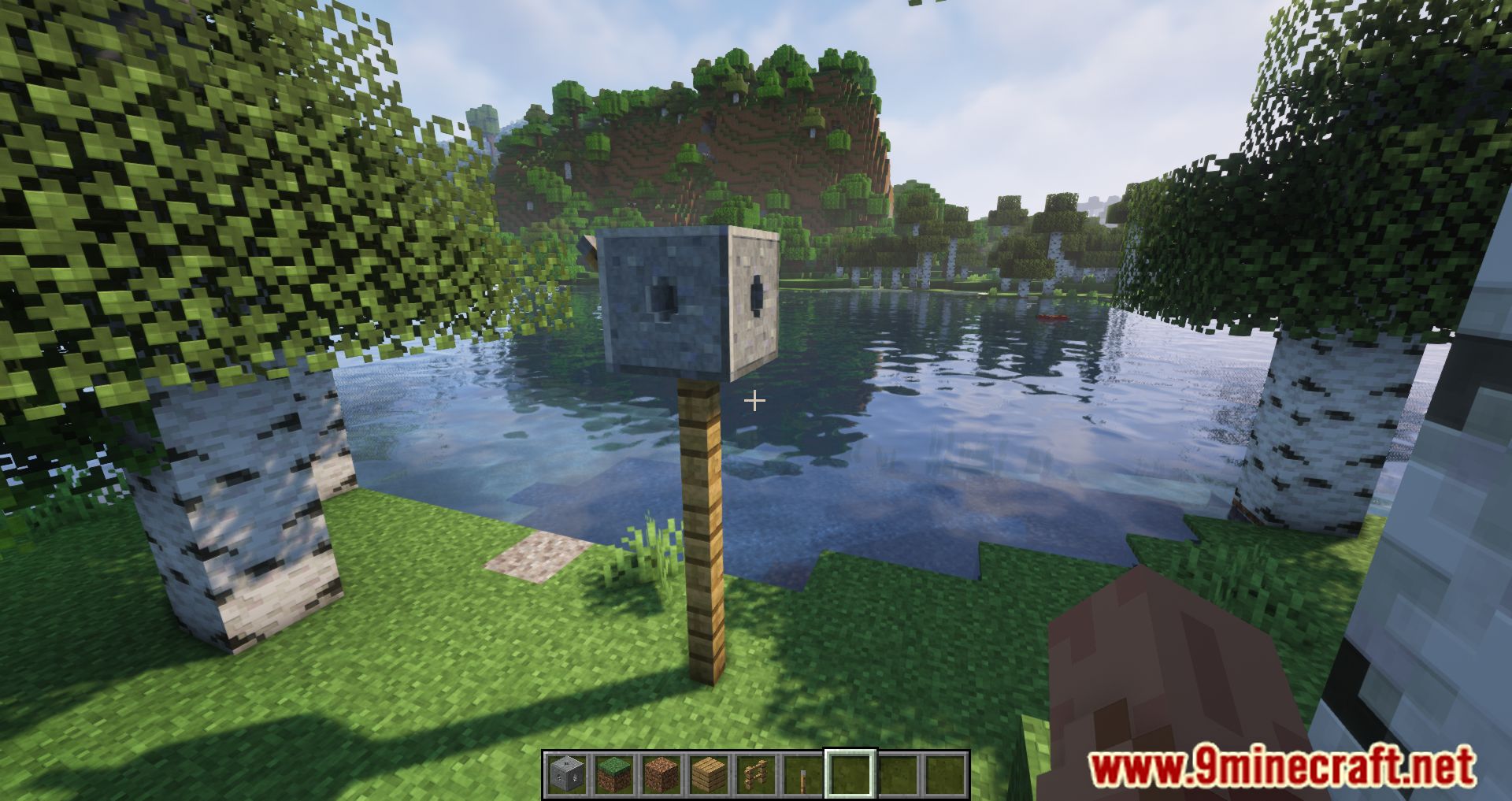
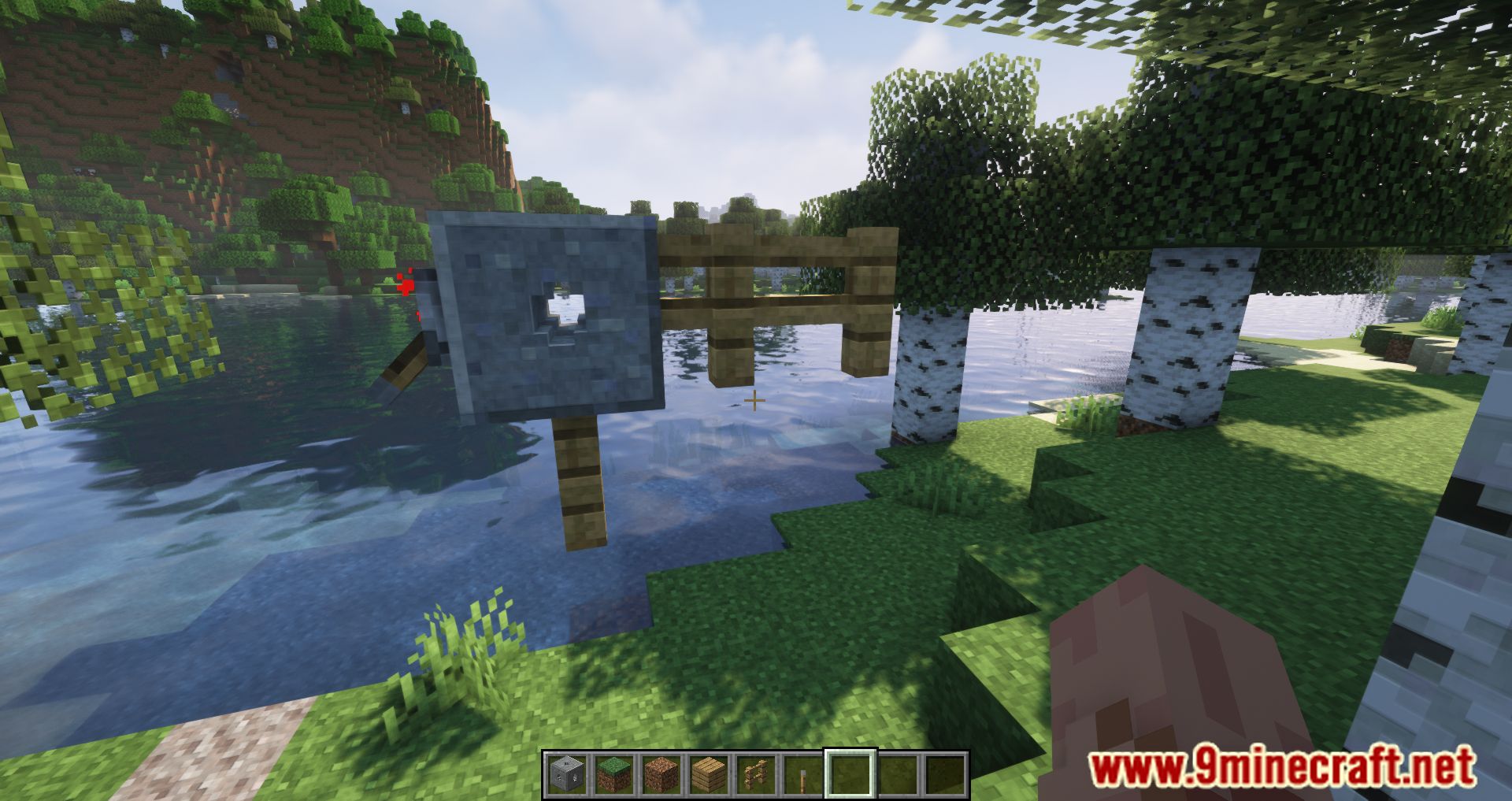
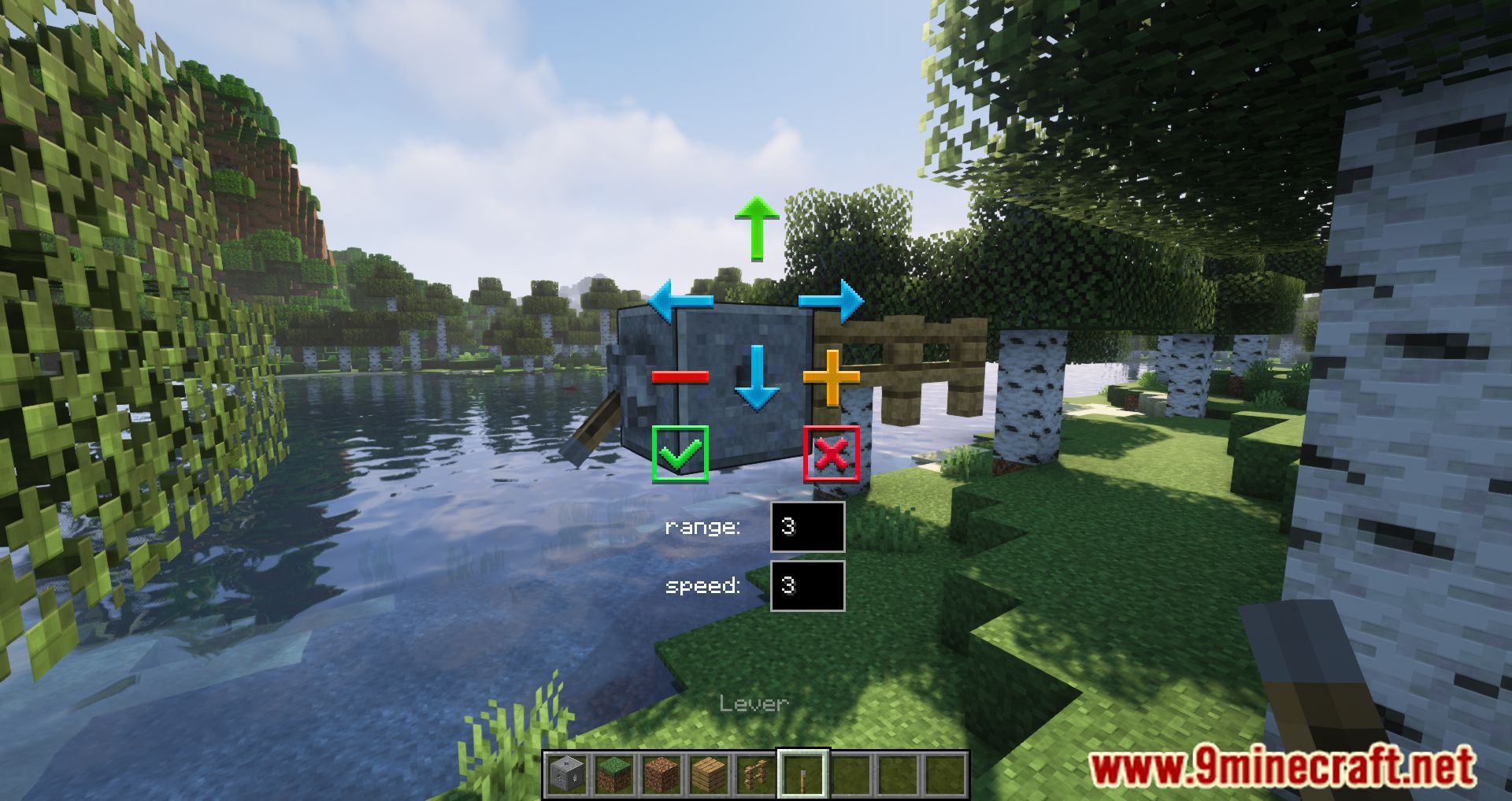
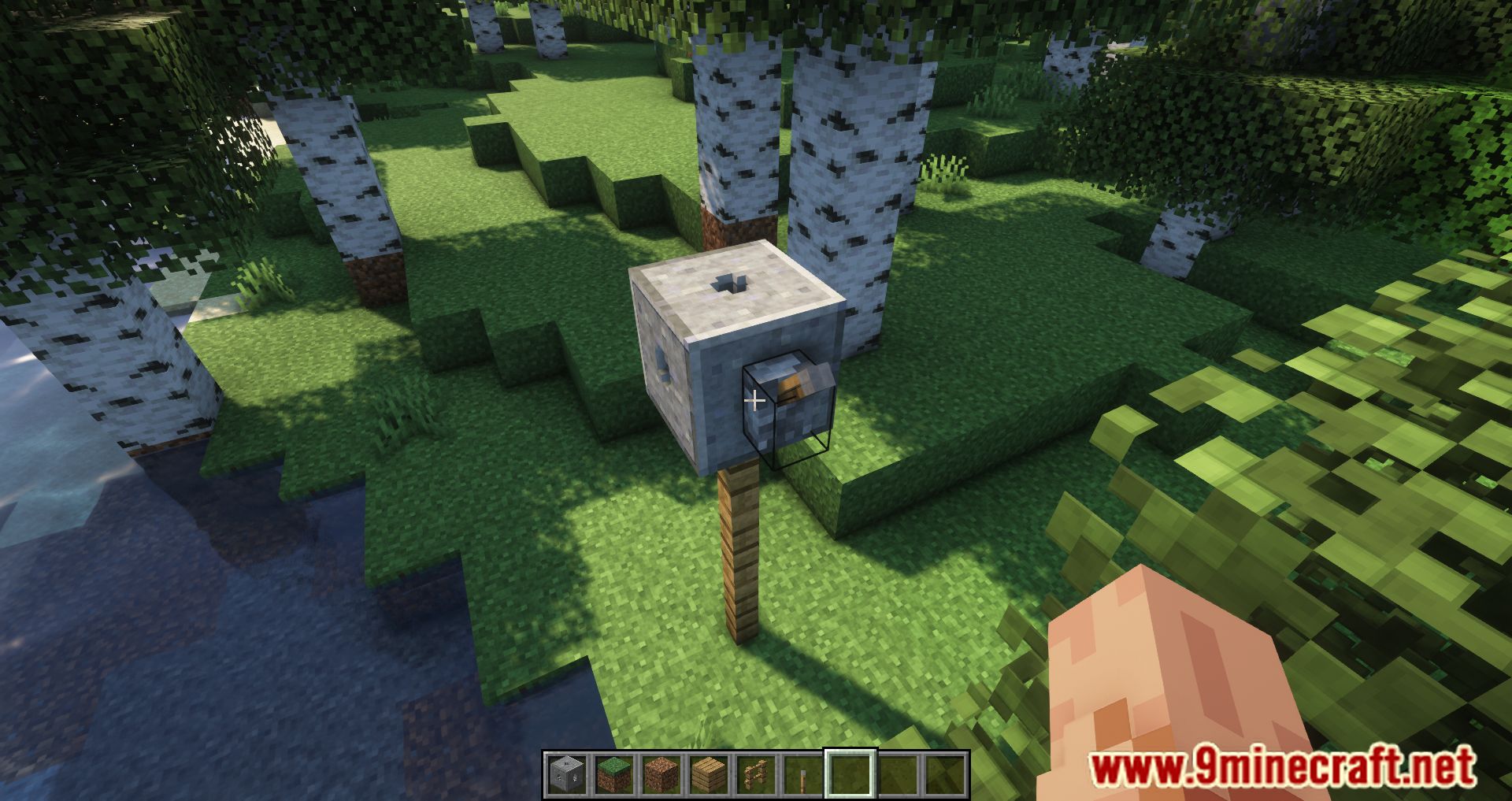
Multi-Piston Mod adds a block to the game that allows you to ‘grab’ blocks from one side and place them on the other side or at an angle. This makes it fairly simple to create sliding gates or bridges without complex combinations of pistons or the use of command blocks. Once the block is placed, you can configure the direction of movement, the number of blocks involved, as well as the speed of movement.
Features:
- The mod enables you to “grab” blocks from one side and place them on another side or at an angle.
- You can configure the direction, range (up to 10 blocks), and speed (up to 3) of block movement.
- Works with buttons, levers, and other redstone inputs, just like standard pistons.
- Makes it easier to build sliding gates, bridges, and other structures without complex piston setups or command blocks.
Screenshots:
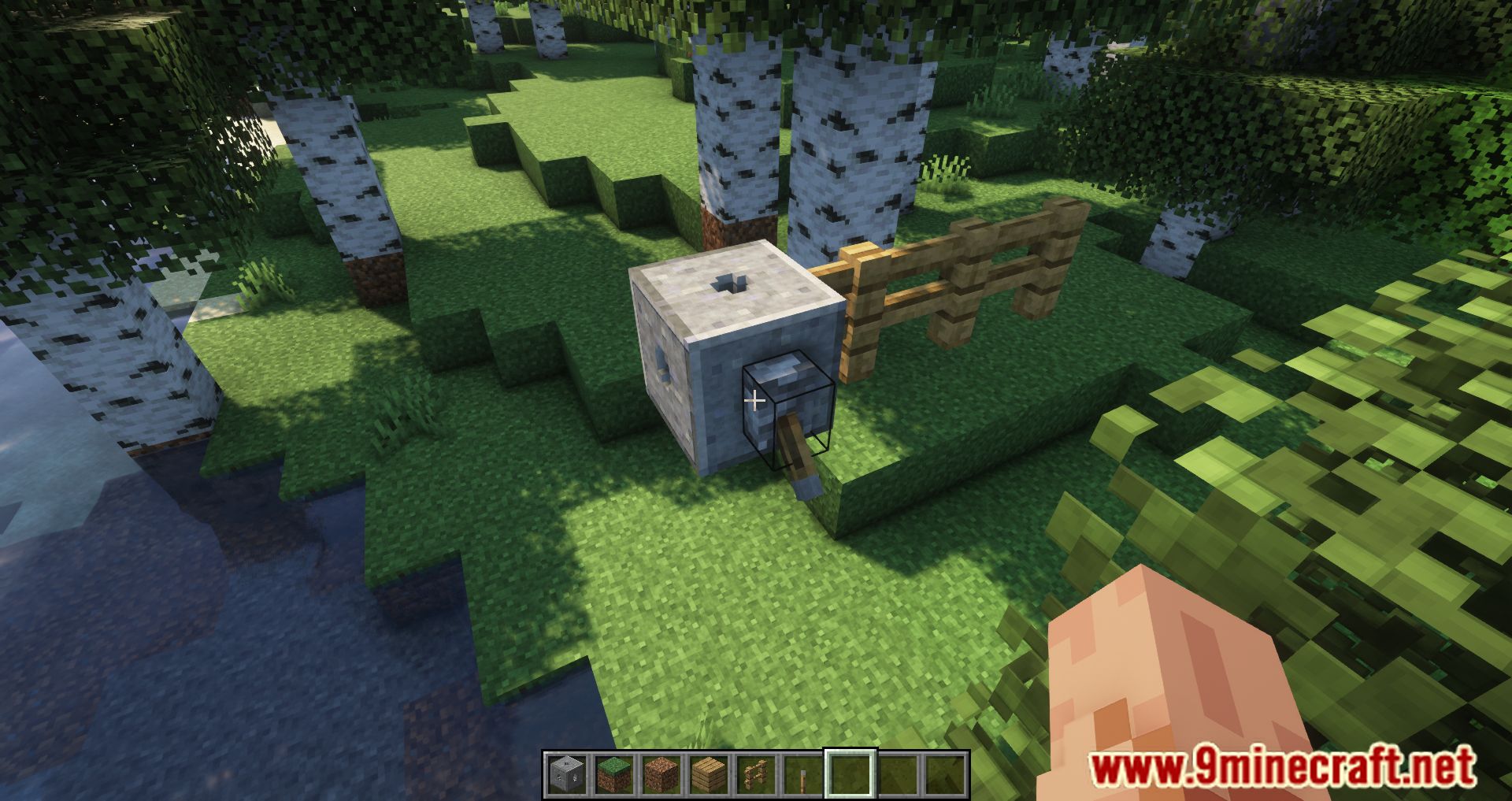
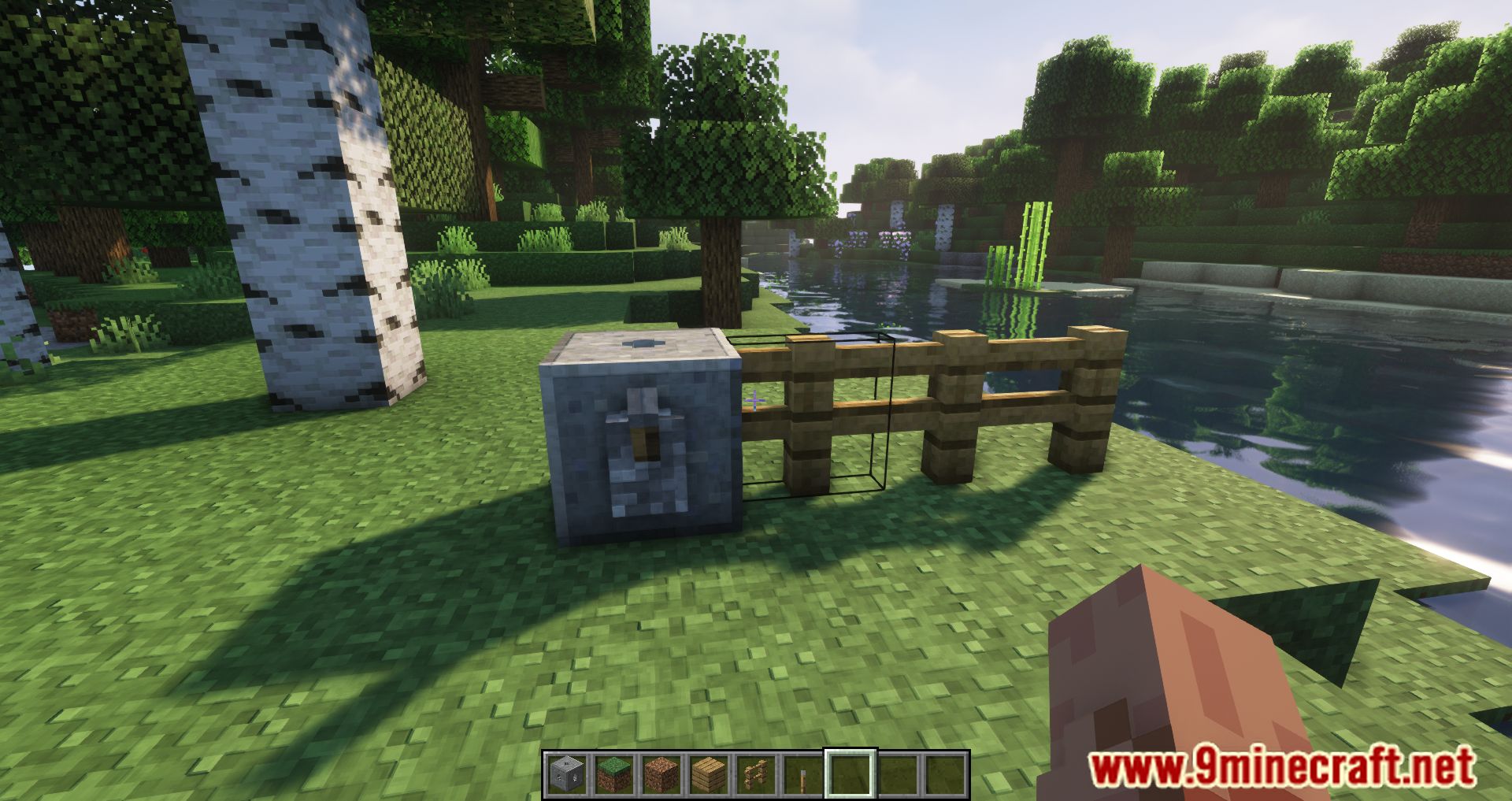
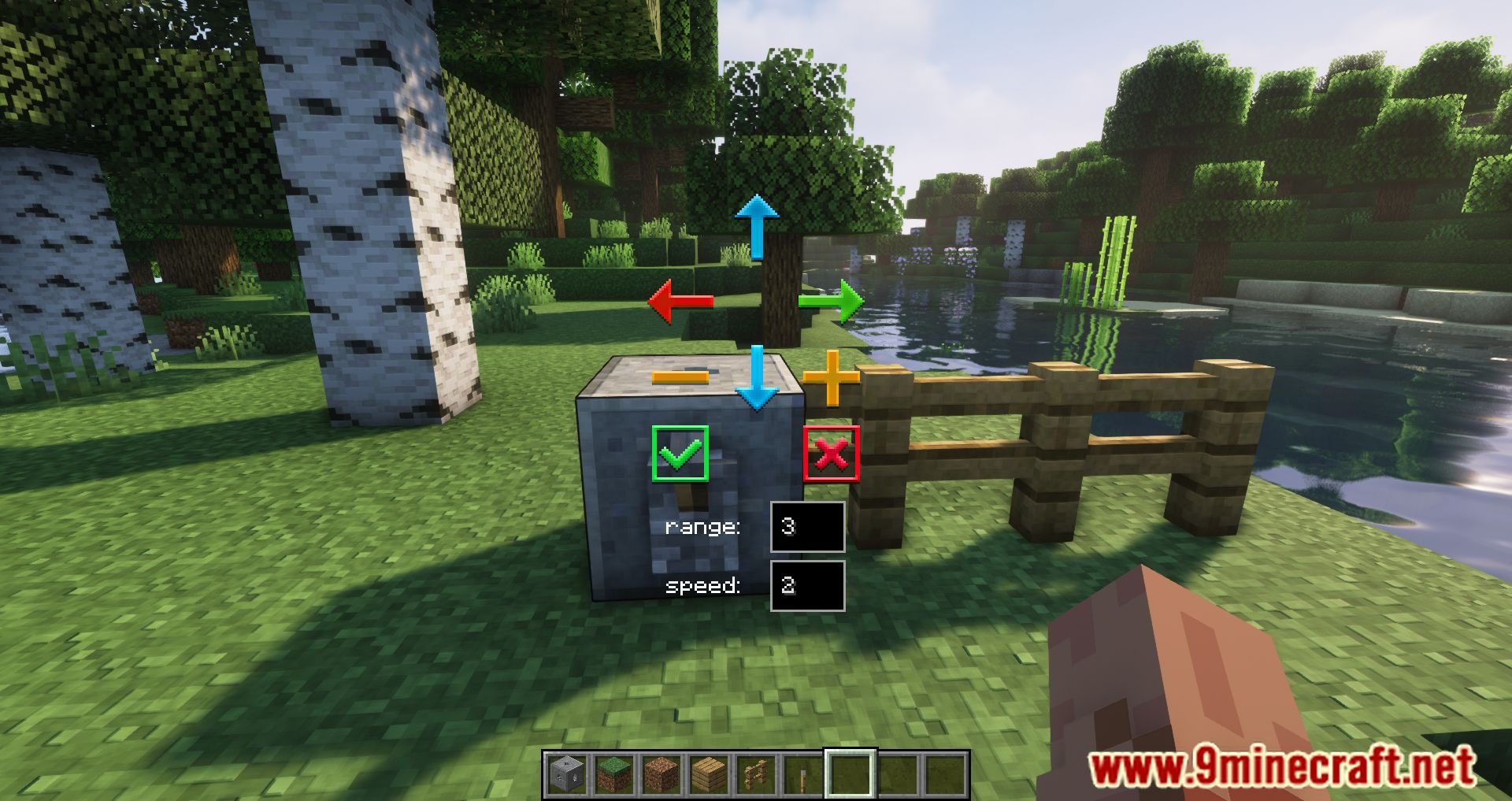
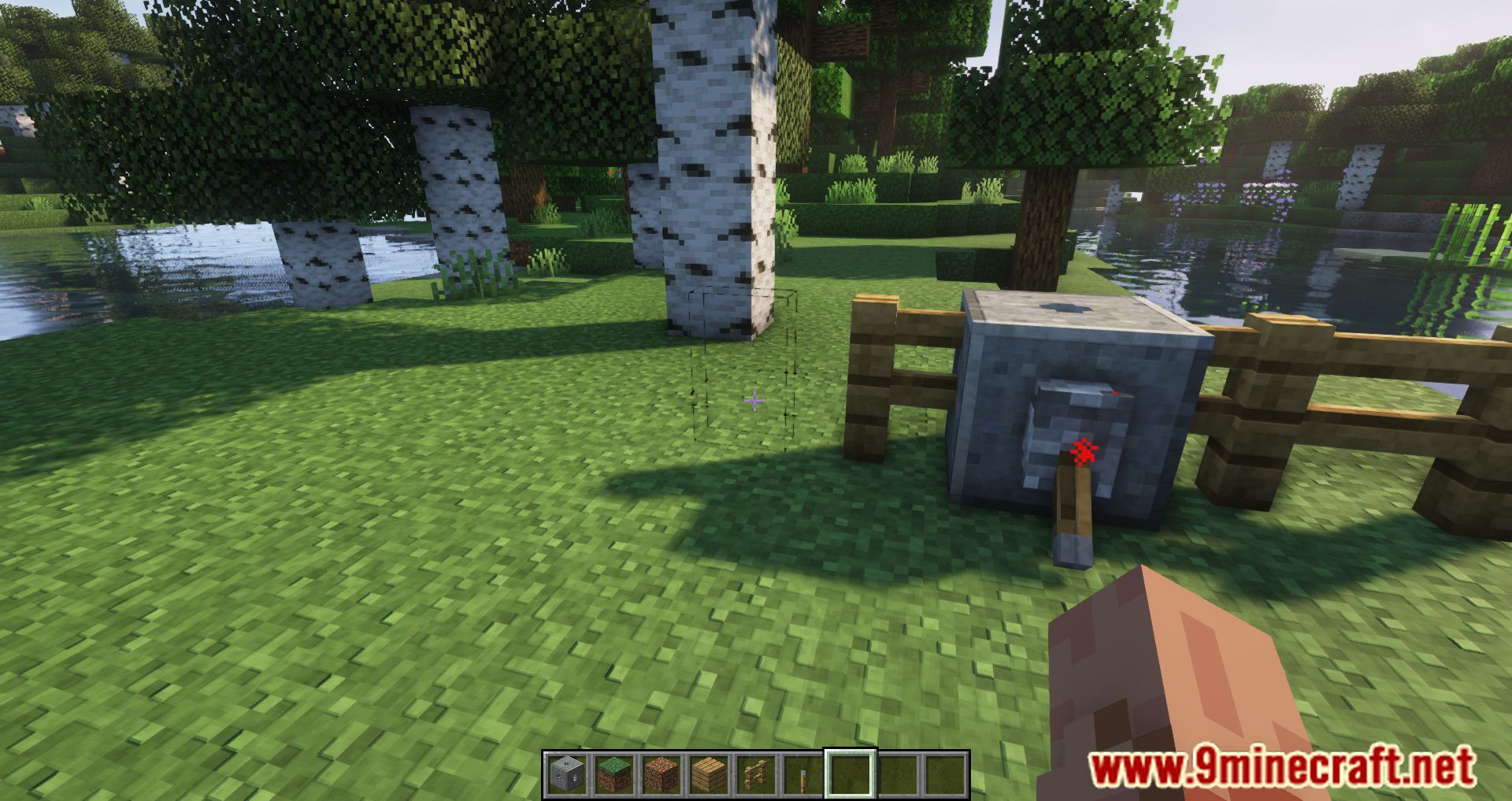
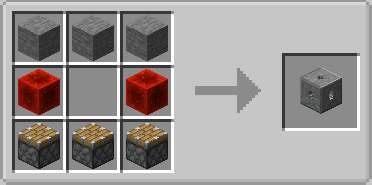
Crafting Recipes:
Multi-Piston Mod Download Links
For Minecraft 1.21.1, 1.21
NeoForge Version: Download from Server 1 – Download from Server 2
For Minecraft 1.20.4
NeoForge Version: Download from Server 1 – Download from Server 2
For Minecraft 1.20.1, 1.20
Forge Version: Download from Server 1 – Download from Server 2
For Minecraft 1.19.4
Forge Version: Download from Server 1 – Download from Server 2
For Minecraft 1.19.3
Forge Version: Download from Server 1 – Download from Server 2
For Minecraft 1.19.2
Forge Version: Download from Server 1
For Minecraft 1.19.1
Forge Version: Download from Server 1
For Minecraft 1.19
Forge Version: Download from Server 1
For Minecraft 1.18.2
Forge Version: Download from Server 1
For Minecraft 1.18.1
Forge Version: Download from Server 1
For Minecraft 1.17.1
Forge Version: Download from Server 1
- Edition: Minecraft Java
- File type: .jar
- Minecraft versions listed: 1.21.1, 1.20.1
- How to install: Install the matching mod loader (Forge, Fabric or NeoForge) for your Minecraft version. → Download the .jar. → Put it in the .minecraft/mods folder and launch that loader profile.
- Where to get it: In MC Java Mods, or directly above on this page.
Install steps are the general flow for this file type — How to install Minecraft Java mods & modpacks walks through it step by step.
- Downloads as 196405.mcaddon
- Download size: 33 KB
- Download link checked 15 Jul 2026 — working
- Mirrored on our own servers — the download does not depend on the original host
These come from our own check of the pack file, not from the source page.