
Recipe Essentials Mod (26.3, 1.20.1) – Keep Crafting Without Lag
Java mod listed for Minecraft 1.20–26.x. Downloads from the MC Java Mods app on Android.
⬇ Download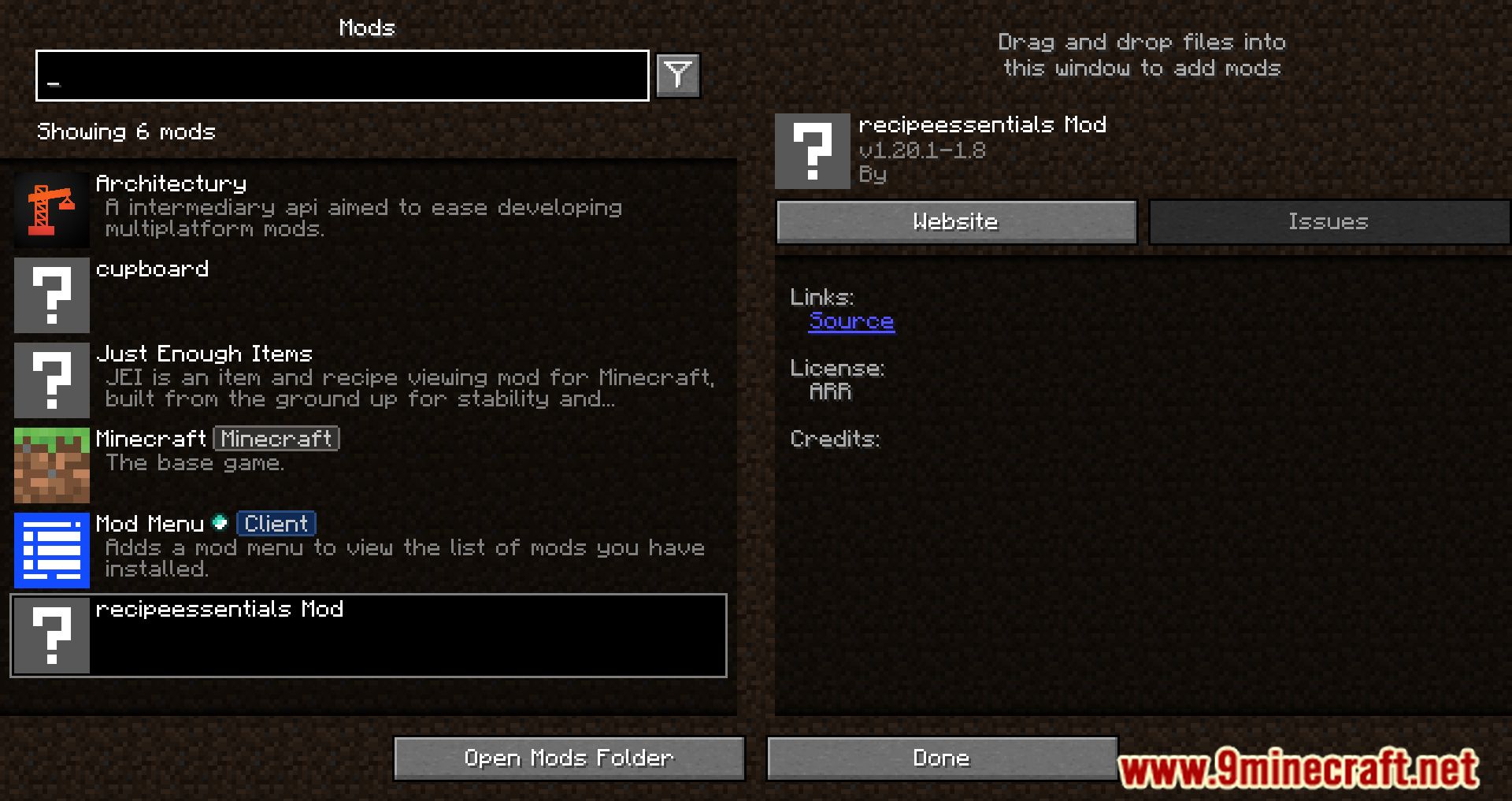

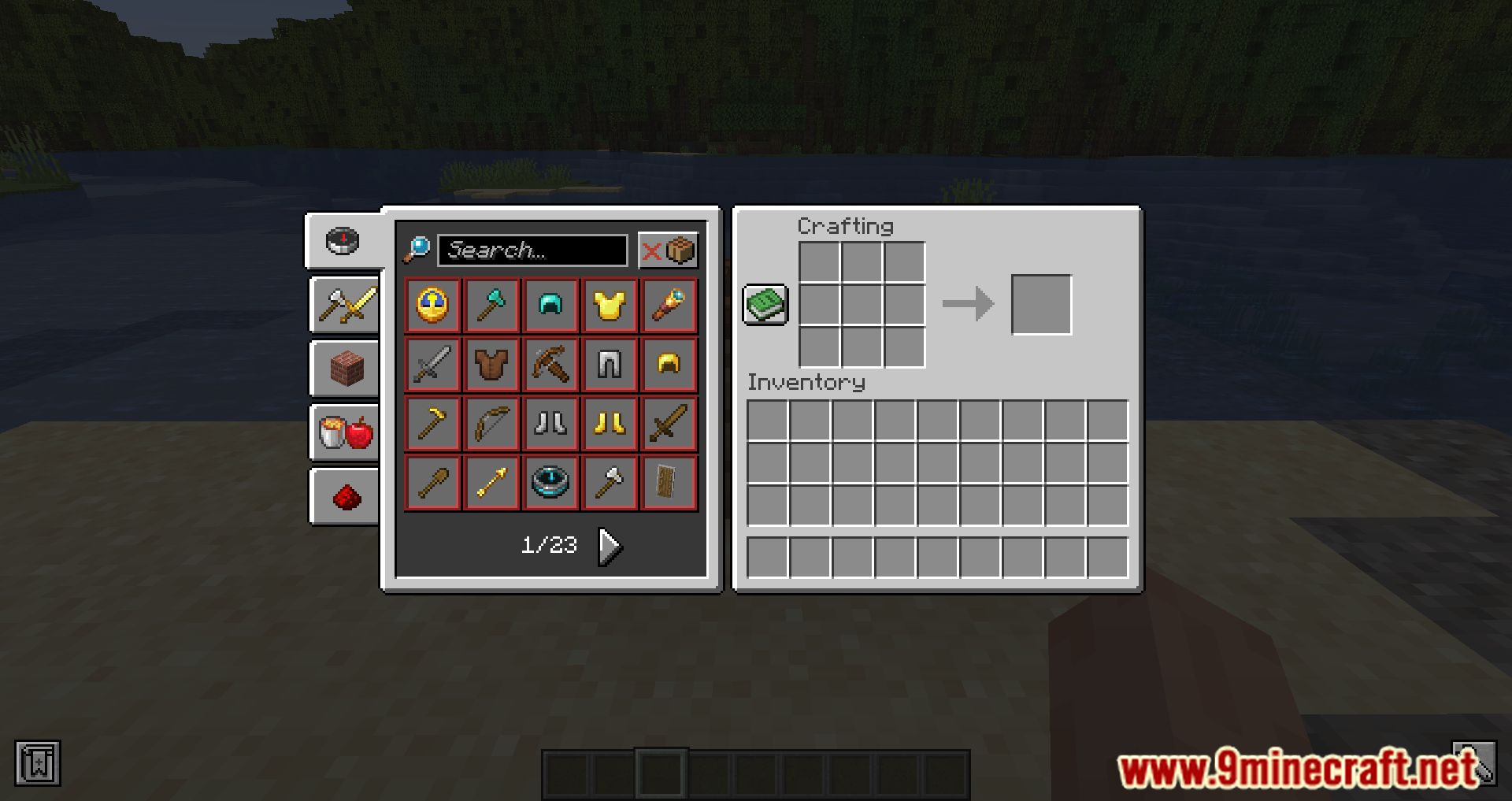
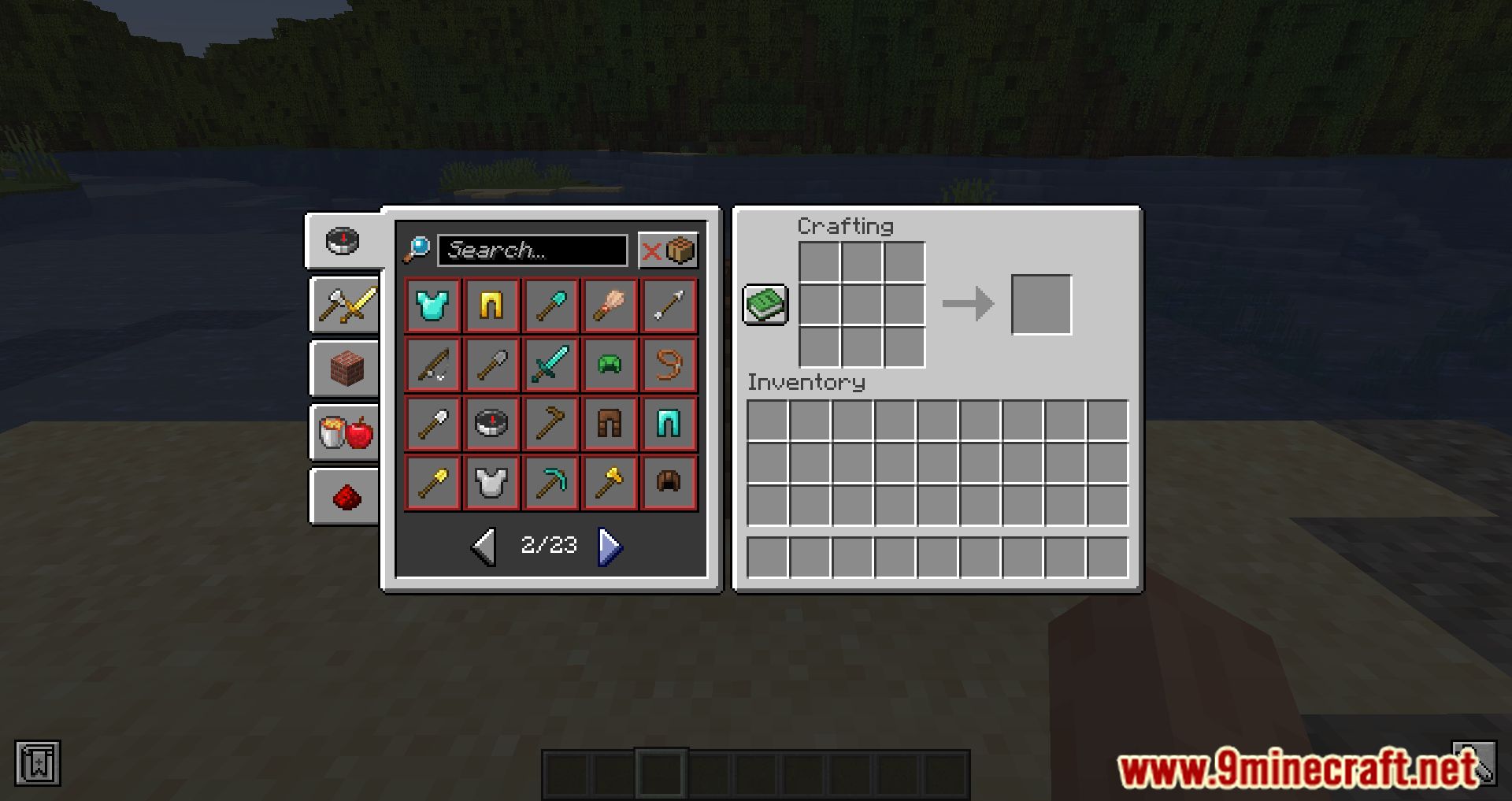
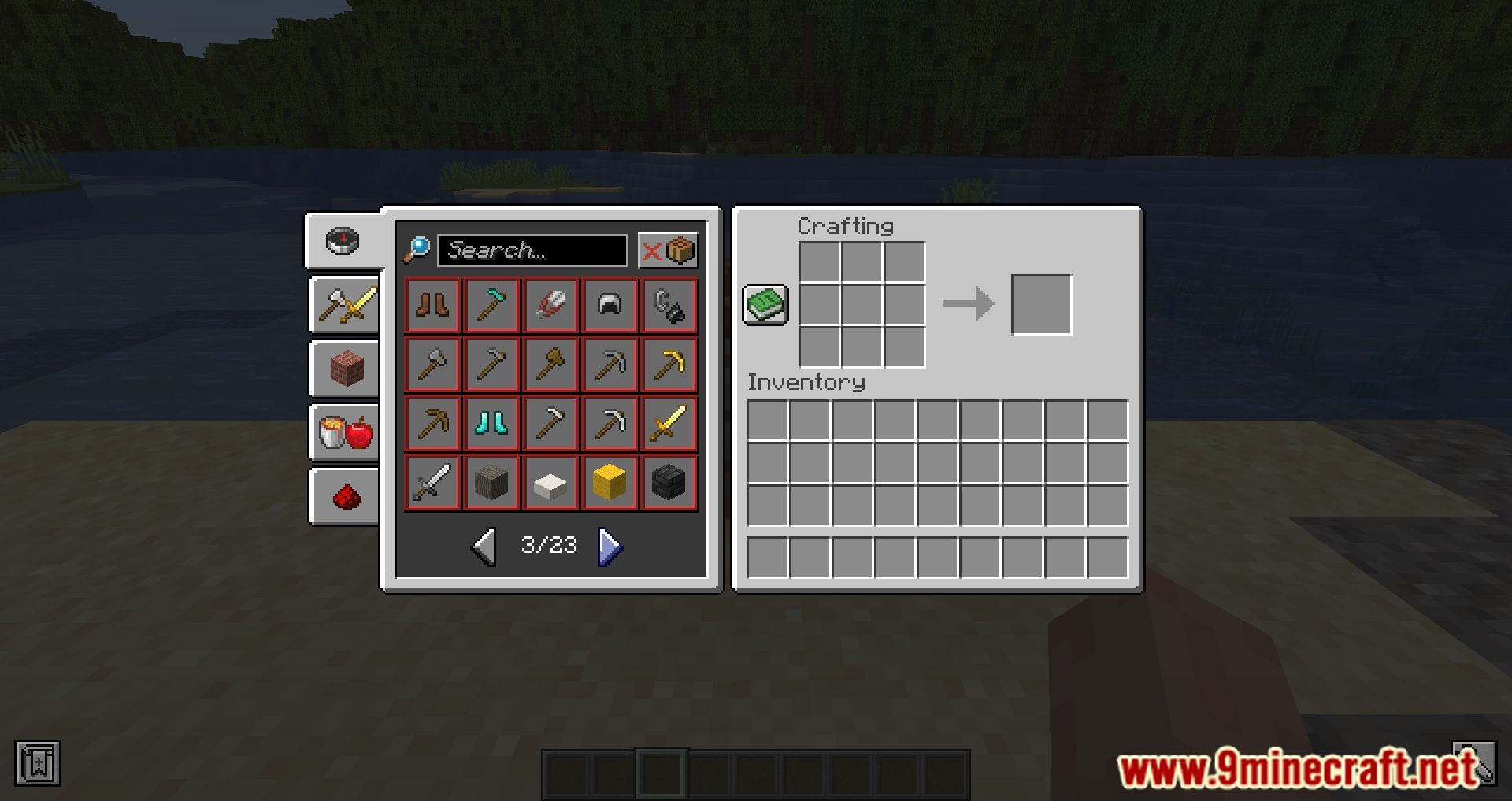
Recipe Essentials Mod optimizes server performance by fixing issues related to recipes and crafting. It caches recipe searches to prevent lag when using autocrafting machines or many furnaces at once. This mod also reduces the size of recipe packets and improves item comparisons to help the server run faster. Please note, it is not compatible with FastSuite or Not Enough Recipe Book, as they offer similar features.
Features:
- Works on just the client, just the server, or on both.
- Lets you turn each feature on or off individually.
Performance Fixes
- Stops lag from autocrafting machines and furnaces by caching recipe searches.
- Reduces the size of recipe data to prevent connection problems.
- Improves how the game compares items to make the server run faster.
Recipe Book Changes
- Speeds up login time with an option to disable the recipe book or show all recipes.
- Sorts recipes by what you can craft and what you used recently.
- Includes an option to show all recipes right from the start of the game.
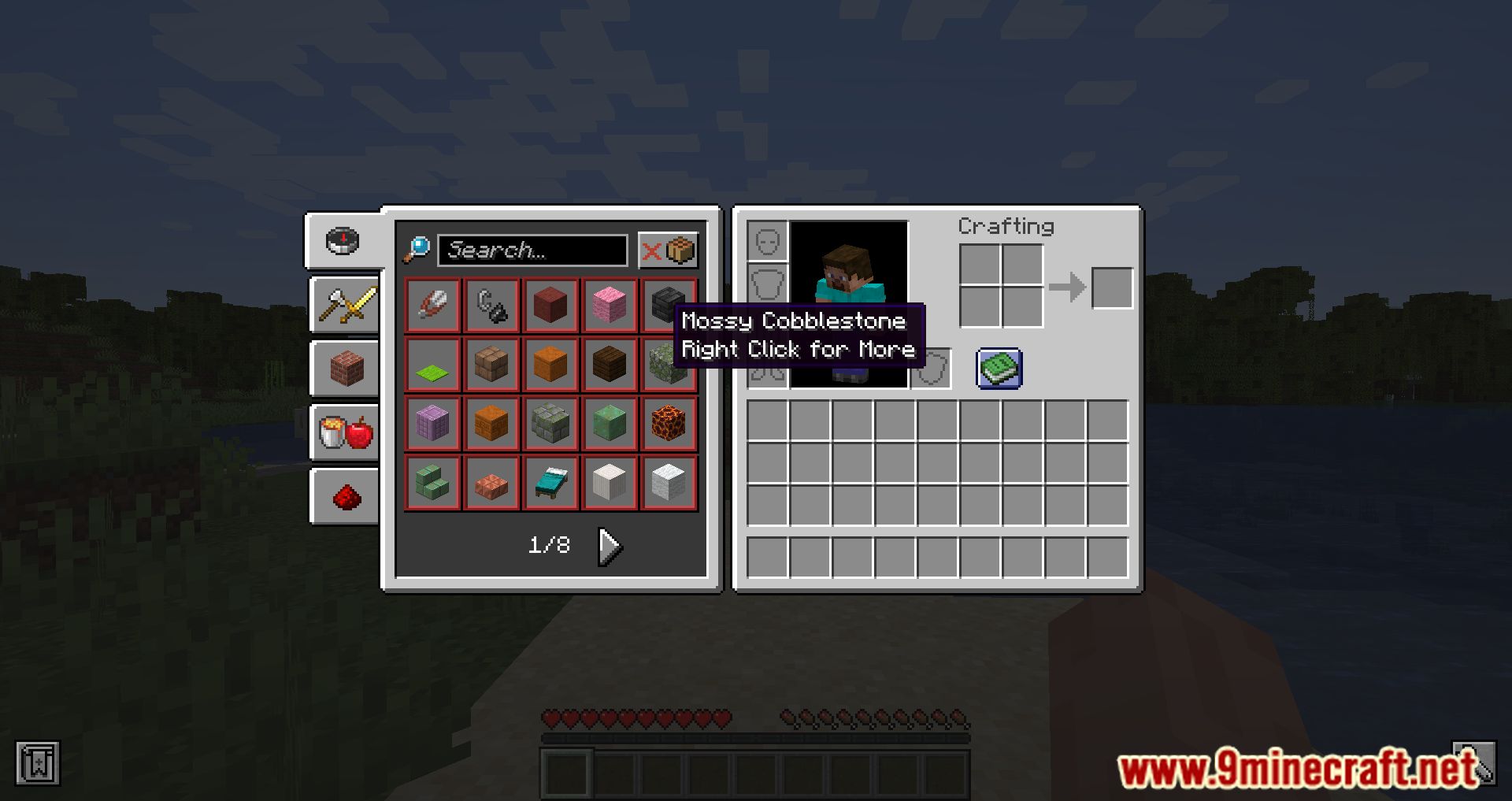
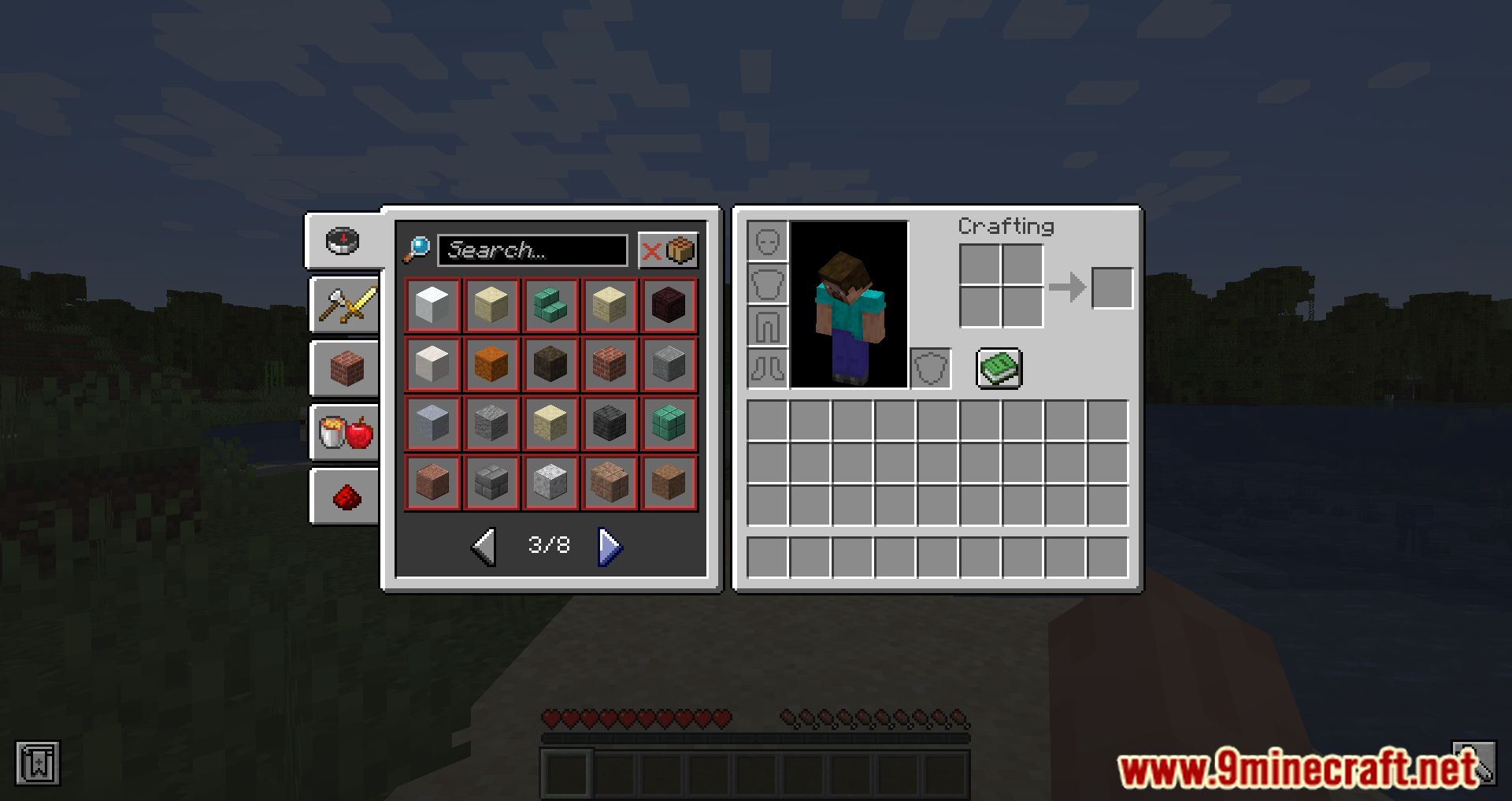
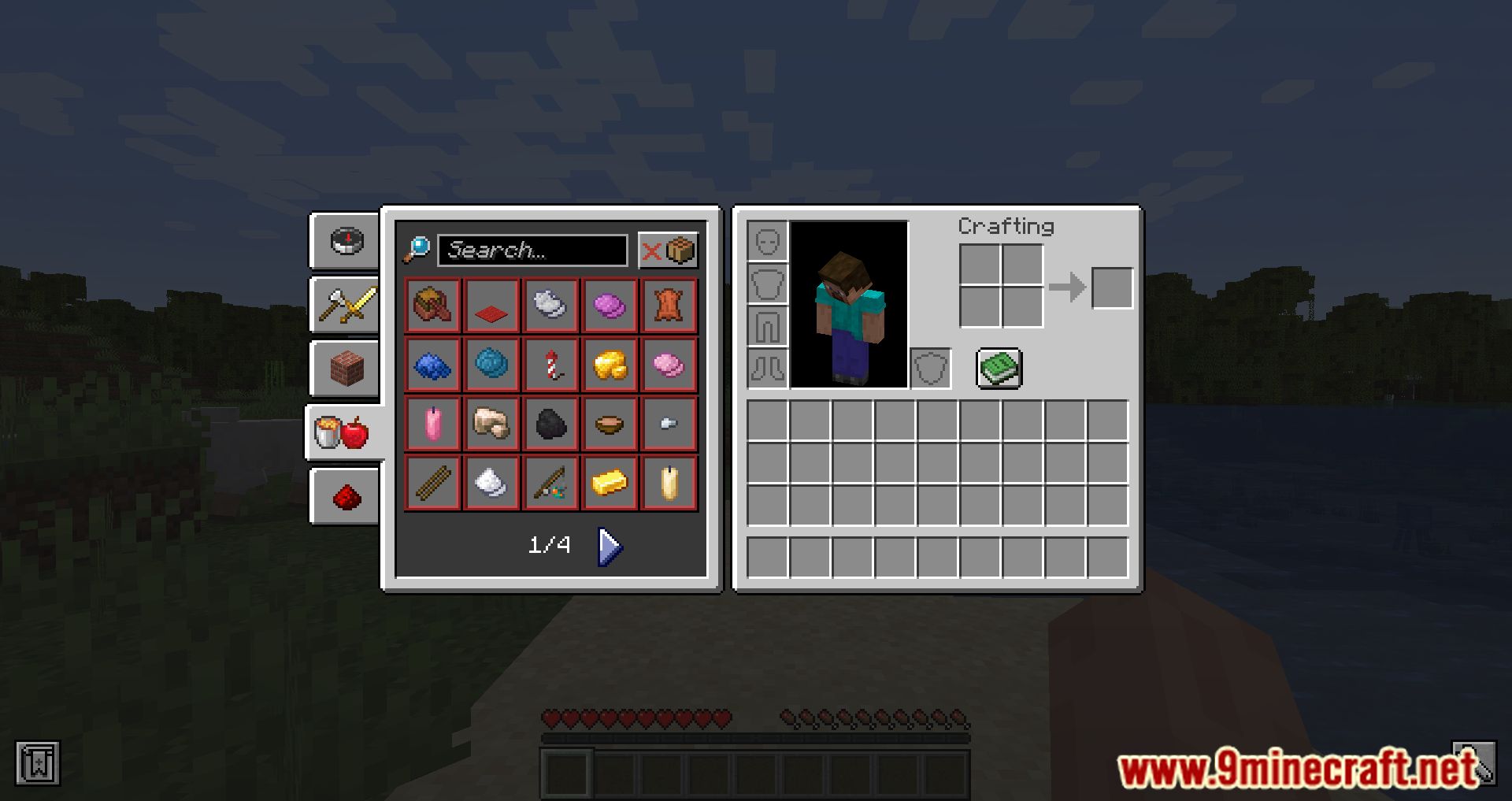
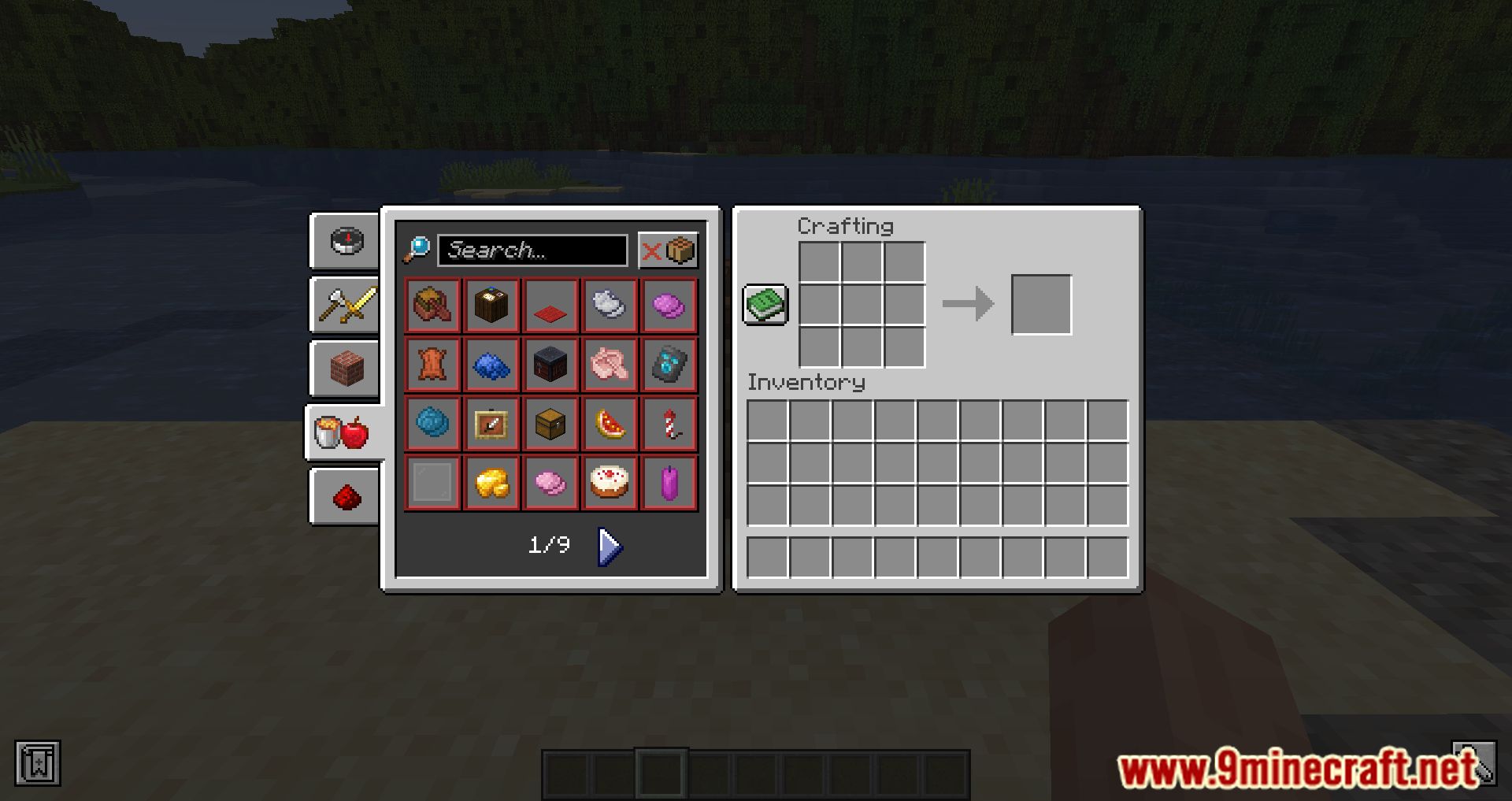
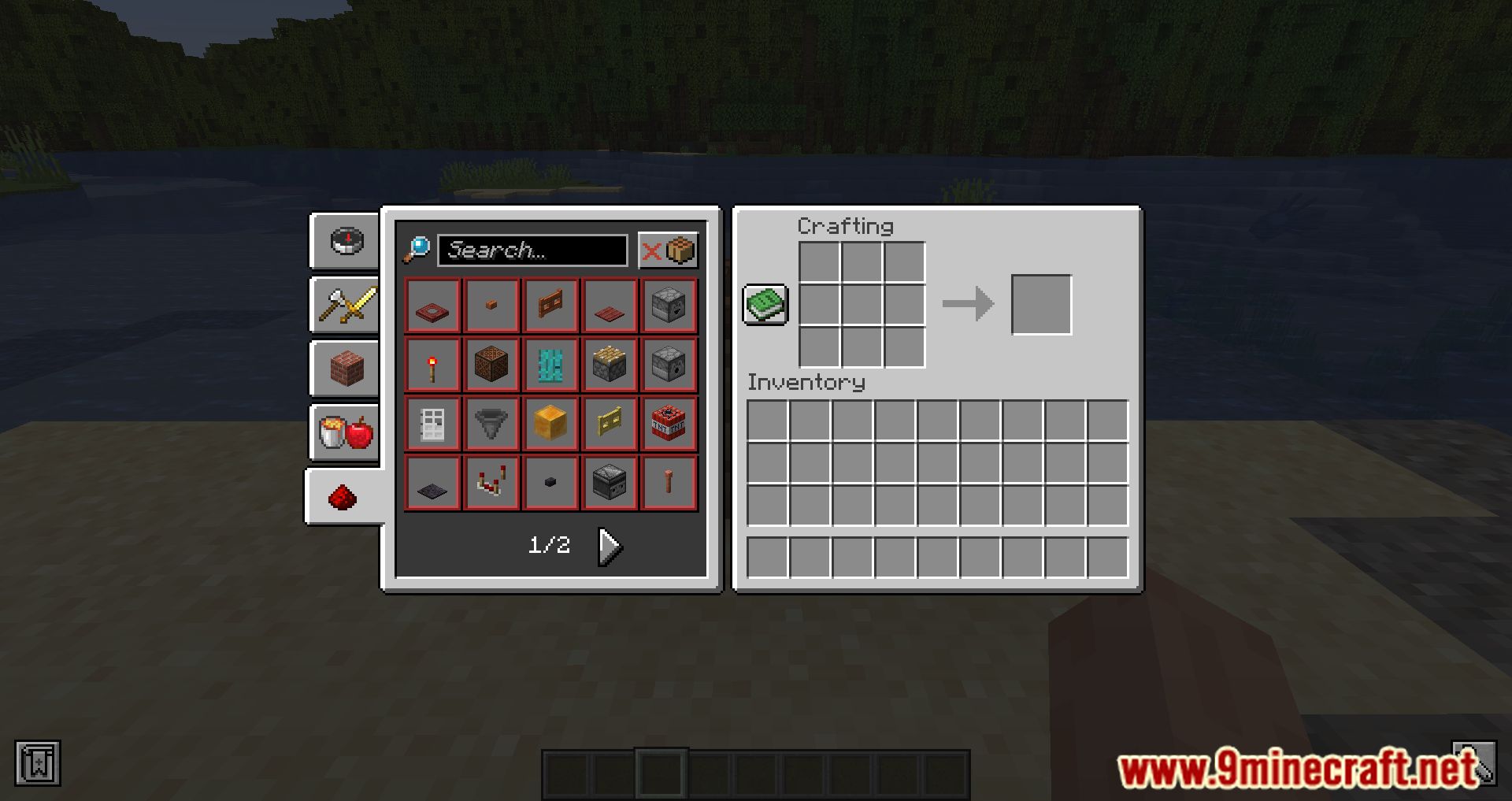
Screenshots:
Recipe Essentials Mod Download Links
- Edition: Minecraft Java
- File type: .jar
- Minecraft versions listed: 26.3, 1.20.1
- How to install: Install the matching mod loader (Forge, Fabric or NeoForge) for your Minecraft version. → Download the .jar. → Put it in the .minecraft/mods folder and launch that loader profile.
- Where to get it: In MC Java Mods, or directly above on this page.
Install steps are the general flow for this file type — How to install Minecraft Java mods & modpacks walks through it step by step.
Recipe Essentials Mod (26.3, 1.20.1) – Keep Crafting Without Lag is a free Minecraft Java mod. Compatible with Minecraft 26.3, 1.20.1. Download it and open it directly in the game.