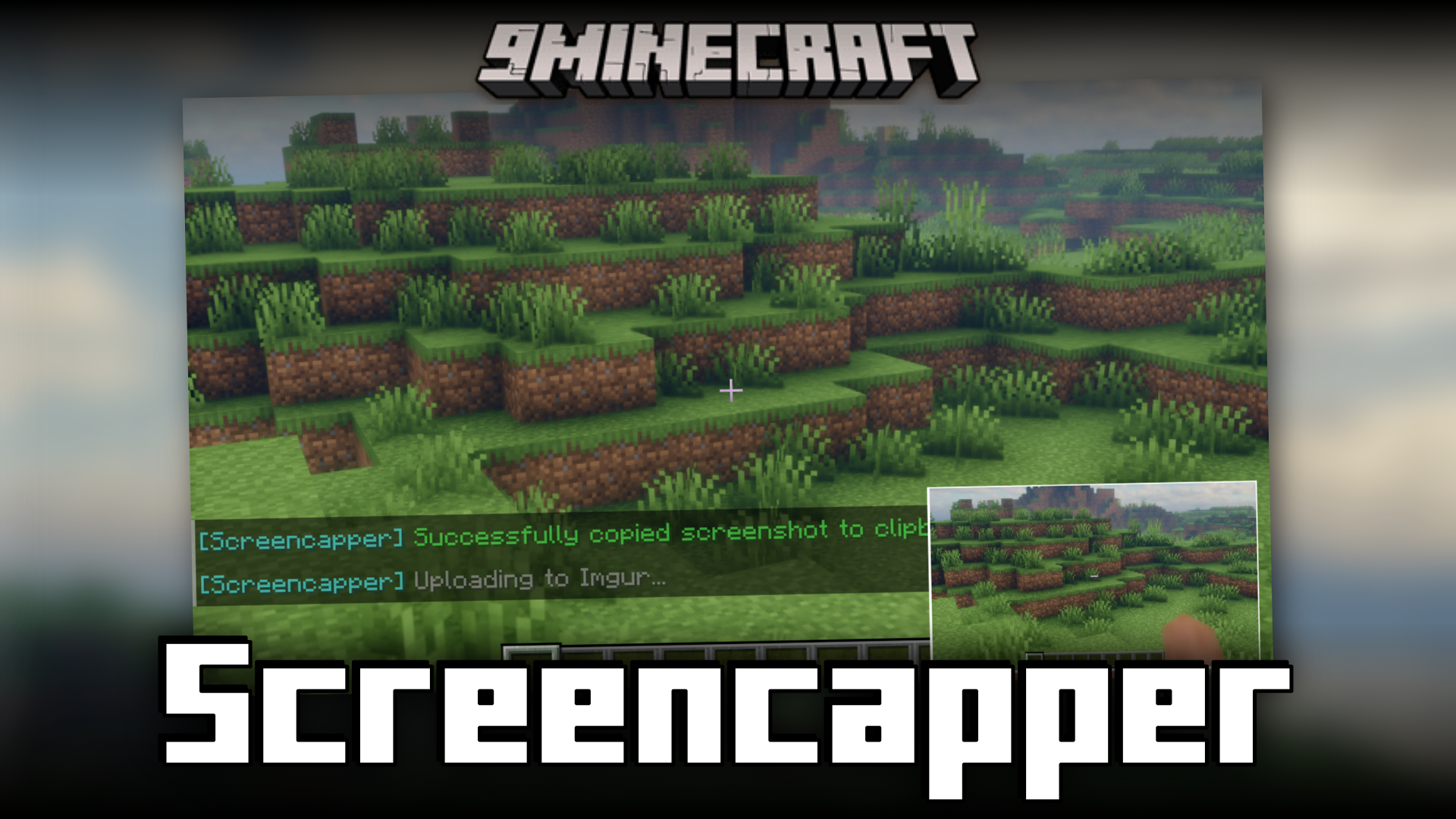
Screencapper Mod (1.21.1, 1.20.1) – Better Screenshot Interactions
Java mod listed for Minecraft 1.20–1.21. Downloads from the MC Java Mods app on Android.
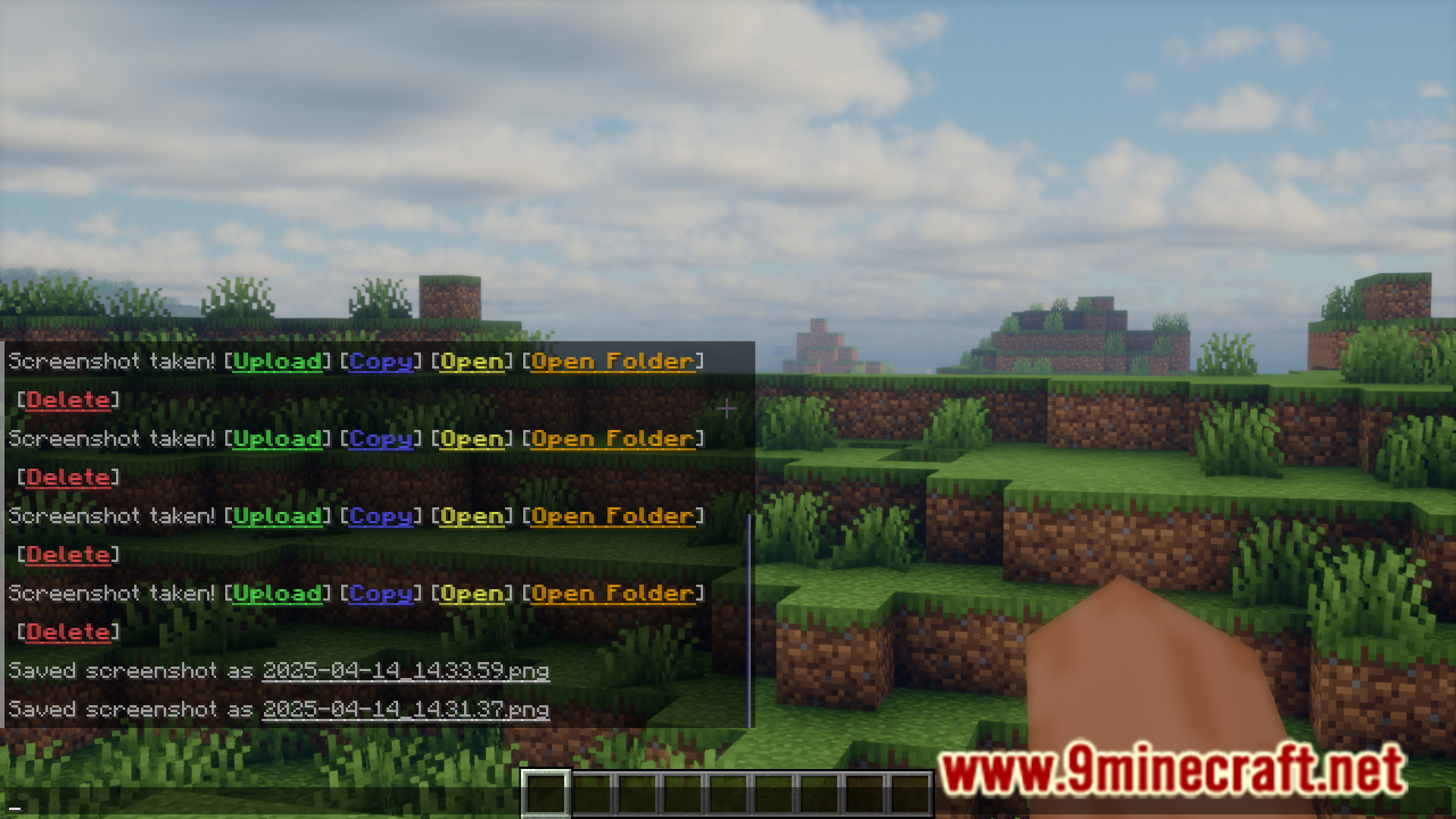
⬇ DownloadIn vanilla Minecraft, in-game screenshots can be taken with the simple press of a keybind. These screenshots are then saved into the screenshots folder in the .minecraft/mods folder on your PC. Furthermore, the clickable link to the screenshot is provided within the game chat itself to open the screenshots folder. This is a very easy and convenient way of taking screenshots. But it can be better! Screencapper Mod is here to make taking screenshots a lot better experience. A list of improvements and new features are given below.
Features:
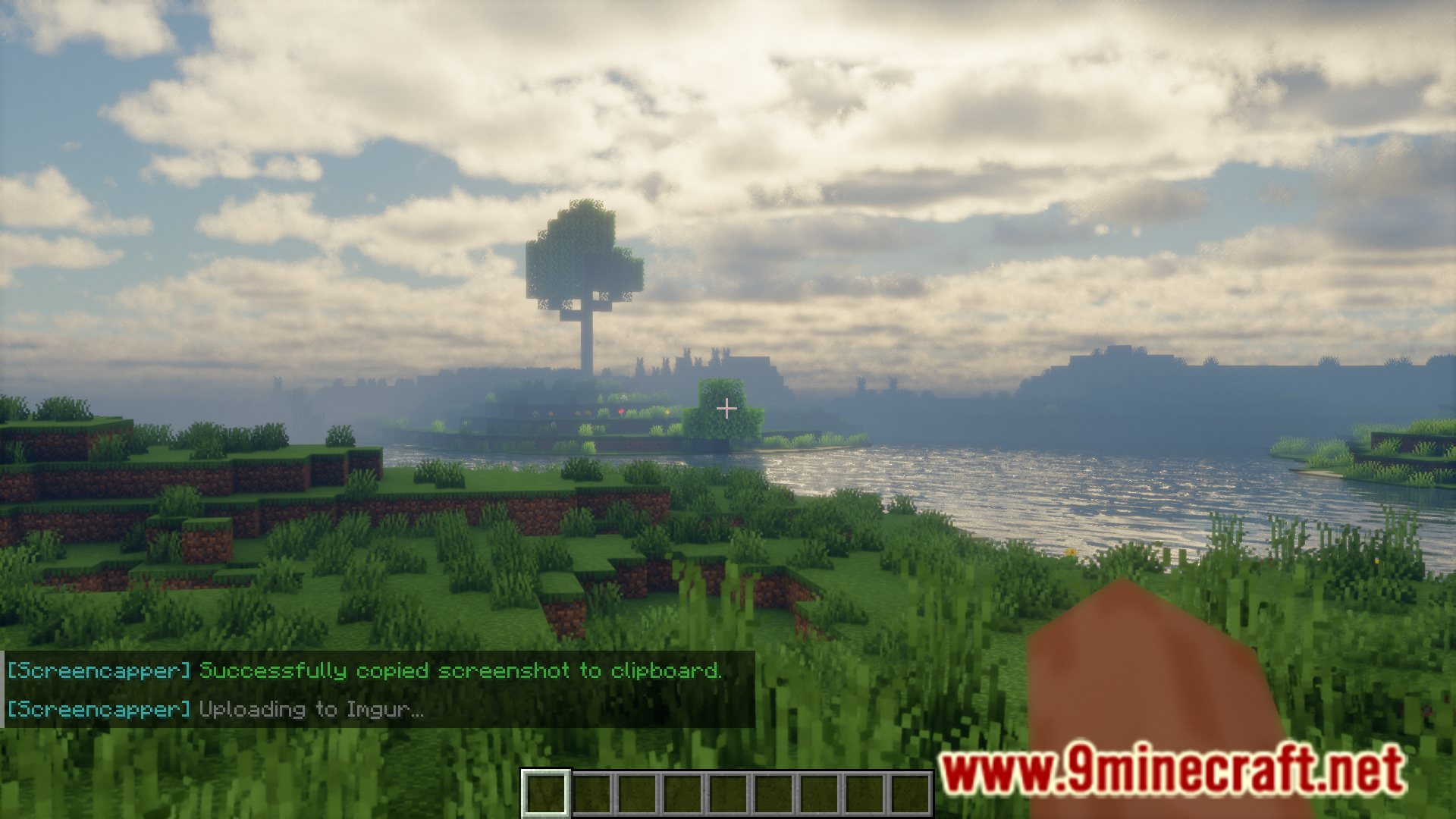
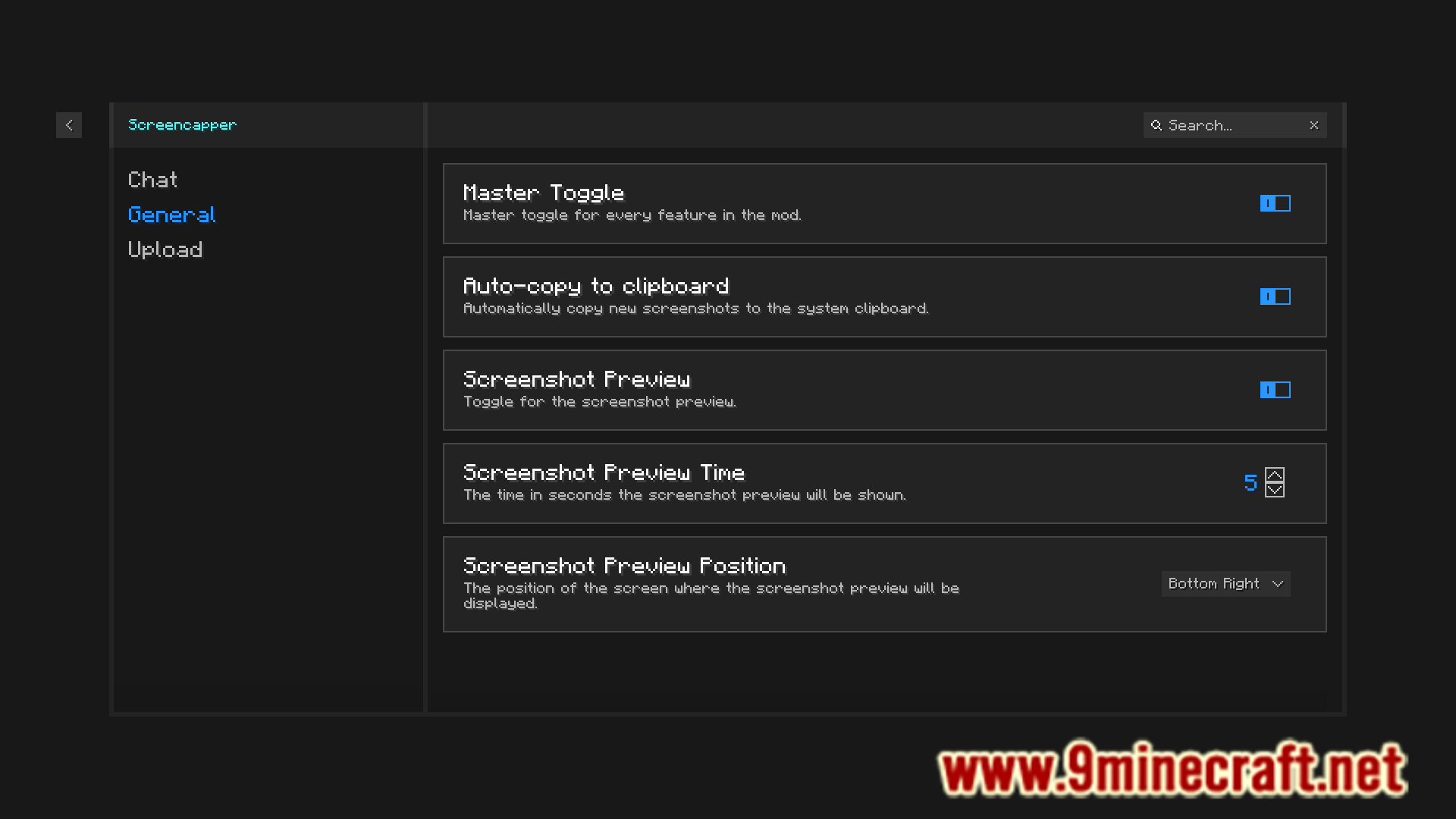
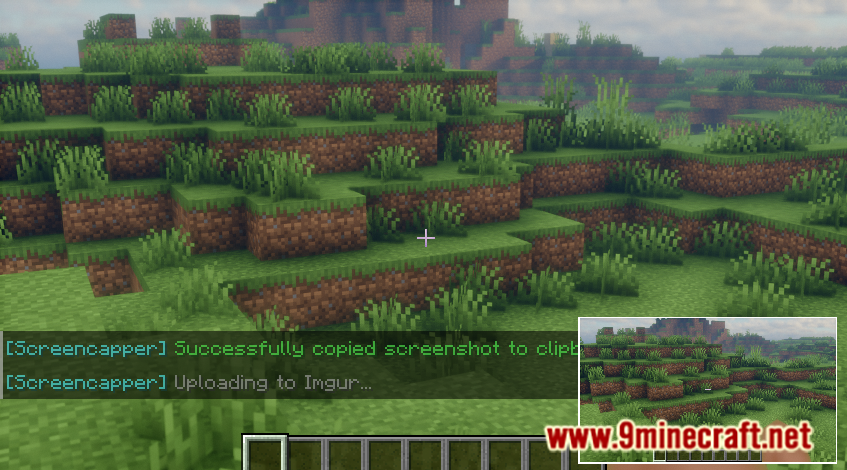
- A mini preview of the screenshot is displayed on screen.
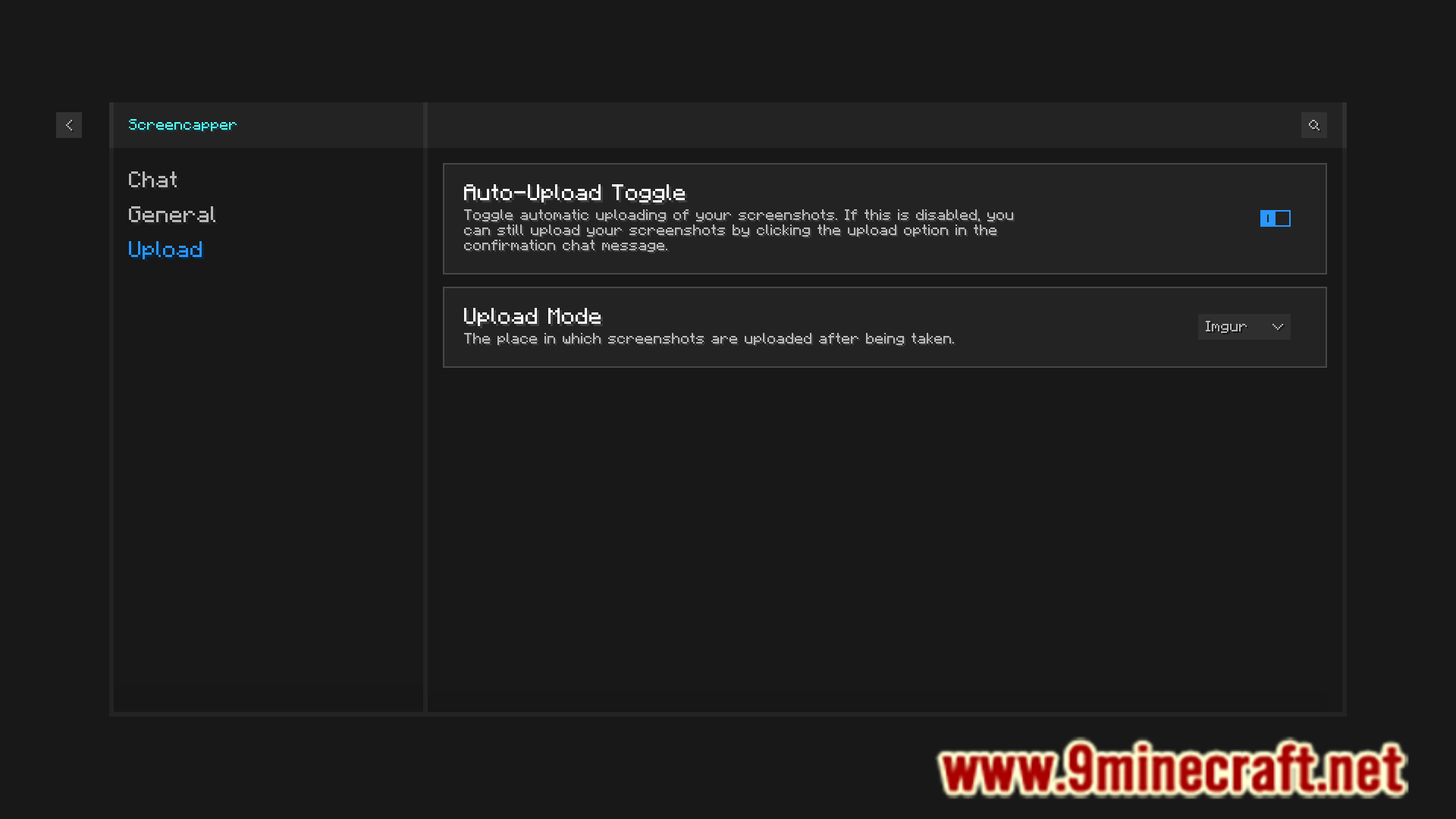
- Upload the screenshot to an external space to instantly send it.
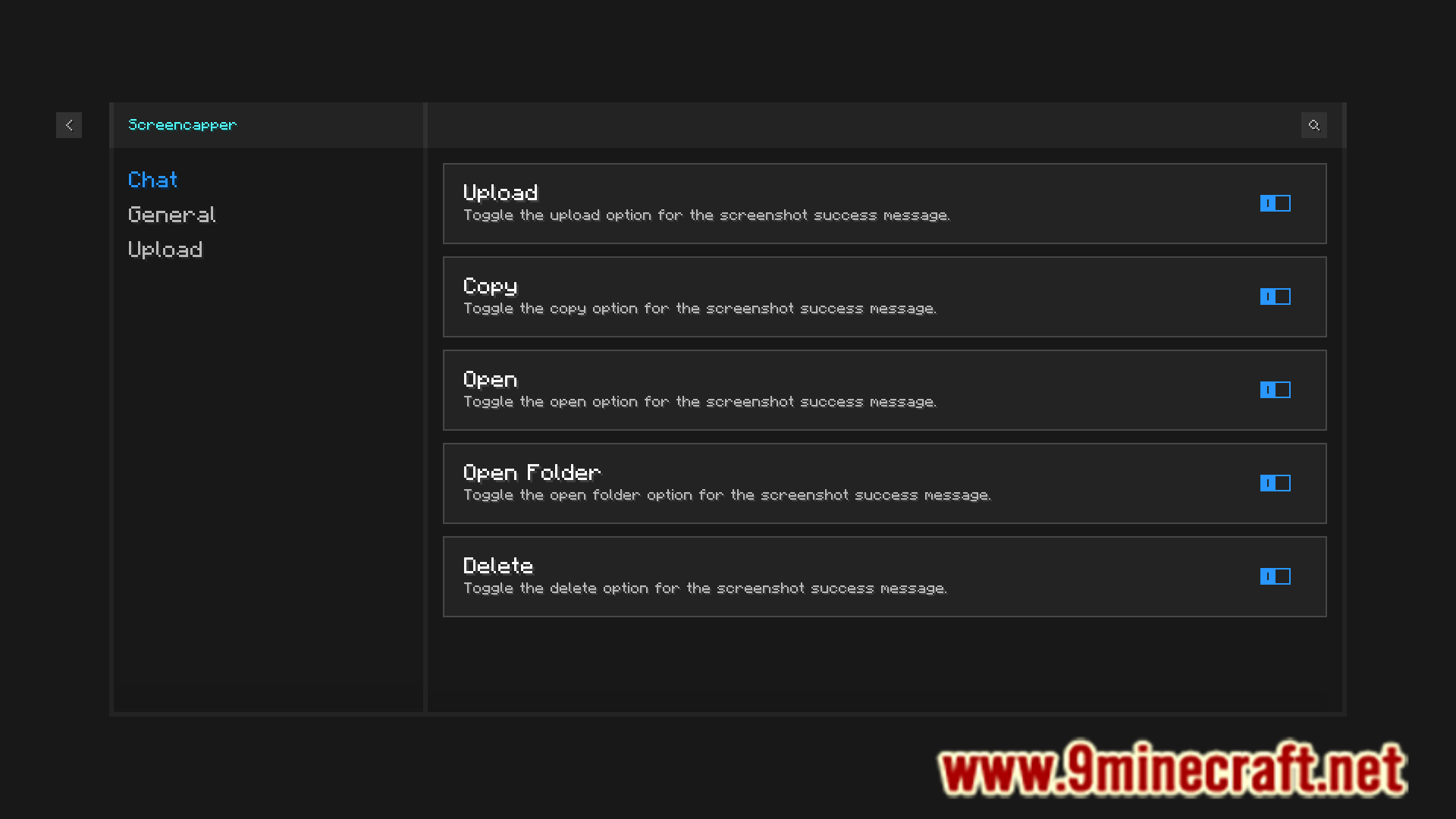
- Options to copy screenshot to clipboard or to delete it.
Screenshots:
Screencapper Mod Download Links
For Minecraft 1.21.1, 1.21
Fabric version: Download from Server 1 – Download from Server 2
For Minecraft 1.20.6
Fabric version: Download from Server 1 – Download from Server 2
For Minecraft 1.20.4
Fabric version: Download from Server 1 – Download from Server 2
For Minecraft 1.20.2
Fabric version: Download from Server 1 – Download from Server 2
For Minecraft 1.20.1
Fabric version: Download from Server 1 – Download from Server 2
For Minecraft 1.19.4
Fabric version: Download from Server 1 – Download from Server 2
For Minecraft 1.19.2
Fabric version: Download from Server 1 – Download from Server 2
For Minecraft 1.18.2
Fabric version: Download from Server 1 – Download from Server 2
- Edition: Minecraft Java
- File type: .jar
- Minecraft versions listed: 1.21.1, 1.20.1
- How to install: Install the matching mod loader (Forge, Fabric or NeoForge) for your Minecraft version. → Download the .jar. → Put it in the .minecraft/mods folder and launch that loader profile.
- Where to get it: In MC Java Mods, or directly above on this page.
Install steps are the general flow for this file type — How to install Minecraft Java mods & modpacks walks through it step by step.
- Downloads as 196464.mcaddon
- Download size: 1.4 MB
- Download link checked 15 Jul 2026 — working
- Mirrored on our own servers — the download does not depend on the original host
These come from our own check of the pack file, not from the source page.