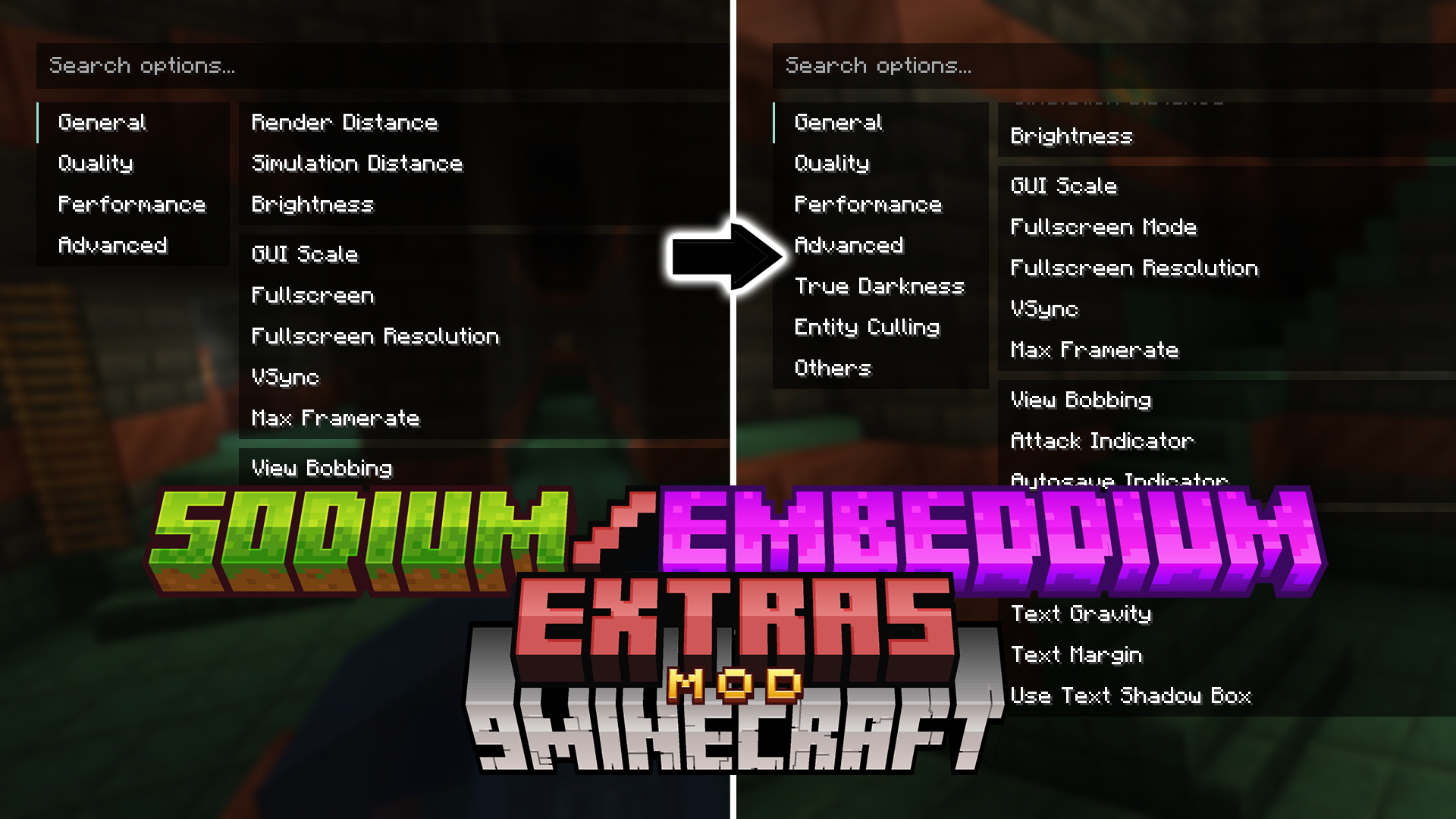
Sodium/Embeddium Extras Mod (1.21.5, 1.20.1) – Tweak Graphics for Max FPS
Java mod listed for Minecraft 1.20–1.21. Downloads from the MC Java Mods app on Android.
⬇ DownloadSodium/Embeddium Extras Mod adds many new features and customization options to the Sodium and Embeddium mods. It gives you more control to improve your game’s performance and change how things look. This mod is an addon, so it requires you to have Sodium or Embeddium installed first.
Features:
- Improves performance by not rendering entities that are far away. You can set a Y-level to stop rendering mobs in caves when you are on the surface.
- Adds a customizable FPS counter that can show more details, like frametimes, to help you find the cause of lag.
- Replaces the default fullscreen option with a borderless mode, which makes it easier to switch between Minecraft and other apps.
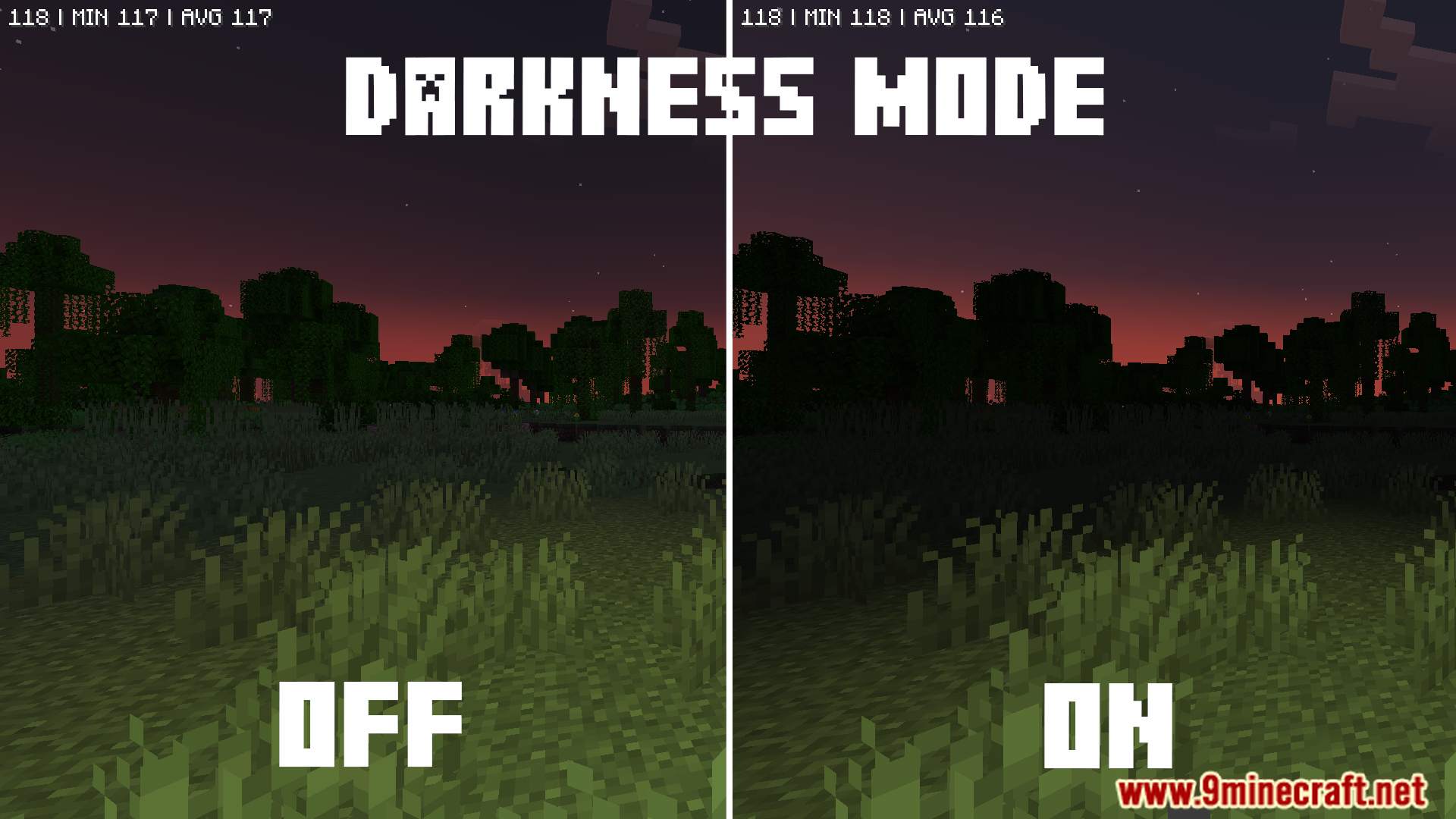
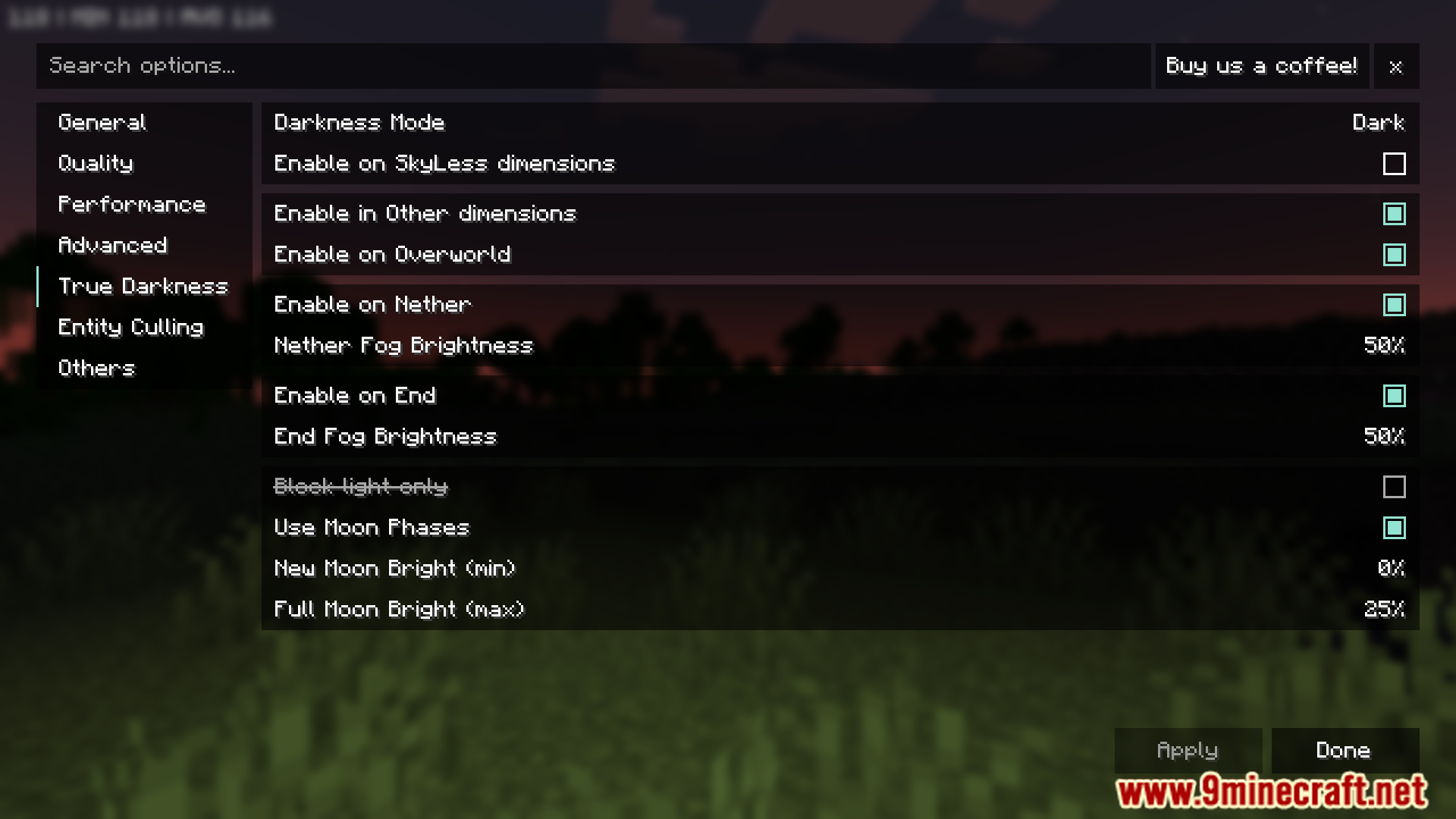
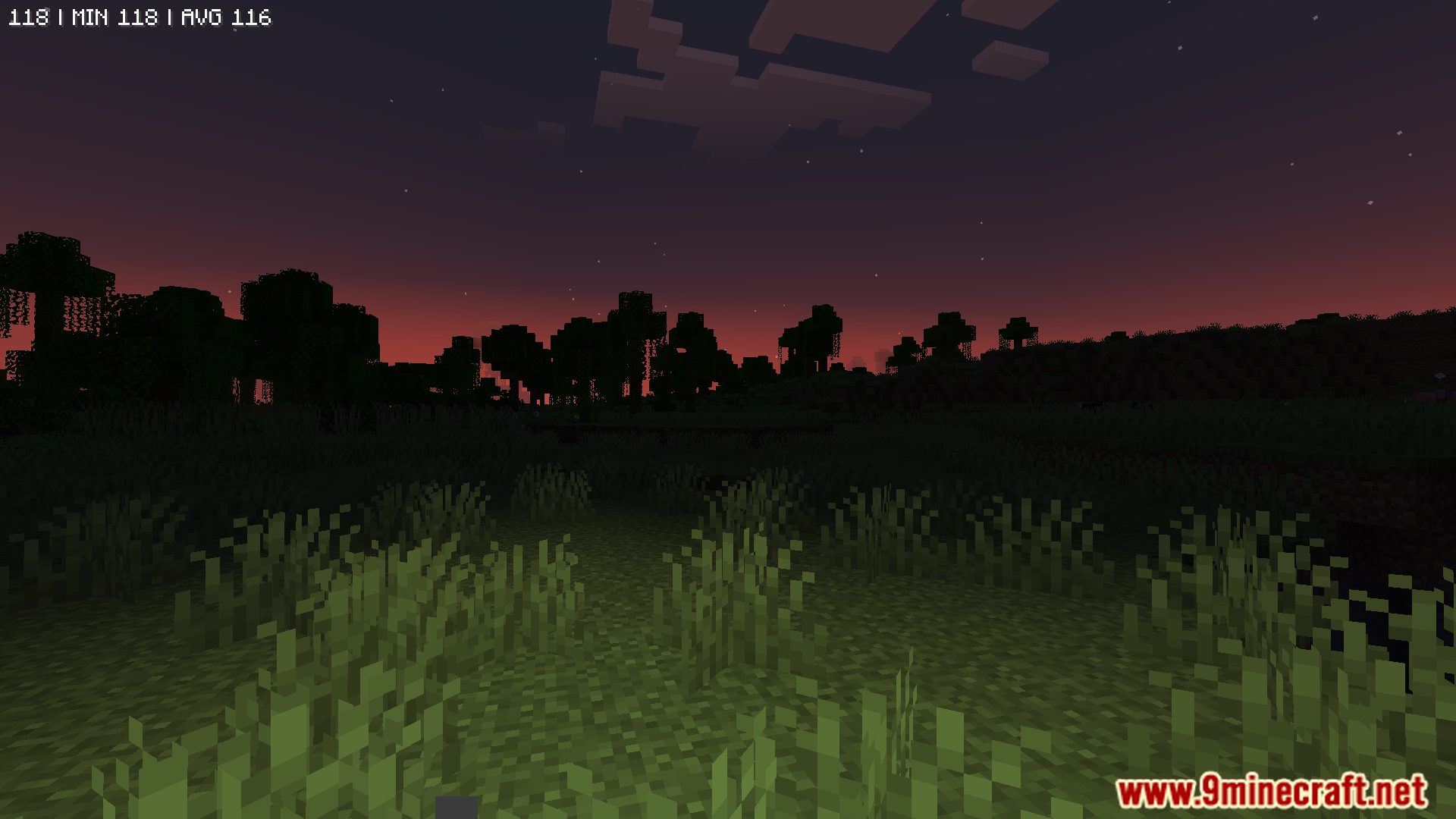
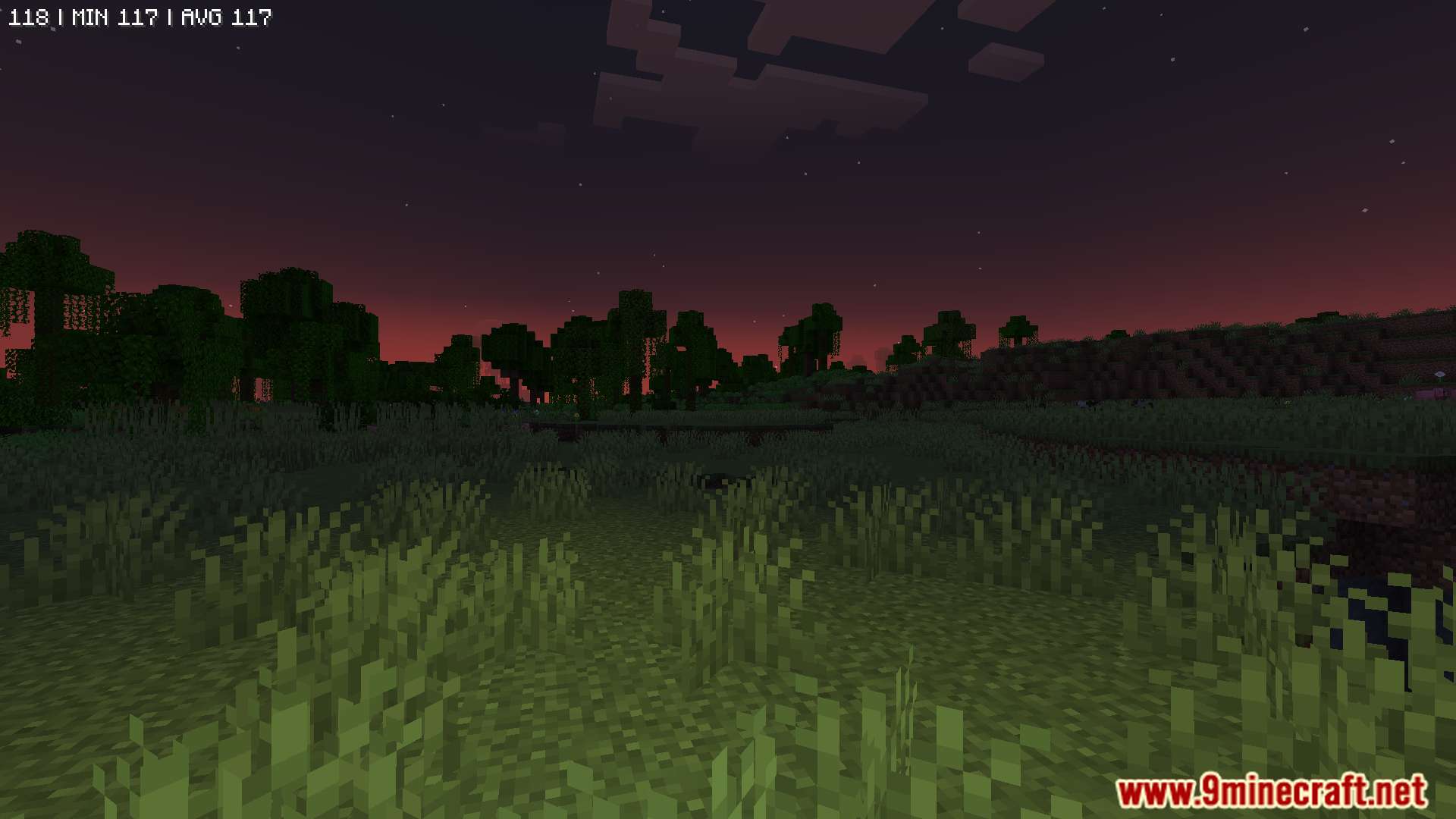
- Includes a “True Darkness” option to make nights and caves look realistically dark. This can be configured or turned off.
- Lets you turn off all fog, an option that is not available in the original Sodium mod.
- Gives you an option to turn off font shadows, which can speed up how fast text appears on screen.
- Allows you to change the height of clouds.
- Works with dynamic lighting mods and helps them run faster.
Screenshots:
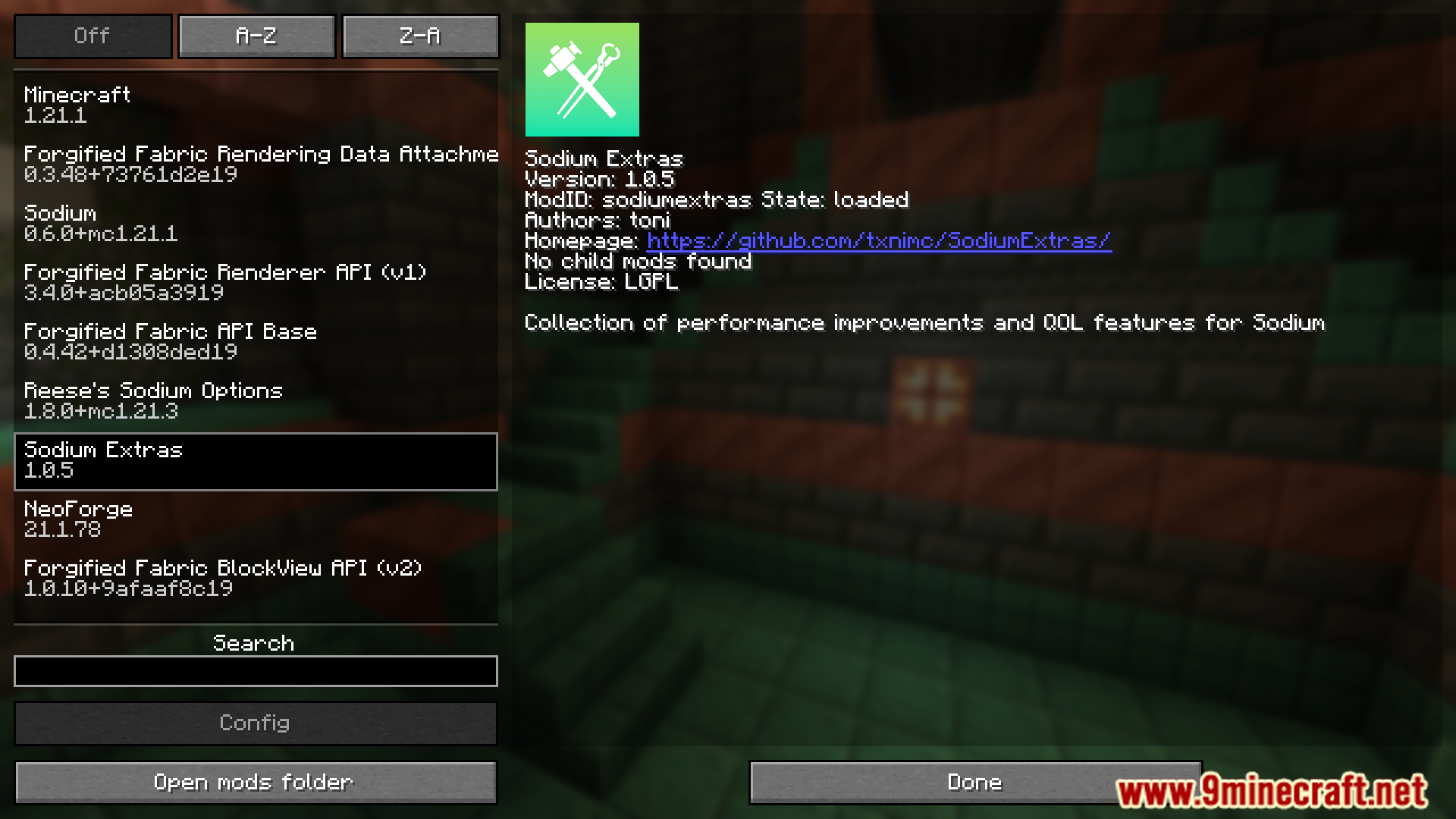
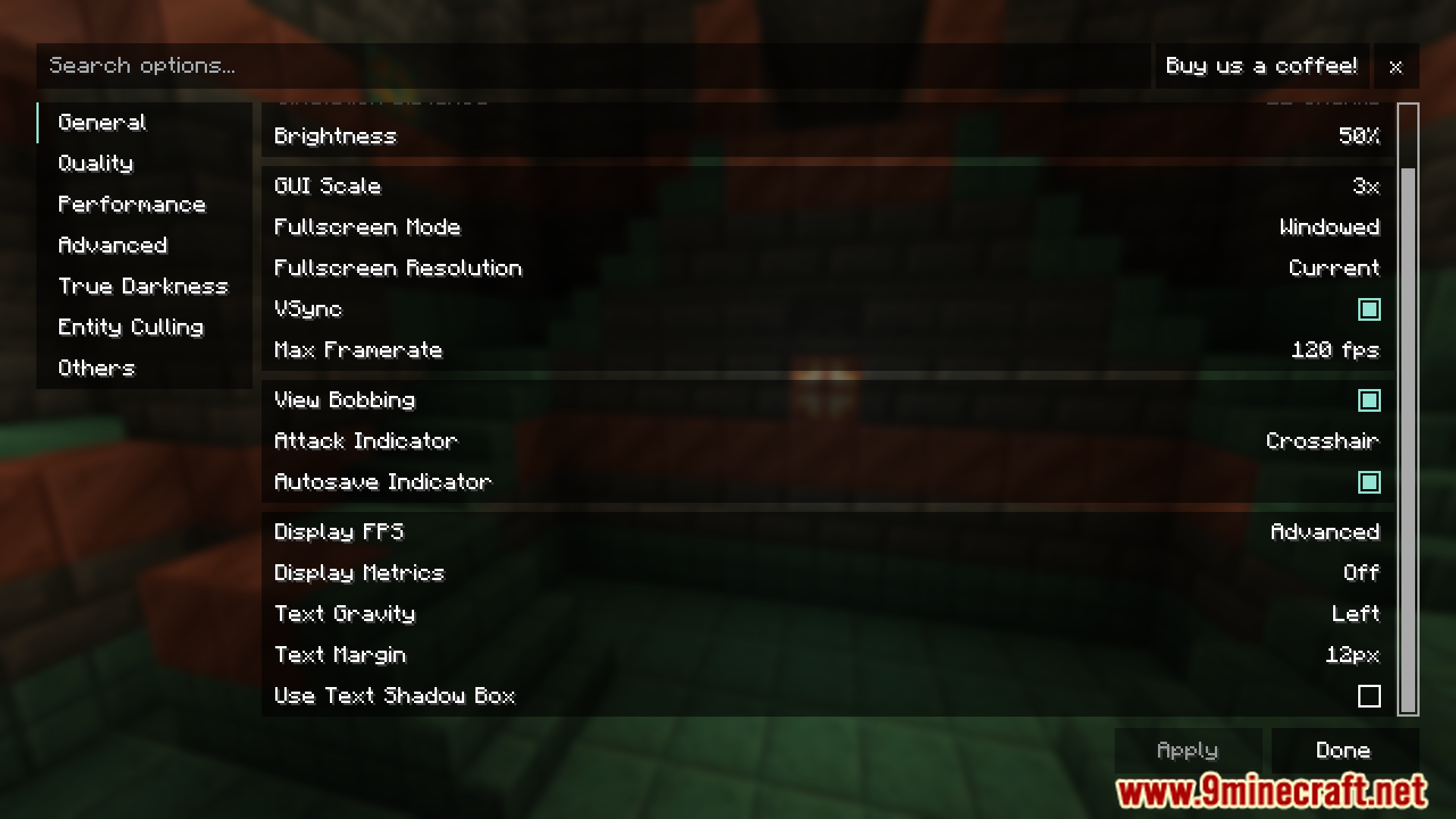
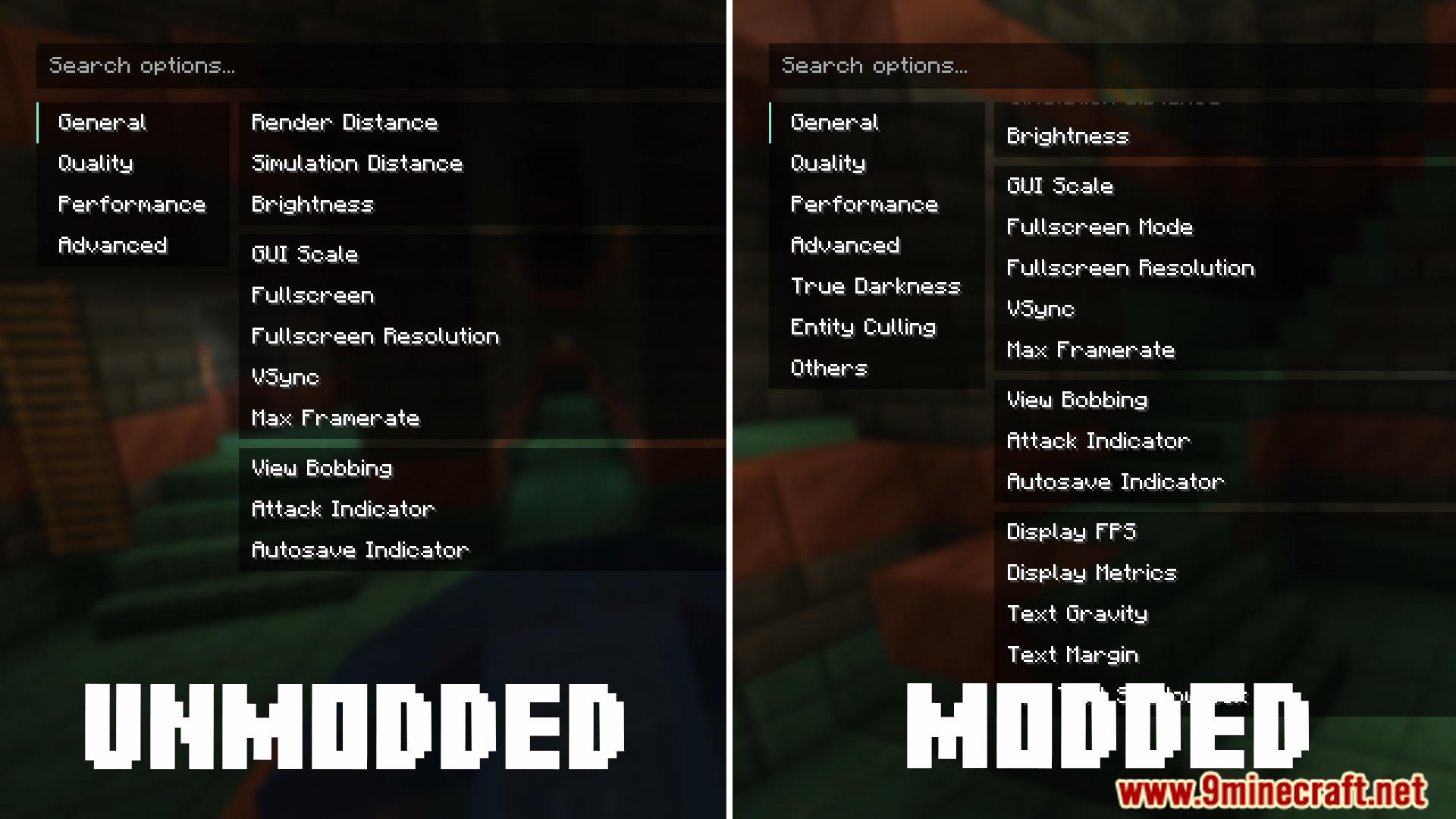
Sodium/Embeddium Extras Mod Download Links
For Minecraft 1.21.5
Fabric version: Download from Server 1 – Download from Server 2
NeoForge version: Download from Server 1 – Download from Server 2
For Minecraft 1.21.4
Fabric version: Download from Server 1 – Download from Server 2
NeoForge version: Download from Server 1 – Download from Server 2
For Minecraft 1.21.1, 1.21
Fabric version: Download from Server 1 – Download from Server 2
NeoForge version: Download from Server 1 – Download from Server 2
For Minecraft 1.20.1, 1.20
Forge version: Download from Server 1 – Download from Server 2
Fabric version: Download from Server 1 – Download from Server 2
For Minecraft 1.19.2
Forge version: Download from Server 1 – Download from Server 2
For Minecraft 1.18.2
Forge version: Download from Server 1 – Download from Server 2
For Minecraft 1.16.5
Forge version: Download from Server 1 – Download from Server 2
- Edition: Minecraft Java
- File type: .jar
- Minecraft versions listed: 1.21.5, 1.20.1
- How to install: Install the matching mod loader (Forge, Fabric or NeoForge) for your Minecraft version. → Download the .jar. → Put it in the .minecraft/mods folder and launch that loader profile.
- Where to get it: In MC Java Mods, or directly above on this page.
Install steps are the general flow for this file type — How to install Minecraft Java mods & modpacks walks through it step by step.
- Downloads as 196479.mcaddon
- Download size: 928 KB
- Download link checked 15 Jul 2026 — working
- Mirrored on our own servers — the download does not depend on the original host
These come from our own check of the pack file, not from the source page.