
Functional Storage Mod (1.21.1, 1.20.1) – Build a Smarter Warehouse
Java mod listed for Minecraft 1.20–1.21. Downloads from the MC Java Mods app on Android.
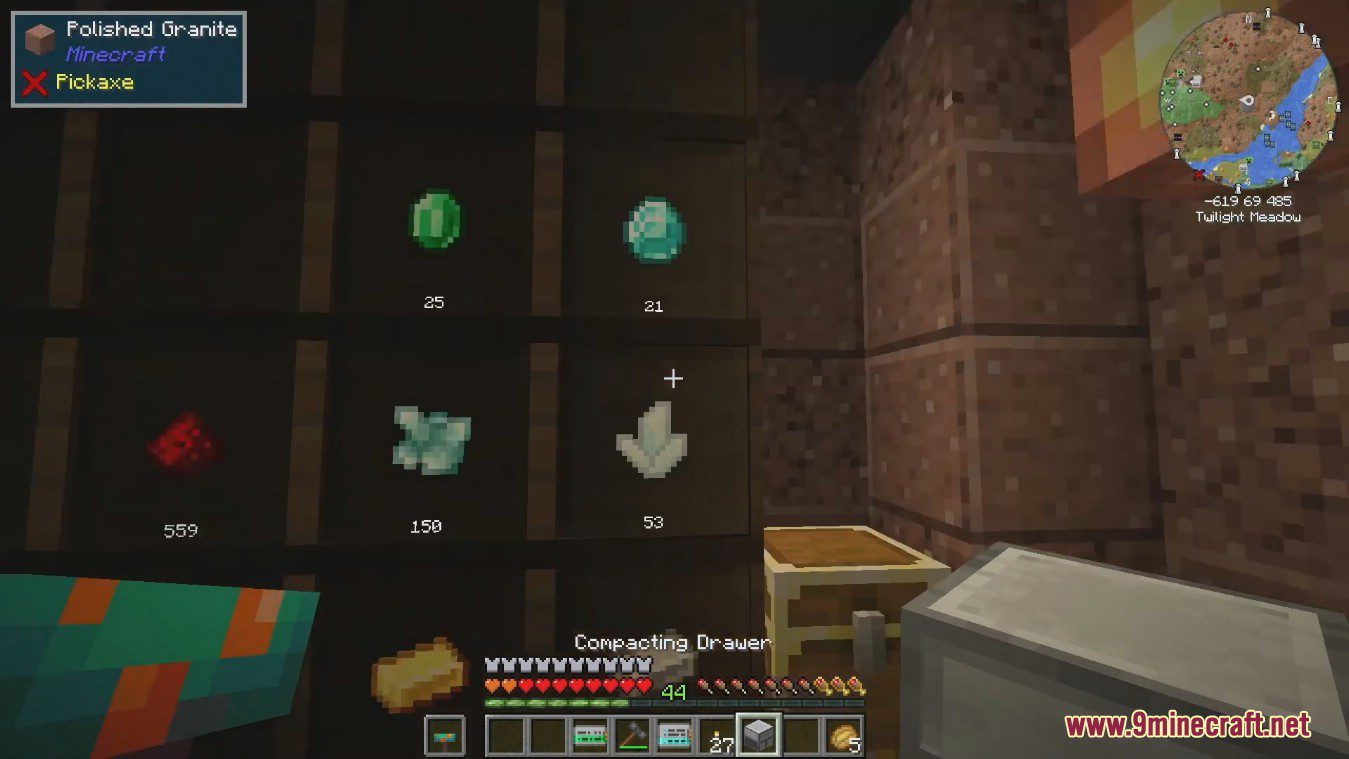
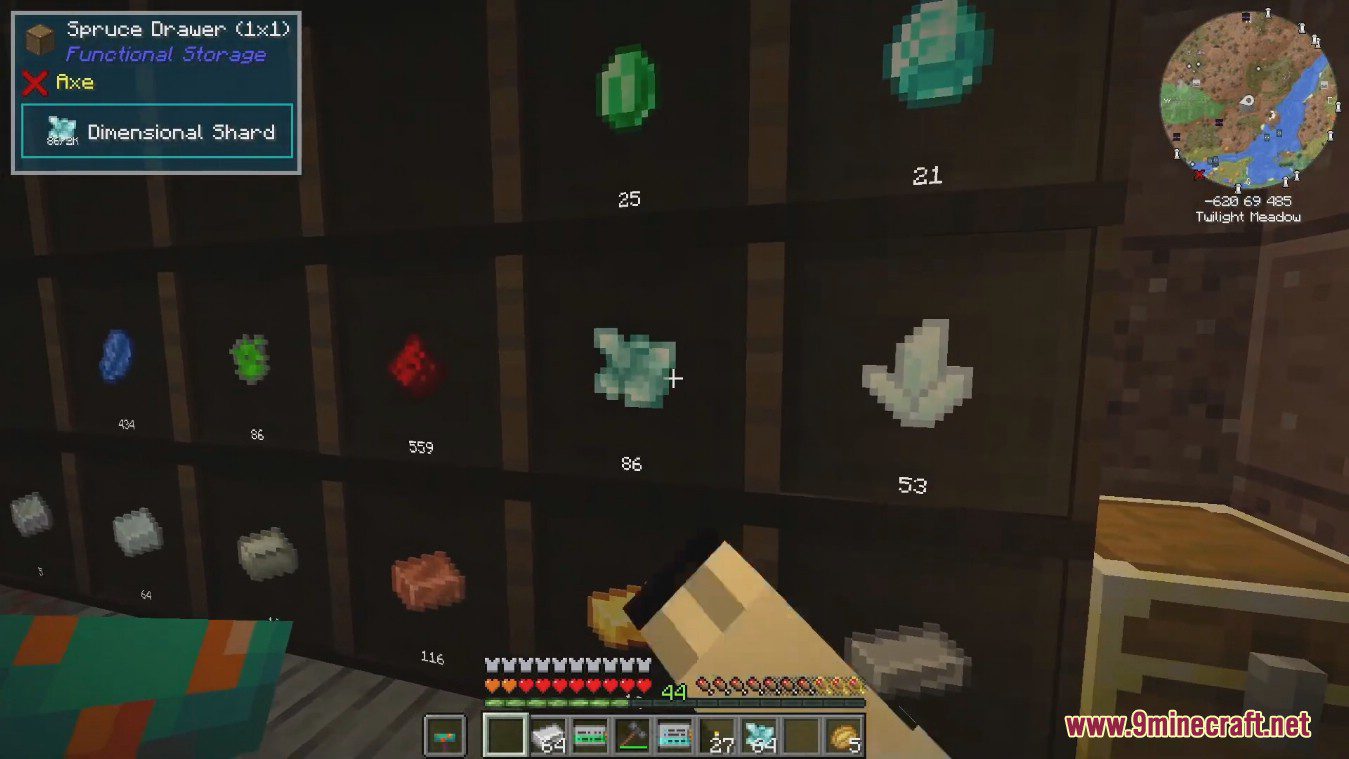
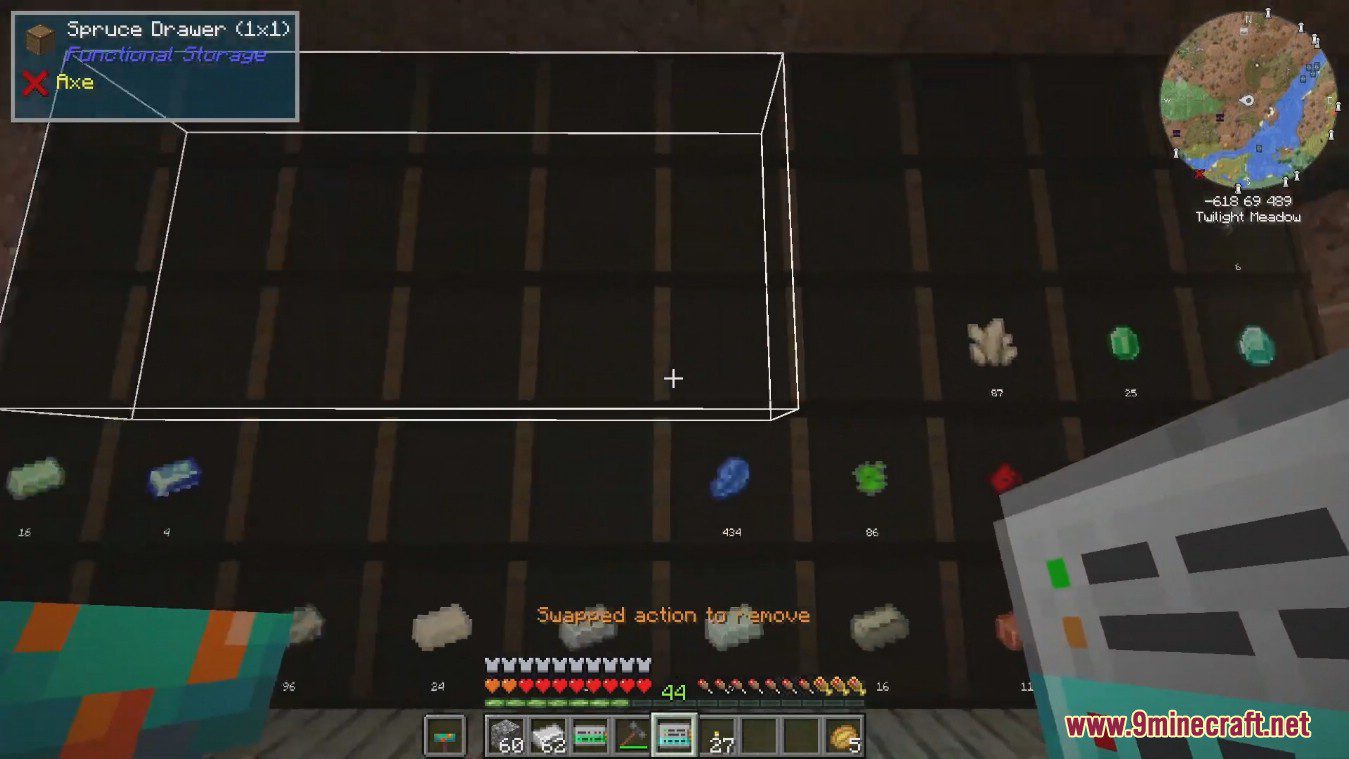
⬇ DownloadFunctional Storage Mod offers a new way to organize your items, acting as an alternative to Storage Drawers. It comes with a fresh look and adds several new features to make your storage system even better.
Features:
- Use a Pulling Upgrade to automatically pull items from an adjacent inventory.
- Add a Pushing Upgrade to push items into a connected inventory.
- A Collecting Upgrade lets your drawers pick up loose items from the ground.
- Store up to 4096 unstackable items like tools and armor in the Armory Cabinet.
- Fewer types of storage upgrades are available, but each one provides a larger capacity boost.
- Link drawers to a Storage Controller without them needing to be directly next to it.
- Store liquids in the new Fluid Drawer.
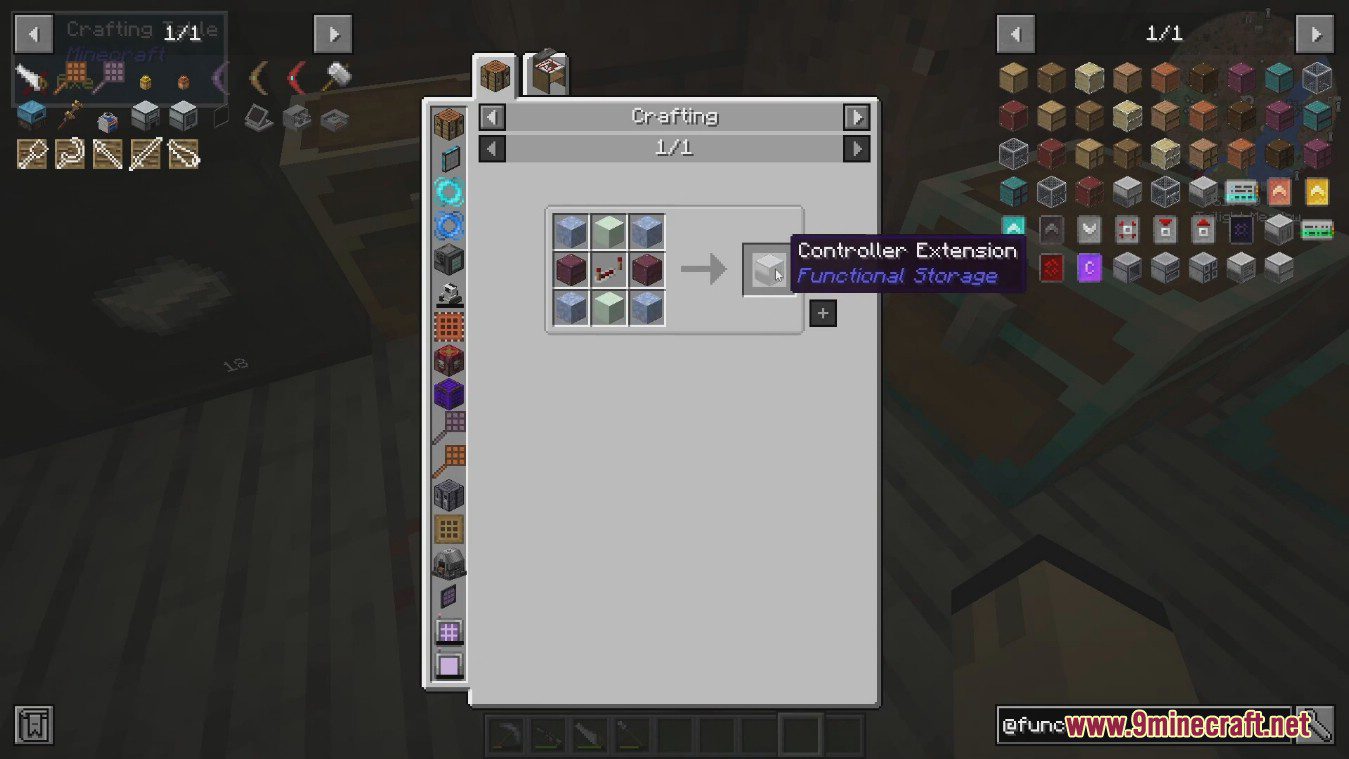
- Use Controller Extensions, which act as a main controller once they are linked.
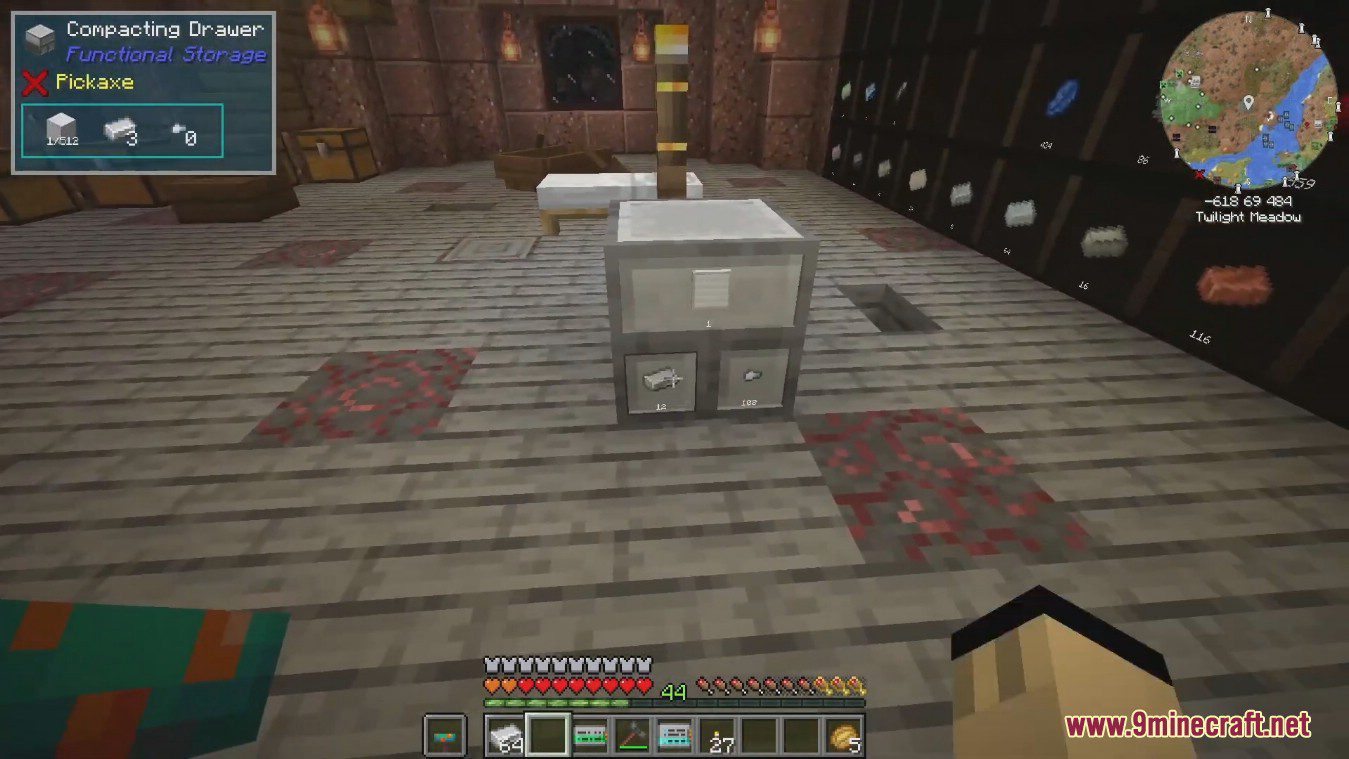
- A Simple Compacting Drawer is included, offering two slots for compacting items.
How to Use:
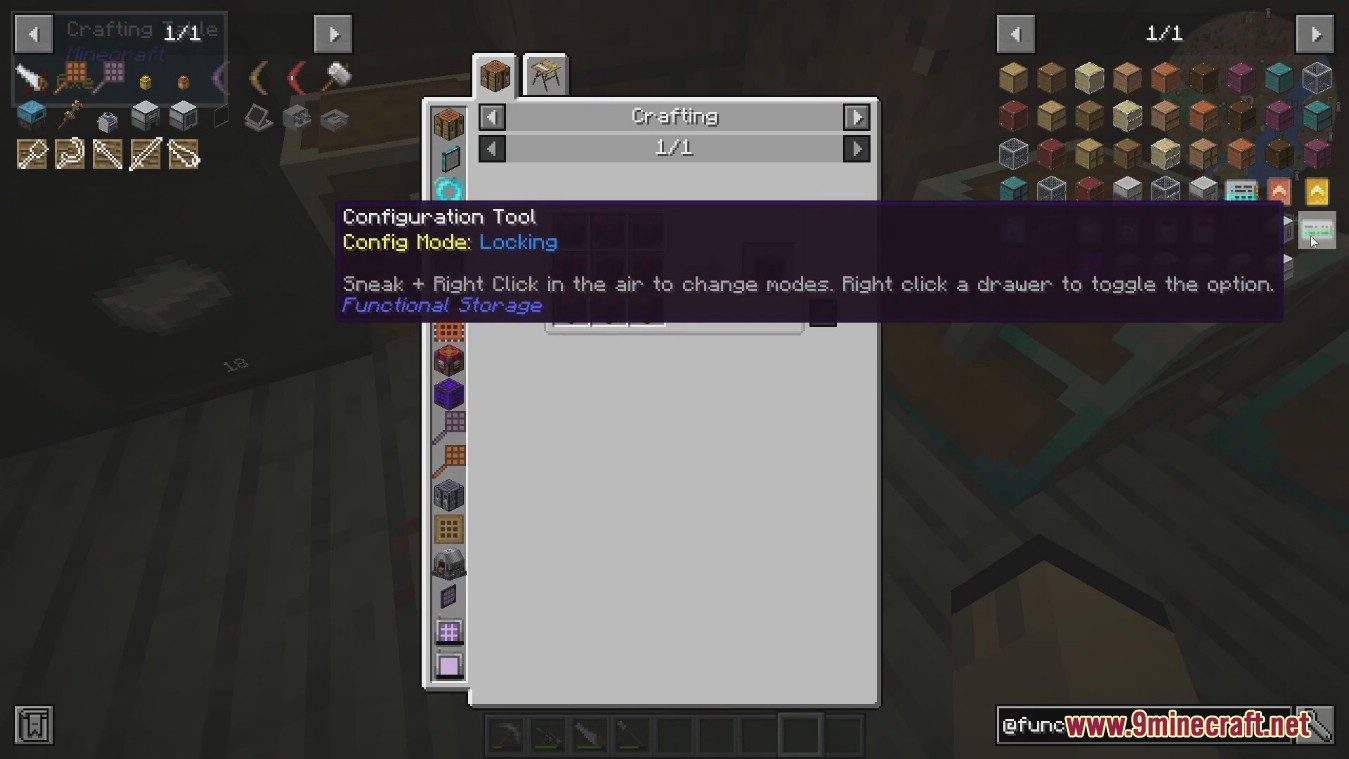
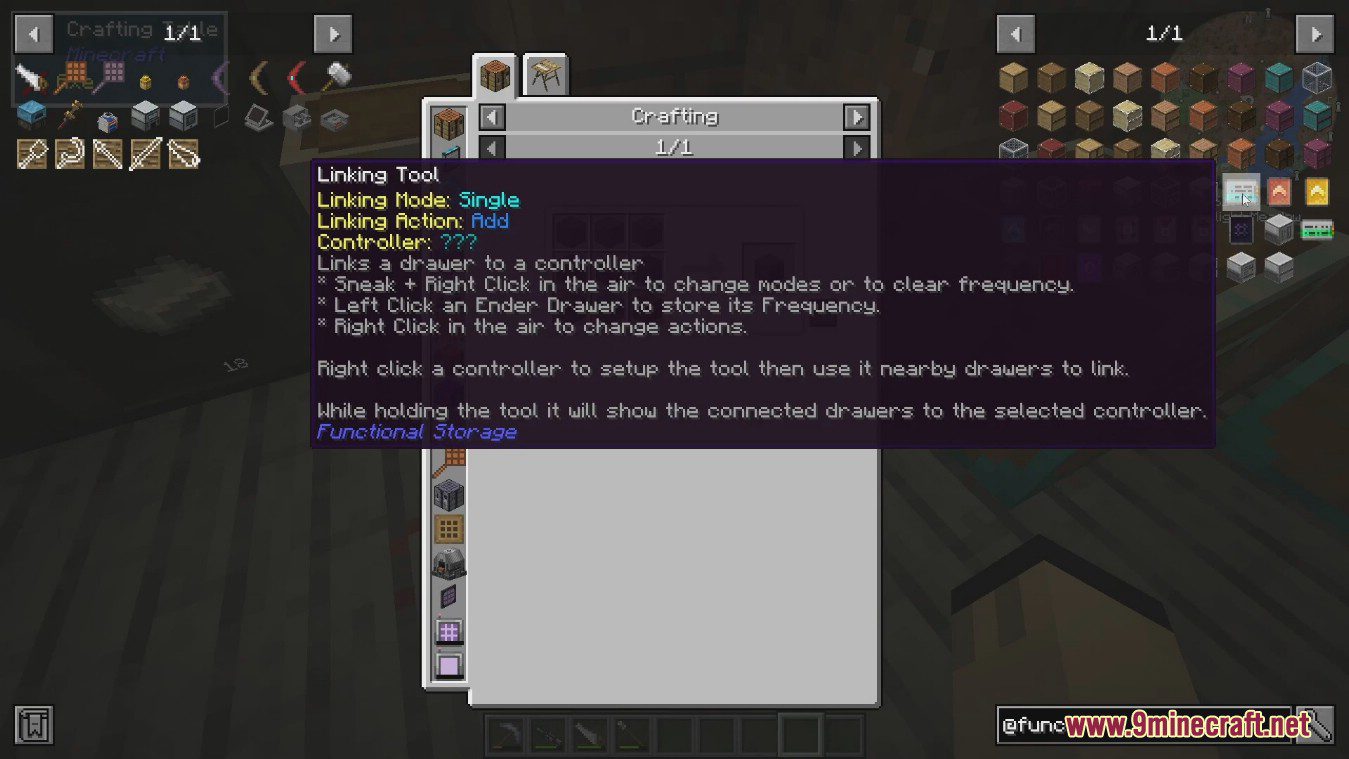
- To connect a drawer to a Drawer Controller, you need to use the Linking Tool.
- Right-click a controller with the Linking Tool to configure it. Then, right-click any drawers within range (8 blocks by default) to link them.
- To sync two Ender Drawers, left-click one with the Linking Tool to copy its frequency. Then, right-click another Ender Drawer to link their contents together.
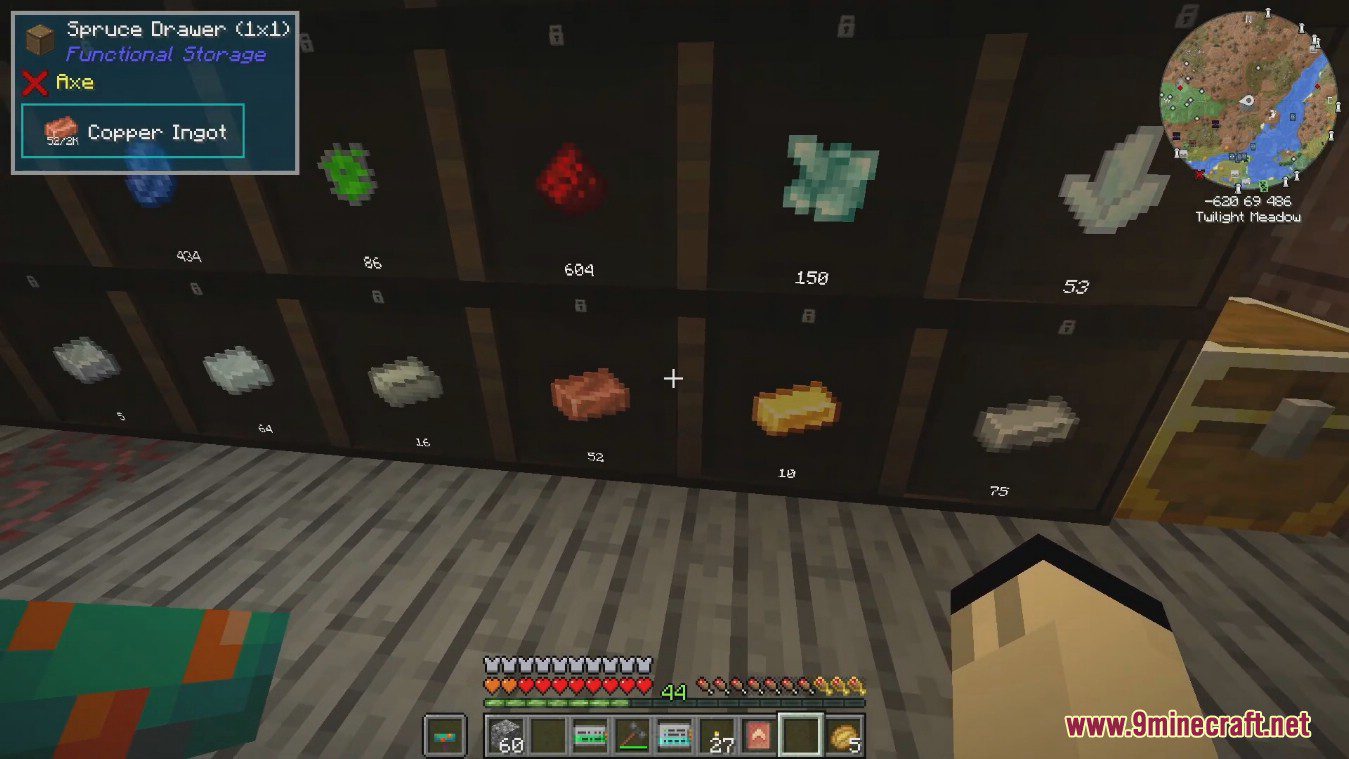
Screenshots:
Functional Storage Mod Download Links
For Minecraft 1.21.1, 1.21
NeoForge version: Download from Server 1 – Download from Server 2
For Minecraft 1.20.1, 1.20
Forge version: Download from Server 1 – Download from Server 2
For Minecraft 1.19.2
Forge version: Download from Server 1 – Download from Server 2
For Minecraft 1.18.2
Forge version: Download from Server 1 – Download from Server 2
For Minecraft 1.18.1
Forge version: Download from Server 1
- Edition: Minecraft Java
- File type: .jar
- Minecraft versions listed: 1.21.1, 1.20.1
- How to install: Install the matching mod loader (Forge, Fabric or NeoForge) for your Minecraft version. → Download the .jar. → Put it in the .minecraft/mods folder and launch that loader profile.
- Where to get it: In MC Java Mods, or directly above on this page.
Install steps are the general flow for this file type — How to install Minecraft Java mods & modpacks walks through it step by step.
- Downloads as 196498.mcaddon
- Download size: 712 KB
- Download link checked 15 Jul 2026 — working
- Mirrored on our own servers — the download does not depend on the original host
These come from our own check of the pack file, not from the source page.