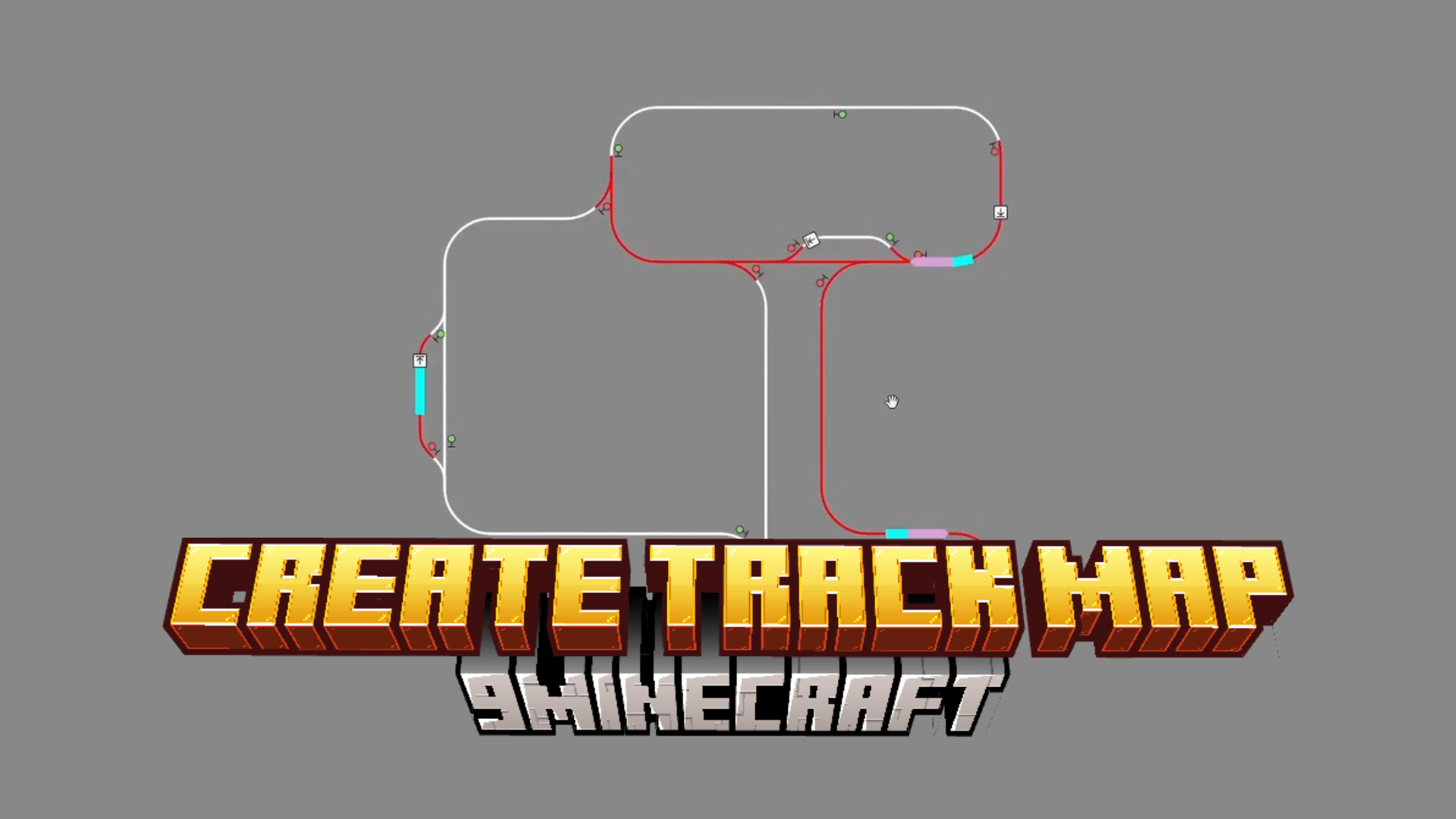
Create Track Map Mod (1.20.1, 1.19.2) – Real-time Display of Train Locations
Java mod listed for Minecraft 1.19–1.20. Download on the author's site.
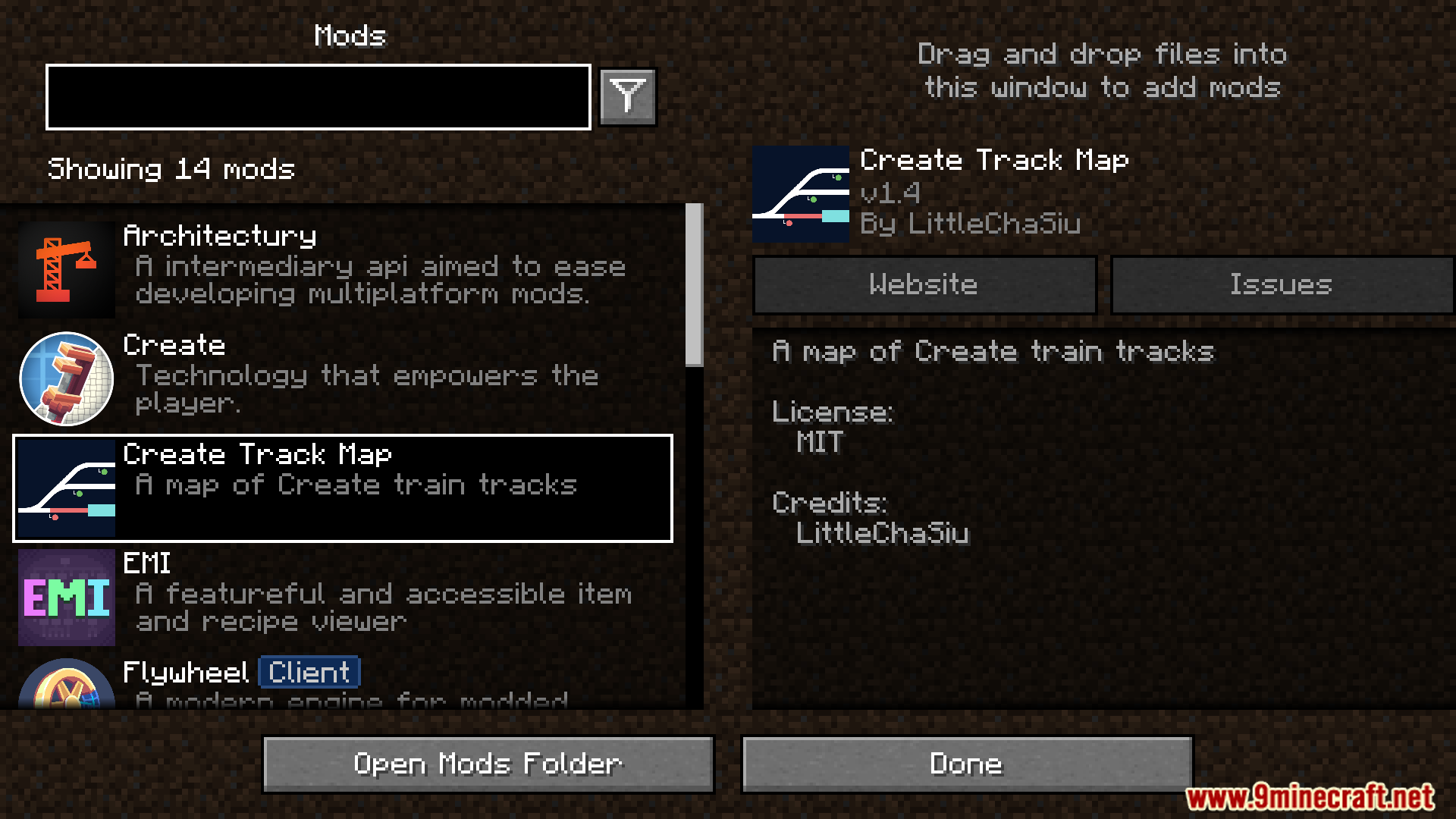
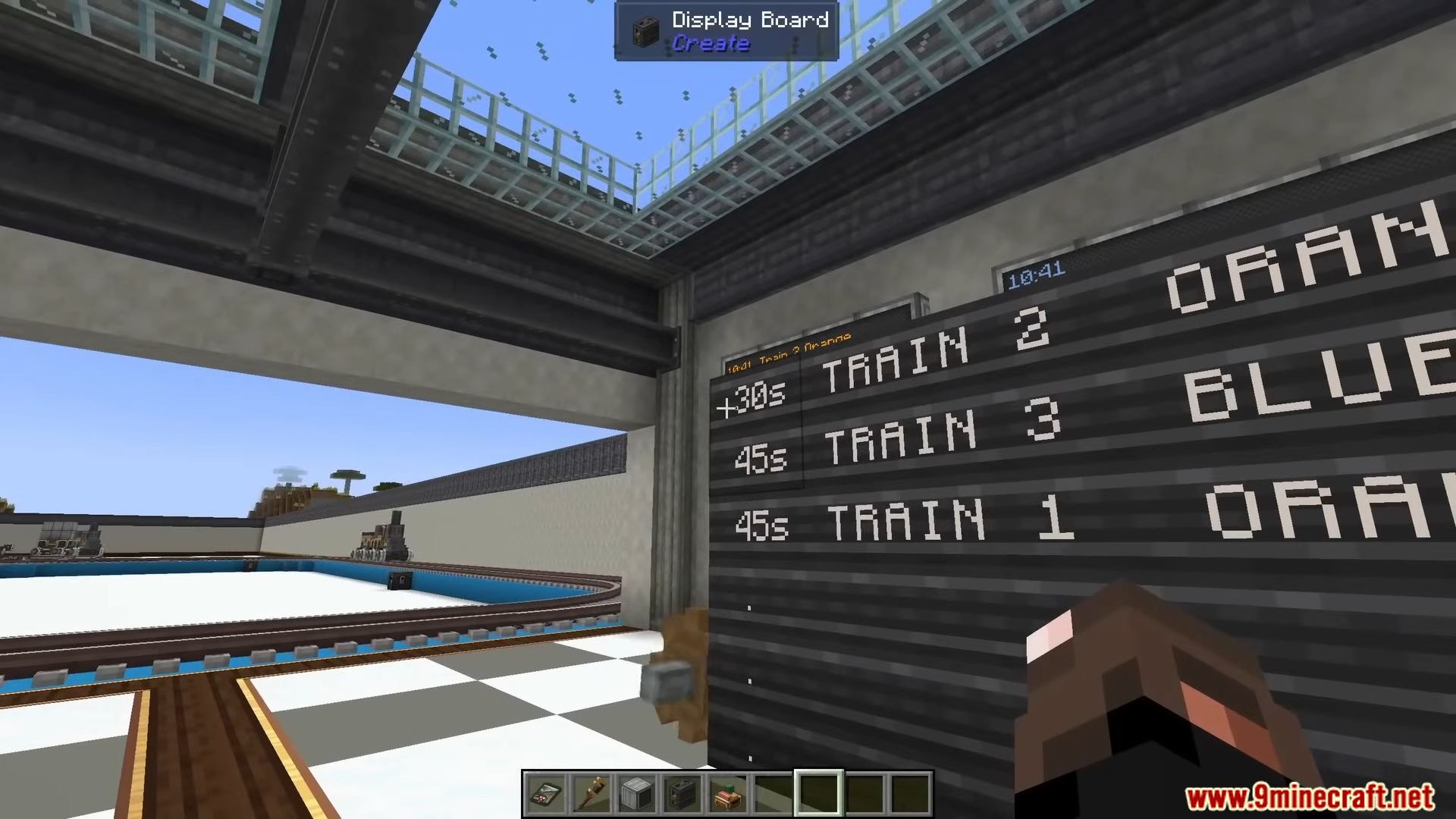
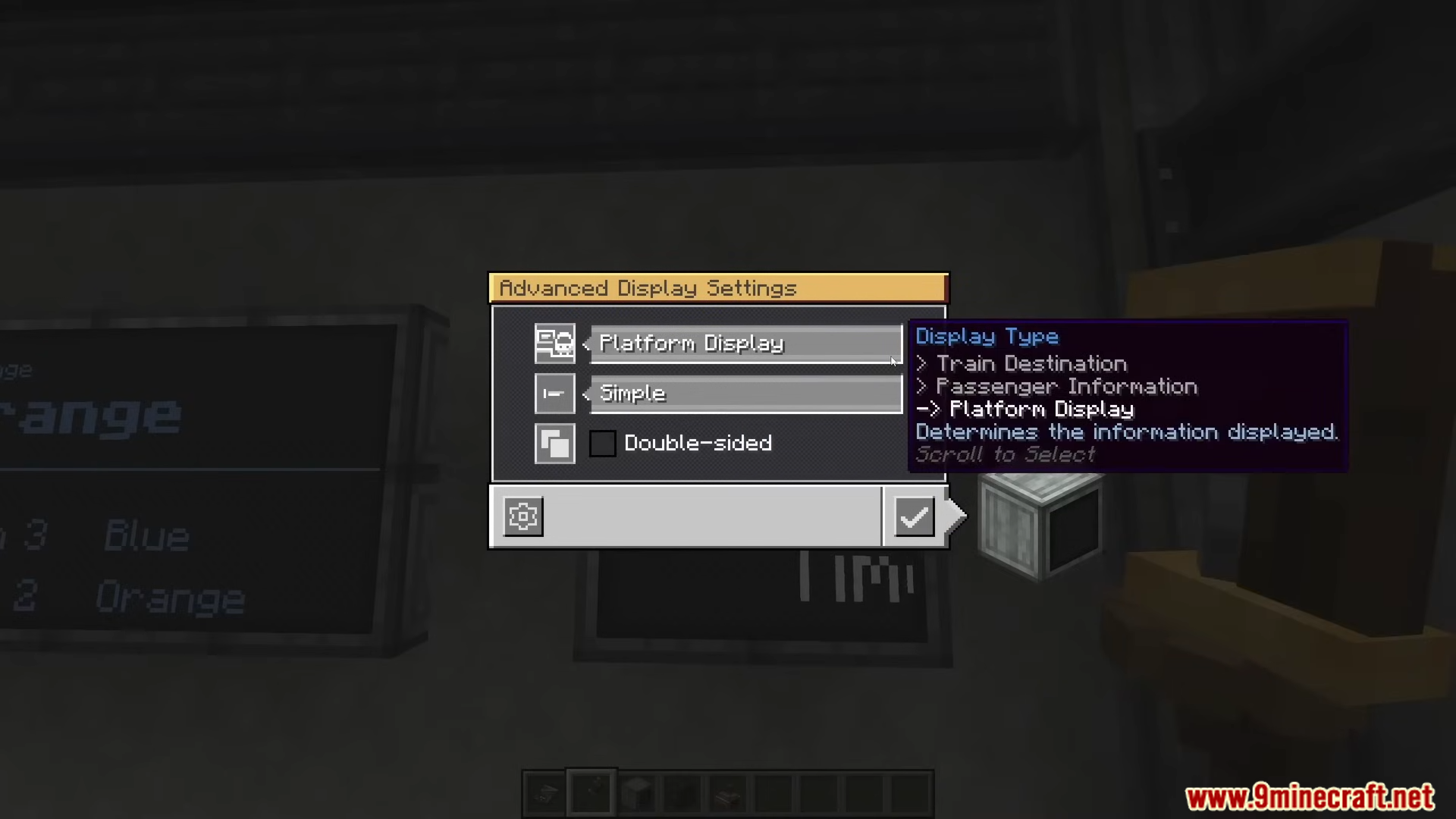
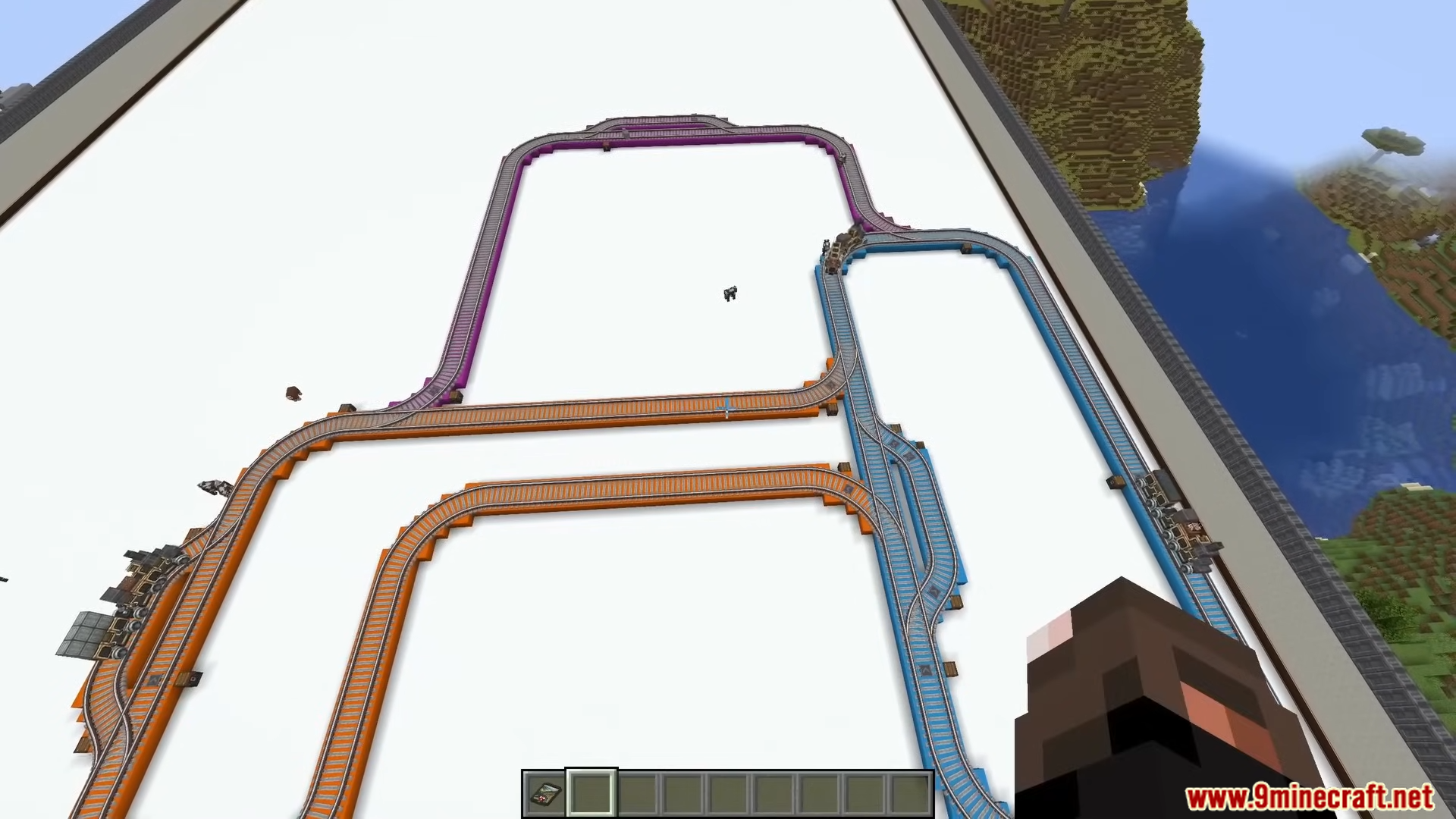
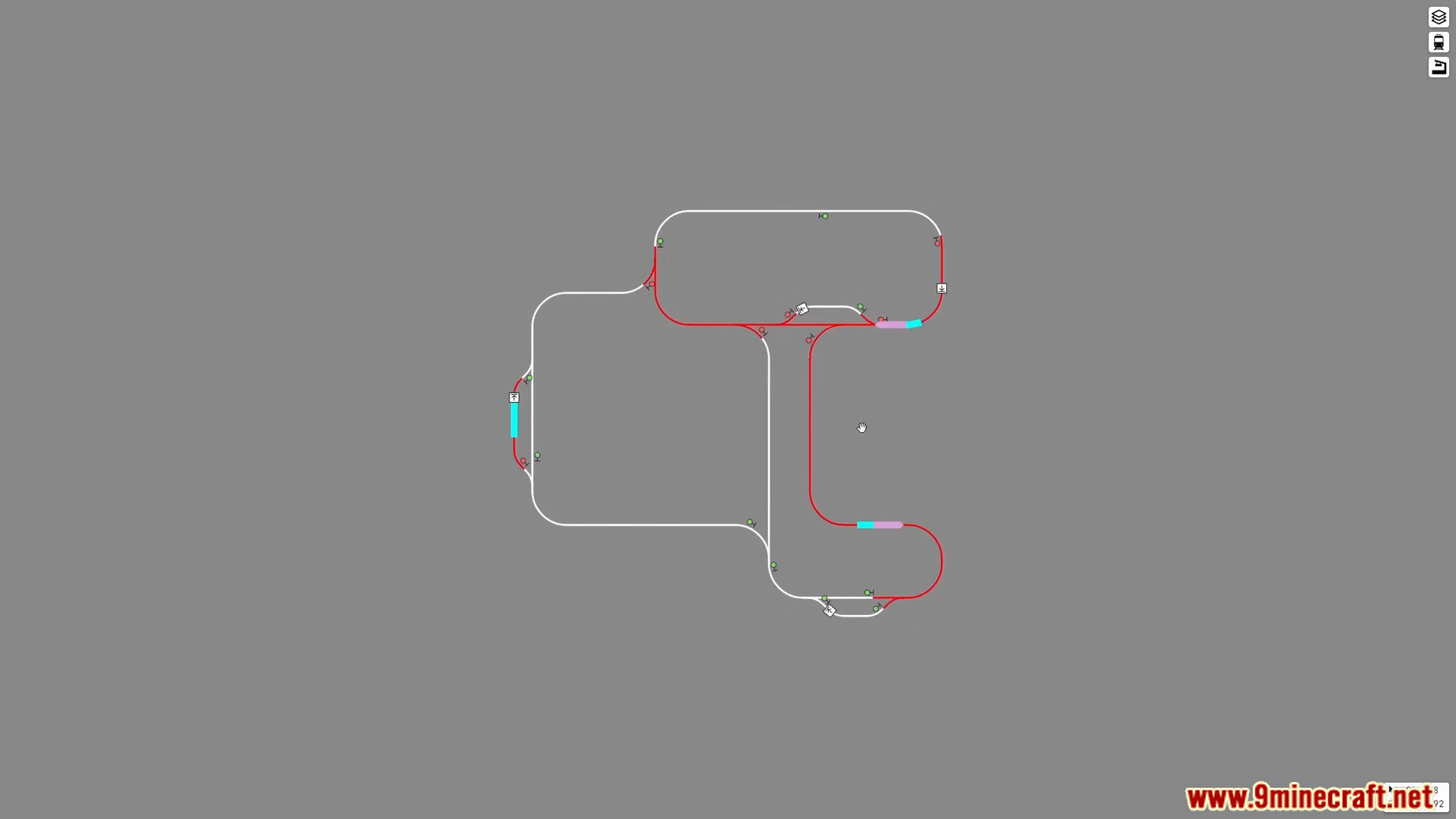
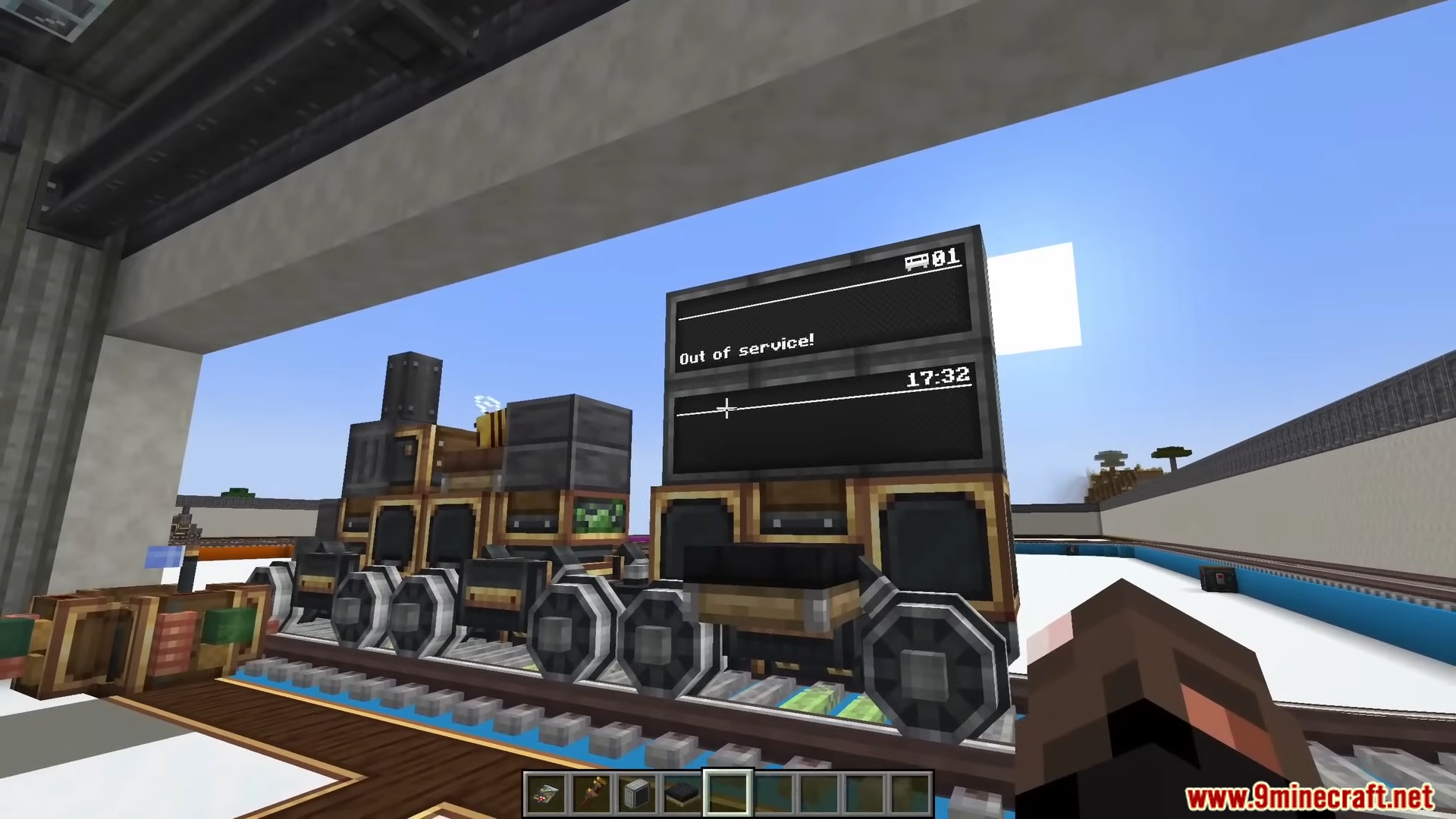
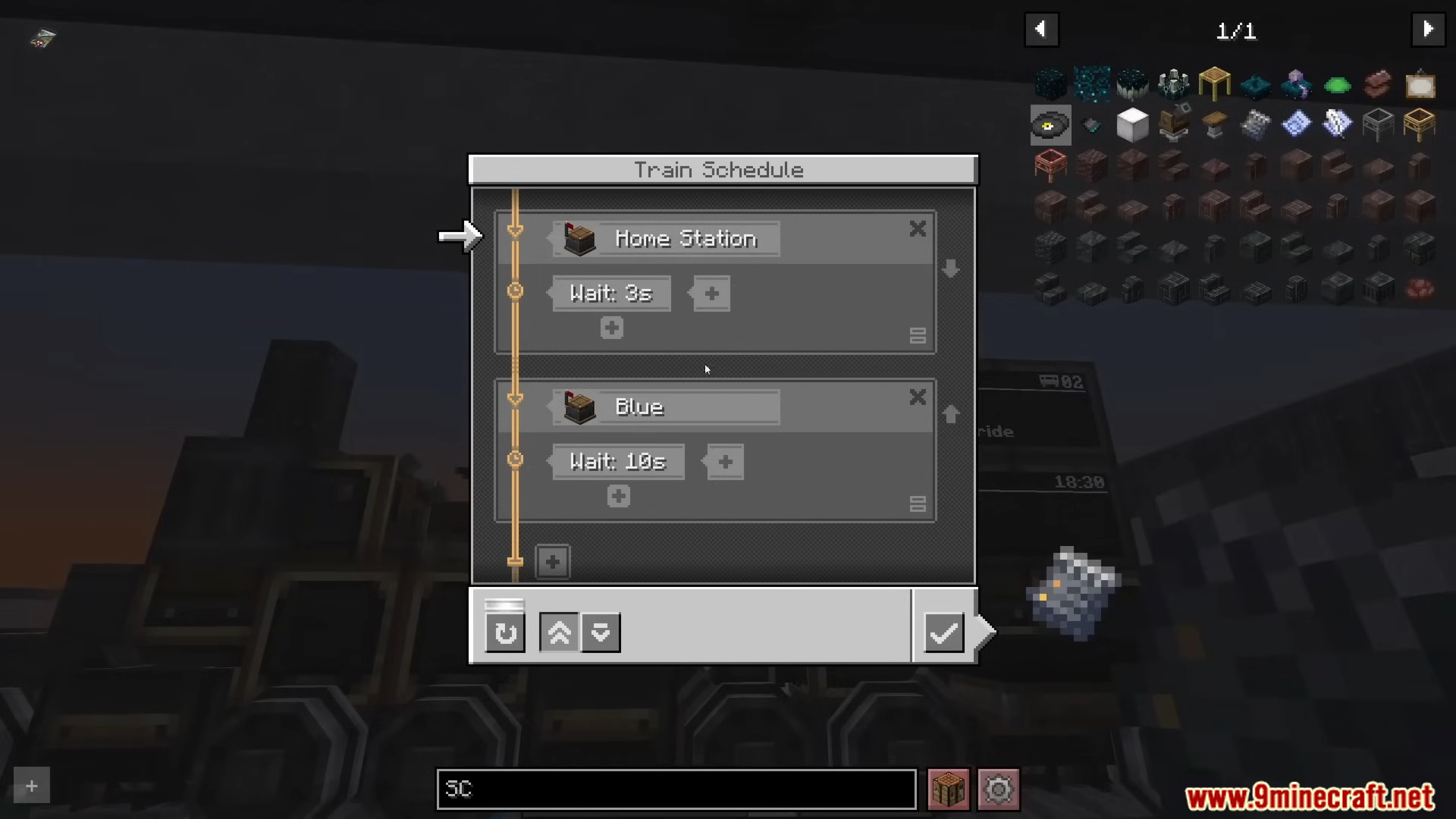
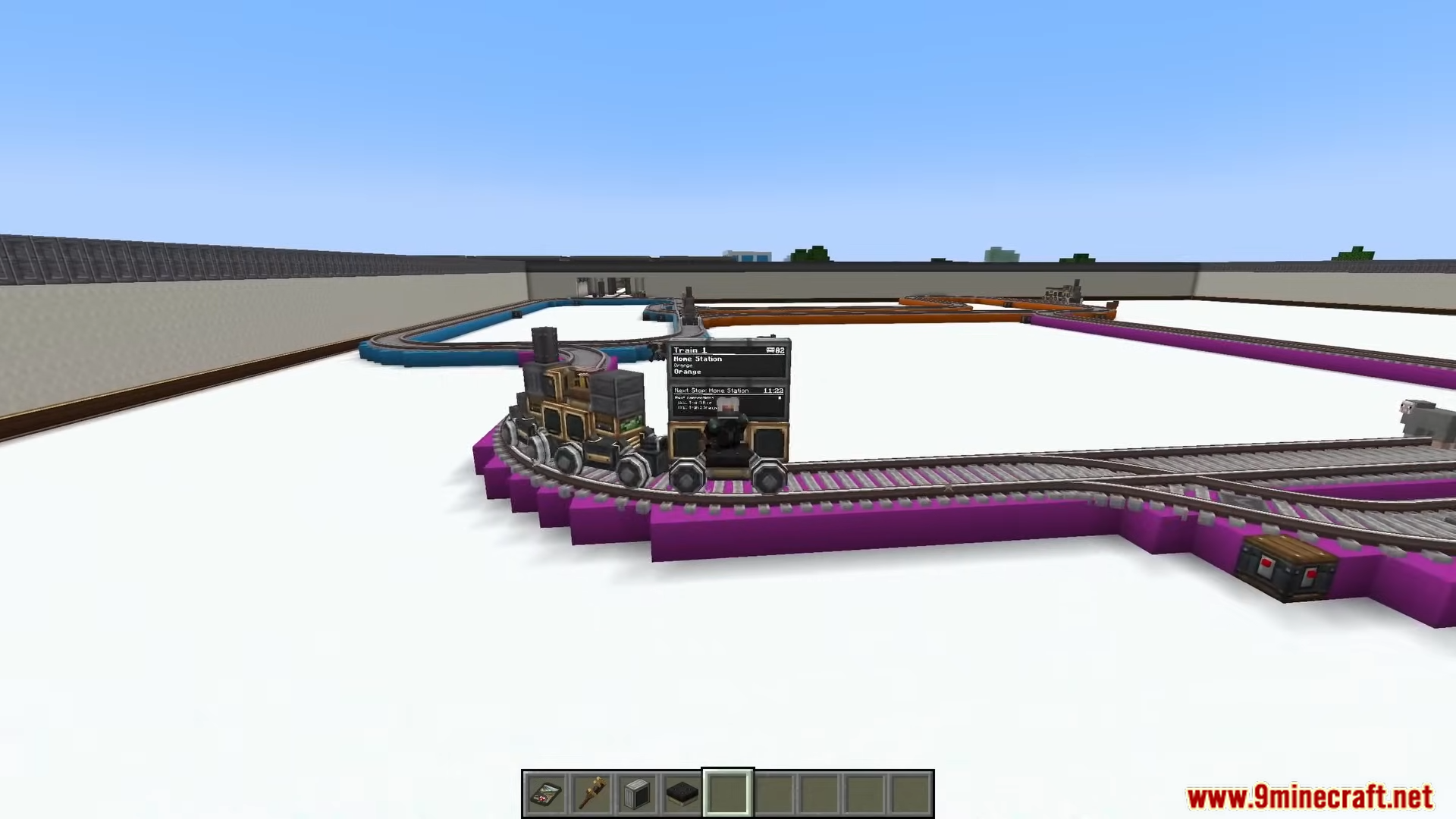
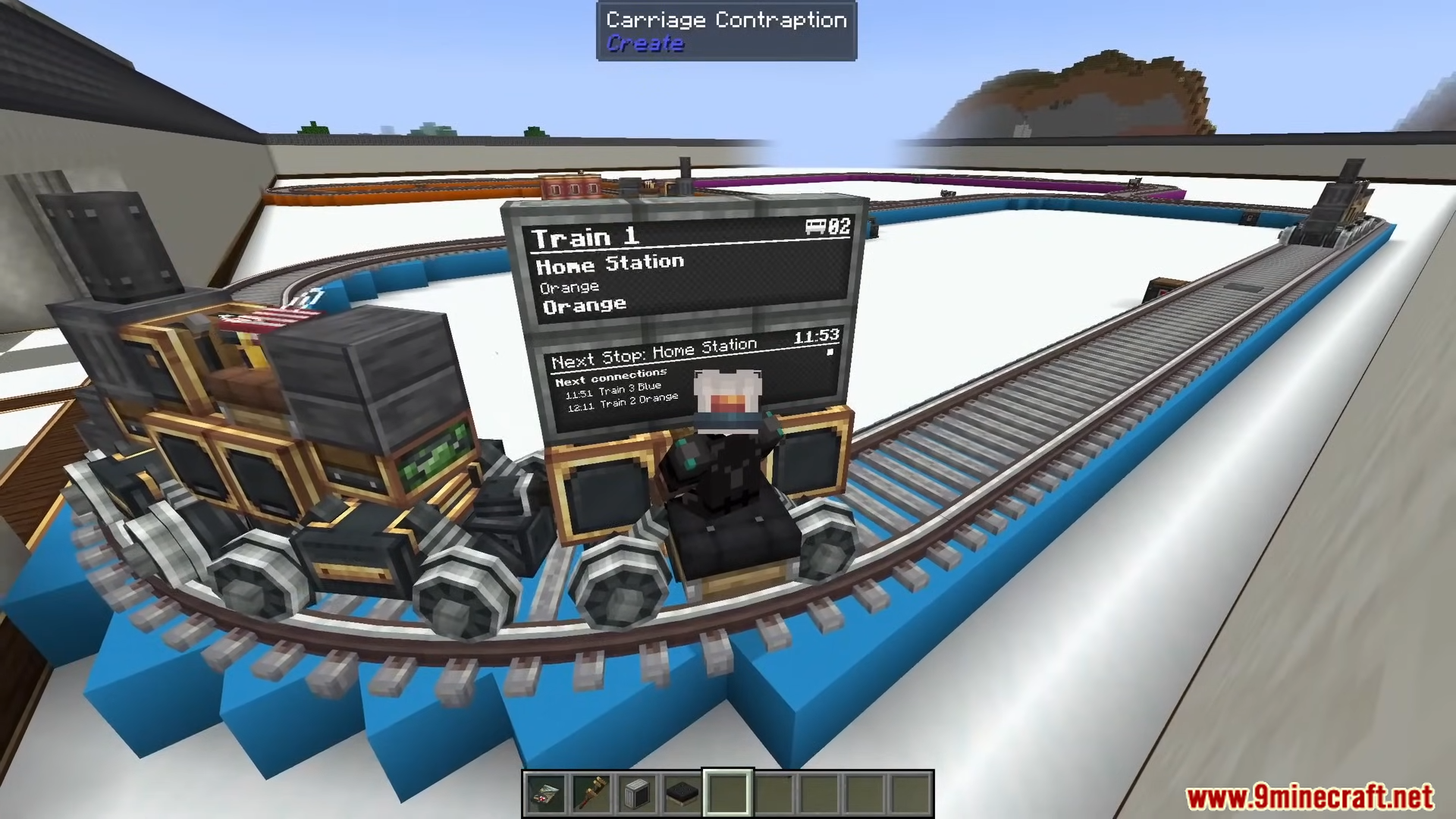
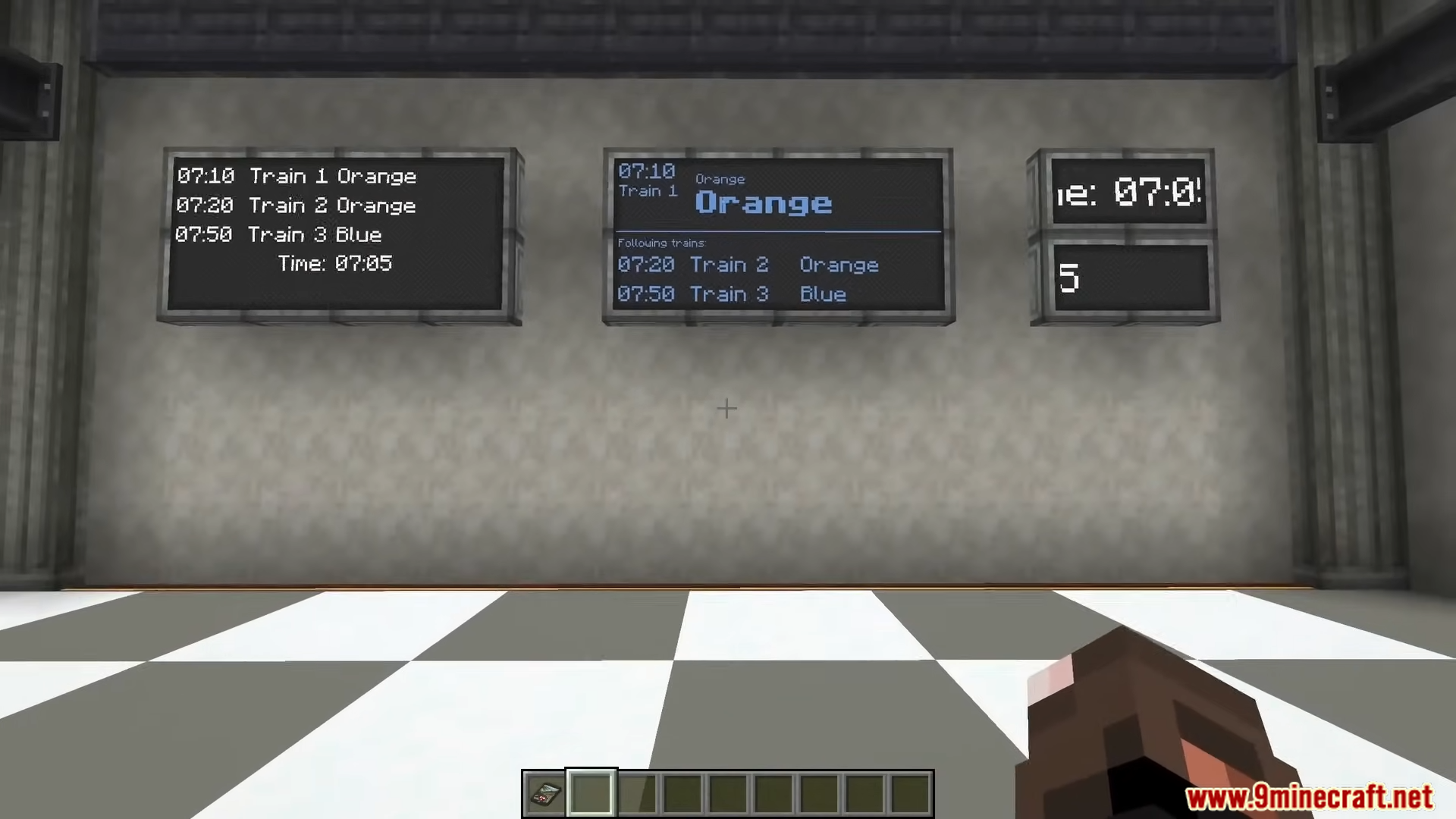
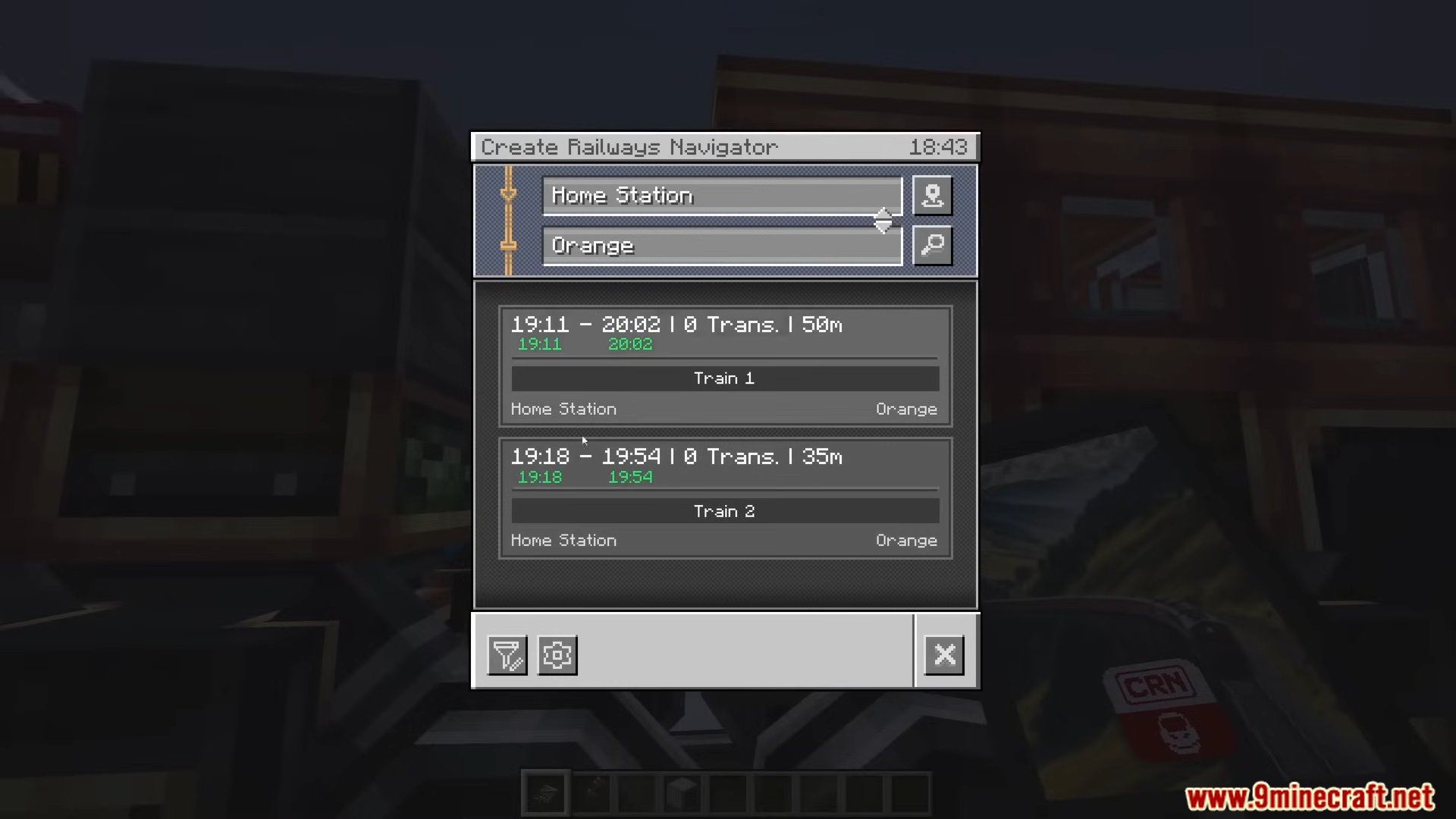
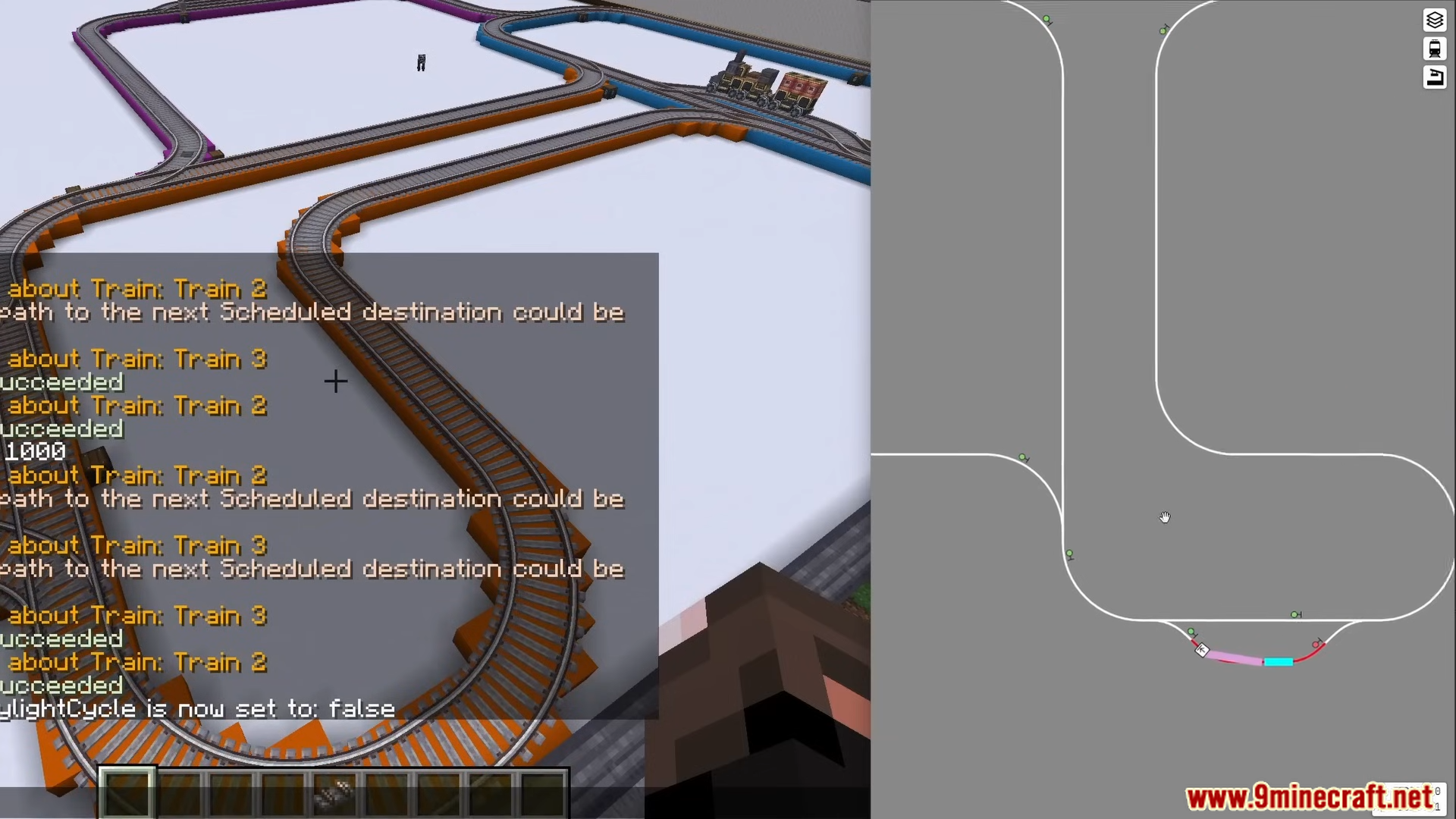
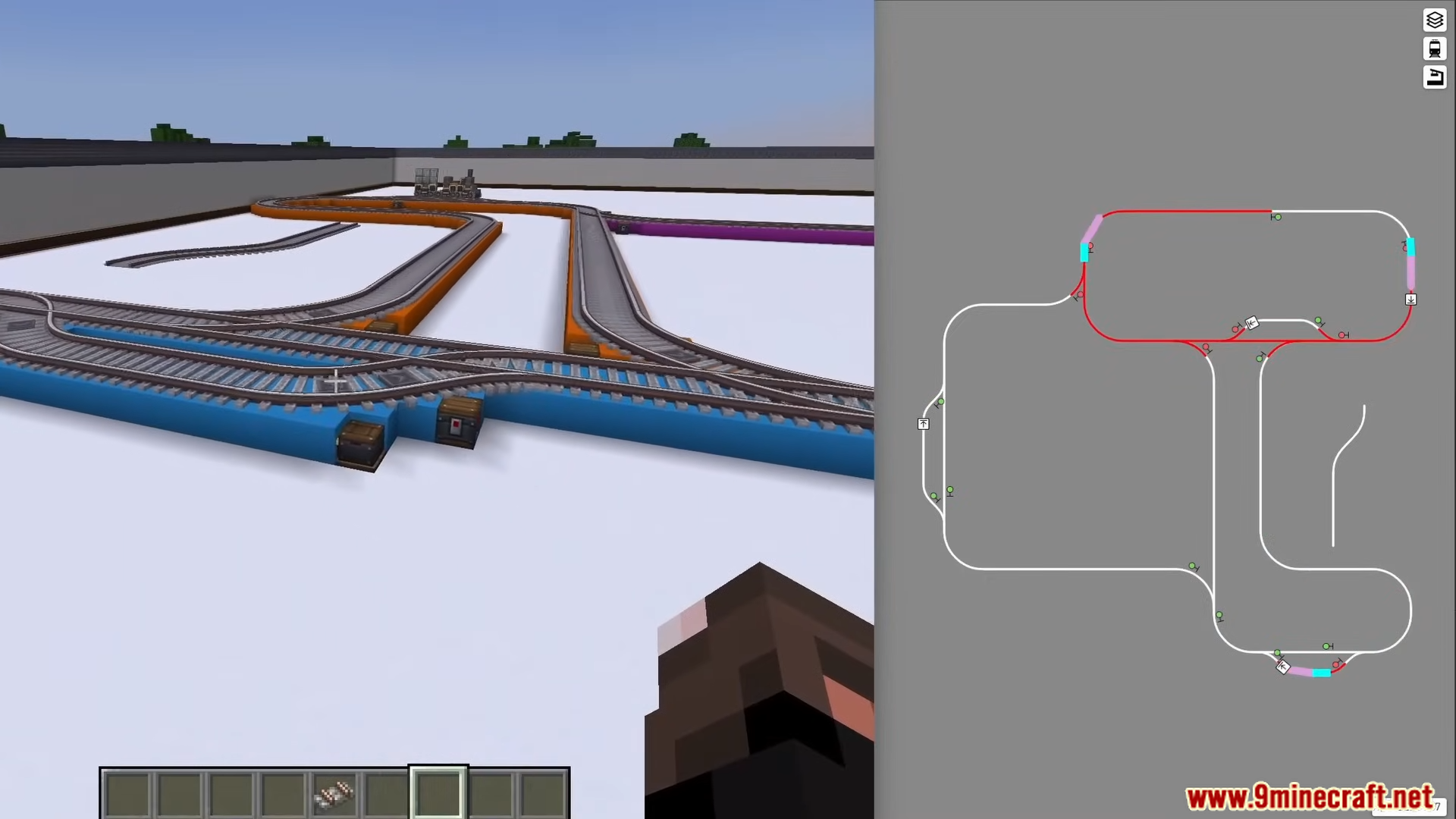
⬇ DownloadCreate Track Map Mod provides an in-game visualization of Create mod train networks. It displays an interactive map detailing all tracks, signal placements, station locations, and the real-time positions of active trains.
Features:
- Real-time display of train locations.
- Mapping of all placed tracks.
- Visualization of signal and station placements.
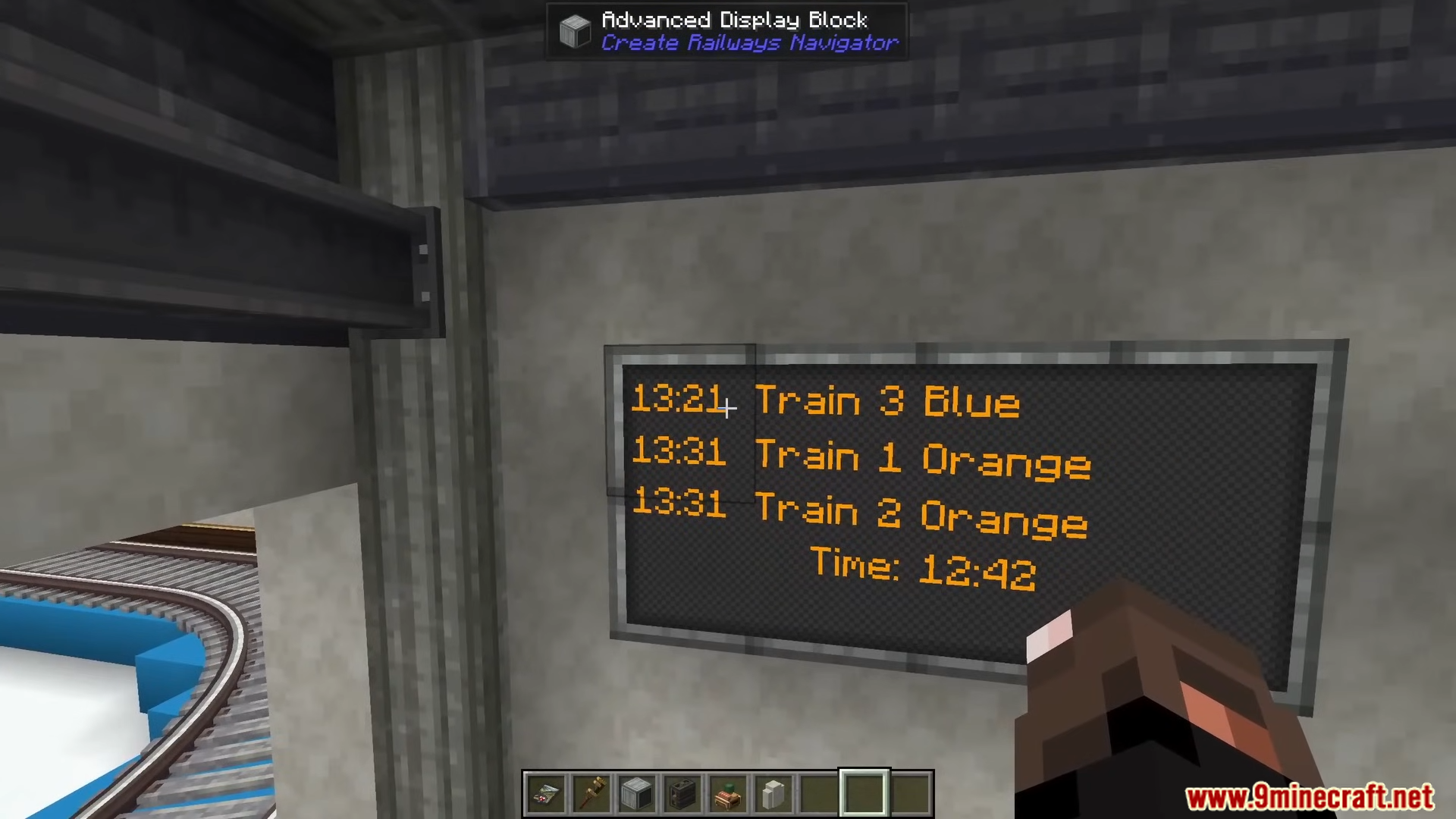
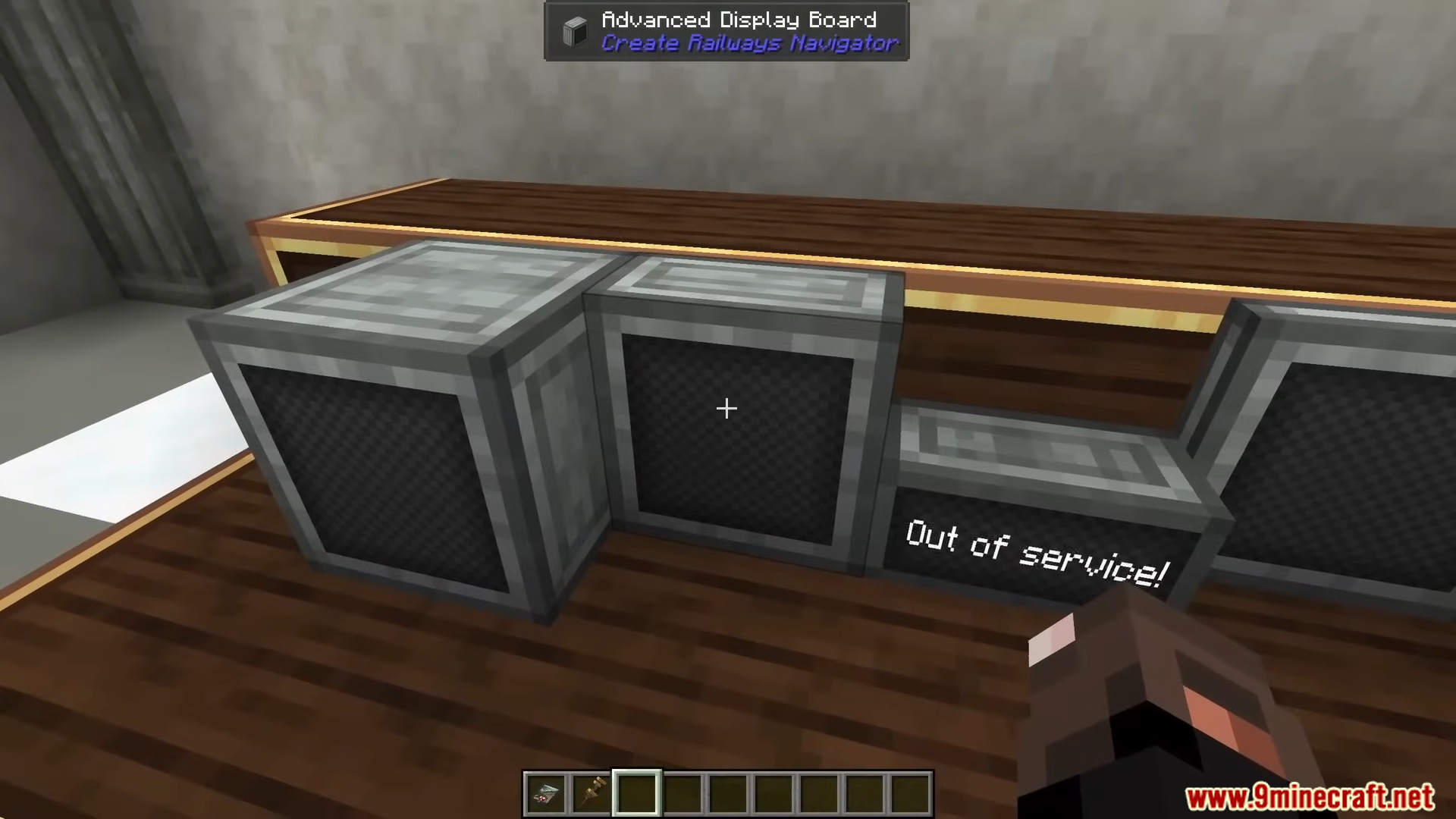
- Integration with the Create mod’s train system.
Screenshots:
Create Track Map Mod Download Links
For Minecraft 1.20.1
Forge/NeoForge Version: Download from Server 1 – Download from Server 2
Fabric/Quilt Version: Download from Server 1 – Download from Server 2
For Minecraft 1.19.2
Forge Version: Download from Server 1 – Download from Server 2
Fabric Version: Download from Server 1 – Download from Server 2
For Minecraft 1.18.2
Forge Version: Download from Server 1 – Download from Server 2
Fabric Version: Download from Server 1 – Download from Server 2
- Edition: Minecraft Java
- File type: .jar
- Minecraft versions listed: 1.20.1, 1.19.2
- How to install: Install the matching mod loader (Forge, Fabric or NeoForge) for your Minecraft version. → Download the .jar. → Put it in the .minecraft/mods folder and launch that loader profile.
- Where to get it: Opens on the file's original source — not every file is mirrored on our own servers.
Install steps are the general flow for this file type — How to install Minecraft Java mods & modpacks walks through it step by step.
Create Track Map Mod (1.20.1, 1.19.2) – Real-time Display of Train Locations is a free Minecraft Java mod. Compatible with Minecraft 1.20.1, 1.19.2. Download it and open it directly in the game.