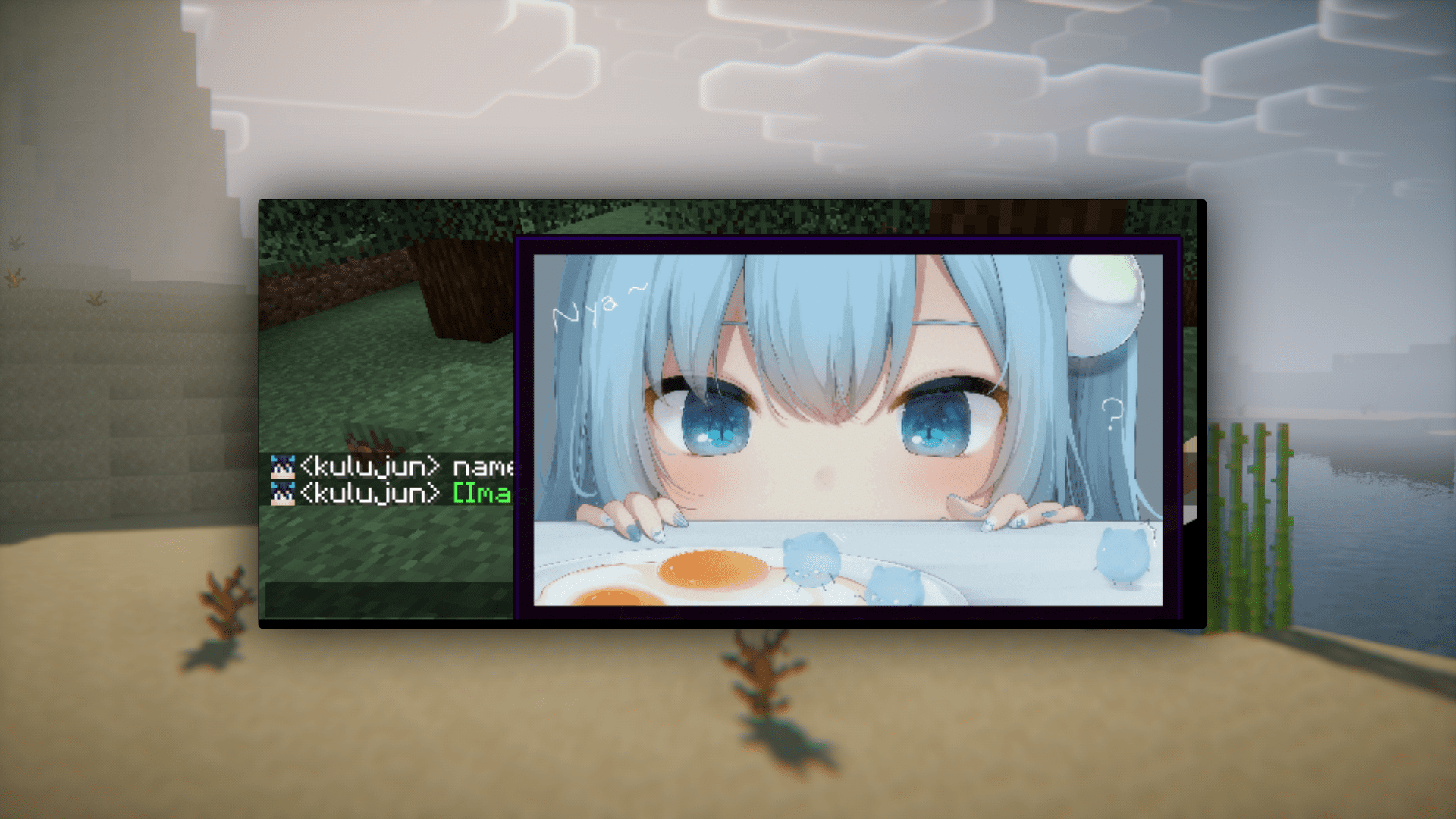
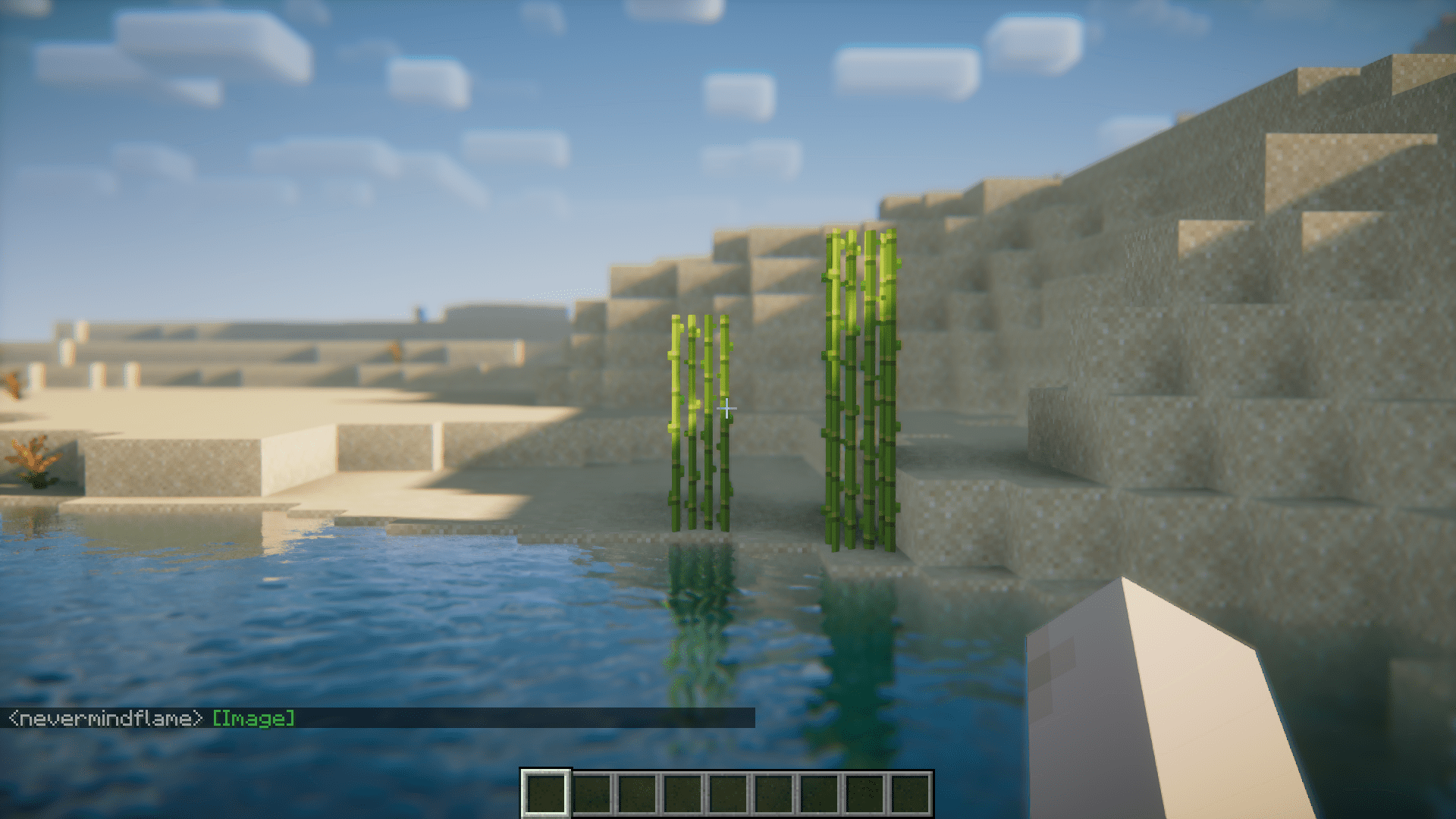
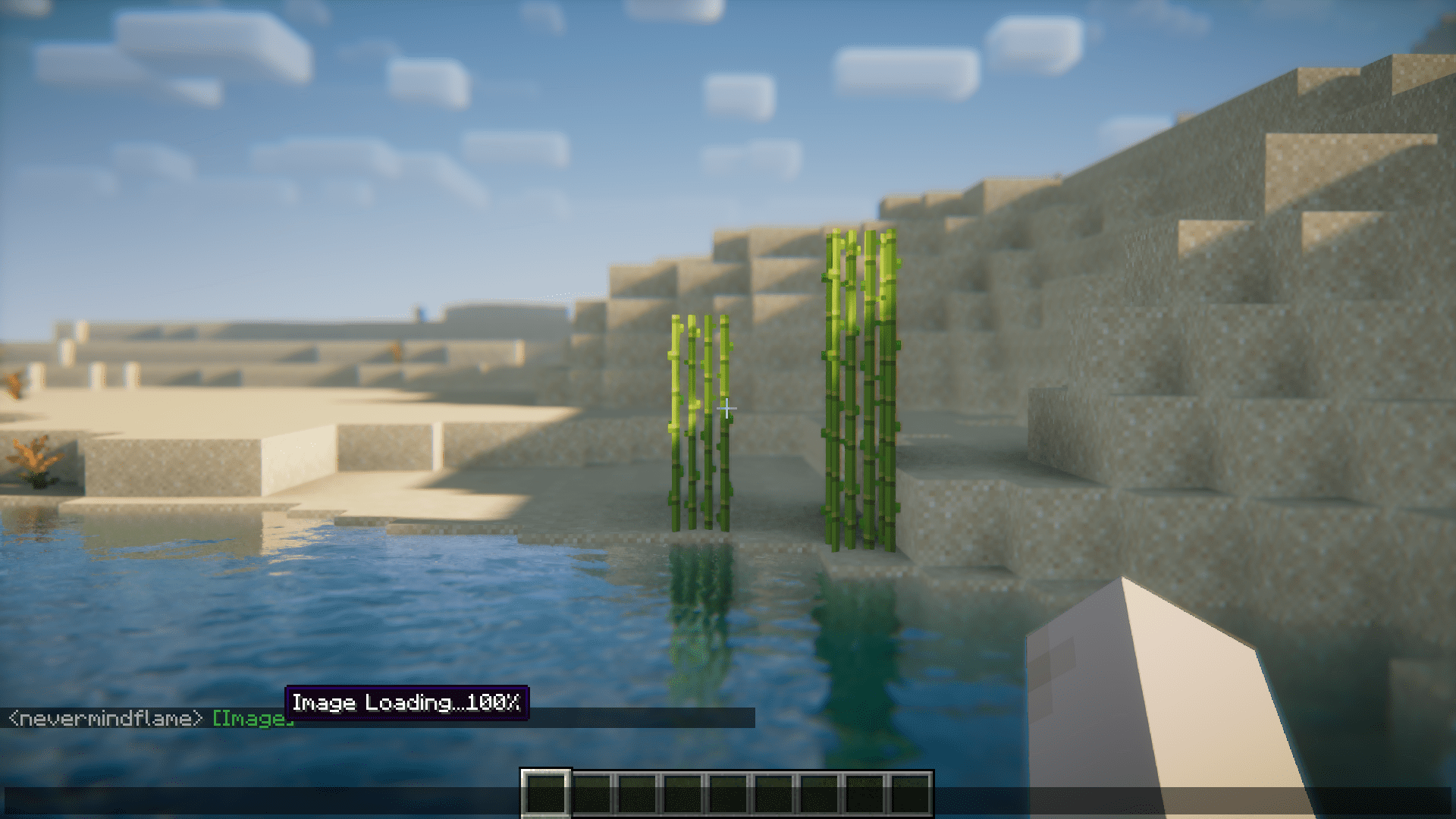
Ever wanted to send images in your Minecraft in-game chat? Chat Image Mod is here to make it a reality. With this mod installed, you will be able to insert the link to an image in the in-game chatbox and make the image appear in the messages. But there are certain commands you have to use properly to make this work. They are listed below.
Features:
Examples:
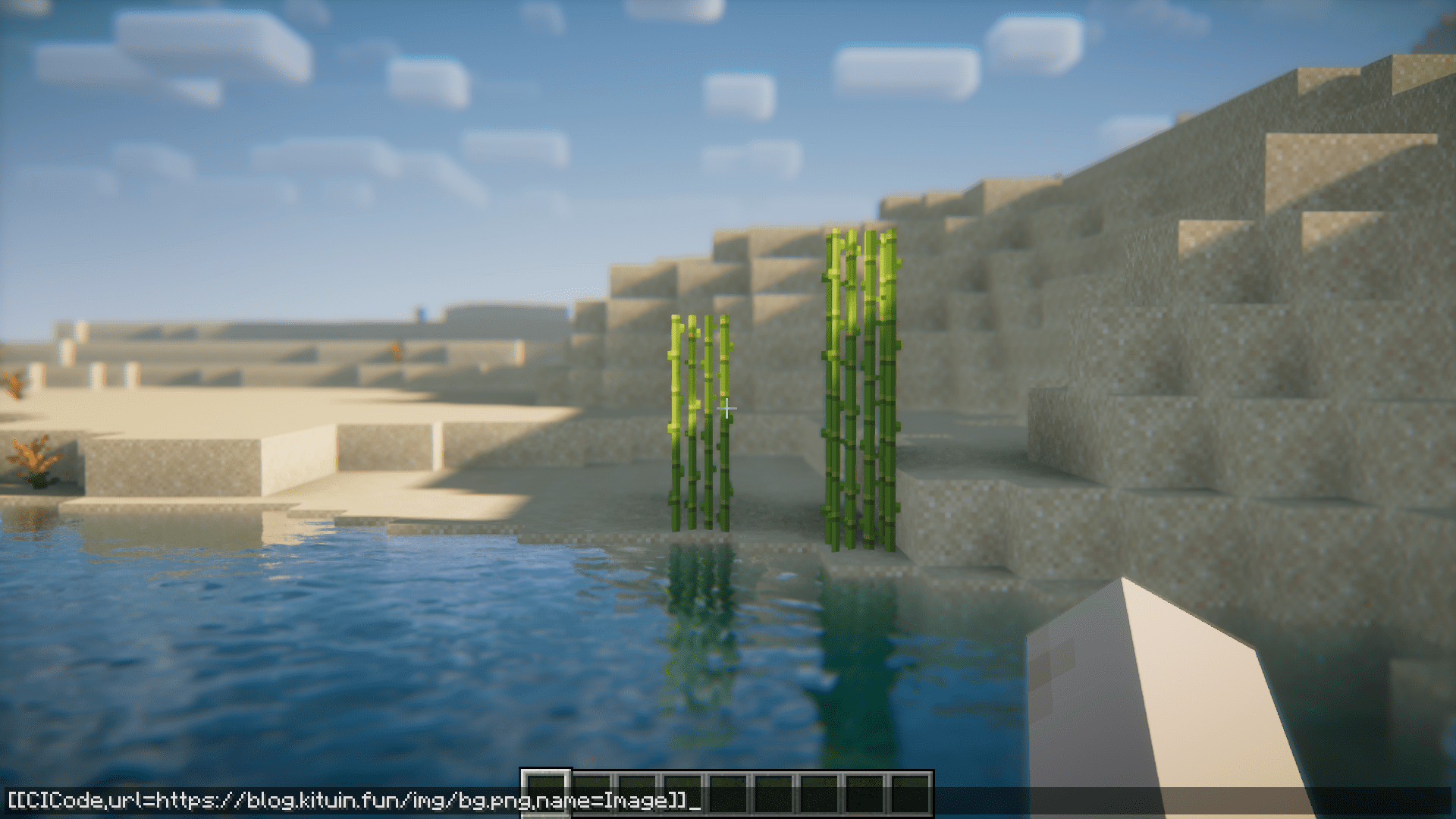
- Web Image [[CICode,url={Web Url},name=Image]]
example: [[CICode,url=https://blog.kituin.fun/img/bg.png,name=Image]]
- Local Image [[CICode,url=file:///{absolute file path},name=Image]]
example: [[CICode,url=file:///C:\blog\kituin\fun\img\bg.png,name=Image]]
Use Command to send [[CICode]]
- Send CICode with display name and url
/chatimage send {name} {url}
- Send CICode with url (use default display name)
/chatimage url {url}
Config Settings: The configuration file is located at: .minecraft/config/fabric/chatimageconfig.json
After modifying the configuration file, please use /chatimage reload to reload the configuration file.
Screenshots:
Chat Image Mod Download Links
For Minecraft 1.16.5
Forge version: Download from Server 1 – Download from Server 2
Fabric/Quilt version: Download from Server 1 – Download from Server 2
For Minecraft 1.17.1
Fabric/Quilt version: Download from Server 1 – Download from Server 2
For Minecraft 1.18.2
Forge version: Download from Server 1 – Download from Server 2
Fabric/Quilt version: Download from Server 1 – Download from Server 2
For Minecraft 1.19.2
Forge version: Download from Server 1 – Download from Server 2
Fabric/Quilt version: Download from Server 1 – Download from Server 2
For Minecraft 1.19.4
Forge version: Download from Server 1 – Download from Server 2
Fabric/Quilt version: Download from Server 1 – Download from Server 2
For Minecraft 1.20.1
Forge version: Download from Server 1 – Download from Server 2
Fabric/Quilt version: Download from Server 1 – Download from Server 2
For Minecraft 1.20.4
Forge/NeoForge version: Download from Server 1 – Download from Server 2
Fabric/Quilt version: Download from Server 1 – Download from Server 2
For Minecraft 1.20.6
Fabric/Quilt version: Download from Server 1 – Download from Server 2
For Minecraft 1.21.1, 1.21
Fabric/Quilt version: Download from Server 1 – Download from Server 2
For Minecraft 1.21.3, 1.21.2
NeoForge version: Download from Server 1 – Download from Server 2
Fabric/Quilt version: Download from Server 1 – Download from Server 2
For Minecraft 1.21.4
Fabric/Quilt version: Download from Server 1 – Download from Server 2
For Minecraft 1.21.5
NeoForge version: Download from Server 1 – Download from Server 2
Fabric/Quilt version: Download from Server 1 – Download from Server 2
- Edition: Minecraft Java
- File type: .jar
- Minecraft versions listed: 1.21.5, 1.20.1
- How to install: Install the matching mod loader (Forge, Fabric or NeoForge) for your Minecraft version. → Download the .jar. → Put it in the .minecraft/mods folder and launch that loader profile.
- Where to get it: In MC Java Mods, or directly above on this page.
Install steps are the general flow for this file type — How to install Minecraft Java mods & modpacks walks through it step by step.
- Downloads as 196567.mcaddon
- Download size: 710 KB
- Download link checked 15 Jul 2026 — working
- Mirrored on our own servers — the download does not depend on the original host
These come from our own check of the pack file, not from the source page.