Better Fps Mod (1.21.4, 1.20.1) – Significant FPS Boost
Java mod listed for Minecraft 1.20–1.21. Downloads from the MC Java Mods app on Android.
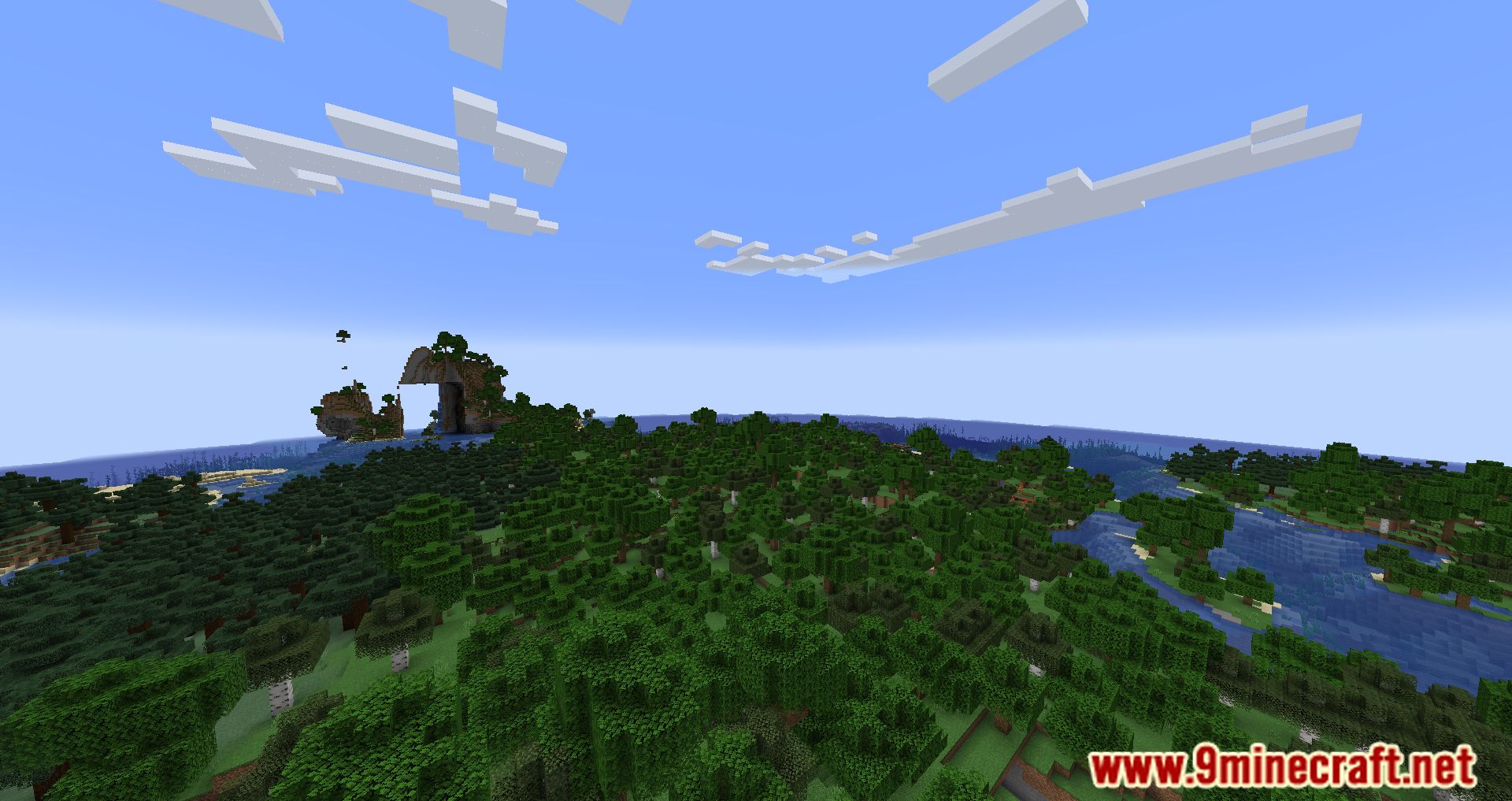
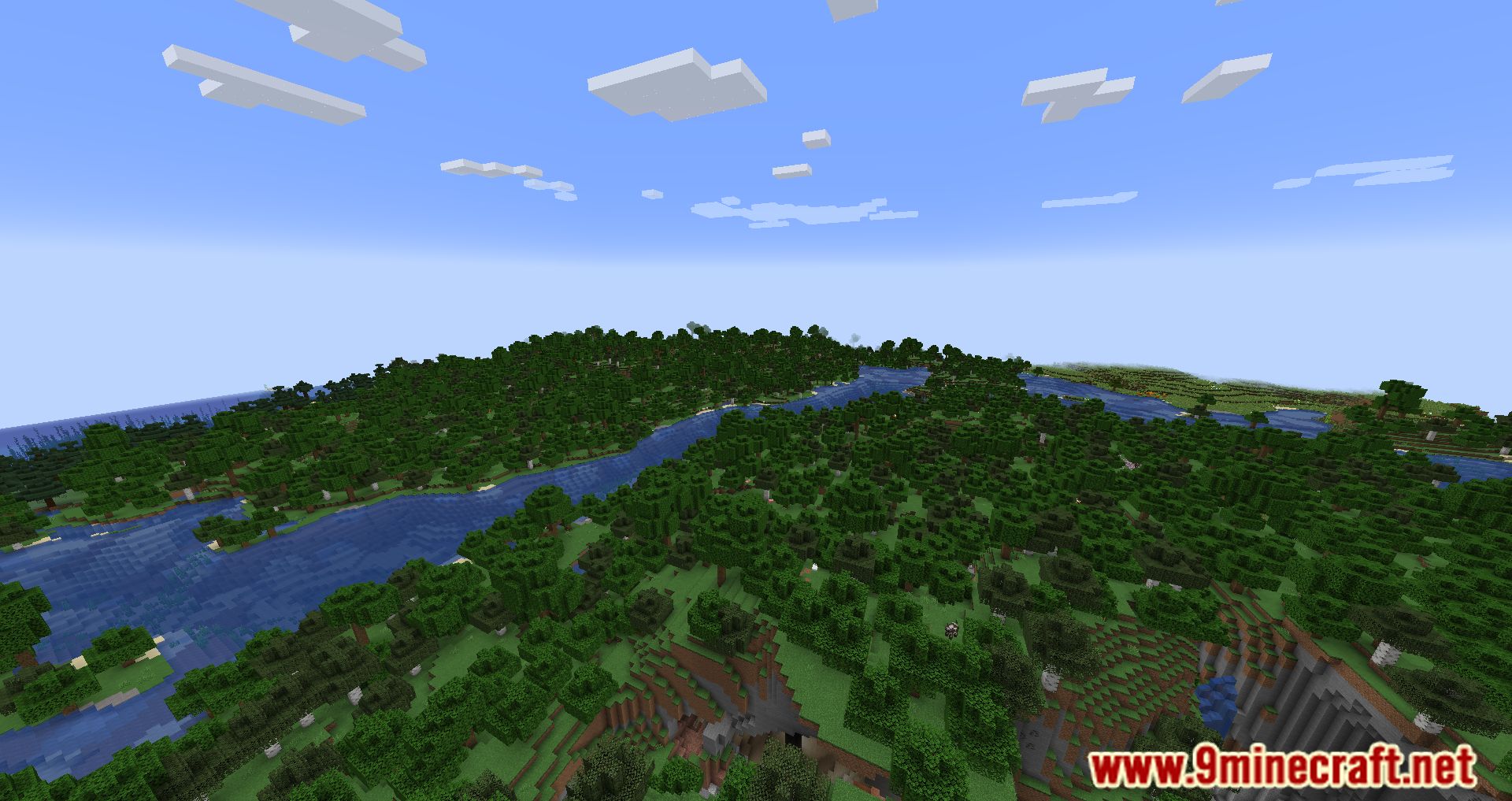
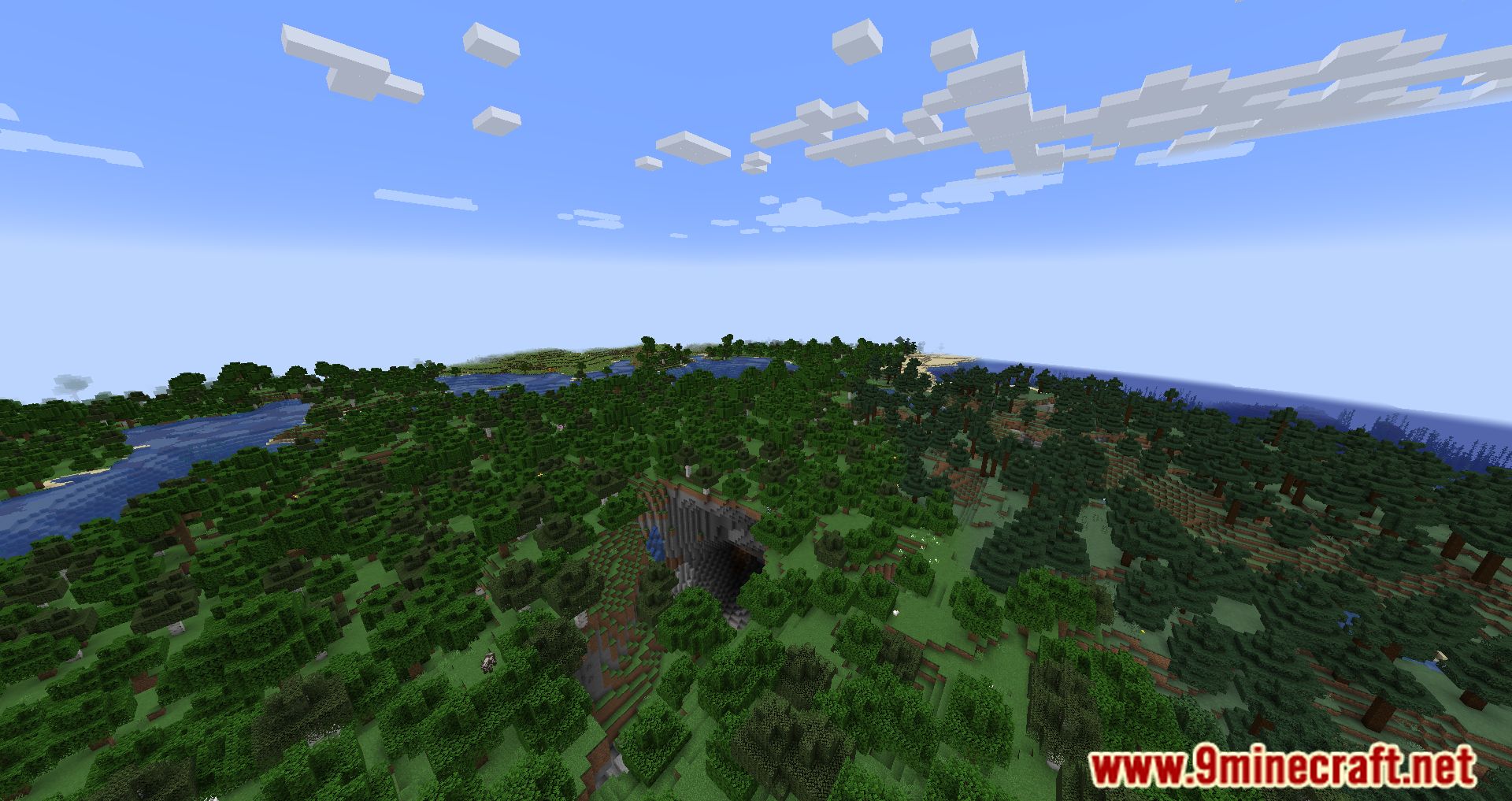
⬇ DownloadBetter Fps Mod is designed to optimize and improve game performance, which in turn increases FPS. The mod is not a continuation of the iconic BetterFPS mod, and according to its description, it implements a different functionality for accelerating the game. By default, Minecraft renders too many unnecessary and hidden objects, such as distant caves. This mod allows you to limit the render distance vertically, reducing the amount of processed data by 10-35%, thereby lowering the load and increasing FPS. In the graphics settings, you’ll find the HRdistStretch toggle, which controls the vertical render distance. If set too high, you’ll notice that when standing on a small elevation, the lower parts of the world may disappear from view.
Features:
- Offers multiple algorithms for calculating sine and cosine functions, allowing players to choose the one that works best for their hardware.
- Removes unnecessary RAM preallocation to improve memory usage, especially helpful for modpacks.
- Provides an option to disable fog, reducing lag and enhancing visibility.
- Simplifies the rendering of beacon beams to improve performance.
- Optimizes hopper and beacon mechanics to reduce server-side lag.
- Implements a smart search algorithm for creative mode, preventing lag spikes during searches.
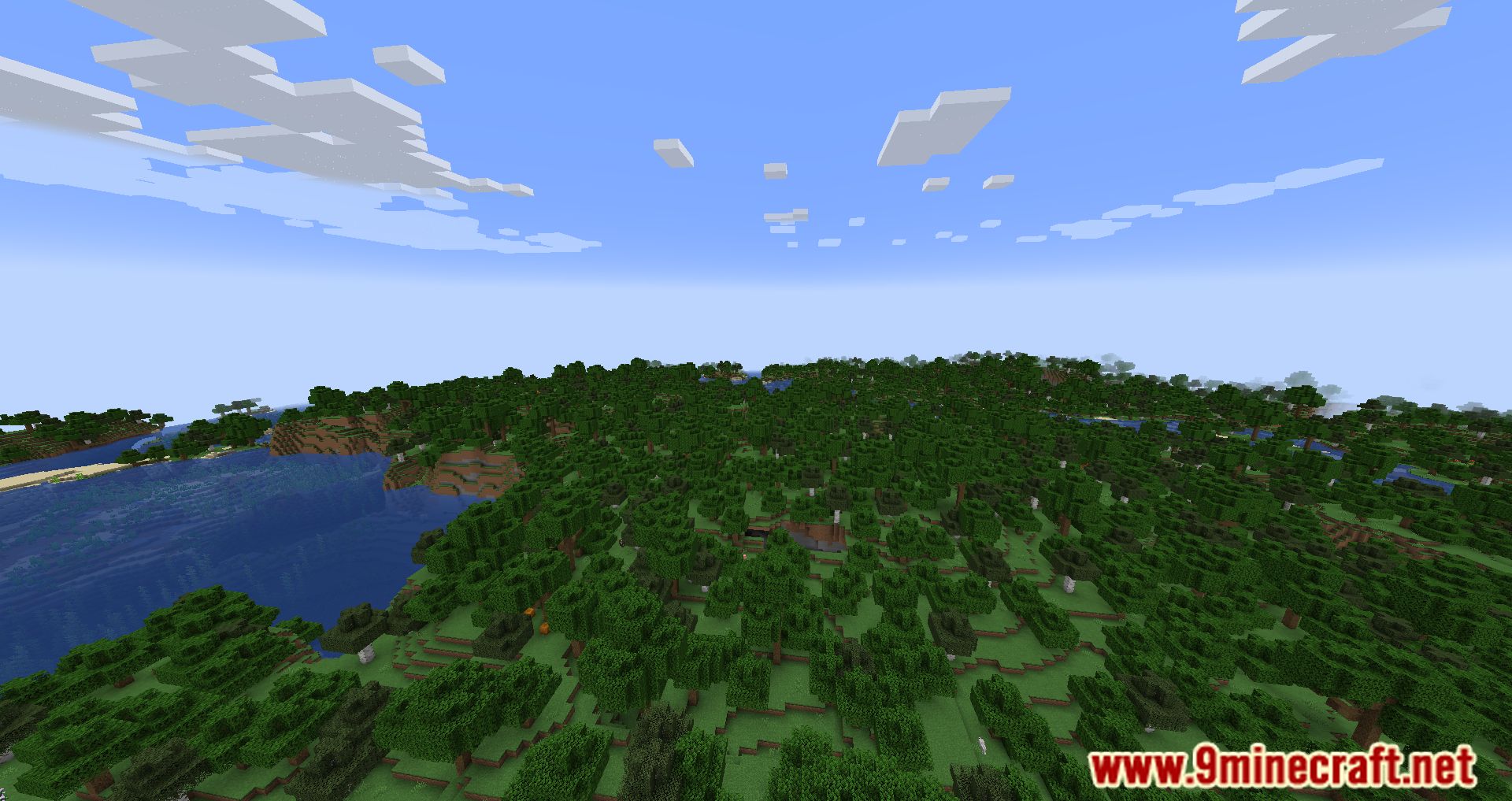
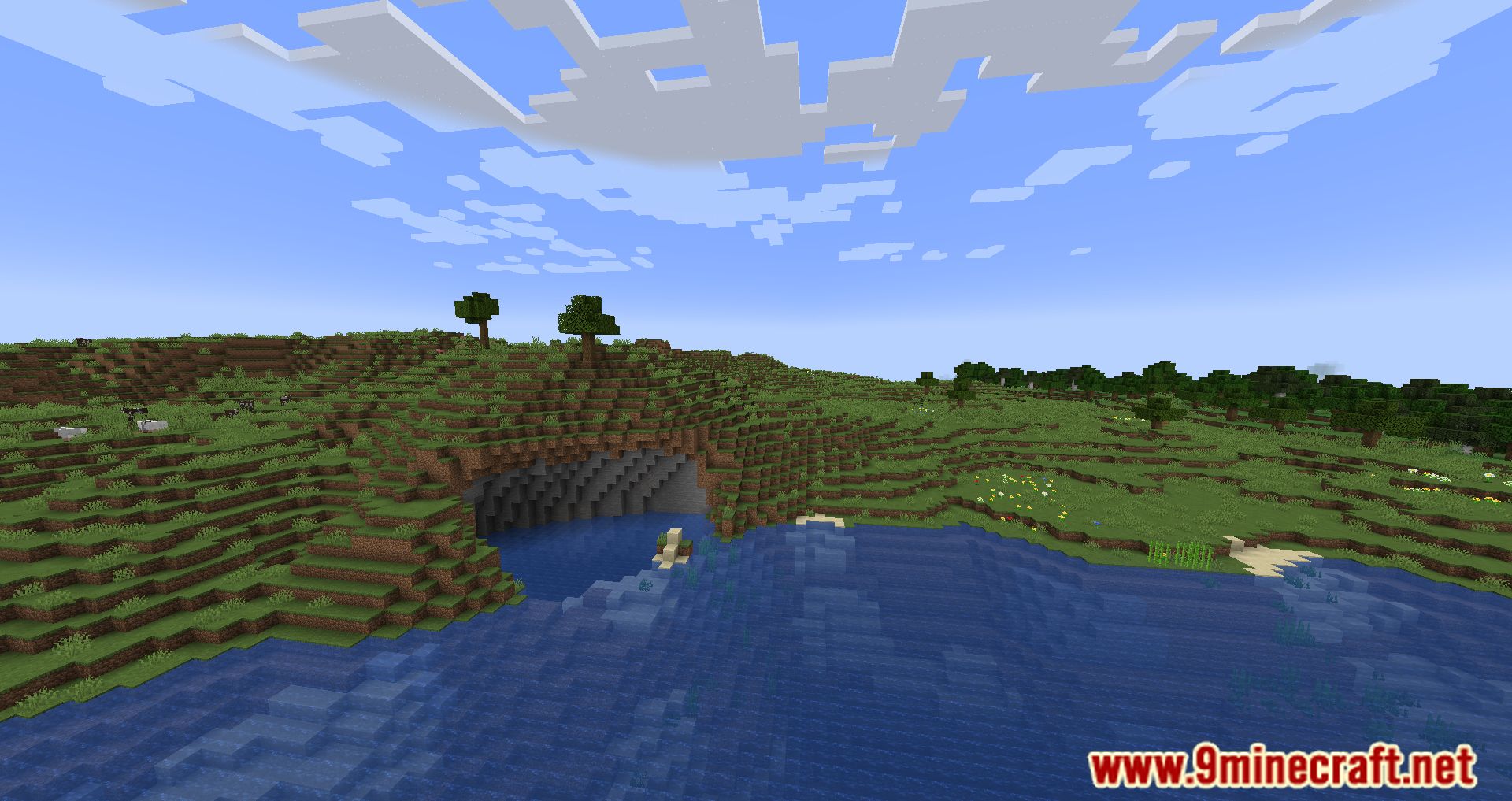
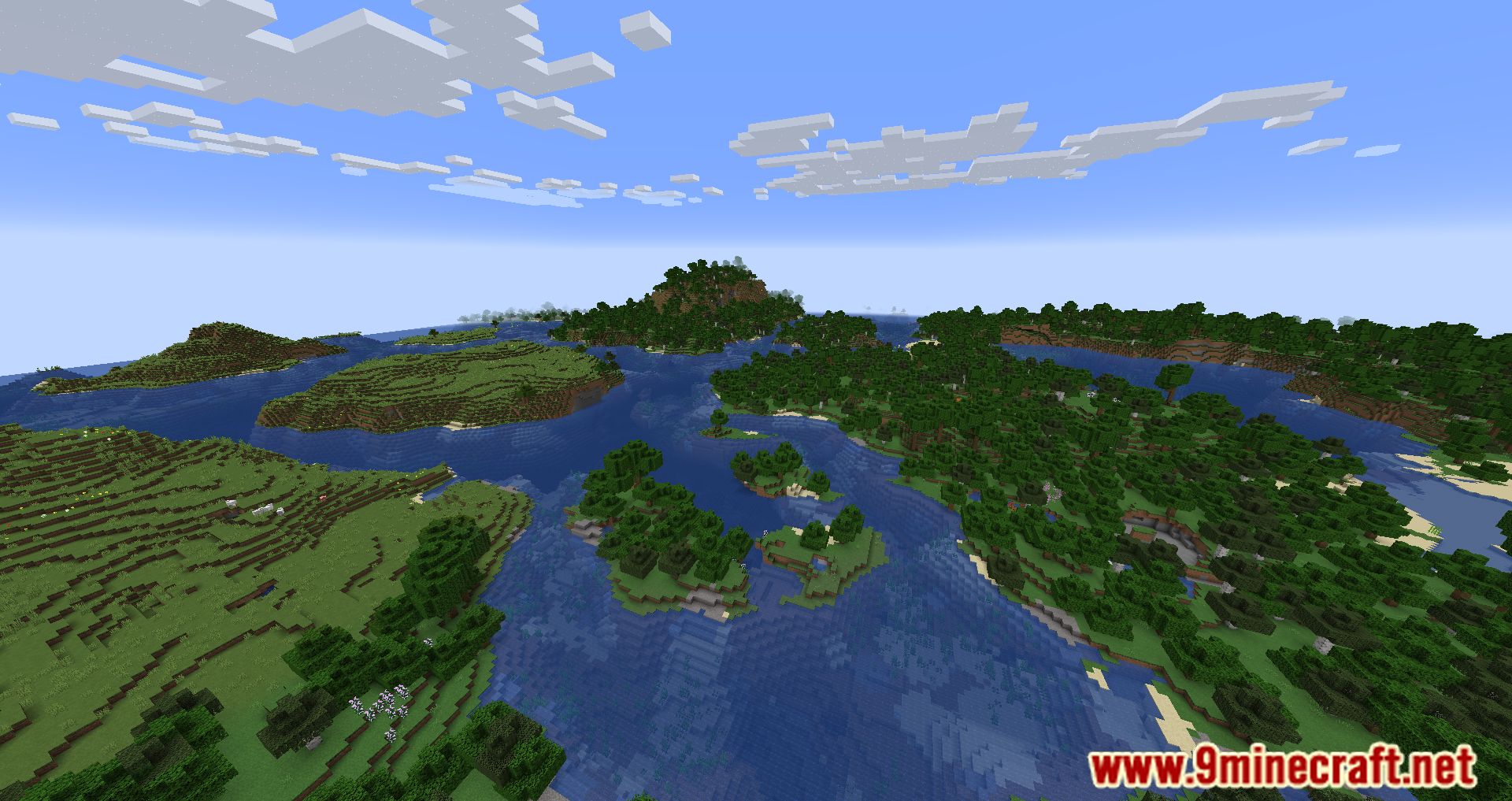
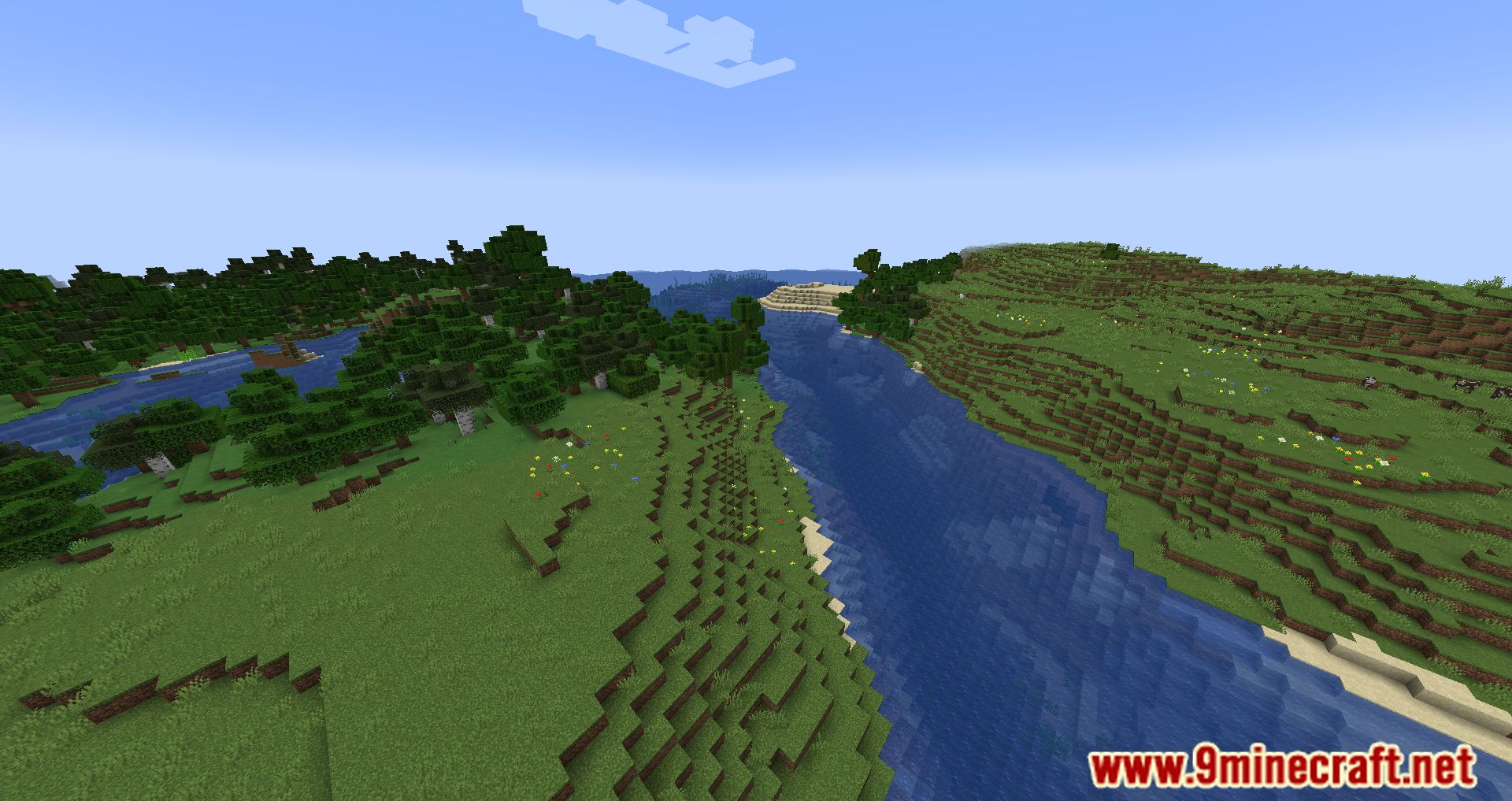
Screenshots:
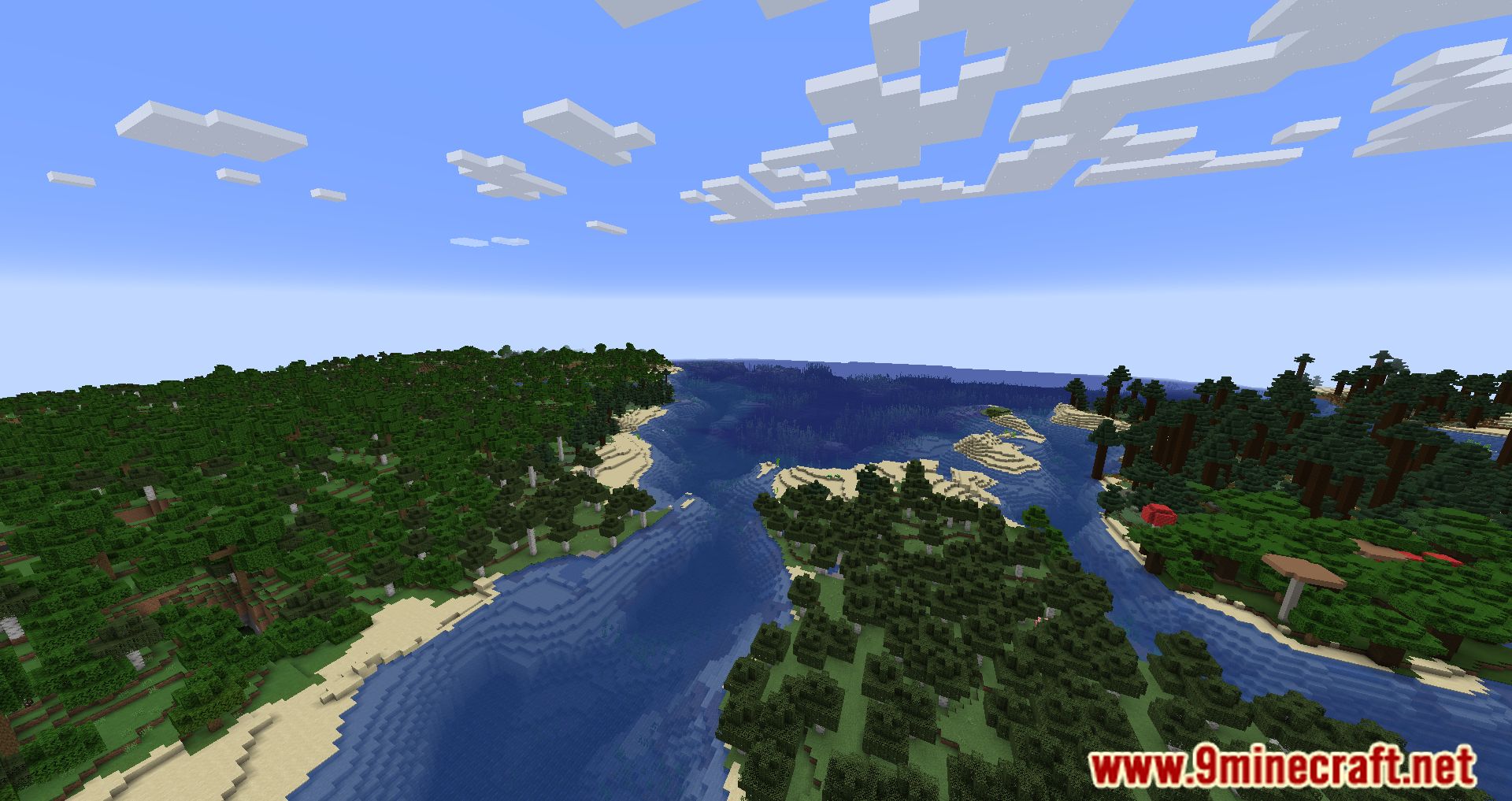
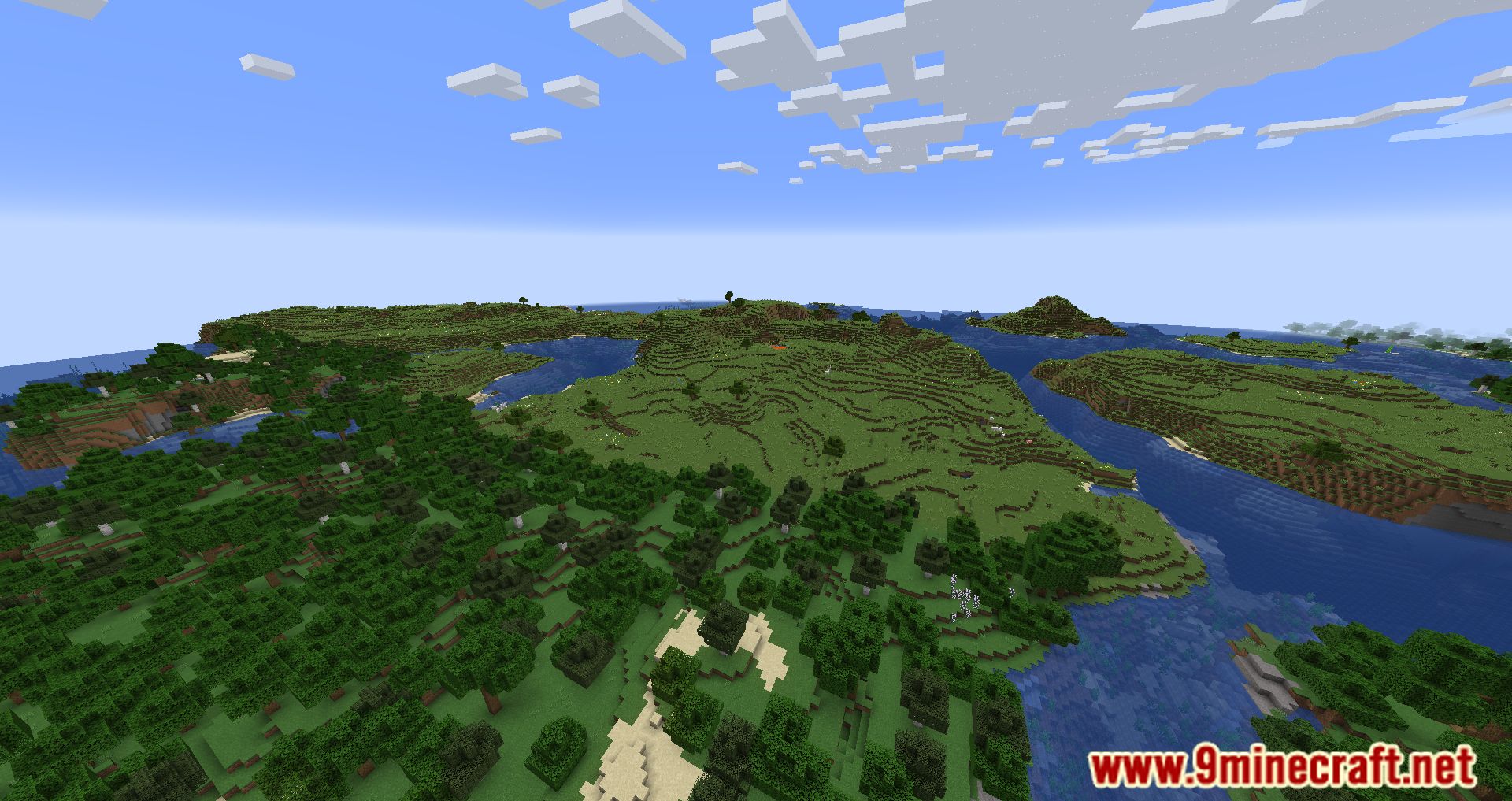
Better Fps Mod Download Links
For Minecraft 1.21.4, 1.21.3, 1.21.1, 1.21
NeoForge version: Download from Server 1 – Download from Server 2
Fabric version: Download from Server 1 – Download from Server 2
For Minecraft 1.20.1, 1.20
Forge version: Download from Server 1 – Download from Server 2
Fabric version: Download from Server 1 – Download from Server 2
For Minecraft 1.19.4
Forge version: Download from Server 1 – Download from Server 2
Fabric version: Download from Server 1 – Download from Server 2
For Minecraft 1.19.3
Forge version: Download from Server 1
Fabric version: Download from Server 1
For Minecraft 1.19.2, 1.19.1, 1.19
Forge version: Download from Server 1 – Download from Server 2
Fabric version: Download from Server 1 – Download from Server 2
For Minecraft 1.18.2, 1.18.1
Forge version: Download from Server 1
For Minecraft 1.16.5
Forge version: Download from Server 1
- Edition: Minecraft Java
- File type: .jar
- Minecraft versions listed: 1.21.4, 1.20.1
- How to install: Install the matching mod loader (Forge, Fabric or NeoForge) for your Minecraft version. → Download the .jar. → Put it in the .minecraft/mods folder and launch that loader profile.
- Where to get it: In MC Java Mods, or directly above on this page.
Install steps are the general flow for this file type — How to install Minecraft Java mods & modpacks walks through it step by step.
- Downloads as 196592.mcaddon
- Download size: 22 KB
- Download link checked 15 Jul 2026 — working
- Mirrored on our own servers — the download does not depend on the original host
These come from our own check of the pack file, not from the source page.