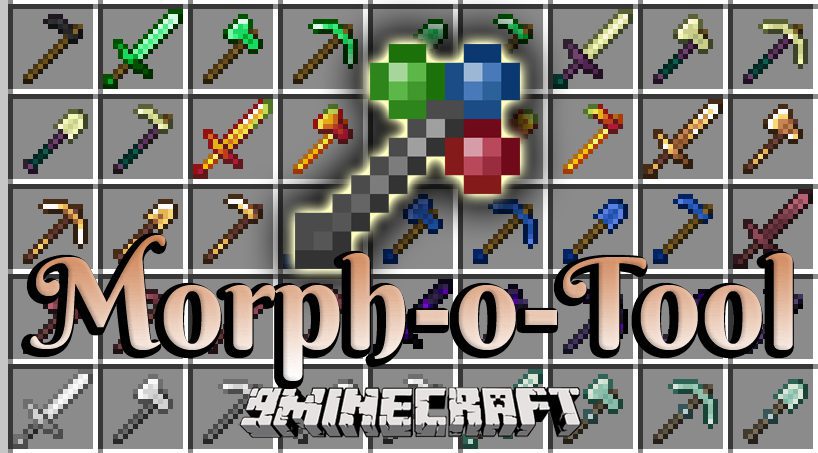
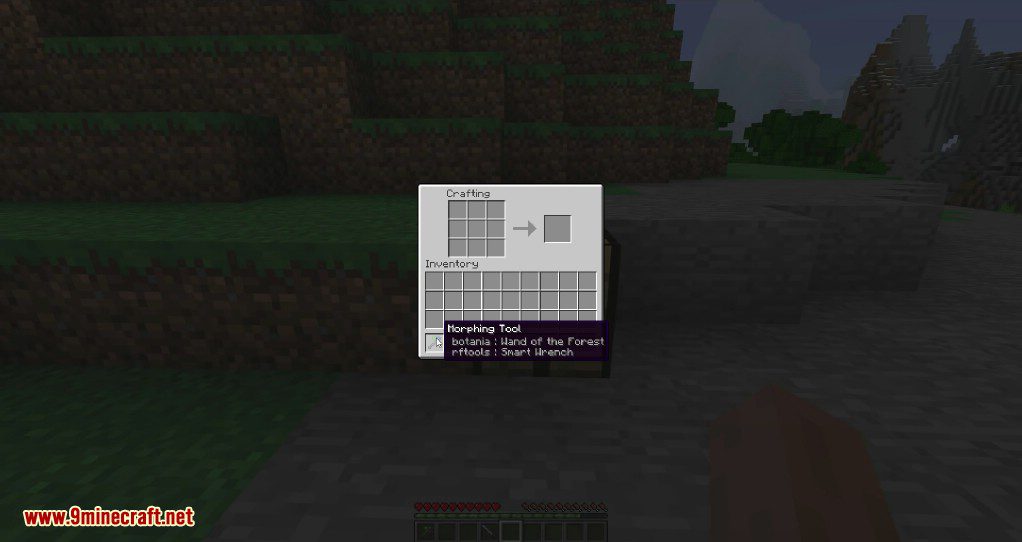
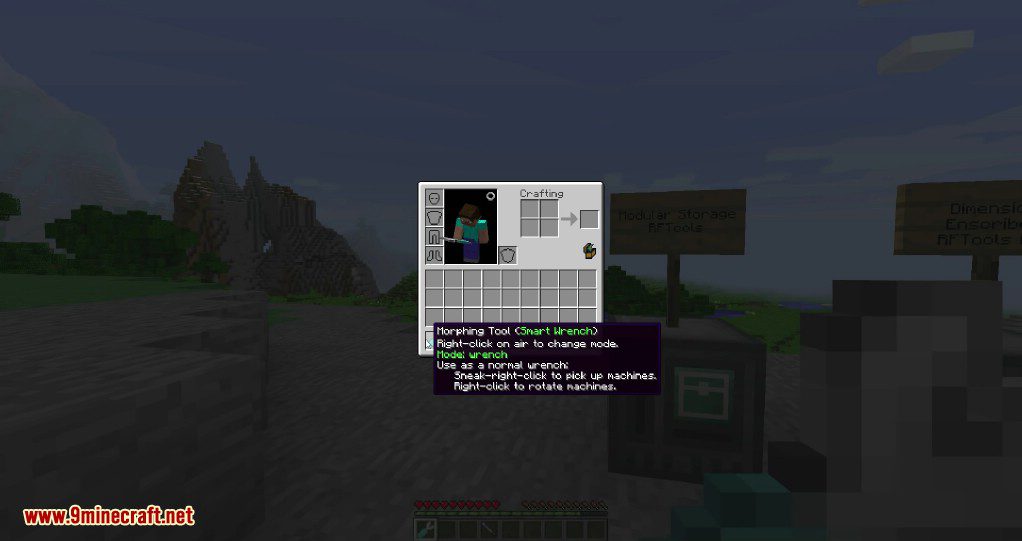
Morph-o-Tool Mod adds a single, powerful item called the Morphing Tool. This tool can copy any wrench, screwdriver, hammer, or special wand you combine it with. It acts as a universal tool, which is perfect for playing with many different mods at once.
Features:
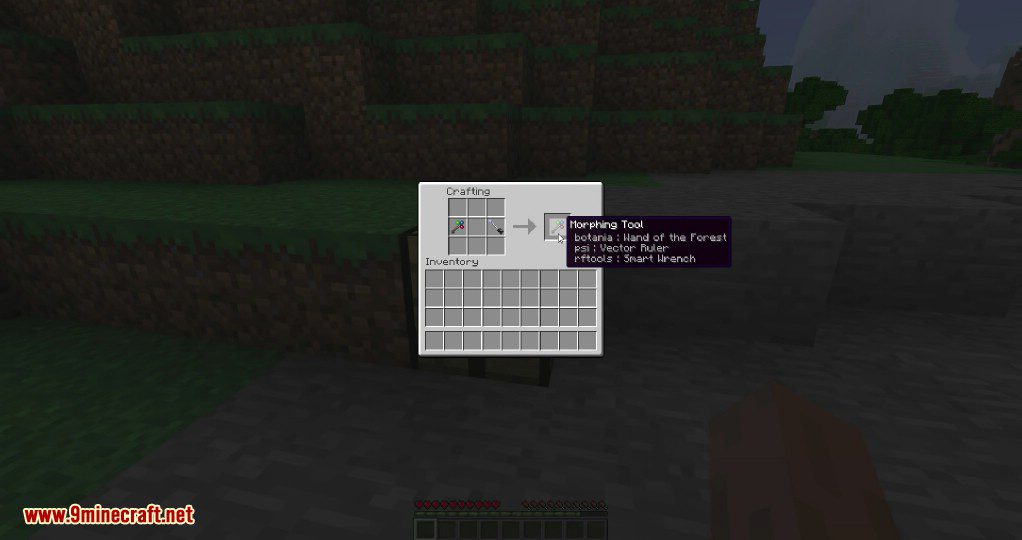
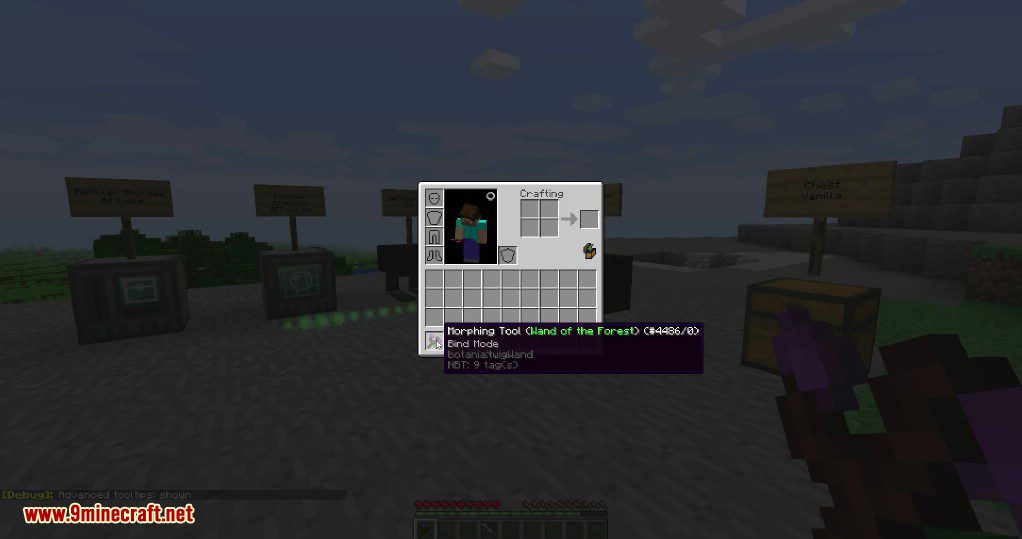
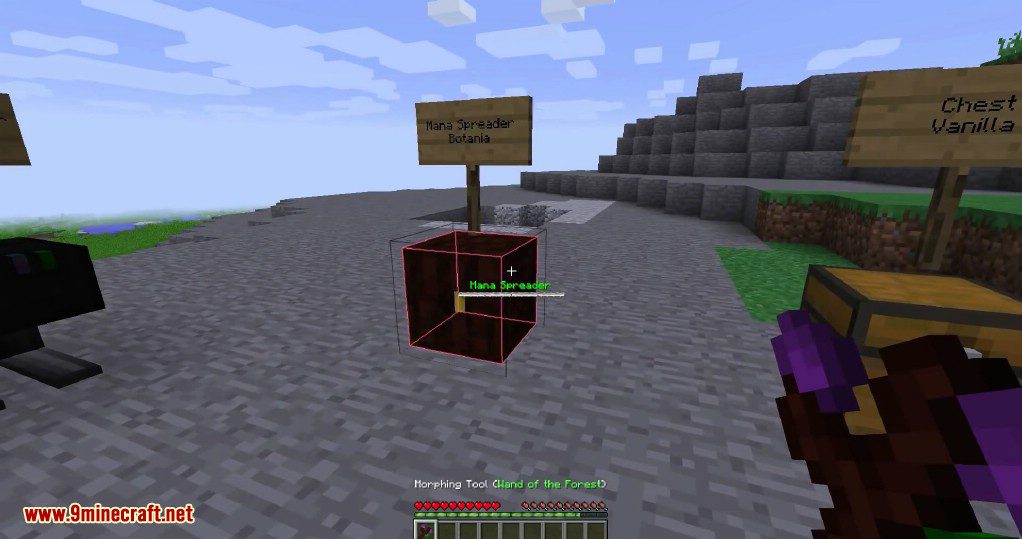
- The Morphing Tool automatically changes into the correct tool when you look at a block from that tool’s mod.
- It becomes the actual item, not a copy, which ensures it works perfectly with all of that item’s features.
- When not morphed, the tool can rotate most vanilla and modded blocks.
- To prevent the tool from changing, you can hold it in your off-hand, as it only morphs when in your main hand by default.
- You can use a morphed tool in crafting recipes, but doing so will remove all other tools stored inside it.
How to Use:
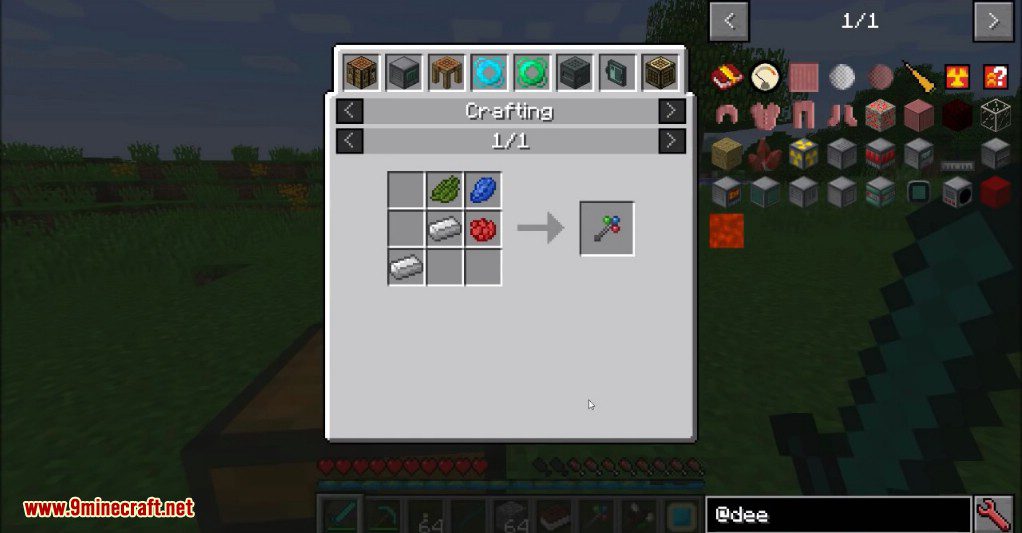
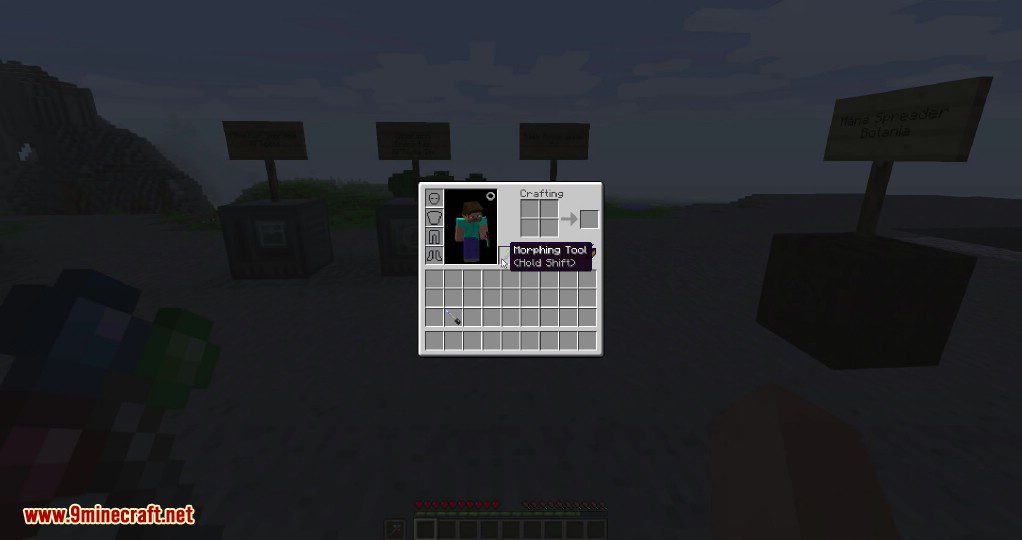
- To add a tool, place the Morphing Tool and the other item together in a crafting grid.
- To manually cycle through all stored tools, hold Shift and use the mouse scroll wheel.
- To remove a specific tool, morph into it, then hold Shift and press your drop key (Q by default).
Configuration:
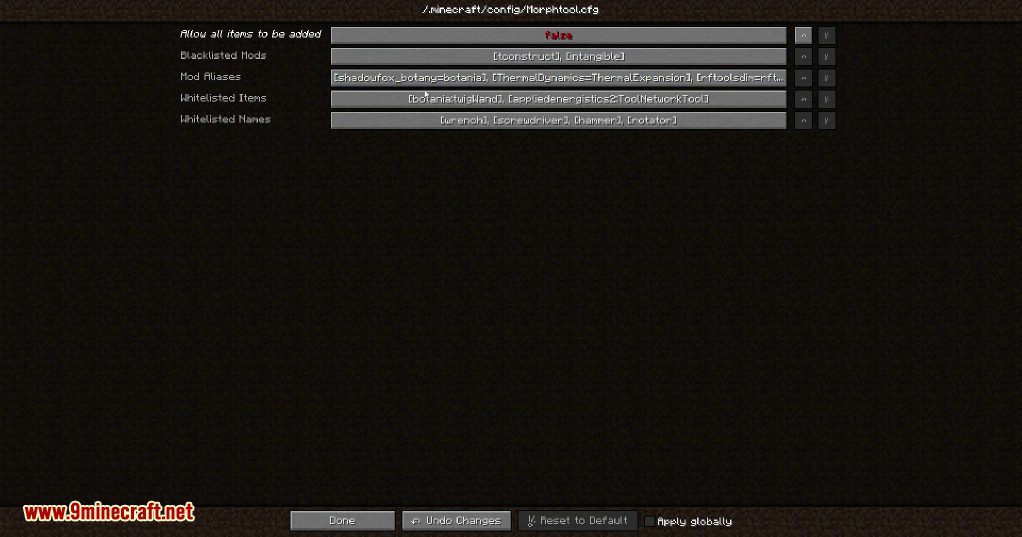
- An option to allow any item to be attached to the tool, which is turned off by default.
- A setting to make the tool morph in the off-hand instead of the main hand.
- A blacklist to prevent items from specific mods from being added.
- A whitelist for items with certain names (like “wrench” or “hammer”) to be attachable.
- A separate whitelist for specific items that don’t have common tool names.
- An alias list that links mods together, so a tool from one mod can work on blocks from a related mod.
Crafting Recipes:
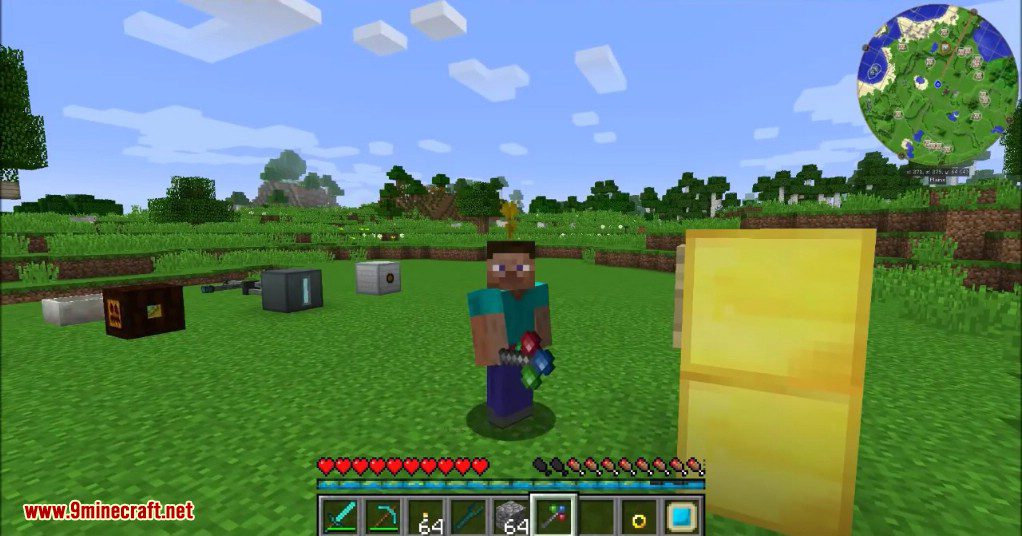
Screenshots:
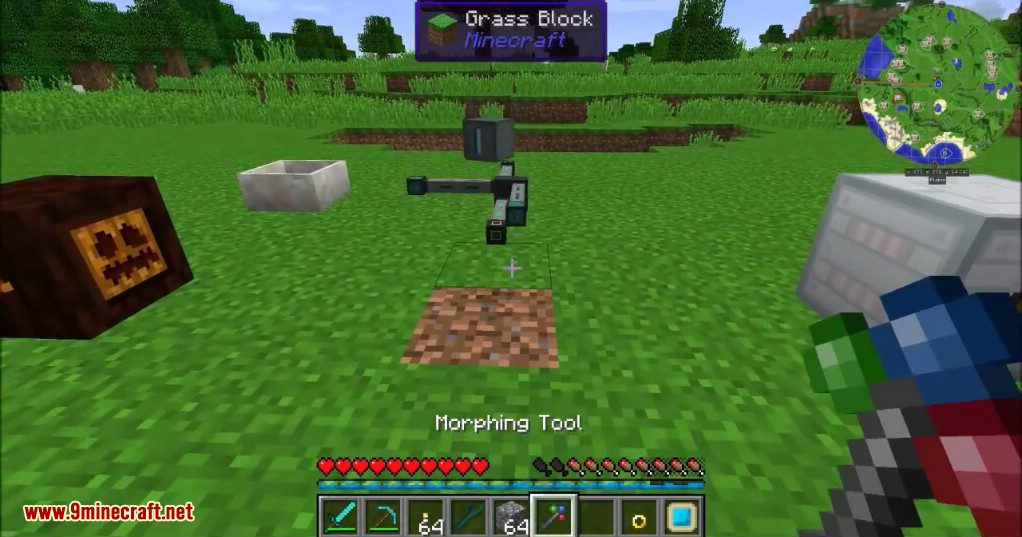
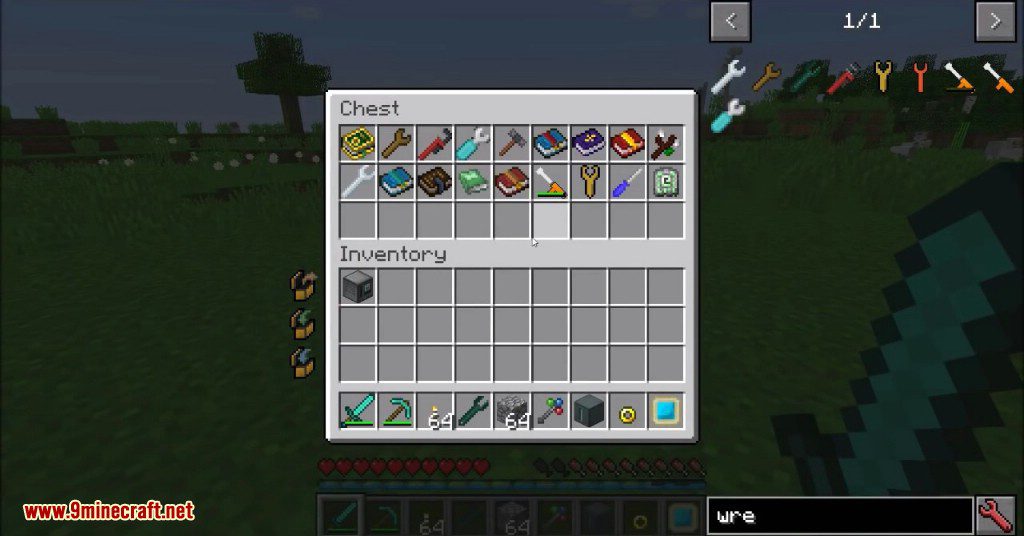
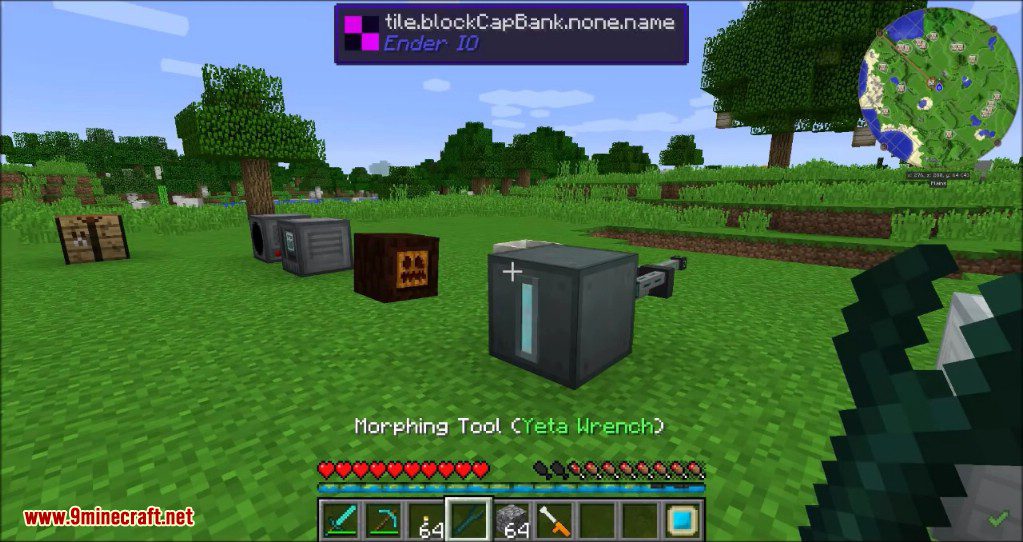
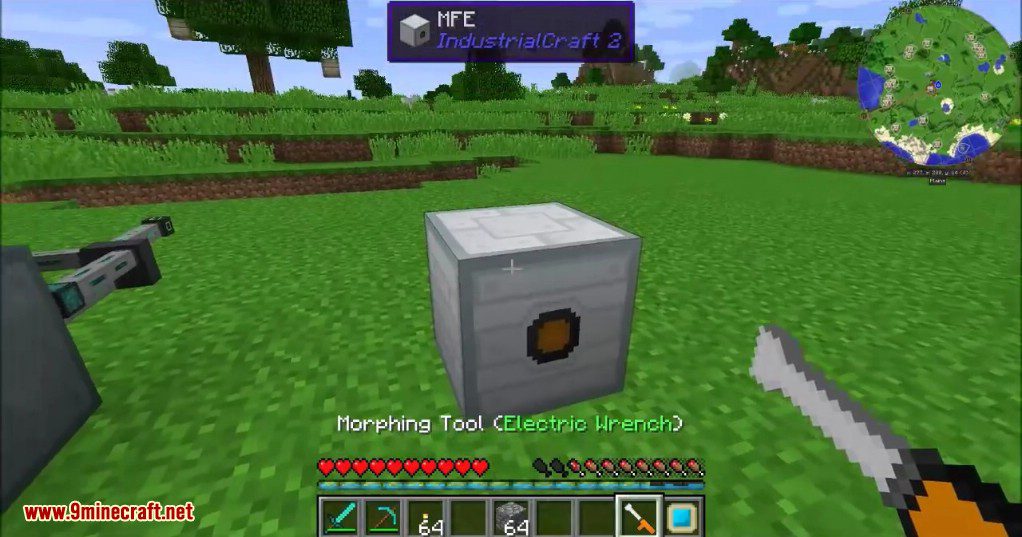
Morph-o-Tool Mod Download Links
For Minecraft 1.12.2
Forge version: Download from Server 1
For Minecraft 1.15.2
Forge version: Download from Server 1
For Minecraft 1.16.5
Forge version: Download from Server 1
For Minecraft 1.18.1
Forge version: Download from Server 1
For Minecraft 1.18.2
Forge version: Download from Server 1
For Minecraft 1.19.2
Forge version: Download from Server 1 – Download from Server 2
For Minecraft 1.20.1, 1.20
Forge version: Download from Server 1 – Download from Server 2
For Minecraft 1.21.1, 1.21
NeoForge version: Download from Server 1 – Download from Server 2
- Edition: Minecraft Java
- File type: .jar
- Minecraft versions listed: 1.21.1, 1.20.1
- How to install: Install the matching mod loader (Forge, Fabric or NeoForge) for your Minecraft version. → Download the .jar. → Put it in the .minecraft/mods folder and launch that loader profile.
- Where to get it: In MC Java Mods, or directly above on this page.
Install steps are the general flow for this file type — How to install Minecraft Java mods & modpacks walks through it step by step.
- Downloads as 196593.mcaddon
- Download size: 30 KB
- Download link checked 17 Jul 2026 — working
- Mirrored on our own servers — the download does not depend on the original host
These come from our own check of the pack file, not from the source page.