
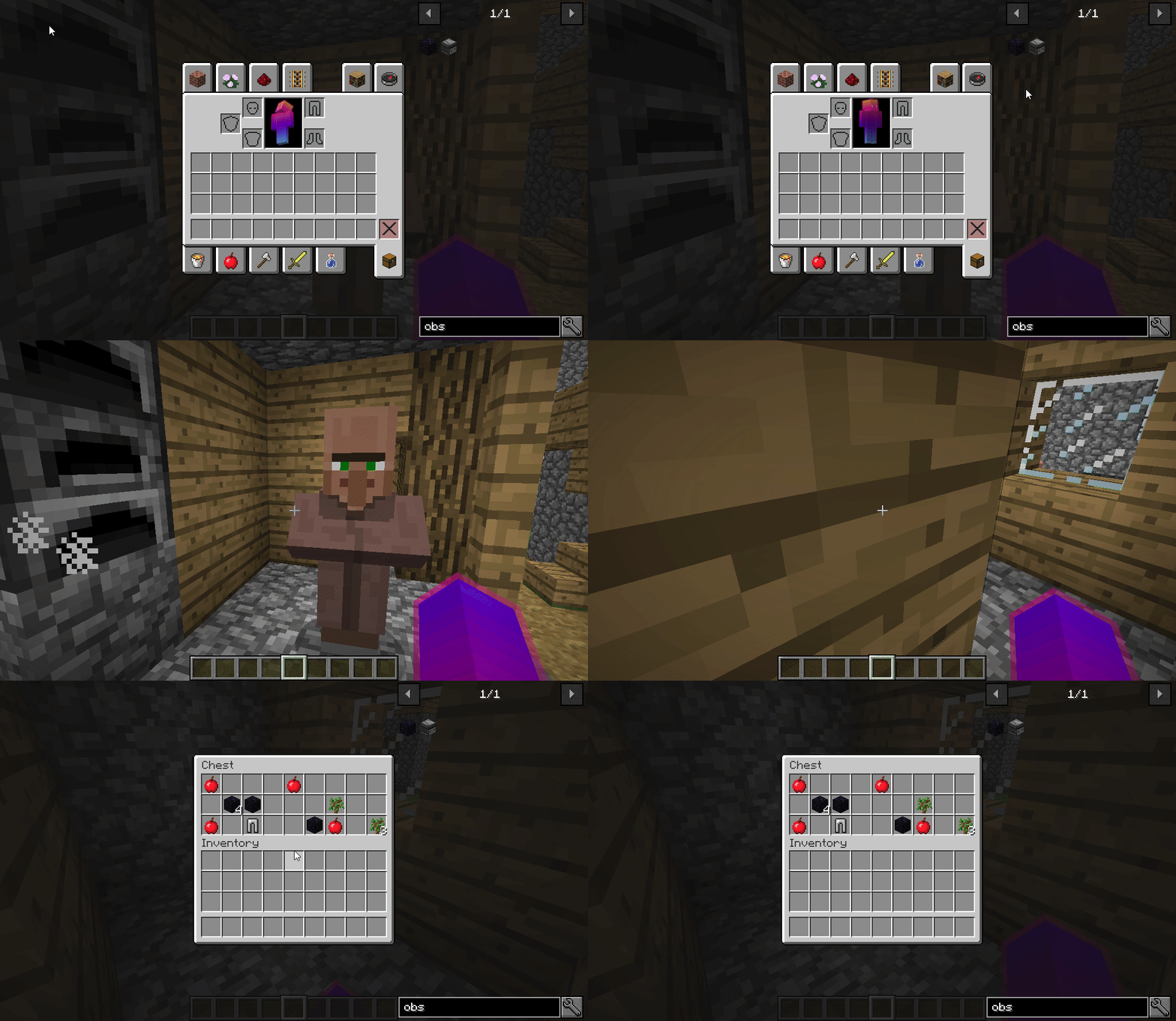
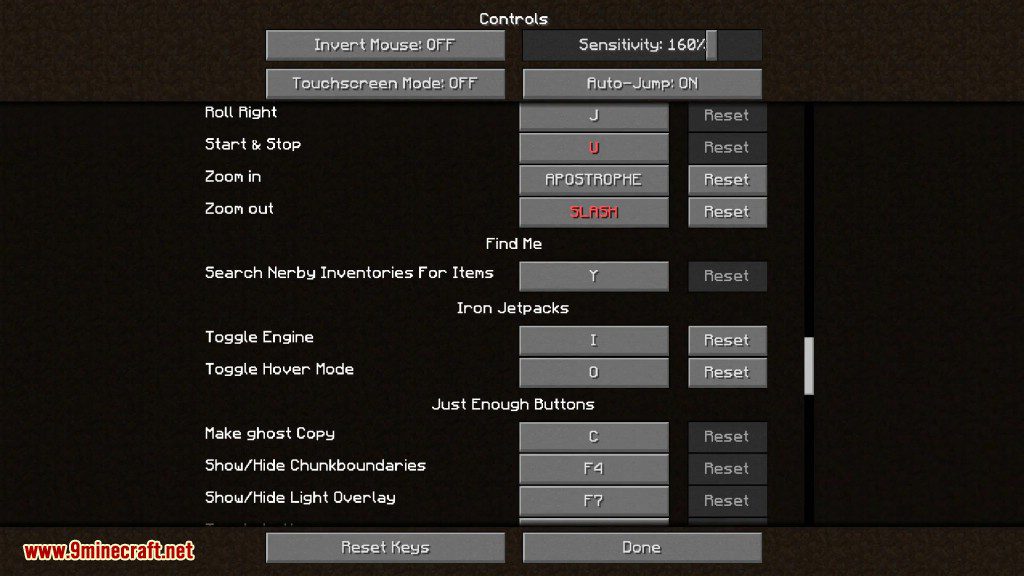
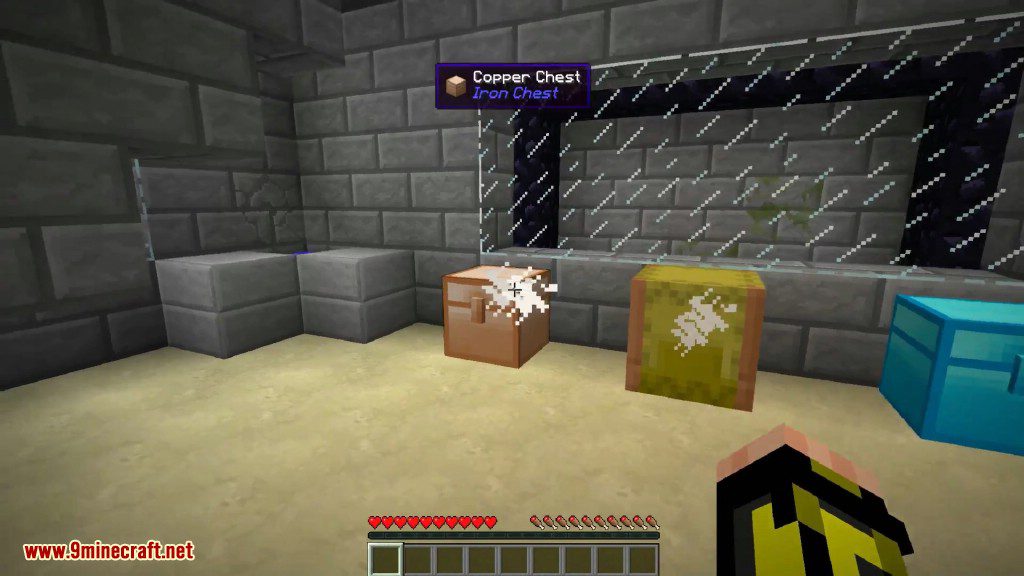
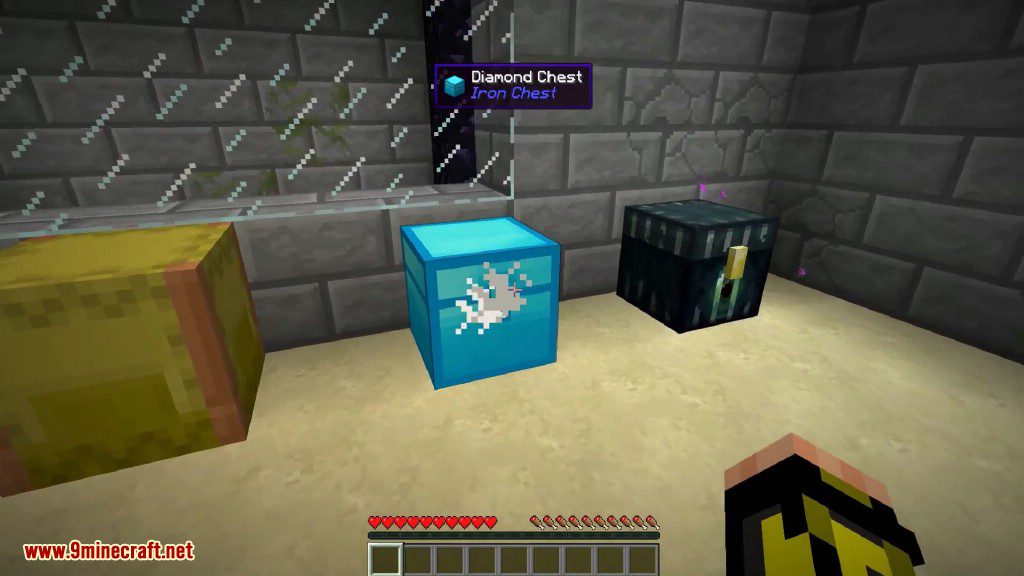
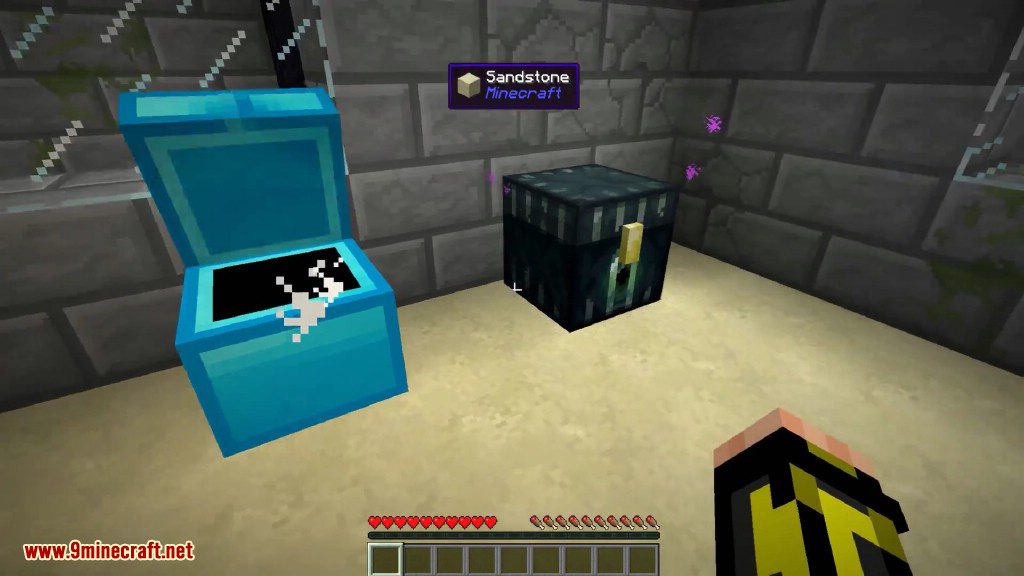
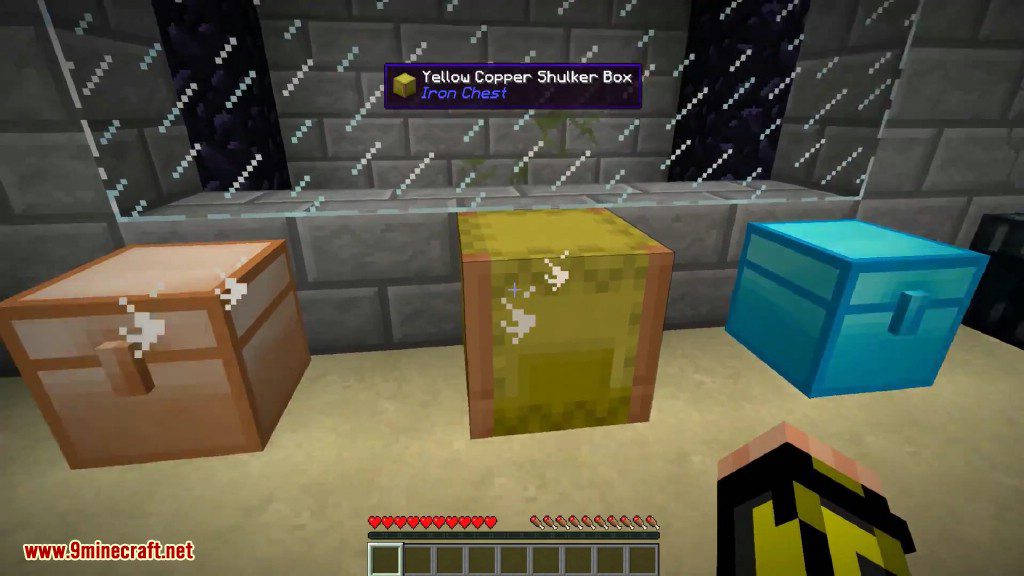
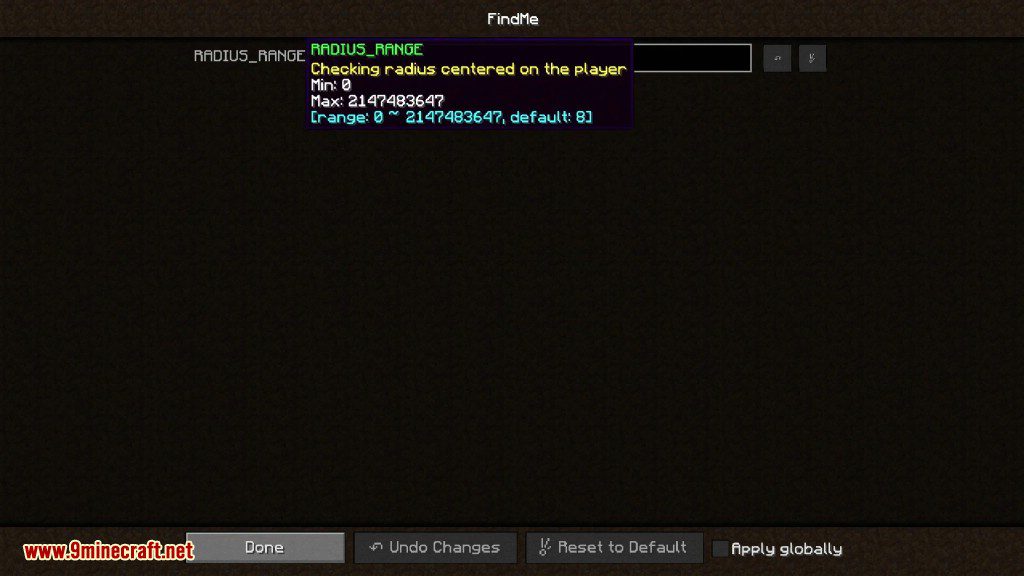
FindMe Mod allows you to search for items in nearby inventories by pressing a key. For that you simply need to hover over an item (JEI Compatible) and press “Y” (By default) and cloud particles will spawn in the inventories that have that item. The range can be configured in the config. This feature is based in the search feature from Extra Utilites mod.
Features:
- Allows players to search for specific items in nearby inventories by hovering over the item in their inventory and pressing a configurable key (default is “Y”). Cloud particles will appear over the inventories containing the item.
- Players can extract items from nearby inventories using the keypad:
- Press “0” to retrieve one item.
- Press “1” to retrieve a full stack.
- The search range can be adjusted in the mod’s configuration file to suit your needs.
- Fully compatible with the Just Enough Items (JEI) mod, making it easier to locate items in complex modpacks.
- The mod needs to be installed on both the client and server for full functionality.
Screenshots:
FindMe Mod Download Links
For Minecraft 1.21.1, 1.21
NeoForge version: Download from Server 1
Fabric version: Download from Server 1
For Minecraft 1.20.1, 1.20
Forge version: Download from Server 1
Fabric version: Download from Server 1
For Minecraft 1.19.2
Forge version: Download from Server 1
Fabric version: Download from Server 1
For Minecraft 1.19.1
Forge version: Download from Server 1
Fabric version: Download from Server 1
For Minecraft 1.18.2
Forge version: Download from Server 1
Fabric version: Download from Server 1
For Minecraft 1.18.1
Forge version: Download from Server 1
Fabric version: Download from Server 1
For Minecraft 1.16.5
Forge version: Download from Server 1
For Minecraft 1.15.2
Forge version: Download from Server 1
For Minecraft 1.14.4
Forge version: Download from Server 1
For Minecraft 1.12.2, 1.12.1, 1.12
Forge version: Download from Server 1
- Edition: Minecraft Java
- File type: .jar
- Minecraft versions listed: 1.21.1, 1.20.1
- How to install: Install the matching mod loader (Forge, Fabric or NeoForge) for your Minecraft version. → Download the .jar. → Put it in the .minecraft/mods folder and launch that loader profile.
- Where to get it: In MC Java Mods, or directly above on this page.
Install steps are the general flow for this file type — How to install Minecraft Java mods & modpacks walks through it step by step.
- Downloads as 196619.mcaddon
- Download size: 40 KB
- Download link checked 15 Jul 2026 — working
- Mirrored on our own servers — the download does not depend on the original host
These come from our own check of the pack file, not from the source page.