BBL Colors
Java mod listed for Minecraft 1.21. Downloads from the MC Java Mods app on Android.
I don't know my version or loader
BBL Colors
Overview
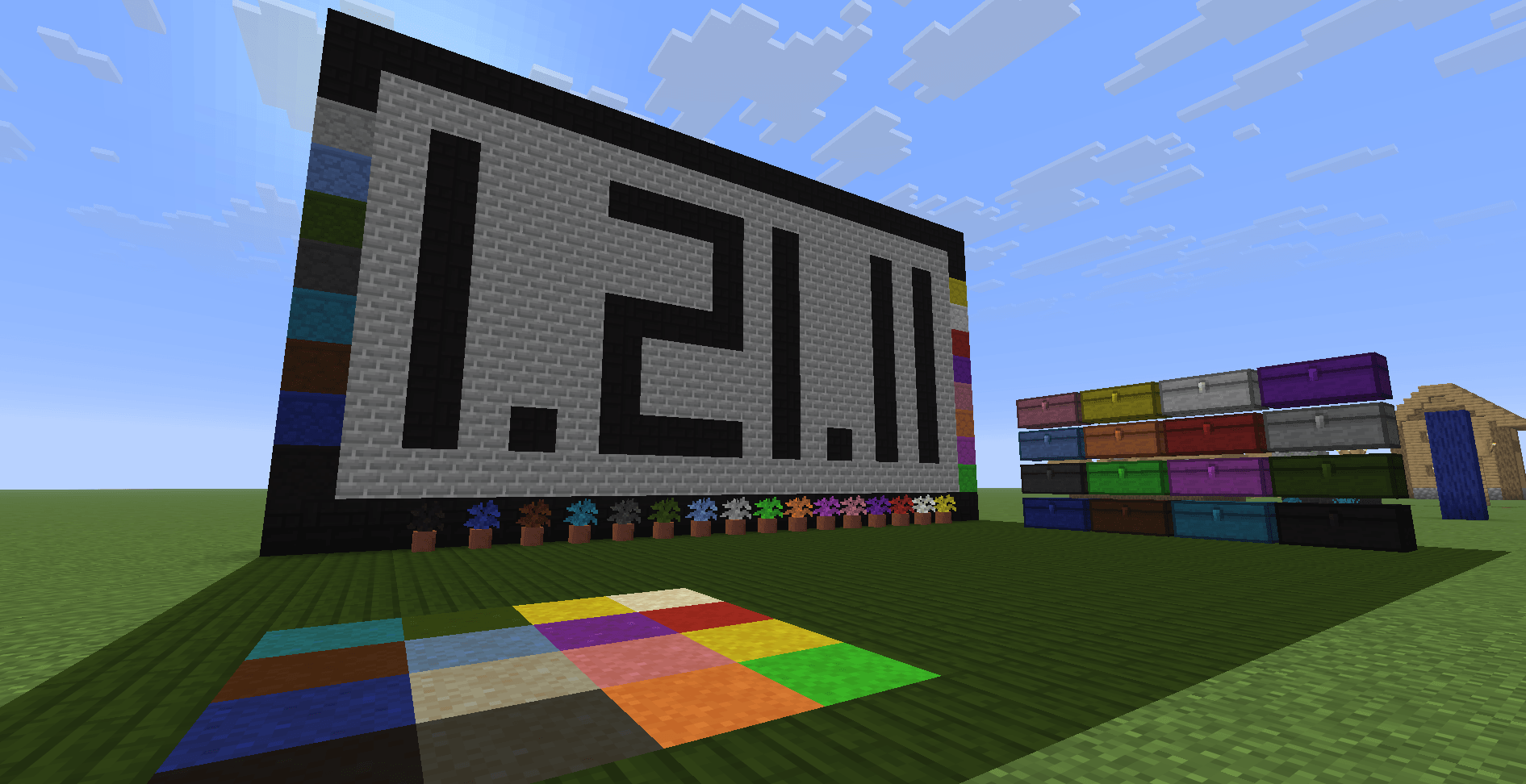
BBL Colors is a vibrant and expansive Minecraft mod designed to enhance your creative builds with an extensive variety of decorative blocks. Whether you're constructing a cozy cabin, a modern cityscape, or a mystical forest retreat, this mod provides endless possibilities to bring your vision to life.
Some Blocks have connected texture using a custom resource pack found here; Colors Resource Pack
BBL Colors introduces an impressive selection of new blocks to diversify your builds, including:
Colorful Planks – Perfect for adding bright, dynamic wooden structures.
Bamboo Blocks – Natural yet vibrant options for a tropical touch.
Stones and Rocks – Ideal for realistic pathways, castle walls, or underground designs.
Dirt Variations – Unique textures and colors for immersive landscaping.
Tree Dirt – Specialized blocks that blend seamlessly with natural forests.
And Much More – Discover an array of other unique textures and color options to expand your creative toolkit.
One of the standout features of BBL Colors is the intuitive spray can system, allowing players to convert blocks directly in the world without the need to break and replace them. This convenient tool makes it simple to experiment with different colors and textures on the fly, giving you total control over your designs with minimal effort.
Whether you're a seasoned builder or just starting your creative journey, BBL Colors offers user-friendly mechanics and an expansive block palette to help you achieve your desired aesthetic. With so many options at your fingertips, the possibilities are endless.
Support
Join the BBL Discord for support, report bugs and suggest features or additions. You can also support me on Patreon to gain Alpha access to Modpacks and Mods in dev
- Edition: Minecraft Java
- File type: .jar
- Minecraft versions listed: 1.21.11, 1.21, 1.21.1
- How to install: Install the matching mod loader (Forge, Fabric or NeoForge) for your Minecraft version. → Download the .jar. → Put it in the .minecraft/mods folder and launch that loader profile.
- Where to get it: Opens on CurseForge — not every file is mirrored on our own servers.
Install steps are the general flow for this file type — How to install Minecraft Java mods & modpacks walks through it step by step.
- Ships as colors-26.1.2-3.4.1.jar — drop this file into the mods folder
- Download size: 10.8 MB
- Download link checked 8 Oct 2026 — working
These come from our own check of the pack file, not from the source page.