Akashic Tome Mod (1.21.1, 1.20.1) – Combine All Your Mod Books
Java mod listed for Minecraft 1.20–1.21. Downloads from the MC Java Mods app on Android.
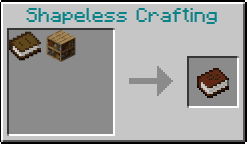
⬇ DownloadAkashic Tome Mod lets you store all your mod documentation books inside a single item. When you play with many mods, your inventory can fill up with different guidebooks. This mod solves that problem by adding the Akashic Tome, which is crafted from a Book and a Bookshelf. It works similarly to the Morph-o-Tool mod.
Features:
- Combine the Akashic Tome with any mod’s documentation book on a crafting table to add it.
- Store as many books as you want, even copies of the same one.
- The tome transforms into the real item from the other mod, which means it works exactly as intended.
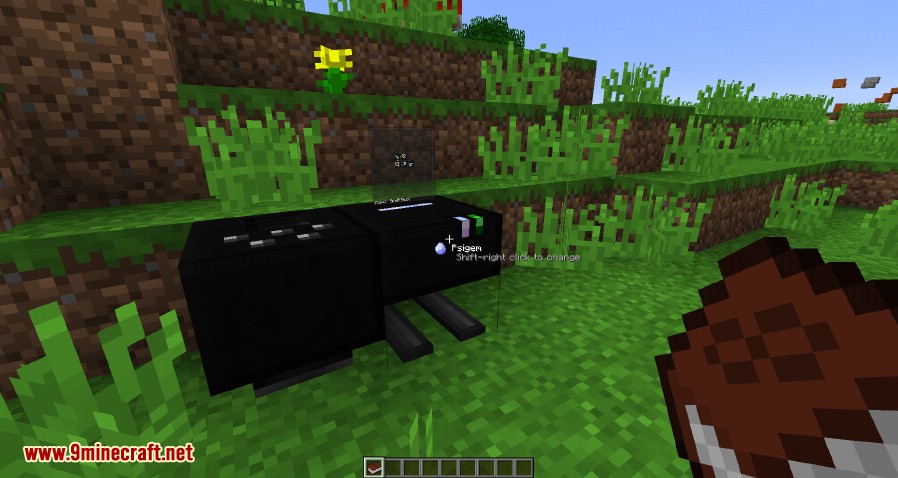
- Shift-right-click a block from a mod to instantly change the tome into that mod’s guidebook if you have it stored.
- Right-click while holding the tome to open a menu and manually select which book you want to use.
- Left-click the air to change the book back into the standard Akashic Tome.
- Remove a book by first changing the tome into it, then holding sneak and pressing your drop key.
- Be careful when crafting with a transformed book, as you might lose the tome and all the other books inside it.
Configuration:
- An option in the config file lets you attach any item to the tome, not just books. This is turned off by default.
- You can create a blacklist to stop items from certain mods from being attached.
- A whitelist allows you to set which items can be attached based on words in their names, like “book” or “lexicon”.
- You can also add specific items to the whitelist that don’t match the name rules.
- An alias list lets you connect mods. For example, you can make a tool from one mod recognize blocks from another related mod.
How to Use:
- To add a book, place the Akashic Tome and a mod’s guidebook together in a crafting grid.
- To choose a book, right-click with the tome in your hand to open a selection menu. Click the book you want.
- For a shortcut, hold Shift and right-click on a block from another mod. The tome will turn into that mod’s book if it’s stored inside.
- To turn a book back into the Akashic Tome, simply left-click into the air.
- To remove a book, first transform the tome into that book. Then, hold Shift and press your drop key (Q by default).
Crafting Recipes:
Screenshots:
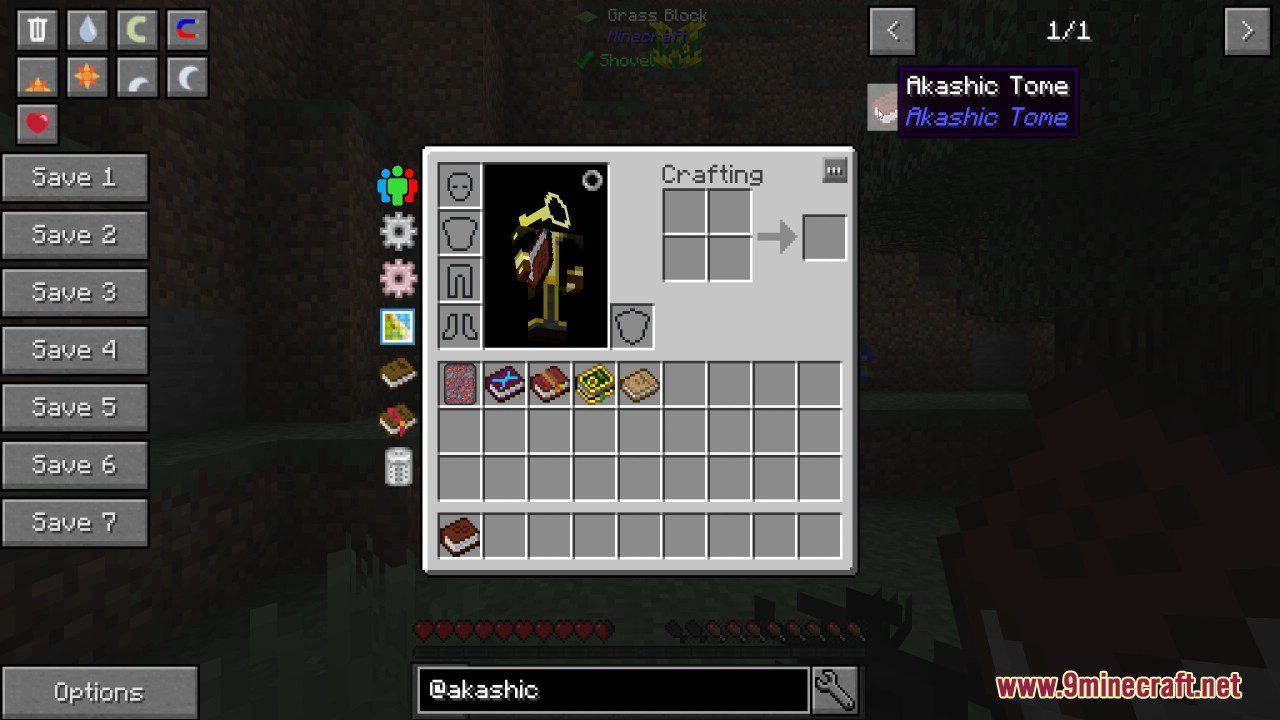
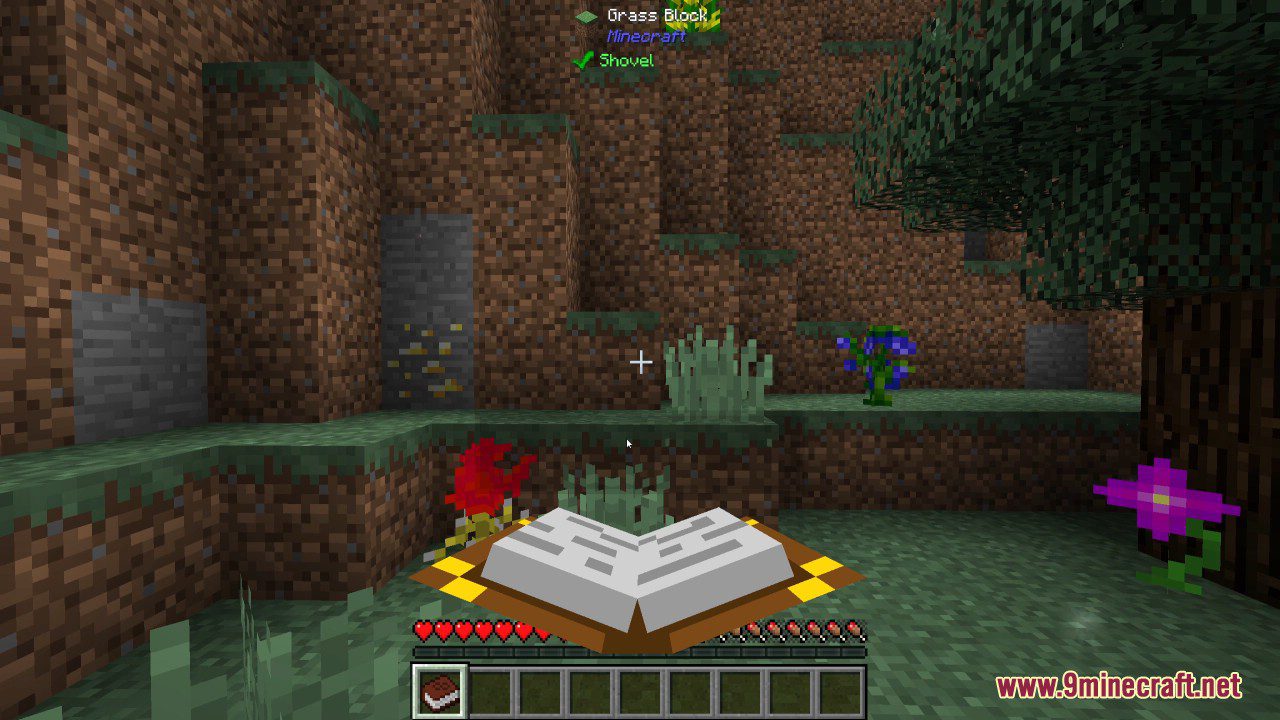
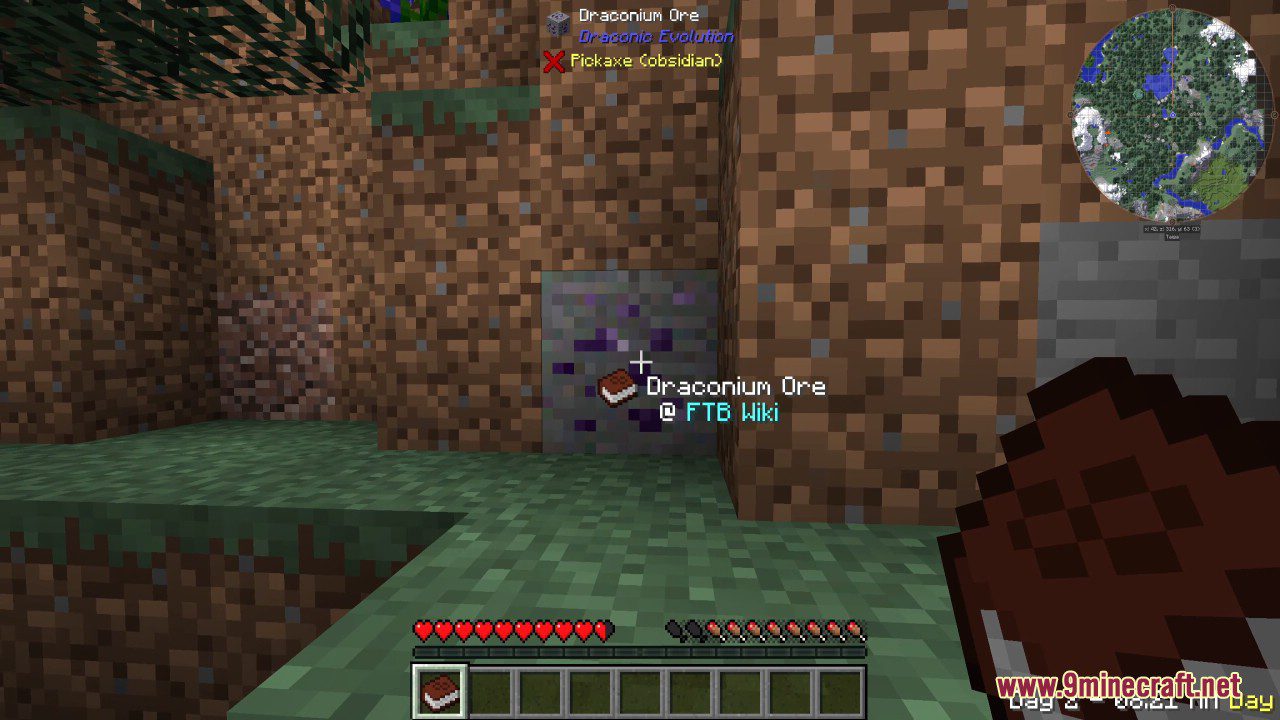
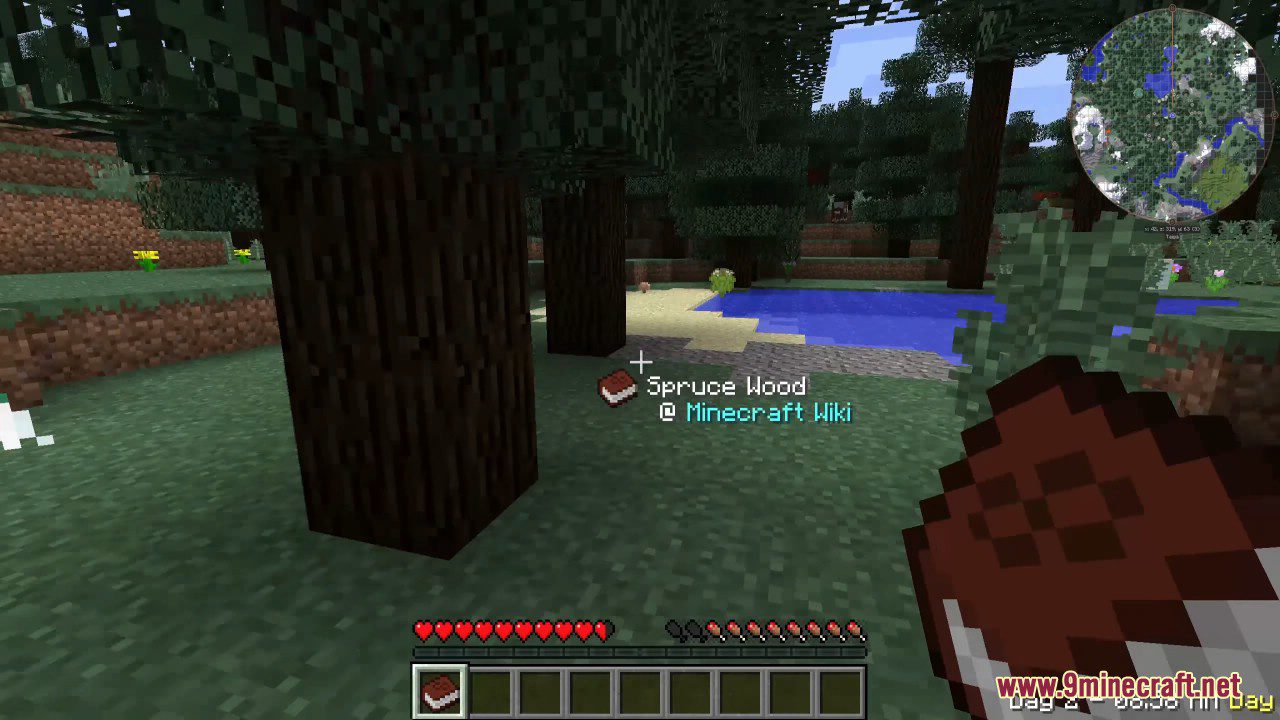
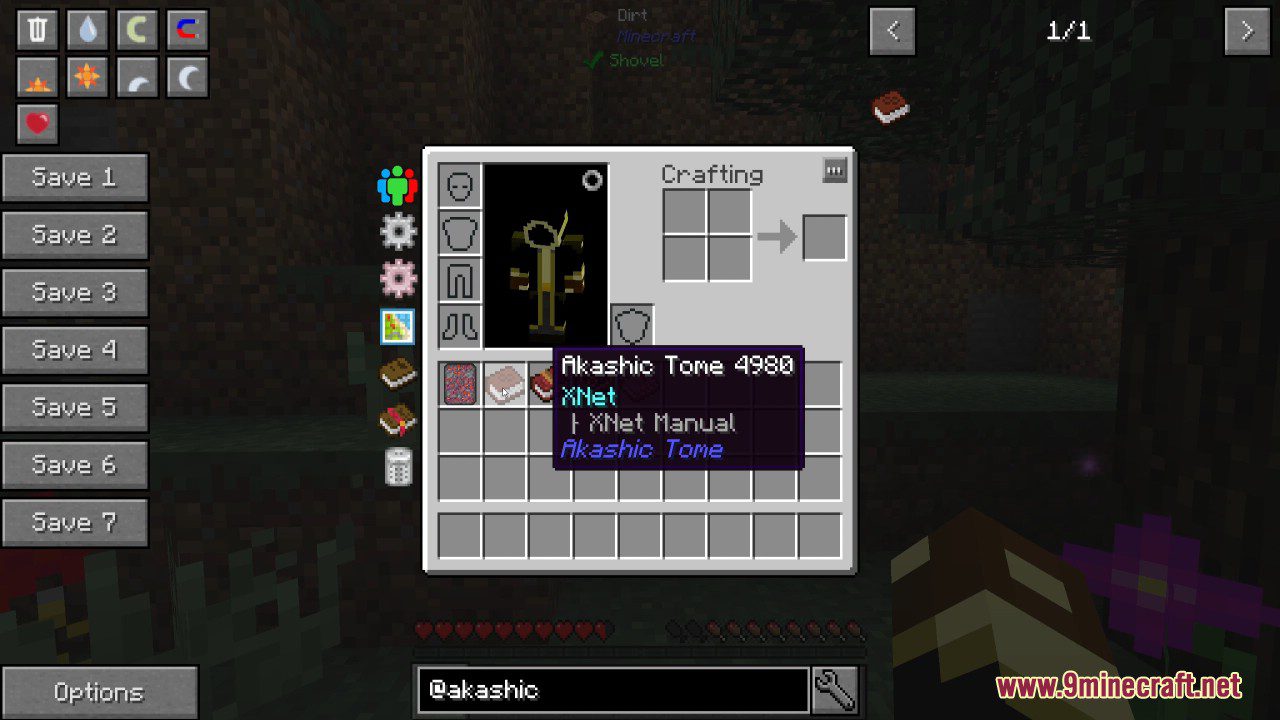
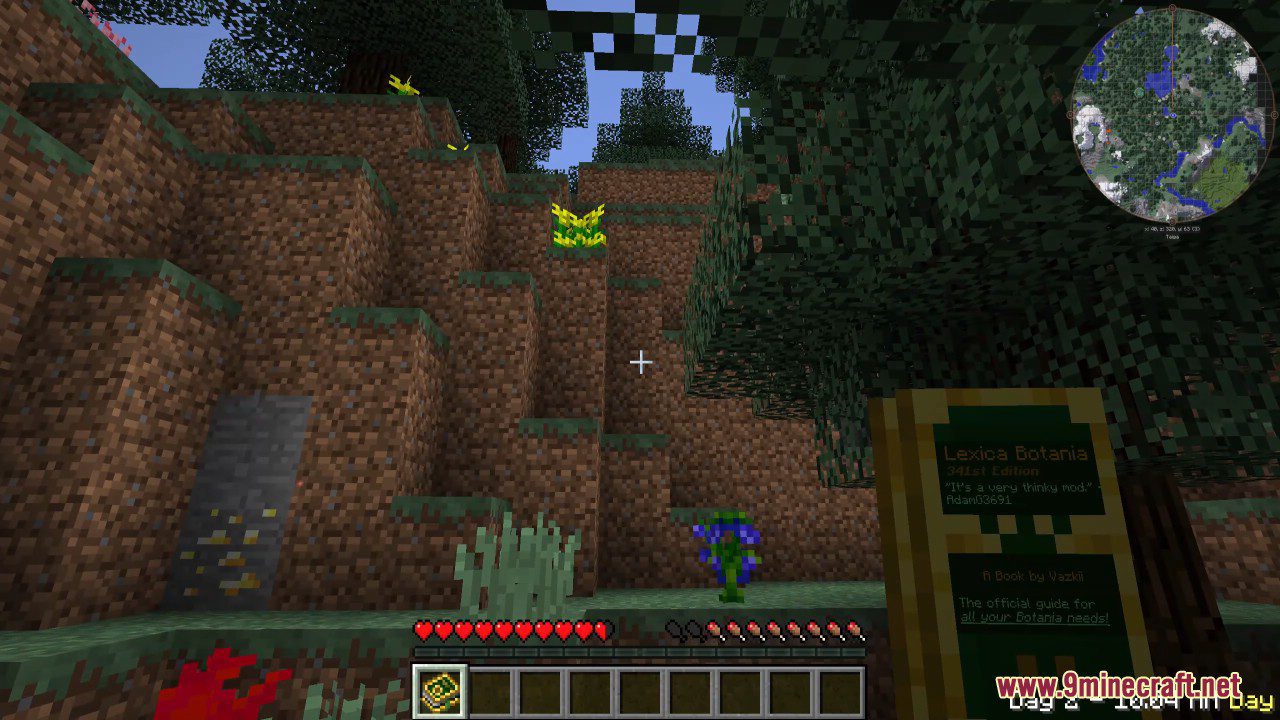
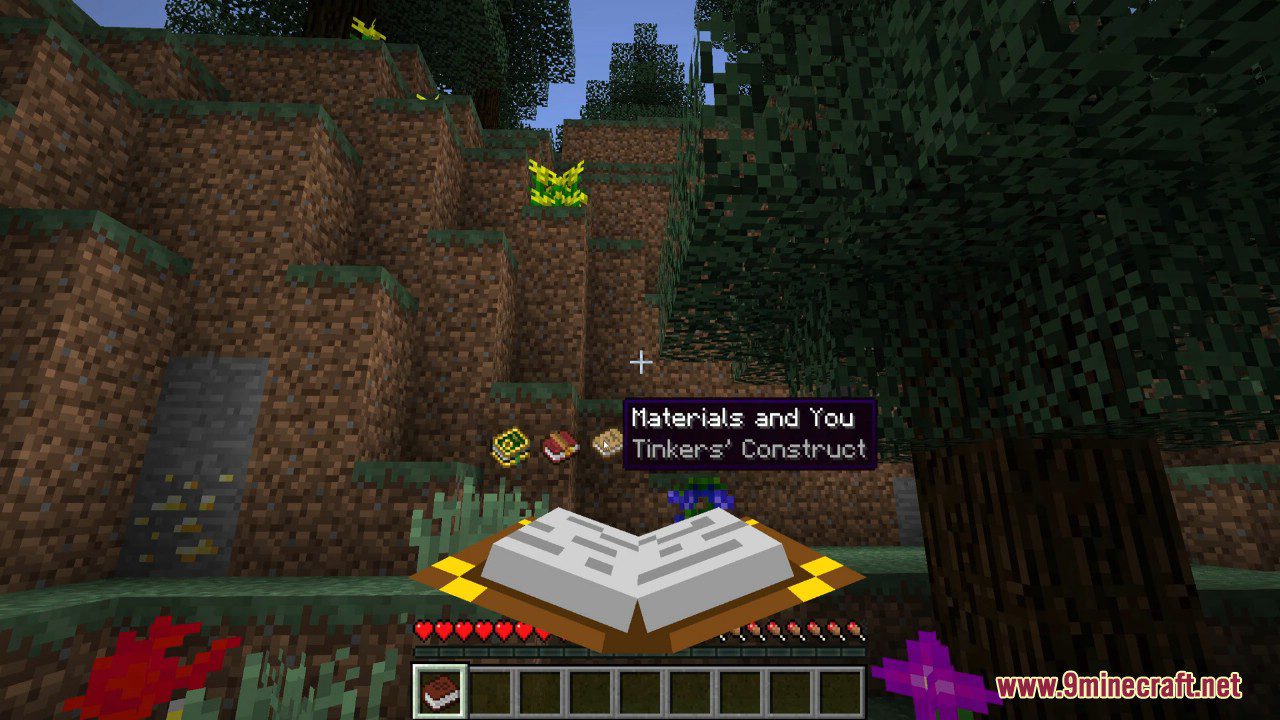
Pick your item
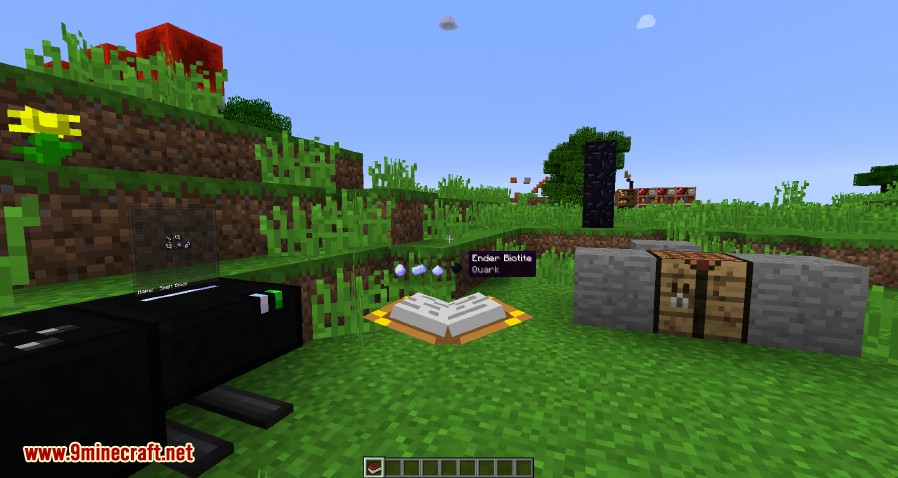
Morph into this
Akashic Tome Mod Download Links
For Minecraft 1.12.2
For Minecraft 1.15.2
For Minecraft 1.16.5
For Minecraft 1.18.1
For Minecraft 1.18.2
Forge version: Download from Server 1 – Download from Server 2
For Minecraft 1.19.1
Fabric version: Download from Server 2
For Minecraft 1.19.2
Forge version: Download from Server 1 – Download from Server 2
Fabric version: Download from Server 1 – Download from Server 2
For Minecraft 1.20.1, 1.20
Forge version: Download from Server 1 – Download from Server 2
For Minecraft 1.21.1, 1.21
NeoForge version: Download from Server 1 – Download from Server 2
- Edition: Minecraft Java
- File type: .jar
- Minecraft versions listed: 1.21.1, 1.20.1
- How to install: Install the matching mod loader (Forge, Fabric or NeoForge) for your Minecraft version. → Download the .jar. → Put it in the .minecraft/mods folder and launch that loader profile.
- Where to get it: In MC Java Mods, or directly above on this page.
Install steps are the general flow for this file type — How to install Minecraft Java mods & modpacks walks through it step by step.
- Downloads as 196709.mcaddon
- Download size: 44 KB
- Download link checked 15 Jul 2026 — working
- Mirrored on our own servers — the download does not depend on the original host
These come from our own check of the pack file, not from the source page.